Contel Electronics Technology TAB1030 10" Tablet User Manual TAB 730 manual 100x140 120607

Shenzhen Contel Electronics Technology Co.,LTD 10" Tablet TAB 730 manual 100x140 120607

Contents

Users manual

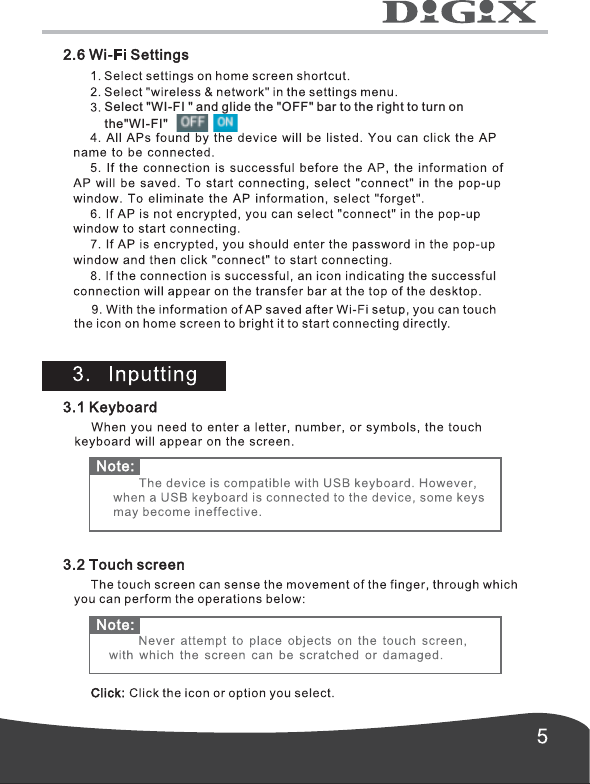
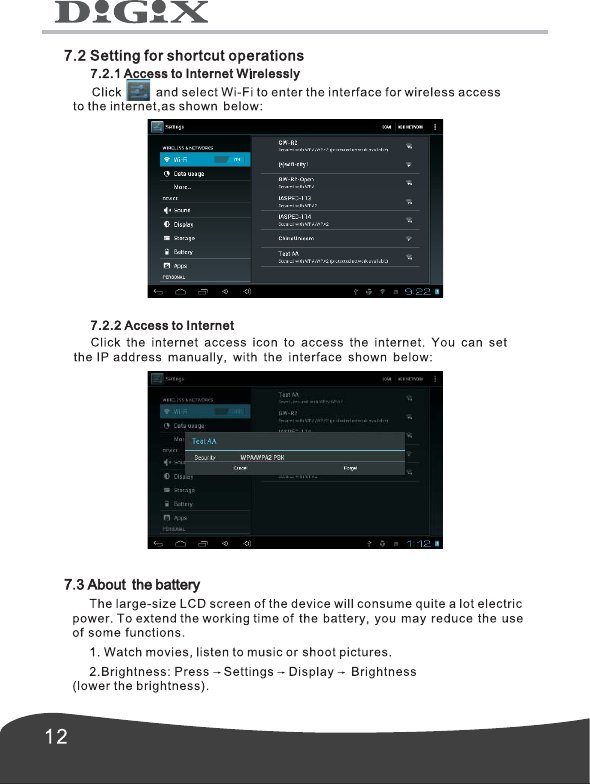
Select "WI-FI " and glide the "OFF" bar to the right to turn on the"WI-FI"
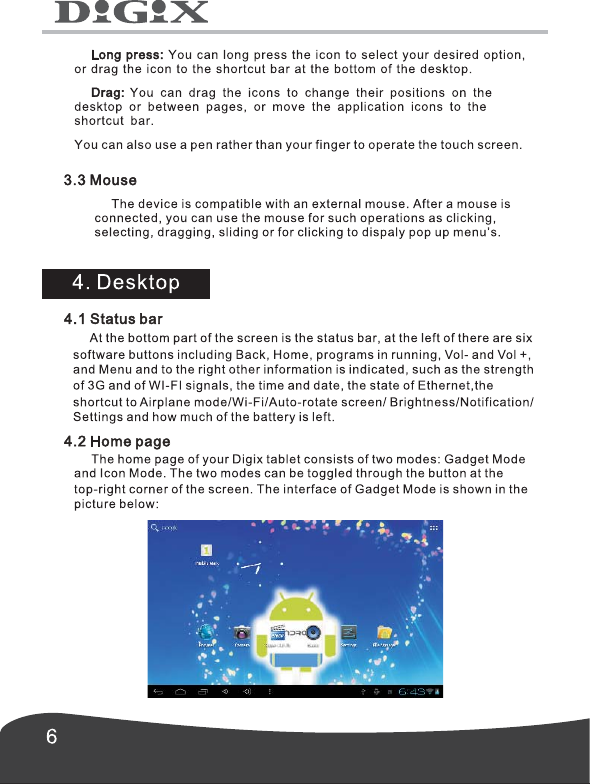
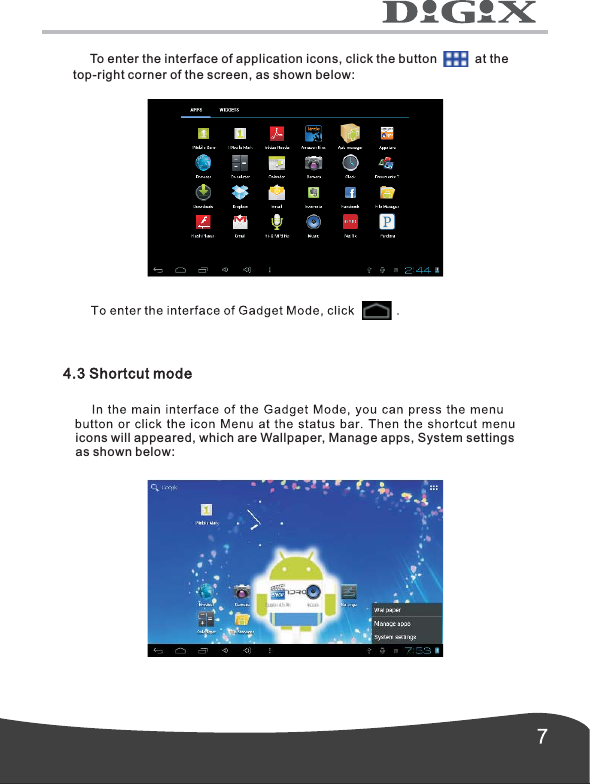
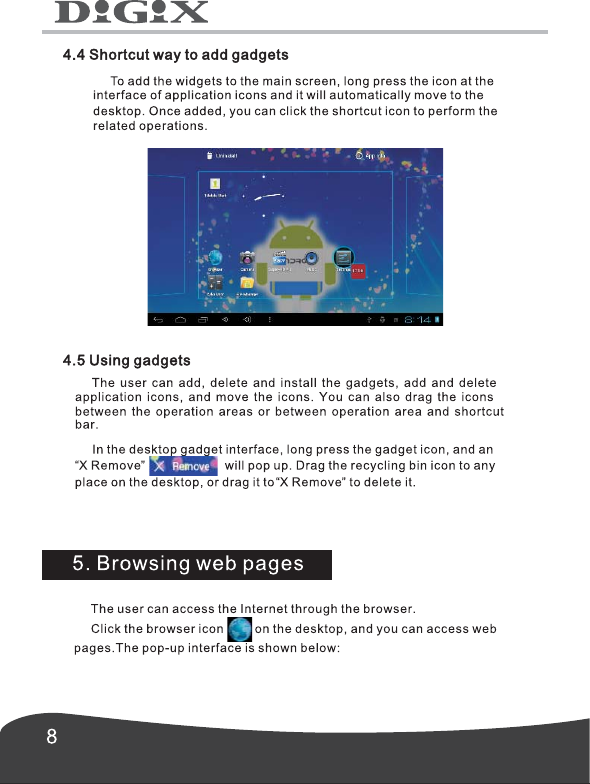
     To enter the interface of application icons, click the button           at thetop-right corner of the screen, as shown below: icons will appeared, which are Wallpaper, Manage apps, System settings as shown below:
      3. In terms of WIFI use, please set the WIFI switch on home screen to OFF state by pressing the icon      once.      To make sound when screen get locked , you can select Screen Lock sound.
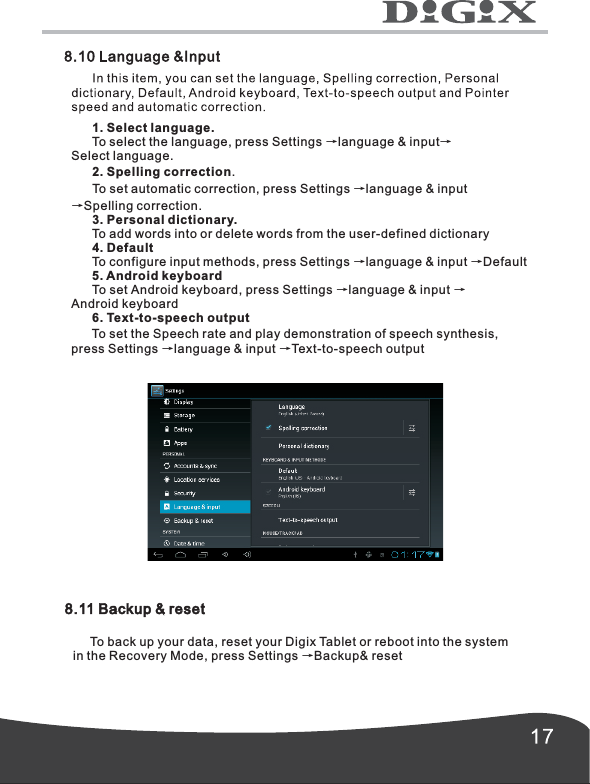
       1. Screen SecurityTo set screen lock, press Screen lock →choose from None, Slide, Pattern,PIN and Password.      2. EncryptionTo encrypt your tablet, press Encrypt tablet.      3. PasswordsTo show password as you type, press Make passwords visible.If the password is forgotten or lost, it is retrievable through the Google Account synced to the tablet. Note: Irretrievable passwords are not covered under the warranty.      4. Device administrationTo view or deactivate device administrators, press Device administrators.      5. Credential Storage      6. Unknown sourcesTo allow installation of application provided by the unauthorized electronic market, press Unknown sources.      7. Trusted credentialsTo view trusted CA certificates, press Trusted credentials.      8.  To install certificates from SD card, press Install from SD card.Install from SD card
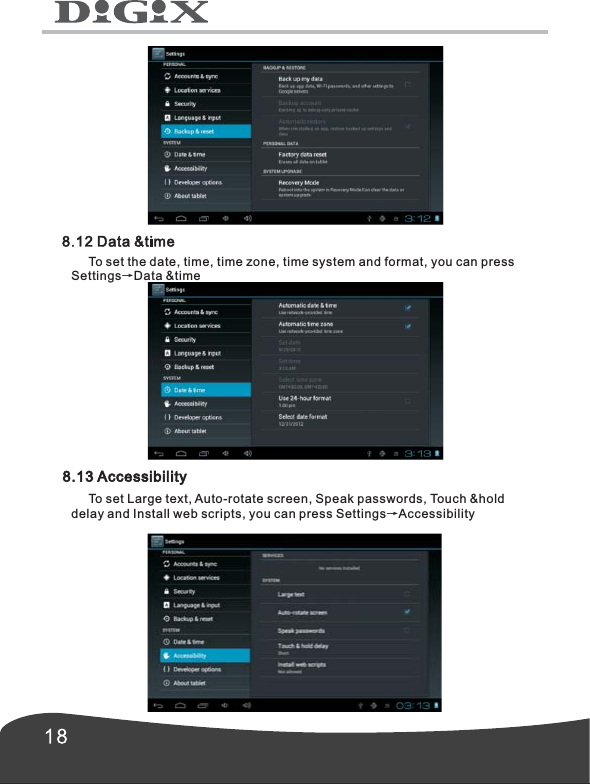
      1. Select language.      To select the language, press Settings →language & input→Select language.      2. Spelling correction.      To set automatic correction, press Settings →language & input→Spelling correction.      3. Personal dictionary.      To add words into or delete words from the user-defined dictionary      4. Default      To configure input methods, press Settings →language & input →Default            To set Android keyboard, press Settings →language & input →Android keyboard      6. Text-to-speech output      To set the Speech rate and play demonstration of speech synthesis,press Settings →language & input →Text-to-speech output5. Android keyboard8.11 Backup & reset     To back up your data, reset your Digix Tablet or reboot into the system in the Recovery Mode, press Settings →Backup& reset
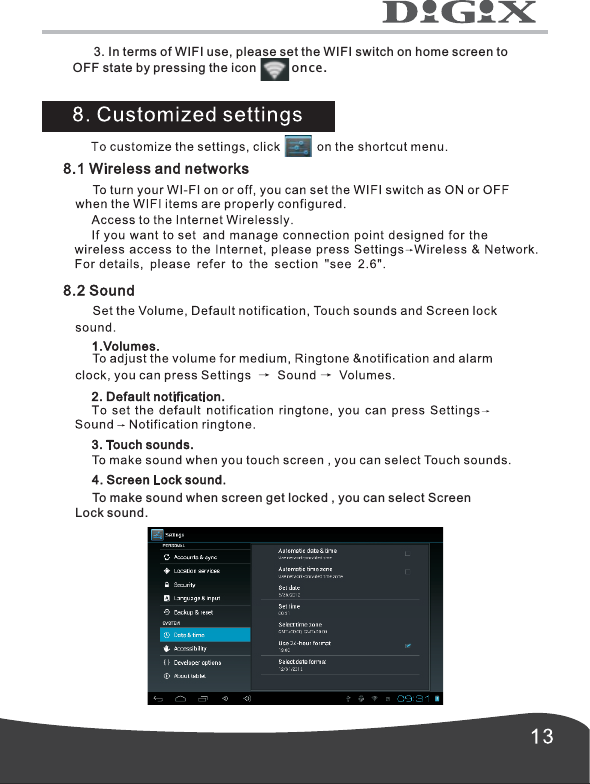
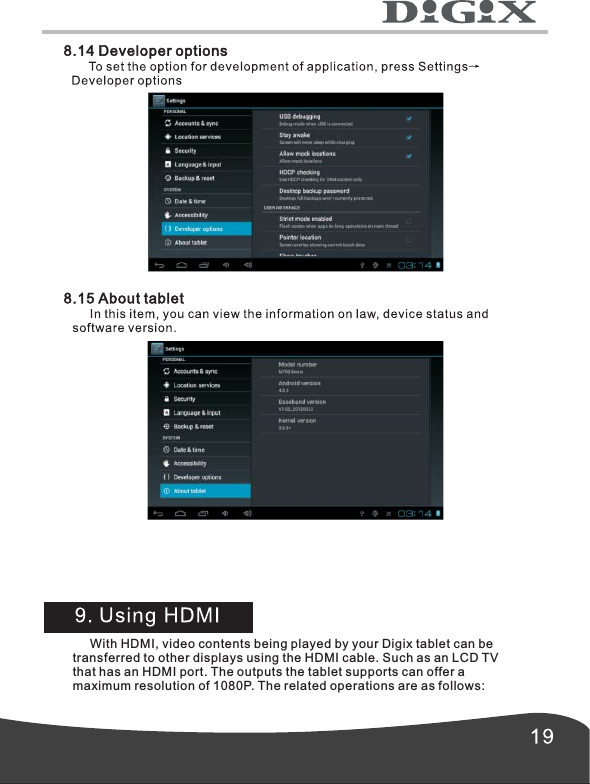
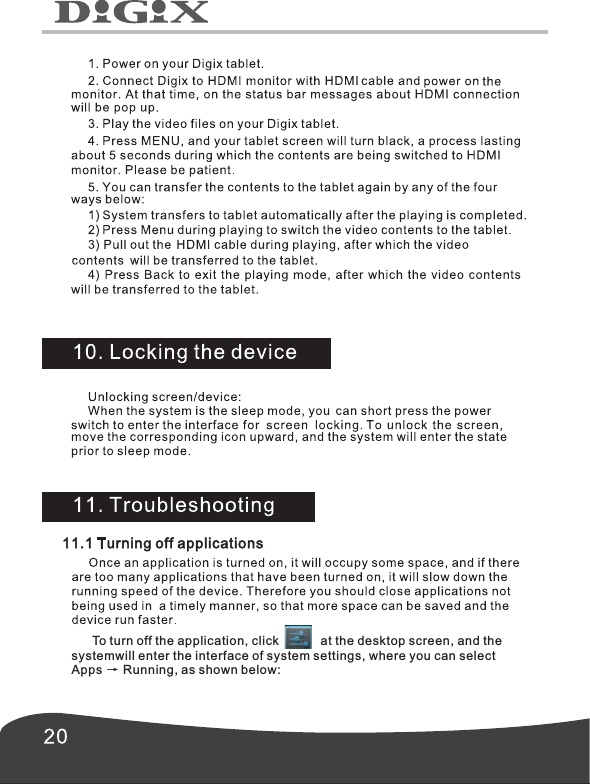
      To set the date, time, time zone, time system and format, you can press Settings→Data &time 8.13 Accessibility     To set Large text, Auto-rotate screen, Speak passwords, Touch &hold delay and Install web scripts, you can press Settings→Accessibility
       With HDMI, video contents being played by your Digix tablet can betransferred to other displays using the HDMI cable. Such as an LCD TVthat has an HDMI port. The outputs the tablet supports can offer amaximum resolution of 1080P. The related operations are as follows:
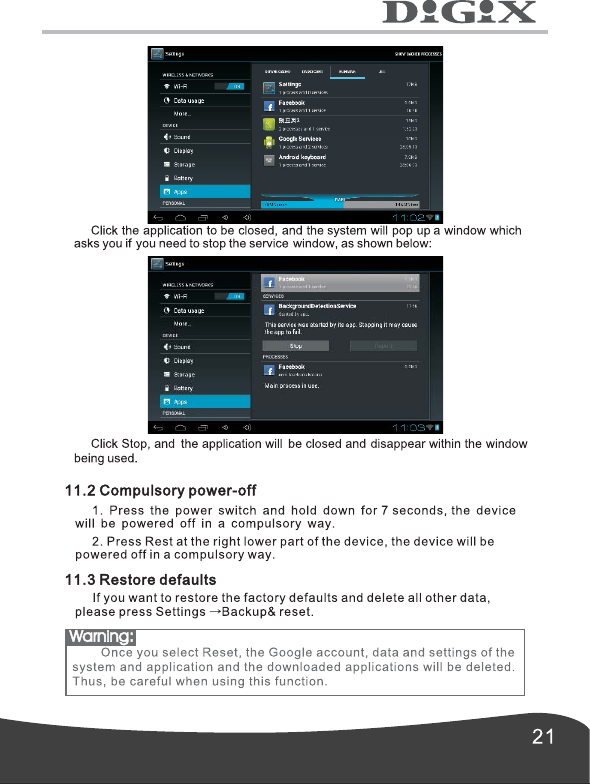
       To turn off the application, click            at the desktop screen, and the systemwill enter the interface of system settings, where you can select Apps      Running, as shown below:   →
Warning:
For Digix Technical Support contact us via e-mail at support@digixmedia.com or via phone at 1-866-770-3688

Navigation menu