Creative Game Accessories RBS RUGGED BLUETOOTH SPEAKER User Manual PACKAGE CONTENTS

Creative Game Accessories Co., LTD RUGGED BLUETOOTH SPEAKER PACKAGE CONTENTS

Users Manual

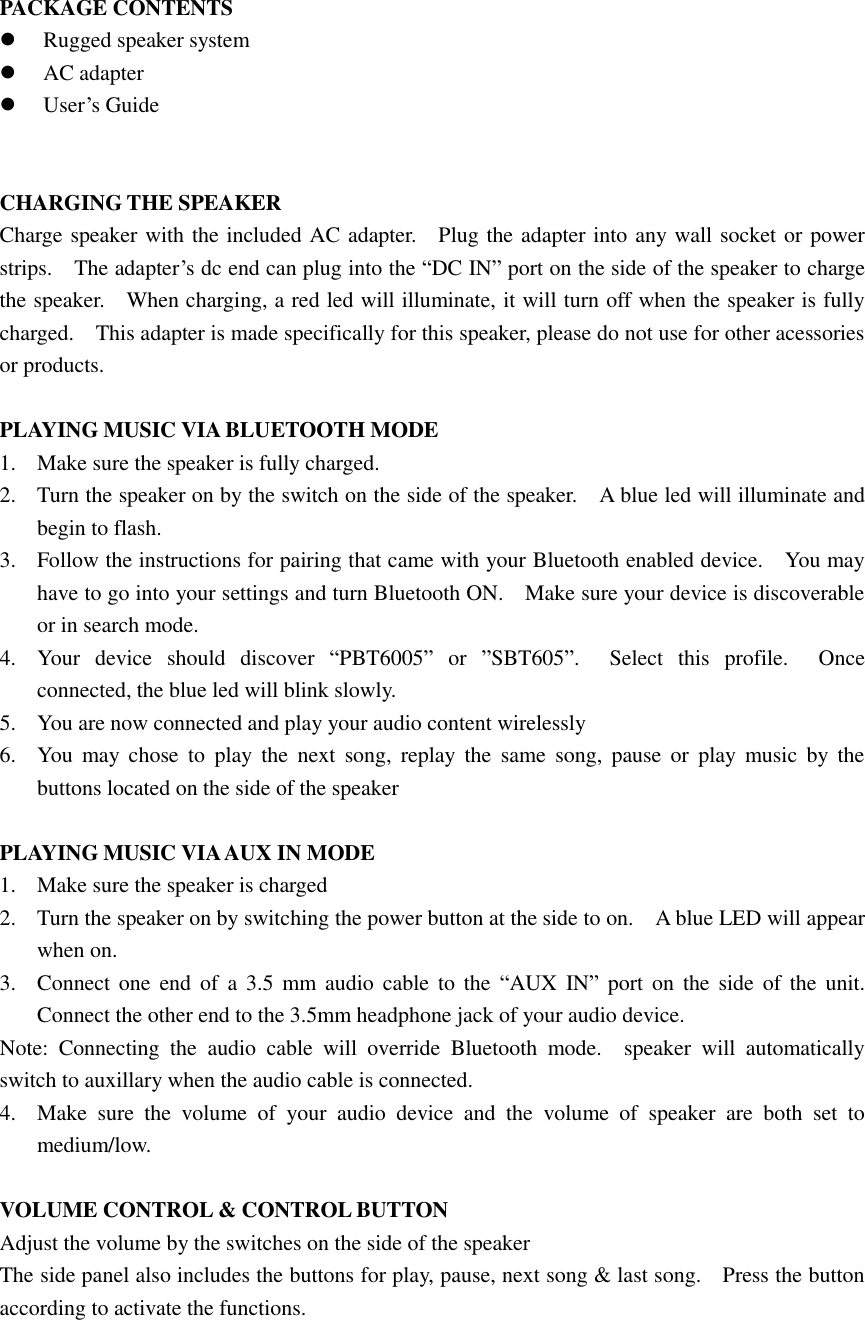
PACKAGE CONTENTS  Rugged speaker system  AC adapter  User’s Guide   CHARGING THE SPEAKER Charge speaker with the included AC adapter.    Plug the adapter into any wall socket or power strips.    The adapter’s dc end can plug into the “DC IN” port on the side of the speaker to charge the speaker.    When charging, a red led will illuminate, it will turn off when the speaker is fully charged.    This adapter is made specifically for this speaker, please do not use for other acessories or products.  PLAYING MUSIC VIA BLUETOOTH MODE 1. Make sure the speaker is fully charged. 2. Turn the speaker on by the switch on the side of the speaker.    A blue led will illuminate and begin to flash.     3. Follow the instructions for pairing that came with your Bluetooth enabled device.    You may have to go into your settings and turn Bluetooth ON.    Make sure your device is discoverable or in search mode. 4. Your  device  should  discover  “PBT6005”  or  ”SBT605”.    Select  this  profile.    Once connected, the blue led will blink slowly. 5. You are now connected and play your audio content wirelessly 6. You  may  chose  to  play  the  next  song,  replay  the  same  song,  pause  or  play  music  by  the buttons located on the side of the speaker  PLAYING MUSIC VIA AUX IN MODE 1. Make sure the speaker is charged 2. Turn the speaker on by switching the power button at the side to on.    A blue LED will appear when on. 3. Connect one  end  of  a  3.5  mm  audio  cable  to the  “AUX  IN” port  on  the side  of the  unit.   Connect the other end to the 3.5mm headphone jack of your audio device. Note:  Connecting  the  audio  cable  will  override  Bluetooth  mode.    speaker  will  automatically switch to auxillary when the audio cable is connected. 4. Make  sure  the  volume  of  your  audio  device  and  the  volume  of  speaker  are  both  set  to medium/low.  VOLUME CONTROL & CONTROL BUTTON Adjust the volume by the switches on the side of the speaker The side panel also includes the buttons for play, pause, next song & last song.    Press the button according to activate the functions.
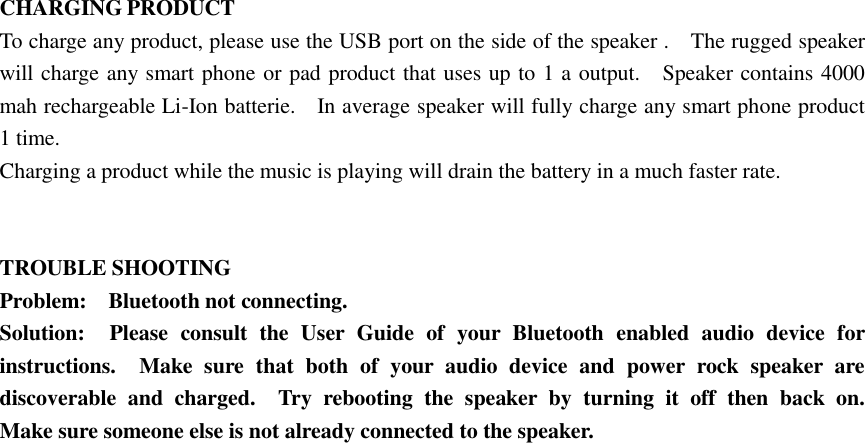
 CHARGING PRODUCT To charge any product, please use the USB port on the side of the speaker .    The rugged speaker will charge any smart phone or pad product that uses up to 1 a output.    Speaker contains 4000 mah rechargeable Li-Ion batterie.    In average speaker will fully charge any smart phone product 1 time.   Charging a product while the music is playing will drain the battery in a much faster rate.   TROUBLE SHOOTING Problem:    Bluetooth not connecting. Solution:    Please  consult  the  User  Guide  of  your  Bluetooth  enabled  audio  device  for instructions.    Make  sure  that  both  of  your  audio  device  and  power  rock  speaker  are discoverable  and  charged.    Try  rebooting  the  speaker  by  turning  it  off  then  back  on.   Make sure someone else is not already connected to the speaker.
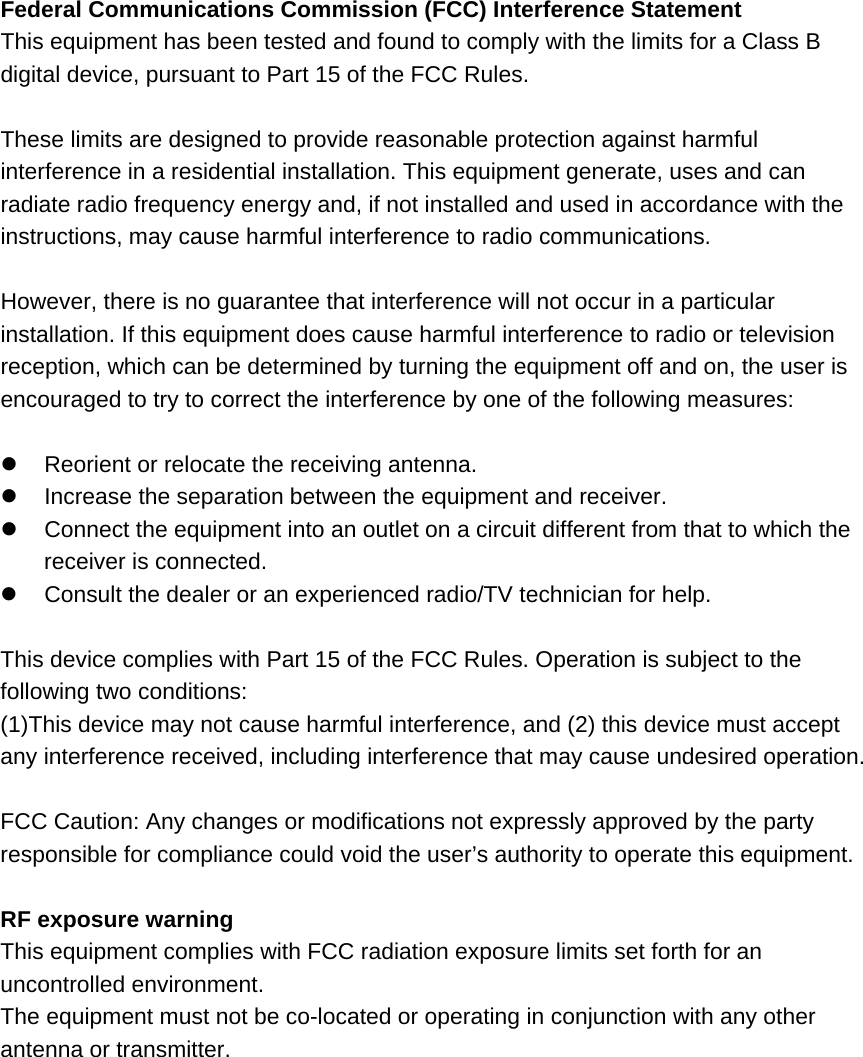
Federal Communications Commission (FCC) Interference Statement This equipment has been tested and found to comply with the limits for a Class B digital device, pursuant to Part 15 of the FCC Rules.  These limits are designed to provide reasonable protection against harmful interference in a residential installation. This equipment generate, uses and can radiate radio frequency energy and, if not installed and used in accordance with the instructions, may cause harmful interference to radio communications.  However, there is no guarantee that interference will not occur in a particular installation. If this equipment does cause harmful interference to radio or television reception, which can be determined by turning the equipment off and on, the user is encouraged to try to correct the interference by one of the following measures:    Reorient or relocate the receiving antenna.   Increase the separation between the equipment and receiver.   Connect the equipment into an outlet on a circuit different from that to which the receiver is connected.   Consult the dealer or an experienced radio/TV technician for help.  This device complies with Part 15 of the FCC Rules. Operation is subject to the following two conditions: (1)This device may not cause harmful interference, and (2) this device must accept any interference received, including interference that may cause undesired operation.  FCC Caution: Any changes or modifications not expressly approved by the party responsible for compliance could void the user’s authority to operate this equipment.  RF exposure warning This equipment complies with FCC radiation exposure limits set forth for an uncontrolled environment. The equipment must not be co-located or operating in conjunction with any other antenna or transmitter.

Navigation menu