DONGGUAN TOGRAN ELECTRONICS TECHNOLOGY TM173GDONGLE Wireless Dongle User Manual 15 TM173G Dongle UserMan

DONGGUAN TOGRAN ELECTRONICS TECHNOLOGY CO.,LTD. Wireless Dongle 15 TM173G Dongle UserMan

15_TM173G-Dongle UserMan

TM173G-QI  User Manual VER: 0.1  Page  1  of  8                     PRODUCT NAME : Wireless Gaming Mouse MODEL NO. : Mouse: TM173G-QI, Dongle: TM173G-Dongle VERSION     : A0 DATE : 2018.5.16      USER MANUAL
TM173G-QI  User Manual VER: 0.1  Page  2  of  8    Version. # Revised Date PIC Remark 0.1 16/5/2018 Bob Preliminary
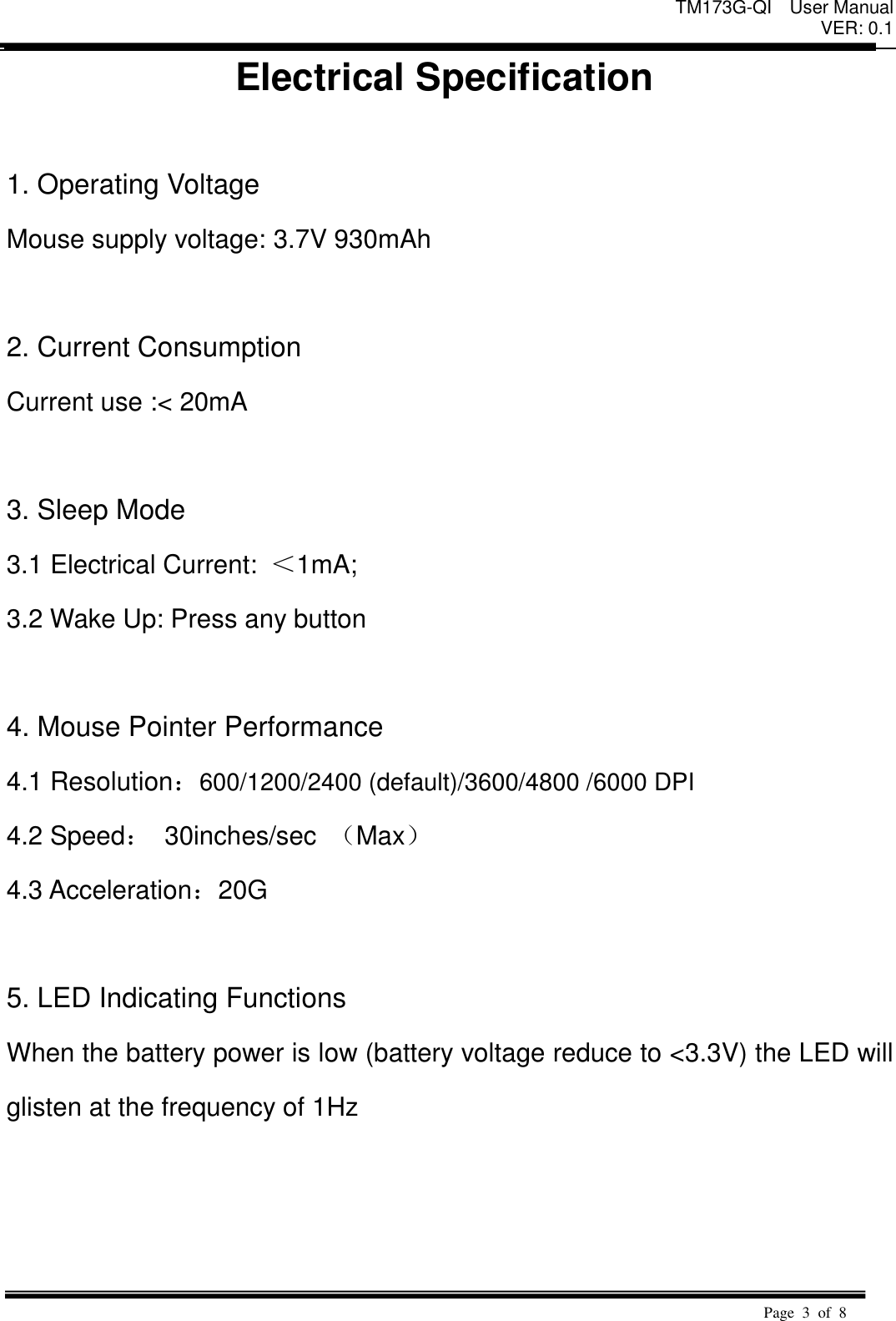
TM173G-QI  User Manual VER: 0.1  Page  3  of  8   Electrical Specification  1. Operating Voltage   Mouse supply voltage: 3.7V 930mAh  2. Current Consumption   Current use :< 20mA    3. Sleep Mode   3.1 Electrical Current:  <1mA;   3.2 Wake Up: Press any button    4. Mouse Pointer Performance 4.1 Resolution:600/1200/2400 (default)/3600/4800 /6000 DPI 4.2 Speed: 30inches/sec  (Max) 4.3 Acceleration:20G    5. LED Indicating Functions   When the battery power is low (battery voltage reduce to <3.3V) the LED will glisten at the frequency of 1Hz
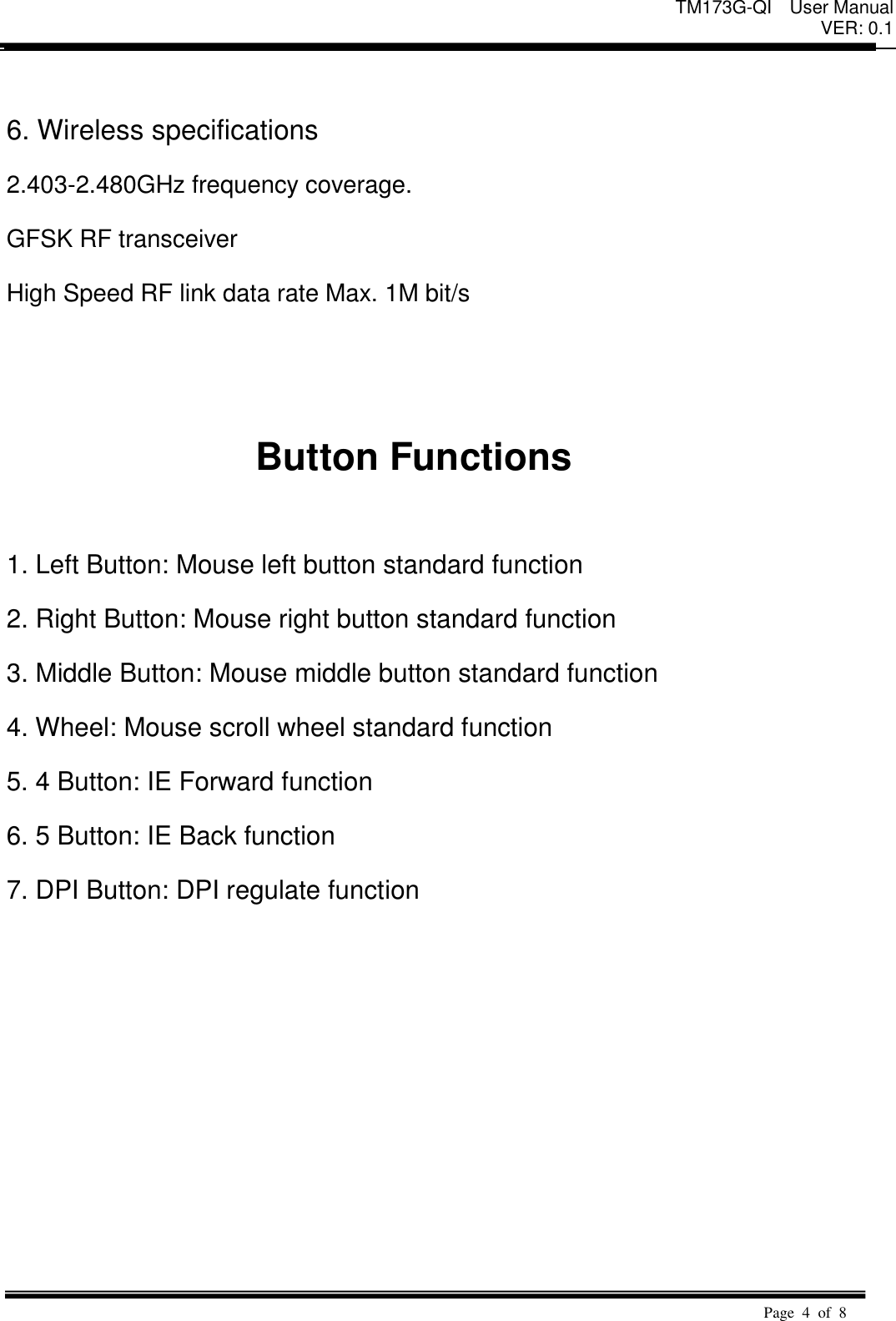
TM173G-QI  User Manual VER: 0.1  Page  4  of  8    6. Wireless specifications   2.403-2.480GHz frequency coverage.   GFSK RF transceiver   High Speed RF link data rate Max. 1M bit/s     Button Functions    1. Left Button: Mouse left button standard function   2. Right Button: Mouse right button standard function   3. Middle Button: Mouse middle button standard function   4. Wheel: Mouse scroll wheel standard function   5. 4 Button: IE Forward function 6. 5 Button: IE Back function 7. DPI Button: DPI regulate function
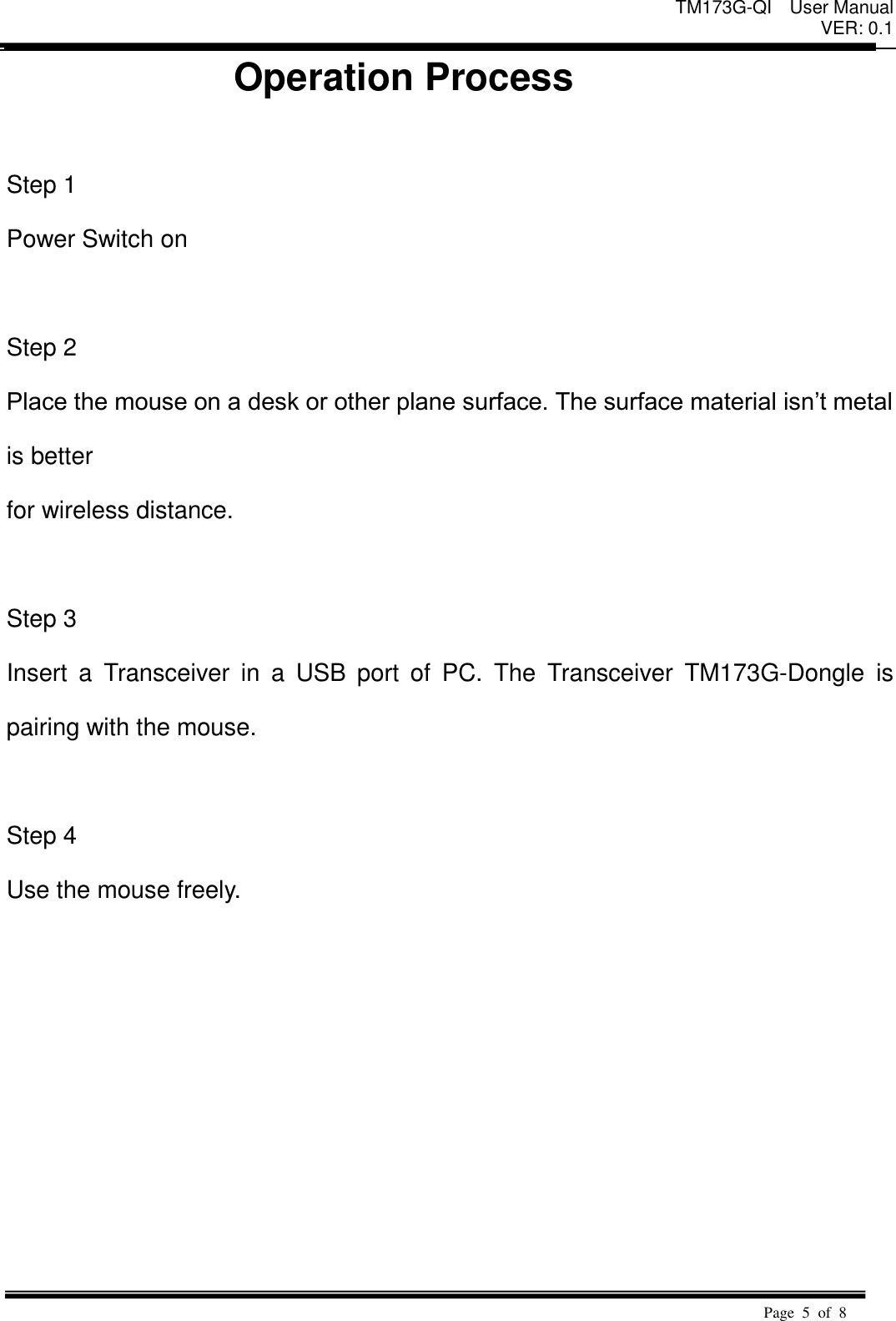
TM173G-QI  User Manual VER: 0.1  Page  5  of  8   Operation Process                 Step 1   Power Switch on    Step 2   Place the mouse on a desk or other plane surface. The surface material isn’t metal is better   for wireless distance.      Step 3   Insert  a  Transceiver  in  a  USB  port  of  PC.  The  Transceiver  TM173G-Dongle  is pairing with the mouse.    Step 4   Use the mouse freely.
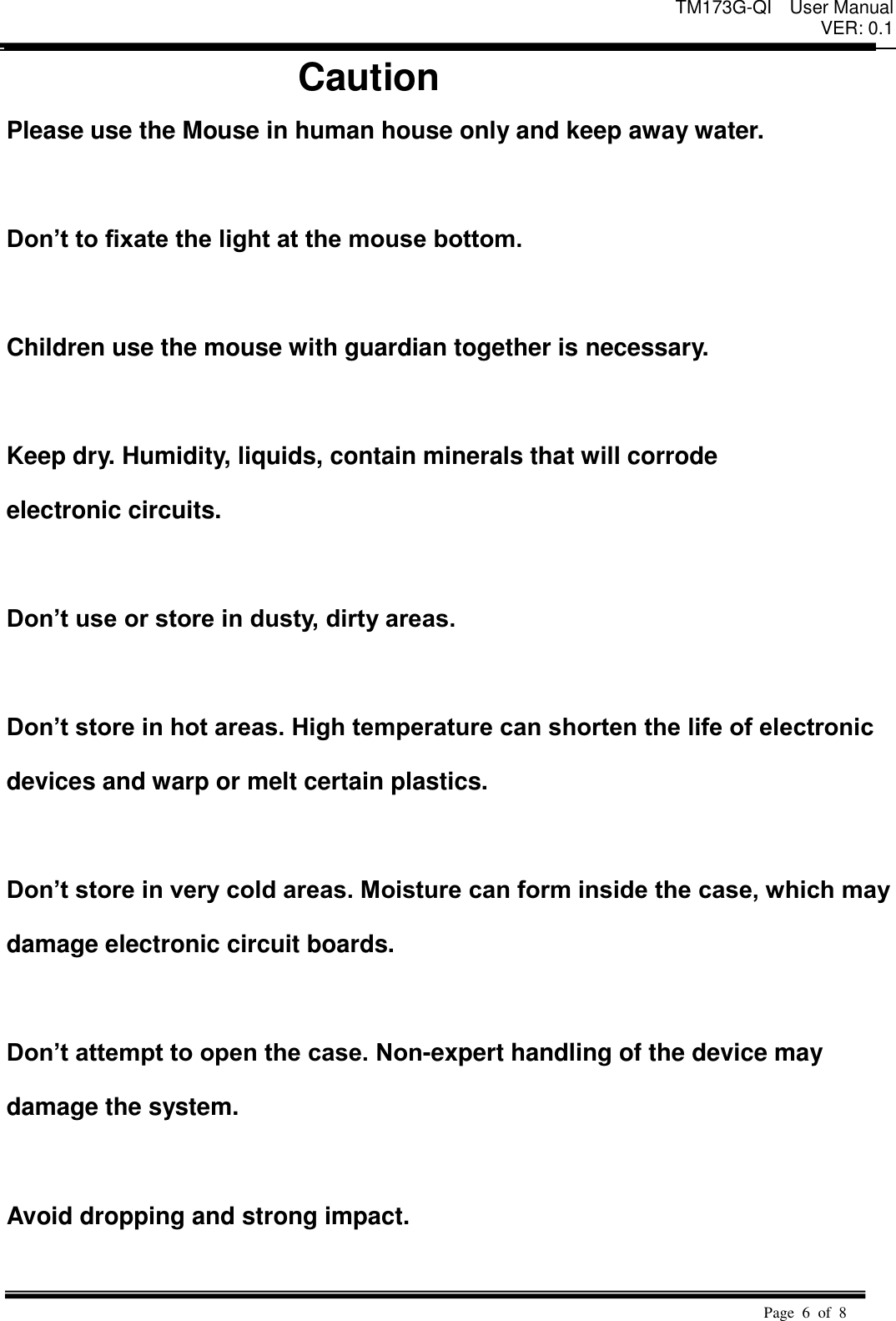
TM173G-QI  User Manual VER: 0.1  Page  6  of  8   Caution Please use the Mouse in human house only and keep away water.  Don’t to fixate the light at the mouse bottom.  Children use the mouse with guardian together is necessary.    Keep dry. Humidity, liquids, contain minerals that will corrode   electronic circuits.    Don’t use or store in dusty, dirty areas.    Don’t store in hot areas. High temperature can shorten the life of electronic   devices and warp or melt certain plastics.    Don’t store in very cold areas. Moisture can form inside the case, which may   damage electronic circuit boards.    Don’t attempt to open the case. Non-expert handling of the device may   damage the system.    Avoid dropping and strong impact.
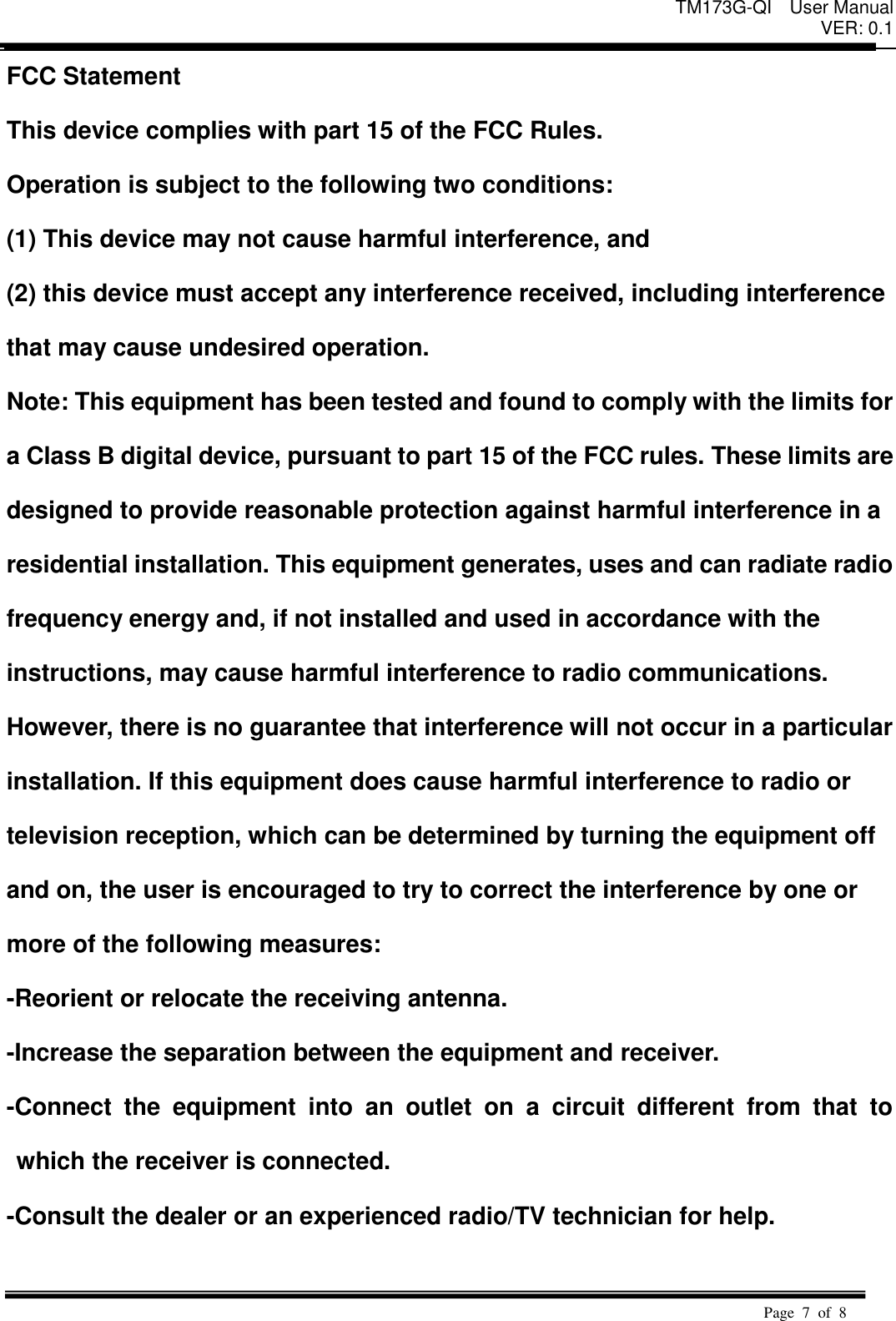
TM173G-QI  User Manual VER: 0.1  Page  7  of  8   FCC Statement   This device complies with part 15 of the FCC Rules.   Operation is subject to the following two conditions:   (1) This device may not cause harmful interference, and   (2) this device must accept any interference received, including interference   that may cause undesired operation. Note: This equipment has been tested and found to comply with the limits for   a Class B digital device, pursuant to part 15 of the FCC rules. These limits are   designed to provide reasonable protection against harmful interference in a   residential installation. This equipment generates, uses and can radiate radio   frequency energy and, if not installed and used in accordance with the   instructions, may cause harmful interference to radio communications.   However, there is no guarantee that interference will not occur in a particular   installation. If this equipment does cause harmful interference to radio or   television reception, which can be determined by turning the equipment off   and on, the user is encouraged to try to correct the interference by one or   more of the following measures:   -Reorient or relocate the receiving antenna.   -Increase the separation between the equipment and receiver.   -Connect  the  equipment  into  an  outlet  on  a  circuit  different  from  that  to which the receiver is connected.   -Consult the dealer or an experienced radio/TV technician for help.
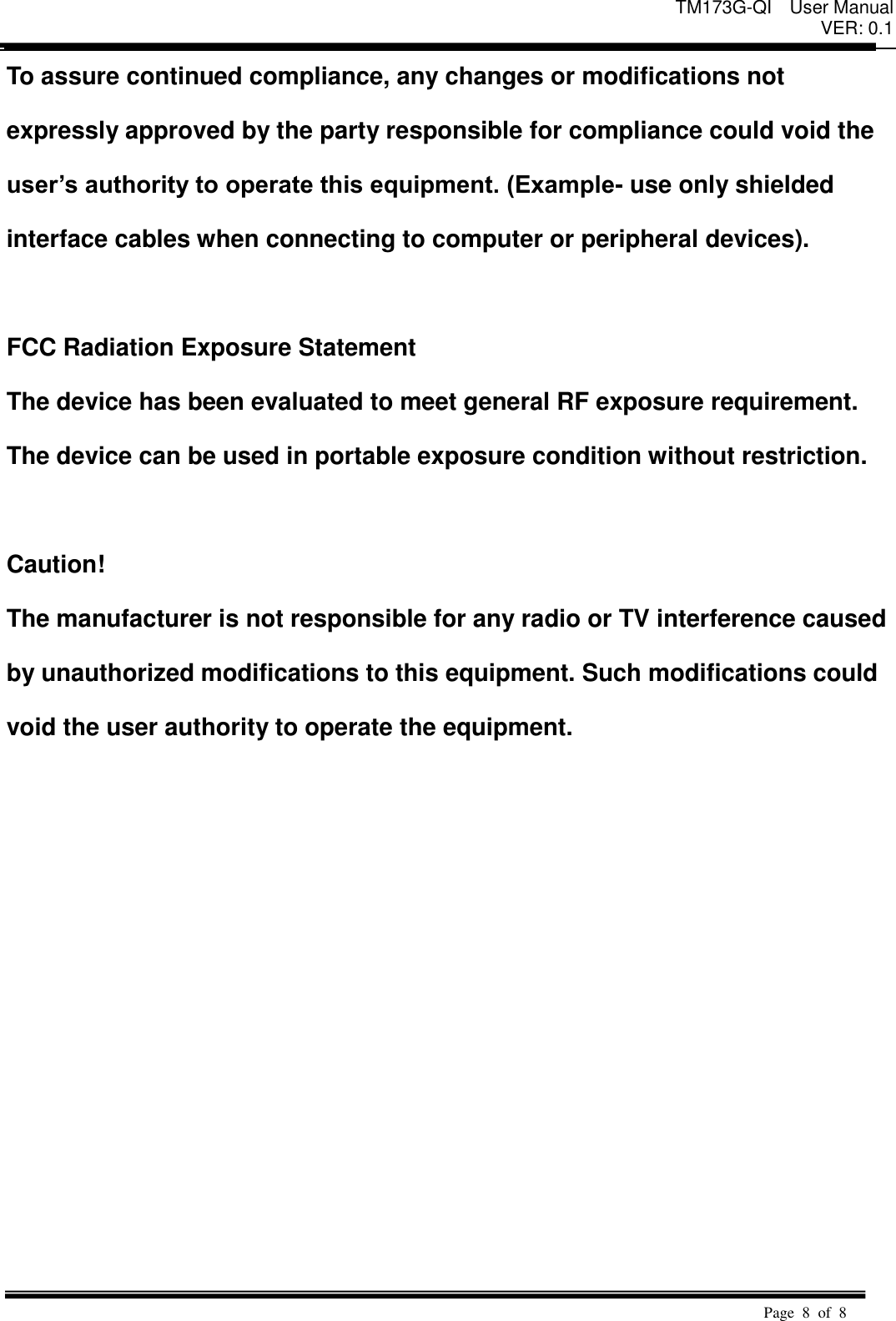
TM173G-QI  User Manual VER: 0.1  Page  8  of  8   To assure continued compliance, any changes or modifications not   expressly approved by the party responsible for compliance could void the   user’s authority to operate this equipment. (Example- use only shielded   interface cables when connecting to computer or peripheral devices).    FCC Radiation Exposure Statement The device has been evaluated to meet general RF exposure requirement.   The device can be used in portable exposure condition without restriction.  Caution!   The manufacturer is not responsible for any radio or TV interference caused   by unauthorized modifications to this equipment. Such modifications could   void the user authority to operate the equipment.

Navigation menu