INDC260UG DC260_user_guide1 DC260 User Guide1
INDC260UG INDC260UG
User Manual: DC260_user_guide1
Open the PDF directly: View PDF  .
.
Page Count: 2
User Guide
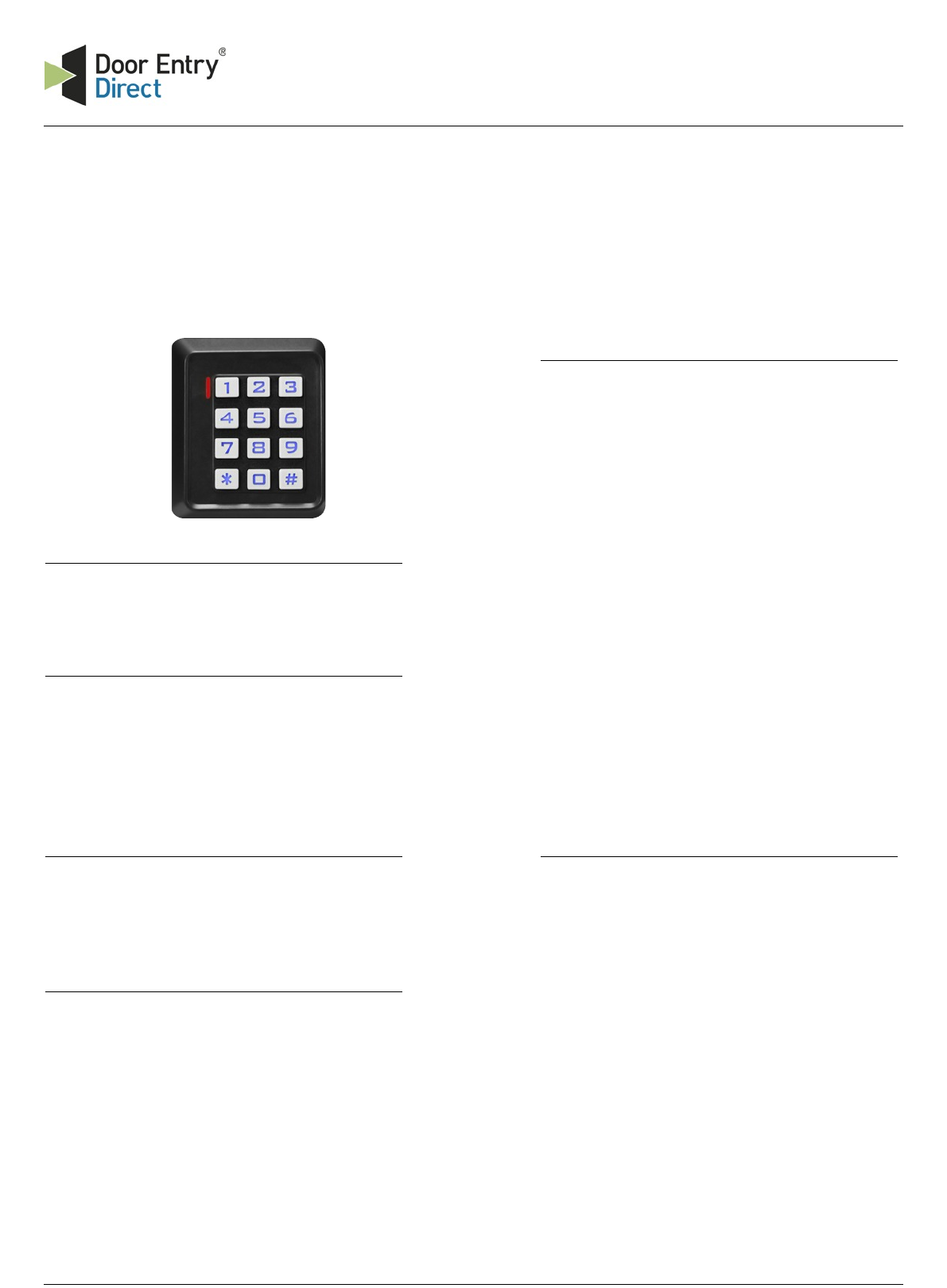
DC260 - stand alone access control unit for 2000 users
2 Entering Programming mode
Before you add or delete users, you must be in
Programming Mode, to do this:
Press "*"and enter your 6 to 8 programmers code
followed by "#"(red LED on).
5 Adding Cards (or tokens)
Add a card (or token):
a. Enter Programming Mode (see 2)
b. Enter "1". Green & Red LED on.
c. Present card (or token) to the controller
(single green LED flash)
d. To add next card simply present the card to the
controller
e. To finish adding cards (or tokens) press"#".
d. Proceed to other functions or press "*"to
complete the programming. (red LED flashing).
This is the fastest way to add cards as they can be
added continuously as the controller auto
generates the user ID incremental.
To allocate the user ID manually simply enter the
ID number desired, prior to presenting
the card to the controller.
Only one user ID can be allocated to a single
card.
1 Setting the Programming code
Your installer will have set the “Programmer” code in
agreement with you.
3 Initial setup
Before you can start adding users, you must run
initial setup procedure.
While in Programming Mode press "30" followed by "#".
6 Deleting a card user
When you wish to delete a card you must either
have the card or know the user ID. You should also
modify the paper record of the card holder
against the user ID number being deleted.
a. Enter programming mode (see 2)
b. Press “2” and present the card OR
enter the user ID to be voided
c. Press “#” to confirm (green LED lights up and a
“Beep” is heard as confirmation)
Users can be deleted continuously without exiting
programming mode simply by presenting a new
card to be deleted or entering a new user ID
number and pressing “#” to confirm.
4 Setting the lock opening time
The controller has programmable
lock time of 01 to 99 seconds.
To set the lock time:
a. Enter Programming Mode (see 2)
b. Enter "4". Green & Red LED on.
c. Enter you chosen time (from 01 to 99 seconds)
followed by "#".
d. Proceed to other functions or press "*"to
complete the programming process.
Unit 1, AMC Business Park
12 Cumberland Avenue
Park Royal, London, NW10 7QL
t : 0208 621 6210
e : sales@doorentrydirect.com
w : www.doorentrydirect.com

7 Adding Cards (by number)
Add a card (or token):
a. Enter Programming Mode (see 2)
b. Enter "1". Green & Red LED on.
c. Enter 8 digits printed on the back of the card
d. Press “#” to confirm (green LED lights up and a
“Beep” is heard as confirmation)
e. To add another card, simply enter the 8 digits of
another card followed by “#”.
d. Proceed to other functions or press "*"to
complete the programming. (red LED flashing).
This is the fastest way to add cards as they can be
added continuously as the controller auto generates
the user ID incremental.
To allocate the user ID manually simply enter the ID
number desired, prior to presenting the card to the
controller.
Only one user ID can be allocated to a single card.
8 Deleting a card user (by number)
When you wish to delete a card you must either
have the card or know the user ID. You should also
modify the paper record of the card holder
against the user ID number being deleted.
a. Enter programming mode (see 2)
b. Press “2” and enter 8 digits printed on the back
of the card
c. Press “#” to confirm (green LED lights up and a
“Beep” is heard as confirmation)
Users can be deleted continuously without exiting
programming mode simply by entering 8 digit
number of the next card to be deleted and
pressing “#” to confirm.
10 Delete all stored information
NOTE: This is a dangerous option. Use with care!
a. Enter “Programming” mode
b. Press “2” and type “0000”
(green LED lights up and buzzer emits a “Beep”
as confirmation).
All stored information is now deleted.
9 Default factory reset
Restoring to factory default, only installer data
is lost. Any card information or user ID will not be
affected.
a. Disconnect the power from the unit
b. Press and hold “#” and apply power to the unit.
c. Once you hear 2x “Beeps” release the “#” and
the installer code is set to default.
This is the fastest way to add cards as they can be
added continuously as the controller auto generates
the user ID incremental.
To allocate the user ID manually simply enter the ID
number desired, prior to presenting the card to the
controller.
Only one user ID can be allocated to a single card.
Appendix
DC260 - stand alone access control unit for 2000 users
