Copertina_en_1_2 M1PJ5KPS15EN
User Manual: M1PJ5KPS15EN
Open the PDF directly: View PDF  .
.
Page Count: 168 [warning: Documents this large are best viewed by clicking the View PDF Link!]
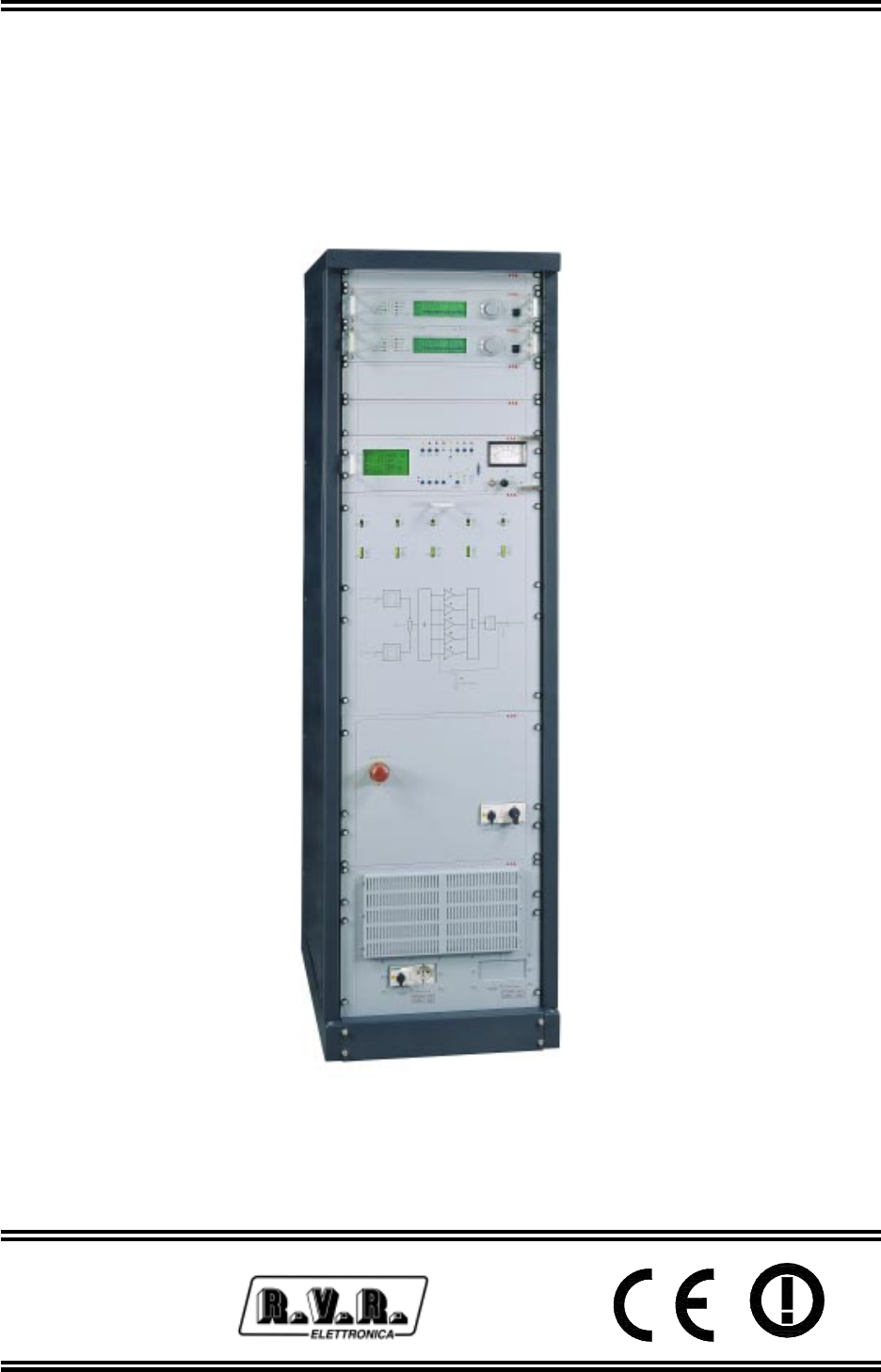
PJ5KPS
User & Technical
Manual
Manifactured by Italy
PJ5KPS - Use and maintenance manual
Versione 1.5
© Copyright 2003-2006
R.V.R. Elettronica SpA
Via del Fonditore 2/2c - 40138 - Bologna (Italia)
Telefono: +39 051 6010506
Fax: +39 051 6011104
Email: info@rvr.it
Web: www.rvr.it
All rights reserved
Printed and bound in Italy. No part of this manual may be reproduced,
memorized or transmitted in any form or by any means, eletronic or
mechanic, including photocopying, recording or by any information
storage and retrieval system, whithout the permission of the copyright
owner.
Document History
Date Version Reason Editor
30/01/02 1.0 First Version D. Canazza
24/10/02 1.1
General Revision. New format (PageMaker). Insert
of chapter 8. Technical appendix integrated. D. Canazza
18/11/02 1.2
Stand-by functions update. Power-on procedure
corrections. New section chap.8 I/O interface board.
New schematic version of Wiring diagram and
PSSW5040
D. Canazza
19/12/03 1.3 Insert of chapter 9. Technical Appendix upgradated. J. Berti
31/10/05 1.4 SLPWRMTRPJ5 Board Upgrade J. Berti
08/02/06 1.5 SL042MT1001 and SL042RF1001 board upgrading J. Berti

Notification of intended purpose and limitations of product use
This product is a FM transmitter intended for FM audio broadcasting. It utilises
operating frequencies not harmonised in the intended countries of use.
The user must obtain a license before using the product in intended country of
use. Ensure respective country licensing requirements are complied with.
Limitations of use can apply in respect of operating freuency, transmitter power
and/or channel spacing.
Declaration of Conformity
Hereby, R.V.R. Elettronica SpA, declares that this FM transmitter is in
compliance with the essential requirements and other relevant provisions of
Directive 1999/5/EC.
This page intentionally left blank

PJ5KPS
iUser & Technical Manual Rev. 1.5- 08/02/06
Table of Contents
1. Introduction 1
2. Warranty 3
3. First Aid 5
3.1 Treatment of electrical shocks 5
3.2 Treatment of electrical Burns 6
4. General Description 7
4.1 Composition 7
4.2 Technical specifications 7
4.3 Options 8
4.4 Operating principles 8
5. Installation and use 11
5.1 Assembly 11
5.2 Amplifier check 15
5.3 First start 18
5.4 Management of the exciters 21
5.5 Protection and alarms 24
6. Troubleshooting 25
7. Technical description 26
7.1 Software - Reference guide 26
7.2 Parallel Interface 38
7.3 Power supply section 42
7.4 RF Modules amplifier 49
7.5 Alarms 50
7.6 Combiner and divider 52
8. Technical Notes 53
8.1 Microcontrol board Trimmers 53
8.2 Phase Adhutment of RF modules 54
8.3 Splitter board trimmers 54
8.4 Parallel Interface 55
8.5 RF module I/O Interface 56
8.6 Services supply 57
8.7 Emergency CCU Board 58
8.8 PJ5KPS Ventilation 62
9. Digital Telemetry (TLC5KPS) 64
9.1 Foreword 64
9.2 Installation 64
9.3 Technical details 76

PJ5KPS
ii User & Technical ManualRev. 1.5- 08/02/06
This page was intentionally left blank
PJ5KPS
1 / 80User & Technical Manual Rev. 1.5 - 08/02/06
1. Introduction
This manual describes the PJ5KPS, a solid-state RF amplifier designed for
frequency modulation sound broadcasting, manufactured by R.V.R. Elettronica.
The PJ5KPS amplifier constitutes the end power section for FM transmitters fitted
with different possible configurations. A control system for the exciters is built into
the machine so that in order to have a system with redundant exciters, all that
needs to be done is to include two exciters in the transmitter such as, for example,
the PTX30LCD exciters made by R.V.R. Elettronica.
The manual is structured as follows:
•Chapter 1: Presentation of the manual
•Chapter 2: Warranty conditions
•Chapter 3: Safety recommendations
•Chapter 4: Description of the machine and its operating principles
•Chapter 5: Guide for installation and use
•Chapter 6: Most frequent troubleshooting cases on starting up the machine
•Chapter 7: In-depth description of the operation of the modules of the apparatus.
This chapter also contains the description of the pin configuration of the
connectors and explains how to use the control unit menus, item by item.
•Chapter 8: technical notes.
•Appendix: It contains all the design details (wiring diagrams, assembly plans,
etc.) of the PJ5KPS.
This manual is written as a general guide for those having previous knowledge
and experience with this kind of equipment, well conscious of the risks connected
with the operation of electrical equipment.
It is not intended to contain a complete statement of all safety rules which should
be observed by personnel in using this or other electronic equipment.
The installation, use and maintenance of this piece of equipment involve risks
both for the personnel performing them and for the device itself, that shall be used
only by trained personnel.
R.V.R. Elettronica SpA doesn’t assume responsibility for injury or damage resulting
from improper procedures or practices by untrained/unqualified personnel in the
handling of this unit.
Please observe all local codes and fire protection standards in the operations of
this unit.
WARNING: always disconnect power before opening covers or removing any
part of this unit.
Use appropriate grounding procedures to short out capacitors and high voltage

PJ5KPS
2 / 80 User & Technical ManualRev. 1.5 - 08/02/06
points before servicing.
WARNING: this device can irradiate radio frequency waves, and if it’s not installed
following the instructions contained in the manual and local regulations it could
generate interferences in radio communications.
This is a "CLASS A" equipment. In a residential place this equipment can cause
hash. In this case can be requested to user to take the necessary measures.
R.V.R. Elettronica SpA reserves the right to modify the design and/or the technical
specifications of the product and this manual without notice.

PJ5KPS
3 / 80User & Technical Manual Rev. 1.5 - 08/02/06
2. Warranty
Any product of R.V.R. Elettronica is covered by a 24 (twentyfour) month warranty.
For components like tubes for power amplifiers, the original manufacturer’s warranty
applies.
R.V.R. Elettronica SpA extends to the original end-user purchaser all
manufacturers warranties which are transferrable and all claims are to be made
directly to R.V.R. per indicated procedures.
Warranty shall not include:
1 danni verificatisi durante la spedizione della macchina alla R.V.R. per eventuali
riparazioni;
2 Any unauthorized repair/modification;
3 Incidental/consequential damages as a result of any defect
4 Nominal non-incidental defects
5 Re-shipment costs or insurance of the unit or replacement units/parts
Any damage to the goods must be reported to the carrier in writing on the shipment
receipt.
Any discrepancy or damage discovered subsequent to delivery, shall be reported
to R.V.R. Elettronica within 5 (five) days from delivery date.
To claim your rights under this warranty, you shold follow this procedure:
1 Contact the dealer or distributor where you purchased the unit. Describe the
problem and, so that a possible easy solution can be detected.
Dealers and Distributors are supplied with all the information about problems
that may occur and usually they can repair the unit quicker than what the
manufacturer could do. Very often installing errors are discovered by dealers.
2 If your dealer cannot help you, contact R.V.R. Elettronica and explain the
problem. If it is decided to return the unit to the factory, R.V.R. Elettronica
will mail you a regular authorization with all the necessary instructions to send
back the goods.
3 When you receive the authorization, you can return the unit. Pack it carefully
for the shipment, preferably using the original packing and seal the package
perfectly. The customer always assumes the risks of loss (i.e., R.V.R. is never
responsible for damage or loss), until the package reaches R.V.R. premises.
For this reason, we suggest you to insure the goods for the whole value.
Shipment must be effected C.I.F. (PREPAID) to the address specified by R.V.R.’s
service manager on the authorization
DO NOT RETURN UNITS WITHOUT OUR AUTHORIZATION AS THEY WILL
BE REFUSED

PJ5KPS
4 / 80 User & Technical ManualRev. 1.5 - 08/02/06
4 Be sure to enclose a written technical report where mention all the problems found
and a copy of your original invoice establishing the starting date of the warranty.
Replacement and warranty parts may be ordered from the following address. Be
sure to include the equipment model and serial number as well as part description
and part number.
R.V.R. Elettronica SpA
Via del Fonditore, 2/2c
40138 BOLOGNA
ITALY
Tel. +39 051 6010506
PJ5KPS
5 / 80User & Technical Manual Rev. 1.5 - 08/02/06
3. First Aid
The personnel employed in the installation, use and maintenance of the device,
shall be familiar with theory and practice of first aid..
3.1 Treatment of electrical shocks
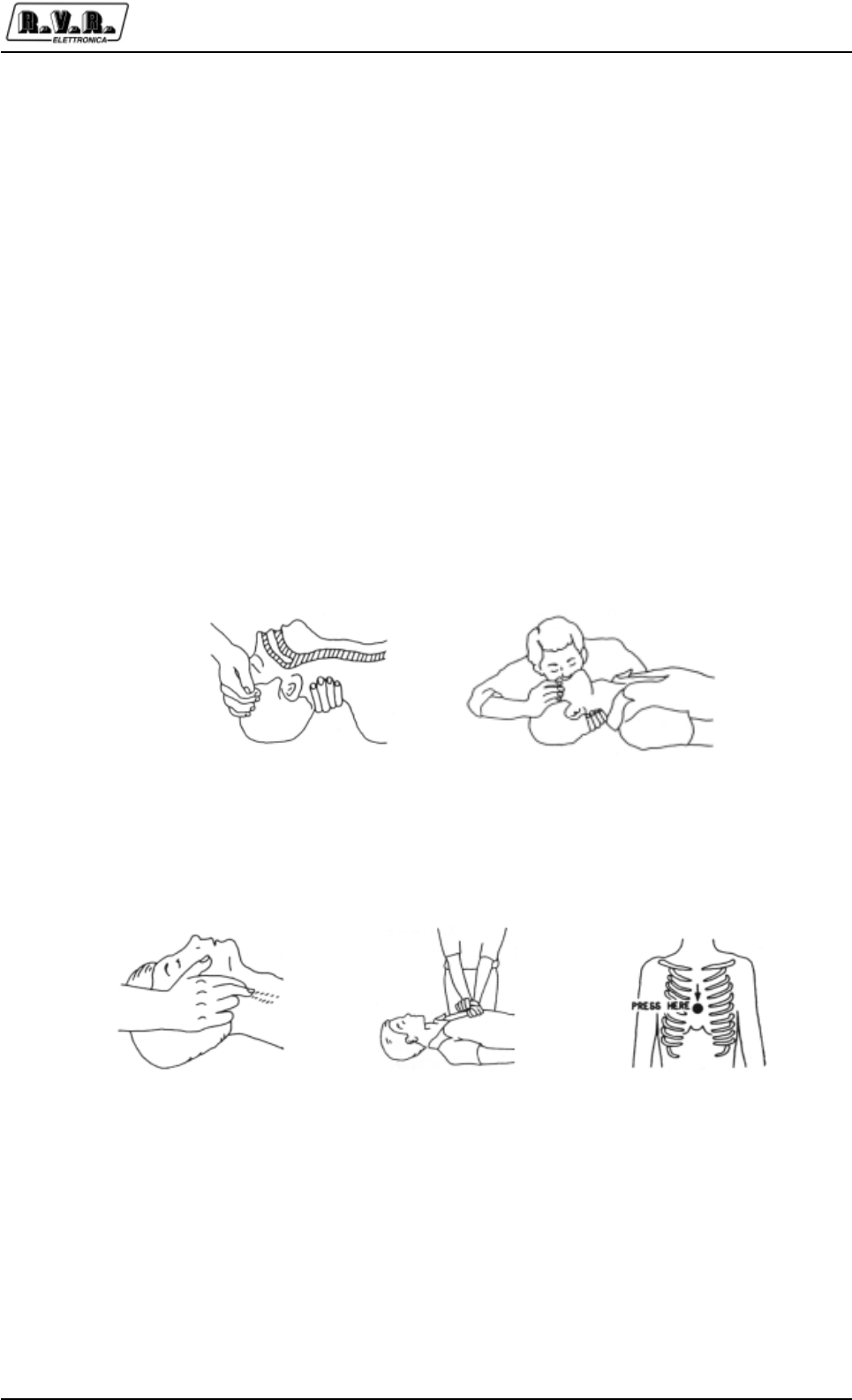
3.1.1 If the victim is not responsive
Follow the A-B-C's of basic life support
• Place victim flat on his backon a hard surface.
• Open airway: lift up neck, push forehead back (Fig. 3-1).
• clear out mouth if necessary and observe for breathing
• if not breathing, begin artificial breathing (Figure 3-2): tilt head, pinch nostrils,
make airtight seal, four quick full breaths. Remember mouth to mouth
resuscitation must be commenced as soon as possible
Figure 3-1 Figure 3-2
• Check carotid pulse (Fig 3-3); if pulse is absent, begin artificial circulation
(Fig. 3-4) depressing sternum (Fig. 3-5)
Figure 3-3 Figure 3-4 Figure 3-5
• In case of only one rescuer, 15 compressions alternated to two breaths.
• If there are two rescuers, the rythm shall be of one brath each 5 compressions.
• Do not interrupt the rythm of compressions when the second person is giving
breath.
• Call for medical assistance as soon as possible.
PJ5KPS
6 / 80 User & Technical ManualRev. 1.5 - 08/02/06
3.1.2 If victim is responsive
•Keep them warm
•Keep them as quiet as possible
•Loosen their clothing (a reclining position is recommended)
•Call for medical help as soon as possible
3.2 Treatment of electrical Burns
3.2.1 Extensive burned and broken skin
•Cover area with clean sheet or cloth
•Do not break blisters, remove tissue, remove adhered particles of clothing, or
apply any salve or ointment.
•Treat victim for shock as required.
•Arrange transportation to a hospital as quickly as possible.
•If arms or legs are affected keep them elevated
If medical help will not be available within an hour and the victim is conscious and
not vomiting, give him a weak solution of salt and soda: 1 level teaspoonful of salt
and 1/2 level teaspoonful of baking soda to each quart of water (neither hot or
cold). Allow victim to sip slowly about 4 ounces (half a glass) over a period of 15
minutes. Discontinue fluid if vomiting occurs
DO NOT give alcohol
3.2.2 Less severe burns
• Apply cool (not ice cold) compresses using the cleansed available cloth article.
•Do not break blisters, remove tissue, remove adhered particles of clothing, or
apply salve or ointment.
•Apply clean dry dressing if necessary.
•Treat victim for shock as required.
•Arrange transportation to a hospital as quickly as possible
•If arms or legs are affected keep them elevated.

PJ5KPS
7 / 80User & Technical Manual Rev. 1.5 - 08/02/06
4. General Description
The PJ5KPS is a RF amplifier for frequency modulation sound broadcasting. It is a
fully solid-state apparatus of modern design that uses MOSFET as active components
in the FM amplifying modules. This chapter briefly describes the machine's main
features.
4.1 Composition
The PJ5KPS amplifier is made up of modules inserted in a 19" rack. The main
modules are as follows:
•1 Control unit
•5 1.2 kW RF amplifier modules
•1 Control unit
•1 or 2 Power supply unit carriages
•1 Splitter/Input RF
The amplifier is supplied complete with all its parts, not really "modules", essential
for its operation such as the fans for dissipating the heat generated by the machine
inside the room and all the accessories for the electrical and RF wiring. As a rule, the
amplifier is supplied as a complete transmitter therefore the two FM exciters that it
manages will be provided and connected (a service exciter and a spare exciter).
4.2 Technical specifications
Frequency range 87.5 to 108.0 MHz
Nominal RF power 5000 W
Power supply voltage 380 Three-phase, 3F+N
Exciting power Max. 30 W
Consumption < 9.5 kW
Power factor > 0.95
Additional important features of the PJ5KPS are as follows:
•The 1.2 kW amplifying modules are implemented by means of plug-in technology:
the individual modules may be removed for performing maintenance operations,
for instance, without having to turn off the transmitter. The transmitter keeps working
at reduced power even if the module has been removed. This operation may be
carried out without any risk of damaging the module itself, or the amplifier as a
whole, thanks to the control system and to the RF connectors, the power supply
and the purposely designed data-exchange. For further information refer to the
maintenance section.
•Each module is controlled by a microprocessor-based card that checks and
adjusts its operating mode. The resulting data are transmitted to the control unit.
•The control unit manages the changeover of the two exciters both in automatic
and manual mode.

PJ5KPS
8 / 80 User & Technical ManualRev. 1.5 - 08/02/06
•The amplifier may be equipped with a dual power supply/rectifier module. Both
modules operate in this case the configuration is in “hot stand-by” since both
supply, when operating under normal conditions, half of the current required by
the machine to work. When one module is absent or faulty, the module that is
present supplies all the required current by itself. The sufficient dimensioning of
each power supply unit guarantees that the machine will work efficiently at its
nominal power level.
•The amplifier can work as usual even if the control unit is not present. In fact, the
control unit may be substituted temporarily with an electromechanical interface
by means of which the user may give the ON and OFF commands to the machine.
However, in this case all the numeric type information will be missing and the
power level remains the last one enabled before removing the control unit.
4.3 Options
The PJ5KPS envisages the following options:
•Single or dual power supply carriage
•Single or dual exciter
•N+1 configuration
•Different kinds of exciters
•Automatic restore after safety tripping or manual restore
4.4 Operating principles
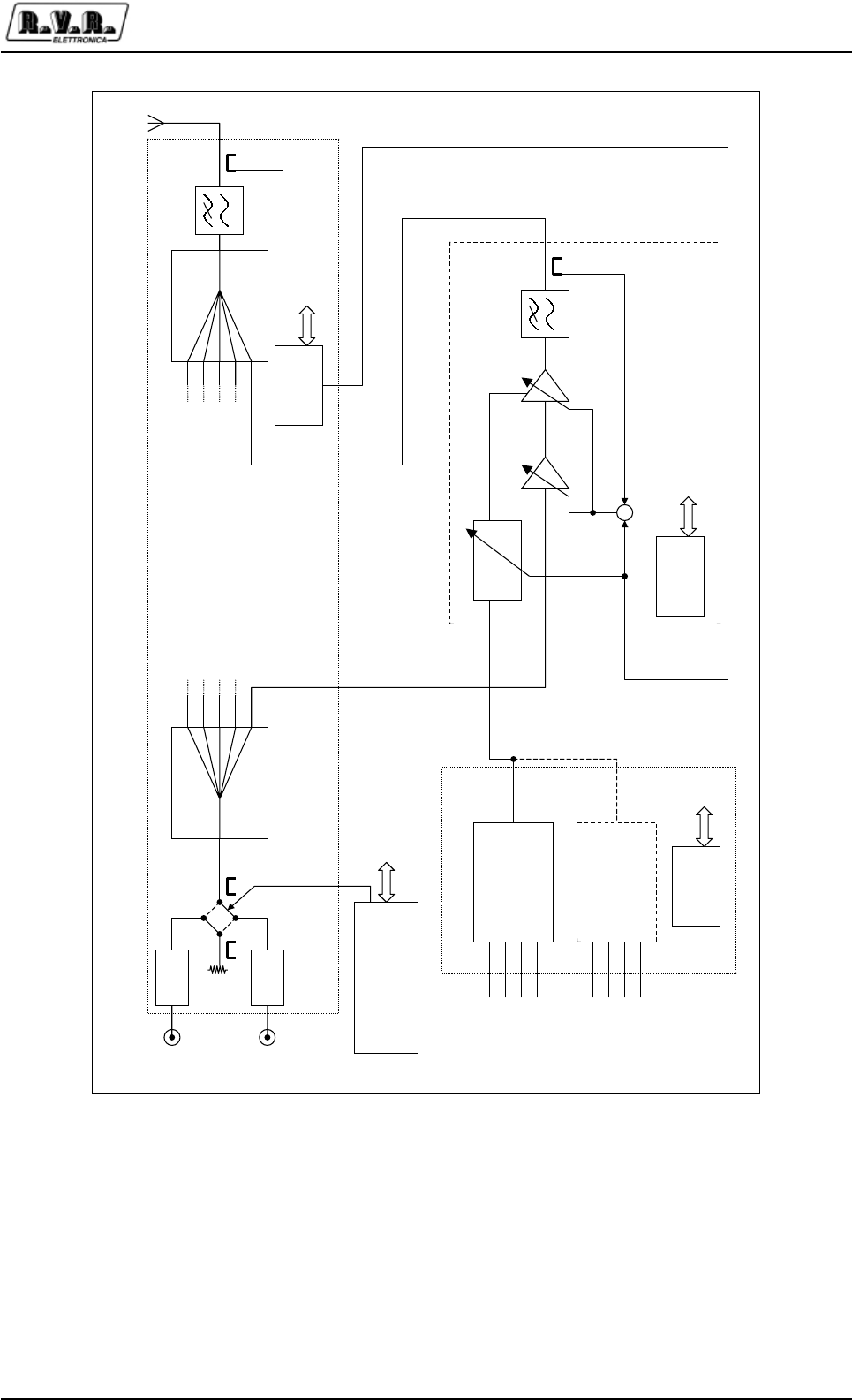
This description is based on the block diagram shown in Figure 4-1.
The PJ5KPS amplifier essentially comprises three blocks:
•The power supply section
•The Splitter-Coupler section
•The RF amplifier section
The power supply section of the PJ5KPS amplifier is made up of one or two three-
phase transformers, each one associated with a rectifier circuit for generating the
non-stabilized voltage of 80V that supplies the RF modules. The transformers and
the rectifier circuits are mounted on removable carriages together with power
inductors that help achieve a power factor of about 94%.
The power supply unit carriage is dimensioned for supplying all the power required
for the PJ5KPS to operate at full power. Therefore the configuration of the machine
with two power supply unit carriages is a hot stand-by redundant one.
The power supply section is controlled by a microprocessor-based card installed in
the rack.
The Splitter-Coupler section performs all the treatment of the RF signal except for the
power amplification.
PJ5KPS
9 / 80User & Technical Manual Rev. 1.5 - 08/02/06
The RF signals generated by two exciters (in the redundant configuration) are first
attenuated by 6 dB to improve the uncoupling among the stages and then connected
to a coaxial relay commanded by the control unit. One of the two signals is closed on
a dummy load built into the machine whereas the other signal is connected to the
input splitter. The power of both signals is measured by specific directional couplers.
The RF signal of the selected exciter is divided into five branches, each of which is
passed to the input of an amplifying module.
-6 dB
-6 dB
Exc. 1
RF in
Exc. 2
RF in
Tansformer
/Rectifier
AC in
380 V
3F+N
80 Vdc
Splitter Coupler
-
Power
supply
μC
Control Unit
1.2 kW RF Module (5x)
RF Out
μC
Tansformer
/Rectifier
RS485
RS485
μC
RS485
RS485
Power
setting
Figure 4-1 Block diagram of the PJ5KPS

PJ5KPS
10 / 80 User & Technical ManualRev. 1.5 - 08/02/06
The five RF amplifiers branches are recombined by the coupler at the output of the
amplifying modules. The overall amplified RF signal is filtered by a low-pass filter for
eliminating the harmonics and is therefore available at the output connector.
The Splitter-Coupler section is controlled by a microprocessor-based card, which
makes the values detected at the various measuring points available for the user
and for the diagnostics functions.
The machine contains five RF amplifier modules each of which is capable of supplying
a maximum of 1.2 kW RF. Each module includes a switching mode power supply unit
that regulates and stabilizes the power supply voltage supplied by the power supply
section.
Each amplifying module contains a first stage with gain that varies according to the
MOSFET BLF175. The RF signal amplified by the driver is then separated into four
branches, amplified by four modules based on BLF 278, recombined and filtered by
a low-pass filter.
Each RF amplifying module is controlled by a microprocessor-based card, connected
to the other microprocessor-based cards of the machine by means of a RS485 type
bus.
Each module runs the Automatic Power Control function for regulating the supplied
power: the gain of the amplifying stages and the voltage supplied by the switching
power supply unit are regulated so that the power that is output from the module
corresponds, if possible, to the set level.
The overall power that the PJ5KPS must supply is controlled by the microprocessor-
based card of the splitter-combiner section according to the settings made on the
control unit for the NOMINAL POWER and LOWER POWER parameters.

PJ5KPS
11 / 80User & Technical Manual Rev. 1.5 - 08/02/06
5. Installation and use
This chapter contains the basic instructions for installing and using the PJ5KPS
amplifier. If necessary, more in-depth information about the operating principles may
be traced in the next chapters.
5.1 Assembly
For practical reasons and for transport safety, the machine is usually supplied disas-
sembled to the customer. The assembly procedure is rather simple and can be car-
ried out by any qualified technician.
Caution: In order to avoid the risk of damaging the machine and/or of injuring the
operators, it is advisable to closely adhere to the instructions provided below. always
respect all the safety regulations and standards in force.
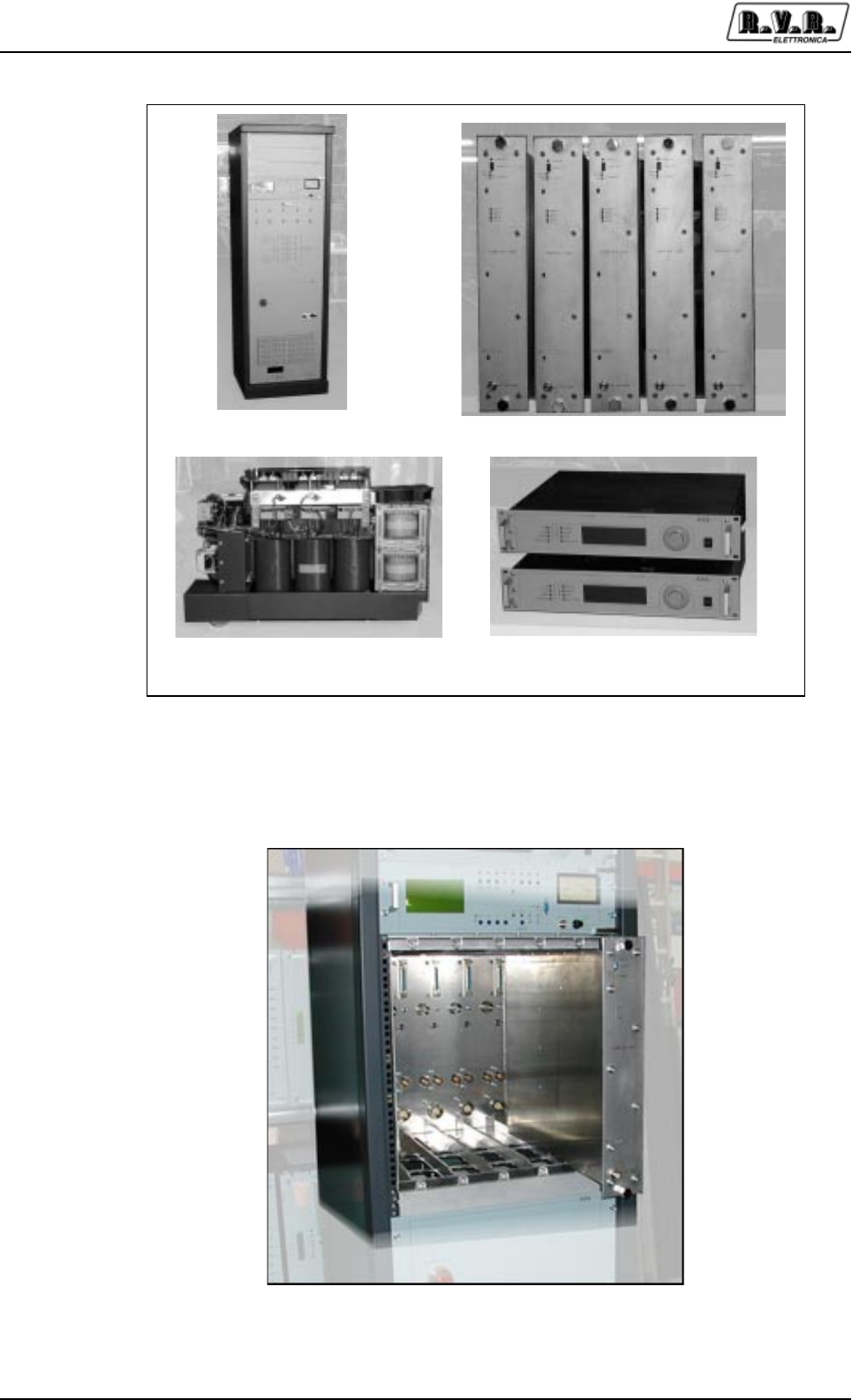
Identify the machine components:
•The rack (various components are assembled, such as the coupler, the splitter,
the control unit, the main blower) [Figure 5-1 a)]
•The 5 RF modules [Figure 5-1 b)]
•One or two transformer/rectifier carriages [Figure 5-1 c)]
•The exciters [Figure 5-1 d)]. (As a rule the amplifier is supplied as a complete
transmitter. This example shows two PTXLCD exciters produced by R.V.R.
Elettronica. Usually the exciters are pre-assembled inside the rack).
Check that all the components are in perfect working order. Should there be any kind
of problem, for instance if there is any damage caused by the transport of the
components, read the instructions associated with the Warranty at the beginning of
this manual (chapter 2).
1. Install the rack in the location where the transmitter will work. The rack is mounted
on wheels for simplifying its movement, therefore after having positioned it where
expected, it is advisable to use the four screws at the bottom of the rack to steady
it perpendicular to the ground.
The transmitter is cooled by forced ventilation. The air outlet is on the machine's
roof whereas in the standard configuration the air intake is envisaged at the back
of the machine. If you opt for this solution, install the machine at least 50 cm. away
from the back wall, so that air can flow under optimal conditions. The air inlet may
also be delivered from the machine's roof, by removing the cover from the hole
that is pre-cut in the roof for this purpose.
2. Remove the protection panels of the RF modules and the power supply unit
carriages from the rack. Also remove the stop bar of the power supply unit
carriages that is at the bottom of the rack.
PJ5KPS
12 / 80 User & Technical ManualRev. 1.5 - 08/02/06
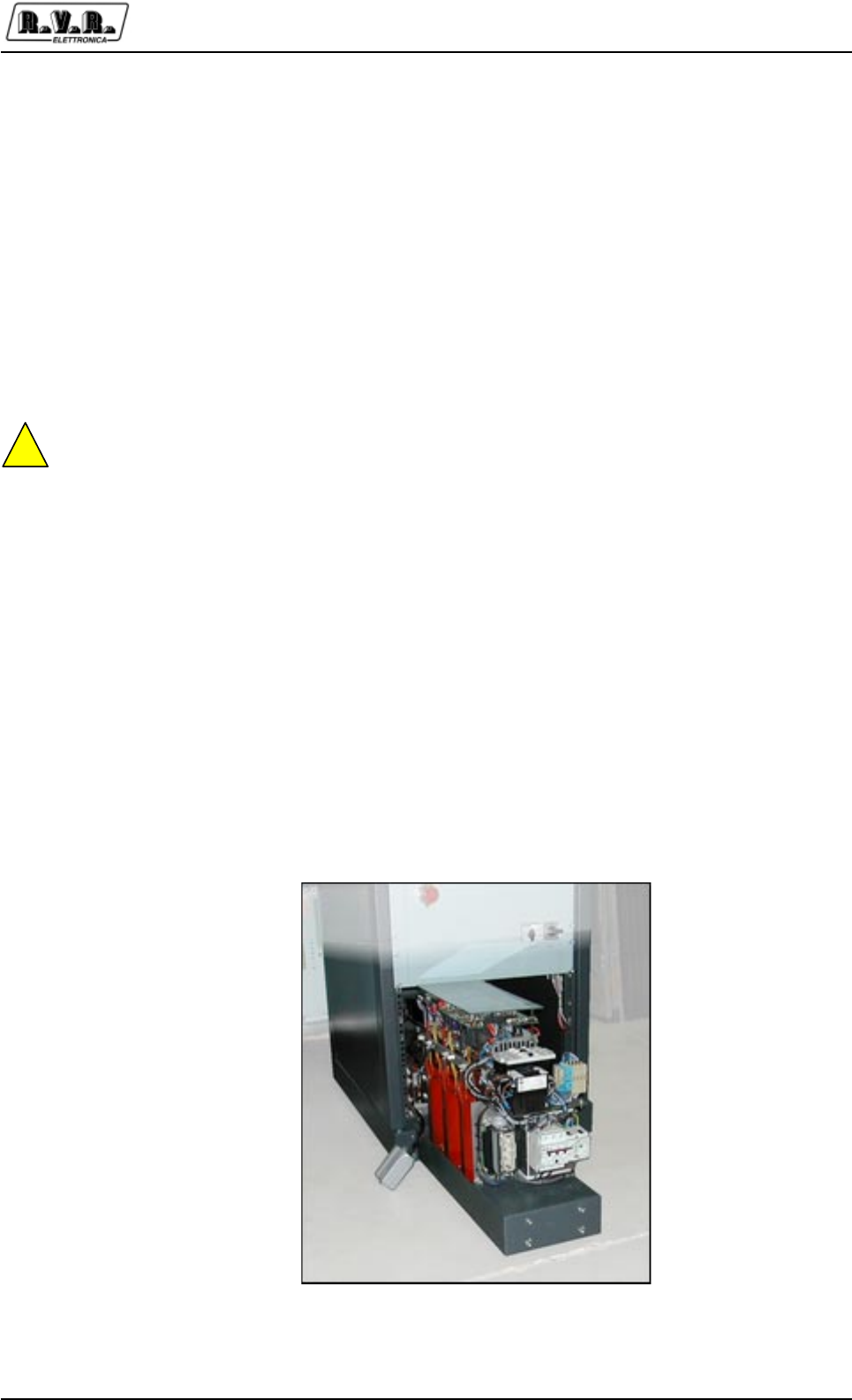
3Insert the first amplifying module into the RF modules compartment [Figure
5-2].
a) b)
c) d)
Figure 5-1 Components of the PJ5KPS
Figure 5-2 Inserting a RF module
PJ5KPS
13 / 80User & Technical Manual Rev. 1.5 - 08/02/06
The modules have a groove at the top and one at the bottom: insert the modules
so that the guides in the compartment fit into these grooves. Slide the module
until the two fixing screws fit into their seats. Then tighten the fixing screws at the
same time so that the module inserts into its compartment remaining parallel until
it is perfectly in place.
4. Repeat the operation with the other four RF modules.
5. Insert the first transformer carriage into the left-hand side of the specific
compartment. The carriage is mounted on three wheels (two are fixed on the front
side and one pivoting rear wheel) to facilitate this operation. Move the carriage
toward the left-hand wall of the rack [Figure 5-3] and then move it forward until the
connectors at the back are perfectly in-serted into their seats.
!
The power supply unit carriage is very heavy and its barycenter is high, therefore be
careful when handling it to avoid tipping it over.
6. If you have a redundant power supply unit, insert the second power supply unit
carriage as you did with the first one.
7. Position the stop bar of the power supply unit carriages.
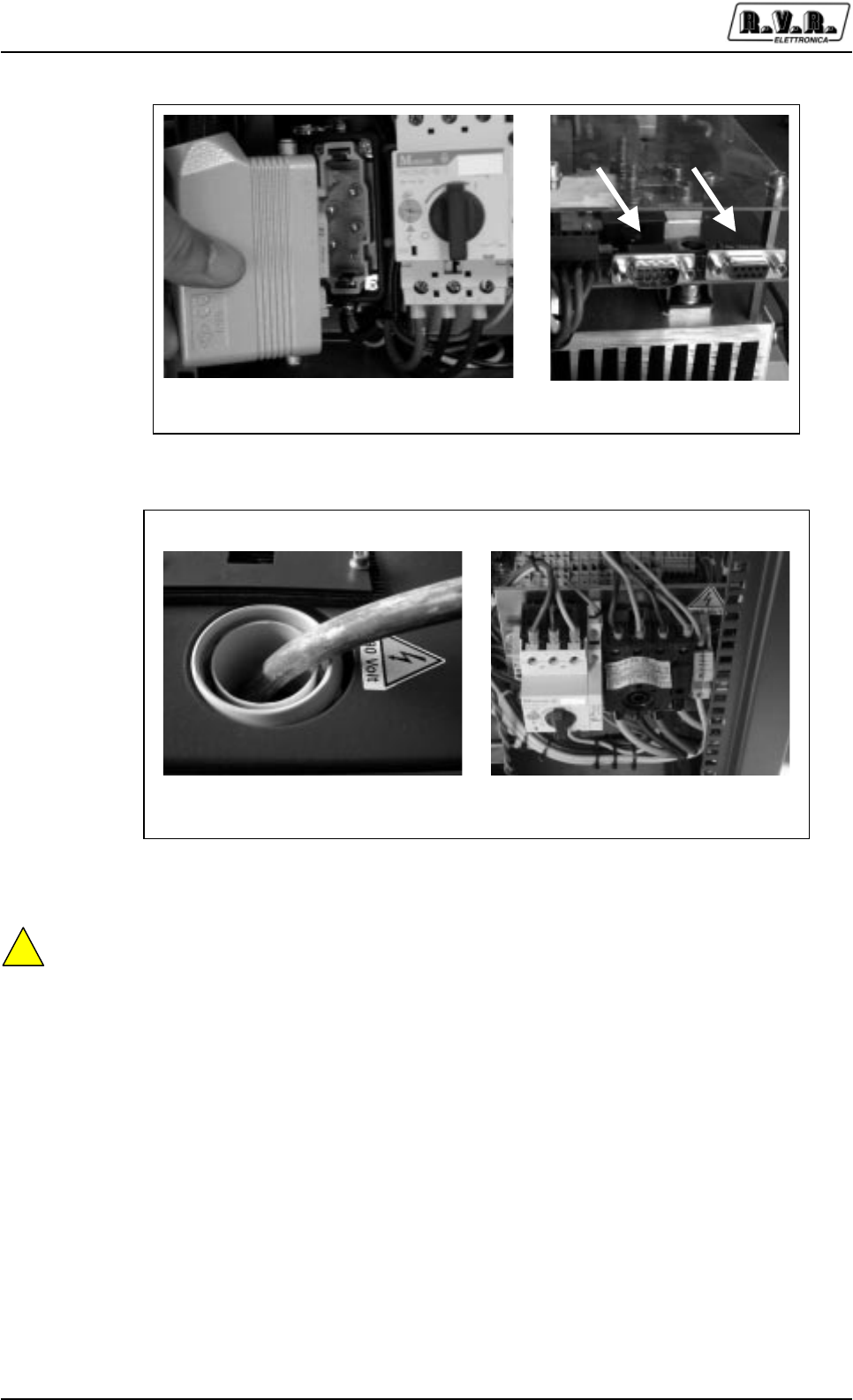
8. Make the necessary connections of the power supply unit carriages :
• Power supply connector [Figure 5-4 a)]
• Data connectors [Figure 5-4 b)]
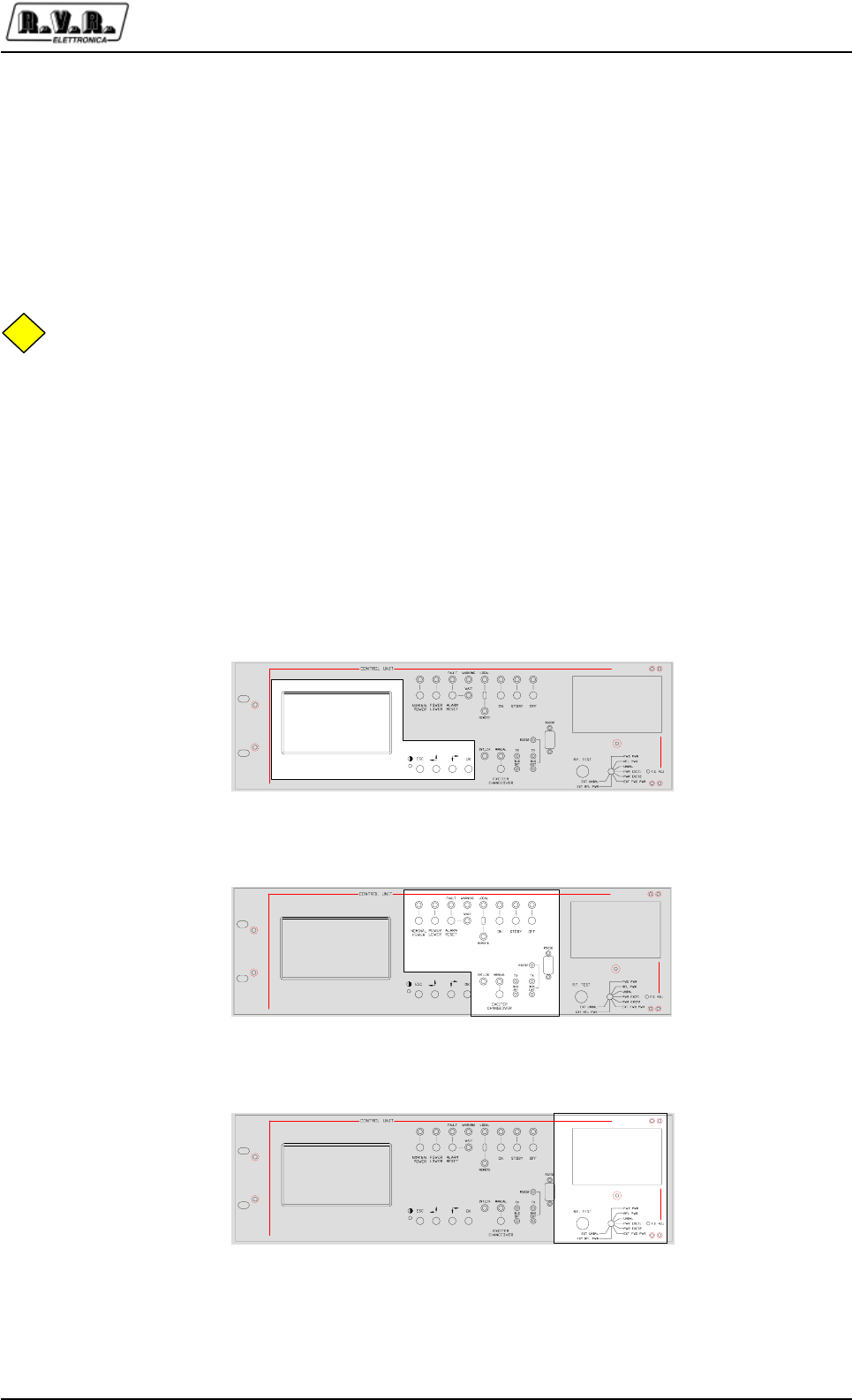
9. Connect the machine's main power supply cable. Route the cable (5-pole type)
through the raceway on the machine's roof [Figure 5-5 a)] and fix the conductors
to the terminals of the master switch [Figure 5-5 b)]. The last operation is usually
performed by removing the knob and the cover of the isolating switch.
Figure 5-3 Power supply carriage connectors
PJ5KPS
14 / 80 User & Technical ManualRev. 1.5 - 08/02/06
!
Caution: The connection of the machine to the electric alimentation is performed
fixing to a 5 poles cable with bare terminals to a terminal block. Making sure without
any possibility of error that the cable is not under tension while working on it.
It is reccomended not to turn on the machine without first have connected the RF exit
to the antenna or to the dummy load!
The PJ5KPS requires triphase alimentation (3F+ N) able to give 16A for phase.
Keep this requirement in mind in connecting to the personal distribution board.
10.Reposition the protection panels of the RF modules and of the transformer/rectifier
carriages.
11.If the PJ5KPS was not supplied complete with pre-assembled exciters, insert
and connect the exciters into the appropriate housings. The connecting cables
for the exciters are already inside the rack, namely:
•Right/MPX bal. audio connection (XLR connector)
a) b)
Figure 5-4 Power supply carriage connectors
a) b)
Figure 5-5 Power supply cable
PJ5KPS
15 / 80User & Technical Manual Rev. 1.5 - 08/02/06
•Left/Mono audio connection (XLR connector)
•MPX unbal. audio connection (BNC connector)
•Power supply (VDE connector)
•Control connector (DB15 connector)
Now you may may perform the preliminary checks on the amplifier and start it up.
NB
The connectors on the roof of the machine are not in parallel but directly connect to
the eciters (L and R exciter 1, L and R exciter 2 etc). Keep this in mind to make the
audio connections, that in some cases can require,for example, the use of an audio
distributor.
5.2 Amplifier check
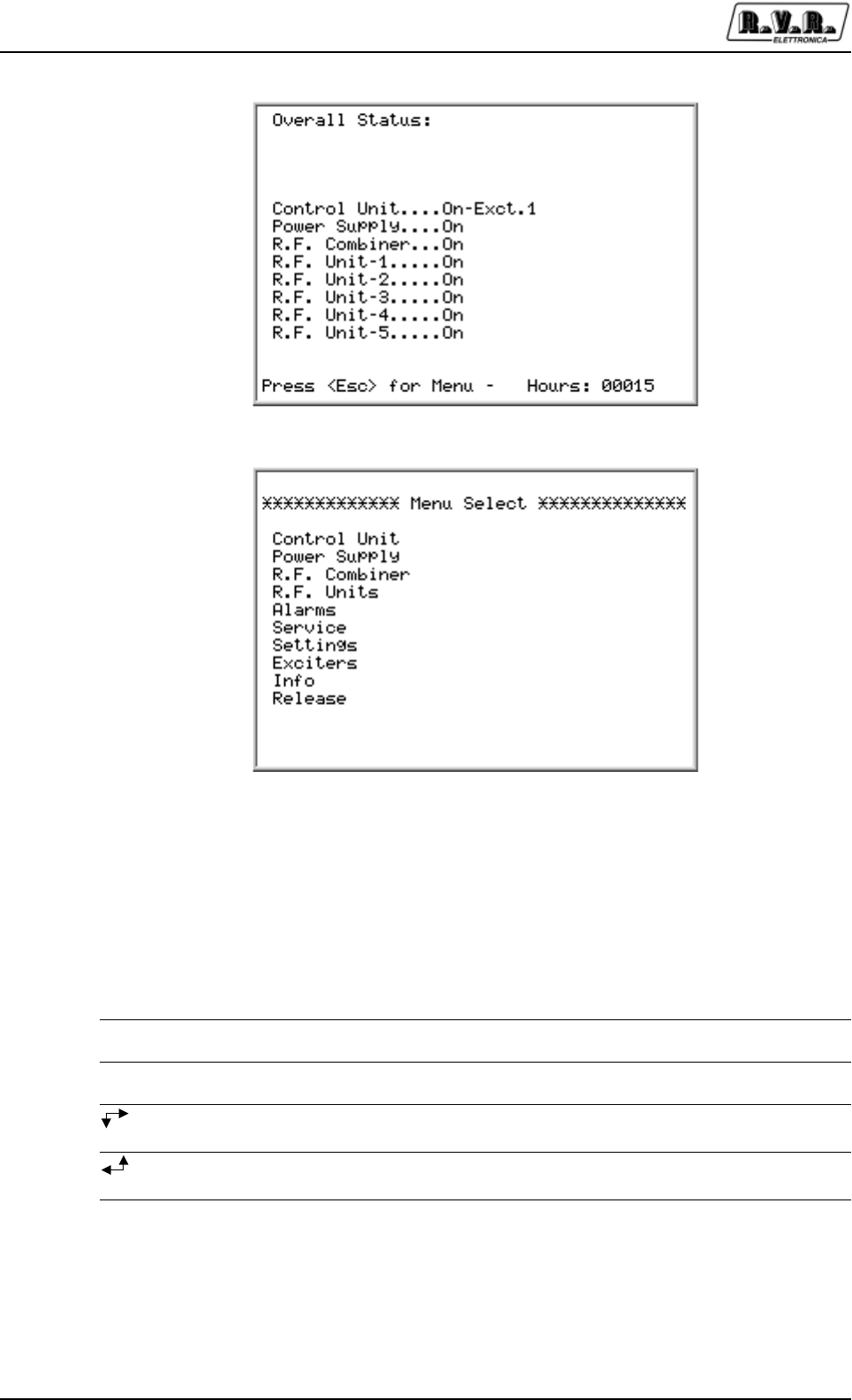
The operator controls and checks the status of the PJ5KPS by means of the control
unit. Three control groups are present on this unit:
oLCD and scroll buttons
oButtons, selector switches and LEDs
oAnalog instrument and rotary selector switch
PJ5KPS
16 / 80 User & Technical ManualRev. 1.5 - 08/02/06
5.2.1 Display LCD
The operator uses the control software of the transmitter by means of a series of
menus that are displayed on the LCD. Four specific keys are provided for scrolling
through the menus, performing the settings and giving the commands:
Pulsante Descrizione
OK Click this button to access a sub-menu, to enter the editing mode or to
confirm a modified value.
ESC Click this button to exit from a menu or to cancel the modification of a
value.
Click this button to scroll inside a menu (to the right or down) or to
reduce the value of a parameter being modified.
Click this button to scroll inside a menu (to the left or up) or to increase
the value of a parameter being modified.
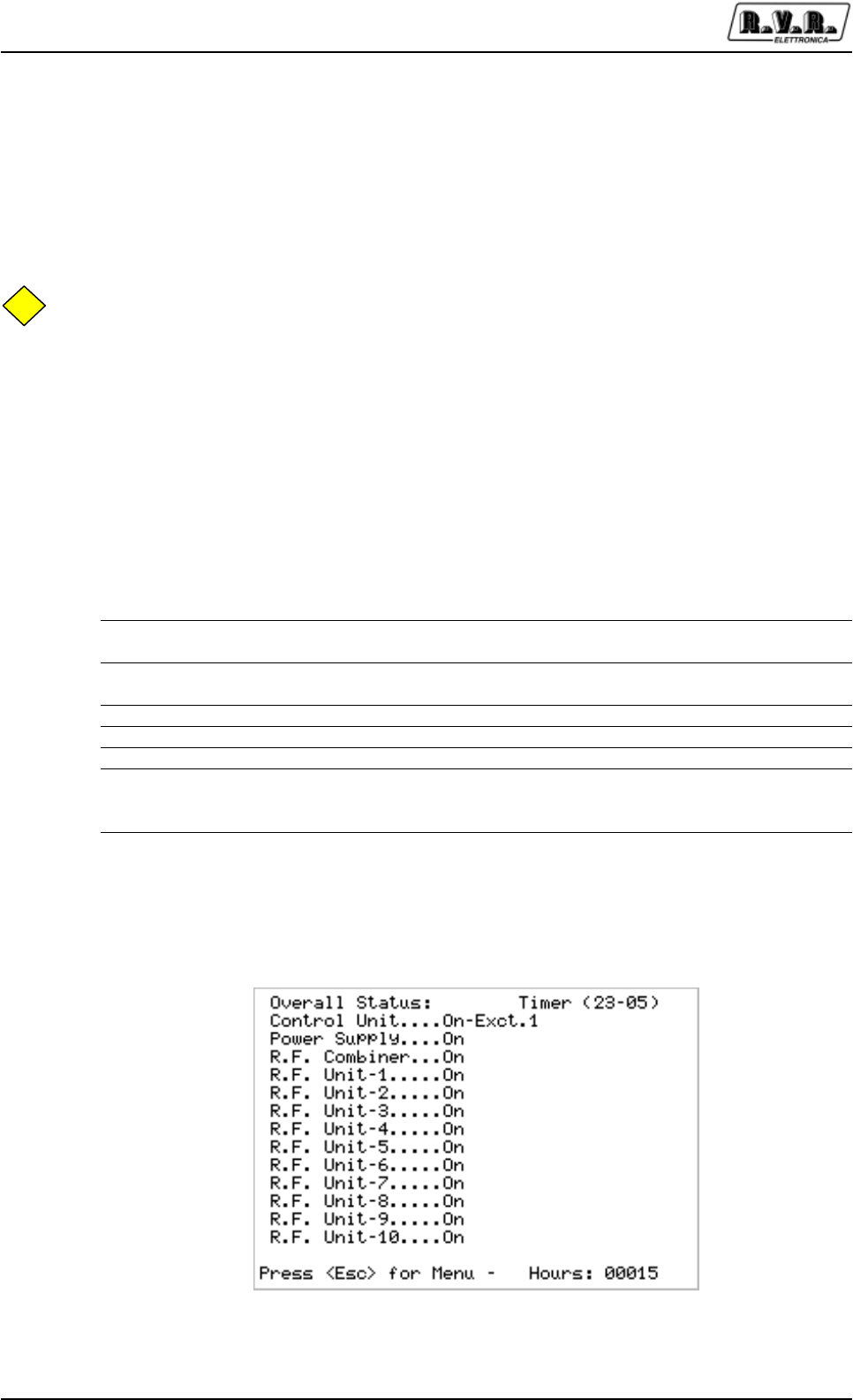
When the operator is not using the various buttons to navigate, the LCD displays the
preset screenful that shows the overall status of the machine's modules (Figure 5-6).
The control unit acquires, every second, the status of the other modules by means of
an RS485 serial bus. The activity at the bus is signaled by the "BUS INT" LEDs on
the unit's panel.
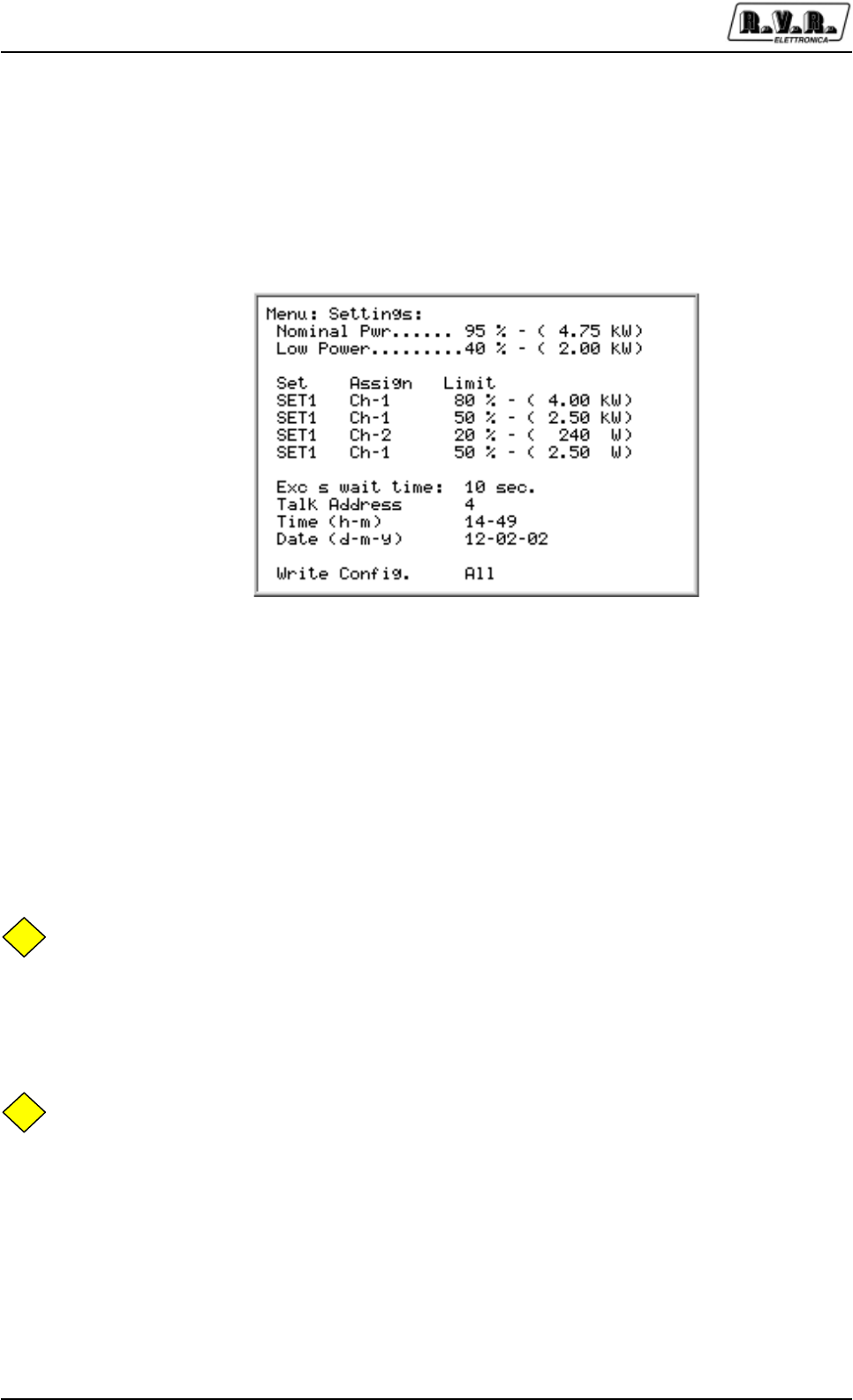
Figure 5-6 Default screenful
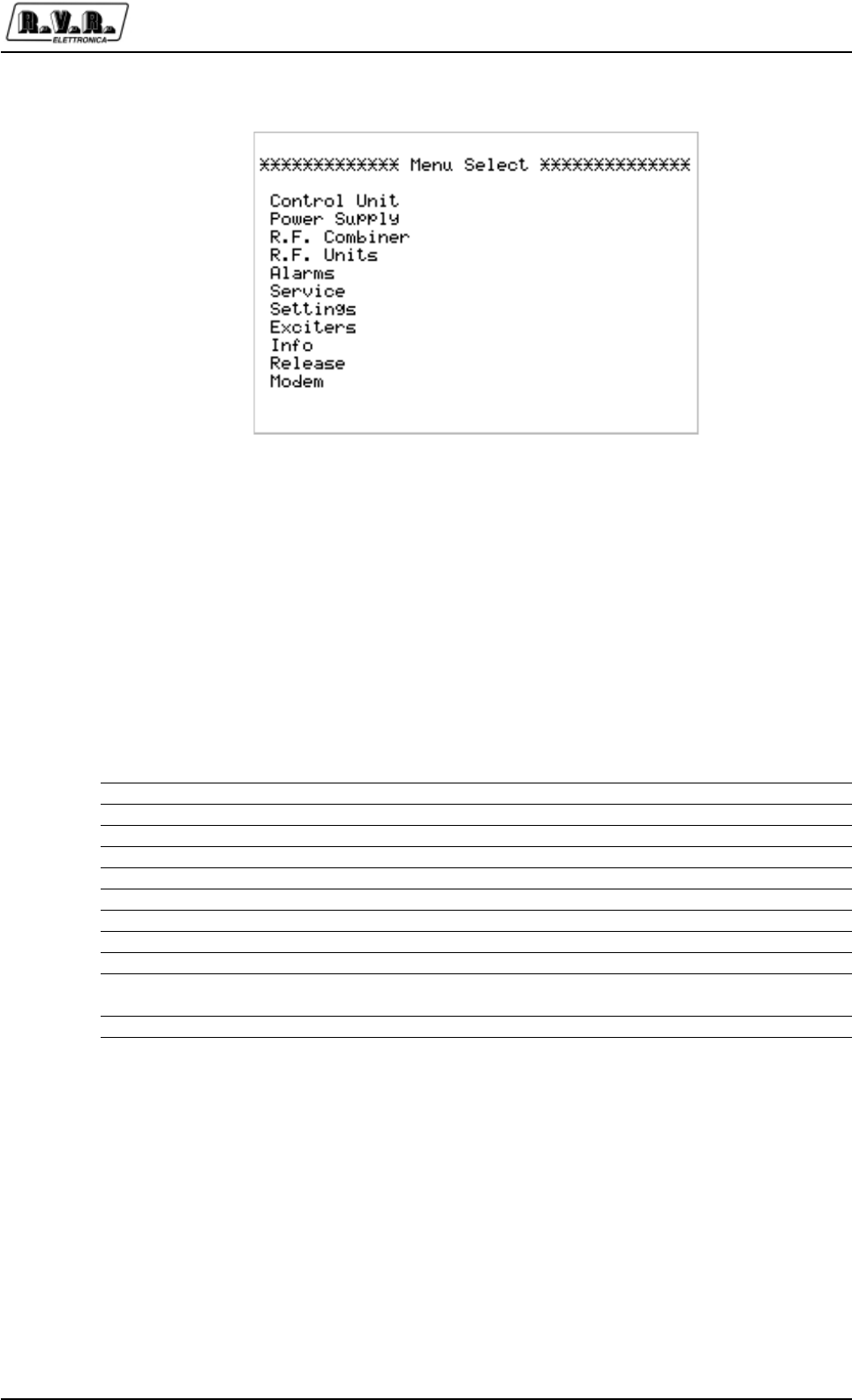
Figure 5-7 Menu select screenful

PJ5KPS
17 / 80User & Technical Manual Rev. 1.5 - 08/02/06
As indicated on the preset screenful, push the ESC button to access the screenful for
selecting the menus (Figure 5-7).
On reaching the selection screenful, move the cursor (full rectangle) using the arrow
keys to display the concerned line. Then click OK to access the associated menu.
Select the "General Status" menu to return to the preset screenful.
5.2.2 Buttons, selector switches and LEDs
The typical machine-control operations are performed using the buttons of the control
unit's panel. Specific LEDs correspond to each button and selector switch for
indicating the machine's status.
The functions performed by the controls are as follows:
Function Description
OFF Button for turning off the machine. A LED signals that the machine is
OFF. In this status, the exciters and the fan are off and the RF
amplifying modules are not powered.
STDBY Button for setting the machine in standby. In this status the transmitter
does not emit any power, but is ready to start the transmission: the
main blower is on, the RF modules are not powered, the exciters are on
but locked by means of an interlock. The stand-by is used to test the
exciters, in fact in manual modality the operator could arrange them in
base to the own requirements; coming from an “On” in manual modality,
the system does not touch the interlock. Stand-by status is signalled
from a LED.
In manual and in stand-by the inhibit of the device doesn't intervene on
the interlock of the exciters. This could necessary when the apparatus
is in configuration n+1 for verify if the exciters are operational.
ON Button for turning on the transmitter. The RF power supply is activated.
LOC/REM Selector switch for setting the transmitter in remote or local mode. In
local mode the buttons and the controls via the menus are active. In
remote mode the buttons and the controls via the menus are inhibited
and the commands may be given only remotely via the parallel interface
or via the remote control software.
ALARM RESET Button for zeroing the FAULT or WARNING alarms.
NOMINAL POWER Click this button to set the transmitter for supplying the nominal power
level. A specific LED signals this setting. The value that corresponds to
the nominal level is set by the operator using the menu settings in
Section 7.1.8.
POWER LOWER Click this button to set the transmitter for supplying the reduced power
level. A specific LED signals this set-ting. The value that corresponds to
the reduced level is set by the operator using the menus.
EXCITER CHANGEOVER Use this button to set the changeover system in manual or automatic
mode. The signaling LED turns on when the manual mode is selected.
On performing a changeover, the exciter connected to the amplifier is
deviated toward the internal dummy load and vice-versa. The operator

PJ5KPS
18 / 80 User & Technical ManualRev. 1.5 - 08/02/06
must use the exciters menu to perform the changeover in manual mode.
LEDs (Wait, Warning, Fault) Other signaling LEDs are connected to the alarm states and to
the serial data transmissions that take place among the
microprocessorbased cards. The function of these LEDs is described
further on in this manual.
5.2.3 Analog instruments
The control unit of PJ5KPS contains an analog meter with a rotating selector that are
useful for an immediate display of the following parameters:
FWD PWR Transmitter direct power
RFL PWR Transmitter reflected power
UNBAL Transmitter unbalancing power
PWR EXC1 Power supplied by the exciter currently connected to the amplifier. This
value is measured by the machine in the splitter section
PWR EXC2 Power supplied by the exciter currently connected to the internal load.
This value is measured by the amplifier in the splitter section
EXT FWD PWR Direct power of an external combiner.
EXT RFL FWD Reflected power of an external combiner.
EXT UNBAL Unbalancing power of an external combiner.
These three values are used when the transmitter is connected to a 1+1
system. The SET outputs may also be connected to these quantities.
5.3 First start
This section describes the procedure for powering-on the machine the first time.
For simplicity's sake, the automatic control capacities of the exciters are temporarily
disabled.
Refer to chapter 5.4 that provides the instructions for turning on the PJ5KPS in the
various cases.
5.3.1 Preliminary operation
Before activating this piece of equipment, the necessary connections must be
performed, and in particular:
•Power supply
• Modulating signals (Audio or MPX, RDS...)
• RF load (antenna feeder or dummy load)
About to the connections of the power supply and the modulating signals, please
refer to chapter 5.1.

PJ5KPS
19 / 80User & Technical Manual Rev. 1.5 - 08/02/06
The machine's RF output is the "EIA 1 5/8" flanged type and is accessed on the roof
of the PJ5KPS. If a dummy load capable of dissipating the RF power generated by
the transmitter is available, it is advisable to run the first tests by connecting to it
rather than to the transmission antenna.
5.3.2 Power-on
When powering-on the transmitter the first time, perform the operations outlined in
the table below.
The "Result" column indicates the immediate results of the operations performed
plus a few indications that confirm that the machine is working efficiently.
Should any inconsistencies occur as compared to these indications, interrupt the
procedure and identify the reason for the malfunction before resuming the procedure.
Operation Result
Close the "Transformer Breaker" isolating switches
The power supply unit carriages are powered
Turn the "Mains" switch The whole transmitter is powered. The machine is activated in the same
status it was in when it was turned off the last time
Press the OFF key of the control unit
RF emission by the transmitter is inhibited; the exciters are off; the RF
amplifier modules are off
Press the EXCITER CHANGEOVER key of the control unit
The automatic management for the exciters changeover is disabled. The
MANUAL LED must be on (otherwise press the key again)
Press the STDBY key of the control unit
The exciters are turned on in interlock status. The RF amplifying
modules stay disabled. Being in manual modality, the exciters could be
unlocked to verify the operation (see 5.3.3).
Set the parameters of the control unit
This procedure is described in chapter 5.3.3 on in this manual. The
control unit communicates the nominal power and reduced power values
to the RF modules. It also handles the coaxial relays so that the on air
exciter is the desired one and sets the exciter to ON mode
Set the exciters Adhere to the instructions of the exciters used for setting the required
work frequency on the exciters. Regulate the output power of the
exciters to 20 W.
Press POWER LOWER and ON
The current exciter is activated (the interlock is released from the
exciter) and its power emission is enabled. The power emitted by the
PJ5KPS amplifier increases gradually until it attains the level that had
been set previously as "Reduced power". Check the emitted power level
by means of the analog instrument with the selector switched to FWD
PWR position
Press NOMINAL POWER
Power supplied by PJ5KPS increases and attains the set nominal
value. Check it on the analog instrument.
When the transmitter is on and works at its nominal power, the whole series of
"accessory" checks and settings deemed necessary may be carried out before
starting up the apparatus.
PJ5KPS
20 / 80 User & Technical ManualRev. 1.5 - 08/02/06
5.3.3 Control unit settings
The settings of the control unit that are required for starting up the machine, mentioned
in the powering-on procedure, are the following:
1. Setting of the power levels
2. Setting of the on air exciter
Before performing the first operation, click the ESC button. The display shows the
screenful for selecting the menus [Figure 5-7]. Click the arrow keys until the cursor
highlights the line associated with the Setting menu. Click OK: the software will show
the associated screenful on the display [Figure 5-8].
On having accessed the Settings menu, use the arrow keys to select the nominal
power line (Pwr. Out) and click OK. Use the arrow keys to decrease or increase the
indicated percentage value up to the required level. Click OK again to set this value.
Repeat the operation for the line associated with the reduced power level (Pwr. Lower).
NB
The new power level is transmitted to the combiner module and then stored in
EEPROM only when the ESC button is clicked.
When inside this menu, it is advisable to check the date and time lines and update
them if necessary. Note: the date and time are used only for marking the events in the
alarms register.
NB
The date and time do not need to be updated in the transmitter in order for it to work
efficiently.
On having completed these settings, click ESC to return to the selection screenful.
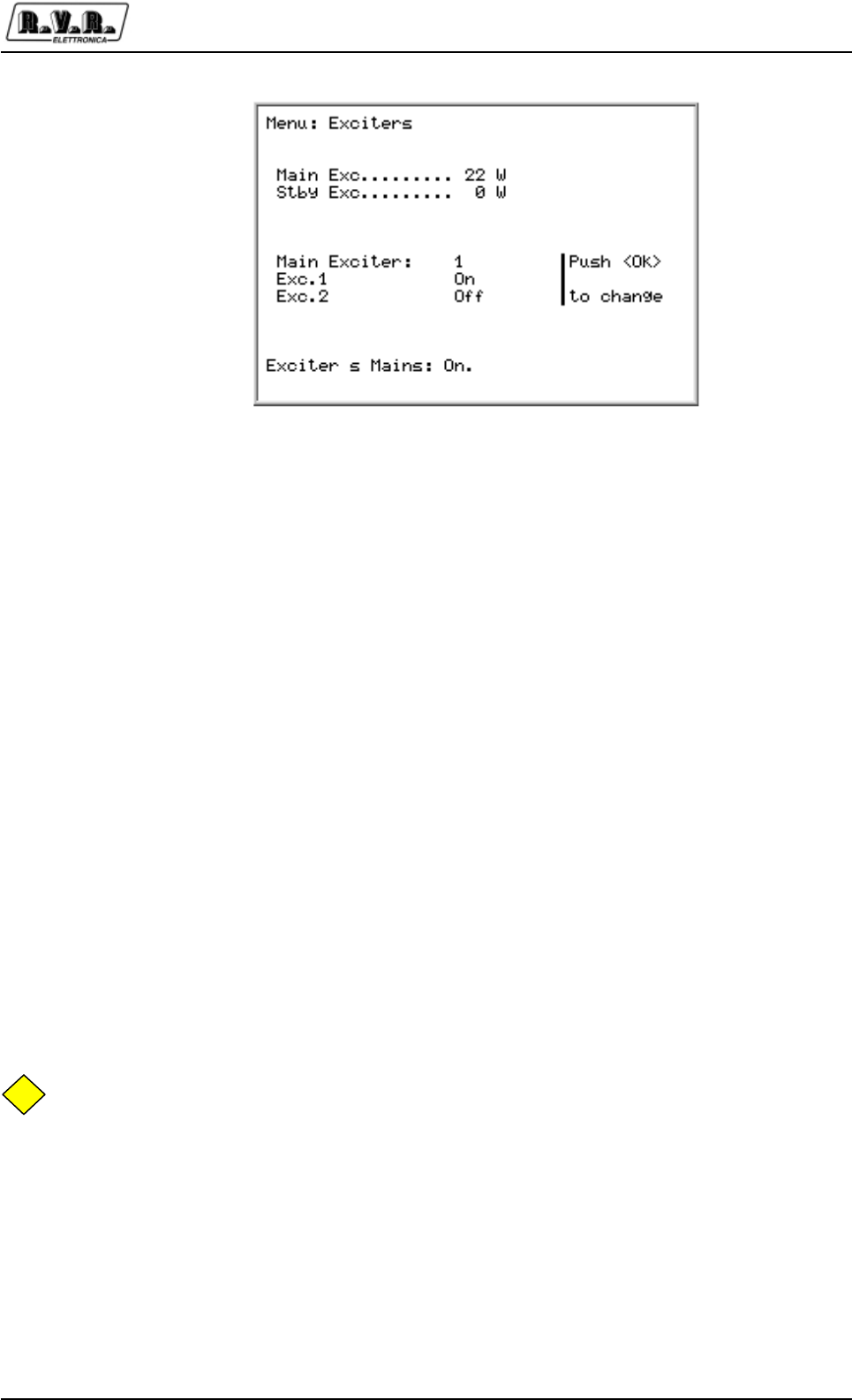
In order to set the on air exciter, select the Exciters menu [Figure 5-9]. Take into
consideration the On Air Exciter line: the number to the right indicates the exciter
being used. To change it simply highlight the line and click OK.
Figure 5-8 Menù settings
PJ5KPS
21 / 80User & Technical Manual Rev. 1.5 - 08/02/06
The exchange of the exciters is assisted from the software, that is when the
commutation is carried out , the interlock comes systematized in the correct way
independently from like they were. The interlock could be modified also manually in
case of necessity.
5.4 Management of the exciters
The control unit can perform the automatic changeover between exciters if one
malfunctions. The Manual LED on the panel indicates, when it is lighted up, that the
automatic changeover function is disabled. In order to enable it, click the EXCITER
CHANGEOVER button and check that the LED turns off. In funzione dello stato
dell’automatismo del PJ5KPS, il comportamento della macchina sarà diverso. In
questo capitolo sono descritti i diversi casi.
In function of the state of the PJ5KPS automatism, the behavior of the machine will
be various. In this chapter are described the different cases.
5.4.1 Start-up from power-on with exciters in manual mode
When powering on the machine with the exciters in manual mode, the apparatus
does not perform any check, both mute RF signals are active and the changeover
relay remains in standby status. Use the exciters menu to activate an exciter.
NB
This is why, if the transmitter is left in manual mode, any momentary power failure will
cause the transmitter to be inactive when turned on again. Therefore it is advisable
to leave the PJ5KPS in automatic mode when you are not performing maintenance
operations.
5.4.2 From OFF to ON with exciters in manual
When switching from OFF (or STDBY) to ON with the exciters in manual mode, the
apparatus does not perform any check and the exciter that is currently set to on air is
the one that is aired.
Figure 5-9 Exciters Menu

PJ5KPS
22 / 80 User & Technical ManualRev. 1.5 - 08/02/06
If the mains signal is not OK, the exciters turn off automatically.
If the maximum drive power is exceeded during operations (> 35W), the PJ5KPS is
set to fault status and power supply is cut to the exciters.A message in the alarms
menu signals this fault.
When the apparatus is set to STDBY, the mute RF signals of the exciters are not
activated and may be modified by the operator.
When the apparatus is set to EXT INT or AUX INT, the mute RF signals of the exciters
are not activated and may be modified by the operator.
5.4.3 Automatic changeover
When the PJ5KPS is in the exciter automatic changeover mode, the power emitted
by the on air exciter is checked constantly. If at any time the on air exciter is no longer
good (i.e. power drops to below the preset level), the apparatus is kept operational
whereas the exciter connected to the internal Dummy Load turns on. If the latter one
is good (i.e. it is capable of supplying the required power), then the two exciters are
changed over. Instead if the alternative exciter is not good, no changeover takes
place, the control unit commands the mute RF of the exciter to Dummy Load, it waits
120 s. and repeats the attempt. This procedure is repeated indefinitely until one of
the two exciters is considered to be good.
During the whole length of time during which there is no good exciter, the PJ5KPS
keeps the WAIT LED on for signaling this status.
Each exciter is fitted with its own mute RF. On being commanded, the piloting signal
must return to zero within 3 seconds at the most. If this does not occur, the fault is
recorded by an error message that is entered in the alarms menu.
If the mains signal is not OK, the exciters turn off automatically. If the piloting power
exceeds the limit during operations, the PJ5KPS is set to the FAULT status and the
power supply of the exciters is turned off. A message in the alarms menu signals the
fault. Keep in mind that the operator's intervention is required to exit from the FAULT
status.
If the MAINS signal coming from the bus is not OK, the exciters are all turned off. As
soon as the MAINS signal is regular again, the evaluation cycle of the exciters begins
(see 5.4.4).
When the apparatus is set to STDBY, the mute RF signals of the exciters are activated
and as such both exciters are inhibited. If the ON key is pressed, the system re-
evaluates both exciters in the same manner as in the procedure from OFF to ON
(see 5.4.4).

PJ5KPS
23 / 80User & Technical Manual Rev. 1.5 - 08/02/06
When the apparatus is set to EXT INT or AUX INT, the mute RF signals of the exciters
are activated and therefore both exciters are inhibited. When the external interlocks
are released, the system re-evaluates both exciters as during the phase from OFF to
ON (see 5.4.4).
5.4.4 Phase from ON to OFF
When the apparatus is set to OFF status and you press the ON button, the power
supply of the exciters is activated and the logic starts to evaluate the exciters. During
the evaluation phase, the WAIT LED stays ON.
When the apparatus is turned OFF, it memorizes the exciter on air. Consequently
when the machine restarts it can attempt to restore the previous conditions. On the
machine restarting, if the exciter that is to be aired does not attain the preset power
level whereas the spare one is operational, the apparatus performs the changeover
when the evaluation time (120 s.) expires.
On the machine restarting, if both exciters do not attain the preset power level, the
apparatus airs the one that had been present when the machine was turned off, after
the evaluation time has expired.
5.4.5 Start-up with exciters in automatic mode
The sequence run by the PJ5KPS, when the power supply is activated while it is
already in ON status and the exciters are in automatic mode, is identical to the one
run for switching from OFF to ON. The only difference is that a screenful displays the
countdown for determining the fault of the exciters. During this phase the manual/
automatic button is inhibited and in order to set the exciters to manual mode you
must press the OFF button of the apparatus.
5.4.6 Audio alarm
The control unit of the PJ5KPS can manage a fault signal, for each exciter, which
normally has an "Audio Alarm" meaning. The control software of the PJ5KPS does
not intervene in triggering these signals since they must be checked by the exciters
(or by any other connected devices).
The Audio Alarm signals are made up of two inputs for the logical signals on the
parallel interface and on the "mute RF" command connector of the exciters.
The control unit manages these signals just like it manages the power good signals:
•Each "Audio alarm" signal is associated with its own exciter
• If the audio signal, associated with the exciter that is currently on air, enters an
alarm status, the PJ5KPS waits for the time configured in the exciter menu before
it attempts the restoring operation

PJ5KPS
24 / 80 User & Technical ManualRev. 1.5 - 08/02/06
• If the audio of the aired exciter is still in alarm status on the elapsing of the aforesaid
time interval, the control unit checks if the audio of the exciter on the dummy load
is regular. In this case the changeover between the exciters is performed.
Observe the following differences as compared to the case in which power is missing:
•The management of the "Audio alarm" signals is not active during the start-up
phase and during the switching phase from OFF to ON, but only when the exciters
are working in automatic.
• In the standard configuration, the aforesaid sequence continues until the audio
signal associated with one of the exciters becomes regular again. In the "N+1"
configuration, the switching attempt is performed only twice, after which the
PJ5KPS enters the fault status.
• An Audio Alarm output is provided on the parallel interface: this signal is activated
(with no delays) when the audio of the exciter that is currently on air is in alarm
status.
5.5 Protection and alarms
The PJ5KPS contains a complete protection and alarms system, both at the individ-
ual modules level and at the control unit level.
The modules are fitted with a micro-processor-based system that manages any
malfunctions locally. The associated information is communicated to the control unit
for displaying and storing the events and for the centralized management of the events
that require it.
Certain LEDs of the PJ5KPS panel are dedicated to the management of the alarms:
LED Description
WARNING This LED indicates a warning (something is not correctly working, but
the amplifier is still working)
FAULT This LED indicates a fault (the amplifier is shut off, the operator’s
intervention is required)
WAIT This LED indicates the wait status (the amplifier is temporarily off, it will
be restarted as soon as the reason that keeps it from working will be
removed, or after a fixed amount of time depending on the reason of the
intervention of the protection system)
The ALARM RESET button is used for resetting the alarms and restarting the machine.
A complete description of the alarms and protection system is given in chapter 7.5.

PJ5KPS
26 / 80 User & Technical ManualRev. 1.5 - 08/02/06
7. Technical description
7.1 Software - Reference guide
This chapter gives a point to point description of the screens composing the software
of the PJ5KPS.
NB
Since the management software is able to control up to 10 modules, some of the
menus configurate themselves for the number of modules. For example, in a PJ10KPS
the menu Overall Status has ten “RF Unit” lines as in the general example reported in
the manual, in the PJ5KPS only five of them will be shown.
7.1.1 Overall Status menu
This is the default menu appearing when the user switches the unit on.
This menu includes only indications, therefore the user cannot insert any input in its
different lines.
Menu Line Description
Timer Indication of the start and stop times of the automatic power reduction
feature - see “Settings” menu
Control Unit Status of the control unit (Off or On) and indication of the exciter
actually connected to the amplifier (Exct.1 or Exct.2)
Power Supply Status of the power-supply cart (Off or On)
R.F. Combiner Status of the RF combiner (Off or On)
R.F. Unit - N Status of the Rf power amplifier number N (Off or On)
Hours Timer counting the hours of operation of the transmitter. For example,
this indication is useful in order to define when a maintenance operation
can be made
From the predefined menu, by pressing the Esc key as indicated on the last line, you
can shift to the exchange screen from which you can have access to all the other
menus of the unit.
Figure 7-1 Overall Status menu
PJ5KPS
27 / 80User & Technical Manual Rev. 1.5 - 08/02/06
7.1.2 Select menu
This is the exchange menu from which you can select the different sub-menus that
compose the software.
In order to enter a sub-menu, select the correspondent line with the arrow buttons
and press Enter.
Menu Line Description
General Status General status of the PJ5KPS
Power Supply Status of the power-supply cart
R.F. Combiner Status of the RF combiner
R.F. Units Status of the RF power amplifiers
Alarms Summary of the occured alarms
Service Service menu for the switching on/off of the modules
Settings Setting of the parameters (i.e. Power levels)
Exciters Parameters of the exciters (i.e. output power, on air exciter)
Info Information concerning the configuration of the PJ5KPS
Release Information concerning the hardware and software versions of the
modules composing the unit
Modem Settings related to the optional telemetry system (see chap.9)
To return to the predefined menu, select General Status and press OK.
Figure 7-2 Select menu
PJ5KPS
28 / 80 User & Technical ManualRev. 1.5 - 08/02/06
7.1.3 Control Unit menu
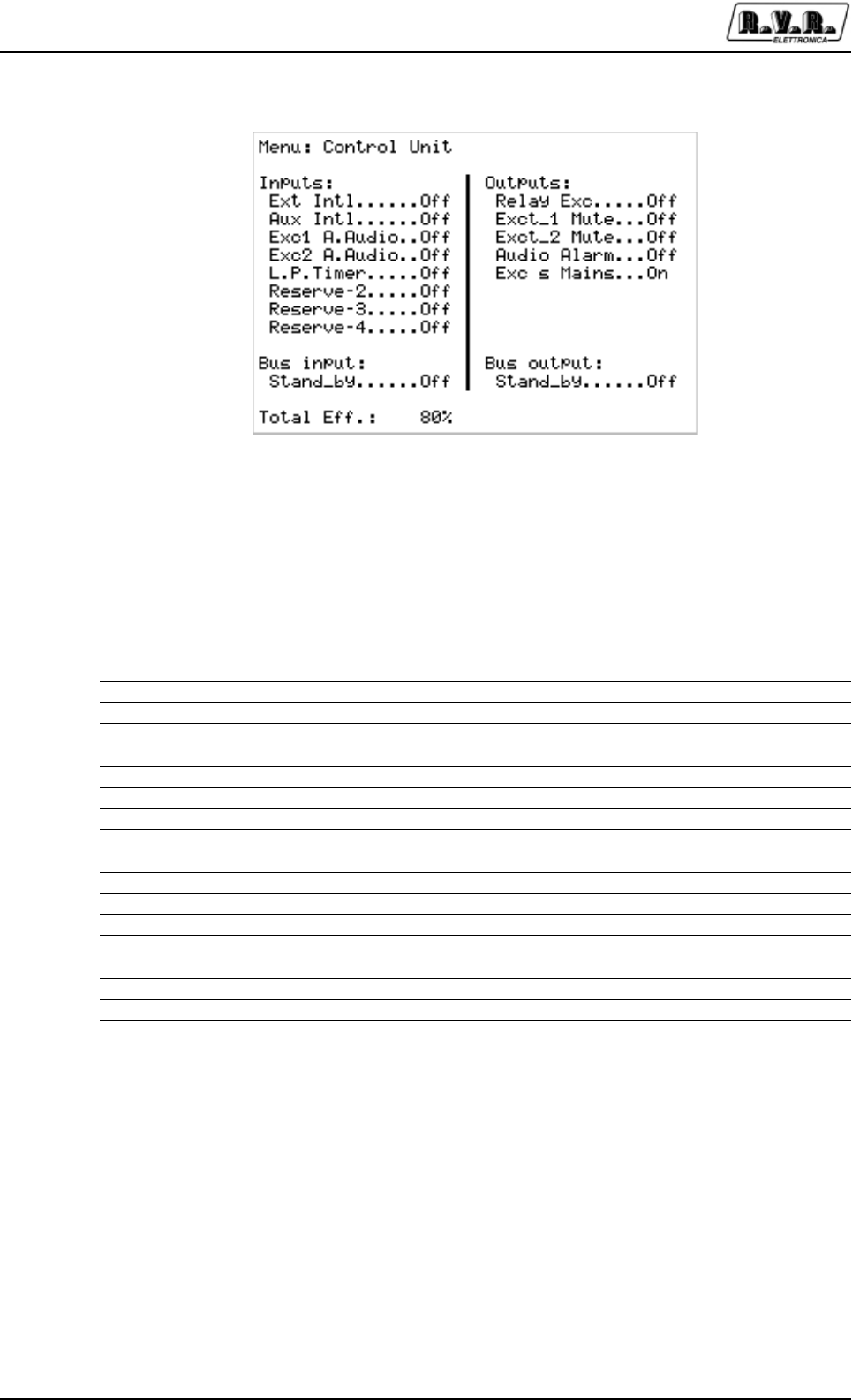
Informative menu on the inputs and the outputs of the control unit of the machine.
Linea menù Descrizione
Ext Intl Input status “external interlock” (JP4/4 parallel interface)
Aux Intl Input status “auxiliary interlock” (JP4/5)
Exc1 A.Audio Input status “audio alarm exciter 1” (JP4/8)
Exc2 A.Audio Input status “audio alarm exciter 2” (JP4/9)
Reserve 1 Input status “Reserve 1” (JP8/2 parallel interface)
Reserve 2 Input status “Reserve 2” (JP8/3)
Reserve 3 Input status “Reserve 3” (JP8/4)
Reserve 4 Input status “Reserve 4” (JP8/5)
Relay Exc Exciters exchange relay status (Off = exciter 1 on air)
Exc 1 Mute Exciter 1 interlock status (Off = RF power enabled)
Exc 2 Mute Exciter 2 interlock status (Off = RF power enabled)
Audio Alarm Output Audio Alarm status (JP47/1)
Exc’s Mains Exciters power supply status (On = power supply enabled)
Stand_by (In) “Stand by” input line status
Stand_by (Out) “Stand by” output line status from the control unit
Total Eff Total efficiency of the machine
Figure 7-3 Control Unit menu
PJ5KPS
29 / 80User & Technical Manual Rev. 1.5 - 08/02/06
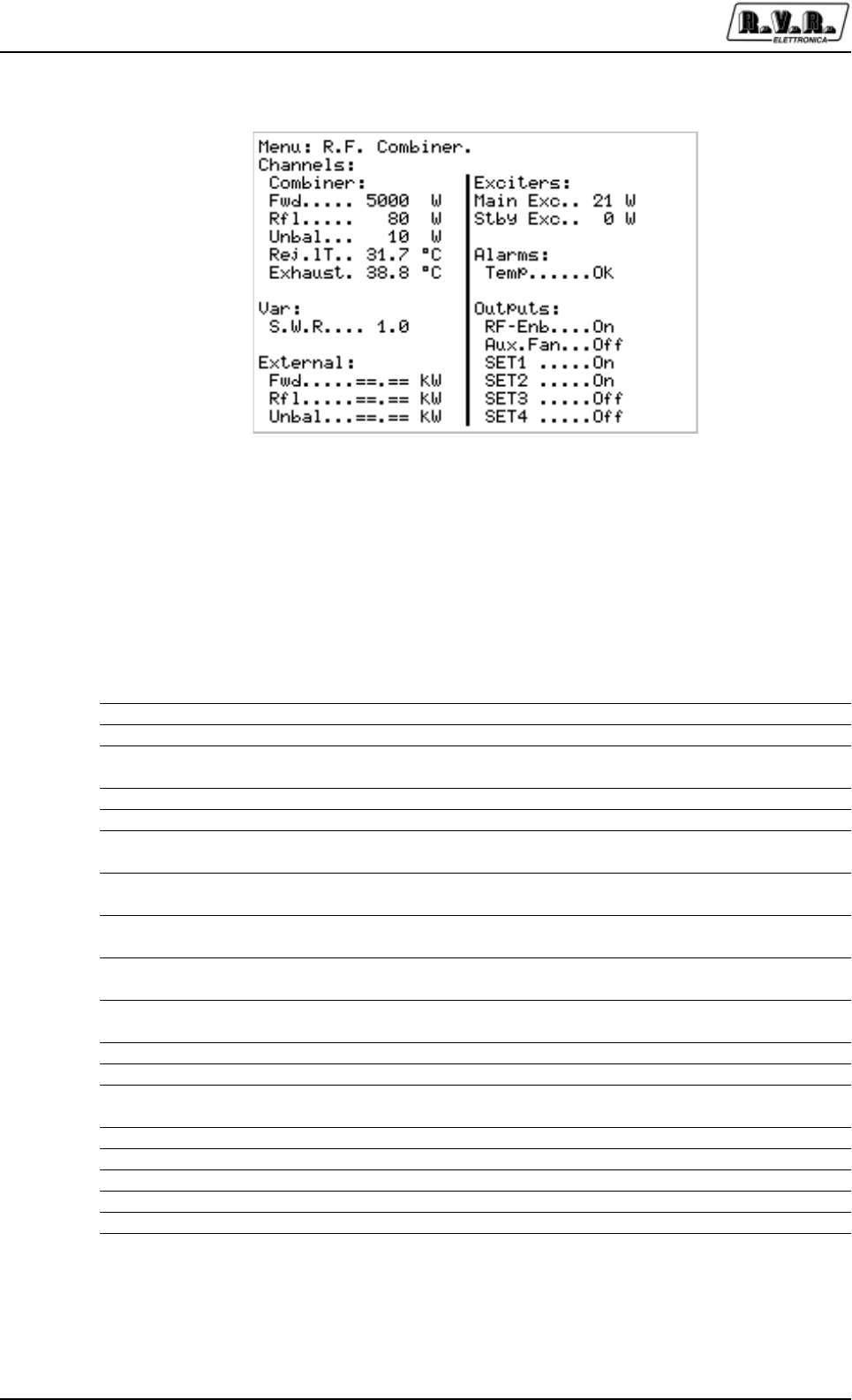
7.1.4 Power Supply menu
Information menu showing the status of the Power Supply / Rectifier carriage.
Linea menù Descrizione
Bus Bar Output voltage from the rectifier on the common 80V dc supply bus.
Room T. Temperature of the air at the input of the unit
Safety Status of the safety arrest button. On indicates the functioning is
enabled, Off means the unit was arrested through the button
Mains Status of the main voltage supply. On indicates that the voltage is within
the functioning range of the unit and that the phase sequence is correct
Trafo-1T Status of the AC fuses AC low voltage bus bar rectifier and interblock of
module 1
Fuse-1 Status of the AC fuses AC low voltage bus bar rectifier and interblock of
module 1
Trafo2-2T Stesso significato di Trafo-1T. Quando il carrello alimentatore/
rettificatore 2 non è installato, viene indicato ===.
Fuse-2 Same function as Temp.1. When the supply/rectifier module 2 is not
installed, === is indicated
C.B. Blower Status of the magnetothermical "motor save" interruptor of the circuit
breaker blower.
Supply-1 Control contactor of module 1
Supply-2 Control contactor of module 2
Blower Control contactor of the power of the blower
Figure 7-4 Power Supply menu
PJ5KPS
30 / 80 User & Technical ManualRev. 1.5 - 08/02/06
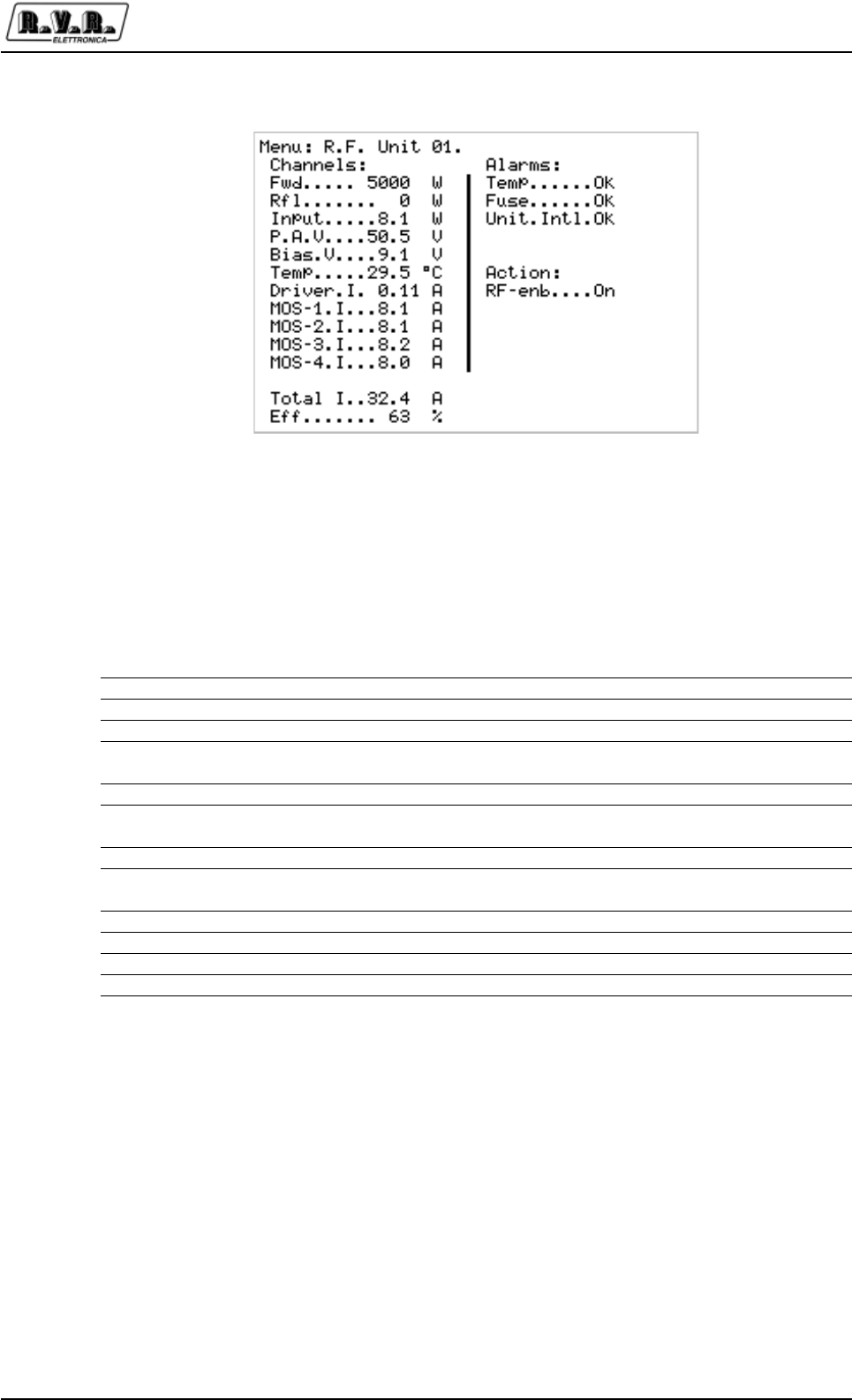
7.1.5 R.F. Combiner menu
This menu contains the information related to the RF part of the complete transmitter.
Here the user will find the most interesting parameters, like the overall emitted RF
power and the reflected power.
Menu Line Description
Fwd Overall emitted RF power of the transmitter
Rfl Reflected RF power of the transmitter
Unbal Unbalancement RF power: sum of the power dissipated on the internal
resistors due to unbalanecement in the RF modules
Rej.lT Temperature of the load resistors dissipating the unbalancement power
Exhaust Temperature of the exhaust air (top of the transmitter)
S.W.R. Standing Wave Ratio, calculated by the Control Unit on the basis of the
measured forward and reflected power
(External) Fwd Forward power of an external transmitter (when configured for this
function)
(External) Rfl Reflected power of an external transmitter (when configured for this
function)
(External) Unbal Unbalancement power of an external transmitter (when configured for
this function)
Main Exc Output power of the exciter currently on air (the one connected to the
input of the RF modules)
Stdby Exc Output power of the exciter currently on the internal dummy load
Temp Status of the temperature alarm (sensor included in the combiner)
RF-Enb RF output enable: “On” means that the RF combiner unit is giving its
permission for the regular operation of the transmitter
Aux Fan Switch for an auxiliary fan (not used in the current configurations)
SET1 Status of the output “SET1”. See the Settings Menu
SET2 Status of the output “SET2”
SET3 Status of the output “SET3”
SET4 Status of the output “SET4”
Figure 7-5 R.F. Combiner menu
PJ5KPS
31 / 80User & Technical Manual Rev. 1.5 - 08/02/06
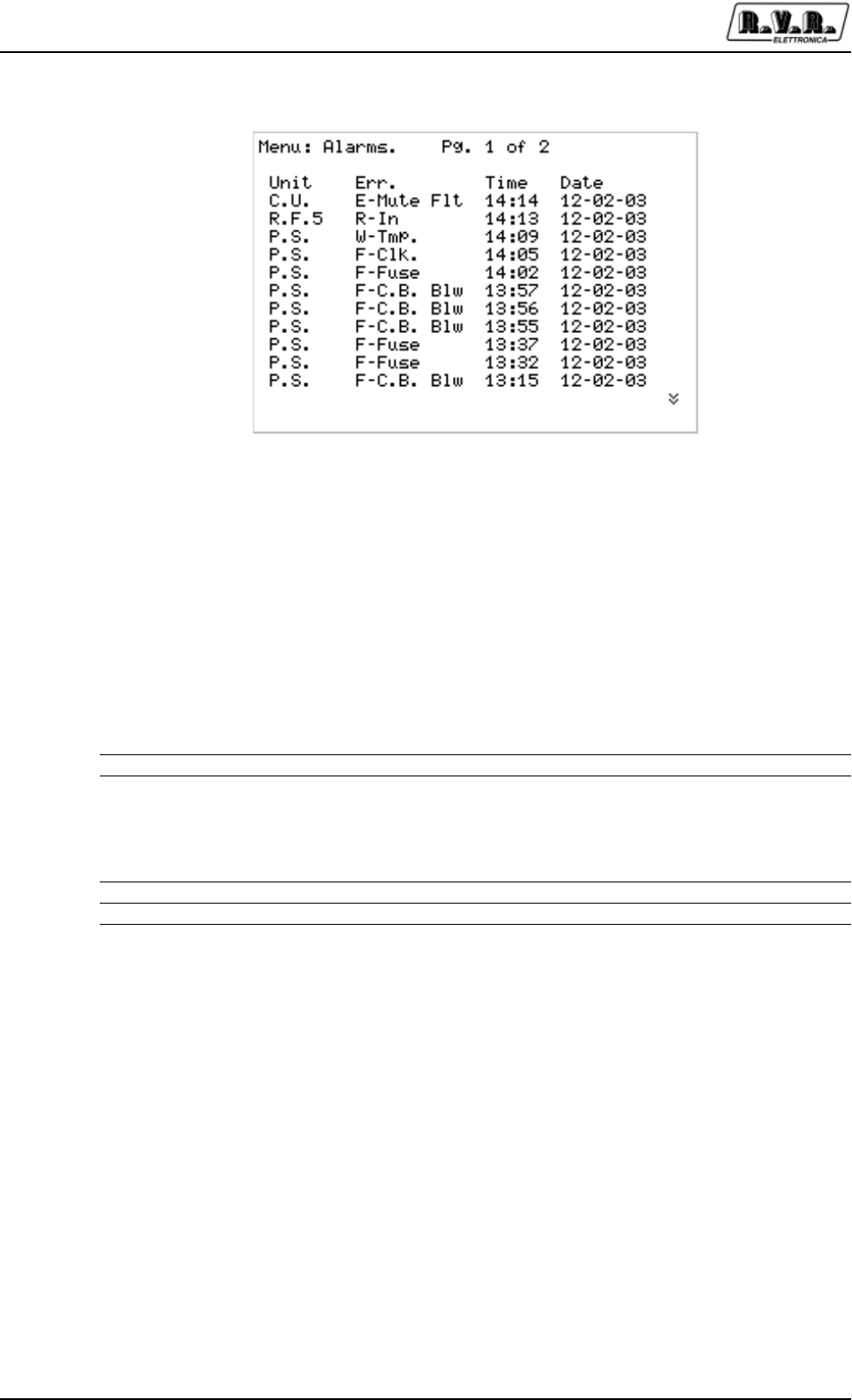
7.1.6 R.F. Units menu
Information menu showing the status of the RF power amplifier modules. It is composed
of 5 screens, one for each module, that can be scrolled using the arrow buttons.
Menu Line Description
Fwd Measurement of the forward power of the amplifier module
Rfl Measurement of the forward power of the amplifier module
Input Measurement of the driving power at the input of the amplifier module
V.P.A. Measurement supply voltage of the module (generated from the
switching power supply included in each module)
Driver Measurement of the current absorbed by the preamplifier stage
MOS N Measurement of the current absorbed by the MOS N amplifier module
(each RF module contains 4 MOS modules)
I. Tot Measurement of the total current absorbed by the RF module
Eff Efficiency of the amplifier module, as a result of the ratio between the
electrical power absorbed and the RF output power
Temp Temperature alarm, Ok or Ko
Fuse Status of the fuse of the RF module: Ok or Ko
Unit. Intl State of the RF module interlock micro-switch
RF enb. Enabled of power distribution from part of the module
Figure 7-6 R.F. Units menu
PJ5KPS
32 / 80 User & Technical ManualRev. 1.5 - 08/02/06
7.1.7 Alarms menu
This screen describes all the registered events which are relevant to determine the
probable causes of any disfunction. The screen is composed of a variable number of
pages (up to 10) in function of the number of events occured. The last events in
chronological order are shown in the first page and so on. To shift to the different
pages, use the arrow buttons.
Menu Column Description
Unit Module of the system which generated the failure
Err Type of failure and description. The type of failure can be W (Wait) - the
unit goes in stand-by until the cause of the failure is removed, R (Retry)
- the unit is locked for a predefined time lag after which a reset attempt
is launched, or F (Fault) - the unit is completely locked and requires the
intervention of the user in order to remove the cause of the failure.
Time Time (hrs and minutes) at which the failure occured
Date Date at which the failure occured
Figure 7-7 Alarms menu
PJ5KPS
33 / 80User & Technical Manual Rev. 1.5 - 08/02/06
7.1.8 Service menu
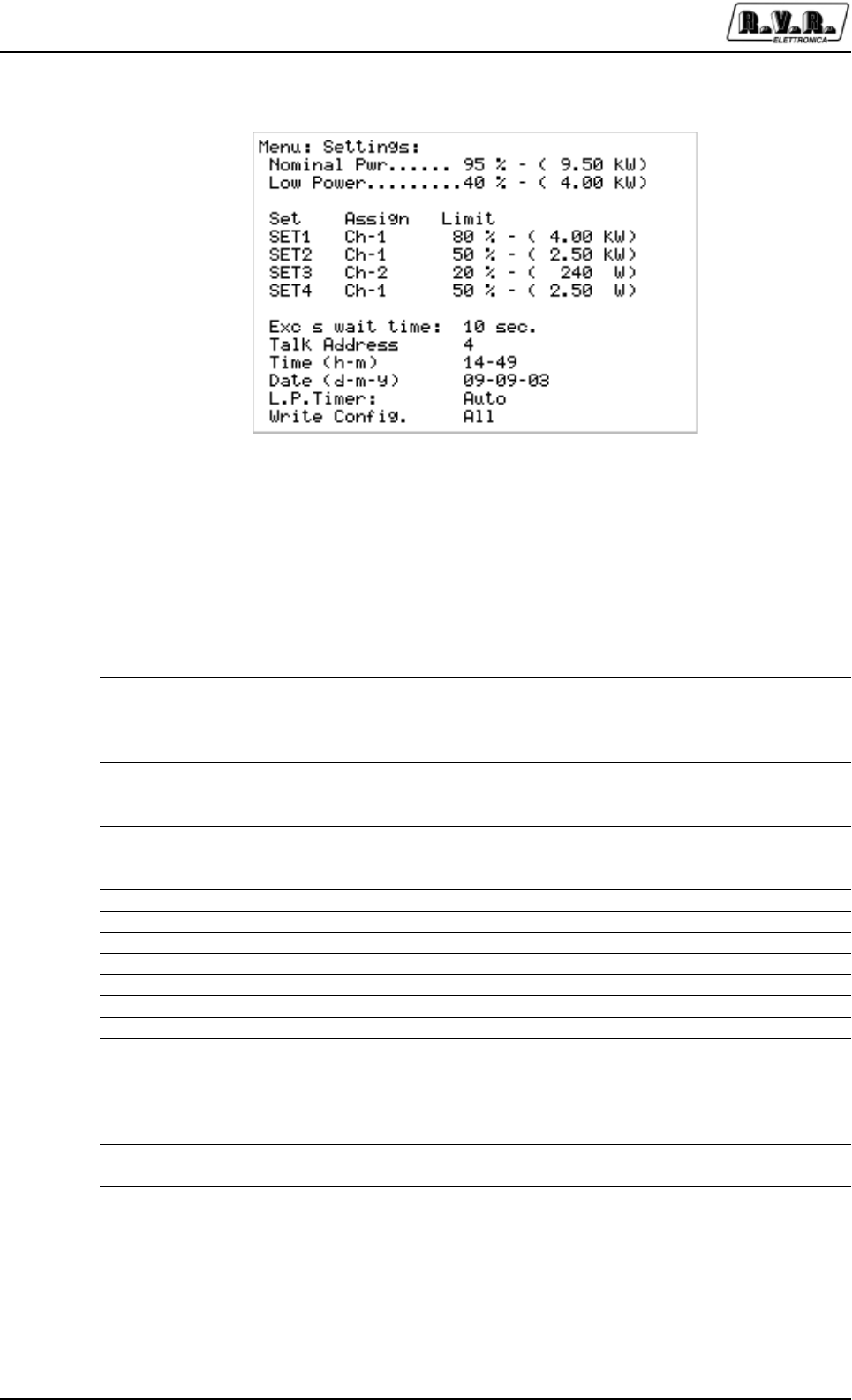
This menu is normally used during the maintenance operations. When this screen is
visualized, the Control Unit checks the status of the modules of the unit more frequently
in order to have a visualization of the different parameters as fast as possible. When
this menu is entered, all the secondary functions are interrupted, therefore a possible
alarm may not be visualized and registered immediately; when exiting this menu all
the alarms which were temporarily put in "stand-by" are registered. If the user sets
some modules in OFF modality, these will be automatically reactivated when exiting
the menu. This menu is deactivated after 60 minutes if no key is selected.
Menu Line Description
Fwd Forward power globally emitted by the amplifier
Unb Unbalancing power dissipated in the combiner module.
RF UnitN - On Fields used to switch ON and OFF the amplifier modules. Before the
removal of an amplifier module for its replacement or maintenance
switch it off with the help of the corresponding line.
Fwd Forward power generated by the RF module
Rfl Reflect power from the RF module
Figure 7-8 Service menu
PJ5KPS
34 / 80 User & Technical ManualRev. 1.5 - 08/02/06
7.1.9 Settings menu
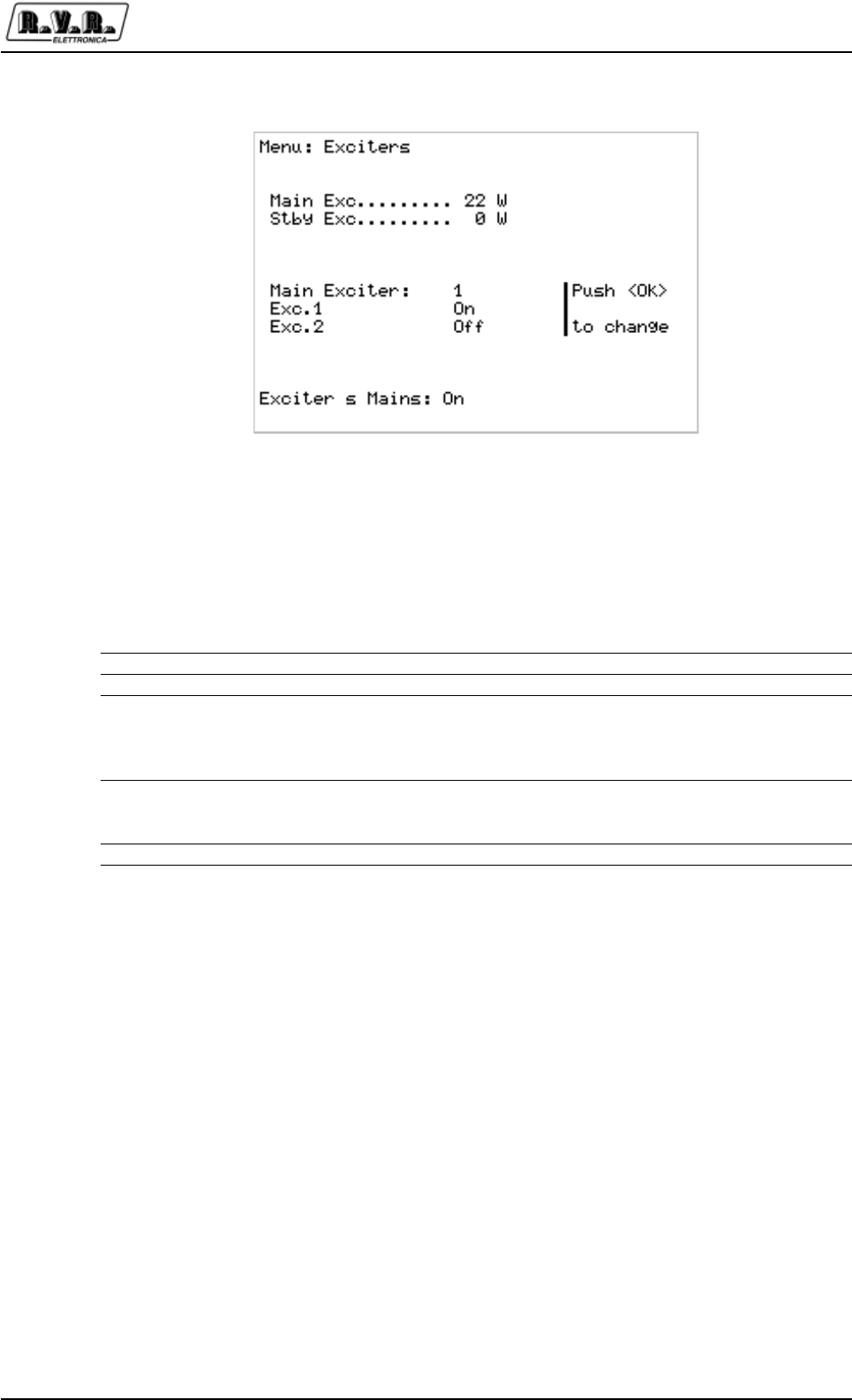
This menu is used for the settings of the unit. It is therefore the menu which is used
more often apart from the possible maintenance operations.
Menu Line Description
Pwr. Out Setting of the level of nominal power, expressed as a percentage of the
maximum power level. This is the level that the PJ5KPS must reach
when the Power Nominal button is pressed, except in case of
disfunction.
Pwr. Lower Setting of the reduced power level, expressed as a percentage of the
maximum power level. This is the level that the PJ5KPS must reach
when the Power Lower button is pressed, except in case of disfunction.
SET1 Level (Limit) at which the "Power Good" SET1 is launched. This level is
expressed as a percentage of the full-scale to which SET1 is
connected, indicated in the column Assign
SET2 See SET1
SET3 See SET1
SET4 See SET1
Exct. Wait time Delay before assuming the on air exciter is faulty
Talk Address Address of the unit in the RS485 network
Clock Visualization and setting of the internal clock of the unit
Calendar Visualization and setting of the internal calendar of the unit
L.P. Timer Setting of the automatic power reduction feature: this can be “Auto”
(enabled) or “Manual” (disabled).
The feature consists in reducing the power to the low power level and
then returning to the nominal power at fixed times. The start and stop
times are set in this menu selecting “Auto”.
Write Config Button for the registration of the configurations in each module of the
unit
Figure 7-9 Settings menu
PJ5KPS
35 / 80User & Technical Manual Rev. 1.5 - 08/02/06
7.1.10 Exciters menu
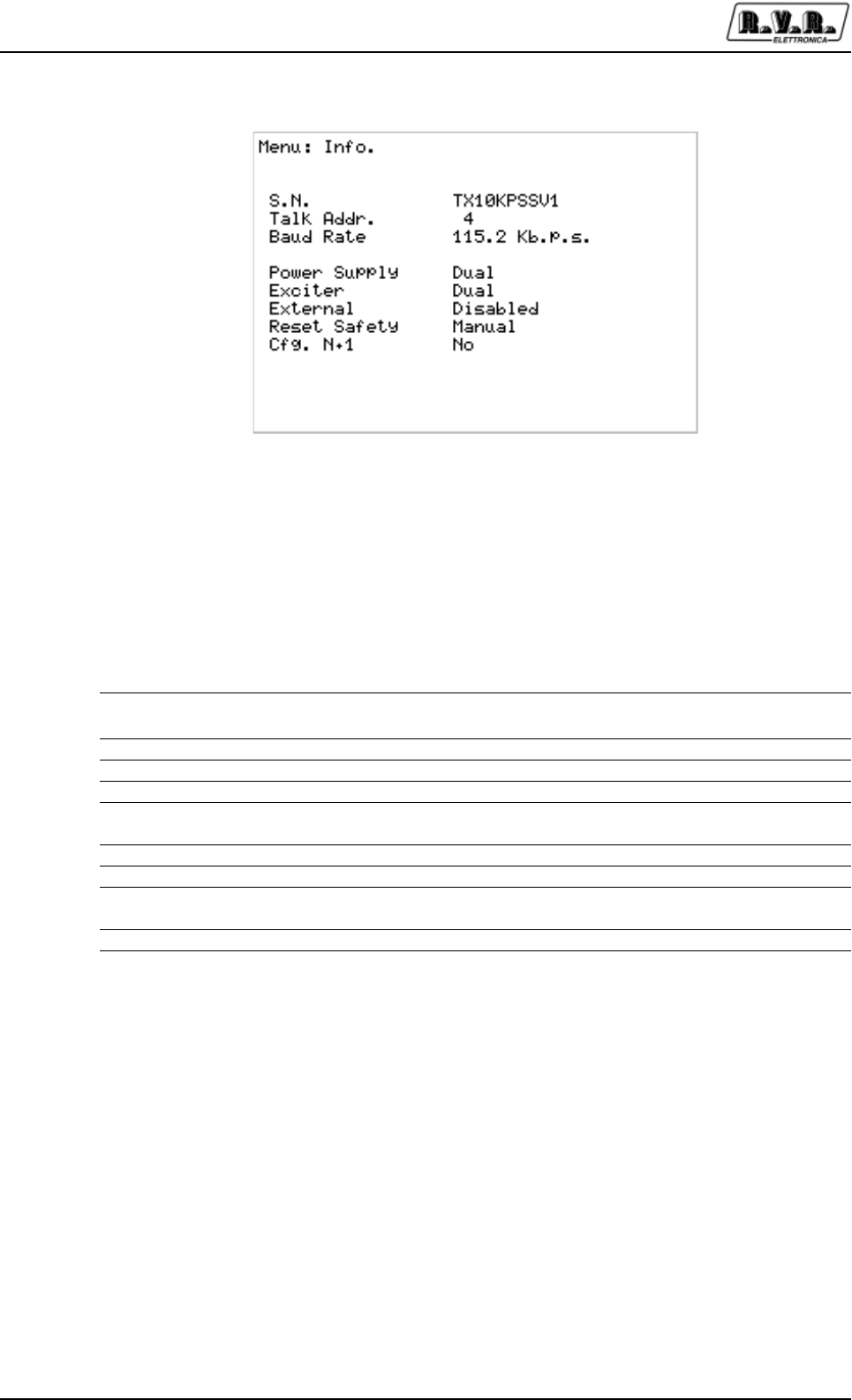
This menu is used to configure the settings of the exciters.
Menu Line Description
Main Exc Output power of the exciter currently on air
Stdby Pwr Ouput power of the exciter currently on the internal dummy load
On Air Exciter Visualization of the "on air" exciter. When positioning the cursor on this
line, with the arrow buttons and by pressing Enter, it is possible to
operate the switching between the on air exciter and the exciter on
dummy load.
Exct.1 Status of the exciter 1. By positioning the cursor on this line with the
arrow buttons and by pressing Enter it is possible to switch on and off
the exciter.
Exct.2 Same as Exct.1 for the second exciter
Figure 7-10 Exciters menu
PJ5KPS
36 / 80 User & Technical ManualRev. 1.5 - 08/02/06
Figure 7-11 Info Menu
7.1.11 Info menu
This screen informs the user about the configuration of the transmitter.
Linea menù Descrizione
Menu Line Description
Type Configuration type (model of the transmitter)
Talk Addr. Address of the RS485 port of the transmitter
Baud Rate Baud rate of the serial port
Power Supply Number of the transformer/rectifier carriages in the transmitter: this can
be “Single” or “Dual”
Exciter Number of the exciters in the transmitter: this can be “Single” or “Dual”
External Checking of the external Fwd, Rfl, Unbal values (Enabled or Disabled)
Reset Safety Resetting of the machine after a trip caused by the safety button. It can
be “Automatic” or “Manual”
Cfg. N+1 Configuration of the transmitter as a N+1 system
PJ5KPS
37 / 80User & Technical Manual Rev. 1.5 - 08/02/06
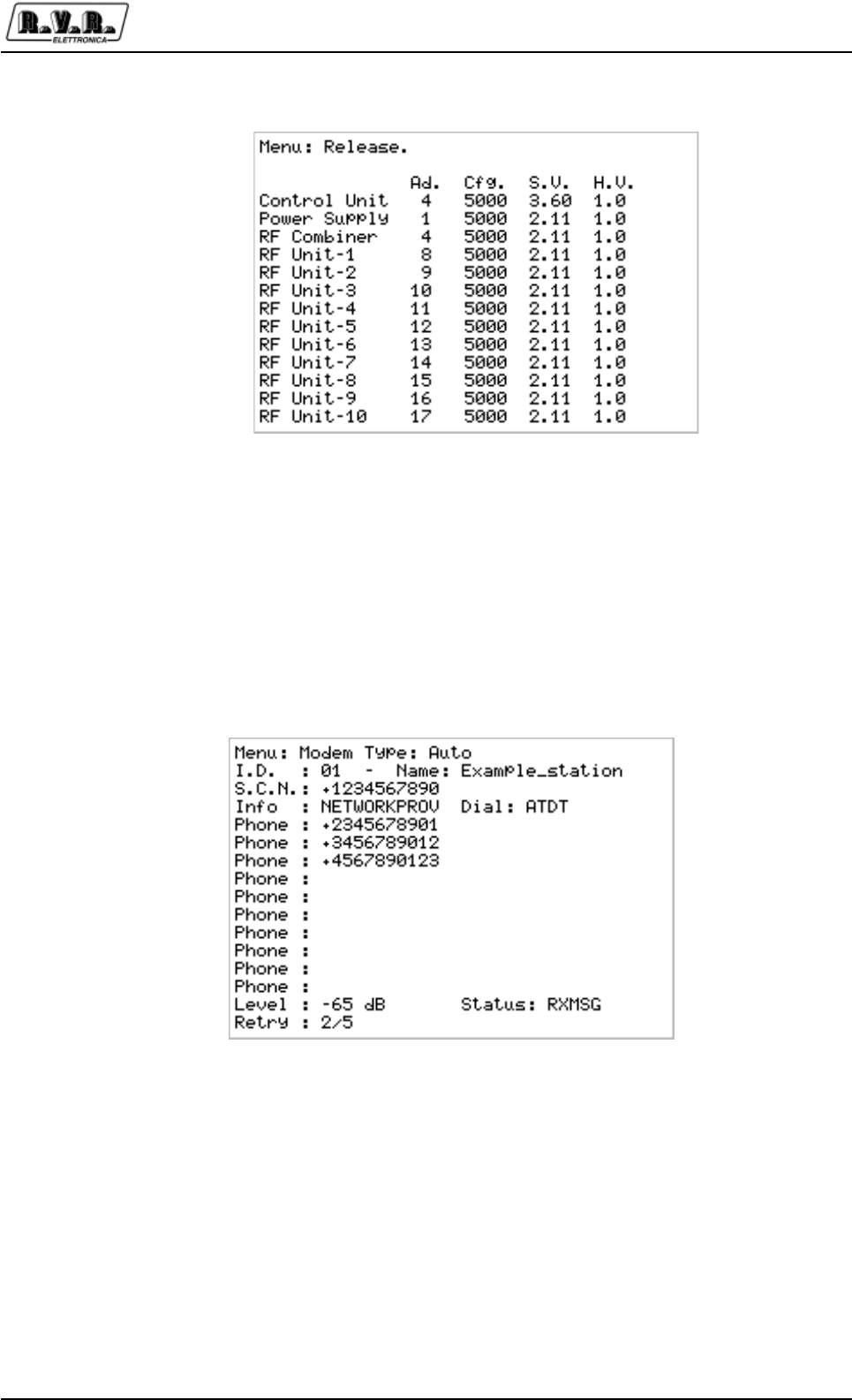
Figura 7-12 Release Menu
7.1.12 Release menu
This menu show the address, the kind of configuration, the software version and the
hardware version of all the microprocessor boards of the transmitter.
7.1.13 Modem menu
This screen informs the user about the configuration of the optional telemetry (see
chap.9).
Figura 7-13 Modem Menu
PJ5KPS
38 / 80 User & Technical ManualRev. 1.5 - 08/02/06
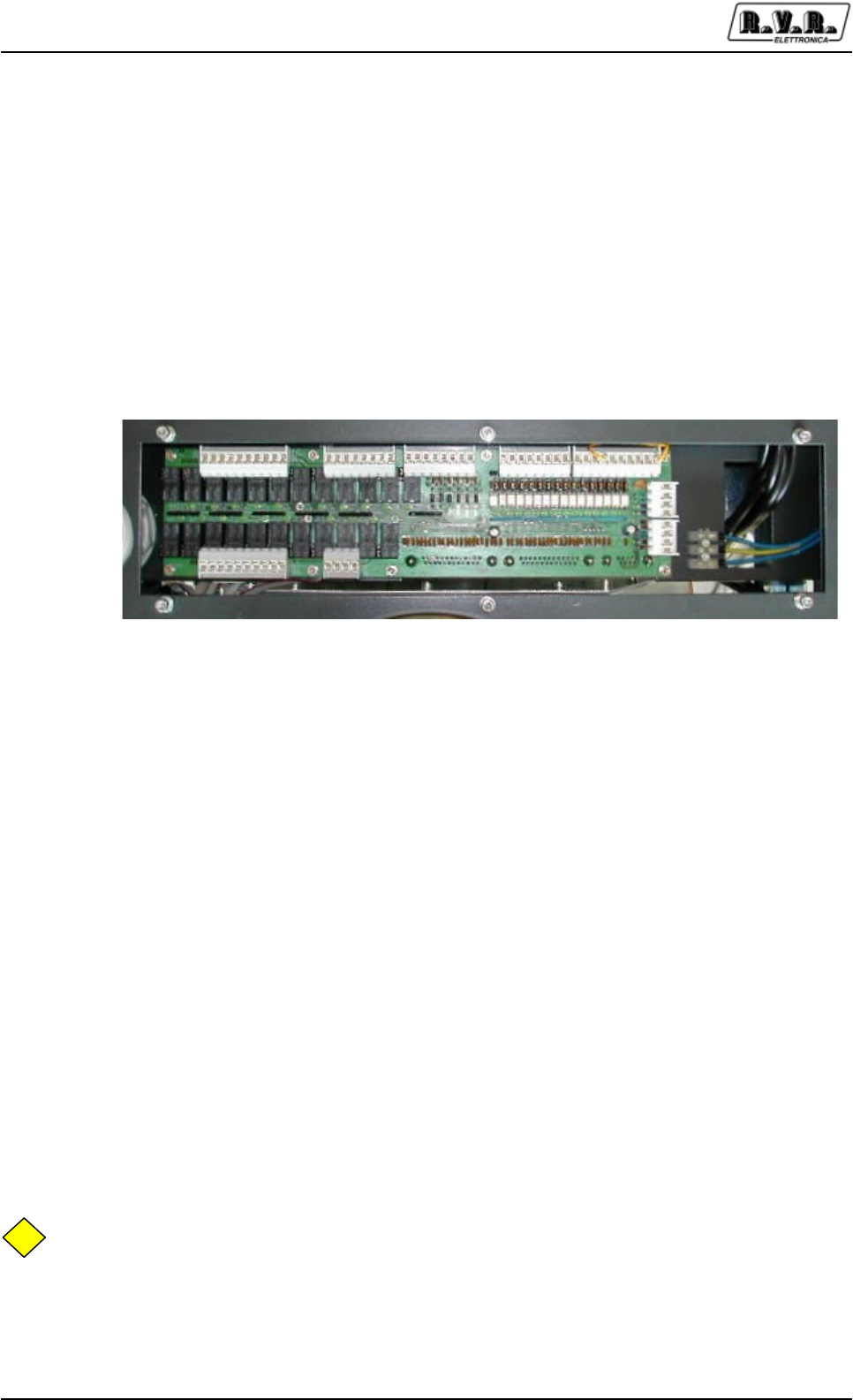
7.2 Parallel Interface
A parallel-type interface is mounted on the top of the PJ5KPS, in which the different
signals are available through terminal blocks [Figure 7-13]. This interface is connected
to the Control Unit from which it receives the different signals and to which the eventual
comands are forwarded.
The card contains digital inputs, digital outputs and analog outputs. Among the digital
inputs, a "copy" of all the possible orders that can be given locally to the unit by using
the buttons of the control unit are displayed.
The digital outputs supply information concerning the status of the PJ5KPS.
The analog outputs enable the remote control of the most important parameters, for
example the forward and reflected power.
This interface was designed for a maximum configurability and adaptability to the
telemetry systems to which it may be connected. For example, each digital input can
be configurated through a jumper in order to be “active” when grounded or when
connected to a supply source between +12V and +24V. The scheme of one generic
digital input is shown in Figure 7-13 b). Please pay attention to the anti-parallele type
optocouplers, so that if the jumper is closed between the pins 1 and 2, by grounding
the DIGITAL INPUT, the input is active. On the contrary by closing 2 and 3, the input is
active when the DIGITAL INPUT is connected to a positive voltage.
Each digital output can be configured individually as "Normally open " or "Normally
closed " (NO or NC). In Figure 7-13 a) the scheme of a generic digital output is
shown. Please note that when the jumper is closed between 1 and 2, the output is
normally short-circuited with the common pin, while in the other case the circuit is
normally open.
NB
It is important to remember that the different commands can be given to the unit
through the parallele interface only if the Local/Remote selector situated on the front
pannel is on the "Remote" position.
Figure 7-13 The parallel interface

PJ5KPS
39 / 80User & Technical Manual Rev. 1.5 - 08/02/06
The following table describes the function of each jumper of the parallel interface.
The first column indicates the identifying number of the jumper as shown on Figure 7-
14, the second indicates the name of the signal and the third column describes its
function.
Mors. Tipo Nome Descrizione
JP4/1 In ON Corresponds to the ON button of the control unit
JP4/2 In STDBY Corresponds to the STDBY button of the control unit
JP4/3 In OFF Corresponds to the OFF button of the control unit
JP4/4 In EXT INH External inhibition jumper. It is a "N.C." type jumper, which means
that it must be active for the PJ5KPS to work.
JP4/5 In AUX INH Auxiliary external inhibition jumper. It is a "N.O." type jumper, which
means that it must be not active for the PJ5KPS to work. It is
"auxiliary" because even if nothing is connected to it the PJ5KPS
works normally.
JP4/6 In NOM PWR Corresponds to the NOMINAL POWER button of the control unit
DIGITAL INPUT
C4 4K7pF
12
RR2B
47R
34
+12V
C2
4K7pF
12
DL2
D3-V
DIG_IN
RR6B 1K5
34
JP1
JUMPER3
13
2
OC1
TLP620
1
2
4
3
+12
V
COMMON
K8
ZFH-12V
13 11
9
46
8
1
16
JP29
JUMPER3
13
2RR9A
2K2
1 2
DIGITAL OUTPUT
DL24
D3-V
DIG_OUT_OC
a)
b)
Figura 7-15 Digital I/O
JP4JP8JP48JP12JP35
JP47JP38
JP16
JP22
110181818110
110 14
1
4
1
4
Figure 7-15 Parallel interface terminal blocks

PJ5KPS
40 / 80 User & Technical ManualRev. 1.5 - 08/02/06
JP4/7 In LOW PWR Corresponds to the REDUCED POWER button of the control unit
JP4/8 In AUDIO ALARM EXC. 1
Audio alarm of exciter 1. This input, when active, indicates an alarm
on exciter 1. If the PJ5KPS is in automatic changeover modality, if
the exciter 1 is on air and if this signal remains active for a time lag
equivalent to the time setted in the Settings menu at line Exc. Wait
time, the changeover procedure between the exciters will be started.
JP4/9 In AUDIO ALARM EXC. 2
Same as AUDIO ALARM EXC. 1 for exciter 2.
JP4/10 / GND Grounding contact.
JP8/1 In ALARM RESET
Corresponds to the ALARM RESET button on the control unit
JP8/2 In RESRV. 1 Reserve 1 input. When this input is active, the failure is registered by
the software in the Alarms menu. For example it can be connected to
a switch that indicates that the door of the station is open or to a
sensor of a power reserve of an electric generator. In this way, by
consulting the menus of the unit, it is possible to trace the moment at
which (time and date) the failure occured.
JP8/3 In RESRV. 2 Same as JP8/2
JP8/4 In RESRV. 3 Same as JP8/2
JP8/5 In RESRV. 4 Same as JP8/2
JP8/6 In EXCITER CHANGEOVER CMD
This comand launches the changeover procedure between the
exciters. It has the same function as when you press the OK button
when selecting line On air exciter in the menu Exciters. In order to
launch the changeover between the exciters through this comand, the
manual changeover modality should be formerly selected through the
correspondent button on the control unit or through the JP8/7 jumper,
having however the unit in "Remote" modality.
JP8/7 In EXCITER CHANGEOVER
Corresponds to ther EXCITER CHANGEOVER button of the control
unit
JP8/8 / GND Ground
JP16/1 Out +12V dc Power source. A maximum of 100 mA can be absorbed between this
jumper and JP16/2. This power source can be used if the user wants
to enter the comands following a positive logic (high voltage - active
comand)
JP16/2 OUT +12V dc Same as JP16/1
JP16/3 / GND Ground
JP16/4 / GND Ground
JP22/1 I/O TX/RX + Bus RS 485. Please note that this serial port is operational only when
the unit is in "Remote" modality.
JP22/2 I/O TX/RX - Bus RS 485
JP22/3 / LINE TRM Line termination for bus RS 485
JP22/4 / LINE TRM Line termination for bus RS 485
JP48/1 / GND Ground
JP48/2 / GND Ground
JP48/3 Out FWD PWR Forward power. Analogical output, 3.9V for 5000W
JP48/4 Out RFL PWR Reflect power. Analogical output, 3.9V for 1200W
JP48/5 Out OUT AIR TEMP
Temperature of the air at the output of the chimney. Analogical output,
0V for -50°C, 3.9V for 100°C
JP48/6 Out V BUS Voltage at the output of the transformer/rectifier.Analogical output,
3.9V for 80V, 0V for 0V.
JP48/7 Out EFF. General efficiency. Analogical output, 3.9V for 100%, 0V for 0%.
JP48/8 Out OUT DAC 6 Reserved for future applications.
JP12/1 Out CMN MUTE 1
Common contact MUTE 1 (see JP12/2).

PJ5KPS
41 / 80User & Technical Manual Rev. 1.5 - 08/02/06
JP12/2 Out MUTE 1 MUTE excitater 1. Digital output, active when exciter 1 is inhibited by
the control unit. Like all the digital outputs on the parallele interface, it
can be configurated through jumper as normally open or normally
closed. This output has a common contact dedicated to this function
(JP12/1).
JP12/3 Out CMN MUTE 2
Common contact MUTE 2 (see JP12/4).
JP12/4 Out MUTE 2 MUTE exciter 2. Digital output, active when exciter 2 is inhibited by
the control unit. This output has a common contact dedicated to this
function (JP12/3).
JP12/5 Out CMN LOCAL
Common contact LOCAL (see JP12/6).
JP12/6 Out LOCAL LOCAL/REMOTE status. Digital output, active when the PJ5KPS is
setted in local modality. This output has a common contact dedicated
to this function (JP12/5).
JP12/7 Out CMN MAINS
Common contact MAINS (see JP12/8).
JP12/8 Out MAINS
MAINS alarm, active when are present problems on the alimentation
JP47/1 Out AUDIO ALARM
"AUDIO" alarm (see JP4/8 and JP4/9). This output is active when the
on air exciter is in audio alarm status. This output has a common
contact dedicated to this function (JP47/2).
JP47/2 Out CMN AUDIO ALARM
Common contact AUDIO ALARM (see JP47/1).
JP47/3 Out COMMON RL3
Common contact shared from the outputs JP38/1-10.
JP47/4 Out COMMON RL3
Parallel contact with JP47/3.
JP35/1 Out RESRV. 1 Reserve 1. Digitale output, active when the INPUT RESERVE 1 input
(JP8/2) is active. The common contact of this output is RL4 (JP35/5)
JP35/2 Out RESRV. 2 Same as JP35/1, corresponds to INPUT RESERVE 2. The common
contact of this output RL4 (JP35/5)
JP35/3 Out RESRV. 3 Same as JP35/1, corresponds to INPUT RESERVE 3. The common
contact of this output RL4 (JP35/5)
JP35/4 Out RESRV. 4 Same as JP35/1, corresponds to INPUT RESERVE 4. The common
contact of this output RL4 (JP35/5)
JP35/5 Out COMMON RL4
Common contact shared between different digital outputs (JP35/1-4)
JP35/6 Out SET1 Digital output, active when the parameter SET1 is active (see menu
Settings). The common contact of this output RL5 (JP35/10).
JP35/7 Out SET2 Same as JP36/6, corresponds to SET2. The common contact of this
output is RL5 (JP35/10).
JP35/8 Out SET3 Same as JP36/6, corresponds to SET3. The common contact of this
output is RL5 (JP35/10).
JP35/9 Out SET4 Similar to JP36/6, related to SET4. The common contact of this
output is the RL5 (JP35/10).
JP35/10 Out CMN RL5 Common contact shared between the different digital output (JP35/6-
9)
JP38/1 Out EXC. ON AIR
Digital output, active when the exciter 1 is on air, and not active when
the exciter 2 is on air. common contact of this output is the RL3
(JP47/3).
JP38/2 Out AUTO/MAN Digital output, active when the PJ5KPS is in changeover mode as
regards the exciters . The common contact of this output is RL3
(JP47/3).
JP38/3 Out LOWER POWER
Digital output, active when the PJ5KPS is set for the lower power
level. Common contact of this output is the RL3 (JP47/3).
JP38/4 Out NOMINAL POWER
Digital output, active when the PJ5KPS is set for the nominal power

PJ5KPS
42 / 80 User & Technical ManualRev. 1.5 - 08/02/06
level. common contact of this output is the RL3 (JP47/3).
JP38/5 Out OFF Digital output, active when the PJ5KPS is set for the lower power
level. The common contact of this output is the RL3 (JP47/3).
JP38/6 Out STDBY Digital output, active when the PJ5KPS is set for the lower power
level. The common contact of this output is the RL3 (JP47/3).
JP38/7 Out ON Digital output, active when the PJ5KPS is set on ON mode . The
common contact of this output is the RL3 (JP47/3).
JP38/8 Out FAULT Digital output, active when the PJ5KPS is set on FAULT mode . The
common contact of this output is the RL3 (JP47/3).
JP38/9 Out WAIT Digital output, active when the PJ5KPS is set on WAIT mode. The
common contact of this output is the RL3 (JP47/3).
JP38/10 Out WARNING Digital output, active when the PJ5KPS is set on WARNING mode .
The common contact of this output is the RL3 (JP47/3).
7.3 Power supply section
The power supply used by the PJ5KPS is AC threephase with neutral at 380 V. The
power supply for the RF amplifier modules is DC 80 V, stabilized inside the modules
themselves by a built-in switching power supply.
The power supply section of the PJ5KPS is composed of a threephase transformer
and a rectifier circuit to feed the RF modules. Some features of the power supply
section are the following:
• PF > 0.94. This value of the power factor is got thanks to specific solutions, such
as power inductors use. The result is a wave shape of the absorbed current
particularly cleaned and meeting the requirements of the most demanding users.
• Redundancy. Where an uninterrupted service is demanded, is possible to add a
second power supply chart. The functionning of the max power output is warrantied
by a power supply only, so the double power supply use allow to be used as back
up in case of fault of one of them.
• Easy access. The power supply section is located on a chart with wheels for an
easy take out from the cabinet and easy transportation. When the configuration of
the equipment is with double power supply chart is possible to stop (take out and
service) a section without turn off the equipment.
• The power supply section of the PJ5KPS is checked by a microprocessor card
included in the rack of the equipment . This card manages one or two more power
supply charts , the cooling blower and the several alarms systems such as the
emergency "not aus" button.
7.3.1 Working Principles
The Power Supply is checked by a microprocessor unit completely indipendent in
the alarming functions and activity respect to the control unit. The interchanges signals
between the two units are present on a flat cable of 20 poles named “data
communication and command bus”. The signals present on the bus that are related
to the power supply section are: ON, Stby, Alarm, Tr+/Tr-.
PJ5KPS
43 / 80User & Technical Manual Rev. 1.5 - 08/02/06
Signal Function
ON When the control of the power supply section notices a +12V on this
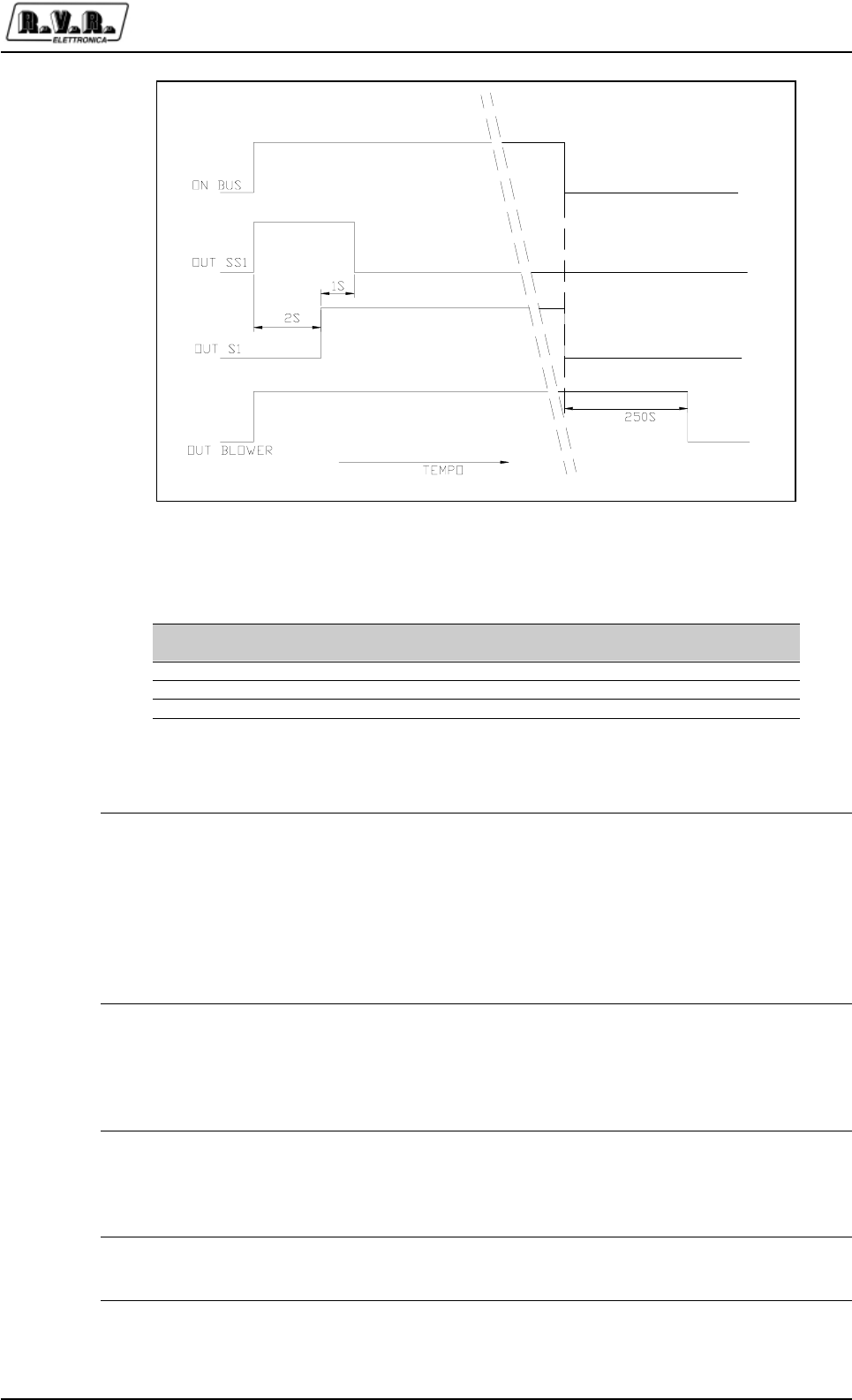
signal, the start up cicled of the power supply carriages is activated.
The cicle is divided in two phases: the first contactor enables the power
transformer through power resistors, so that the possible current peak
at start-up is reduced; two seconds later, the second contactor is
excited, so that the transformer is directly fed. After an additional delay
of a second, the first contactor is released.
At this point, the start-up cicle is terminated and the STDBY line is
released.
STDBY When this signal is at ground, the RF modules are forced on a RF mute
mode. The power supply section maintain on a stand-by position the
control bus untill the start-up cicle is ended, or when the ON signal is
not present, or at the end in all the coditions that are controlled by this
section that can affect the safety of the equipment. When all the
checked conditions are satisfactory the signal is released.
Alarm When this signal is at ground the control unit checks all the devices
present on the bus to register and and manage eventual alarms. When
a signal or an alarm that affect the power supply section is revealed,
the processor that is used to control it orders to the line to go down so
to communicate to the control unit the event.
Tr+/Tr- These signals are used for data communication. The levels meet RS485
standard , the speed is 115 kb/s. Please note that an eventual failure on
these signals doesn't affect the complex functionning of the equipment.
Figure 7-16 Time chart of the carriages contactors
Bus Command Soft-Start
contactor Start
Contactor Fan
Contactor STDBY
Output
OFF 0 0 0 Active
STDBY 0 1 1 Not Active
ON 0 1 1 Not Active
Table 7-1 Time chart of the carriages contactors

PJ5KPS
44 / 80 User & Technical ManualRev. 1.5 - 08/02/06
In addition to the contactors that permit the soft-start function, this unit control the
cooling blower function. This is switched on together with the On command, while,
when the equipment is in OFF mode, the blower relay stops to be driven after about
4 minutes. This laboursaving device is used to avoid that temperature peaks to be
present at the internal of RF modules. This procedure of post-ventilation is used for
all conditions of equipment stops, both in case of human will or in case of alarm .
Table 7.1 contains a schematic of the output of the power supply section. The graphic
display of the contactor status during the time is reported in the Picture 7-16.
7.3.2 Configurations
The power supply section of the PJ5KPS has the following configuration possibilities:
1 Equipment with single power supply carriage
2 Equipment with double power supply carriage
3 Equipment with automatic reset of the Safety function at the emergency button
release
4 Equipment with reset of the Safety function to be done manually by pushing the
button.
The standard configuration of the equipment includes the points 1 and 3.
7.3.3 Logic control Signals
The power supply section of the PJ5KPS constantly controls the logic signals that
can be divided in general signals (related to the equipment in its complex) or carriages
signals (related to the single power supply carriages). The status of these signals
can be checked on the Power Supply Menu in the control unit.
When a fault is detected in one of the general signals, the PJ5KPS is blocked either
temporarily blocked or until the intervention of the maintenance staff, depending on
the type of signal. The general signals with relative meaning and managing mode
are the following:
Signal Function
Safety This signal in alarm status when the emergency button is pushed. In
this case the feed line to the several contactors is immediately
sectioned, per cui si ha un arresto istantaneo di tutte le parti soggette a
potenza; the exciters remain however operational.
In the meantime a signal send a message to the control local unit of the
current conditions. To restore the funtionning of the equipment the
emergency button has to be reload.; if the equipment is configurate in
mode 3), the start-up cicle is activated after two seconds. If the power
supply is configurated in mode 4) it will be necessary to push the
SAFETY RESET button to restart the equipment. The safety signal is
not memorized on the events menu.

PJ5KPS
45 / 80User & Technical Manual Rev. 1.5 - 08/02/06
Mains This signal is generated by an external device that control that the
power supply current meets the limits of the functionning and that the
R,S,T direction of progression of the phases is correct. If the mains is
on alarm status, The equipment stops working , including the feeding of
the exciters. When the signal return , an automatic restart occurs. All
the time that an alarm of this type is present , a relative message in the
menu alarm of the control unit is memorized.
Air pressure A pressure sensor informs the local unit if the cooling air flow is not
correct ; the intervention of the sensor stops the equipment temporarily
with the disconnection of the power supply contactors of the power
transformers . When the signal returns an automatic restart of the
PJ5KPS takes place. An opportune message is memorized in the
Alarm menu in the control unit of the unit all the times that this signal
interveens.
Blower Motor Protector The intervention of the ground protection of the motor protector put the
equipment on Fault mode. This condition requires the presence of an
operator to restore the functionning of the equipment . In order to
attempt to restart it's necessary to reload the motor protector and push
the ALARMS RESET of the control unit . Each time that this signal
interveens an opportune message is memorized in the alarm menu of
the control unit.
The “carriage signals” are related to the status of the single carriages. A possible
alarm status in one of these signals has a different effect on the transmitter depending
on the number of the included power supply carriages, single or dual. While in the
first case the PJ5KPS is stopped in case of a fault, in the second case the spare
carriages is still able to supply all the required power; in this case the fault is signaled
by the LED Warning on the front panel.
The meanings of the carriage signals are the following:
Signal Function
Fuse 1 This signal, meaning “Carriage 1 Fuse” signal is in fact composed of the
series of all the safety interlocks of the carriage. If this signal is in the
alarm status, it will be necessary to determine which of the following
possible reasons is causing it: AC power fuse, microswitch of the chart
connected. The magneto-thermic switch , command connector coils,
control signals connector , threephase power connector.
Trafo 1 OH This signal, meaning "Overheating transformer 1" (Trafo 1 Over Heat), is
connected to the safety thermal switches. There are two different
sensors: one is on the transformer lamelIar plate, the other is on the
rectifier heat dissipator. The intervention of one of these two devices
stops temporarily the equipment on WAIT mode. When temperature
goes below the threshold, the transmitter will automatically restart.
The temperature of intervention is 90°C, and in case this alarm arises, it
will be recorded with a message in the alarm menu on the control unit.
Fuse 2 As Fuse 1, for carriage 2
Trafo 2 OH As Trafo 1 OH, for carriage 2
If the signal Fuse X is on alarm, in order to restore the regular functionning of the
equipment it is necessary to identify the cause of the fault. The following table resumes
the points to be verified in order to find the cause of malfunctionning :

PJ5KPS
46 / 80 User & Technical ManualRev. 1.5 - 08/02/06
Signal Condition
Power fuse Verify that the LED on the rectifier card is switched off
[Figure7-18]
Chart microswitch Verify that the power supply carriage is perfectly attached to the
bottom and that pushes the microswitch [Figure 7-17 b)]
Magneto-thermic chart Switch Verify that the switch is on position I [Figure 7-17 a)]
Control signals connectors Verify that the plug is connected in the right way [Figure 7-18]
Command coils connector Verify that the plug is connected in the right way [Figure 7-18]
Three-phase power connector Verify that the plug is connected in the right way [Figure 7-17 a)]
Note that the handle on the left side of the connector has to be
pulled toward the front of the transmitter to block the connector in
its place.
7.3.4 Control card
The functions of this microprocessor card are the following :
• Protection of the power supply section
• Communication with the control unit
• Analog parameters measurement
The card is installed in the rack under the RF modules site, in a metallic box where
it's included the control card of RF combiner [Figure 7-18 a)]. This card needs two
analogic tunings : air input temperature and Bus DC voltage (not stabilized). For the
tuning use the Power Supply menu of the control unit and identify the appropriate
trimmers in Figure [7-18 b)].
All the input digital signals are of "PNP" type, the common power supply is 12Vdc;
the line of 12 Vdc is protected against the ground short circuit through a self-restoring
fuse (ptc). An possible short circuit on this supply will cause trip the machine. Eventual
messages of fault in corrispondence of a short circuit on this line won't be valid.
To restore the supply is necessary to remove the short circuit condition and switch
OFF the equipment for about a minute in order to let the fuse self-restore.
7.3.5 Interface Board
The control card of the power supply is connected with the actuators through an
interface board [Figure 7-19].
All the output signals from the control card are interfaced through power relays and
signal relays. On the relay coils a signalling LED is present and indicates the command
status on the control unit: the LED turned ON indicates that the coil is excited. All the
power contacts are equipped with noise suppressing network.
The feeding of the relay is supplied from a line protected against the short circuit
through self-reloading ground protections.
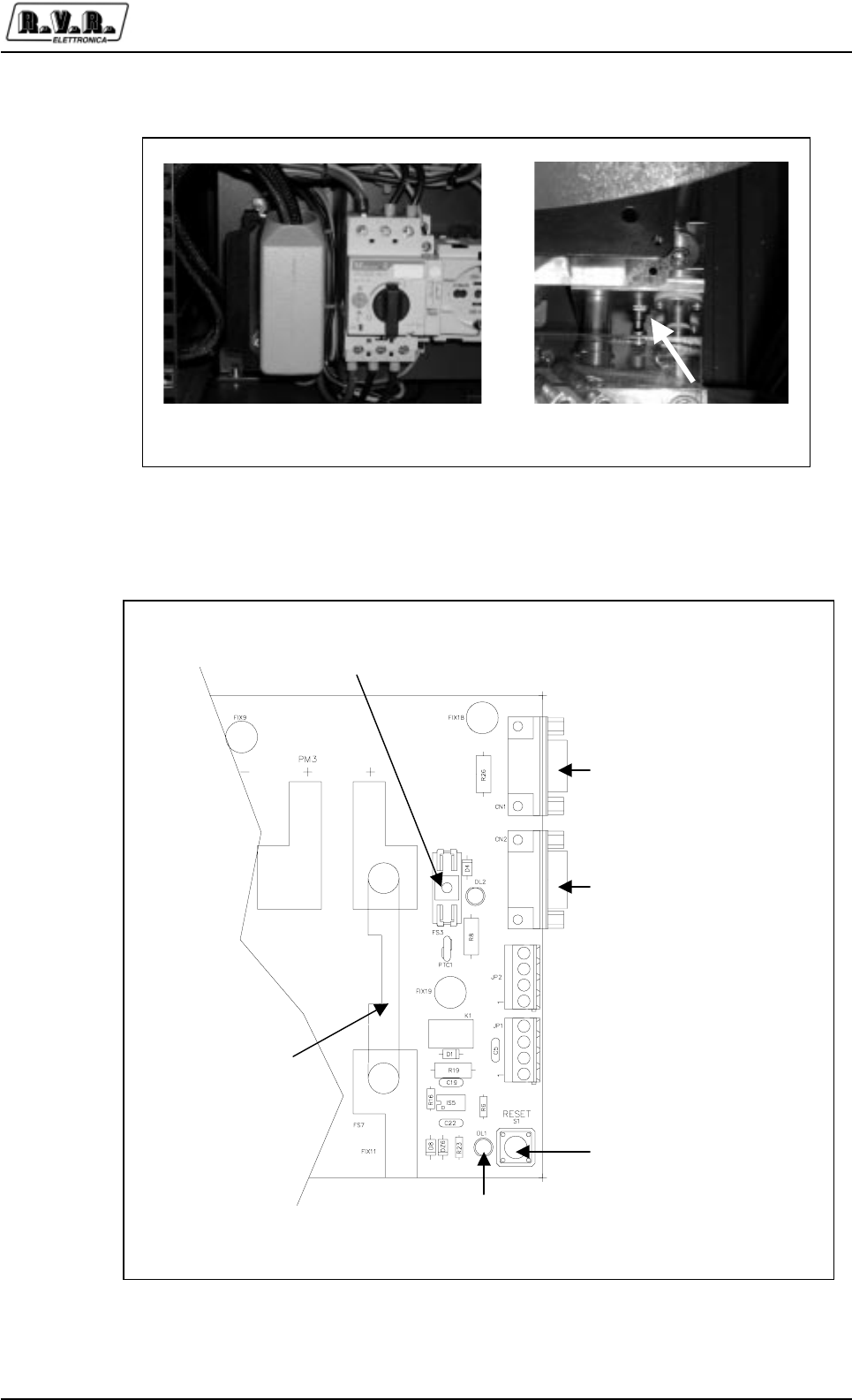
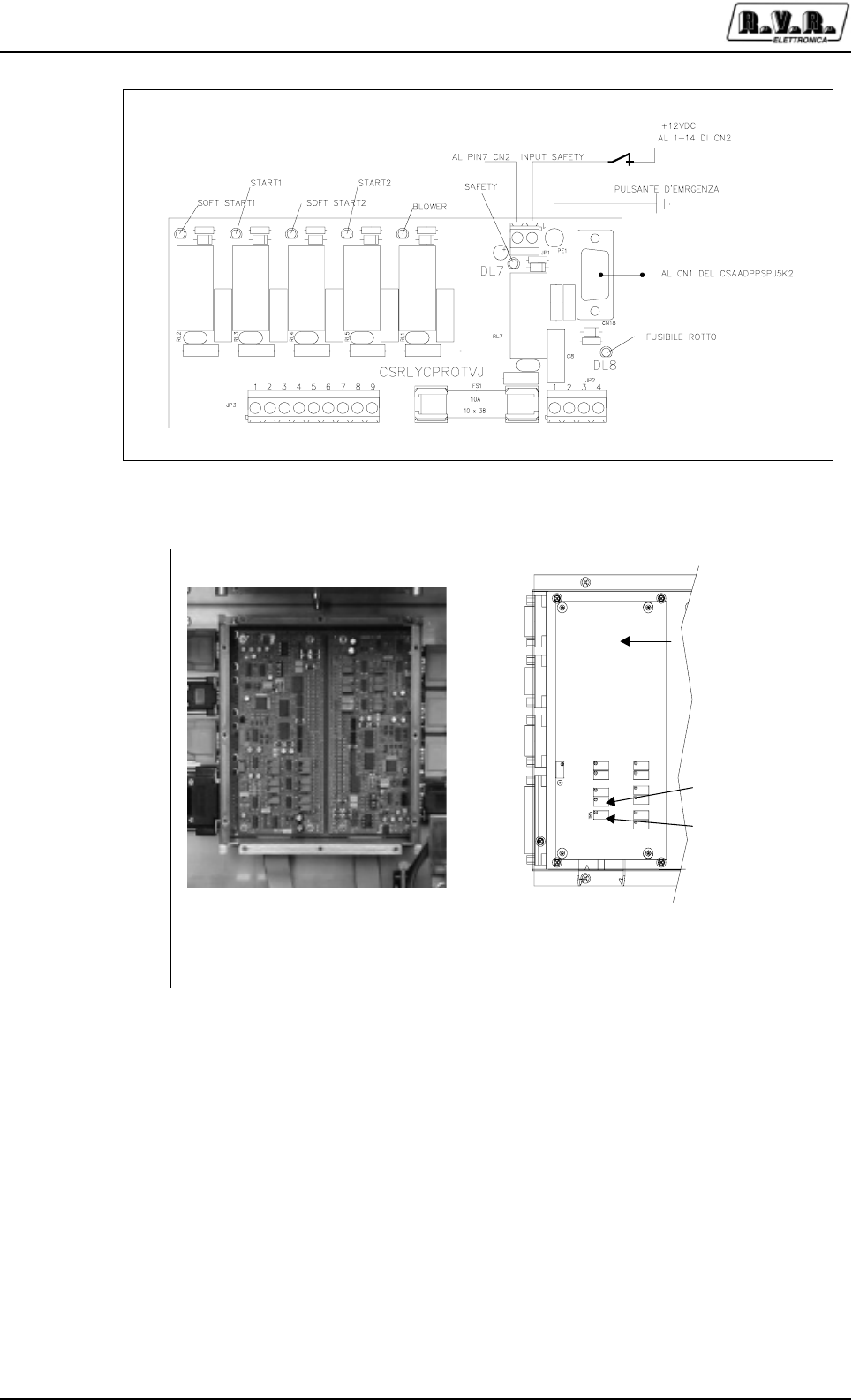
PJ5KPS
48 / 80 User & Technical ManualRev. 1.5 - 08/02/06
The signals coming from the control card are of "NPN" type, actives when ground
directed. The function of the relay RL7 ("SAF" on the silk-screening) is to protect the
personnel: it breaks the common power supply of the power contactors, That are
supplied only when all the safety micro-switches are closed.
To protect the card is selected a FS1 fuse of the type 30x38 of 10A.
The turn on of the DL8 led indicates the fault of the FS1 fuse. This interface is connected
to the local unit control through the CN18-CN1 connector.
Figura 7-19 Scheda di interfaccia relè
Temperatura
aria
Tensione
Bus bar
Input da
carrello 1
Input da
carrello 2
Output a
interfacca
relè
Input
g
enerali
Bus comando e
comunicazione dati
a) b)
Figura 7-20 Scheda di controllo alimentatore
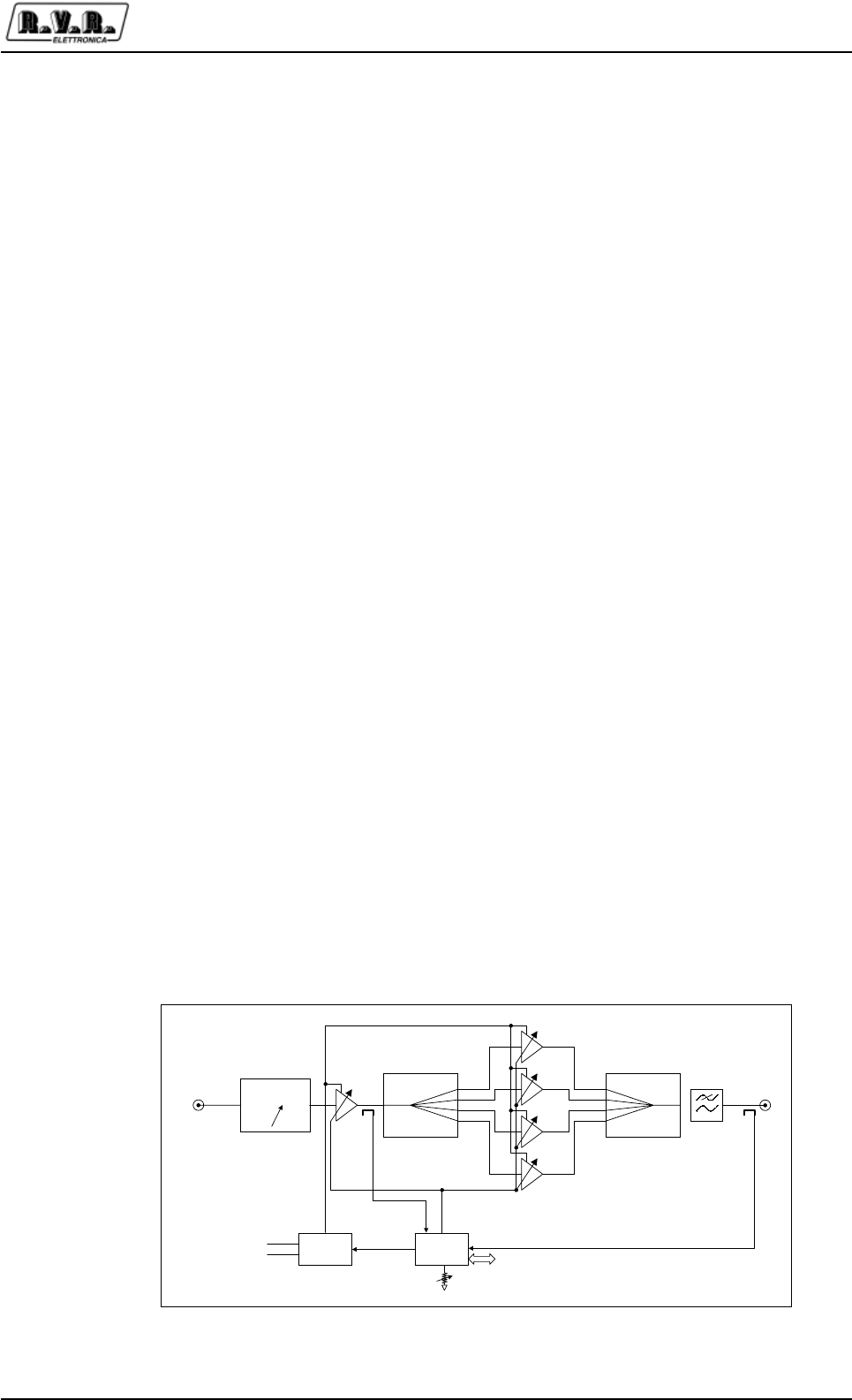
PJ5KPS
49 / 80User & Technical Manual Rev. 1.5 - 08/02/06
7.3.6 Replacing the carriage
The following procedure has to be followed when it's necessary to replace a power
supply carriage. Please note that if the transmitter is fitted with just one power supply
carriage, it will be necessary to switch it off to replace the carriage, while if it has two
of them it is possible to continue transmitting normally also during this operation.
1 Turn the power disconnecting switch on position 0(in the case of one power supply
carriage)
2 Turn the carriage switch on position Off
3 Disconnect the threephase supply connector from the carriage, the connector of
the control signals and the one of the command contactors .
4 Remove the screws that hold the bottom bar of the rack
5 Remove the carriage from its site
6 Insert the new carriage
7 Reassemble the bar and fix it in place with the screws
8 Reconnect the three connectors
9 Turn again the power disconnecting switch on position I
10 Turn the power switch on position I (if it had been turn Off previously)
7.4 RF Modules amplifier
The PJ5KPS has five RF amplifier modules able to supply 1.2 kW each. The modules
are independent from each other, self-controlled and self-protected.
Each amplifier module includes a first stage with a variable gain , based on the
MOSFET BLF175. The RF signal amplified by the driver is splitted in 4 by a Wilkinson
splitter, then sent to 4 identical modules based on BLF278, combined again and
filtered by a band-pass filter.
RF in
80 Vdc
Splitter Coupler
Power
supply
RF Out
RS485
Phase Adj.
φφ
μC+bias
Vpa
Manual
Power adj.
Vgate
Figure 7-21 Block diagram of a RF module

PJ5KPS
50 / 80 User & Technical ManualRev. 1.5 - 08/02/06
Each RF amplifier module is controlled by a microprocessor card, connected through
a RS485 bus to the other microprocessor cards of the machine.
The switching power supply included in each amplifier module generates the feeding
supply of the active devices. The generated voltage is adjustable and commanded
by a microprocessor card included in the module. The card adjusts the supply and
the polarization current (gate) of the modules, thus controlling the emitted power.
On each module there is a trimmer for the manual adjustment of the power. The
trimmer acts as a limiter. This means that if the automatic adjustment of the power
sets a nominal output value, the trimmer can only reduce it, and not increase it.
7.5 Alarms
The menu Alarms of the control unit reports all the events connected to possible
malfunctionning of the equipment or due to external causes.
Each registration contains the reference to the concerned module, the kind of event
and its date and hour.
The module that detected the event is indicated by one of the following acronyms:
•C.U. Control Unit
• P.S. Power Supply
• R.F.X Amplifier module X (from 1 to 5)
• R.F.C Combiner/Splitter
The type of event allows to identify the origin and the consequence of the fault. The
first letter of the type of event (eg F-C.B. Blw) can be one of the following :
E "Error", event that doesn't cause the interruption of the supply of power,
but can reduce the functions of the equipment (e.g cannot be done the
changeover function of the exciters)
F "Fault", event that causes the block of the equipment and requires the
intervention of an operator for the restart.
W "Wait", event that causes the temporary block of the piece of equipment
equipment, that will be removed as soon as the problem is solved.
R "Retry", event that causes a temporary block of the piece of equipment,
that will effect a restart attempt after a fixed lapse of time.
The possible type of events are listed in Table 7-2

PJ5KPS
51 / 80User & Technical Manual Rev. 1.5 - 08/02/06
Code Meaning
Control Unit
E.Intl The external interlock is active
A.Intl The auxiliary interlock is active
Audio-1 The Audio alarm of exciter 1 is active
Audio-2 The Audio alarm of exciter 2 is active
Ris-1 The RESERVE 1 input is active
Ris-2 The RESERVE 2 input is active
Ris-3 The RESERVE 3 input is active
Ris-4 The RESERVE 3 input is active
Mute Flt "Mute fault”: the mute commands (i.e. the interlock commands for the
exciters) are not working, they are not connected or the connection is
wrong
Xchg Exc A changeover of the exciters has been performed
Cfg. N+1 The machine is in Fault status because two changeover attempts have
been performed (N+1 configuration)
Power Supply
T1 - The power supply carriage 1 is overheated
F1 - One of the fuses or of the interlocks of the power supply carriage 1 is
blown or not closed
Tmp. The air inlet temperature is too high
W-T2 The power supply carriage 2 is overheated
T1 W-T2 The power supply carriage 1 and 2 are overheated
F1 W-T2 One of the fuses or interlocks of carriage 1 is blown or not closed, the
power supply carriage 2 is overheated
Prs The air pressure generated by the blower is not sufficient
F-F2 One of the fuses or of the interlocks of the power supply carriage 2 is
blown or not closed
T1 F-F2 One of the fuses or interlocks of carriage 2 is blown or not closed, the
power supply carriage 1 is overheated
F1 F-F2 One of the fuses or of the interlocks of both the power supply carriages
1 and 2 are blown or not closed
Mains The AC power supply is out of its voltage range, or the phase sequence
is not correct
C.B. Blw The circuit breaker of the blower blocked it
Fuse One of the fuses or of the interlocks of the power supply is blown or
open
O.Tmp. The power supply is overheated
Combiner .
Fwd Forward power above its limit
Rfl Reflected power above its limit
O.dvr In Overdrive (main exciter)
O.dvr Ld Too much power dissipated on the internal dummy load (stand by
exciter)
Unbal Unbalancement power above its limit
Rej.l.T. Overheating of the unbalancement (rejection) load resistors
Exhaust Exhaust overheating
SWR SWR above its limit
O.Tmp. Internal overheating
R.F. Units
Fwd Forward power above its limit
Rfl Reflected power above its limit
In Input power above its limit
Tmp. Overheat of the RF module
Drv. I Driver current above its limit
Mos 1 I Current of the MOS module 1
Mos 2 I Current of the MOS module 2
Mos 3 I Current of the MOS module 3
Mos 4 I Current of the MOS module 4
Eff. Efficiency too low
Fuse Module’s fuse broken
O.Tmp. Overheating ov the module’s heatsink

PJ5KPS
52 / 80 User & Technical ManualRev. 1.5 - 08/02/06
7.6 Combiner and divider
7.6.1 Control Unit
The RF combiner section too is equipped with it own microprocessor control unit.
This is very important for the functionning of the whole transmitter because it checks
the foldback line of the several RF modules. The value of the output power is managed
directly by this micro controller. In case of fault of this control unit or if a problem
arises in the communication bus, the transmitter will continue working at the same
power level set in the field "nominal power" of the control unit.
To this unit is assigned the task to limitate and stabilize the output power. When one
of the parameters reaches its safety limit for the right functionning of the machine, the
power level decreases progressively. The feedback is completely of analogic type,
made through a voltage present on the control bus. The voltage is between the
maximum of 3.9 V (this indicates that the transmitter is supplying the maximum power)
and 0 V (minimum power).
This section also controls the maximum permitted power level of the exciters, with a
programmed alarm of “Fault” type. If this level is exceeded the transmitter turns itself
OFF and the AC supply of the exciters is cut until the operator pushes the Alarms
Reset button.

PJ5KPS
53 / 80User & Technical Manual Rev. 1.5 - 08/02/06
8. Technical Notes
This chapter contains the references to the technical appearances that more frequently
could be necessary for intervene on the PJ5KPS.
8.1 Microcontrol board Trimmers
In the PJ5KPS are present microcontrol boards, one for each 1.2 kW module, one
for the control of the power supply and one for the control of the combiner. The boards
are identical, but in each the trimmers have diverged meaning. In figure 8.1, "RFM"
refers to the RF module, "PS" to the power suplly and "CMB" to the combiner. TR12
is set so that VREF is 3.3 V.
Figure 8-1 Microcontrol board Trimmers
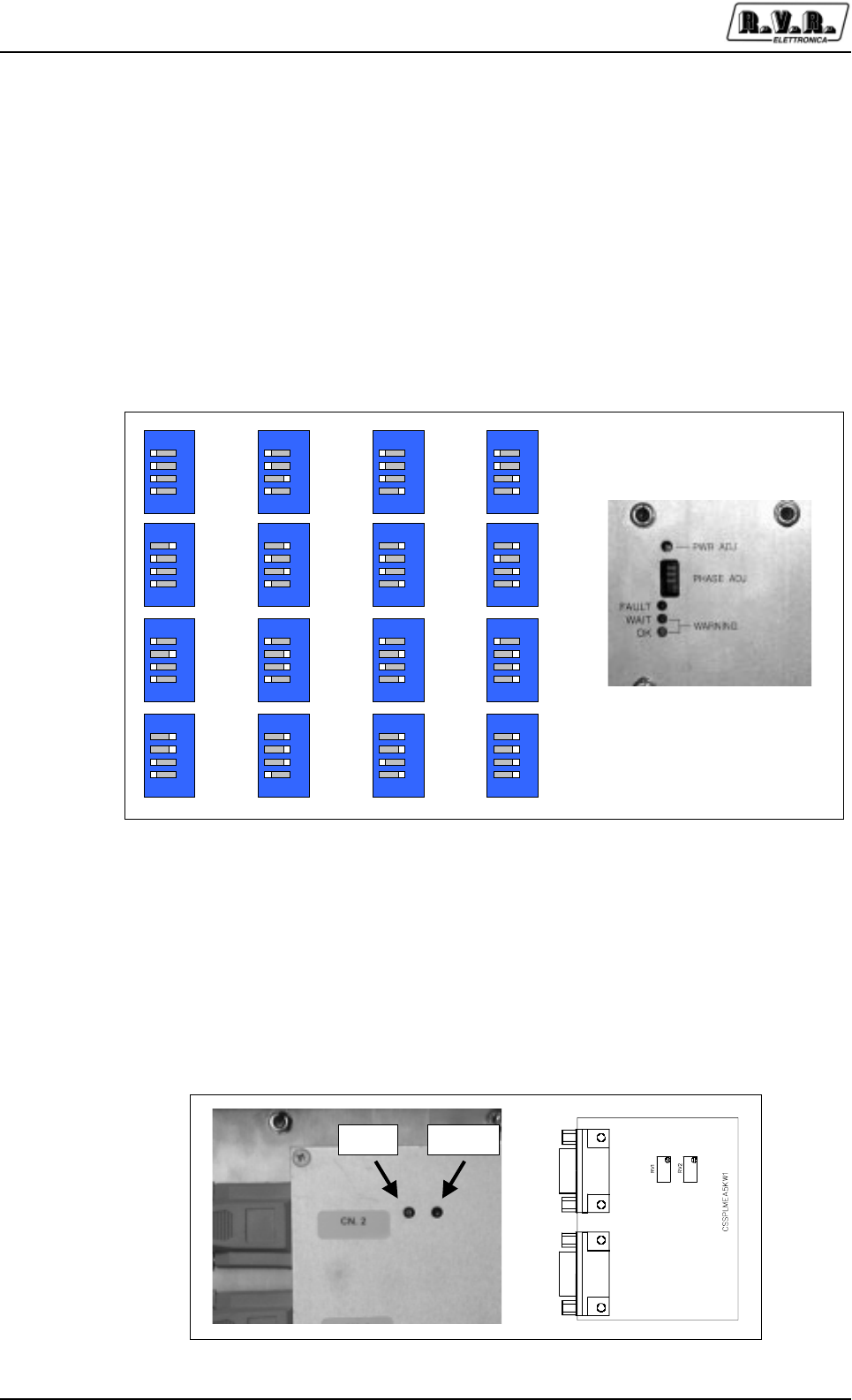
PJ5KPS
54 / 80 User & Technical ManualRev. 1.5 - 08/02/06
8.2 Phase Adhutment of RF modules
Each PJ5KPS RF module have a dip-switch (accessible on the frontal panel) for the
regulation of the phase of the RF signal generated. The phase of each RF module
could be modified independently to steps of 1.6° from- 12.8° to +11,2° (Figure 8.2).
Normally, the modules comes furnished with the phase regulated for 0°, that it is the
optimal position for the correct operation of the machine on all the frequency band. In
some cases could result useful use the regulations of phase for minimize the
unbalanced power dissipated. To this purpose, it preferable of use the SERVICE
menu, in which this value comes adjourned in real time.
8.3 Splitter board trimmers
On the entry splitter board are present two trimmers for the regulation of the measure
of the emitted power from the two exciters.
These measures are those visible in the EXCITERS menu.
1234ON
-12.8°
1234ON
-11.2°
1234ON
-9.6°
1234ON
-8.0°
1234ON
-6.4°
1234ON
-4.8°
1234ON
-3.2°
1234ON
-1.6°
1234ON
0.0°
1234ON
+1.6°
1234ON
+3.2°
1234ON
+4.8°
1234
ON
+6.4°
1234ON
+8.0°
1234ON
+9.6°
1234ON
+11.2°
Figure 8-2 1.2kW modules regulation phase
Load On Air
Figure 8-3 Trimmers for the read power of exciters
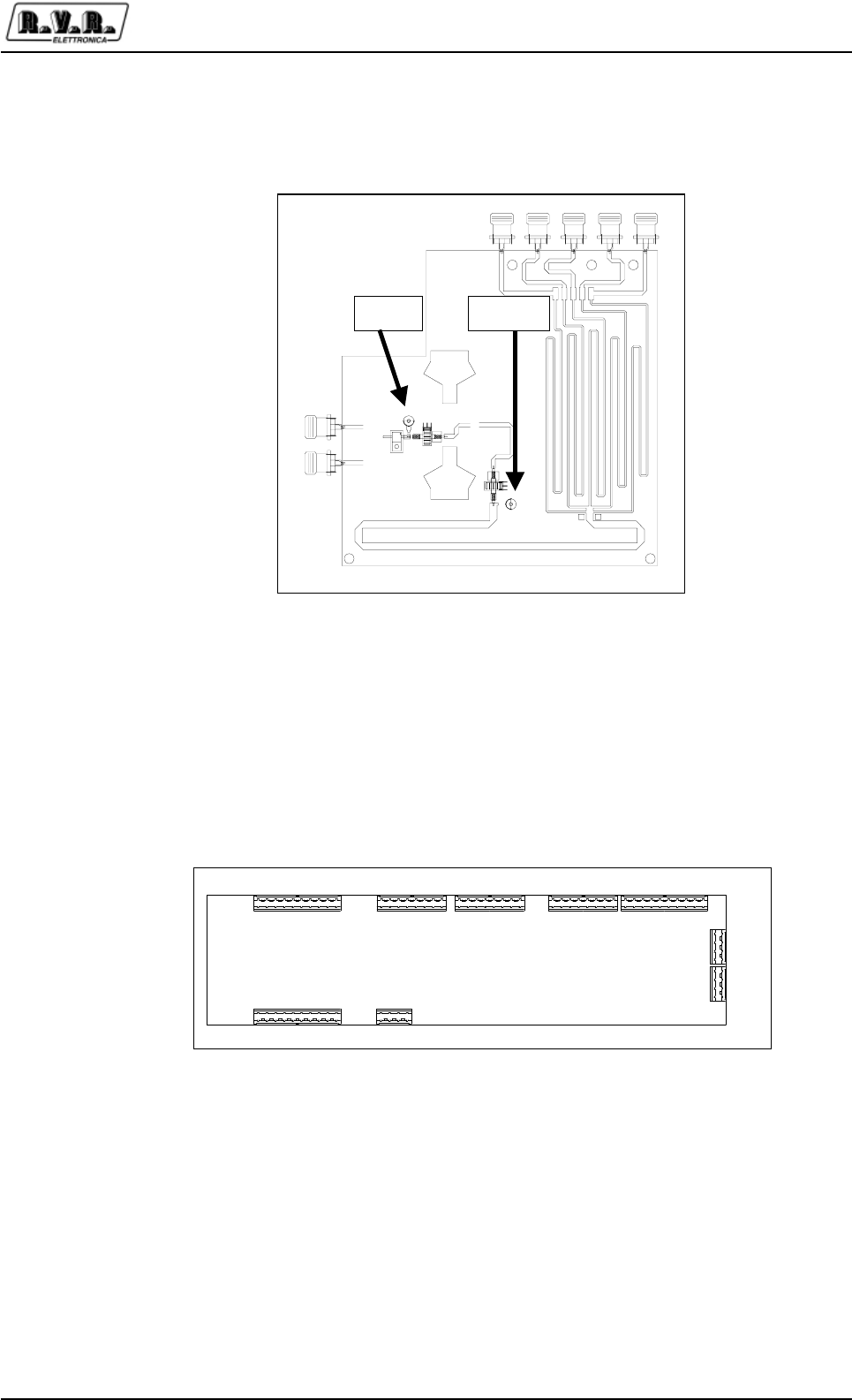
PJ5KPS
55 / 80User & Technical Manual Rev. 1.5 - 08/02/06
On the circuits of power measure of the exciters there are two compensators to
maximize the directive and minimize the operation error measure of the frequency
of operation.
8.4 Parallel Interface
The parallel interface present on the roof of the PJ5KPS is described into the X.X
chapter. In following a small description reassumed the functions assigns to the clamps.
Load On Air
Figura 8-4 Direttività testine di misura splitter
JP4JP8JP48JP12JP35
JP47JP38
JP16
JP22
110181818110
110 14
1
4
1
4
Figure 8-5 Parallel interface clamps
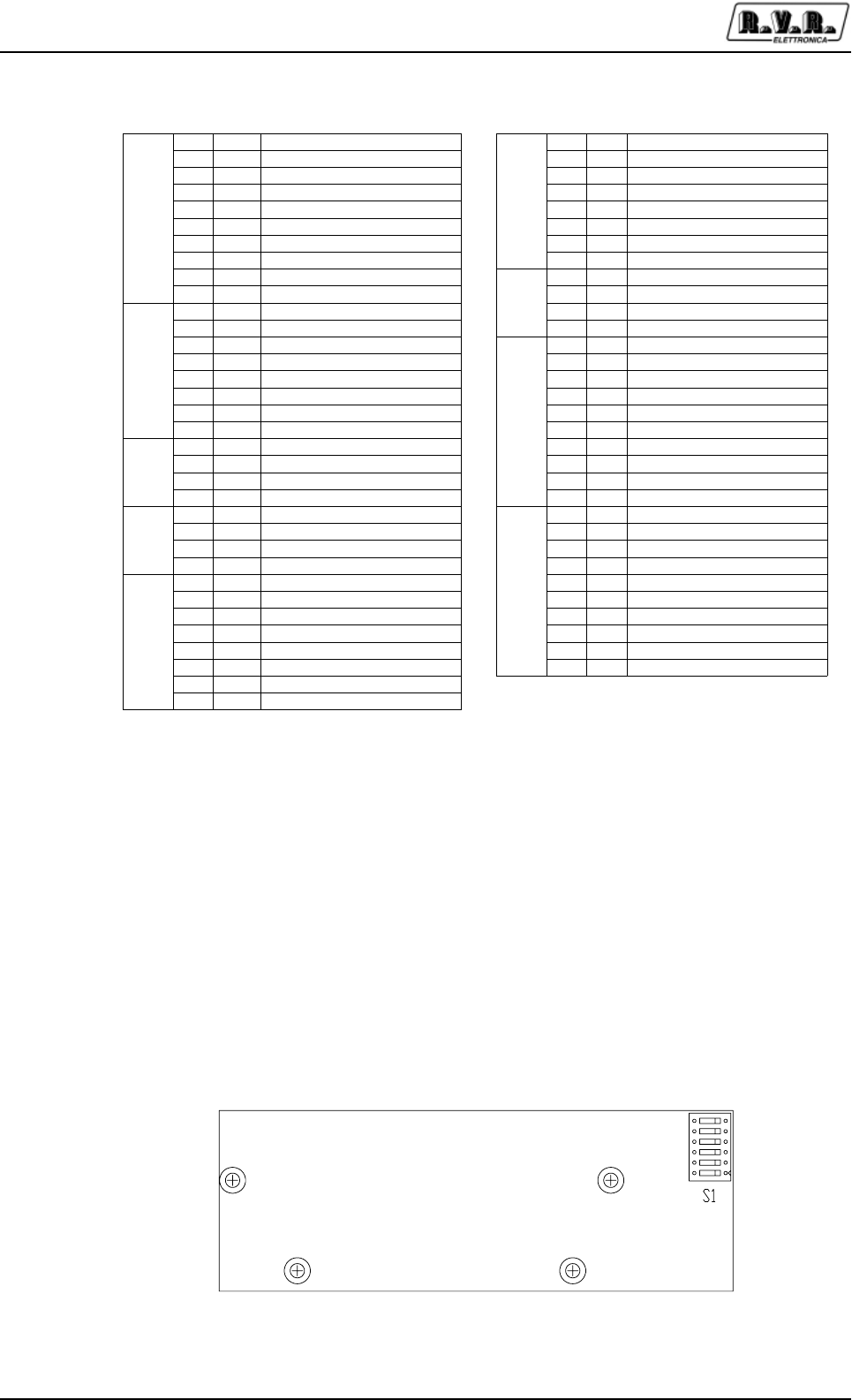
PJ5KPS
56 / 80 User & Technical ManualRev. 1.5 - 08/02/06
1 In ON 1 Out COMMON MUTE 1
2In STDBY 2OutMUTE 1
3In OFF 3OutCOMMON MUTE 2
4In EXT INH 4OutMUTE 2
5 In AUX INH 5 Out COMMON LOCAL
6 In NOM PWR 6 Out LOCAL
7 In LOW PWR 7 Out COMMON MAINS
8 In AUDIO ALARM EXC. 1
JP12
8OutMAINS
9 In AUDIO ALARM EXC. 2 1 Out AUDIO ALARM
JP4
10 / GND 2 Out COMMON AUDIO ALARM
1In ALARM RESET 3OutCOMMON RL3
2In RESRV. 1
JP47
4 Out COMMON RL3
3 In RESRV. 2 1 Out RESRV. 1
4 In RESRV. 3 2 Out RESRV. 2
5 In RESRV. 4 3 Out RESRV. 3
6 In EXCITER CHANGE CMD 4 Out RESRV. 4
7 In EXCITER CHANGEOVER 5 Out COMMON RL4
JP8
8 / GND 6 Out SET1
1 Out +12V dc 7 Out SET2
2 Out +12V dc 8 Out SET3
3 / GND 9 Out SET4
JP16
4/ GND
JP35
10 Out COMMON RL5
1 I/O TX/RX + 1 Out EXC. ON AIR
2 I/O TX/RX - 2 Out AUTO/MAN
3 / LINE TRM 3 Out LOWER POWER
JP22
4 / LINE TRM 4 Out NOMINAL POWER
1 / GND 5 Out OFF
2 / GND 6 Out STDBY
3OutFWD PWR 7OutON
4 Out RFL PWR 8 Out FAULT
5OutOUT AIR TEMP 9OutWAIT
6OutV BUS
JP38
10 Out WARNING
7OutEFF.
JP48
8OutOUT DAC 6
Tabelle 8-1 Function of the parallel interface clamps
8.5 RF module I/O Interface
The control unit of the PJ5KPS communicates continually with all the microprocessor
boards contained in the machine. All the boards are equal, but in function of the
position in which are installed they use configuration software and different address.
For the boards that control the RF amplifiers modules, the addresses have mailed
from the respective boards of I/O interface, installed to the inside of the rack. This
means that the modules are perfectly interchangeable, and they engage the address
to the action of the insert in the rack automatically.
Figura 8-6 Dip switch I/O interface board
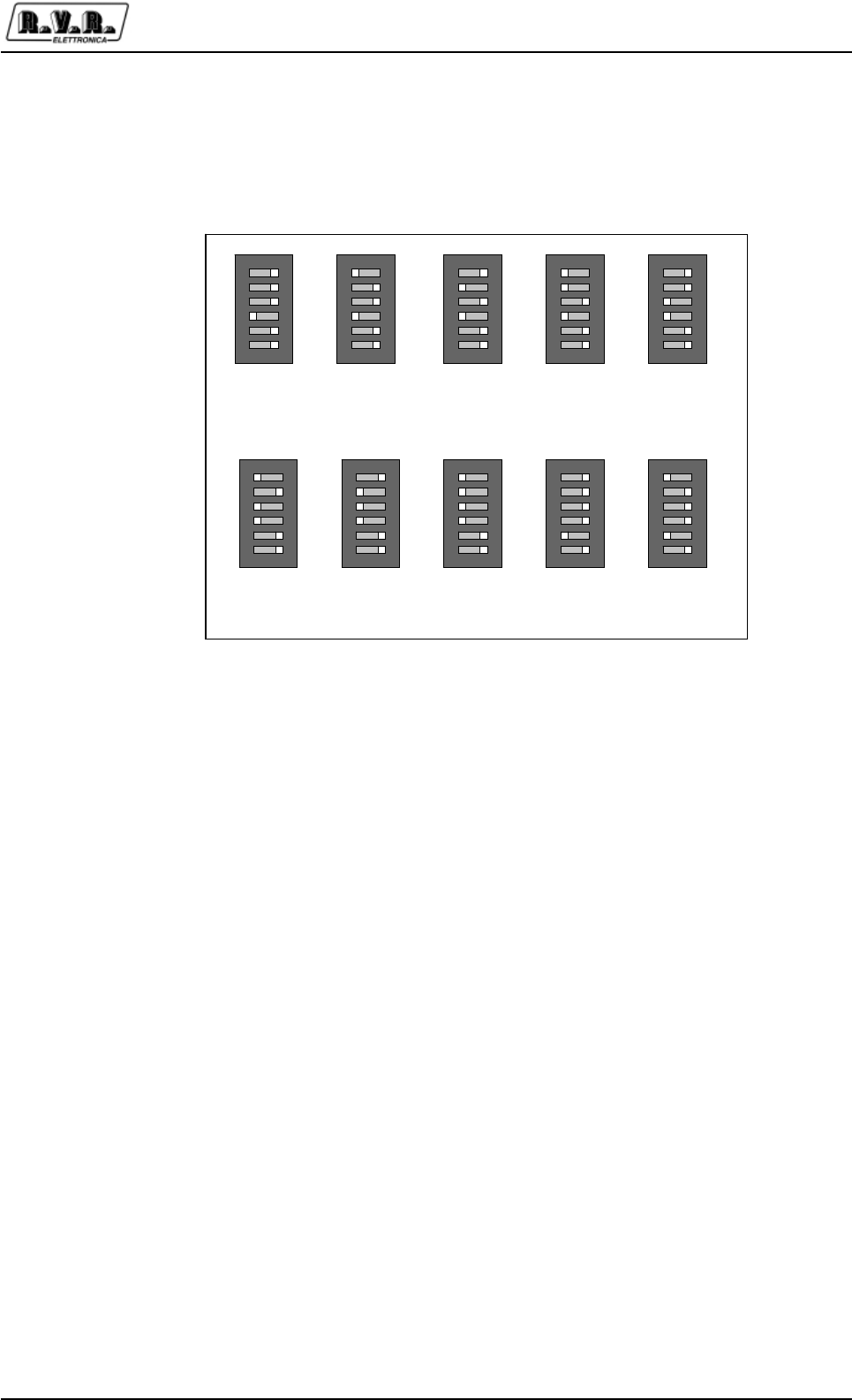
PJ5KPS
57 / 80User & Technical Manual Rev. 1.5 - 08/02/06
8.6 Services supply
The services of PJ5KPS are supplied at 220V through a dedicated transformer.
Between the services, are included the microcontroller cards of RF modules, those
of the combiner and power supply and the control unit.
Supplying the services of the PJ5KPS with an UPS (Uninterruptable Power Supply),
the machine also in case of absence of mains power can be managed, naturally
limitedly to the functions available (for example configuration or interrogation of the
alarms registry). The normal configuration of the machine previews that the services
are directly supply through the connection to the electrical mains of the machine, in
order to insert an UPS is sufficient put it between the VDE on the roof, after have
removed the bridge that comes supplied of series.
1
ON
2
3
4
5
6
Module
Address 8
1
ON
2
3
4
5
6
Module
Address 9
1
ON
2
3
4
5
6
Module
Address 10
1
ON
2
3
4
5
6
Module
Address 11
1
ON
2
3
4
5
6
Module
Address 12
1
ON
2
3
4
5
6
Module
Address 13
1
ON
2
3
4
5
6
Module
Address 14
1
ON
2
3
4
5
6
Module
Address 15
1
ON
2
3
4
5
6
Module
Address 16
1
ON
2
3
4
5
6
Module
Address 17
Figura 8-7 Addresses regulation of RF modules
The address assigned to the module is mailed by a dip-switch on the interface board.
In figure 8-7 are brought back the configurations assigned to the different settings.
The RF module 1 (that more to left looking at the machine) have address 8, the 2 has
address 9 and so on until at 17. The other addresses are reserved for future uses.
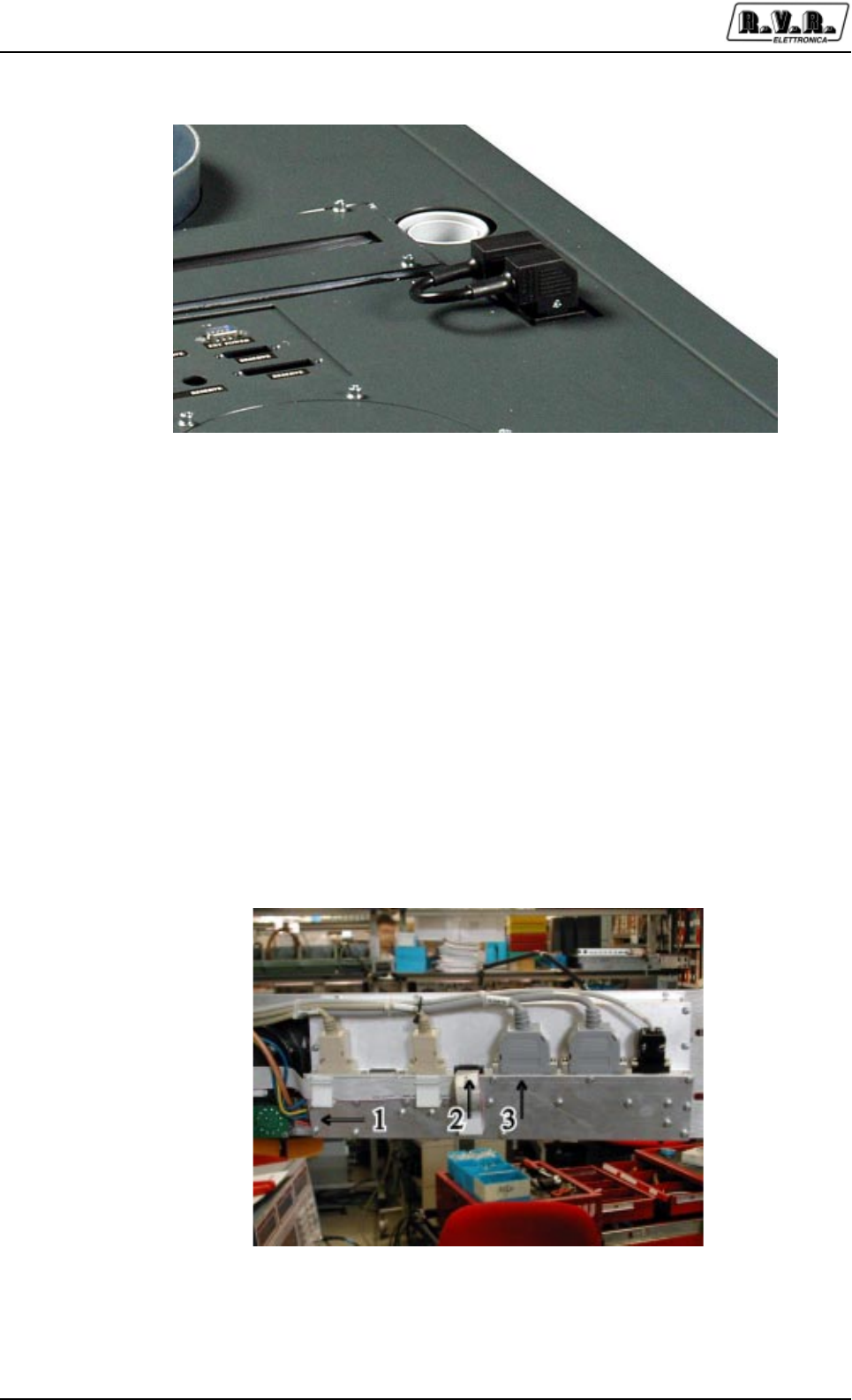
PJ5KPS
58 / 80 User & Technical ManualRev. 1.5 - 08/02/06
Figure 8-8 Services supply
8.7 Emergency CCU Board
In the case the control unit presents a damage, it is possible assure the correct
operation replacing, temporarily, the control panel with the card furnished together
with the PJ5KPS.
To effect the substitution, execute the following instructions:
1) Switch-OFF the amplifier. Remove the screw on the left side of the LCD panel,
open the panel and individualize the necessary connectors to the operation of the
emergency card.
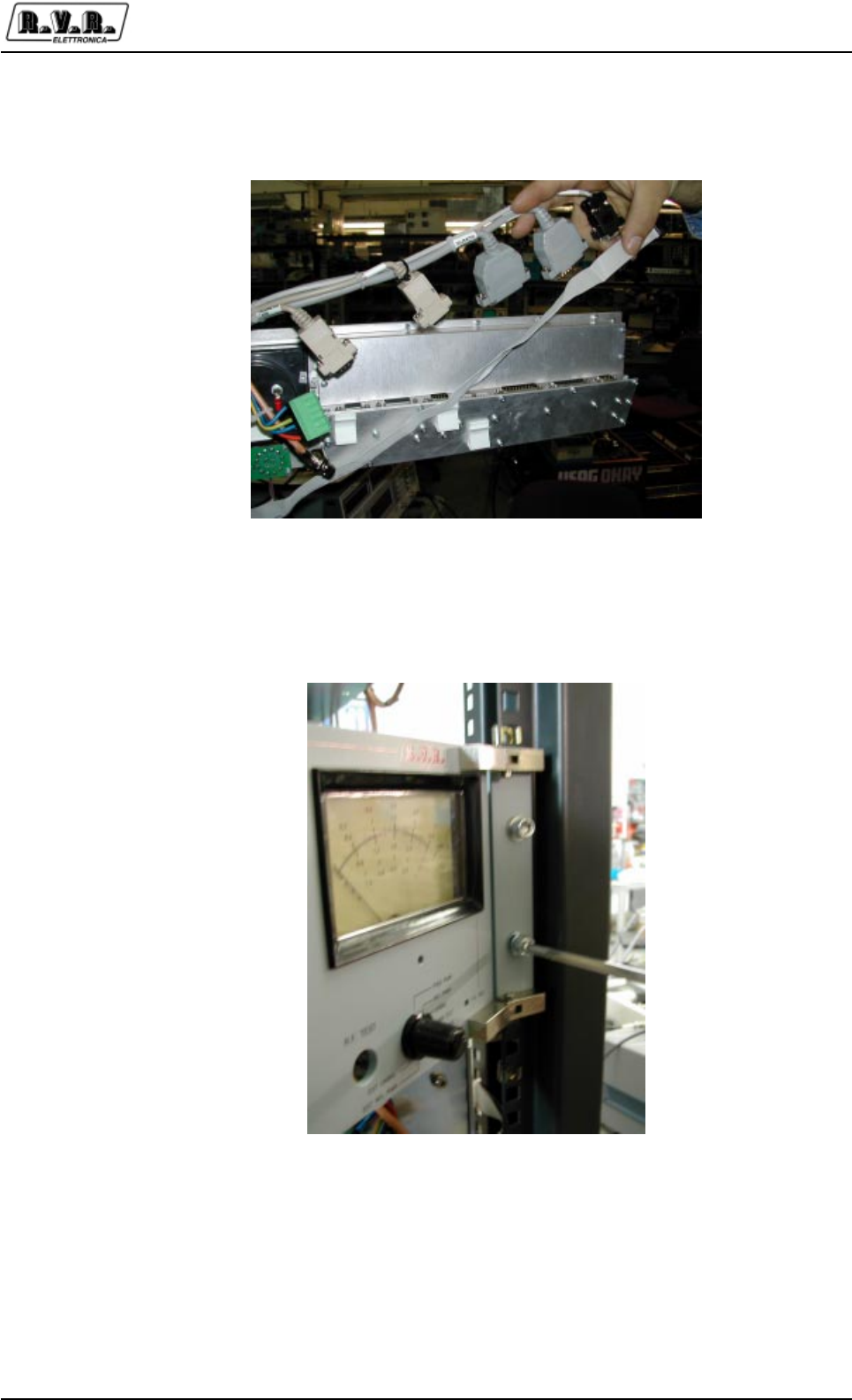
PJ5KPS
59 / 80User & Technical Manual Rev. 1.5 - 08/02/06
2) Disconnect all the cables connected to the unit control.
3) Unscrew the crews that fix the board to the rack and remove the panel from his
place.
4) Connect the three connectors precedentely identified to the entries of the board,
like represented in the photo.
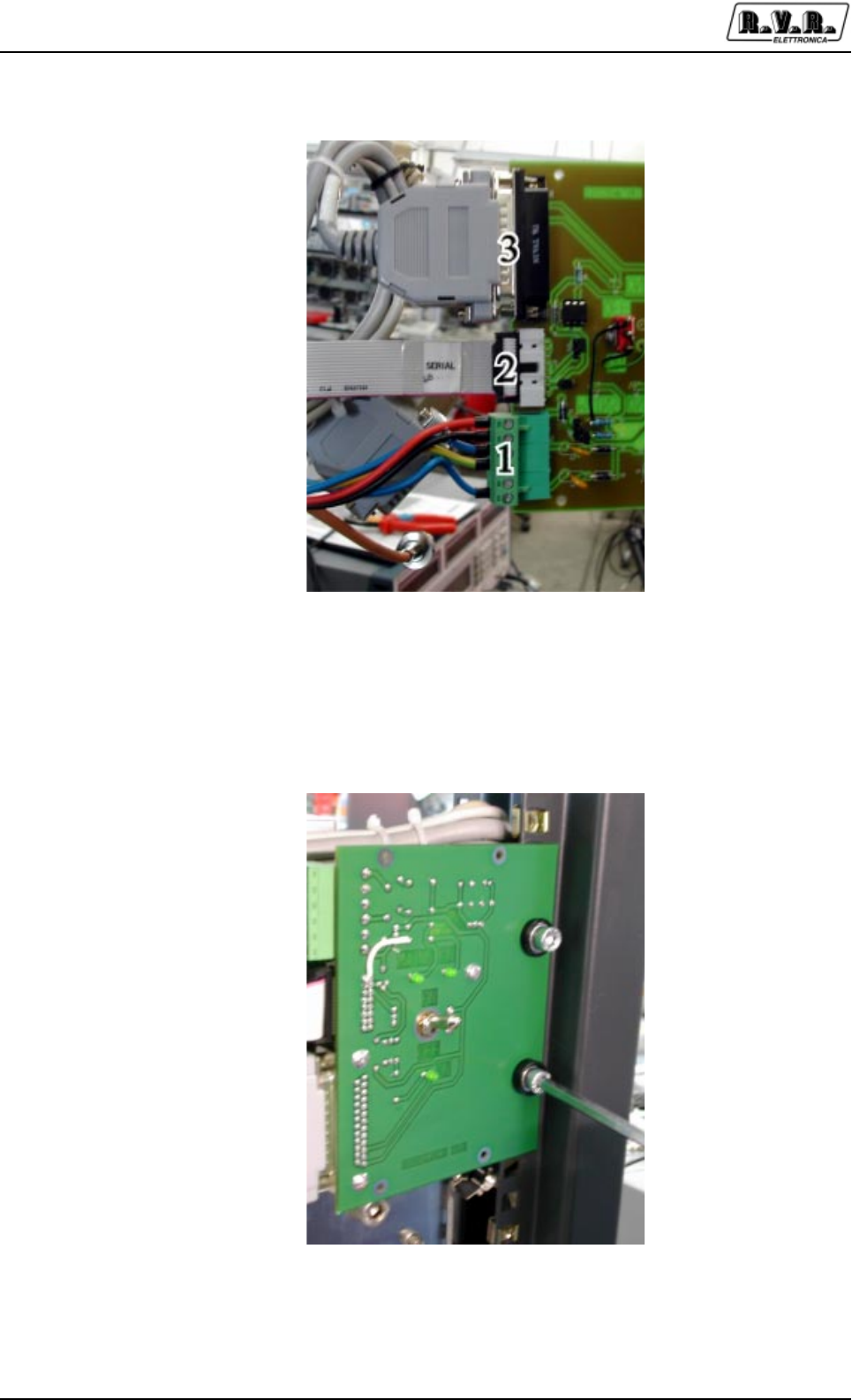
PJ5KPS
60 / 80 User & Technical ManualRev. 1.5 - 08/02/06
5) Fix the board to the rack, in the same position in which previously had fixed the
central panel of control. Do attention to fix the side of the card from which the
interrupter sticks out toward the outside of the amplier.
6) Switch-ON the apparatus with general switch and activate the operation of the
board putting the interrupter on the ON position. The switch has built in way to
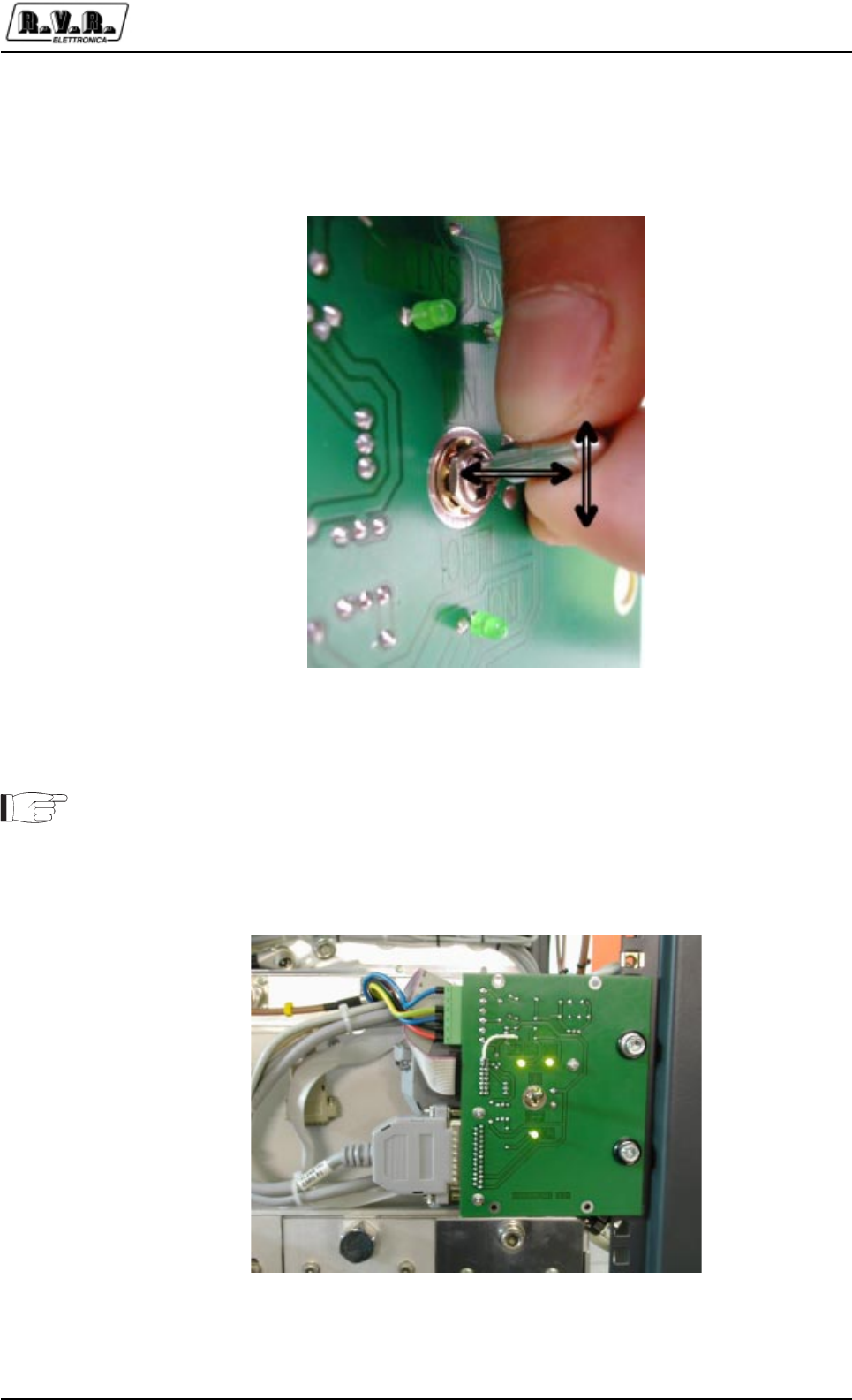
PJ5KPS
61 / 80User & Technical Manual Rev. 1.5 - 08/02/06
avoid the accidental operating; throw the interrupter toward the outside, go on the
desired position and release the interrupter.
Now the emergency board is operative.
When be used the emergency board, the amplifier acts with the parameters
previously adjusted (for example: the level of power). To modify the parameters is
necessary use the unit control.
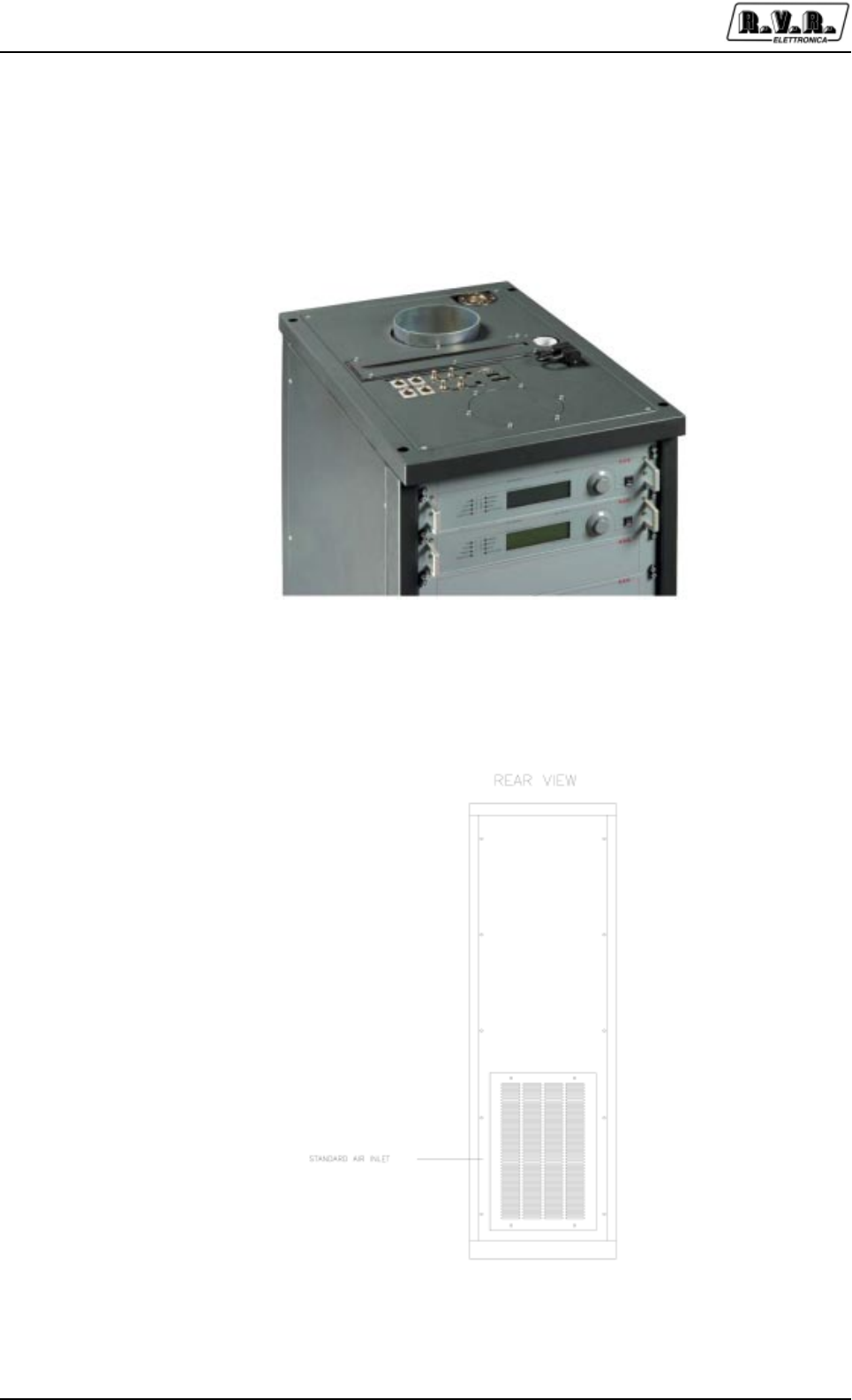
PJ5KPS
62 / 80 User & Technical ManualRev. 1.5 - 08/02/06
8.8 PJ5KPS Ventilation
Each amplifier PJ5KPS has furnished of an innternal fan, of inputy and output of the
air.
View of the chimney air inlet
View of the chimney air inlet
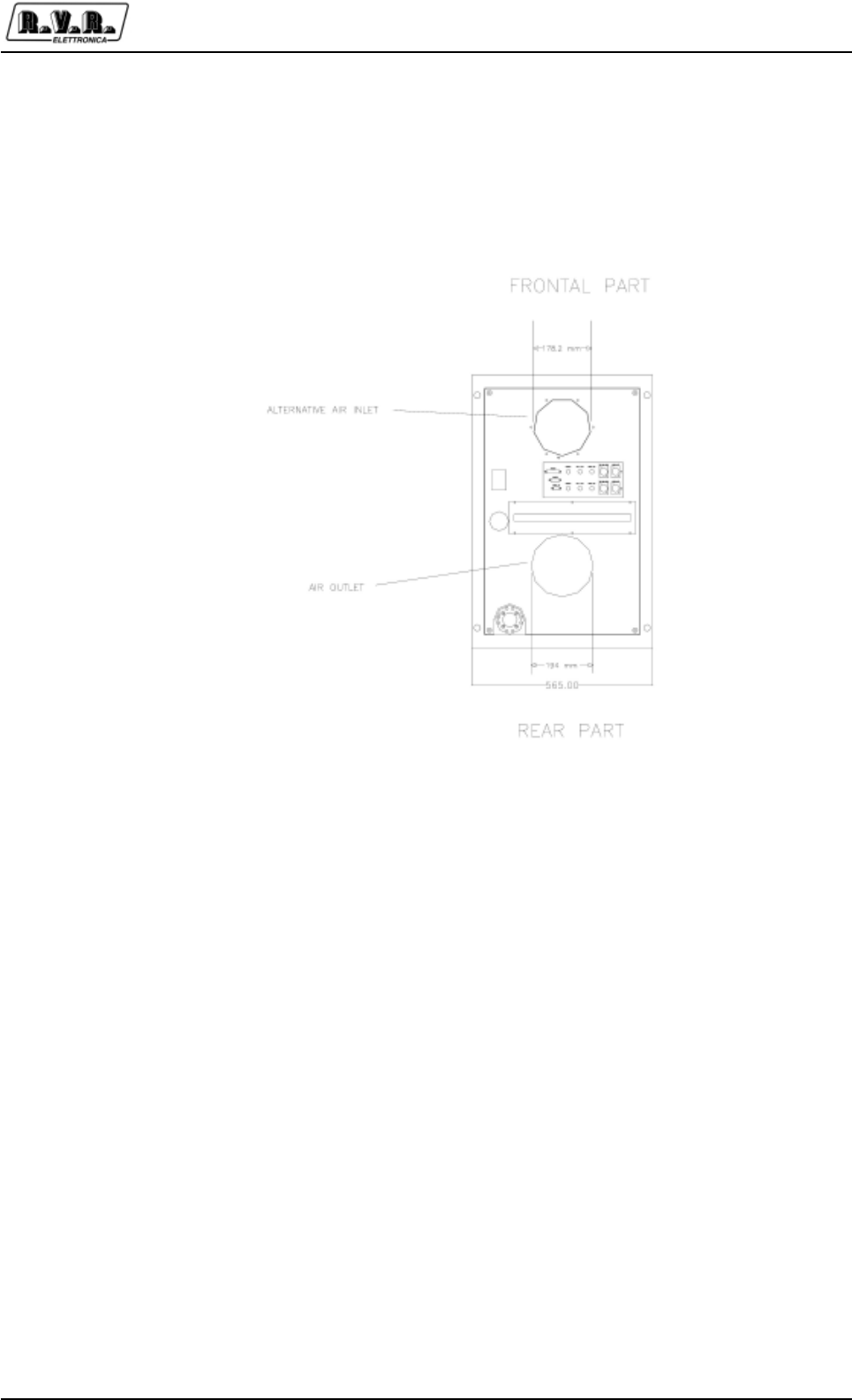
PJ5KPS
63 / 80User & Technical Manual Rev. 1.5 - 08/02/06
The current of output air is equal to 600 m3/ h.
The input hole of the air is situated on the back cover of the rack, but on demand is
possible have an ulterior chimney inlet air on the top cover of the rack.
Representation of the air inlet hole location and the additional
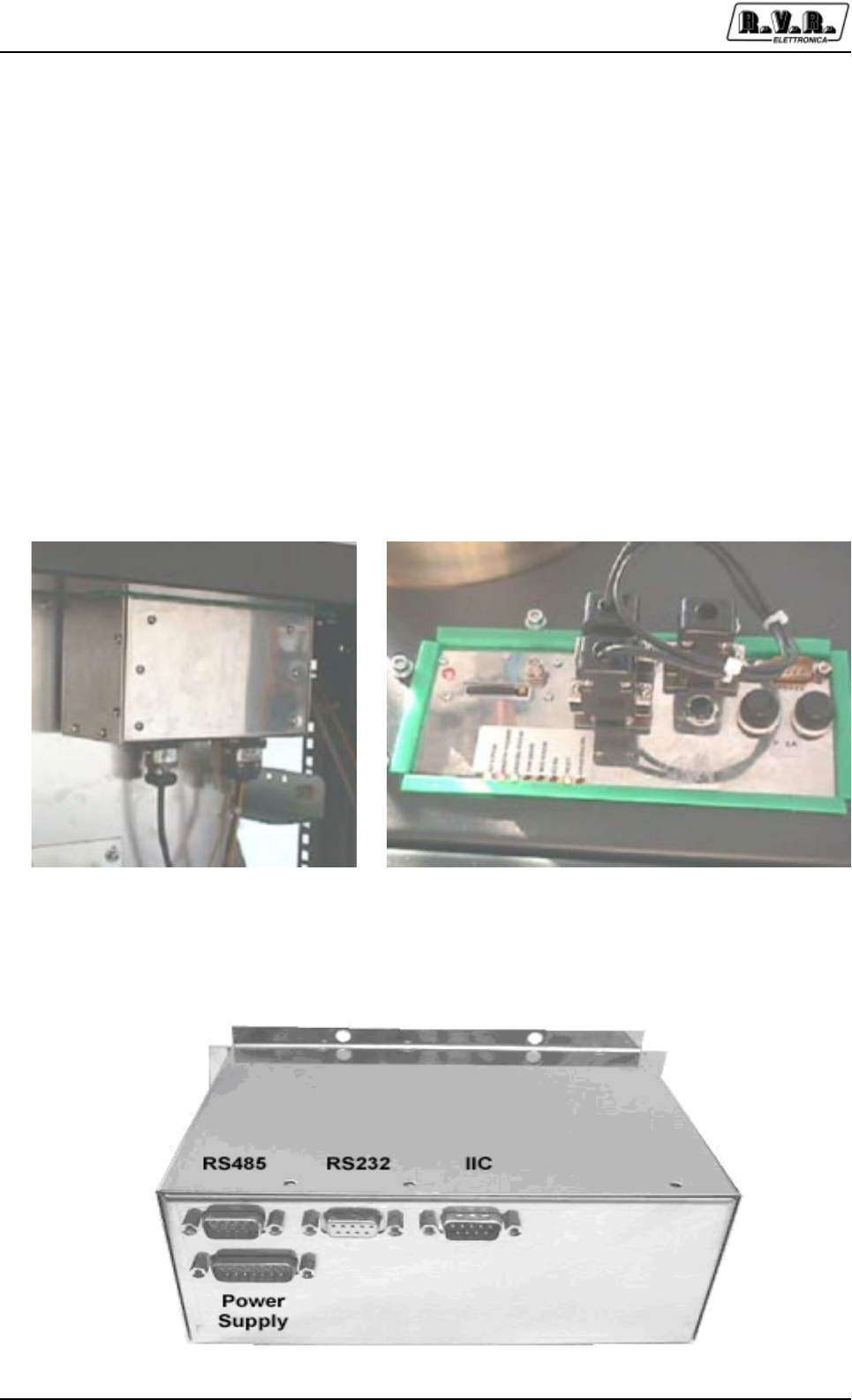
PJ5KPS
64 / 80 User & Technical ManualRev. 1.5 - 08/02/06
9. Digital Telemetry (TLC5KPS)
9.1 Foreword
R.V.R. Elettronica’s plug-in series transmitters, like TX5KPS, may be optionally fitted
with the TLC5KPS, a telemetry device that enables the user to remotely ceck all the
machine’s working parameters and control some of them, and provides the transmitter
with the ability to trigger “alarms” when problems arise while the transmitter is on air,
possibly sending GSM Short Messages (SMS) to the maintainer’s cellular phone or
to any other number stored in the machine’s memory.
9.2 Installation
The TLC5KPS is installed in the rear part of the transmitter’s rack, near to the low-
pass filter and the RF output connector.
9.2.1 Connection
The bottom side of the TLC5KPS contains the following connectors:
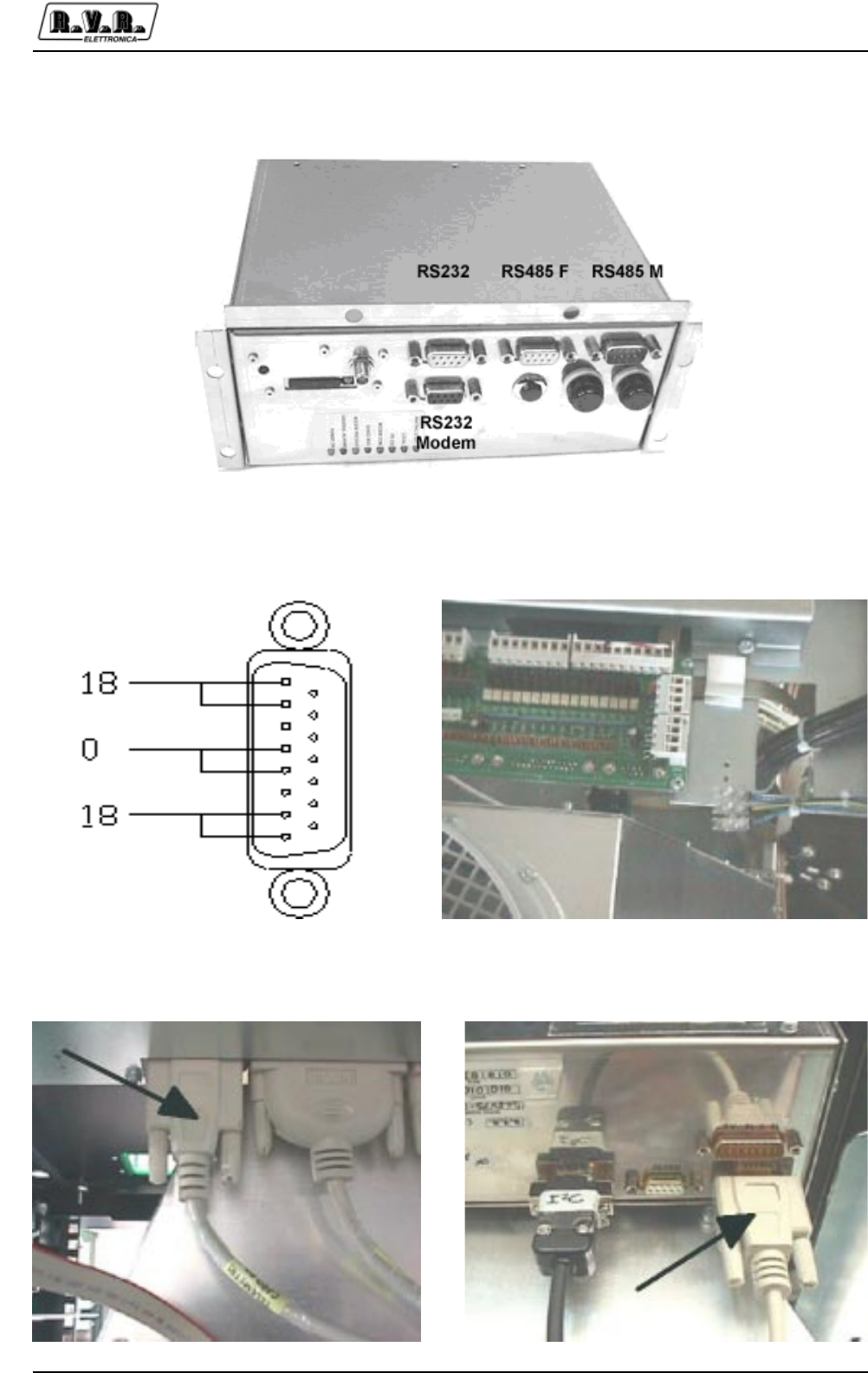
PJ5KPS
65 / 80User & Technical Manual Rev. 1.5 - 08/02/06
The upper side contains the following connectors:
The following connections should be performed on the bottom side:
•DB15 male, providing the power supply (18 V, 0, 18 V AC). The power supply is
provided through the terminal block of the parallel interface of the amplifier.
•DB9 RS485 coming from the parallel interface
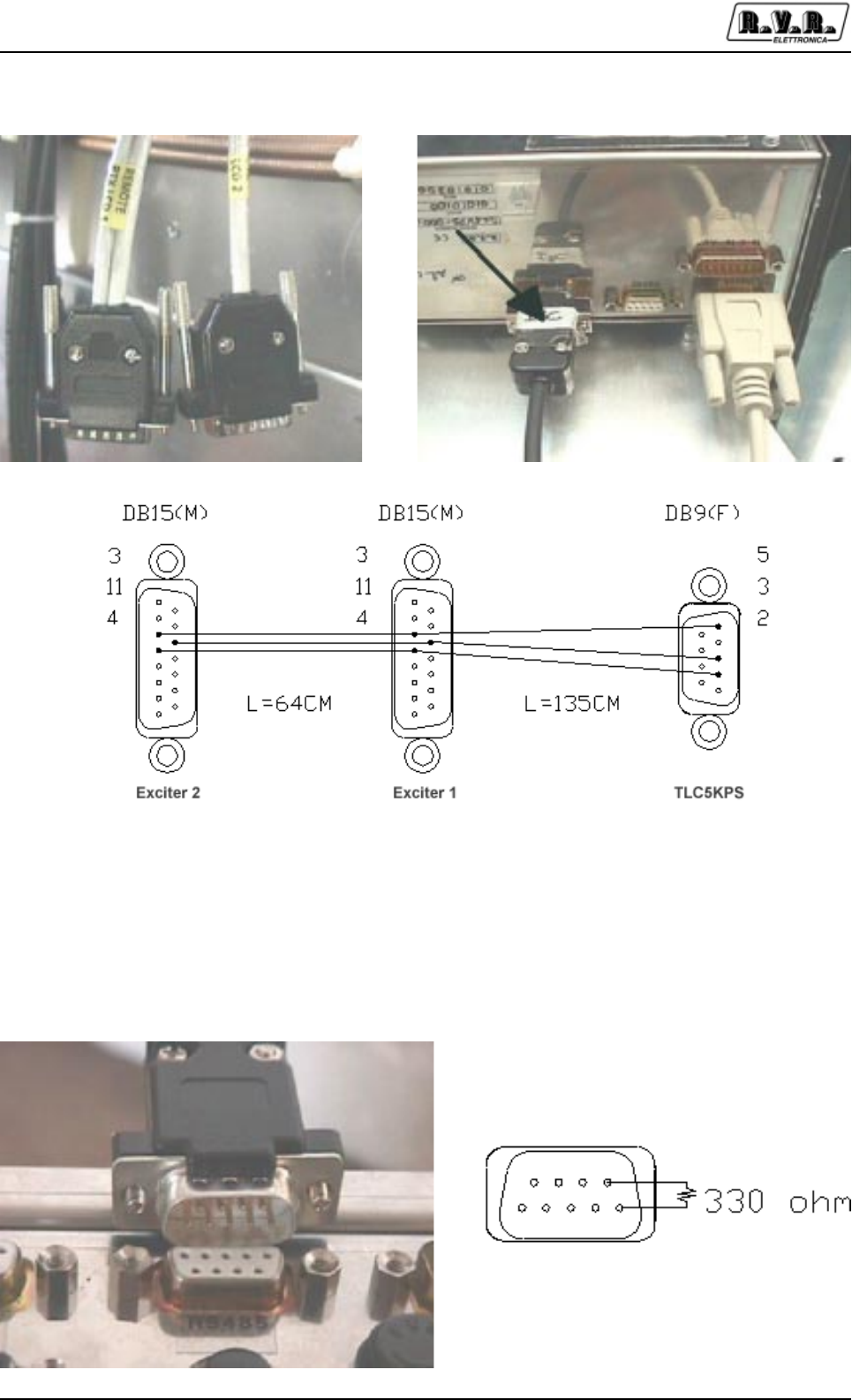
PJ5KPS
66 / 80 User & Technical ManualRev. 1.5 - 08/02/06
•DB9 I2C connected to the exciters
•DB9 RS232 not connected
On the upper side:
•RS485 Connector with termination resistor. This connection is required, or
malfunctioning in the communications will likely happen! The connector contains
a 330 OHm resistor between PINs 1 and 6.
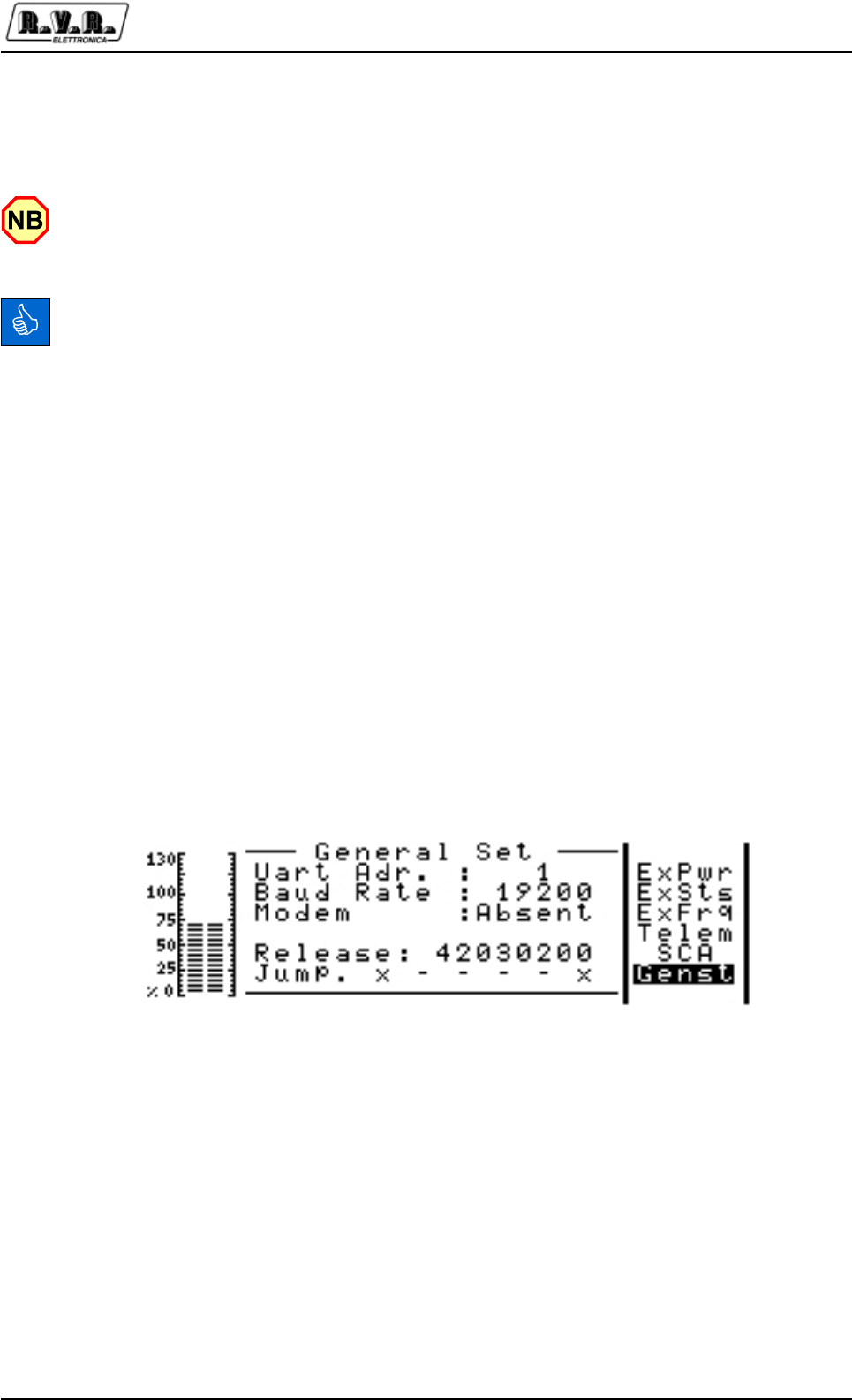
PJ5KPS
67 / 80User & Technical Manual Rev. 1.5 - 08/02/06
•SMA connector for the GSM antenna. The GSM modem can be directly installed
inside the TLC5KPS: in this way the machine will provide the named SMA
connector, the status LEDs of the modem and the slot for the GSM SIM card.
Please note that an external and possibly directive antenna for the GSM is always
suggested, to provide the GSM modem with a good signal and ensure reliable data
communications.
Please note that to fully deploy the features of this telemetry system, the you will need
to sign a contract with a GSM service provider including DATA COMMUNICATIONS.
9.2.2 Devices settings
The use of the telemetry system requires the correct setting of the addresse in the
connected pieces of equipment, since they communicate on a shared bus.
9.2.2.1 Exciters
Set the Uart address of exciter 1 to “1”, exciter 2 to “2”
To perform this setting, from the main menu click on “ADMIN”, then select Genst from
the navigation bar, select “Uart Adr.” on the General Set menu and change it to “1” fro
the exciter 1, “2” for the exciter 2.
9.2.2.2 Amplifier
Set the “Talk address” parameter to “3”.
To perform this setting, presss the button ESC on the Control Unit of the PJ5KPS.
You will be presented with the “Menu Select” screenful. With the UP and DOWN
buttons, select the line “Settings” and press the OK button.
In this menu, select the line “Talk Address” and press OK. With the UP and DOWN
buttons change the parameter to “3” and press OK.
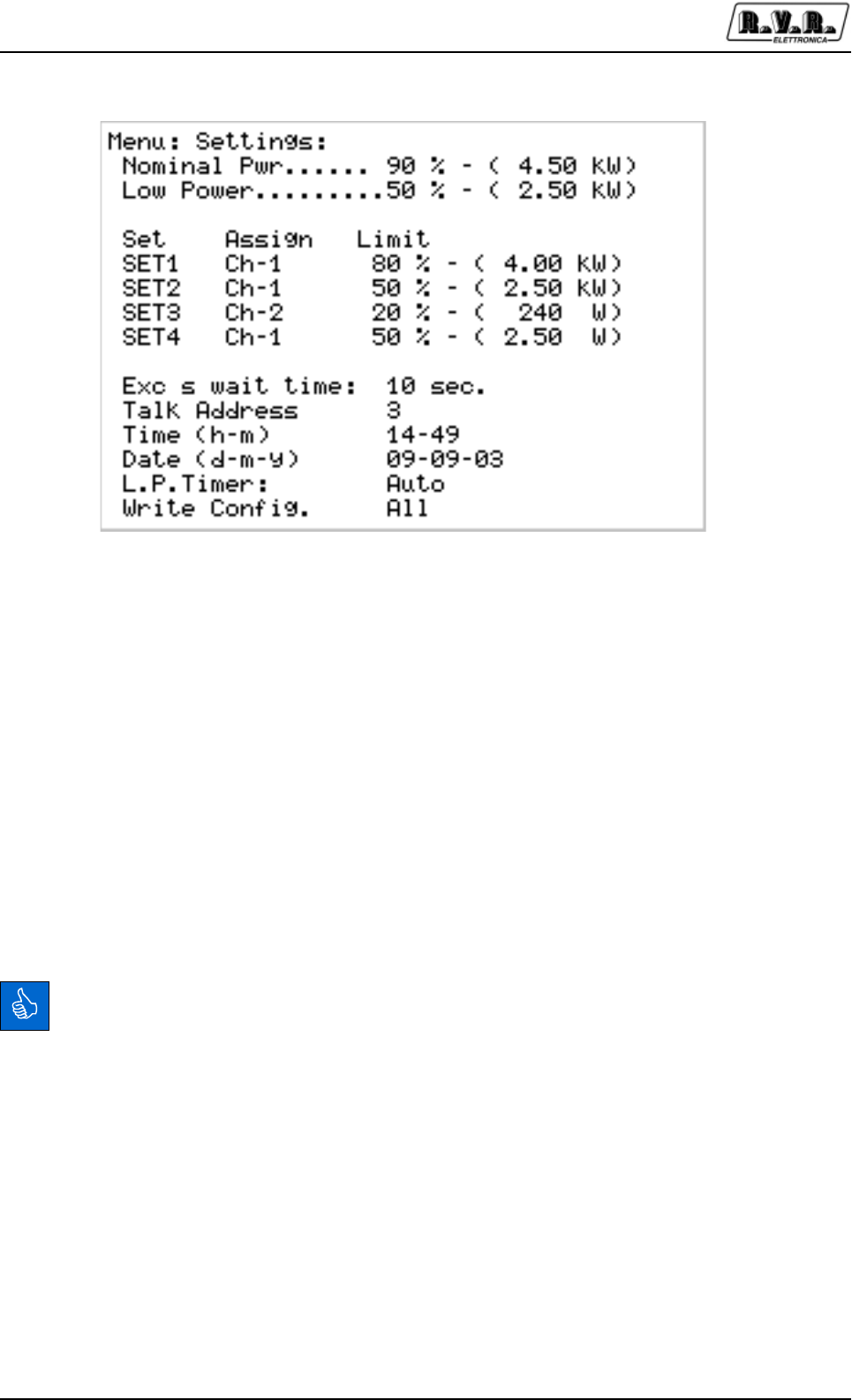
PJ5KPS
68 / 80 User & Technical ManualRev. 1.5 - 08/02/06
9.2.3 Installing and configuring the PC software
Setting up the telemetry is best performed directly connecting a personal computer
to the TLC5KPS.
You will need:
•A PC running on Windows 98 or newer (the software has been tested with 98, NT,
2000 and XP)
•The “Telecon 32bit” CD ROM, provided with the machine
•DB9 pin-to-pin cable long enough to link the PC to the TLC5KPS
Insert the CDROM in the PC, browse and executethe program setup_telecon.exe.
Follow the instructions on screen to install the software on your PC.
Please note that if you already have an installed version of the Telecon32bit software,
the new software will just upgrade it and will not affect you installed station database.
Launch the Telecon program: Start -> Programs -> Telecon 32bit

PJ5KPS
69 / 80User & Technical Manual Rev. 1.5 - 08/02/06
You will be presented with the database selection screen.
On the Database combobox (the top line), selet the PLUGIN_AMP.MDB database.
Then select the station TX5KWPS 2PTX station and click on “Edit Phonebook”.
The screenful the software will show allows you to configure all the aspects of the
transmitter, like kind of modem, telephone number and so on.
Configure this screenful as shown in the following figure, that is select “Cable” and
the COM port you will use.
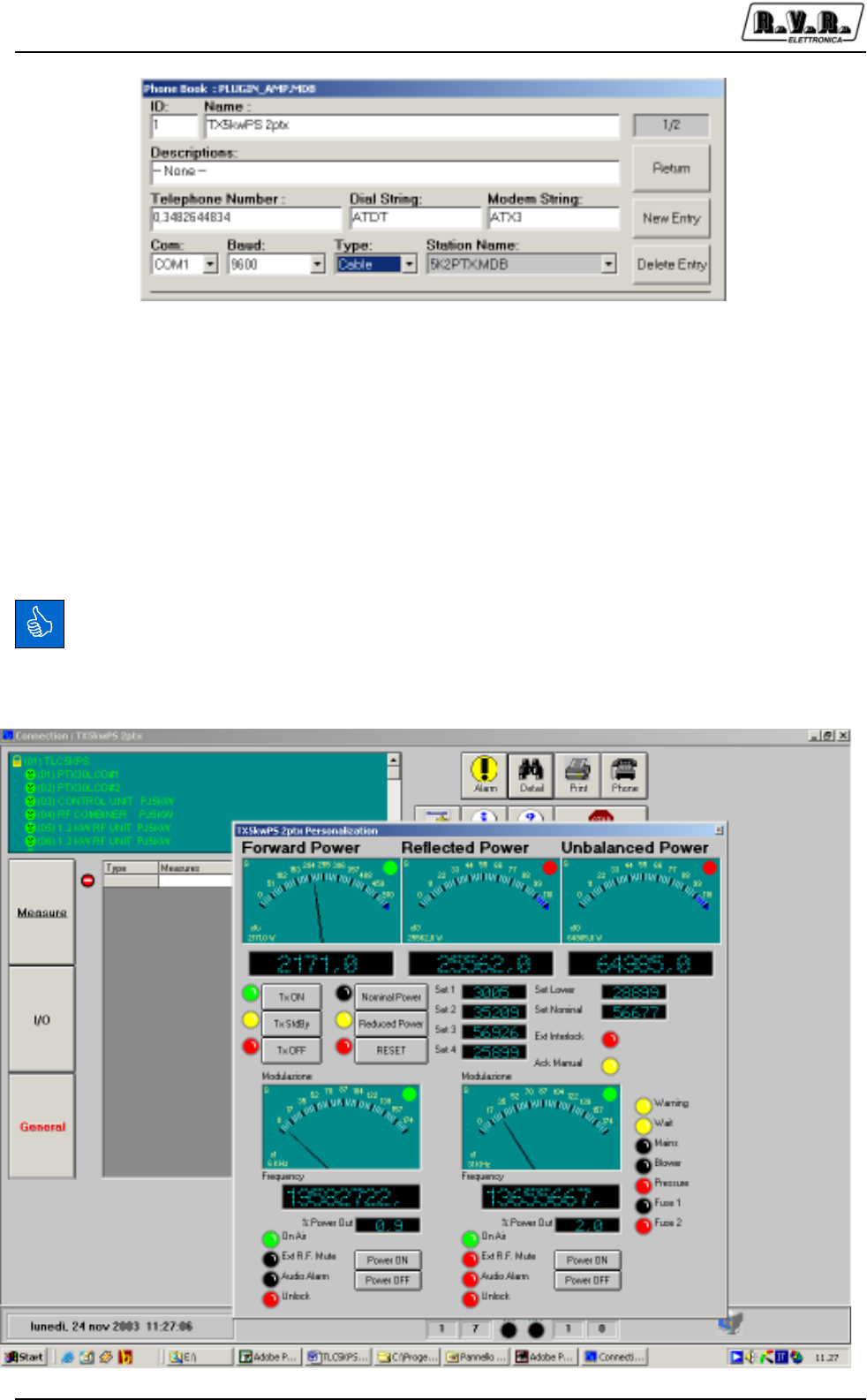
PJ5KPS
70 / 80 User & Technical ManualRev. 1.5 - 08/02/06
Click Return.
Connect the DB9 cable between the PC and the TLC5KPS telemetry unit.
Click on Start. The PC will perform the connection with the transmitter and then will
show the program screen and the “Detail screen” already opened.
The TLC5KPS automatically detects the type of connection, that is direct connection,
GSM modem or PSTN modem.
After 1-2 minutes, the Telecon software will have acquired all the data of the modules.
Note the smileys on the bottom blinking red and green to show ongoing
communications.
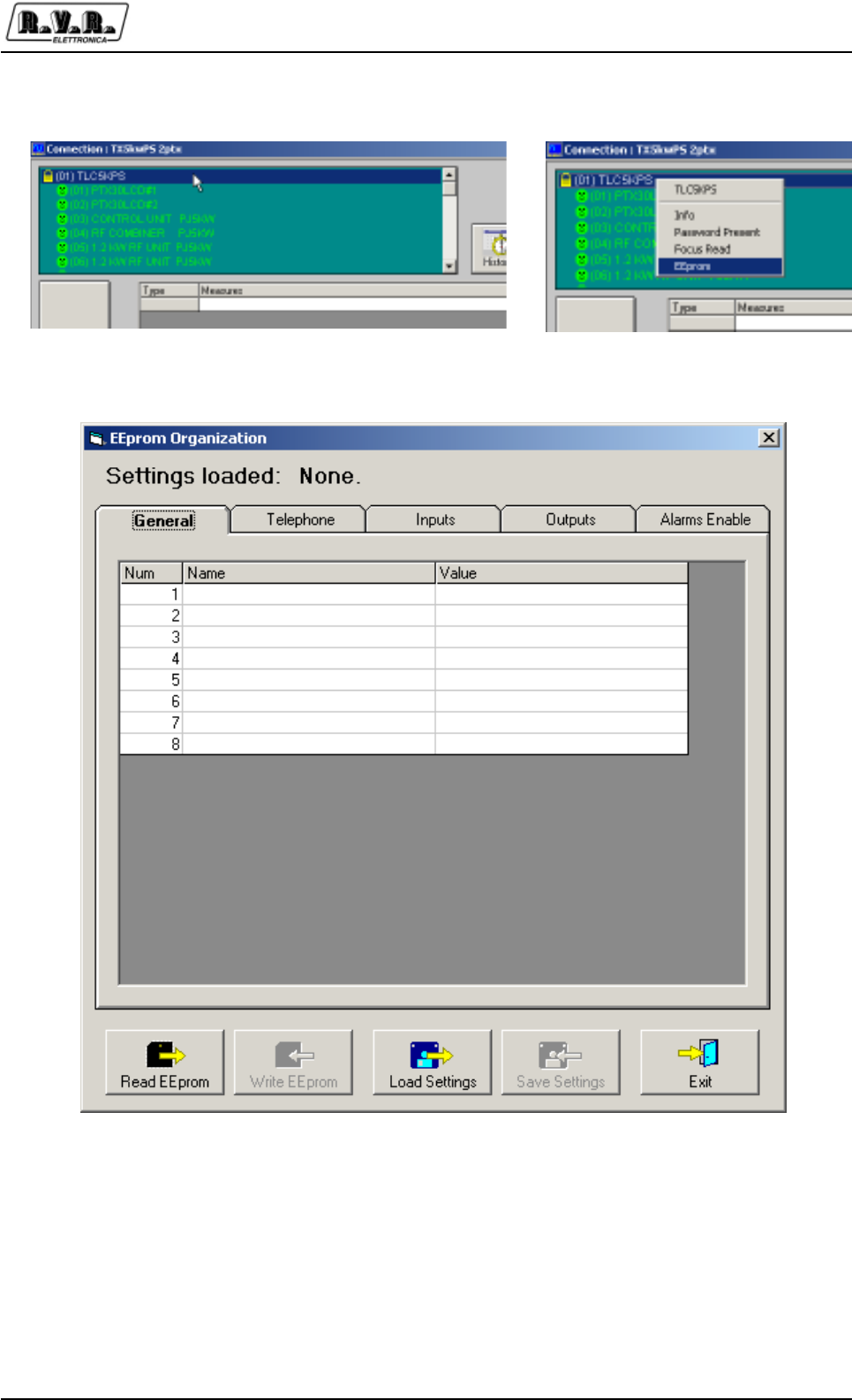
PJ5KPS
71 / 80User & Technical Manual Rev. 1.5 - 08/02/06
Double-click on TLCKPS. Then select EEprom and click on it.
You will now see the EEprom organization window:
Click on READ EEPROM and then OK. Note blue progress bar indicating reading is
in progress.
When the EEPROM reading will have been completed, the button WRITE EEPROM
will also be available.
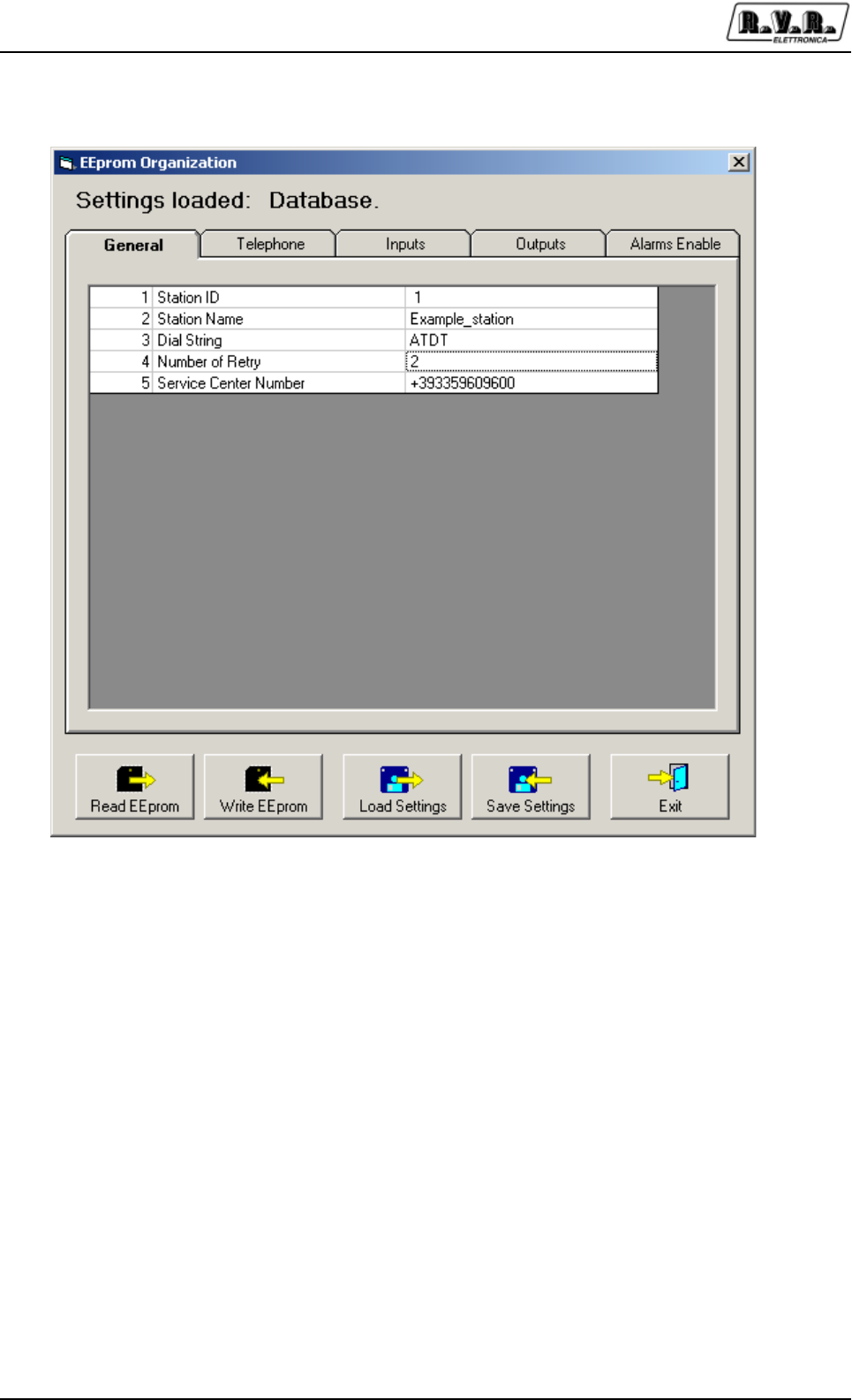
PJ5KPS
72 / 80 User & Technical ManualRev. 1.5 - 08/02/06
Click on the tab “General” and do the following settings (for example):
Station ID ID for addressing pourpouse. Write if you only have 1
Station Name Mnemonic name of the station, like place or frequency
Dial Sring Normally, ATDT
Number of Retry Number of messages to send. We suggest to set this value to at least 2, in
case of problems with the SMS Service Center.
Then click on Telephone and fill it with the telephone numbers that will be known to the
station. Yes or No in the SMS column specifies whether the number will receive a
SMS in case of alarms, while the column ACS determines the numbers entitled to
send commands via SMS to the station, avoiding interferences from unexperienced
operators.
Finally, specify the kind of modem the station shall send the alarm to, so that it will
determine whether to send a SMS or place a normal telephone call.
At this point, click on WRITE SETTINGS and then WRITE EEPROM: you will see the
blue progress bar indicating the software is loading into the TLC5KPS.
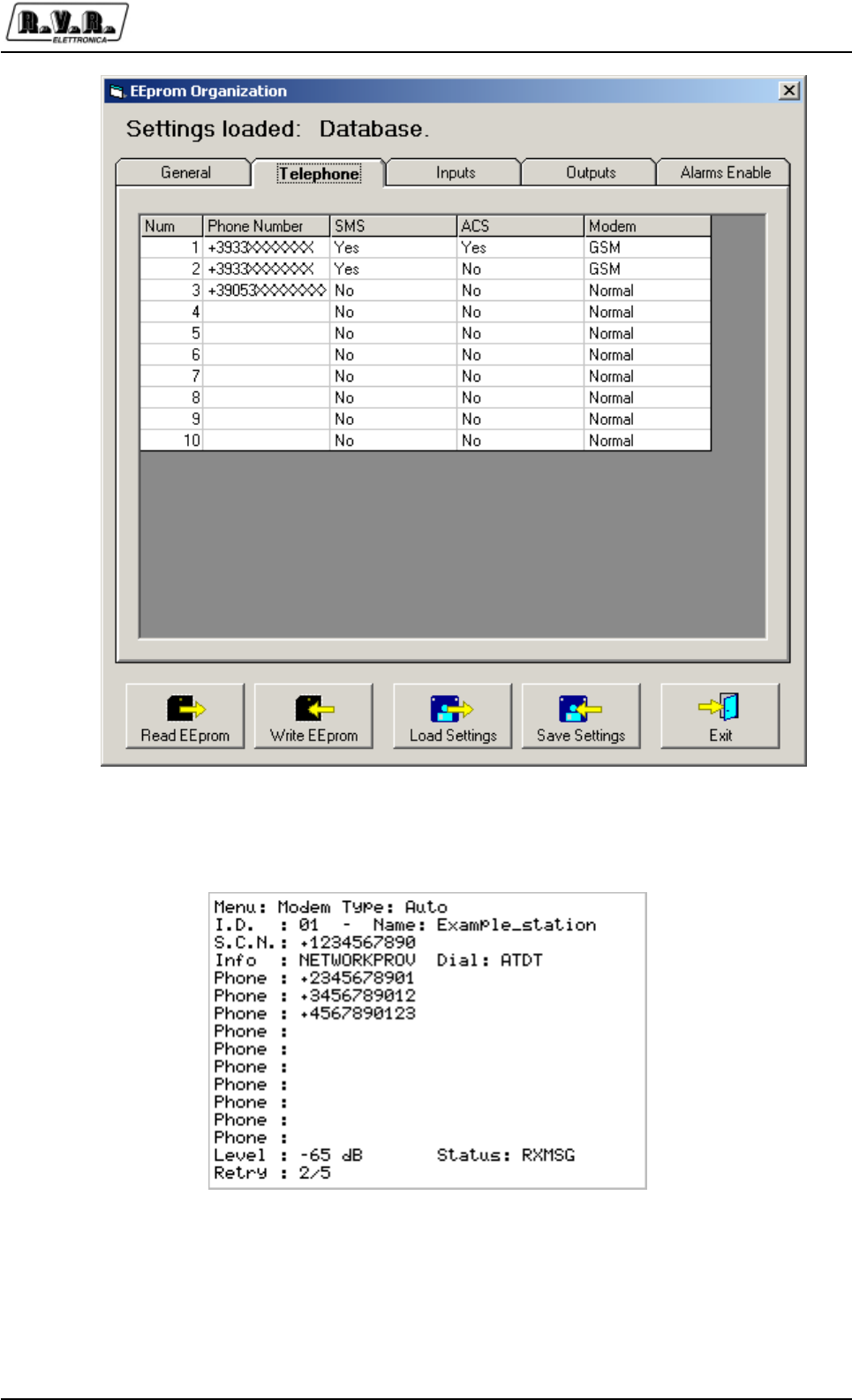
PJ5KPS
73 / 80User & Technical Manual Rev. 1.5 - 08/02/06
The display of the control unit of the amplifier will show in the menu “MODEM” (firmware
version 3.9 and up) the stored telephone numbers, the SMS service center number,
the modem status and the kind of connection.
Wait about 2 or 3 minutes and check on the display or on the LED “MODEM
PRESENT” on the top of the rack the correct update of the firmware configuration.
On the display you will read on the display the signal level and the status of the modem.
Please note that it could be necessary to exit and reenter in the Modem menu (push
ESC) to refresh it.

PJ5KPS
74 / 80 User & Technical ManualRev. 1.5 - 08/02/06
9.2.4 Alarms and commands
9.2.4.1 Alarms sent by the transmitter
1. Forward Power
2. Reflected Power
3. Unbalanced Pwr
4. No Audio PTX1
5. No Audio PTX2
6. Mains Fault
7. Over temp 1
8. Over temp 2
9. Fuse1 PS
10. Fuse2 PS
11. Blower Fault
12. Fault Mod 1
13. Fault Mod 2
14. Fault Mod 3
15. Fault Mod 4
16. Fault Mod 5
17. Fault Mod 6 (only 10Kw)
18. Fault Mod 7 (only 10Kw)
19. Fault Mod 8 (only 10Kw)
20. Fault Mod 9 (only 10Kw)
21. Fault Mod 10 (only 10Kw)
22. Pressure Fault
23. Mains OK
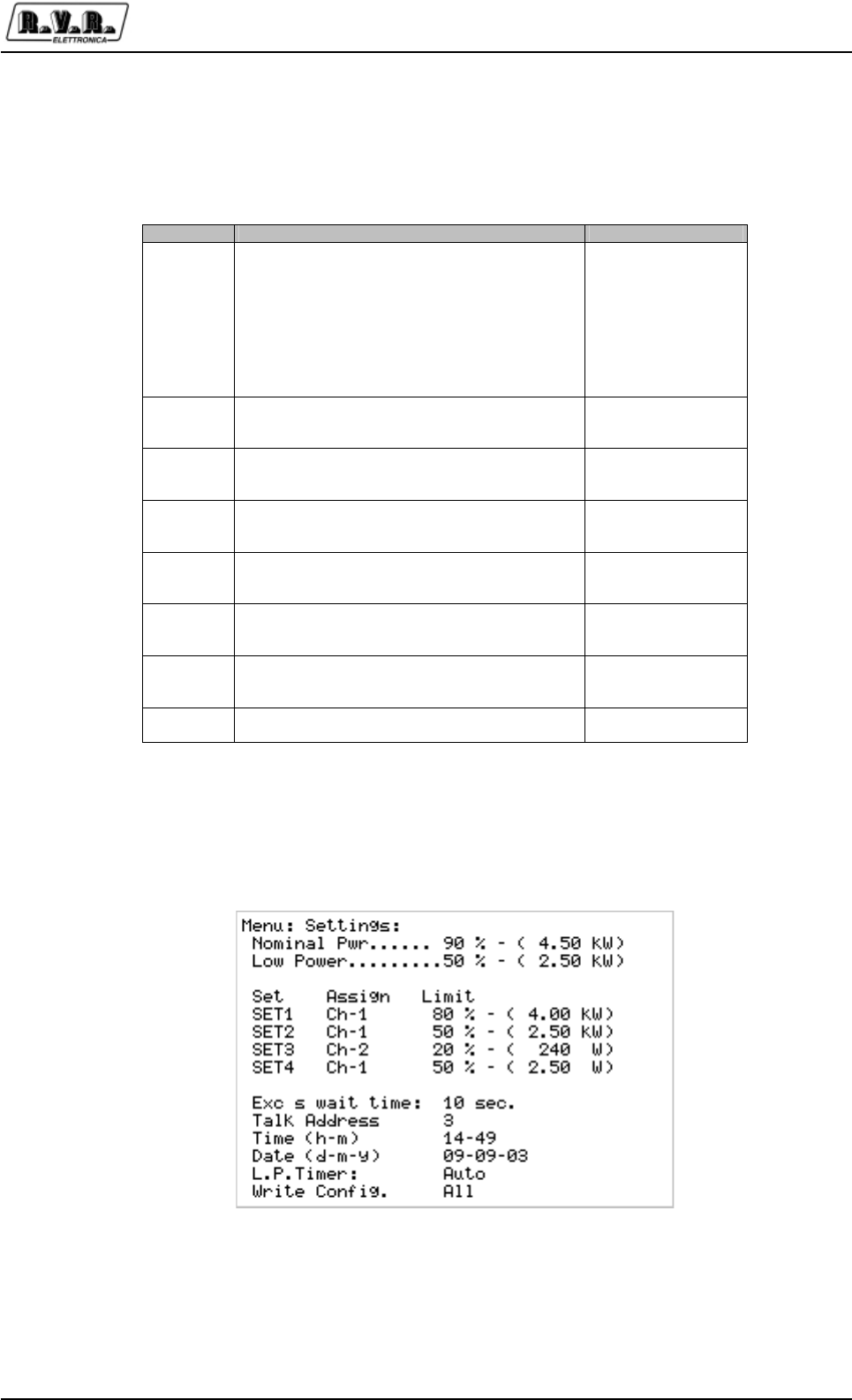
PJ5KPS
75 / 80User & Technical Manual Rev. 1.5 - 08/02/06
9.2.4.2 SMS commands available
The commands that can be sent to the transmitter using SMS messages are the
following:
The Alarms for the RF power falling under a certain level and for the reflected power
are connected to the Settings menu. Remember to adjust SET 1 SET2 and SET 3 in
this menu to suit your need.
When all of these parameters have beenfinally configured, put the selector on the
control panel of the control unit on the “Remote” position. The yellow “LOCAL” led will
go off and the green led will go on. We suggest at this point to do some tests to verify
the functionality of the system.
&RPPDQG 5HSO\ 'HVFULSWLRQ
INFO
Station: ³VWDWLRQQDPH´
ID: ³,'QXPEHU´
FWD: ³YDOXH´
RFL: ³YDOXH´
UNBAL:³YDOXH´
TX On (RU TX Off RU TX StdBy)-
Low Power / Nom Power
Audio Present / Audio Absent
Alarm Present / Alarm Absent
Information about the
transmitter’s status
TXON Station: ³VWDWLRQQDPH´
ID: ³,'QXPEHU´
TX is On -
Switching on the
transmitter
TXOFF Station: ³VWDWLRQQDPH´
ID: ³,'QXPEHU´
TX is Off
Switching off the
transmitter
LOWPWR Station: ³VWDWLRQQDPH´
ID: ³,'QXPEHU´
LowPwr OK- Low Power setting
NOMPWR Station: ³VWDWLRQQDPH´
ID: ³,'QXPEHU´
NomPwr OK- Nominal Power setting
ALARM Station: ³VWDWLRQQDPH´
ID: ³,'QXPEHU´
Alarm: ³OLVWRIWKHDODUPVLQPHPRU\´
List of the alarms in
memory
RESET Station: ³VWDWLRQQDPH´
ID: ³,'QXPEHU´
ALARM RESET OK-
Resetting the alarms in
memory
RESMOD -- nothing -- Reset of the telemetry
and modem restart

PJ5KPS
76 / 80 User & Technical ManualRev. 1.5 - 08/02/06
9.3 Technical details
9.3.1 Modules mapping
9.3.1.1 Control Unit
Configuration data Block
0x00
0x01
0x02
0x03
0x04
0x05
0x06
0x07
ID
RH
RS
In_Ana_Tot
Out_Ana_Tot
In_Dig_Tot
Out_Dig_Tot
Gen_Tot
Device ID
Hardware Release
Software Release
Analog input number = 2
Analog output number = 5
Digital input number = 32
Digital output number = 32
General number = 3
Analog input data block
0x08
0x09 INANA0
INANA1 Input Power
Load Power
Analog output data block
0x0A
0X0B
0x0C
0x0D
0x0E
OUTANA0
OUTANA1
OUTANA2
OUTANA3
OUTANA4
RF combiner output power
RF combiner reflected power
Air temperature
Power supply voltage
Efficiency
Digital input data block
0x0F
INDIG0-15 Bit0: Ext Interlock
Bit1: Aux Interlock
Bit2: StdBy-In
Bit3: Service Request
Bit4: Local / Remote
Bit5: Manual / Auto exchange exciter
Bit6: Low Power
Bit7: Nominal Power
Bit8: Fault Exc 1
Bit9: Fault Exc 2
Bit10: Manual Exchange
Digital output data block
0x11
0x12
OUTDIG0-15
OUTDIG0-15
Bit0: Fault
Bit1: Wait
Bit2: Warning
Bit3: Audio Alarm
Bit8: Ack On
Bit9: Ack Std By
Bit10: Ack Off
Bit11: Ack Low Power
Bit12: Ack Nominal Power
Bit13: Ack Change Exciter
Bit14: Ack Manual Excange
Bit0: On/Off
Bit1: Stand By
Bit2: Backligth
Bit3: Relays Exciter
Bit4: Mute Exciter 1
Bit5: Mute Exciter 2
Bit6: On/Off Exciter
Bit8: Ack Res1
Bit9: Ack Res2
Bit10: Ack Res3
Bit11: Ack Res4
PJ5KPS
77 / 80User & Technical Manual Rev. 1.5 - 08/02/06
9.3.1.2 Hybrid Coupler
Configuration data Block
0x00
0x01
0x02
0x03
0x04
0x05
0x06
0x07
ID
RH
RS
In_Ana_Tot
Out_Ana_Tot
In_Dig_Tot
Out_Dig_Tot
Gen_Tot
Device ID
Hardware Release
Software Release
Analog input number = 10
Analog output number = 2
Digital input number = 16
Digital output number = 16
General number = 3
Analog input data block
0x08
0x09
0x0A
0x0B
0x0C
0x0D
0x0E
0x0F
0x10
0x11
INANA0
INANA1
INANA2
INANA3
INANA4
INANA5
INANA6
INANA7
INANA8
INANA9
Forward Power
Reflected Power
Input Power
Load Power
K.D.I. Temperature
Unbalanced Power
Air Temperature
External FWD Power
External RFL Power
External UNB Power
Analog output data block
0x12
0X13 OUTANA0
OUTANA1 Reserved.
Reserved.
Digital input data block
0x14
INDIG0-15
Bit0: On/Off
Bit1: Std By
Bit8: Over Temp.
Digital output data block
0x15
OUTDIG0-15
Bit4: Std By
Bit5: Sqr
Bit8: Fan
Bit12: Set1
Bit13: Set2
Bit14: Set3
Bit15: Set4
PJ5KPS
78 / 80 User & Technical ManualRev. 1.5 - 08/02/06
9.3.1.3 1.2 kW R.F. Unit
Configuration data Block
0x00
0x01
0x02
0x03
0x04
0x05
0x06
0x07
ID
RH
RS
In_Ana_Tot
Out_Ana_Tot
In_Dig_Tot
Out_Dig_Tot
Gen_Tot
Device ID
Hardware Release
Software Release
Analog input number = 11
Analog output number = 1
Digital input number = 16
Digital output number = 16
General number = 3
Analog input data block
0x08
0x09
0x0A
0x0B
0x0C
0x0D
0x0E
0x0F
0x10
0x11
0x12
INANA0
INANA1
INANA2
INANA3
INANA4
INANA5
INANA6
INANA7
INANA8
INANA9
INANA10
Forward Power
Reflected Power
Input Power
Supply Voltage
Bias Voltage
Module Temperature
Diriver Current
Mosfet 1 Current
Mosfet 2 Current
Mosfet 3 Current
Mosfet 4 Current
Analog output data block
0x13 OUTANA0 Foldback
Digital input data block
0x14
INDIG0-15
Bit0: On/Off
Bit3: Std-By-In
Bit8: Over Temperature
Bit11: State of Fuse
Digital output data block
0x15
OUTDIG0-15
Bit4: StandBy
Bit5: Sqr
Bit8: Led Red
Bit9: Led Orange
Bit10: Led Green
PJ5KPS
79 / 80User & Technical Manual Rev. 1.5 - 08/02/06
9.3.1.4 Power Supply
Configuration data Block
0x00
0x01
0x02
0x03
0x04
0x05
0x06
0x07
ID
RH
RS
In_Ana_Tot
Out_Ana_Tot
In_Dig_Tot
Out_Dig_Tot
Gen_Tot
Device ID
Hardware Release
Software Release
Analog input number = 2
Analog output number = 0
Digital input number = 16
Digital output number = 16
General number = 3
Analog input data block
0x08
0x09 INANA0
INANA1 Bus Volt
Temperature
Analog output data block
-- -- --
Digital input data block
0x0A
INDIG0-15
Bit0: On/Off
Bit1: StdBy-In
Bit3: Mains Fault
Bit8: Over Temperature 1
Bit9: C.B.
Bit10: Fuse 1
Bit11: Over Temperature 2
Bit12: Fuse 2
Bit13: Restart Safety
Bit14: Pressure
Digital output data block
0x0B
OUTDIG0-15
Bit4: StandBy
Bit5: Sqr
Bit8: Soft Start 1
Bit9: On 1
Bit10: Soft Start 2
Bit11: On 2
Bit15: Blower
9.3.2 Timings
Main routine timing 1ms
Modem detection cycle 34s
Modem init after restart 50s
Modem init when detected 50s.
Maximum answer time after a command 5min
Maximum complete measurement update 1,5s
No TX reply timeout on the RS485 3s
before setting “local status”
Display update time 1,5s


1 / 2User & Technical Manual
Technical Appendix
Rev. 1.5 - 08/02/06
PJ5KPS
Appendix A Piani di montaggio, schemi elettrici, liste
componenti / Component layouts,
schematics, bills of material
Questa parte del manuale contiene i dettagli tecnici riguardanti la costruzione delle
singole schede componenti del PJ5KPS. L’appendice è composta dalle seguenti
sezioni:
This part of the manual contains the technical details about the different boards of
the PJ5KPS LCD. This appendix is composed of the following sections:
Descrizione Codice RVR Vers. Pagg.
Modulo RF SL042RF1001 1.1 3 (A4)
Accoppiatore direzionale modulo RF SLDCLPFPJ1KM 1.1 3 (A4)
Misure splitter ingresso SLSPLMEA5KW1 1.0 3 (A4)
Splitter modulo RF SLSPLRFPJ5KM 1.0 3 (A4)
Scheda fusibili modulo RF SLFUSRFPJ5KM 1.0 3 (A4)
Scheda misura sbilanciamento SLPWRSENHC52 1.0 3 (A4)
Selettore misura analogica SLMETPJ5KM4 1.0 3 (A4)
Interfaccia I/O modulo RF SLIORFPJ5KM2 1.1 3 (A4)
Accoppiatore direzionale di uscita SL042MT1001 1.0 3 (A4)
Interfaccia relè di potenza SLRLYCPROTVJ 1.0 3 (A4)
Emergency CCU SLCCUEMPJ5K2 1.0 3 (A4)
Schema del cablaggio / 1.1 1 (A3)
Scheda microcontrollore SLCPUPJ5KM2 1.0 7 (A3)
Adattatore CPU PS e combinatore SLADPPSPJ5KM2 1.0 4 (A3)
Rettificatore trifase SLRCTPJ5KMC 1.1 3 (A3)
Scheda CPU control unit SLCCUPJ5KM2 1.0 6 (A3)
Scheda madre control unit SLCCU1PJ5KM2 1.0 3 (A3)
Interfaccia parallela SLINTREMPJ5KM 1.0 4 (A3)
Splitter/scambiatore ingresso SLSPLINPJ5KW1 1.0 3 (A3)
Scheda CPU misura sbilanciamento SLADKDIPJ5K2 1.0 3 (A3)
Adattatore CPU/bias modulo RF SLADBSPJ5KM2 1.1 5 (A3)
Driver modulo RF SLDRVRFPJ5M 1.0 3 (A3)
Alimentatore switching modulo RF PSSW5040 1.2 5 (A3)

2 / 2 Manuale d’uso e manutenzione
Appendice tecnica
Rev. 1.5 - 08/02/06
PJ5KPS
Pagina lasciata intenzionalmente in bianco
This page intentionally left blank
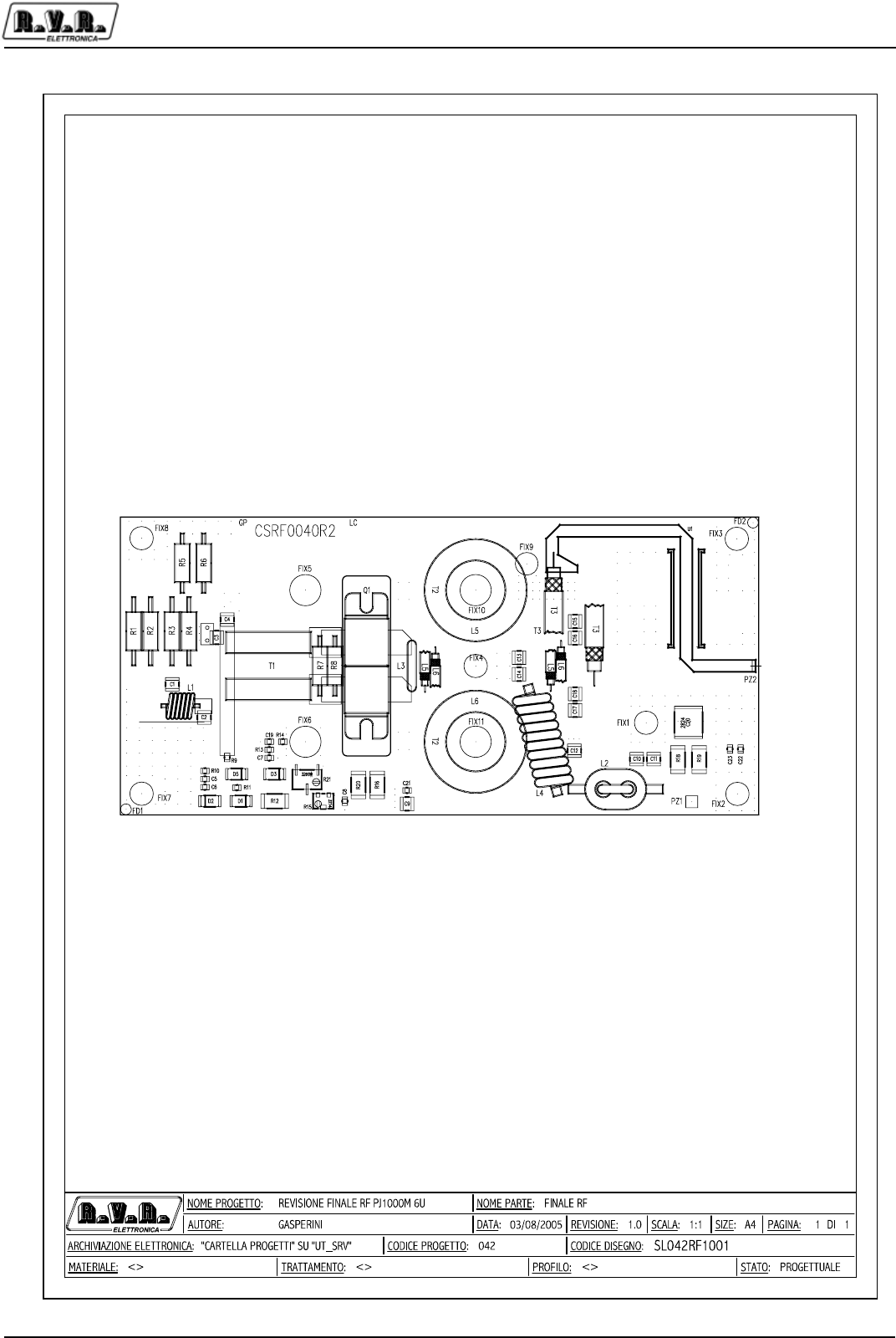
Appendix to the user manual
© 2002 -2006 R.V.R. Elettronica SpA - All rights reserved
RF Amplifier module - SL042RF1001
PJ5KPS
1 / 3
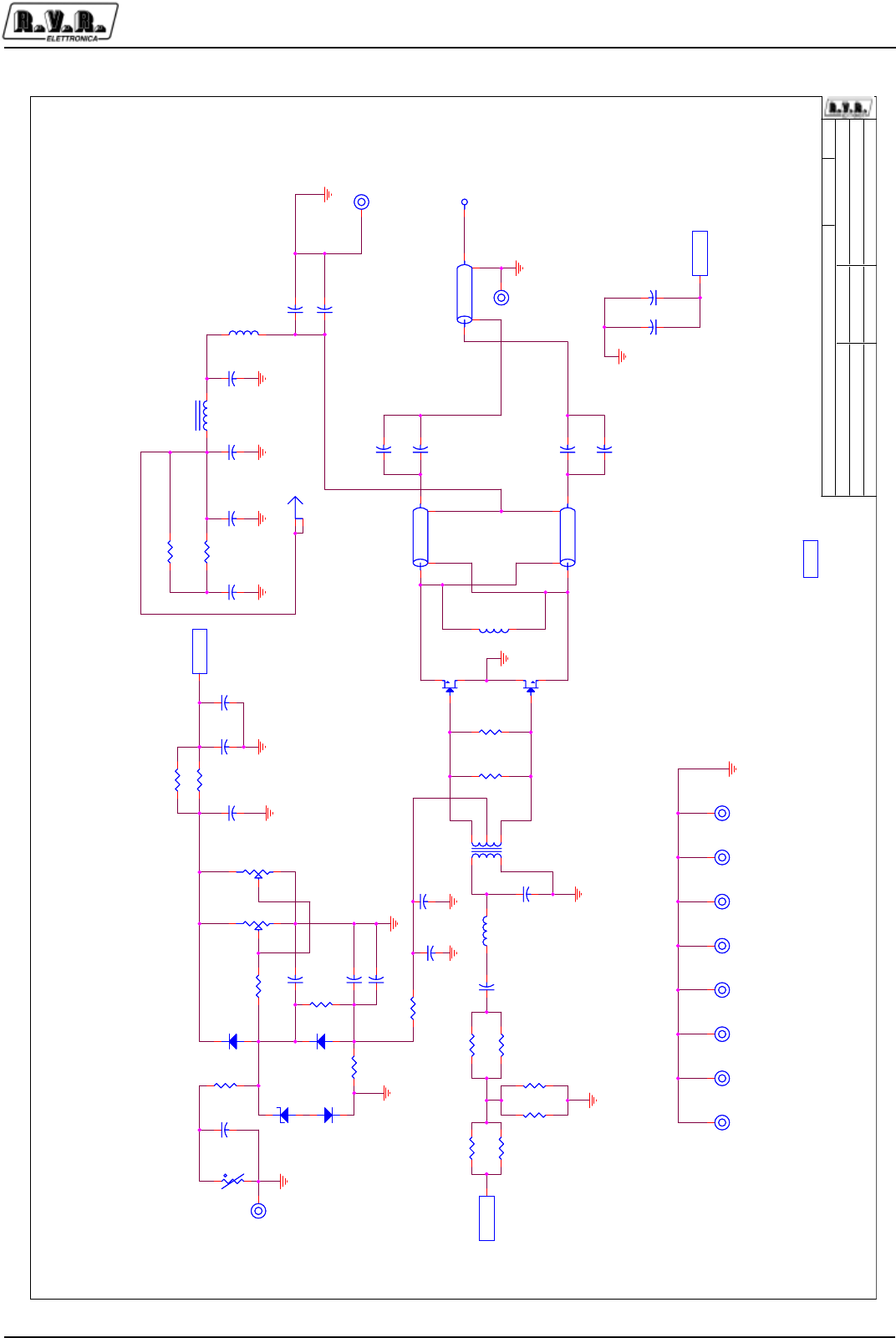
Appendix to the user manual
© 2002 -2006 R.V.R. Elettronica SpA - All rights reserved
RF Amplifier module - SL042RF1001
PJ5KPS
2 / 3
Input_Bias
+50V
Nome Progetto:
Autore:
Codice Progetto:
Nome PC in Rete:
File/Cartella:
Data:
Revisione:
Codice:
Nome Parte:
Autorizzazione:
Pagina: Size:di
\\UTSRV FINALE PJ1000 6U
SL042RF1001
1.1
FINALE RF PJ1000M
042Gasperini Luca
11A3
Monday, October 03, 2005
/
Nome Progetto:
Autore:
Codice Progetto:
Nome PC in Rete:
File/Cartella:
Data:
Revisione:
Codice:
Nome Parte:
Autorizzazione:
Pagina: Size:di
\\UTSRV FINALE PJ1000 6U
SL042RF1001
1.1
FINALE RF PJ1000M
042Gasperini Luca
11A3
Monday, October 03, 2005
/
Nome Progetto:
Autore:
Codice Progetto:
Nome PC in Rete:
File/Cartella:
Data:
Revisione:
Codice:
Nome Parte:
Autorizzazione:
Pagina: Size:di
\\UTSRV FINALE PJ1000 6U
SL042RF1001
1.1
FINALE RF PJ1000M
042Gasperini Luca
11A3
Monday, October 03, 2005
/
RF OUT
C2
56 pF
C2
56 pF
1 3
2
cw
R21
NC
cw
R21
NC
FST1
FASTON VERT.
FST1
FASTON VERT.
C13 470 pF
C13 470 pF
C14 470 pF
C14 470 pF
L2
filo 2 mm in ferrite
L2
filo 2 mm in ferrite
1 2
R20 NCR20 NC
C1
150 pF
C1
150 pF
1
32
D
Q1
1/2 BLF 278
D
Q1
1/2 BLF 278
21
D2
4004
D2
4004
C4
470 pF
C4
470 pF
C17
470 pF
C17
470 pF
C15
470 pF
C15
470 pF
FIX9
FIX35
FIX9
FIX35
FIX11
FIX35
FIX11
FIX35
FIX4
FIX60
FIX4
FIX60
C21
470 nF
C21
470 nF
C3
470 pF
C3
470 pF
C22
1 nF
C22
1 nF
12
C10
100 nF 100 V
C10
100 nF 100 V
R10
1K5
R10
1K5
1 5
6
4 8
T1
T1
PZ2
Piaz.
PZ2
Piaz.
C23
4,7 nF
C23
4,7 nF
L4
10 sp 2 mm d. 6 mm
L4
10 sp 2 mm d. 6 mm
R9 100 HR9 100 H
FIX8
FIX60
FIX8
FIX60
C6 1 nFC6 1 nF
FIX6
FIX35
FIX6
FIX35
CS1
CSRF0040R2
CS1
CSRF0040R2
C9
1 nF
C9
1 nF
12
C
R14
10 K
C
R14
10 K
2 1
D1
6V8 1 W
D1
6V8 1 W
L3
LINK a U 60 mm
L3
LINK a U 60 mm
1 2
3
4
L6
240 mm 25 ohm
L6
240 mm 25 ohm
C8
1 nF
C8
1 nF C11
470 pF
C11
470 pF
FIX5
FIX35
FIX5
FIX35
C18
470 pF
C18
470 pF
1 2
R12
270 H
R12
270 H
L1
6 sp. d. 4,5
L1
6 sp. d. 4,5
R1 5H6R1 5H6
FIX7
FIX60
FIX7
FIX60
R6
820 H
R6
820 H
C19
1 nF
C19
1 nF
C7
1 nF
C7
1 nF
C16
470 pF
C16
470 pF
12
C20
680 nF
C20
680 nF
R13
8k2
R13
8k2
FIX1
FIX35
FIX1
FIX35
1 3
2
cw
R15
1 K
cw
R15
1 K
R5
820 H
R5
820 H
R2 5H6R2 5H6
C5 1 nFC5 1 nF
12
R8
22 H
R8
22 H
1 2
R18 2H2R18 2H2
R11
1 K
R11
1 K
1
PAD
PAD3
PAD
PAD3
1 2
3
4
L5
240 mm 25 ohm
L5
240 mm 25 ohm
12
R7
22 H
R7
22 H
1 2
R19 2H2R19 2H2
1 2
3
4
T3
120 mm RG 303
T3
120 mm RG 303
1 2
R16 47R16 47
FIX3
FIX60
FIX3
FIX60
1
PAD
PAD1
PAD
PAD1
2 1
D5
4004
D5
4004
FIX10
FIX35
FIX10
FIX35
R4 5H6R4 5H6
1
3 2
D
Q2
1/2 BLF 278
D
Q2
1/2 BLF 278
1
PAD
PAD2
PAD
PAD2
R3 5H6R3 5H6
2 1
D3
4004
D3
4004
FIX2
FIX60
FIX2
FIX60
C12
470 pF
C12
470 pF
Appendix to the user manual
© 2002 -2006 R.V.R. Elettronica SpA - All rights reserved
RF Amplifier module - SL042RF1001
PJ5KPS
3 / 3
),1$/(3-85HYLVHG
5HYLVLRQ
6/5)
*DVSHULQL/XFD
,WHP 4XDQWLW\ 5HIHUHQFH 3DUW ^GHVFULSWLRQ` &RGLFH$6
& S) &RQG60'+4 &+4-$$
& S) &RQG60'+4 &+4-$
&&&&&&&&&& S) &RQG60'+4 &+4-$
&&&&&& Q) &RQG60' &&&-1&
& Q) &RQG60'+4 &+4-$$
& Q)9 &RQGFHUDPLFRPXOWLVWUDWRSPP &060&
& Q) &RQG60' &3(.2
& Q) &RQG60' &&&.;%
& Q) &RQG60' &&&.;&
' 9: 0,1,0(/)60'=HQHU'LRGH ',=90(/)
''' 0(/)60''LRGH ',660$
),;),;),;),;),;),; ),; )RURILVVDJJLRPP
),;),;),;),;),; ),; )RURILVVDJJLRPP
)67 )$67219(57
/ VSG ,QGXWWDQ]DFLOLQGULFD
/ ILORPPLQIHUULWH
/ /,1.D8PP ,QGXWWDQ]DFLOLQGULFD
/ VSPPGPP ,QGXWWDQ]DFLOLQGULFD
// PPRKP
3$'3$'3$' 3$'
3= 3LD]
44 %/) 7UDQV)(7627 751%/)
5555 + 5HV: 560-+
55 + 5HV: 560-+
55 + 5HV: 560-+
5 + 5HV60' 5&+-+
5 . 5HV60' 5&+).
5 . 5HV60' 5&+).
5 + 5HV60' 5&+-+
5 N 5HV60' 5&+).
5 . 5HV17&60' 517&..
5 . 7ULPPHU 597:.
5 5HV60' 5&+-+
55 + 5HV60' 5&+-+
5 1& 5HV60'
5 1& 7ULPPPXOWL60'39*0XUDWD
7
7 PP5*
&6 &65)5 &65)5
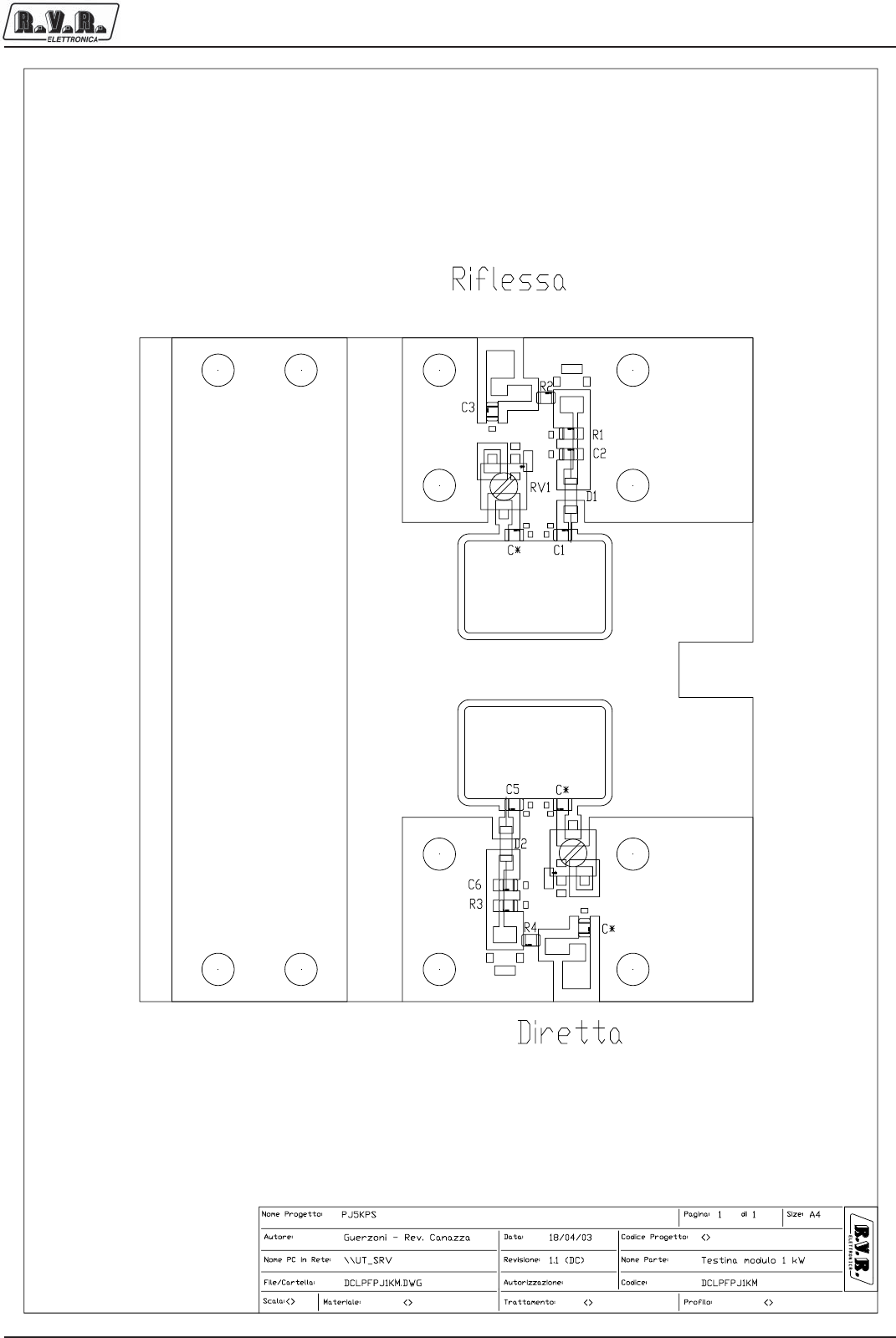
Appendix to the user manual
© 2002 R.V.R. Elettronica SpA - All rights reserved
RF module directional coupler- SLDCLPFPJ1KM
PJ5KPS
1 / 3
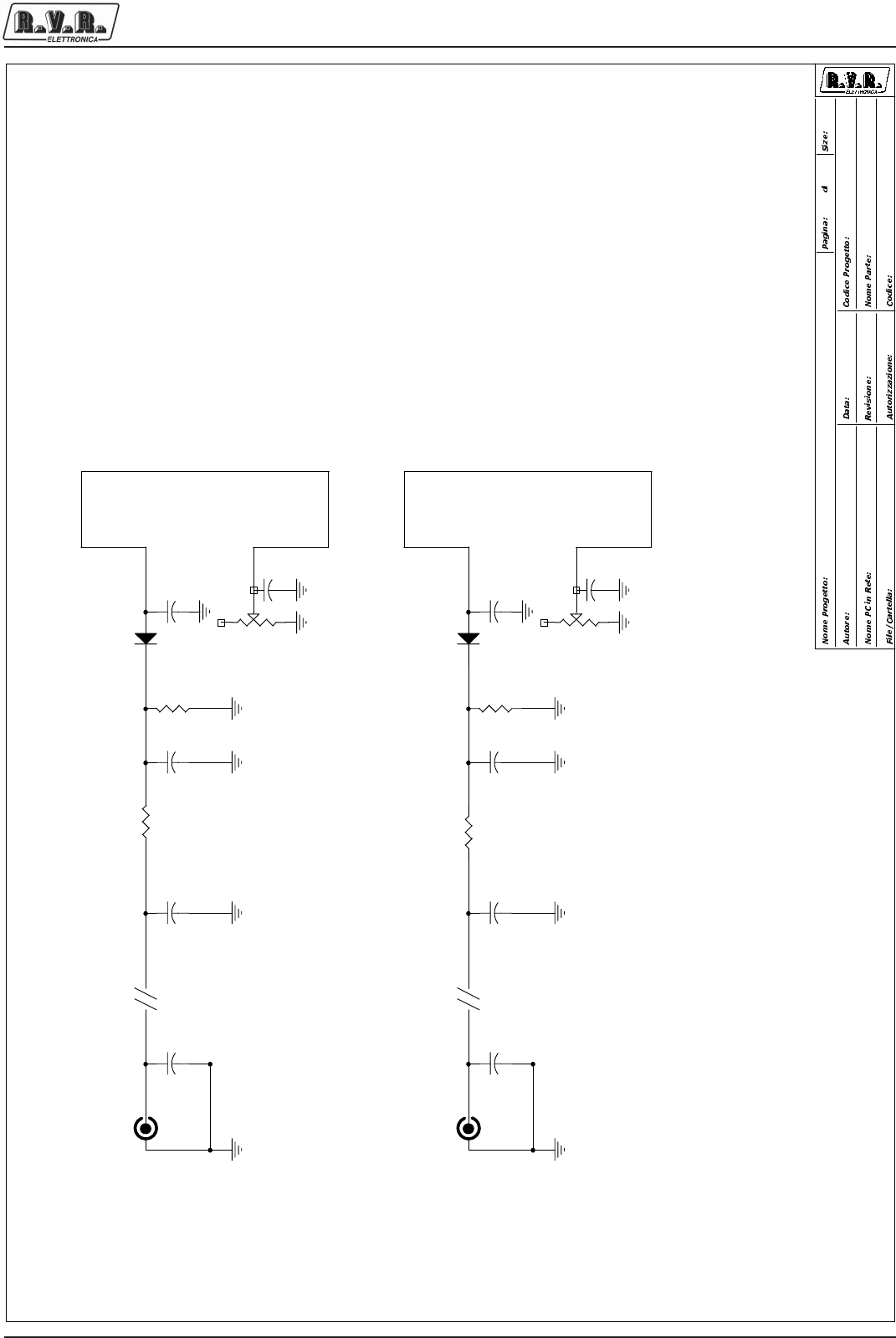
Appendix to the user manual
© 2002 R.V.R. Elettronica SpA - All rights reserved
RF module directional coupler- SLDCLPFPJ1KM
PJ5KPS
2 / 3
montato sull' RCA
montato sull' RCA
\\UT_SRV
Dir. Coupler Module 1KW
DCLPFPJ1KM
1.0 (DC)
PJ5KPS
<>
DCLPFPJ1KM.DSN
Ucelli Mauro - Rev.: Canazza 14/10/2002
11A4
Riflessa
Diretta
C7
4n7 C*
*
C4
4n7
R3
100k
D2 BAT83
C6
4n7 C5
47p
C3
470n R1
100k
C*
*
C*
*
C2
4n7
SW1
RCA RFL
1 2
SW2
RCA DIR
1 2
D1 BAT83
R2 1k
cw
RV2
200R
R4 1k
C1
47p
cw
RV1
200R

Appendix to the user manual
© 2002 R.V.R. Elettronica SpA - All rights reserved
RF module directional coupler- SLDCLPFPJ1KM
PJ5KPS
3 / 3
SLDCLPFPJ1KM Bill Of Materials Page 1
Item Q.ty Reference Part
____________________________________________________________________________________________
11C* *
2 2 C5,C1 47p
3 4 C2,C4,C6,C7 4n7
4 1 C3 470n
5 2 D2,D1 BAT83
6 2 RV2,RV1 200R
7 2 R3,R1 100k
8 2 R2,R4 1k
9 1 SW1 RCA RFL
10 1 SW2 RCA DIR
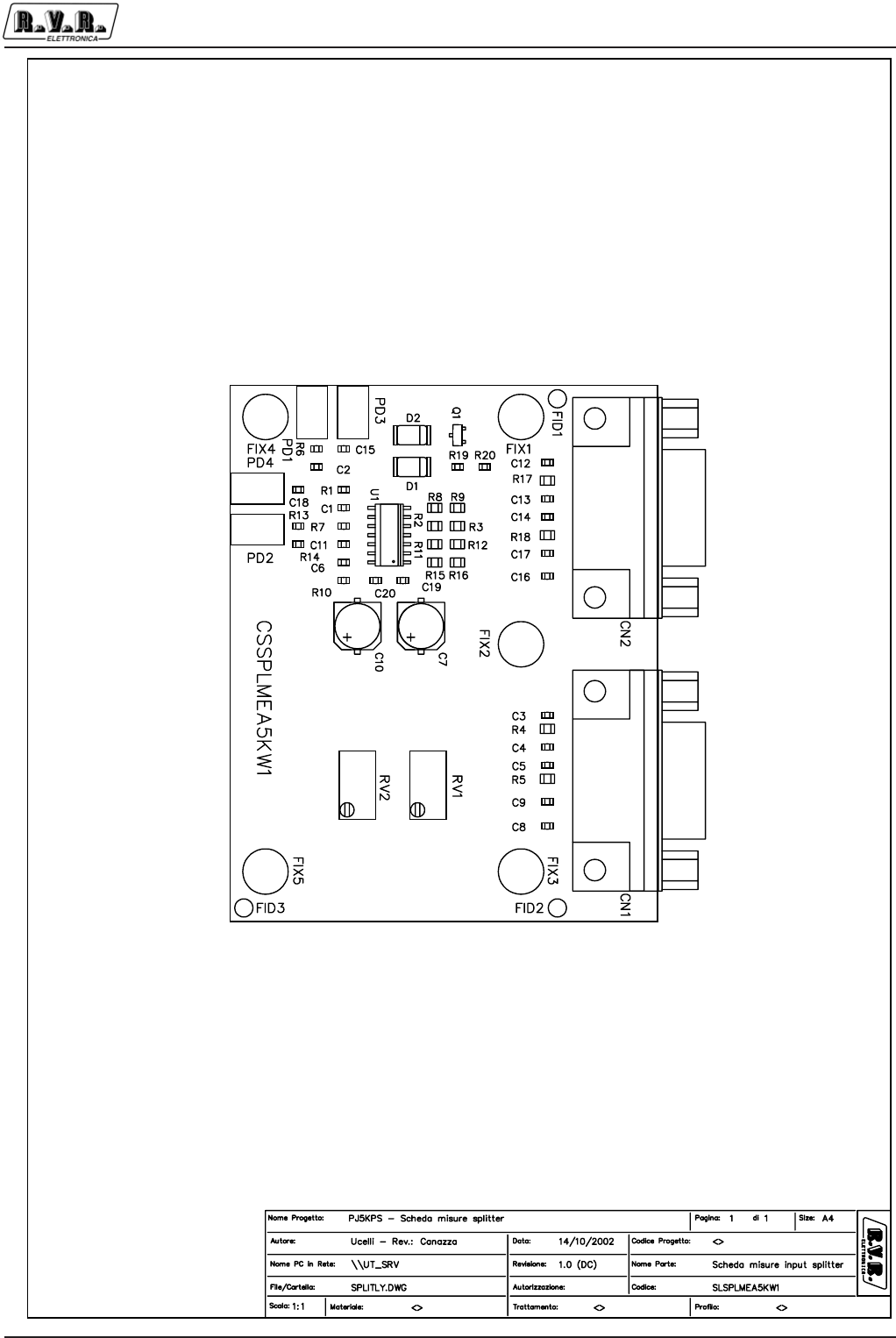
Appendix to the user manual
© 2002 R.V.R. Elettronica SpA - All rights reserved
Splitter measurement board - SLSPLMEA5KW1
PJ5KPS
1 / 3
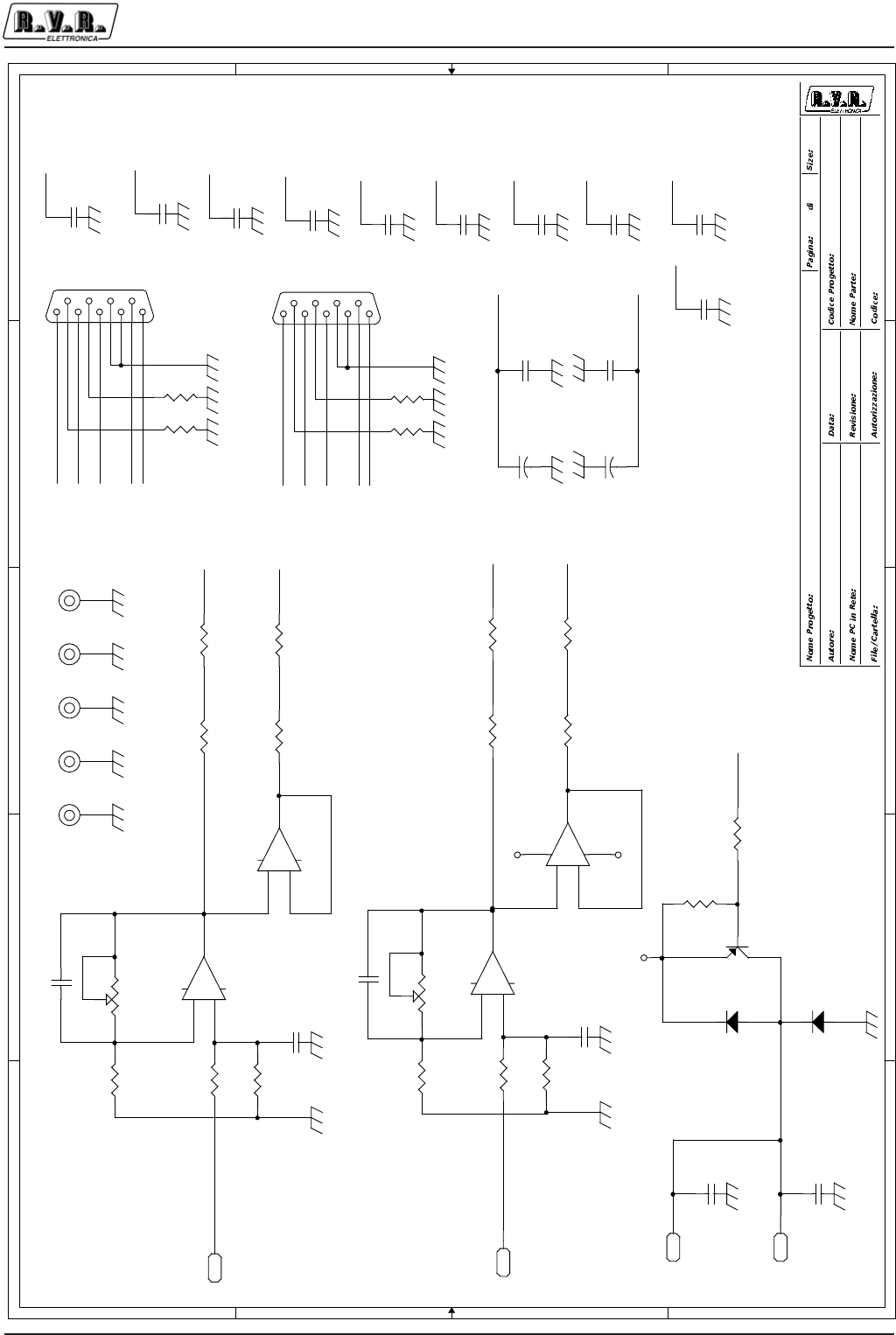
Appendix to the user manual
© 2002 R.V.R. Elettronica SpA - All rights reserved
Splitter measurement board - SLSPLMEA5KW1
PJ5KPS
2 / 3
5
5
4
4
3
3
2
2
1
1
D D
C C
B B
A A
<Path PC> RF Input Splitter Measurement
CSSPLMEA5KW1
1.0
PJ5000MC
PJ5000MC
/Splitter2
Mauro Ucelli 05/09/01
11A4
DIV+
LOAD+
/DIV+
+12V
DIV+
-12V
/DIV+
/LOAD+
/LOAD+
LOAD+
/LOAD+
LOAD+
-12V
COAX
+12V
+12V
-12V
COAX
DIV+
COAX
-12V
+12V
/DIV+
+12V
-12V
COAX
COAX
+12V
-12V
+12V
R20
10k
R18
100R
C6
100p
C18
4n7
CN2
DB9FSO
5
9
4
8
3
7
2
6
1
R13
1k
CN1
DB9FSO
5
9
4
8
3
7
2
6
1
C20
100n
C12
4n7
R14
4k7
+
-
U1C
TL074_SMD
10
98
R15
51R
Q1
BC857BL
3
1
2
C11
1n
+
-
U1A
TL074_SMD
3
21
11 4
C16
4n7
R16
51R
C8
4n7
R11
51R
PD1
PAD
PD2
PAD
PD3
PAD
+
C7
100uF_35V
PD4
PAD
R8
51R
+
-
U1B
TL074_SMD
5
67
C1
100p
R4
100R
C15
4n7
cw
RV1
50k_Trim
FIX1
FIX35
1
FIX2
FIX35
1
FIX3
FIX35
1
FIX4
FIX35
1
R6
1k
FIX5
FIX35
1
R9
51R
R7
4k7
R2
51R
C19
100n
D1
SM4004
2 1
+
-
U1D
TL074_SMD
12
13 14
C9
4n7
D2
SM4004
2 1
cw
RV2
50k_Trim
R3
51R
R12
51R
R19
4k7
R5
100R
R1
10k
R10
10k
C4
4n7
C13
4n7
C17
4n7
+
C10
100uF_35V
R17
100R
C2
1n
C3
4n7
C5
4n7
C14
4n7

Appendix to the user manual
© 2002 R.V.R. Elettronica SpA - All rights reserved
Splitter measurement board - SLSPLMEA5KW1
PJ5KPS
3 / 3
CSSPLMEA5KW1 Bill Of Materials Page1
Item Q.ty Reference Part
_____________________________________________________________________________________________
1 2 CN2,CN1 DB9FSO
2 2 C6,C1 100p
3 2 C11,C2 1n
4 12 C3,C4,C5,C8,C9,C12,C13, 4n7
C14,C15,C16,C17,C18
5 2 C7,C10 100uF_35V
6 2 C19,C20 100n
7 2 D1,D2 SM4004
8 5 FIX1,FIX2,FIX3,FIX4,FIX5 FIX35
9 4 PD1,PD2,PD3,PD4 PAD
10 1 Q1 BC857BL
11 2 RV2,RV1 50k_Trim
12 3 R1,R10,R20 10k
13 8 R2,R3,R8,R9,R11,R12,R15, 51R
R16
14 4 R4,R5,R17,R18 100R
15 2 R13,R6 1k
16 3 R7,R14,R19 4k7
17 1 U1 TL074_SMD
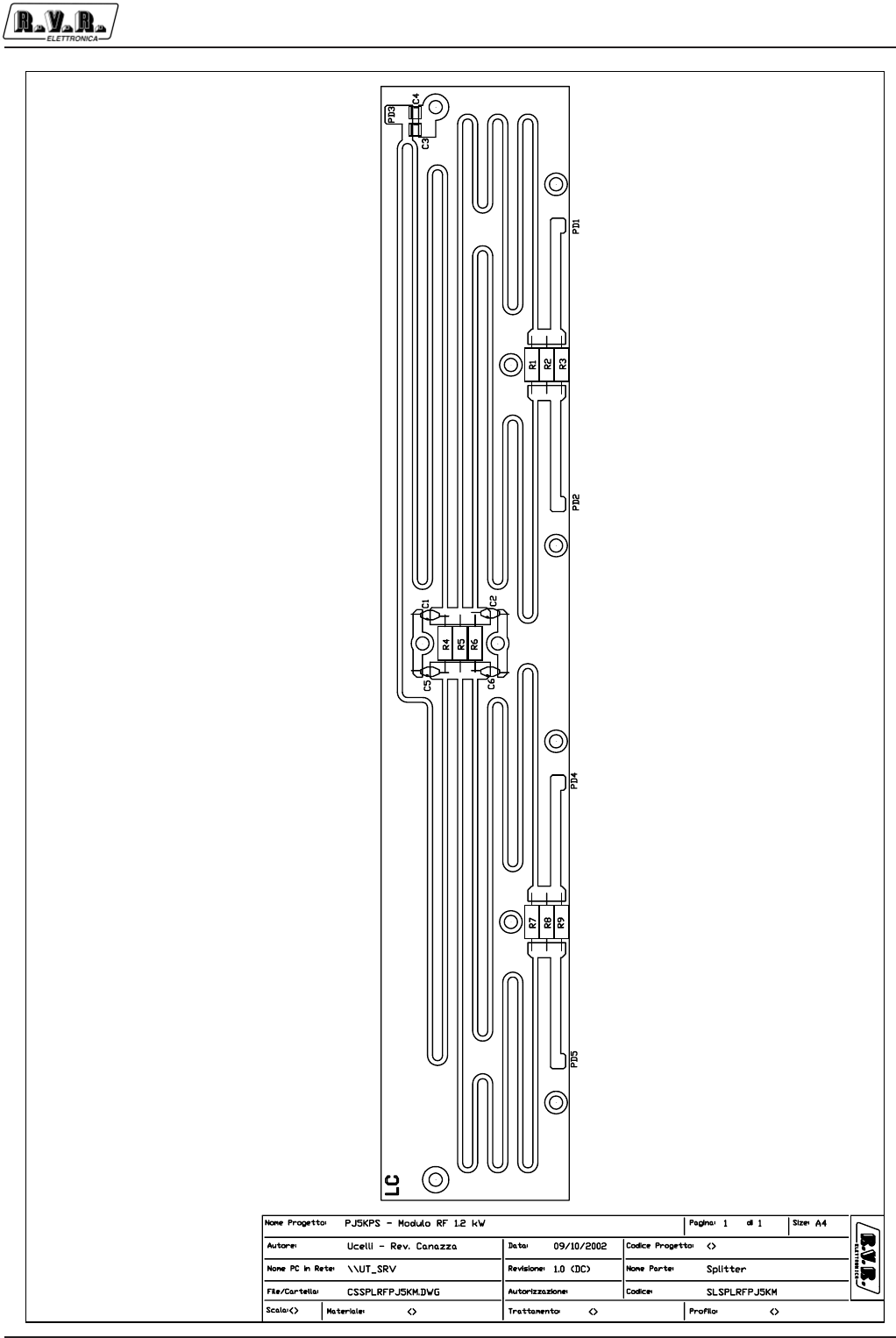
Appendix to the user manual
© 2002 R.V.R. Elettronica SpA - All rights reserved
RF module splitter - SLSPLRFPJ5KM
PJ5KPS
1 / 3
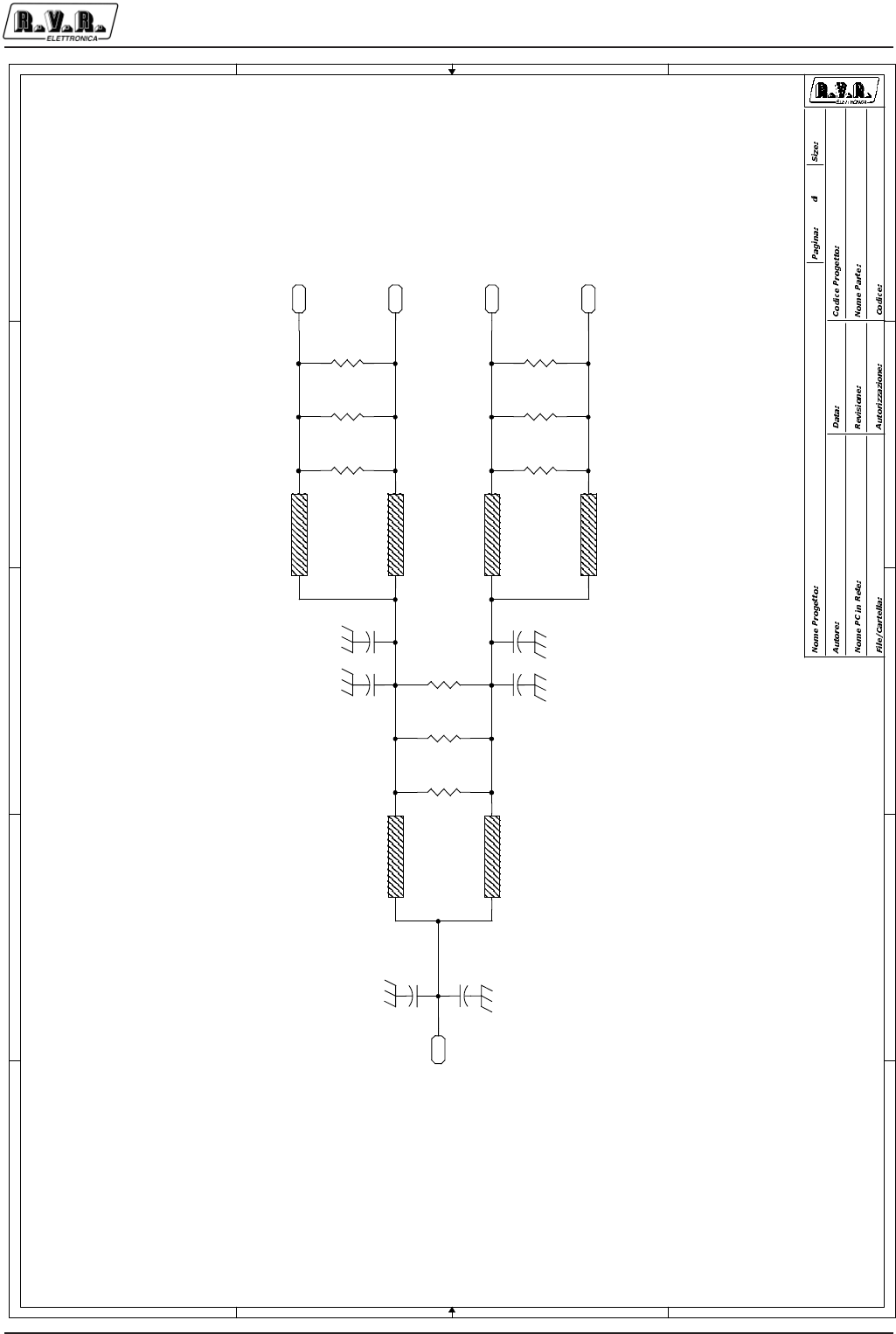
Appendix to the user manual
© 2002 R.V.R. Elettronica SpA - All rights reserved
RF module splitter - SLSPLRFPJ5KM
PJ5KPS
2 / 3
5
5
4
4
3
3
2
2
1
1
D D
C C
B B
A A
\\UT_SRV Splitter on 1KW unit
CSSPLRFPJ5KM
1.0
PJ5KPS
PJ5000MC
SplitterMod1KW.DSN
Mauro Ucelli 12/02/02
11A4
PD2
PAD
TL2
Z73E80
TL4
Z73E80
PD4
PAD
C1
10p_C
PD5
PAD
PD3
PAD
PD1
PAD
R4
330_2W
C4
10p_HQ
C3
4p7_HQ
TL5
Z73E80
TL1
Z73E80
TL6
Z73E80
C5
10p_C
TL3
Z73E80
R7
330_2W
C2
3p3_C
R1
330_2W
R8
330_2W
R2
330_2W
R9
330_2W
R3
330_2W
C6
3p3_C
R5
330_2W R6
330_2W

Appendix to the user manual
© 2002 R.V.R. Elettronica SpA - All rights reserved
RF module splitter - SLSPLRFPJ5KM
PJ5KPS
3 / 3
CSSPLRFPJ5KM Bill Of Materials Page 1
Item Q.ty Reference Part
____________________________________________________________________________________________
1 2 C5,C1 10p_C
2 2 C6,C2 3p3_C
3 1 C3 4p7_HQ
4 1 C4 10p_HQ
5 5 PD1,PD2,PD3,PD4,PD5 PAD
6 9 R1,R2,R3,R4,R5,R6,R7,R8, 330_2W
R9
7 6 TL1,TL2,TL3,TL4,TL5,TL6 Z73E80
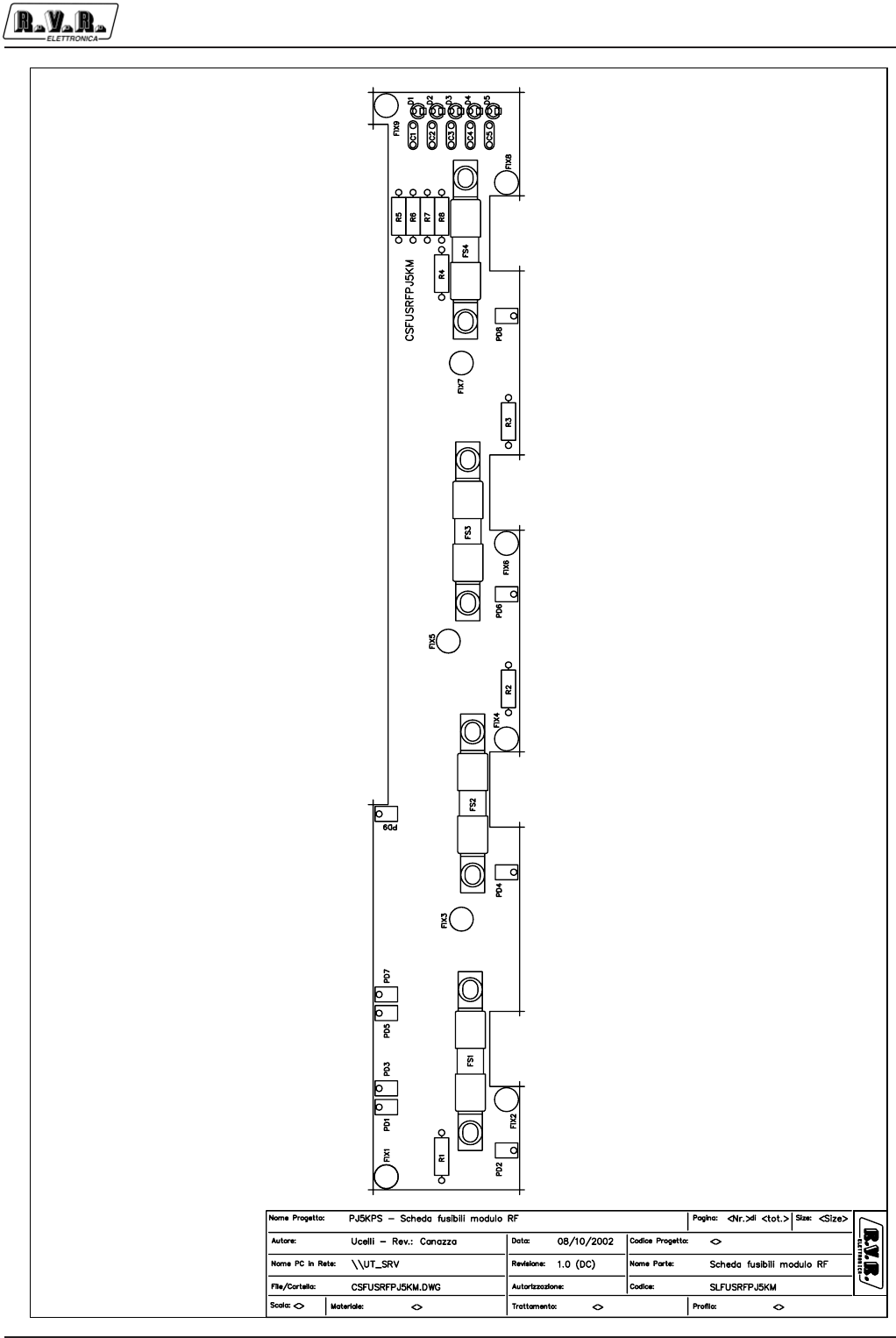
Appendix to the user manual
© 2002 R.V.R. Elettronica SpA - All rights reserved
RF module fuse board - SLFUSRFPJ5KM
PJ5KPS
1 / 3
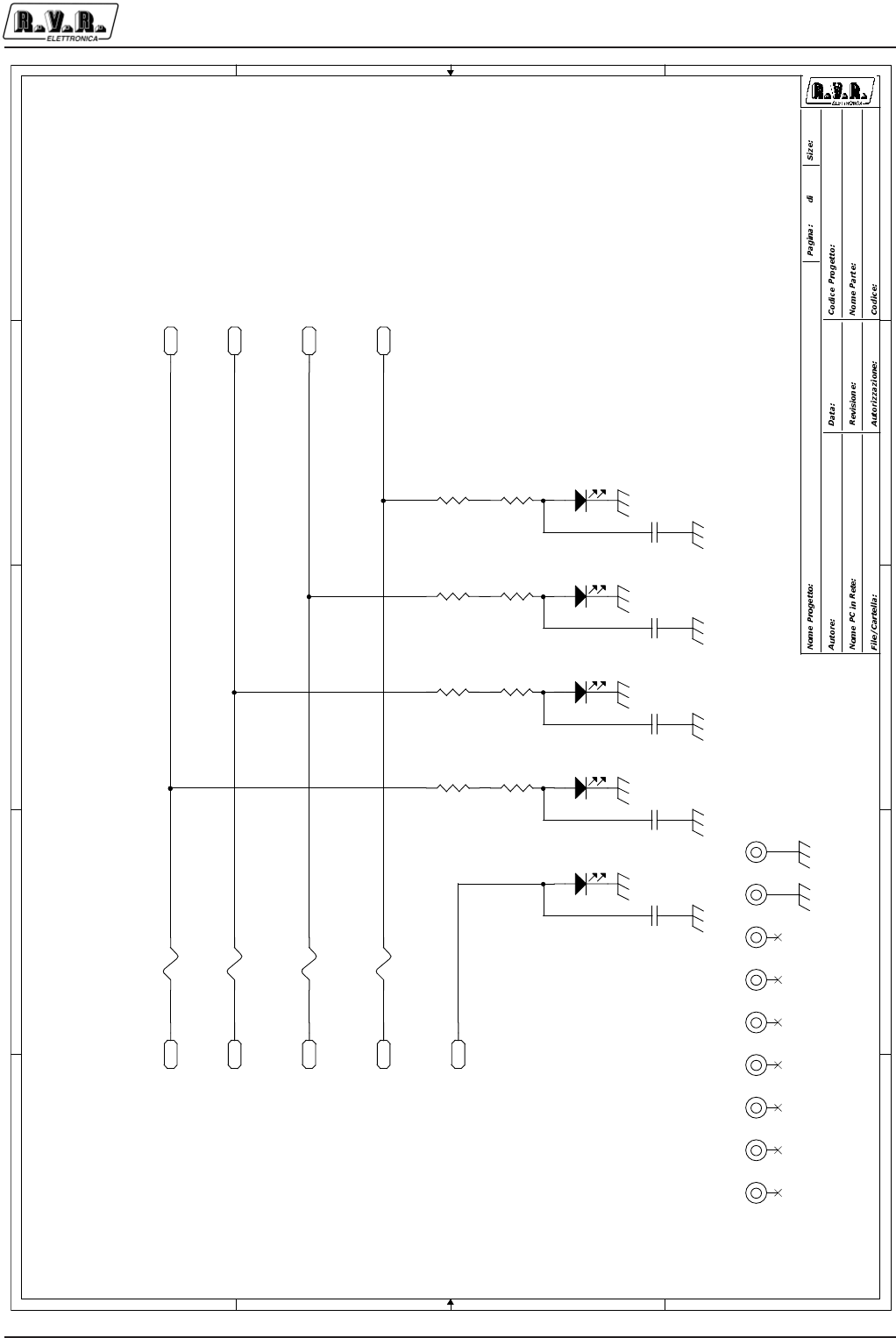
Appendix to the user manual
© 2002 R.V.R. Elettronica SpA - All rights reserved
RF module fuse board - SLFUSRFPJ5KM
PJ5KPS
2 / 3
5
5
4
4
3
3
2
2
1
1
D
D
C
C
B
B
A
A
PJ5000M
<>
1
Mauro Ucelli
Fuse Board
CSFUSRFPJ5KM
\\UT_SRV
CSFUSRFPJ5KM.DSN
17/05/01
A41
1.0
PD1
PAD_6x4
PD3
PAD_6x4
PD5
PAD_6x4
PD7
PAD_6x4
PD9
PAD_6x4
PD2
PAD_6x4
FIX1
FIX35
1
PD4
PAD_6x4
FIX2
FIX35
1
PD6
PAD_6x4
FIX3
FIX35
1
PD8
PAD_6x4
FIX4
FIX35
1
FIX5
FIX35
1
D1
LED-G3
FIX6
FIX35
1
D2
LED-G3
FIX7
FIX35
1
D3
LED-G3
FIX8
FIX35
1
D4
LED-G3
FIX9
FIX35
1
D5
LED-G3
FS1
16A_S
FS2
16A_S
FS3
16A_S
R5
2k7_1/2W
FS4
16A_S
R1
2k7_1/2W
R6
2k7_1/2W
R2
2k7_1/2W
R7
2k7_1/2W
R3
2k7_1/2W
R8
2k7_1/2W
R4
2k7_1/2W
C1
4n7_CC C2
4n7_CC C3
4n7_CC C4
4n7_CC C5
4n7_CC

Appendix to the user manual
© 2002 R.V.R. Elettronica SpA - All rights reserved
RF module fuse board - SLFUSRFPJ5KM
PJ5KPS
3 / 3
CSFUSRFPJ5KM Bill Of Materials Page1
Item Q.ty Reference Part
____________________________________________________________________________________________
1 5 C1,C2,C3,C4,C5 4n7_CC
2 5 D1,D2,D3,D4,D5 LED-G3
3 9 FIX1,FIX2,FIX3,FIX4,FIX5, FIX35
FIX6,FIX7,FIX8,FIX9
4 4 FS1,FS2,FS3,FS4 16A_S
5 9 PD1,PD2,PD3,PD4,PD5,PD6, PAD_6x4
PD7,PD8,PD9
6 8 R1,R2,R3,R4,R5,R6,R7,R8 2k7_1/2W
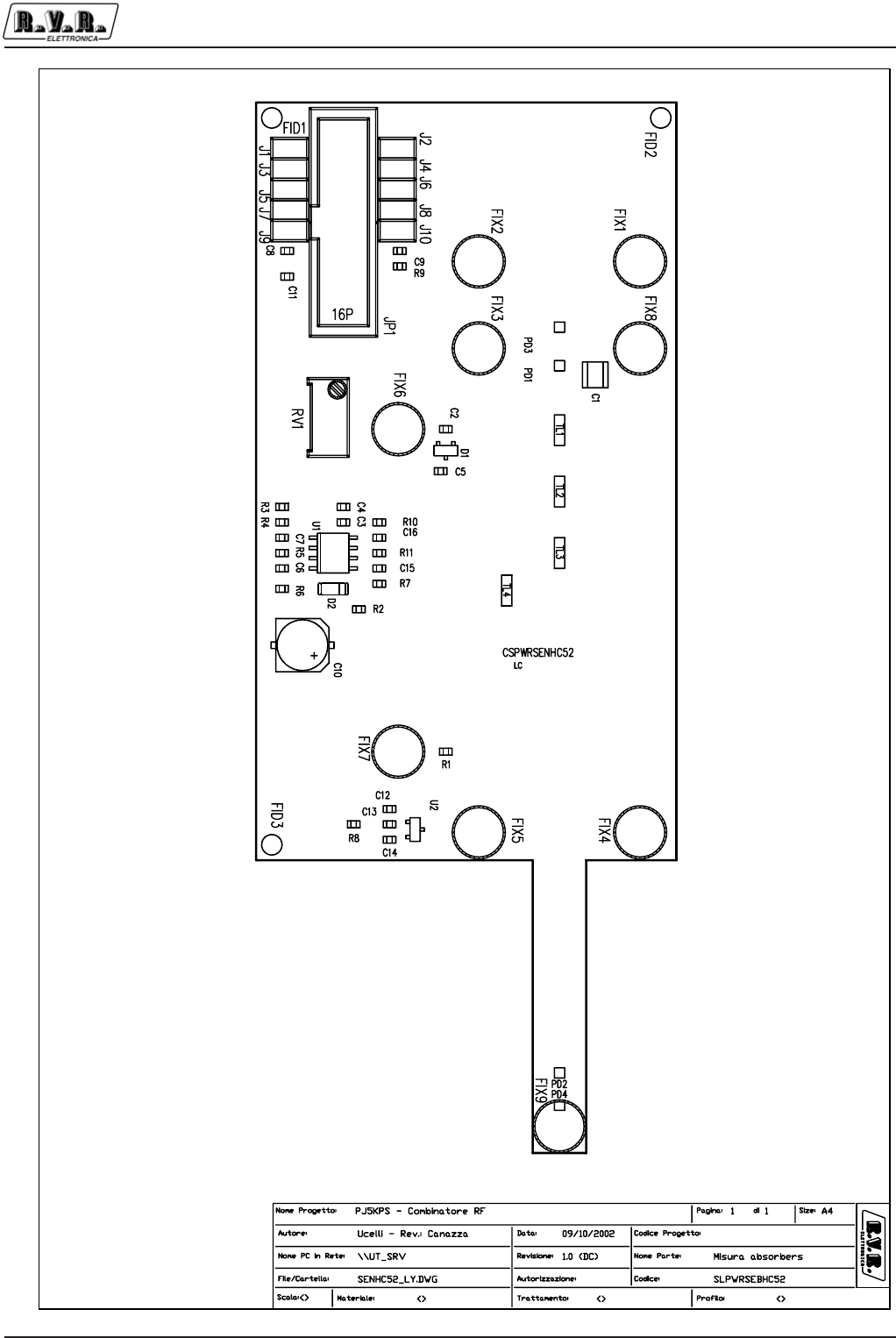
Appendix to the user manual
© 2002 R.V.R. Elettronica SpA - All rights reserved
Unbalancement meas. board - SLPWRSENHC52
PJ5KPS
1 / 3
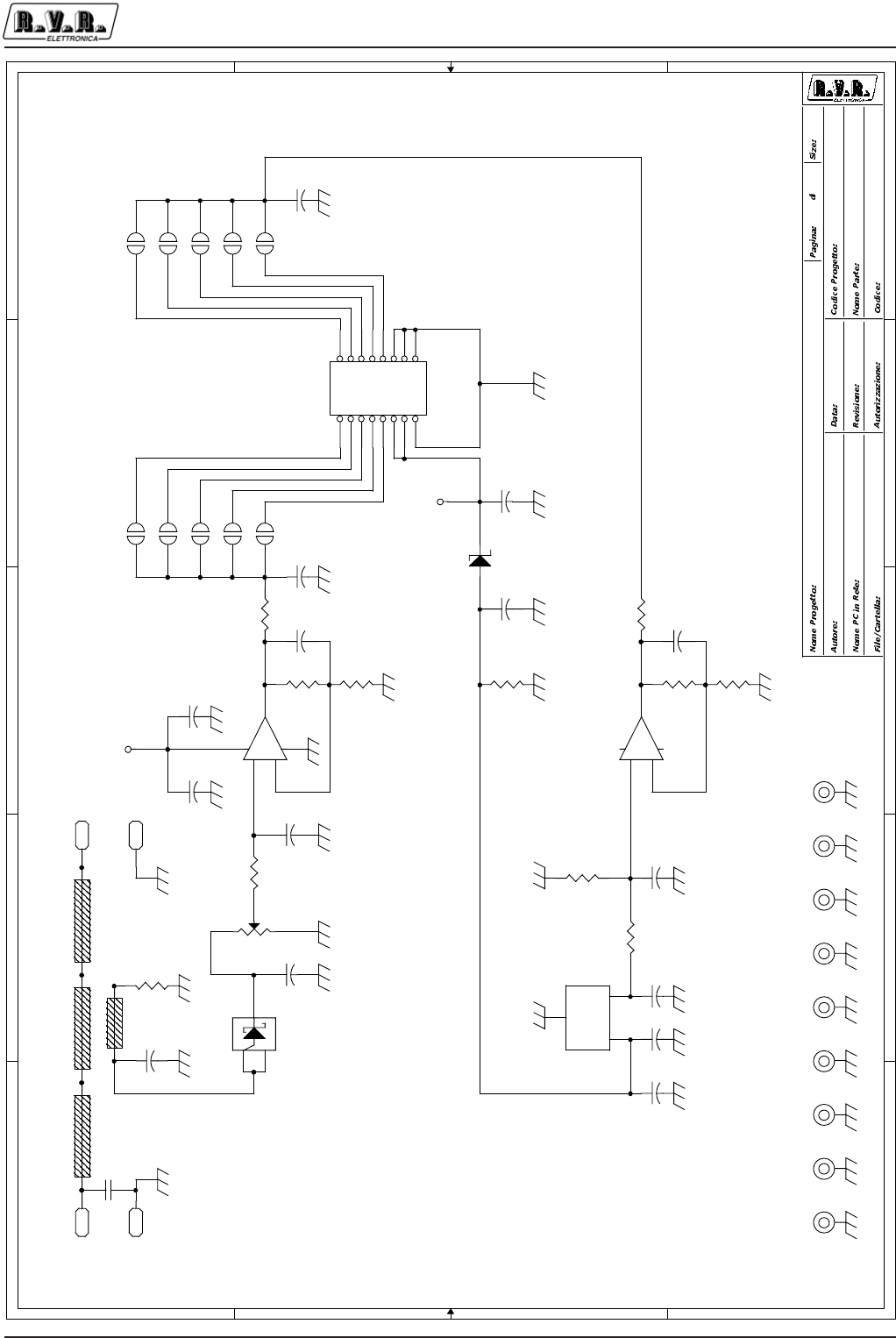
Appendix to the user manual
© 2002 R.V.R. Elettronica SpA - All rights reserved
Unbalancement meas. board - SLPWRSENHC52
PJ5KPS
2 / 3
5
5
4
4
3
3
2
2
1
1
D D
C C
B B
A A
\\UT_SRV Absorber Measure Circuit
CSPWRSENHC52
1.0
PJ5KPS
PJ5000MC_Code
CSPWRSENHC52.DSN
Mauro Ucelli 23/01/02
11A4
+12V
+12V
J6 JSMD
12
J7 JSMD
12
C5
4n7
TL1 TLINE_L
C7
1n
J8 JSMD
12
J9 JSMD
12
RV1
50k
3
2
1
C16
1n
J10 JSMD
12
C2
33p
FIX4
FIX35
C1
2p2_HQ
12
PD3
PAD
U2
LM50C
1
3
2
VS
GND
V0
D2
5V1_SMD
2 1
C13
4n7
C14
4n7
C12
100n
FIX1
FIX35
R8
10k0
FIX5
FIX35 FIX7
FIX35
C15
4n7
FIX2
FIX35
R6
1k
C4
100n
+
-
U1A
LM358SMD
3
21
4 8
+
-
U1B
LM358SMD
5
67
+
C10
100uF_35V
R3
100
FIX6
FIX35
R4
10k
R7
64k9
C3
4n7
TL2 TLINE_L
TL4
TLINE_M
PD1
PAD
FIX3
FIX35
PD2
PAD
R2
1k
JP1
FLAT16V
12
34
56
78
910
11 12
13 14
15 16
R5
2.2k
FIX8
FIX35
PD4
PAD J1 JSMD
12
TL3 TLINE_L
R10
10k0
J2 JSMD
12
FIX9
FIX35
R1
100
J3 JSMD
12
C11
4n7
D1
HSMS2800
1
23
R11
4k99
C6
1n C8
4n7
J4 JSMD
12
J5 JSMD
12
R9
100
C9
4n7

Appendix to the user manual
© 2002 R.V.R. Elettronica SpA - All rights reserved
Unbalancement meas. board - SLPWRSENHC52
PJ5KPS
3 / 3
CSPWRSENHC52 Bill Of Materials Page1
Item Q.ty Reference Part
____________________________________________________________________________________________
1 1 C1 2p2_HQ
2 1 C2 33p
3 8 C3,C5,C8,C9,C11,C13,C14, 4n7
C15
4 2 C12,C4 100n
5 3 C6,C7,C16 1n
6 1 C10 100uF_35V
7 1 D1 HSMS2800
8 1 D2 5V1_SMD
9 9 FIX1,FIX2,FIX3,FIX4,FIX5, FIX35
FIX6,FIX7,FIX8,FIX9
10 1 JP1 FLAT16V
11 10 J1,J2,J3,J4,J5,J6,J7,J8, JSMD
J9,J10
12 4 PD1,PD2,PD3,PD4 PAD
13 1 RV1 50k
14 3 R1,R3,R9 100
15 2 R6,R2 1k
16 1 R4 10k
17 1 R5 2.2k
18 1 R7 64k9
19 2 R8,R10 10k0
20 1 R11 4k99
21 3 TL1,TL2,TL3 TLINE_L
22 1 TL4 TLINE_M
23 1 U1 LM358SMD
24 1 U2 LM50C
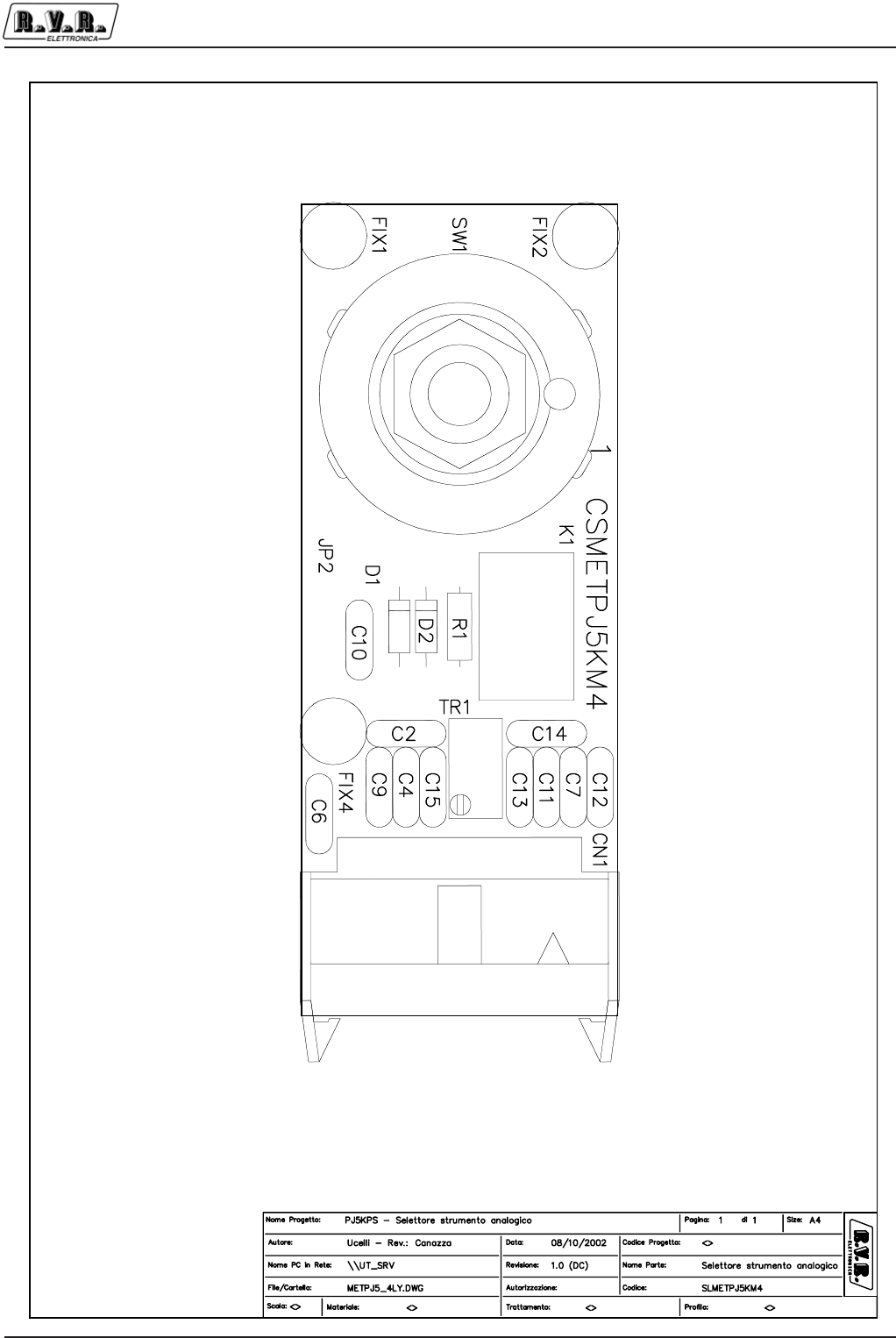
Appendix to the user manual
© 2002 R.V.R. Elettronica SpA - All rights reserved
Analog meter selector - SLMETPJ5KM4
PJ5KPS
1 / 3
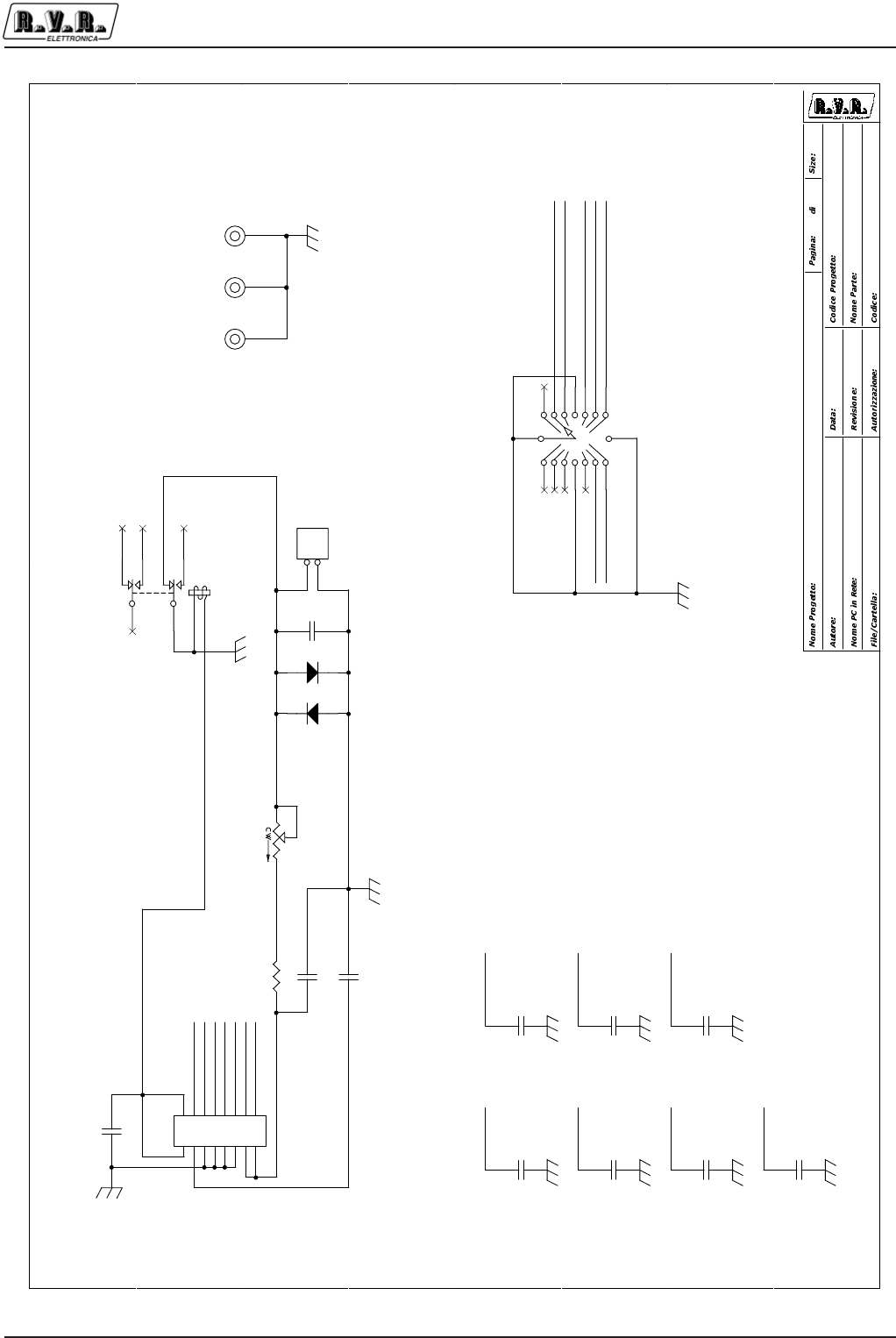
Appendix to the user manual
© 2002 R.V.R. Elettronica SpA - All rights reserved
Analog meter selector - SLMETPJ5KM4
PJ5KPS
2 / 3
5
5
4
4
3
3
2
2
1
1
D
D
C
C
B
B
A
A
DIR
RFL
EXCT1
EXCT2
UNBAL
EXT.DIREXT. RFL
EXT UNBAL
PJ5000MC
PJ5000MC
1
Mauro Ucelli
Multimeter Circuit
CSMETPJ5KMC3
\\UT_SRV
METER_3.DSN
18/02/2002
A31
C - 1.0(DC)
SEL_2
SEL_3
SEL_7
SEL_4
SEL_0
SEL_5
SEL_6
SEL_0
SEL_3
SEL_2
SEL_5
SEL_4SEL_7
SEL_6
SEL_5
SEL_6
SEL_7
SEL_0
SEL_2
SEL_3
SEL_4
JP2
PIAZZOLE
FORATE
1
2
SW1
COM-676
13
2
3
6
4
58
9
1
10
11
12
7
14
15
16
C13
CD1KPF
12
C7
CD4K7pF
1 2
D2
1N4148
FIX1
FIX35
1
C14
CD1KPF
12
C10
CD4K7PF
12
C11 CD4K7pF
1 2
FIX2
FIX35
1
C15
CD1KPF
12
C9 CD1KpF
1 2
R1 10K
C12
CD1KPF
12
C4
CD1KPF
12
TR1
87W-50K
13
2
FIX4
FIX35
1
CN1
CON16AP 90GR
1
3
5
7
9
11
13
15
2
4
6
8
10
12
14
16
+
+
+
+
+
+
+
+
+
+
+
+
+
+
+
+
C2
CD1KPF
12
C6
CD1KPF
12
D1
1N4148
+
K1
TQ2-12V
32
4
89
7
1
10

Appendix to the user manual
© 2002 R.V.R. Elettronica SpA - All rights reserved
Analog meter selector - SLMETPJ5KM4
PJ5KPS
3 / 3
SLMETPJ5KM4 Bill Of Materials Page 1
Item Q.ty Reference Part
____________________________________________________________________________________________
1 1 CN1 CON16AP 90GR
2 8 C2,C4,C6,C9,C12,C13,C14,
C15 CD1KpF
3 3 C7,C10,C11 CD4K7pF
4 2 D1,D2 1N4148
5 3 FIX1,FIX2,FIX4 FIX35
6 1 JP2 PIAZZOLE
7 1 K1 TQ2-12V
8 1 R1 10K
9 1 SW1 COM-676
10 1 TR1 87W-50K
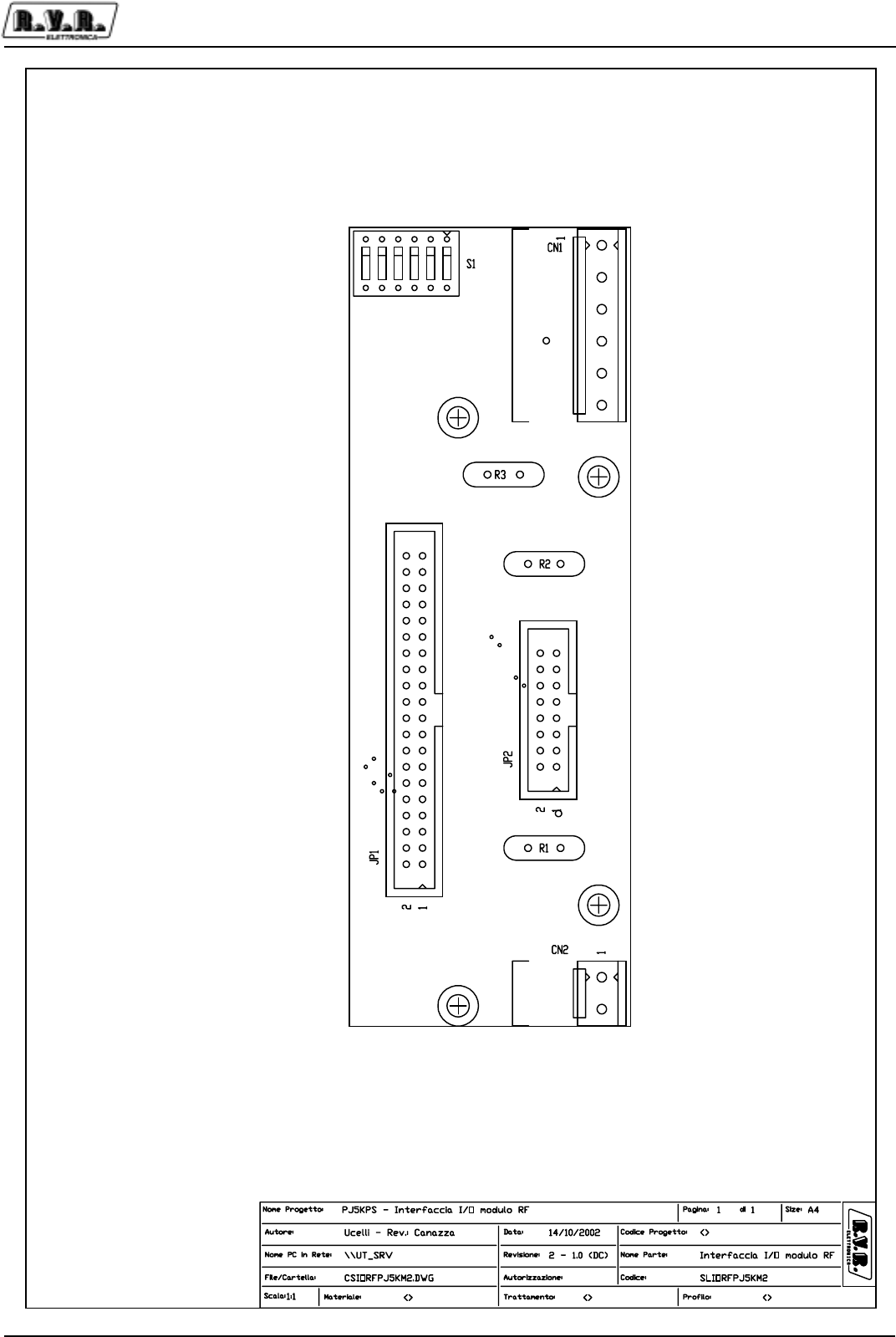
Appendix to the user manual
© 2003 R.V.R. Elettronica SpA - All rights reserved
RF module I/O interface - SLIORFPJ5KM2
PJ5KPS
1 / 3
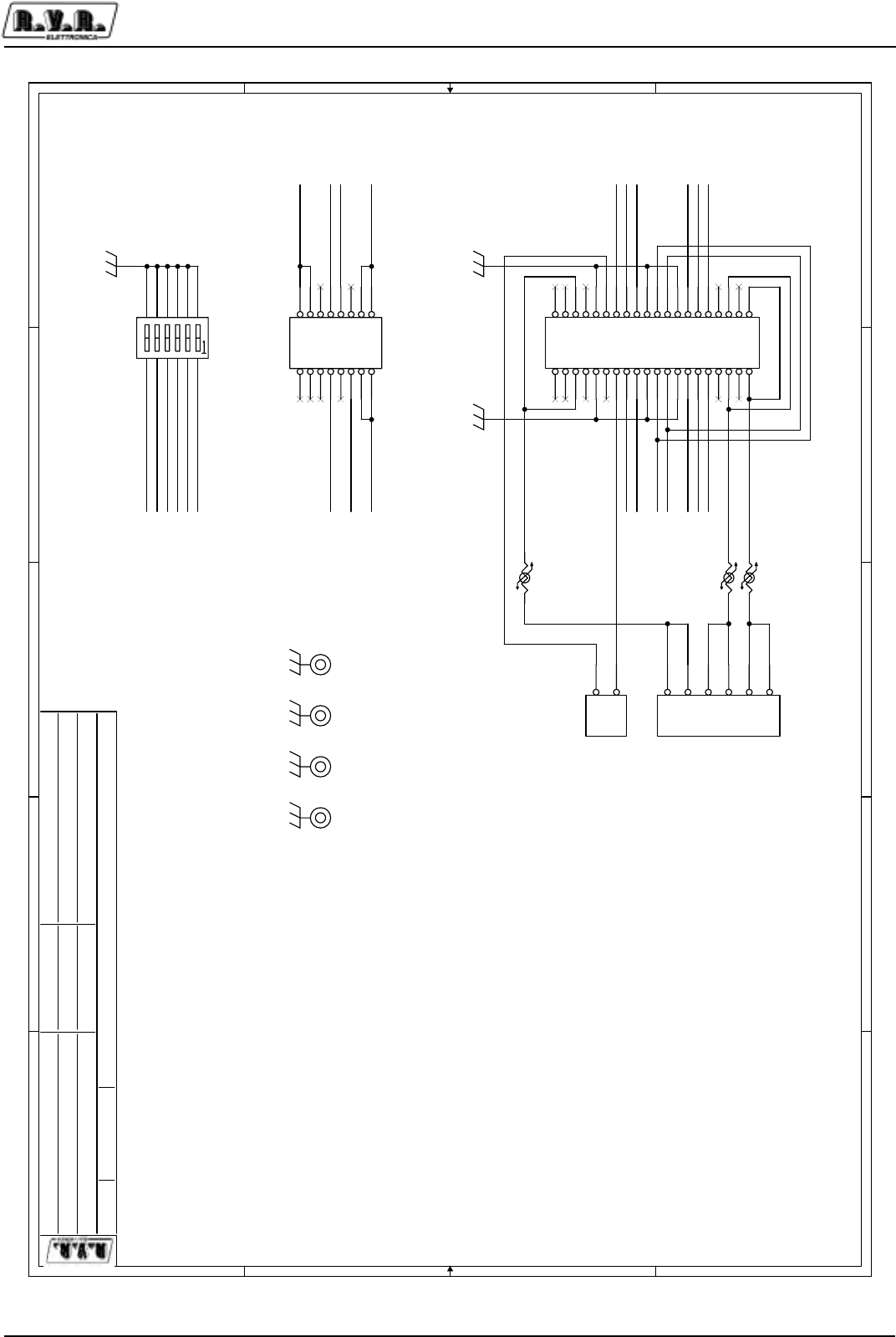
Appendix to the user manual
© 2003 R.V.R. Elettronica SpA - All rights reserved
RF module I/O interface - SLIORFPJ5KM2
PJ5KPS
2 / 3
5
5
4
4
3
3
2
2
1
1
D D
C C
B B
A A
BUS CU
18V_UP
18V_DW
62VAC
IN_SWSAFE
MICROSWITCH
MODULE INSERTED
<Path PC>
Interface I/O 1KW Unit
CSIORFPJ5KM2
1.2
PJ5000MC
PJ5000MC_Code
/Address_1.dsn
Mauro Ucelli 15/12/03
11A4
1RPH3URJHWWR
$XWRUH &RGLFH3URJHWWR
1RPH3&LQ5HWH
)LOH&DUWHOOD
'DWD
5HYLVLRQH
&RGLFH
1RPH3DUWH
$XWRUL]]D]LRQH
3DJLQD 6L]HGL
IN_AD2
IN_AD3
IN_AD5
IN_AD0
IN_AD1
IN_AD4
OC_ALARM
IN_STDBY IN_ON
TR-
TR+
IN_STDBY IN_ON
OC_ALARM
IN_GFB
TR-
IN_AD0
IN_AD1
IN_AD2
IN_AD3
IN_AD4
IN_AD5
IN_GFB_RIN_GFB
IN_GFB_R
TR+
JP2
HEADER 8X2
12
34
56
78
910
11 12
13 14
15 16
CN2
PHOENIX2
1
2
R2
RXE110
JP1
HEADER 20X2
12
34
56
78
910
11 12
13 14
15 16
17 18
19 20
21 22
23 24
25 26
27 28
29 30
31 32
33 34
35 36
37 38
39 40
R1
RXE110
CN1
PHOENIX6
1
2
3
4
5
6
FIX1
FIX35 FIX2
FIX35 FIX3
FIX35 FIX4
FIX35
R3
PTC_1
S1
SW DIP-6
1
2
3
4
5
6
12
11
10
9
8
7

Appendix to the user manual
© 2003 R.V.R. Elettronica SpA - All rights reserved
RF module I/O interface - SLIORFPJ5KM2
PJ5KPS
3 / 3
Interface I/O 1KW Unit Revised: 15/12/2003
CSIORFPJ5KM2 Revision: 1.2
Item Quantity Reference Part
______________________________________________
1
2 1 CN1 PHOENIX6
3 1 CN2 PHOENIX2
4 4 FIX1,FIX2,FIX3,FIX4 FIX35
5 1 JP1 HEADER 20X2
6 1 JP2 HEADER 8X2
7 2 R2,R1 RXE110
8 1 R3 PTC_1
9 1 S1 SW DIP-6
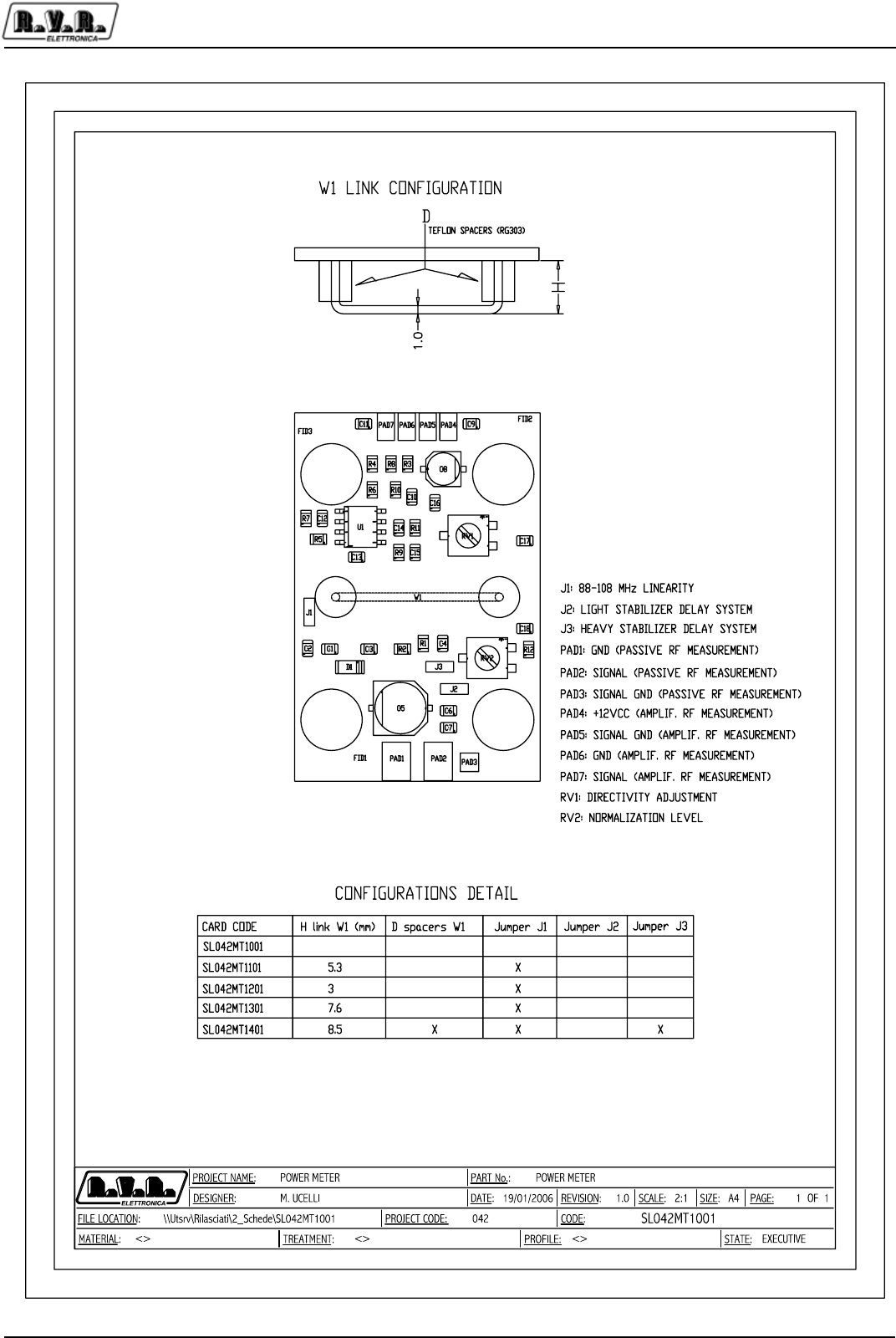
Appendix to the user manual
© 2002 - 2006 R.V.R. Elettronica SpA - All rights reserved
Output directional coupler - SL042MT1001
PJ5KPS
1 / 3
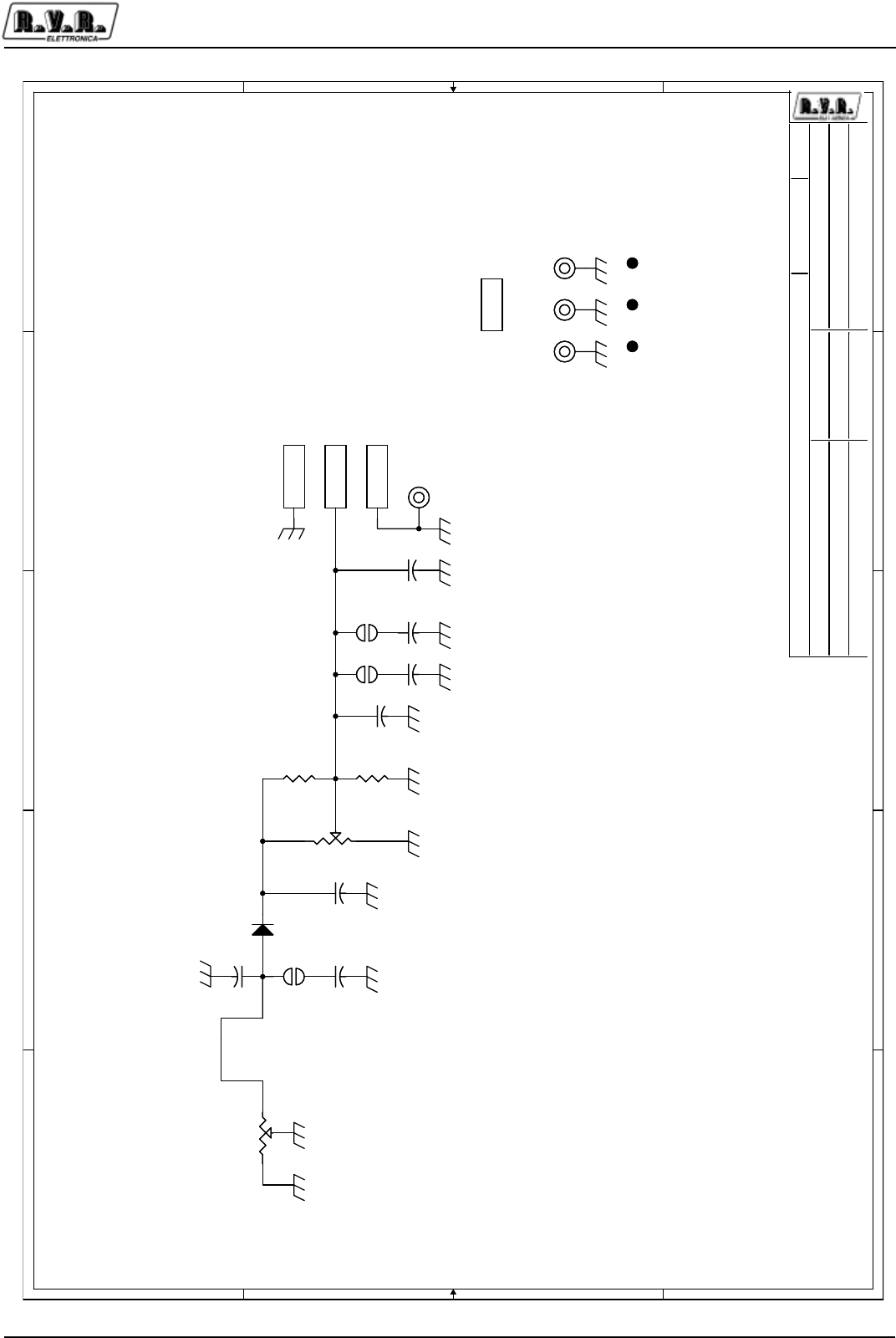
Appendix to the user manual
© 2002 - 2006 R.V.R. Elettronica SpA - All rights reserved
Output directional coupler - SL042MT1001
PJ5KPS
2 / 3
' '
& &
% %
$ $
3URMHFW1DPH
'HVLJQHU 3URMHFW&RGH
)LOH/RFDWLRQ
)ROGHU)LOH
'DWH
5HYLVLRQ
3DUW1R
'HVFULSWLRQ
$SSURYDO
3DJH 6L]HRI
??87659?5,/$6&,$7, 5)3RZHUPHDVXUHERDUG
6/07
*HQHULF5)3:50HDVXUHPHQW
PDXUR8FHOOL
$
7XHVGD\)HEUXDU\
3URMHFW1DPH
'HVLJQHU 3URMHFW&RGH
)LOH/RFDWLRQ
)ROGHU)LOH
'DWH
5HYLVLRQ
3DUW1R
'HVFULSWLRQ
$SSURYDO
3DJH 6L]HRI
??87659?5,/$6&,$7, 5)3RZHUPHDVXUHERDUG
6/07
*HQHULF5)3:50HDVXUHPHQW
PDXUR8FHOOL
$
7XHVGD\)HEUXDU\
3URMHFW1DPH
'HVLJQHU 3URMHFW&RGH
)LOH/RFDWLRQ
)ROGHU)LOH
'DWH
5HYLVLRQ
3DUW1R
'HVFULSWLRQ
$SSURYDO
3DJH 6L]HRI
??87659?5,/$6&,$7, 5)3RZHUPHDVXUHERDUG
6/07
*HQHULF5)3:50HDVXUHPHQW
PDXUR8FHOOL
$
7XHVGD\)HEUXDU\
-0+]/,1($5,7<
-/,*+767$%,/,=(5'(/$<6<67(0
-+($9<67$%,/,=(5'(/$<6<67(0
3$'*1'3$66,9(5)0($685(0(17
3$'6,*1$/3$66,9(5)0($685(0(17
3$'6,*1$/*1'3$66,9(5)0($685(0(17
3$'9&&$03/,)5)0($685(0(17
3$'6,*1$/*1'$03/,)5)0($685(0(17
3$'*1'$03/,)5)0($685(0(17
3$'6,*1$/$03/,)5)0($685(0(17
59',5(&7,9,7<$'-8670(17
591250$/,=$7,21/(9(/
127(
726((7+(&$5'9$5,$176$1'7+(:
/,1.&21),*85$7,216&2168/77+(/$<287
6/07':*
),;),;
&
S
&
S
&
Q
&
Q
),'),'
5
1&
5
1&
),'),'
FZ
59
5
FZ
59
5
&
S
&
S
FZ
59
N
FZ
59
N
),'),'
&6
&6075
&6
&6075
--
&
Q
&
Q
),;),;
5
1&
5
1&
&
Q
&
Q
3$'3$'
:
/LQN
:
/LQN
--
),;),;
3$'3$'
--
'
%$6
'
%$6
3$'3$'
&
Q
&
Q
&
X)B9
&
X)B9
),;),;
Appendix to the user manual
© 2002 - 2006 R.V.R. Elettronica SpA - All rights reserved
Output directional coupler - SL042MT1001
PJ5KPS
3 / 3
5)3RZHUPHDVXUHERDUG
6/07
5HYLVLRQ
*HQHULF5)3:50HDVXUHPHQW
0DXUR8FHOOL
,WHP 4XDQWLW\ 5HIHUHQFH 3DUW 'HVFULSWLRQ &RGH
&6 &6075 3ULQWHG&LUFXLW%RDUG &6075
& S 60'&2*&DSDFLWRU &&&-&&
& S 60'&2*&DSDFLWRU &&&-&&
&&& Q 60'&DSDFLWRU &&&-1&
& X)B9 (OHFW60'GPP&DS &(6&
& Q 60'&DSDFLWRU &&&.;&
' %$6 0,1,0(/)60''LRGH '+&%$6
),'),'),' ),'
),;),;),;),; ),; )L[LQJ+ROHPP
--- -60' 60'3DGWRVROGHU
3$'3$'3$' 3$'
59 5 7ULPPHU60' 597;+9
59 N 7ULPPHU60' 597;.9
55 1& 60'5HV
: /LQN :LUHWRVROGHU 6HHWKH/D\RXW
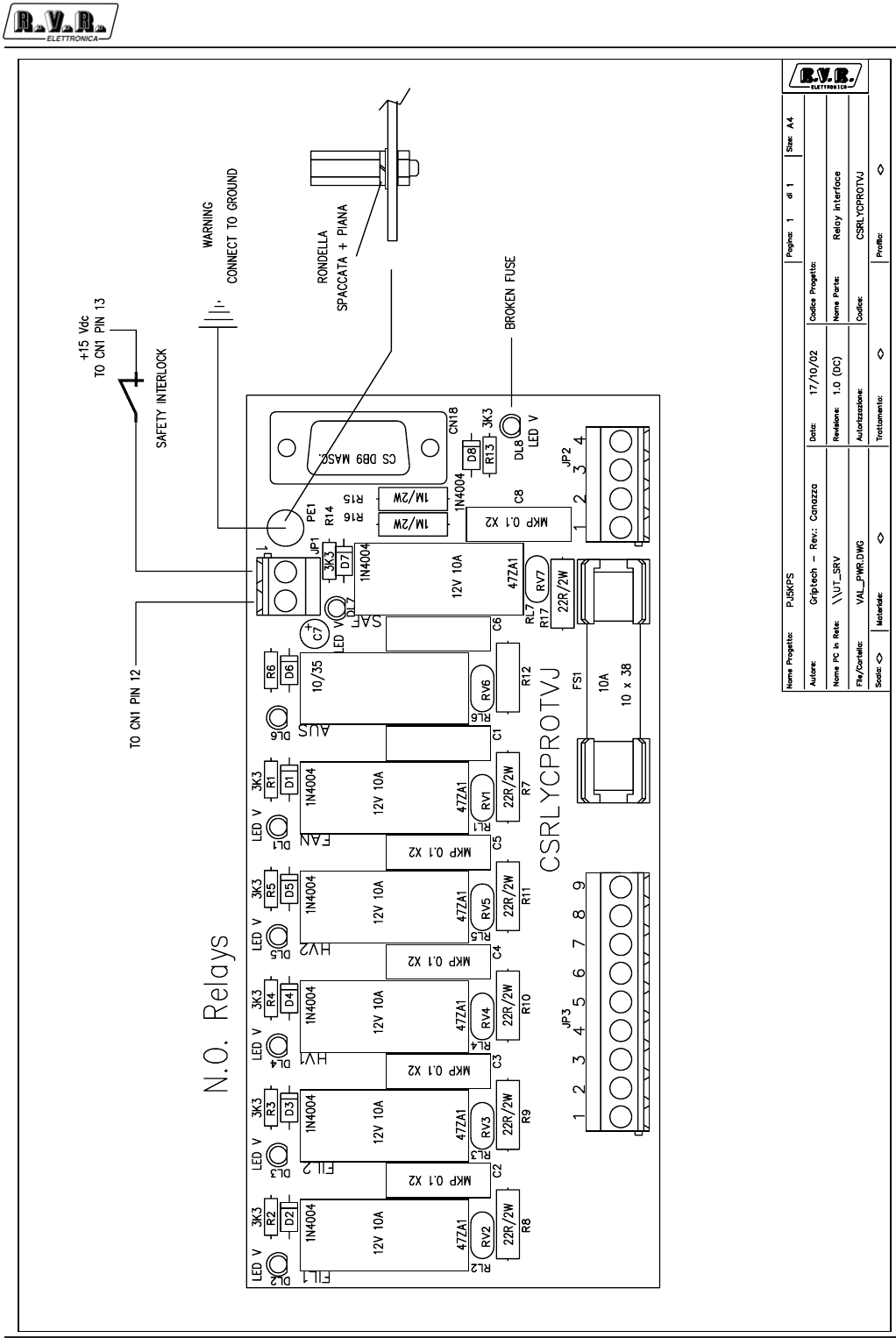
Appendix to the user manual
© 2002 R.V.R. Elettronica SpA - All rights reserved
Power relay interface - SLRLYPROTVJ
PJ5KPS
1 / 3
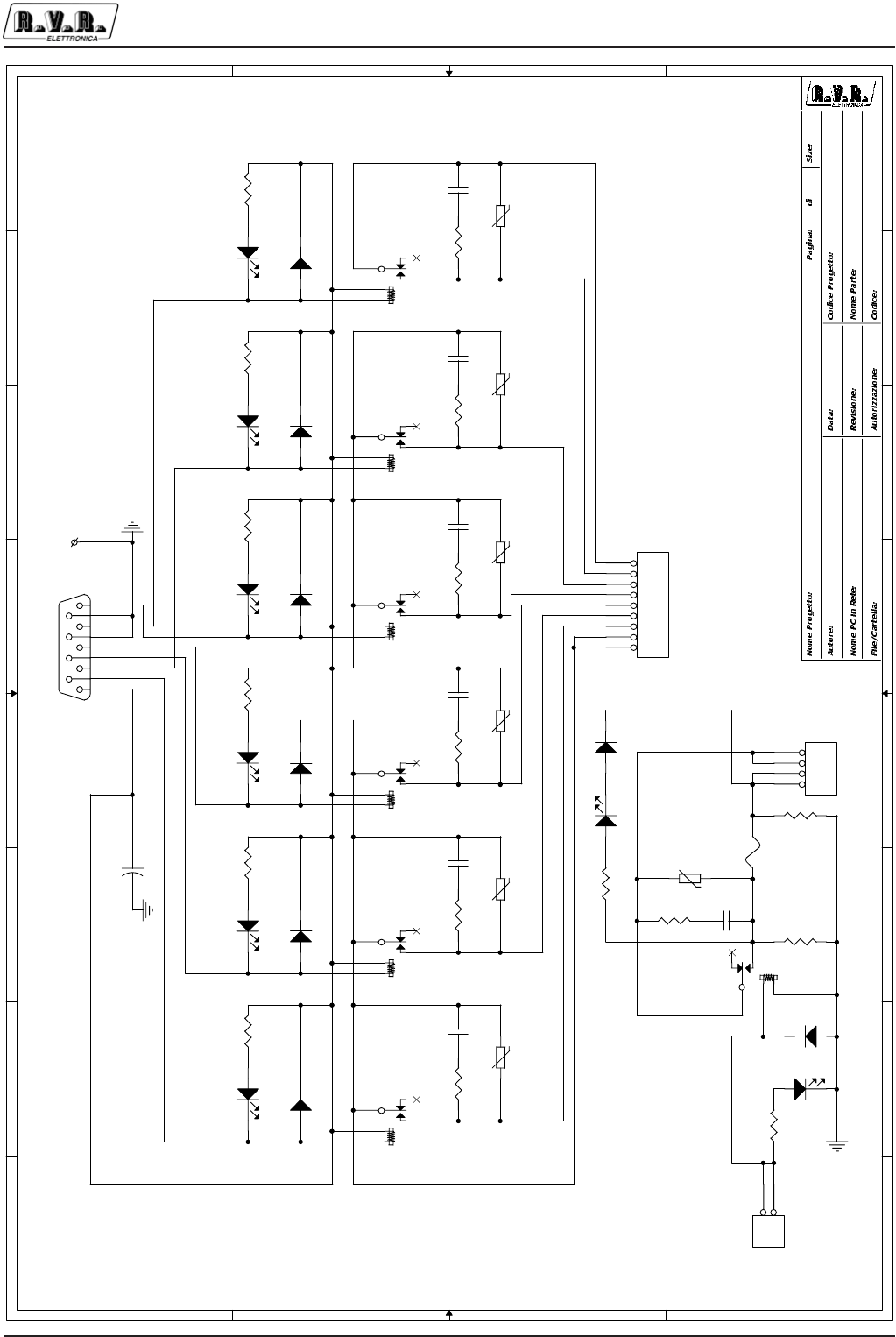
Appendix to the user manual
© 2002 R.V.R. Elettronica SpA - All rights reserved
Power relay interface - SLRLYPROTVJ
PJ5KPS
2 / 3
8
8
7
7
6
6
5
5
4
4
3
3
2
2
1
1
D D
C C
B B
A A
FAN FIL1 FIL2 HV1 HV2 RIS
RISERVA
10A
PJ5KPS
<>
1
Griptech - Rev.: Canazza
Rela
y
Interface
CSRLYCPROTVJ
\\UT_SRV
PWR_RL.DSN
17/10/02
A41
1.0 (DC)
FS1
10x38
JP3
KRA9
RL1
12V-10A
4
3
5
2
1
C1
CP.1uF-MKT
1 2
R7
22R/1W
RV1
47ZA1
R8
22R/1W
RV2
47ZA1
RL2
12V-10A
4
3
5
2
1
C2
CP.1uF-MKT
1 2 R9
22R/1W
RV3
47ZA1
RL3
12V-10A
4
3
5
2
1
C3
CP.1uF-MKT
1 2 R10
22R/1W
RV4
47ZA1
RL4
12V-10A
4
3
5
2
1
C4
CP.1uF-MKT
1 2 R11
22R/1W
RV5
47ZA1
RL5
12V-10A
4
3
5
2
1
C5
CP.1uF-MKT
1 2 R12
22R/1W
RV6
47ZA1
RL6
12V-10A
4
3
5
2
1
C6
CP.1uF-MKT
1 2
CN18
DB9-CS-M
5
9
4
8
3
7
2
6
1
+
C7
CE10/25
D1
1N4004
DL1
LED-D3V
R1
3K3
D2
1N4004
R2
3K3
DL2
LED-D3V
D3
1N4004
R3
3K3
DL3
LED-D3V
D4
1N4004
R4
3K3
DL4
LED-D3V
D5
1N4004
R5
3K3
DL5
LED-D3V
D6
1N4004
R6
3K3
DL6
LED-D3V
RL7
12V-10A
43
5
2
1
JP1
KRA2 D7
1N4004
R14
3K3 DL7
LED D3V JP2
KRA4
R13
3K3
DL8
LED D3R
D8
1N4004
R16
1M/1W
R15
1M/1W
R17
22R/1W
C8
CP.1uF-MKT
12
RV7
47ZA1
J1
PE

Appendix to the user manual
© 2002 R.V.R. Elettronica SpA - All rights reserved
Power relay interface - SLRLYPROTVJ
PJ5KPS
3 / 3
SLRLYCPROTVJ Bill Of Materials Page1
Item Q.ty Reference Part
____________________________________________________________________________________________
1 1 CN18 DB9-CS-M
2 7 C1, C2, C3, C4, C5, C6, C7 CE10/25
4 7 DL1, DL2, DL3, DL4, DL5, DL6, DL7 LED D3V
5 1 DL8 LED D3R
7 8 D1, D2, D3, D4, D5, D6, D7, D8 1N4004
8 1 FS1 10x38
9 1 JP1 KRA2
10 1 JP2 KRA4
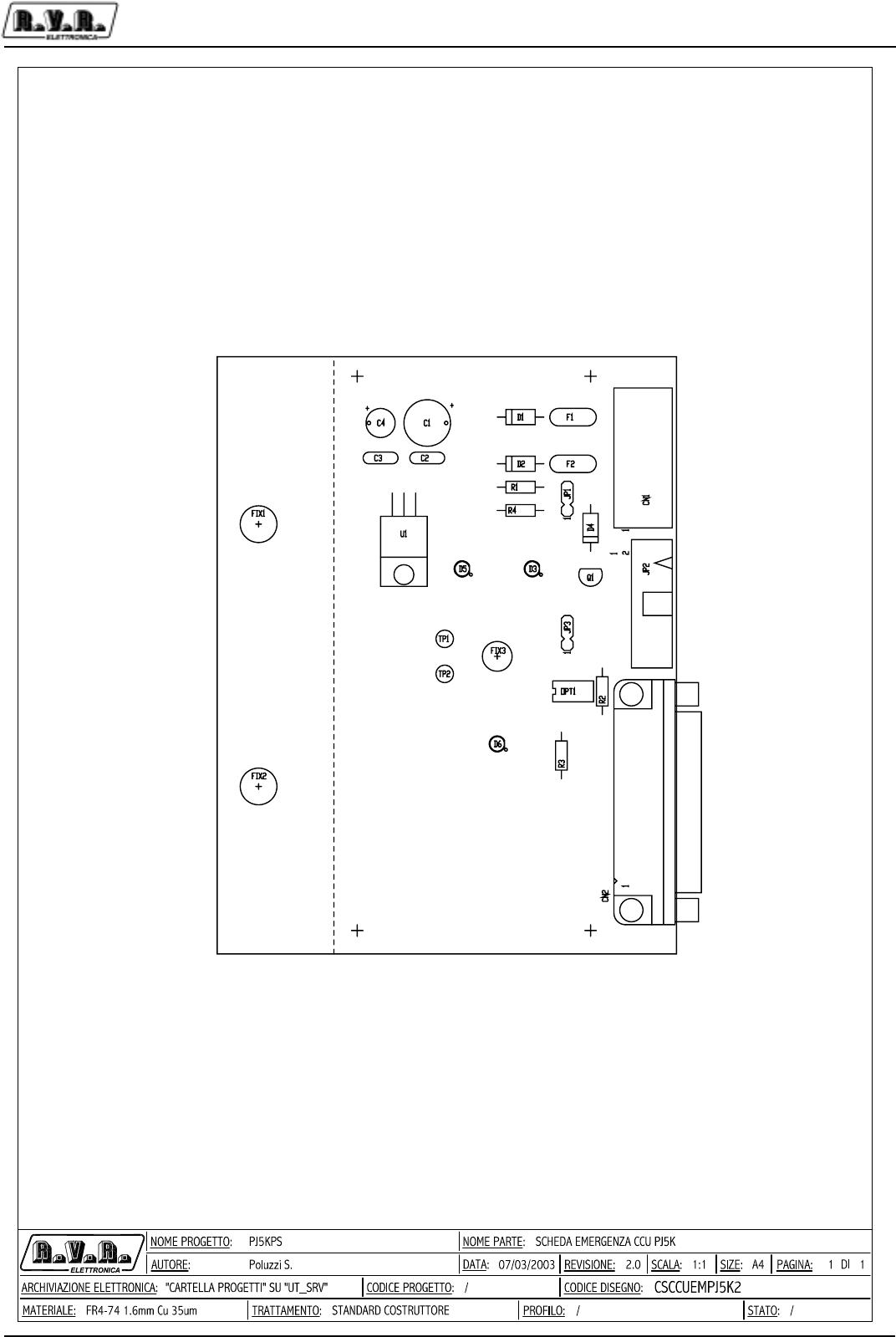
Appendix to the user manual
© 2003 R.V.R. Elettronica SpA - All rights reserved
Emergency CCU Board - SLCCUEMPJ5K2
PJ5KPS
1 / 3
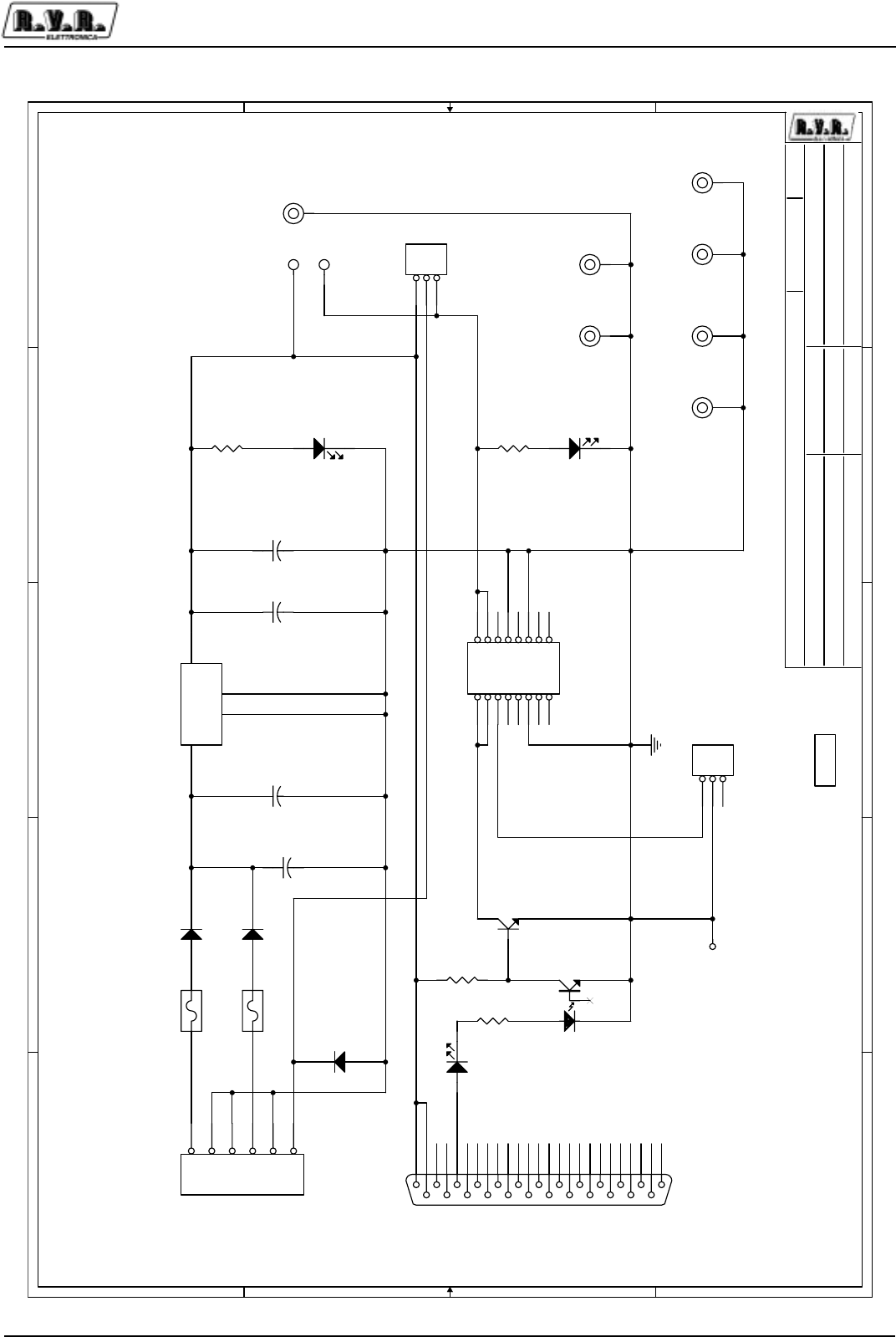
Appendix to the user manual
© 2003 R.V.R. Elettronica SpA - All rights reserved
Emergency CCU Board - SLCCUEMPJ5K2
PJ5KPS
2 / 3
5
5
4
4
3
3
2
2
1
1
D D
C C
B B
A A
MAINS
ON
ON
OFF
Tra TP1 e TP2 va collegato
un interruttore a levetta
fissato sul CS tramite FIX3
Contatto chiuso = ON
EXC1-EXC2
ON
\\ Scheda emergenza CCU PJ5K
SLCCUEMPJ5K2
1
PJ5KPS
RVRAndrea Tommasi / Griptech
11A4
Friday, March 07, 2003
/
1RPH3URJHWWR
$XWRUH &RGLFH3URJHWWR
1RPH3&LQ5HWH
)LOH&DUWHOOD
'DWD
5HYLVLRQH
&RGLFH
1RPH3DUWH
$XWRUL]]D]LRQH
3DJLQD 6L]HGL
VCC
GNDH
JP2
CN16PDO
12
34
56
78
910
11 12
13 14
15 16
R2
10K0
C2
0.1uF
JP1
STM03S
1
2
3
R4
1K2
D4
1N4005
2 1
FIX6
FIX35
D1
1N4005
2 1
+
C4
47uF
FIX1
FIX80 FIX2
FIX80
TP1 TP1
CN1
CN06MSTB
1
2
3
4
5
6
FIX7
FIX35
CN2
DB25MSO
13
25
12
24
11
23
10
22
9
21
8
20
7
19
6
18
5
17
4
16
3
15
2
14
1
JP3
STM03S
1
2
3
D2
1N4005
2 1
TP2 TP1
R1
1K2
U1
LM7812
1
2
4
3
IN
GND
FX
OUT
Q1
BC547
2
1 3
D5
LED-G3
FIX3
FIX65
A
F1
RXE040
1 2
R3
1K5
D6
LED-G3
OPT1
4N25
12
54
6
+
C1
220uF 35V
FIX4
FIX35
D3
LED-G3
A
F2
RXE040
1 2
C3
0.1uF
FIX5
FIX35
CS1
CSCCUEMPJ5K1

Appendix to the user manual
© 2003 R.V.R. Elettronica SpA - All rights reserved
Emergency CCU Board - SLCCUEMPJ5K2
PJ5KPS
3 / 3
SLCCUEMPJ5K1 Revision: 1
Andrea Tommasi / Griptech
Item Quantity Reference Part Description
_______________________________________________________________________
1 1 CN1 CN06MSTB Conn. Phoenix MSTB a 6 poli
2 1 CN2 DB25MSO Connettore DB25 mas. cs 90°
3 1 CS1 CSCCUEMPJ5K1 Circuito stampato
4 1 C1 220uF 35V Cond. Elettr. Dia 10 P5.08
5 2 C2,C3 0.1uF Cond. ceramico p 5mm
6 1 C4 47uF Cond. Elettr. Dia 6.5 P2.54
7 3 D1,D2,D4 1N4005 Diodo plastico DO41
8 3 D3,D5,D6 LED-G3 LED verde dia. 3mm Nota 1
9 2 FIX1,FIX2 FIX80 Foro fissaggio 8mm
10 1 FIX3 FIX65 Foro fissaggio 6.5mm
11 4 FIX4,FIX5,FIX6,FIX7 FIX35 Foro fissaggio 3.5mm
12 2 F1,F2 RXE040 Fusibile autorip. 7mm
13 2 JP1,JP3 STM03S Strip maschio 3 pin
14 1 JP2 CN16PDO Connettore 16 poli Flat cs a 90°
15 1 OPT1 4N25 Optoisolatore DIP6
16 1 Q1 BC547 Trans. NPN TO92
17 2 R4,R1 1K2 Res. 1/4W
18 1 R2 10K0 Res. 1/4W
19 1 R3 1K5 Res. 1/4W
20 2 TP1,TP2 NC Test point
21 1 U1 LM7812 Stabilizzatore TO220
22 1 SW1 SW1V2P Deviatore fissato nel foro e collegato
tra TP1 e TP2 chiuso in pos. ON
Con blocco della levetta
E la levetta lato saldature
Nota 1 I led vanno montati lato saldature a livello del CS
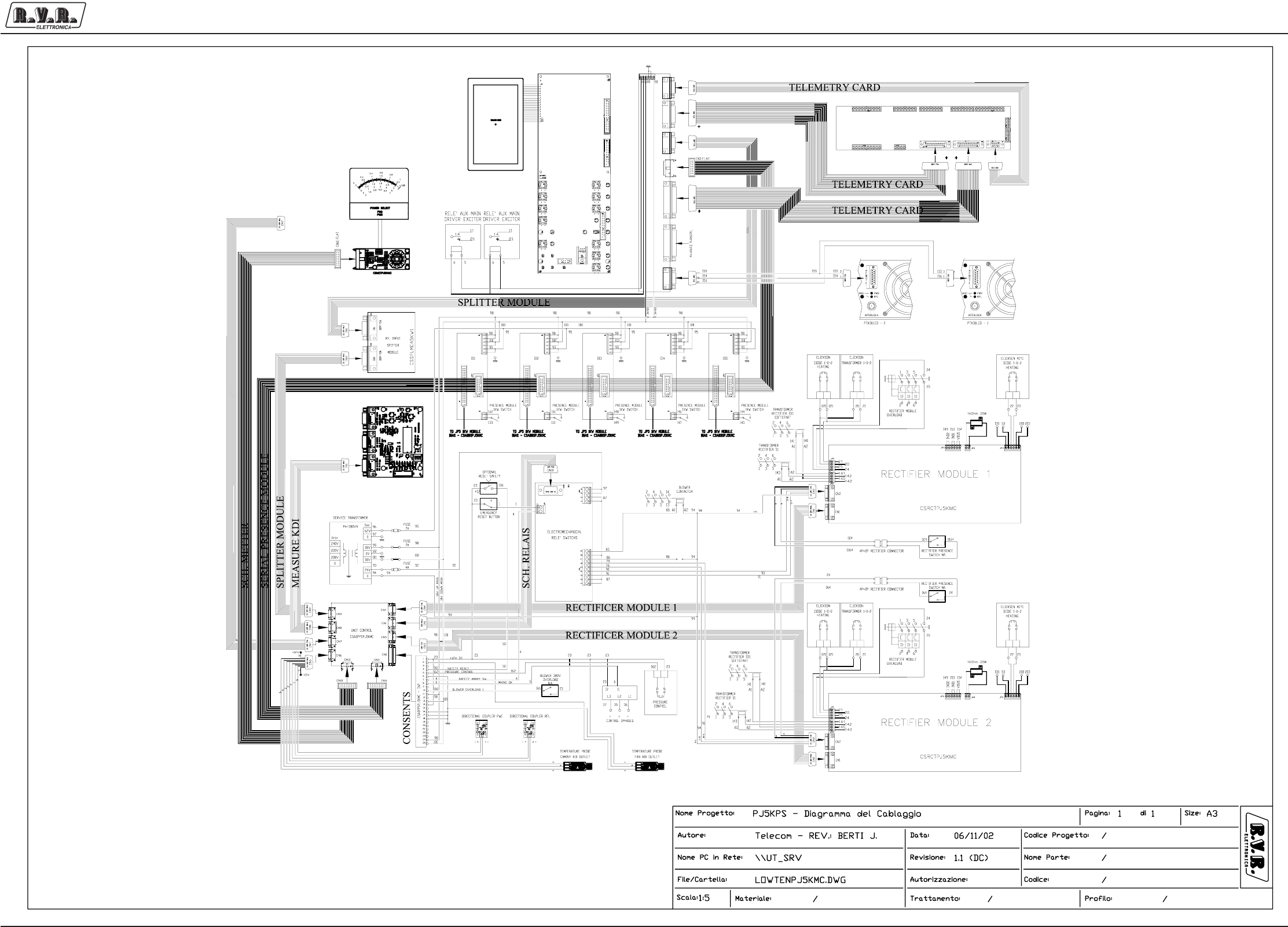
Appendix to the user manual - © 2002 R.V.R. Elettronica SpA - All rights reserved
PJ5KPS
1 / 1Wiring Diagram
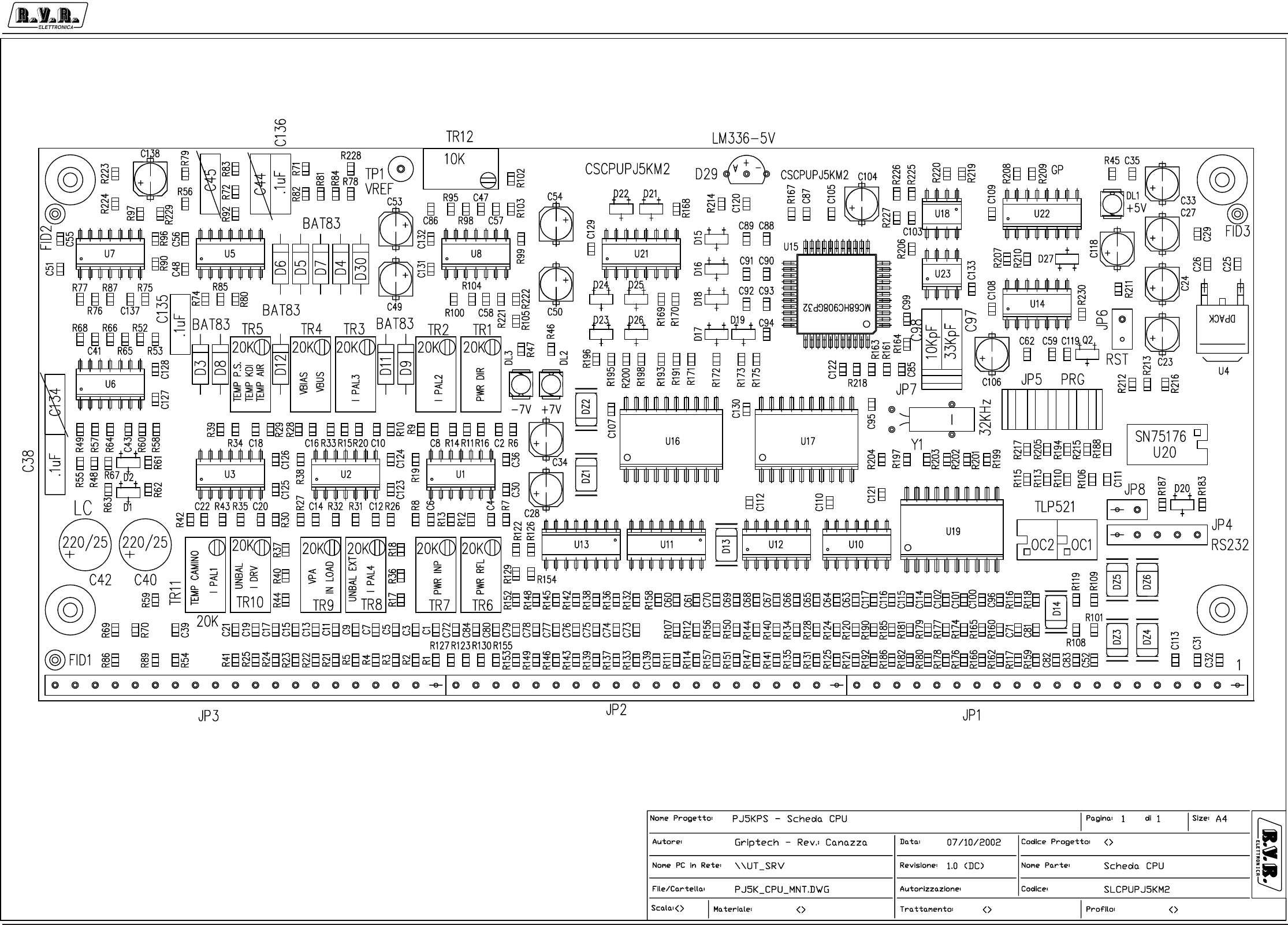
Appendix to the user manual - © 2002 R.V.R. Elettronica SpA - All rights reserved
PJ5KPS
1 / 7
Microcontroller board - SLCPUPJ5KM2
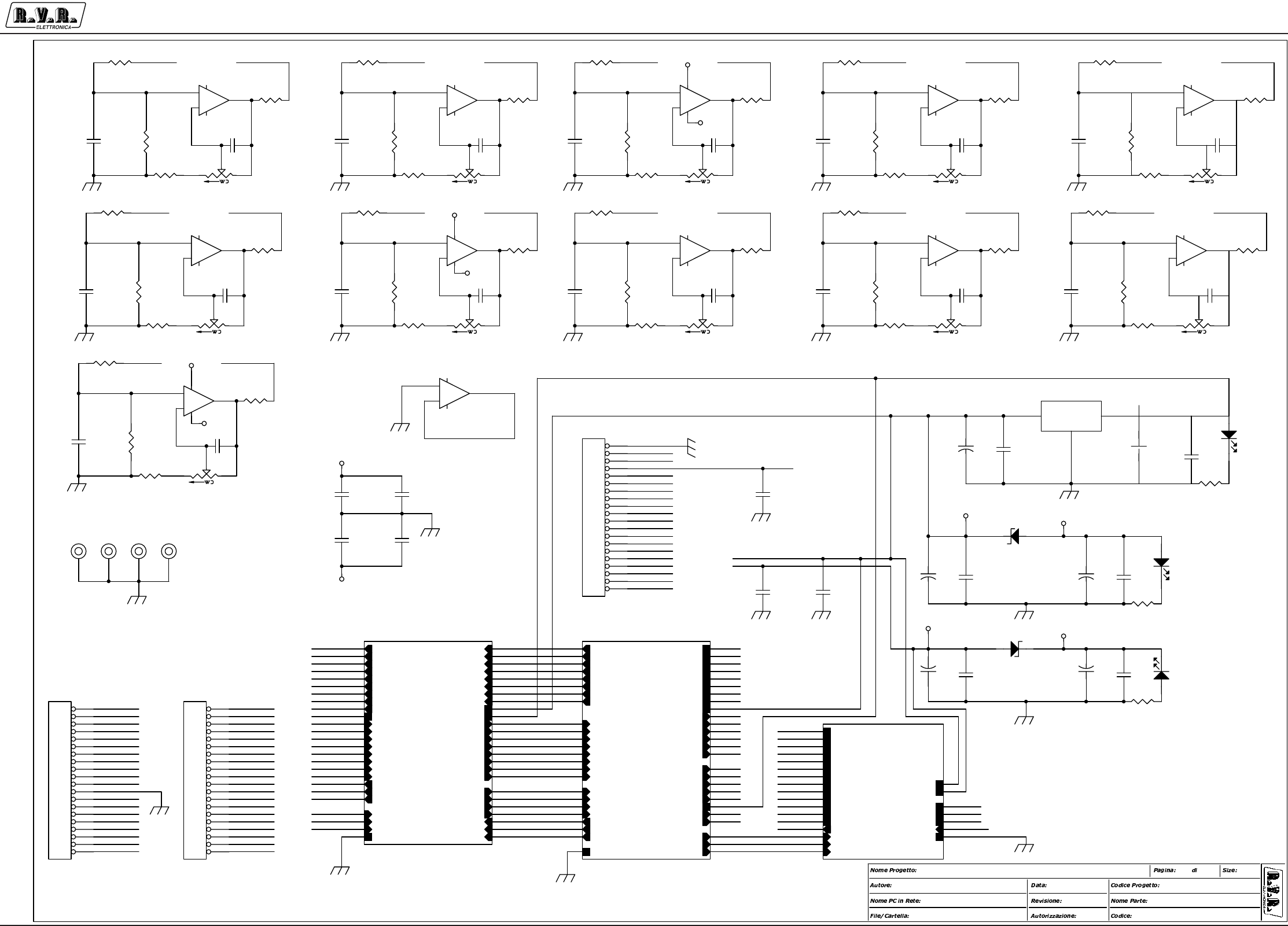
Appendix to the user manual - © 2002 R.V.R. Elettronica SpA - All rights reserved
PJ5KPS
2 / 7
Microcontroller board - SLCPUPJ5KM2
PWR_DIR_C
PWR_DIR_A
PWR_RFL_C
PWR_RFL_A
PWR_INP_C
PWR_INP_A
V.P.A_A
PWR_INP2_C
VBIAS_A
PWR_REJ_C
VBUS_P TEMP_P
TEMP_A
TEMP KDI_C
I_DRV_A
I_PLAL1_A
I_PLAL2_A
PWR_DIR_N+1
I_PLAL3_A
PWR_RFL_N+1
I_PLAL4_A
PWR_SIB_N+1
TEMP ARIA C
PJ5KPS - Scheda CPU 4
Griptech - Rev: Canazza
Scheda CPU
SLCPUPJK5M2
\\ut_srv
CSCPUPJK5M2.DSN
02/10/2002
A31
1.0 (DC)
MICRO
PJ5K_MICRO
IN_AD0
IN_AD1
IN_AD2
IN_AD4
IN_AD5
IN_AD7
IN_AD3
IN_AD6
OUT_0
OUT_3
OUT_4
OUT_5
OUT_7
OUT_2
OUT_1
OUT_6
CH0
CH1
CH2
CH3
CH4
CH5
CH3_P
CH4_P
CH5_P
CH6_P
CH7_P
IN0
IN1
IN2
IN3
IN4
IN5
IN6
IN7
ON
STDBY
SW_SAFE
STOP_A
ALARM
RESOUT
MAINS TR+
TR-
VREF
DAC_B
DAC_A
+12V
+5V
GND EARTH
I/O
PJ5K_I/O
OUT_0
OUT_1
OUT_3
OUT_4
OUT_5
OUT_6
OUT_7
OUT_2
OC_OUT0
OC_OUT1
OC_OUT2
OC_OUT3
OC_OUT4
OC_OUT5
OC_OUT6
OC_OUT7
IN0
IN1
IN2
IN3
IN4
IN5
IN6
IN7
IN_IN0
IN_IN1
IN_IN2
IN_IN3
IN_IN4
IN_IN5
IN_IN6
IN_IN7
STOP_A
ALARM
RESOUT
ON
STDBY
SW_SAFE
MAINS
OC_P5040
OC_STDBY
OC_RESOUT
IN_MAINS
IN_SWSAFE
IN_ON
GND EARTH
+5V
+12V
OC_ALARM
IN_STDBY
FOLDER
PJ5K_FOLDER
VREF
DAC_A
DAC_B
IN_GFB
OUT_DACB
OUT_GFB
OUT_VBIAS
OUT_MOS
UNB_AN
+12V
-12V
GND EARTH
OC_P5040
CH_VPA
OUT_IOR
IN_IOR
CH0
CH1
CH5_P
CH6_P
CH7_P
CH3
CH4
CH5
IN_CH0 IN_CH1 IN_CH2 IN_CH3
IN_CH5 IN_CH6 IN_CH7 IN_CH8
IN_CH10
OC_OUT5
OC_OUT3
OC_OUT4
OC_STDBY
OC_OUT2
OC_OUT6
OC_OUT7
OC_OUT1
OC_OUT0
OC_RESOUT
IN_IN0
IN_IN1
IN_IN2
IN_IN3
IN_IN4
IN_IN5
IN_IN6
IN_IN7
IN_AD7
IN_AD5
IN_AD3
IN_AD2
IN_CH4
IN_CH9
IN_CH8
IN_CH7
IN_CH5
IN_AD6
IN_AD1
IN_CH0
IN_CH6
IN_CH2
IN_CH1
IN_CH10
IN_AD4
IN_CH3
IN_MAINS
CH_VPA
OUT_DACB
OUT_MOS
OUT_GFB
IN_SWSAFE
+12V
-12V
OC_OUT3
OC_OUT4
OC_OUT1
OC_OUT0
OC_OUT6
OC_OUT5
OC_OUT7
OC_OUT2
IN_IN0
IN_IN1
IN_IN2
IN_IN3
IN_IN4
IN_IN5
IN_IN6
IN_IN7
OC_RESOUT
OC_P5040
OC_STDBY
IN_MAINS
IN_SWSAFE
IN_ON
OUT_DACB
OUT_GFB
OUT_VBIAS
OUT_MOS
UNB_AN
CH5
CH4_P
IN_AD1
CH3_P
CH7_P
TR-
IN_AD4
CH4_P
IN_AD7
CH5_P
TR+
CH0
CH5
CH1
CH5_P
IN_AD3
CH2CH0
IN_AD0
IN_AD2
IN_AD6
CH4
CH6_P
CH2
CH3_P
CH7_P
CH3
IN_AD5
CH1
CH3
OC_ALARM
UNB_AN
IN_STDBY
OC_P5040
CH_VPA
IN_CH4 CH4
IN_CH9 CH6_P
OUT_IOR
IN_IOROUT_IOR
IN_IOR
IN_GFB
CH0
CH1
CH5_P
CH6_P
CH7_P
CH3
CH4
CH5
+12V
-12V
IN_GFB
OC_ALARM
IN_STDBY
IN_ON
+5V
OUT_VBIAS
CH3_P
TR-
TR+
IN_AD0
OC_P5040 +7V
-7V
-12V
+12V
+5V
-7V
+7V
-7V
+7V
+7V
-7V
-7V
+7V
R21
1K
R15
100K
TR4
87W-20K
13
2
C5
CM1kpF
12
C17
CM1kpF
12
R14
100K
R47
1K
R31
100K
C13
CM1kpF
12
R20
2K2
R28
100R
+
-
U3C
LM324
10
98
R3
1K
R24
1K
R19
2K2
U4 LM78M05CDT
4
1 3
GND
IN OUT
R36
2K2
R22
1K
TR3
87W-20K
13
2
C16 CM27pF
1 2
JP2
STRIP20
1
2
3
4
5
6
7
8
9
10
11
12
13
14
15
16
17
18
19
20
R13
100K
R34
100K
TR2
87W-20K
13
2
TR8
87W-20K
13
2
R32
100K
R10
100R
R16
2K2
+
-
U2D
LM324
12
13 14
TR1
87W-20K
13
2
R18
2K2
C3
CM1kpF
12
C2 CM27pF
1 2
R39
2K2
R9
100R
+
-
U1A
LM324
3
21
411
R26
100R
R37
2K2
C10 CM27pF
1 2
TR7
87W-20K
13
2
R2
1K
TR5
87W-20K
13
2
C8 CM27pF
1 2
R11
100K
C12 CM27pF
1 2
TR9
87W-20K
13
2
+
-
U2A
LM324
3
21
411
R8
100R
R12
100K
R29
100R
+
-
U1D
LM324
12
13 14
+
-
U2B
LM324
5
67
R27
100R
+
C27
1/25
C6 CM27pF
1 2
C19
CM1kpF
12
R17
2K2
C18 CM27pF
1 2
C14 CM27pF
1 2
+
-
U1C
LM324
10
98
R25
1K
R45
1K
TR6
87W-20K
13
2
+
-
U3A
LM324
3
21
411
+
-
U2C
LM324
10
98
R35
100K
JP3
STRIP20
1
2
3
4
5
6
7
8
9
10
11
12
13
14
15
16
17
18
19
20
R7
100R
C125
CM.1uF
12
R40
2K2
C4 CM27pF
1 2
R6
100R
C126
CM.1uF
1 2
TR10
87W-20K
13
2
+
-
U1B
LM324
5
67
R46
1K
C123
CM.1uF
12
R30
100R
C124
CM.1uF
1 2
C20 CM27pF
1 2
+
-
U3B
LM324
5
67
C21
CM1kpF
12
R41
1K
FIX1
FIX35
1
C1
CM1kpF
12
FIX2
FIX3 5
1
C121
CM4K7pF
12
+
C33
1/25
R43
100K
FIX3
FIX35
1
DZ2
5V1/1W
FIX4
FIX35
1
DL2
LED
R44
2K2
DZ1
5V1/1W
C35
CM.1uF
12
TR11
87W-20K
13
2
C32
CM4K7pF
12
+
C24
1/25
C31
CM4K7pF
12
R1
1K
C36
CM.1uF
12
DL3
LED
R42
100R
+
C23
1/25
+
C34
1/25
C22 27pF
1 2
C25
CM.1uF
12
+
C28
1/25
C29
CM.1uF
12
JP1
STRIP20
1
2
3
4
5
6
7
8
9
10
11
12
13
14
15
16
17
18
19
20
+
-
U3D
LM324
12
13 14
C26
CM.1uF
12
C30
CM.1uF
12
C15
CM1kpF
12
R23
1K
C9
CM1kpF
12
R33
100K
C7
CM1kpF
12
C11
CM1kpF
12
R5
1K
DL1
LED
R38
2K2
R4
1K
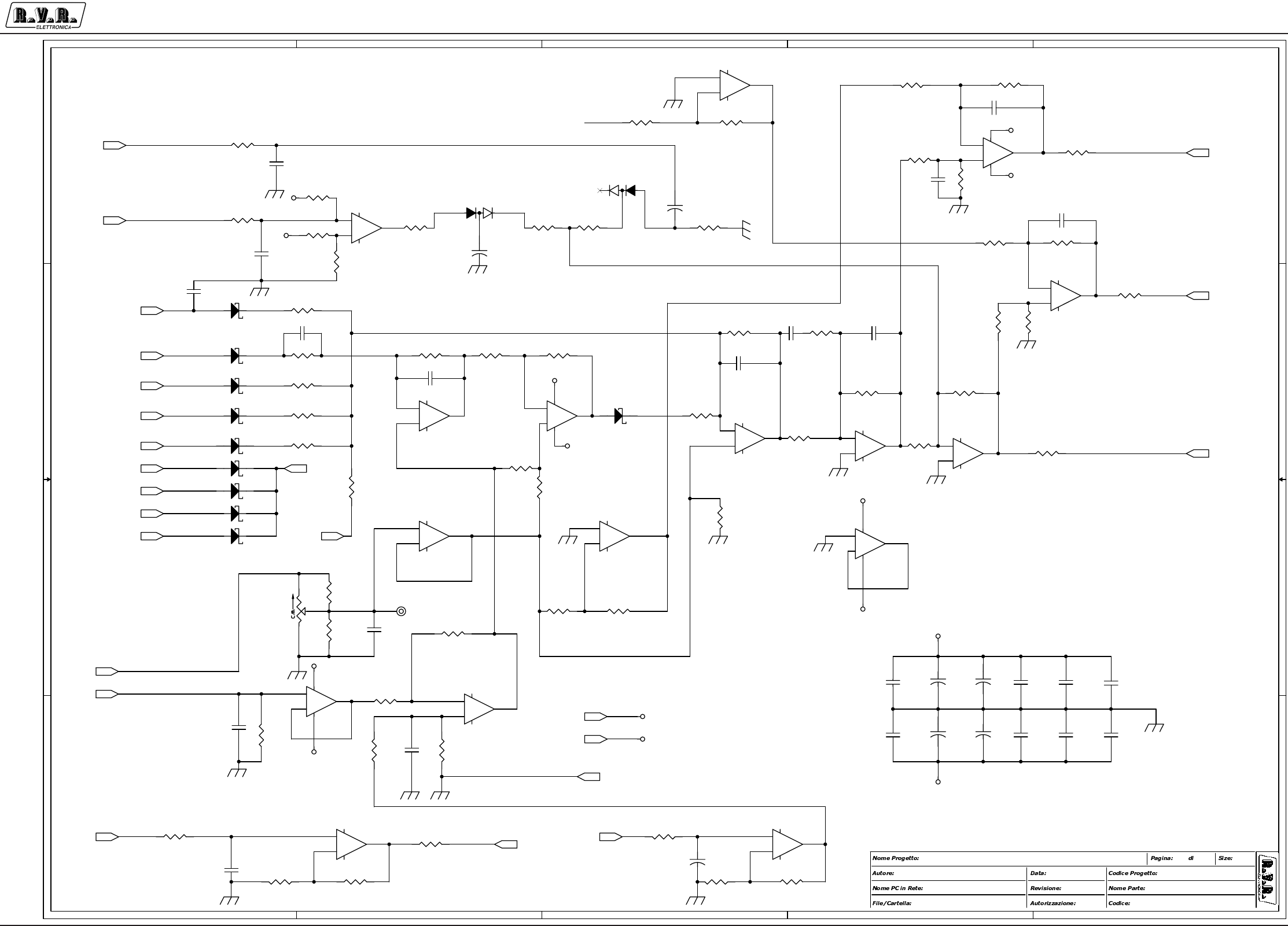
Appendix to the user manual - © 2002 R.V.R. Elettronica SpA - All rights reserved
PJ5KPS
3 / 7
Microcontroller board - SLCPUPJ5KM2
5
5
4
4
3
3
2
2
1
1
D D
C C
B B
A A
-3.3V+3.3V
PWR_DIR N+1
PWR_RFL N+1
PWR_SBIL N+1
TEMP KDI C
TEMP ARIA PS
TEMP ARIA C
PWR INP2 C
PWR_SBIL C
PJ5KPS - Scheda CPU 4
Griptech - Rev: Canazza
Sezione Foldback
SLCPUPJK5M2
\\ut_srv
CSCPUPJK5M2.DSN
02/10/2002
A32
1.0 (DC)
RFL_PWR
FWD_PWR
I_PAL1
I_PAL4
I_PAL3
TEMP
I_PAL2
I_DRV
VREF
+12V
-12V
-12V
+12V
-12V
+12V
+12V
-12V
+12V
+12V
-12V
-12V
+12V
+12V
C48
CM.1uF
12
C56
CM.1uF
12
R68
100R
C134
CP *
1 2
TP1
3.3V
1
C44
XCP
1 2
+
-
U8B
TL074
5
67
+
C42 220/25
R72
X
R223
47K
R54
100R
C131
CM.1uF
1 2
R229
330K
R53
20K
C132
CM.1uF
12
R98
33K2
R101
1M
D30 BAT83
D4 BAT83
C137
CM100PF
1 2
R103
10K
R83
10K
C58
CM10KpF
12
R78
2K7
R221
47K
R102
10K
+
-
U5D
TL074
12
13 14
+
-
U7C
TL074
10
98
R76
10K
R97
10K
D2
BAV99B
2
3
1
C136
CP.1uF
1 2
+
-
U6C
TL074
10
98
R84
10K
R56
10K
R92
10K
R52
25K5
R69
59K
R105
1K
R222
10K5
R66
10K
+
-
U8A
TL074
3
21
411
D3 BAT83
D5 BAT83
C57
CM10KpF
12
+
-
U7A
TL074
3
21
4 11
R74
10K
R79 10K
C128
CM.1uF
12
+
-
U8D
TL074
12
13 14
R81
20K
R59
1K
R104
10K
R96
10K
R61
4K7
R55
100R
+
C138
1/25
C52
220pF
12
C139CM1KPF
12
C127
CM.1uF
12
R63
39K
R58
10K
C43
CM4K7pF
12
D1
BAV99B
2
3
1
+
C40
220/25
+
-
U6B
TL074
5
67
+
-
U7B
TL074
5
67
R75
100K
R64
10K
R60
100R
D6
BAT83
R67
10K
+
-
U6D
TL074
12
13 14
R70
10K
C39
CM4K7pF
12
R71 100K
C135
CP.1uF 1 2
R62
10K
+
C49
1/25
D8 BAT83
R82
20K
R95
16K9
R77
10K
+
C50
1/25
R90
10K
D9 BAT83
TR12
87W-10K
1 3
2
C38
CM.1uF
1 2
+
-
U5A
TL074
3
21
411
R87
10K
+
C53
1/25
+
-
U6A
TL074
3
21
4 11
R100
10K
D11 BAT83
C45
X
1 2
C41CM10KpF
1 2
R224
10K5
C47
CM.1uF
12
R49 10K
+
C54
1/25
D12 BAT83
C51
CM.1uF
12
R99 10K
+
-
U8C
TL074
10
98
+
-
U7D
TL074
12
13 14
R65
20K
+
-
U5C
TL074
10
98
R57
10K
D7 BAT83 R86
100R
+
-
U5B
TL074
5
67
R85
3K62
C55
CM.1uF
12
R80 10K
R48 10K
R89
10K
R228
10K
VREF
DAC_ADAC_B
IN_GFB
OUT_DACB
OUT_GFB
OUT_VBIAS
OUT_MOS
+12V
-12V
GND EARTH
OC_P5040
CH_VPA
OUT_IOR
IN_IOR
CH0
CH1
CH5_P
CH7_P
CH4
CH5
CH3
CH6_P
UNB_AN
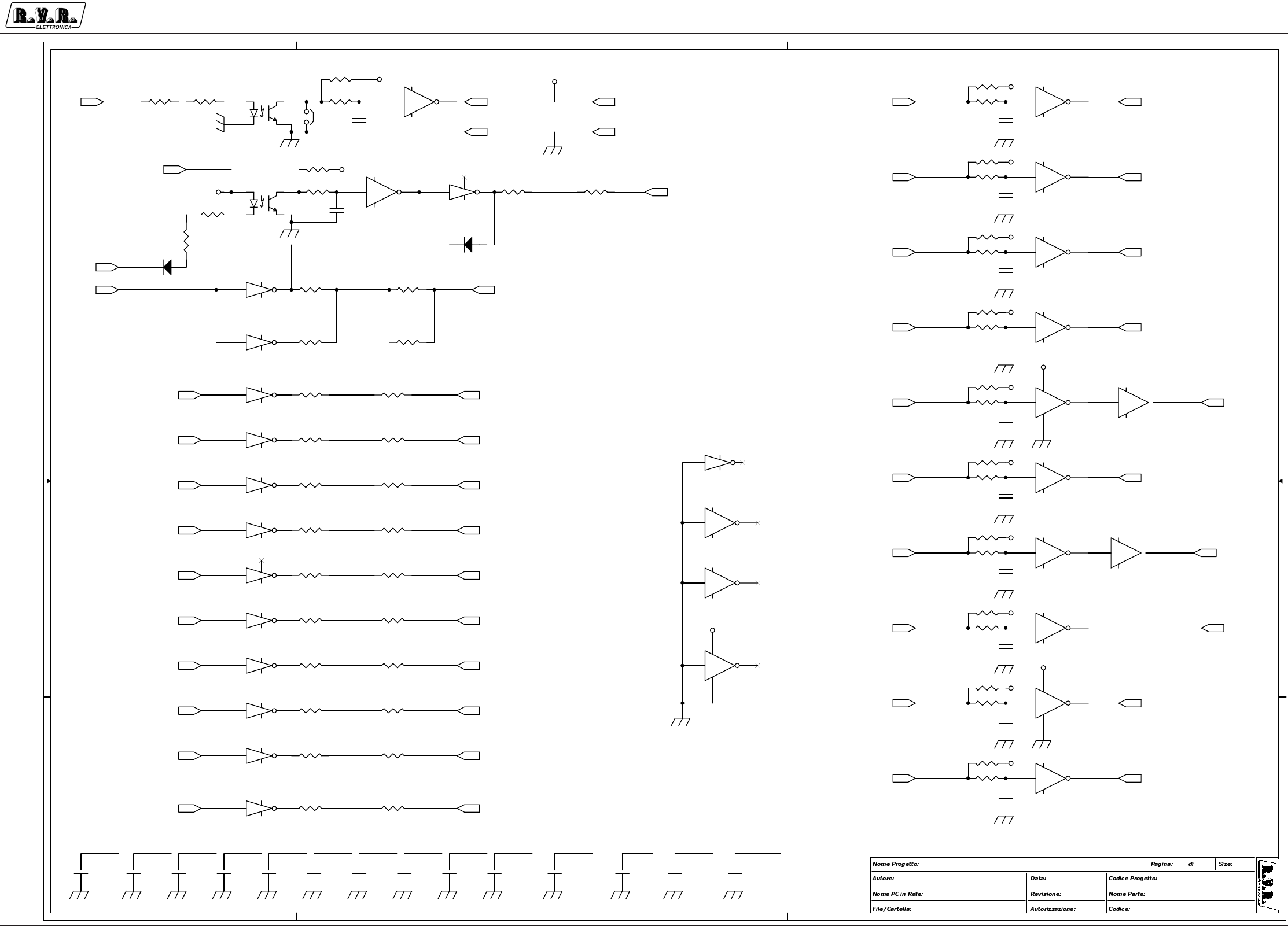
Appendix to the user manual - © 2002 R.V.R. Elettronica SpA - All rights reserved
PJ5KPS
4 / 7
Microcontroller board - SLCPUPJ5KM2
5
5
4
4
3
3
2
2
1
1
D D
C C
B B
A A
PJ5KPS - Scheda CPU 4
Griptech - Rev: Canazza
Sezione I/O digitale
SLCPUPJK5M2
\\ut_srv
CSCPUPJK5M2.DSN
02/10/2002
A33
1.0 (DC)
OC_OUT0C
OC_OUT1C
OC_OUT2C
OC_OUT3C
OC_OUT4C
OC_OUT5C
OC_OUT6C
OC_OUT7C
OC_ALARMCALARM
OC_P5040C
OC_P5040C
OC_OUT0C OC_OUT1C OC_OUT2C OC_OUT3C OC_OUT4C OC_OUT5C OC_OUT6C OC_OUT7COC_STOPAC
OC_STOPAC
IN_ONOC_ALARMC
RESOUTC
IN_STDBY
IN_STDBY
GND
RESOUTC
IN_ON
+12V
+5V
+5V
+5V
+5V
+5V
+5V
+5V
+5V
+5V
+5V
+5V
+5V
+5V
+5V
+5V
+5V
D13
1N4004
R109
1K
U12B
40106
3 4
U11B
ULN2004A
2 15
R133
22R
C81
CM4K7pF
12
R134 2K2
OC1
TLP521-1
1
2
4
3
R122
22R
C75
CM4K7pF
12
U14A
40106
1 2
147
U13A
ULN2004A
1 16
9
R153
22R
C66CM.1uF
12
R156 2K2
R150 2K2
C78
CM4K7pF
12
U11D
ULN2004A
4 13
R142
22R
U12E
40106
11 10
C70CM.1uF
12
R137
22R
U12F
40106
13 12
R118
1K
C69CM.1uF
12
R135
47K
U14E
40106
11 10
OC2
TLP521-1
1
2
4
3
U11C
ULN2004A
3 14
U14F
40106
13 12
C72
CM4K7pF
12
R157
47K
U14C
40106
5 6
R113 2K2
R151
47K
U13E
ULN2004A
5 12
R115
47K
U13G
ULN2004A
7 10
U11E
ULN2004A
5 12
R139
22R
R155
22R
C62
CM.1uF
12
R158
22R
R132
22R
U10F
40106
13 12
C71
CM4K7pF
12
U13B
ULN2004A
2 15
C82
CM4K7pF
12
R127
22R
R128 2K2
R106 2K2
C76
CM4K7pF
12
U13D
ULN2004A
4 13
R145
22R
C83
CM4K7pF
12
C65CM.1uF
12
R144 2K2
R152
22R
R123
22R
U12A
40106
1 2
147
C68CM.1uF
12
C73
CM4K7pF
12
C61CM.1uF
12
R126
22R
C79
CM4K7pF
12
R131
47K
U14B
40106
3 4
R159
22R
R110
47K
R143
22R
U10E
40106
11 10
U11A
ULN2004A
1 16
9
D14
1N4004
R117
22R
R147
47K
C59
CM.1uF
12
R112 2K2
U11F
ULN2004A
6 11
R107 2K2
R116
22R
R114
47K
R136
22R
C60CM.1uF
12
U12D
40106
9 8
U13F
ULN2004A
6 11
R111
47K
U13C
ULN2004A
3 14
R154
22R
U10D
40106
9 8
R146
22R
R108
1K
R148
22R
R124 2K2
C77
CM4K7pF
12
R140 2K2
C74
CM4K7pF
12
C64CM.1uF
12
R121
47K
C67CM.1uF
12
U10B
40106
3 4
C63CM.1uF
12
U11G
ULN2004A
7 10 U12C
40106
5 6
R125
47K
R130
22R
R120 2K2
R138
22R R141
47K
U10A
40106
1 2
147
R149
22R
U10C
40106
5 6
C80
CM4K7pF
12
JP8
STRIP 2
12
C84
CM4K7pF
12
R119
1K
R129
22R
OUT_0
OUT_1
OUT_2
OUT_3
OUT_4
OUT_5
OUT_6
OUT_7
OC_OUT0
OC_OUT1
OC_OUT2
OC_OUT3
OC_OUT4
OC_OUT5
OC_OUT6
OC_OUT7
OC_ALARM
IN0
IN1
IN2
IN3
IN4
IN5
IN6
IN7
IN_IN0
IN_IN1
IN_IN2
IN_IN3
IN_IN4
IN_IN5
IN_IN6
IN_IN7
RESOUT OC_RESOUT
ON
STDBY
SW_SAFE
MAINS
STOP_A OC_STDBY
ALARM
IN_MAINS
IN_SWSAFE
IN_ON
IN_STDBY
OC_P5040
+5V
GND EARTH
+12V
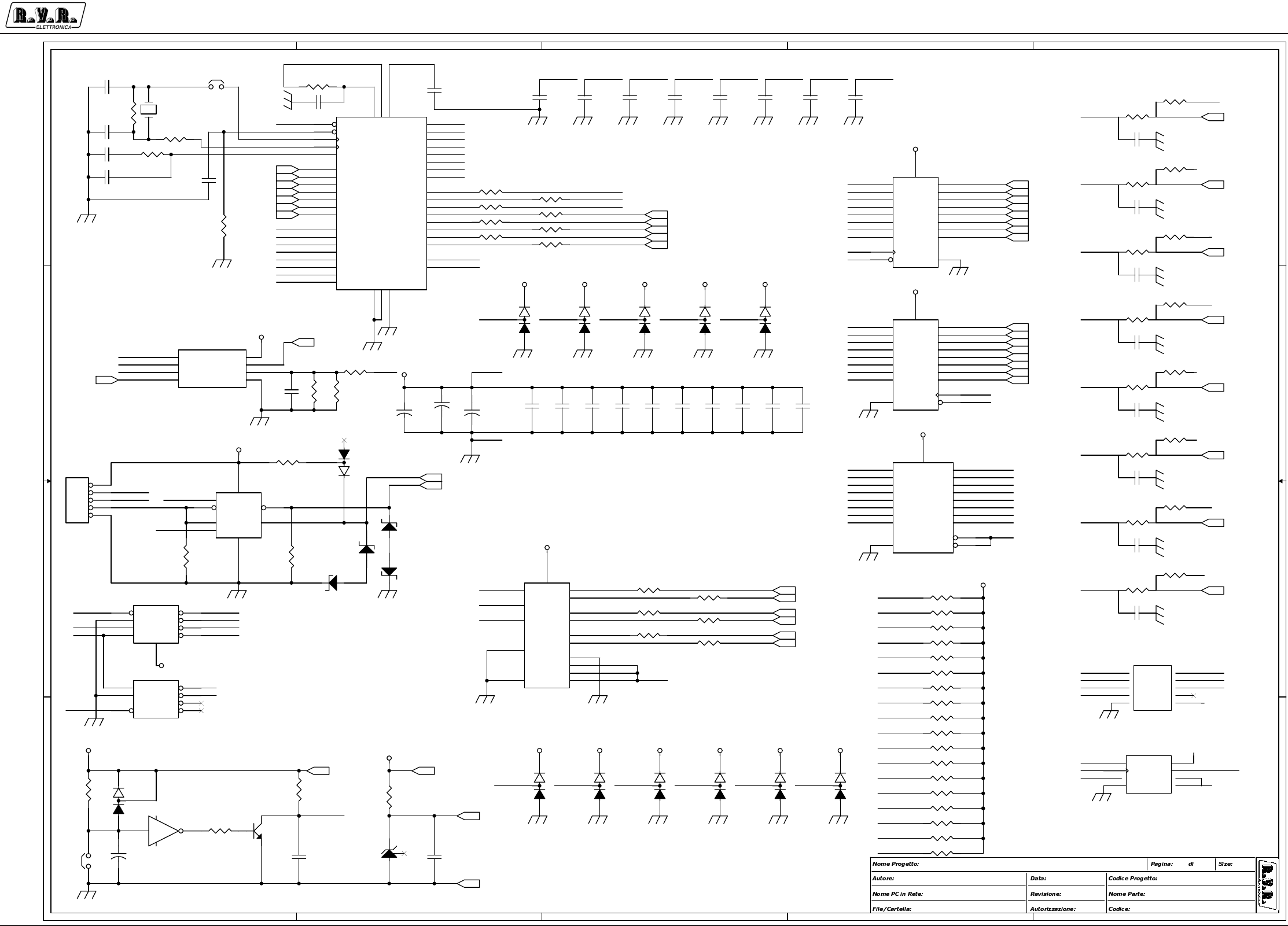
Appendix to the user manual - © 2002 R.V.R. Elettronica SpA - All rights reserved
PJ5KPS
5 / 7
Microcontroller board - SLCPUPJ5KM2
5
5
4
4
3
3
2
2
1
1
D D
C C
B B
A A
Analog In
Digital
I/O
Bus 485
PRG OC
DIP8
RS485
PJ5KPS - Scheda CPU 4
Griptech - Rev: Canazza
Sezione micro
SLCPUPJK5M2
\\ut_srv
CSCPUPJK5M2.DSN
02/10/2002
A34
1.0 (DC)
D7
D6
RST
CKO
D6
D7
D1
D3
D4
D2
D3
D2
D1
D0
D5
D4
D0
D5
SEL1
CK
AD0
AD1
AD5
AD4
AD2
AD7
AD3
AD6
AD0
AD1
AD2
AD3
AD4
AD5
AD6
AD7
MOSI
SCLK
CSM
D6
D2
D5
SS
CK
D3
SEL1
D0
SEL0
D1
MISO
D4
TXD
D7
IRQ
RXD
RST
D7
D0
RST_P
PA7
PA0
IRQ
D6
D3
D7
CKI
D2
D4
D1
D0
ENI
CKI
D5
MOSI
CSA
SCLK
MISO
CH3 _ D CH0_D CH4_D CH1_D CH5_D CH2_D
PTB3 PTB4 PTB5 PTB5 PTB6
MOSI
D4
D3
RXD
D5
D2
VREF
SCLK
VREF
D6
MISO
SEL0
PTB5
PTB3
PTB1 CH0_P
TXD
PTB6PTB4PTB1 PTB2
DE
PTB7
SS
PTB5PTB0
PA0
CH2_P
PTB7
CH1_P
PTB3
IRQ
CK
D1
SEL1
PA7
PTB2
PTB0
PTB4
PTB6
VCC
VDD
CH2_P
CH0_D
CH4_D
VSS
CH1_P
CH1_D
CH5_D
VDD
GND
CH2_D
VSSA
CH3_D
ENA
CH0_P
TXD
RST
DE
RXD
TR+
TR-
ENA
CSM
CSA
ENI
CKI
SS
SEL0
RST_P
MOSI
SCLK
VREF
CKO
+5V
+5V
+5V
+5V
+5V
+12V
+5V
+5V
+5V
+5V
+5V
+5V
+5V+5V +5V +5V +5V +5V +5V
+5V +5V +5V +5V +5V
+5V
+5V
+5V
+5V
+5V
+5V
+5V
+5V
+5V
R173 10K
C92
CM10KpF
12
R201 10K
R211
1M
R191 4K7
D25
BAV99B
2
3
1
JP4
STRIP 5
1
2
3
4
5
R175 10K
R226
47K
R202 10K
C98
CP10KpF
1 2
R187
X2K2
C88
CM1KpF
12
R203 10K
U17
74HC574
2
3
4
5
6
7
8
9
11
1
19
18
17
16
15
14
13
12
20
10
D1
D2
D3
D4
D5
D6
D7
D8
CLK
OC
Q1
Q2
Q3
Q4
Q5
Q6
Q7
Q8
VCC
GND
R217
1M
U16
74HC273
3
4
7
8
13
14
17
18
11
1
2
5
6
9
12
15
16
19
20
10
D1
D2
D3
D4
D5
D6
D7
D8
CLK
CLR
Q1
Q2
Q3
Q4
Q5
Q6
Q7
Q8
VCC
GND
U19
74HC244
2
4
6
8
11
13
15
17
1
19
18
16
14
12
9
7
5
3
20
10
1A1
1A2
1A3
1A4
2A1
2A2
2A3
2A4
1G
2G
1Y1
1Y2
1Y3
1Y4
2Y1
2Y2
2Y3
2Y4
VCC
GND
R218 10R
R204 10K
R193 4K7
R205 10K
R207 10K
R181 2K2
D15
BAV99B
2
3
1
R220 10K
R178
10K
U15
MC68HC908GP32-QFP
32
23
33
11
34
24
35
1
36
25
37
40
38
26
39
41
27
17
28
16
29
3031
9
10
12
13
14
15
18
19
2
3
4
5
622
20
21
44
43
42
7
8
PTA0
PTB1
PTA1
IRQ*
PTA2
PTB2
PTA3
RST*
PTA4
PTB3
PTA5
VDDA
PTA6
PTB4
PTA7
VSSA
PTB5
VDD
PTB6
VSS
PTB7
VDDADVSSAD
PTE0
PTE1
PTD0
PTD1
PTD2
PTD3
PTD4
PTD5
PTC0
PTC1
PTC2
PTC3
PTC4 PTB0
PTD6
PTD7
OSC1
OSC2
CGMXFC
PTC5
PTC6
C99
CM1kpF
12
C115
CM.1uF
1 2
C93
CM10KpF
12
D16
BAV99B
2
3
1
R219 10K
C102
CM.1uF
1 2
R225
12K
R182
10K
D17
BAV99B
2
3
1
R177 2K2
JP5
STRIP 5X2
12
34
56
78
910
U18
TLV5625
2
3
4
1 8
7
6
5
SCLK
CS
OUTA
DI VCC
OUTB
VREF
GND
R161
10M
Q2
BC237
R230
10K
R163
330K
R185 2K2
D18
BAV99B
2
3
1
R164
10k
C89
CM1KpF
12
R206 10K
DZ4
12V/0.5
R160 2K2
DZ6
5V1/0.5W C116
CM.1uF
1 2
R162
10K
D19
BAV99B
2
3
1
C86
CM.1uF
12
R214
2K2
Y1
32.768 KHz
DZ3
12V/0.5
C87
CM1KpF
12
C105
CM.1uF
R1674K7
D29
LM336-5.0V
2
3
1
C96 CM.1uF
1 2
DZ5
5V1/0.5W
+
C104
1/25
C122
CM.1uF 12
R186
10K
R176
10K
+
C106
1/25
R183 X2K2
R195 4K7
D23
BAV99B
2
3
1
+
C118
1/25
R190 2K2
C101
CM.1uF
1 2
U23
25C080
5
6
12
3
7
8
4
SI
SCK
CS SO
WP
HLD
VCC
GND
C133
CM.1uF
12
R196 4K7
C94
CM10KpF
12
R197 10K
C117
CM.1uF
1 2
R174 2K2
R227
10K
C119
CM1KpF
12
C103
CM.1uF
1 2
R192
10K
R208 10K
D26
BAV99B
2
3
1
R179 2K2
C90
CM10KpF
12
D22
BAV99B
2
3
1
C130
CM.1uF
12
R166
10K
C114
CM.1uF
1 2
R209 10K
C85
CM27pF 1 2
C97
CP33KpF
1 2
C100
CM.1uF
1 2
R180
10K
U22B
74HC139
14
13
15
12
11
10
9
A
B
G
Y0
Y1
Y2
Y3
C120
CM.1uF
12
R198 4K7
R216 10K
R165 2K2
R210 10K
D20
XBAV99B
2
3
1
R200 4K7
D24
BAV99B
2
3
1
U14D
40106
9 8
C107
CM.1uF
12
R213 10K
C112
CM.1uF
12
C108
CM.1uF
12
C91
CM10KpF
12
D27
BAV99B
2
3
1
R168 4K7
JP6
STRIP 2
1 2
C113
CM.1uF
12
C95
CM27pF 1 2
C109
CM.1uF
12
R215 10K
C129
CM.1uF
12
R169 4K7
C110
CM.1uF
12
R170 10K
C111
CM.1uF
12
R212
2K2
U20
SN75176AP
1
2
3
4
7
6
5 8
RO
RE
DE
DI
B
A
GND VCC
R171 10K
R188
10K
R194 10K
JP7
STRIP 2
1 2
U21
74HC4053
12
13
2
1
5
3
6
11
10
9
14
15
4
16
7
8
X0
X1
Y0
Y1
Z0
Z1
INH
A
B
C
X
Y
Z
VCC
VEE
VSS
U22A
74HC139
2
3
1
4
5
6
7
8
16
A
B
G
Y0
Y1
Y2
Y3
GND
VCC
R172 10K
R199 10K
D21
BAV99B
2
3
1
IN_AD0
IN_AD2
IN_AD3
IN_AD4
IN_AD5
IN_AD6
IN_AD1
IN_AD7
OUT_0
OUT_1
OUT_2
OUT_3
OUT_4
OUT_5
OUT_6
OUT_7
IN0
IN1
IN2
IN3
IN4
IN5
IN6
IN7
ON
STDBY
SW_SAFE
MAINS
STOP_A
ALARM
RESOUT
TR+
TR-
VREF
DAC_B
DAC_A
CH3_P
CH4_P
CH5_P
CH6_P
CH7_P
CH0
CH1
CH2
CH3
CH4
CH5
+12V+5V
GND EARTH

Appendix to the user manual - © 2002 R.V.R. Elettronica SpA - All rights reserved
PJ5KPS
6 / 7
Microcontroller board - SLCPUPJ5KM2
CSCPUPJ5KM2 Bill Of Materials Page1
Item Q.ty Reference Part
____________________________________________________________________________________________
1 17 C1,C3,C5,C7,C9,C11,C13, CM1kpF
C15,C17,C19,C21,C87,C88,
C89,C99,C119,C139
2 12 C2,C4,C6,C8,C10,C12,C14, CM27pF
C16,C18,C20,C85,C95
3 1 C22 27pF
4 14 C23,C24,C27,C28,C33,C34, 1/25
C49,C50,C53,C54,C104,
C106,C118,C138
5 55 C25,C26,C29,C30,C35,C36, CM.1uF
C38,C47,C48,C51,C55,C56,
C59,C60,C61,C62,C63,C64,
C65,C66,C67,C68,C69,C70,
C86,C96,C100,C101,C102,
C103,C105,C107,C108,C109,
C110,C111,C112,C113,C114,
C115,C116,C117,C120,C122,
C123,C124,C125,C126,C127,
C128,C129,C130,C131,C132,
C133
6 19 C31,C32,C39,C43,C71,C72, CM4K7pF
C73,C74,C75,C76,C77,C78,
C79,C80,C81,C82,C83,C84,
C121
7 2 C42,C40 220/25
8 8 C41,C57,C58,C90,C91,C92, CM10KpF
C93,C94
9 1 C44 XCP
10 2 R72,C45 X
11 1 C52 220pF
12 1 C97 CP33KpF
13 1 C98 CP10KpF
14 1 C134 CP *
15 2 C136,C135 CP.1uF
16 1 C137 CM100PF
17 3 DL1,DL2,DL3 LED
18 2 DZ2,DZ1 5V1/1W
19 2 DZ4,DZ3 12V/0.5
20 2 DZ6,DZ5 5V1/0.5W
21 14 D1,D2,D15,D16,D17,D18, BAV99B
D19,D21,D22,D23,D24,D25,
D26,D27
22 10 D3,D4,D5,D6,D7,D8,D9,D11, BAT83
D12,D30
23 2 D13,D14 1N4004
24 1 D20 XBAV99B
25 1 D29 LM336-5.0V
26 4 FIX1,FIX2,FIX3,FIX4 FIX35
27 3 JP1,JP2,JP3 STRIP20
28 1 JP4 STRIP 5
29 1 JP5 STRIP 5X2
30 3 JP6,JP7,JP8 STRIP 2
31 2 OC1,OC2 TLP521-1
32 1 Q2 BC237
33 20 R1,R2,R3,R4,R5,R21,R22, 1K
R23,R24,R25,R41,R45,R46,
R47,R59,R105,R108,R109,
R118,R119
34 16 R6,R7,R8,R9,R10,R26,R27, 100R
R28,R29,R30,R42,R54,R55,
R60,R68,R86
35 13 R11,R12,R13,R14,R15,R31, 100K
R32,R33,R34,R35,R43,R71,
R75
36 33 R16,R17,R18,R19,R20,R36, 2K2
R37,R38,R39,R40,R44,R106,
R107,R112,R113,R120,R124,
R128,R134,R140,R144,R150,
R156,R160,R165,R174,R177,
R179,R181,R185,R190,R212,
R214
37 64 R48,R49,R56,R57,R58,R62, 10K
R64,R66,R67,R70,R74,R76,
R77,R79,R80,R83,R84,R87,
R89,R90,R92,R96,R97,R99,
R100,R102,R103,R104,R162,
R164,R166,R170,R171,R172,
R173,R175,R176,R178,R180,
R182,R186,R188,R192,R194,
R197,R199,R201,R202,R203,
R204,R205,R206,R207,R208,
R209,R210,R213,R215,R216,
R219,R220,R227,R228,R230
38 1 R52 25K5
39 4 R53,R65,R81,R82 20K
40 10 R61,R167,R168,R169,R191, 4K7
R193,R195,R196,R198,R200
41 1 R63 39K
42 1 R69 59K
43 1 R78 2K7
44 1 R85 3K62
45 1 R95 16K9
46 1 R98 33K2
47 3 R101,R211,R217 1M
48 15 R110,R111,R114,R115,R121, 47K
R125,R131,R135,R141,R147,
R151,R157,R221,R223,R226
49 26 R116,R117,R122,R123,R126, 22R
R127,R129,R130,R132,R133,
R136,R137,R138,R139,R142,
R143,R145,R146,R148,R149,
R152,R153,R154,R155,R158,
R159
50 1 R161 10M
51 2 R229,R163 330K
52 2 R187,R183 X2K2
53 1 R218 10R
54 2 R222,R224 10K5
55 1 R225 12K
56 1 TP1 3.3V

Appendix to the user manual - © 2002 R.V.R. Elettronica SpA - All rights reserved
PJ5KPS
7 / 7
Microcontroller board - SLCPUPJ5KM2
57 11 TR1,TR2,TR3,TR4,TR5,TR6, 87W-20K
TR7,TR8,TR9,TR10,TR11
58 1 TR12 87W-10K
59 3 U1,U2,U3 LM324
60 1 U4 LM78M05CDT
61 4 U5,U6,U7,U8 TL074
62 3 U10,U12,U14 40106
63 2 U11,U13 ULN2004A
64 1 U15 MC68HC908GP32-QFP
65 1 U16 74HC273
66 1 U17 74HC574
67 1 U18 TLV5625
68 1 U19 74HC244
69 1 U20 SN75176AP
70 1 U21 74HC4053
71 1 U22 74HC139
72 1 U23 25C080
73 1 Y1 32.768 KHz
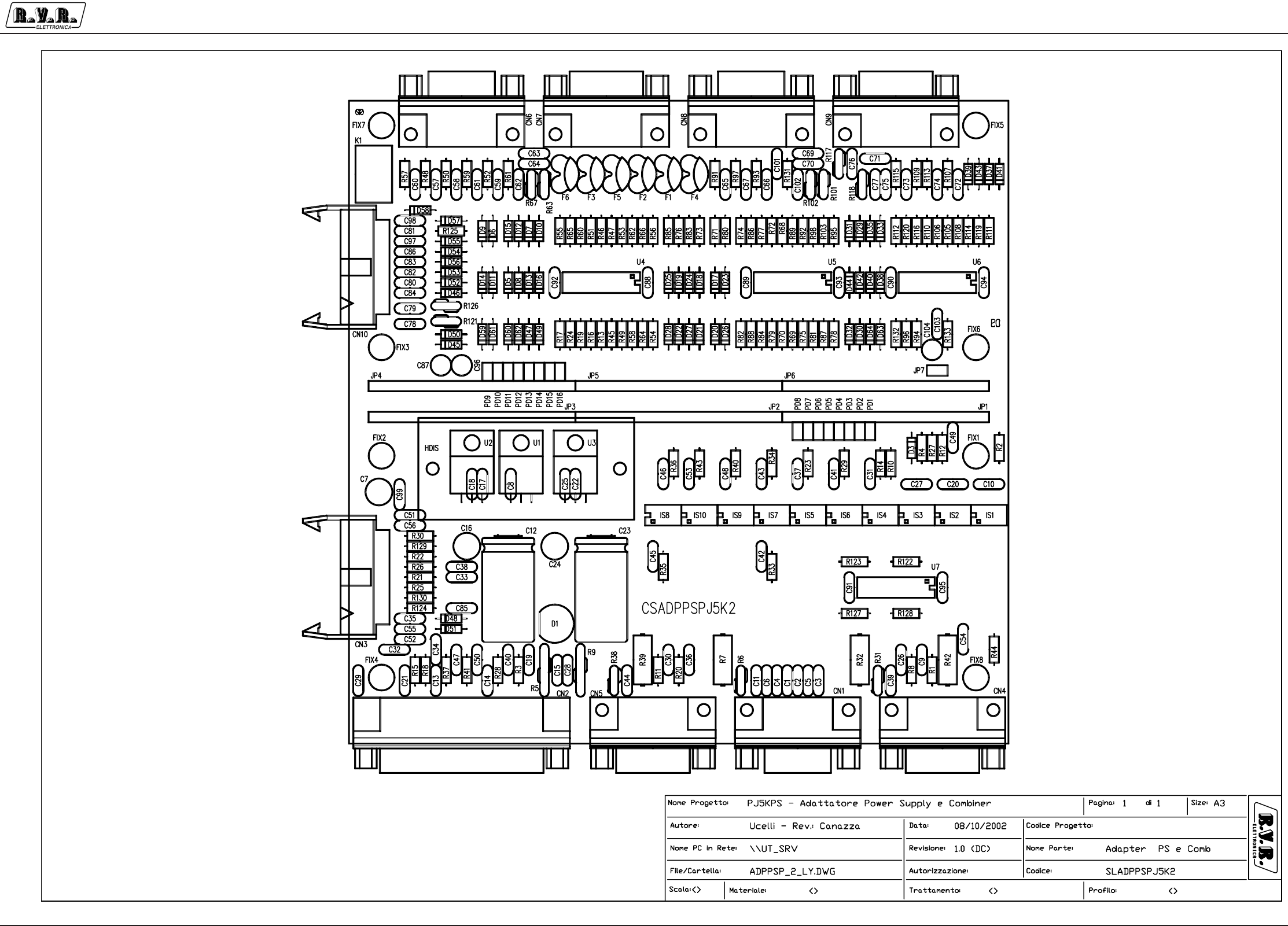
Appendix to the user manual - © 2002 R.V.R. Elettronica SpA - All rights reserved
PJ5KPS
1 / 4
PS and combiner CPU adapter - SLADPPSPJ5K2
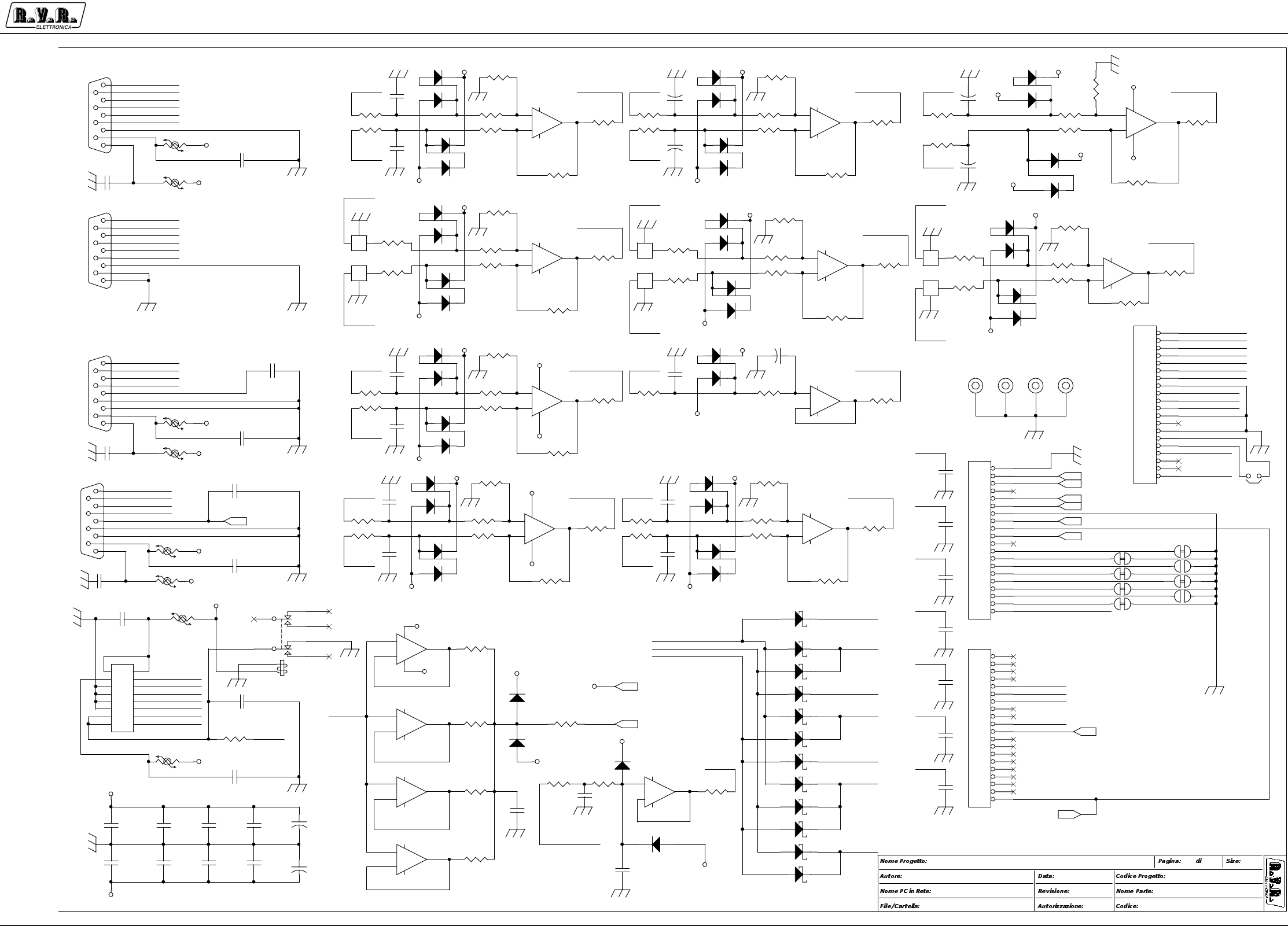
Appendix to the user manual - © 2002 R.V.R. Elettronica SpA - All rights reserved
PJ5KPS
2 / 4
PS and combiner CPU adapter - SLADPPSPJ5K2
TYPE POWER
COMBI
IN_IN4
PWR DIR
PWR INP DIV
1
4 = COMBINAT
OUT_GFB
OUT_VBIAS
IN_MAINS
IN_IN5
+5V
IN_IN2
TEMP KDJ
1 = POWER SUPPLY
IN_CH7
0 = RISERVATOOC_OUT1
CH3_P
IN_IN1
OC_OUT4
0 = RISERVATO
OC_OUT5
OC_OUT2
OUT_IOR
PWR RFL
OC_P5040
IN_STDBY
PWR INP2 LOAD
OC_OUT7
ADDRESS 4
IN_IOR
IN_IN3
CLIXSON
PWR SBIL N+1
8 = PA-XX
IN_IN7
0
PWR RFL N+1
IN_IN6
ASSEGNAZIONE INDIRIZZI
OC_RESOUT
TEMP ARIA
OC_OUT6
PWR DIR N+1
OUT_MOS
OC_OUT3
PWR REJ
CH_VPA
IN_GBF
POWERKDJ
INPUT N+1
SWSAFE
UNB_AN
OC_STDBY
OC_OUT0
GALVANOMETRO
2
3
4
5
6
7
SEL VIS1
SEL VIS2
SEL VIS3
PJ5KPS - Adapter PS and Combiner
<>
2
Mauro Ucelli
ADAPTER PS / COMB - Cb_5kw
SLADPPSPJ5K2
\\UT_SRV
CSADPPSPJ5KM2.DSN
31/05/2001
A31
0
DIR-
DIR+
CIN_AD3
CIN_IN5
-12V
UNB_AN
CIN_AD1
CIN_CH6
CIN_AD2
IN_ON
CIN_CH8
CIN_CH5
CIN_CH2
CIN_AD0
CIN_CH4
OUT_DACB
CIN_CH10
CIN_IN7
CIN_IN0
CIN_CH1
CIN_AD4
CIN_CH0
CIN_CH9
CIN_IN6
+12V
TR-
TR+
CIN_CH3
CIN_AD7
CIN_AD6
OUT_GFB
CIN_AD5
CIN_CH0
DIR+
DIR-
RFL+
RFL-
TC+
TC-
RFL+
RFL-
CIN_CH1 TC+
TC-
CIN_CH10
CIN_CH6
REJ-
LOAD+
TKD+
DIV+ CIN_CH2DIV-
LOAD-DIV-
TKD+REJ+
REJ+
DIV+ LOAD+
REJ- CIN_CH8
LOAD-
REJ_MP
DIR_N-
RFL_N-
SBL_N+
DIR_N+
SBL_N-
RFL_N+
DIR_N- CIN_CH3
DIR_N+ RFL_N+
CIN_CH4
RFL_N-
SBL_N+
CIN_CH5
SBL_N-
SEL_4
OUT_GFB
SEL_3
SEL_2
SEL_2
SEL_6
SEL_0
SEL_7
SEL_5
OUT_DACB
CIN_IN6
SEL_4
SEL_3
SEL_5
SEL_0
SEL_6
CIN_IN7
SEL_6
SEL_0
SEL_7
SEL_5
SEL_2
SEL_7
SEL_3
SEL_4
CIN_IN5
UNB_AN
CIN_CH9
REJ_MP
CIN_IN0
-12V
+12V
+12V_S
+12V_S
+12V_S
+12V_S
+12V
-12V
+12V_S
-12V
+12V
-12V
+12V
-12V
+12V
-12V
+12V
-12V
+12V
-12V
+12V
-12V
+12V
-12V
+12V
-12V
+12V
-12V
+12V
+12V
-12V
-12V
-12V
-12V
-12V
+12V
-12V
+12V
-12V
+12V
-12V
+12V
-12V
-12V
+12V
R94 10k
+
-
U5A
TL074
3
21
411
R60 10k
JP5
STRIP20
1
2
3
4
5
6
7
8
9
10
11
12
13
14
15
16
17
18
19
20
C90
CM.1uF
12
R89
20k
R124
10R
R68
20k
C71
CD1KpF
1 2
C85
CD1KpF
12
C103
CM.1uF
12
R107100R
R85
100R
D23
1N4148
D22
1N4148
C79
CD4K7pF
1 2
C102
CD1KpF
12
JP4
STRIP20
1
2
3
4
5
6
7
8
9
10
11
12
13
14
15
16
17
18
19
20
+
-
U4B
TL074
5
67
R120 20k
FIX5
FIX35
1
D47 BAT83
D27
1N4148
D30
1N4148
D58 BAT83
D39
1N4148
R47
20K
R11610k
R101
RXE020
R50 100R
+
-
U7C
LM324
10
98
+
-
U5D
TL074
12
13 14
f
F4
DSS-22KpF
1 3
2
R82
100R
R111
100R
+
-
U6B
TL074
5
67
D56 BAT83
R106
20k
C95
CM.1uF
12
C59
CD1KpF
PD16PIAZZ_2P
C77
CD4K7pF
1 2
R64 20k
C76 CD4K7pF
1 2
R132
10K
R67 RXE020
C69 CD4K7pF
1 2
R63
RXE020
C91
CM.1uF
12
+
C87
1/25
D20
1N4148
D24
1N4148
C70
CD4K7pF
1 2
C88
CM.1uF
12
R133
100R
CN6
DB9 FEM
5
9
4
8
3
7
2
6
1
D37
1N4148
R117
RXE020
D19
1N4148
R126
RXE020
C78
CD1KpF
12
CN8
DB9 FEM
5
9
4
8
3
7
2
6
1
R72 10k
PD11 PIAZZ_2P
C57
CD1KpF
12
C75
CD1KpF
12
R97 100R
D35
1N4148
D44
1N4148
R81 10k
R75 10k
C98
CD1KpF
12
PD15 PIAZZ_2P
D45 BA T83
+
K1
TQ2-12V
32
4
89
7
1
10
R105
20k
R108
10k
R73
100R
R58 10k
R98 10k
D15
1N4148
C80
CD1KpF
12
+
-
U5C
TL074
10
98
R110
10k
R49 10k
C84
CD4K7pF
1 2
R112
100R
C83
CD1KpF
12
R51 10k
D12
1N4148
D21
1N4148
D33
1N4148
D42
1N4148
D64
1N4148
R55
100R
R45
20k
D17
1N4148
C64
CD4K7pF
1 2
R102 RXE020
R65 20k
C92
CM.1uF
12
D48
1N4148
JP6
STRIP20
1
2
3
4
5
6
7
8
9
10
11
12
13
14
15
16
17
18
19
20
C63
CD4K7pF
1 2
R69
20k
R54
100R
FIX7
FIX35
1
D13
1N4148
R103
20k
D8
1N4148
R121
RXE020
D10
1N4148
C67
CD1KpF
12
R74
100R
C81
CD1KpF
1 2
D14
1N4148
R84 10k
R87 20k
R127
150R
D50 BAT83
R79 10k
+
-
U4A
TL074
3
21
411
R71
100R
R113 10 0R
R48 100R
C97
CD1KpF
12
R76
100R
R57 100R D11
1N4148
C101
CD4K7pF
1 2
R52
100R
D31
1N4148
D40
1N4148
R95
100R
+
-
U5B
TL074
5
67
R109100R
D18
1N4148
+
-
U7D
LM324
12
13 14
C66
CD1KpF
12
C62
CD1KpF
C72
CD1KpF
12
CN7
DB9 MASC
5
9
4
8
3
7
2
6
1
R96
100R
C65
CD1KpF
12
f
F5
DSS-22KpF
1 3
2
R119
20k
R46
20k
R62
10k
C74
CD1KpF
12
R125 1K
PD12PIAZZ_2P
D9
1N4148
+
-
U7B
LM324
5
67
+
C104 1/25
D54 BAT83
FIX6
FIX35
1
C93
CM.1uF
12
R66 20K
R86 20k
D7
1N4148
R70
20k
f
F2
DSS-22KpF
1 3
2
C58
CD1KpF
C73
CD1KpF
12
+
-
U6D
TL074
12
13 14
C61
CD1KpF
D28
1N4148
+
C96
1/25
C89
CM.1uF
12
CN9 DB9 MASC
5
9
4
8
3
7
2
6
1
D43
1N4148
JP7
JUMPER
12
f
F1
DSS-22KpF
1 3
2
+
-
U6A
TL074
3
21
411
R88 20k
R123
150R D52 BAT83
CN10
CON16AP
1
3
5
7
9
11
13
15
2
4
6
8
10
12
14
16
+
+
+
+
+
+
+
+
+
+
+
+
+
+
+
+
R131
100R
D63
1N4148
R61
100R
R83
100R
R92 10k
R11410k
D5
1N4148
R77 10k
R91 100R
D29
1N4148
D38
1N4148
D51
1N4148
R115100R
D16
1N4148
D49 BAT83
D41
1N4148
+
-
U4D
TL074
12
13 14
D6
1N4148
D46 BAT83
D25
1N4148
D57 BAT83
R53 10k
C60
CD1KpF
12
C82
CD1KpF
12
R56
100R
FIX8
FIX35
1
R118 RXE020
D32
1N4148
R122
150R
R128
150R
f
F6
DSS-22KpF
1 3
2
PD14PIAZZ_2P
D261N4148
R78
100R
R93
100R
D55 BAT83
R80
100R
C94
CM.1uF
12
f
F3
DSS-22KpF
1 3
2
R59 100R
PD9 PIAZZ_2P
PD13 PIAZZ_2P
+
-
U7A
LM324
3
21
411
D53 BAT83
+
-
U6C
TL074
10
98
PD10PIAZZ_2P
C86
CD1KpF
12
TR+
TR-
IN_ON
OC_ALARM
+12V
-12V
C_FAN
COUT_GFB
OC_STDBY
COAX
+12V_S
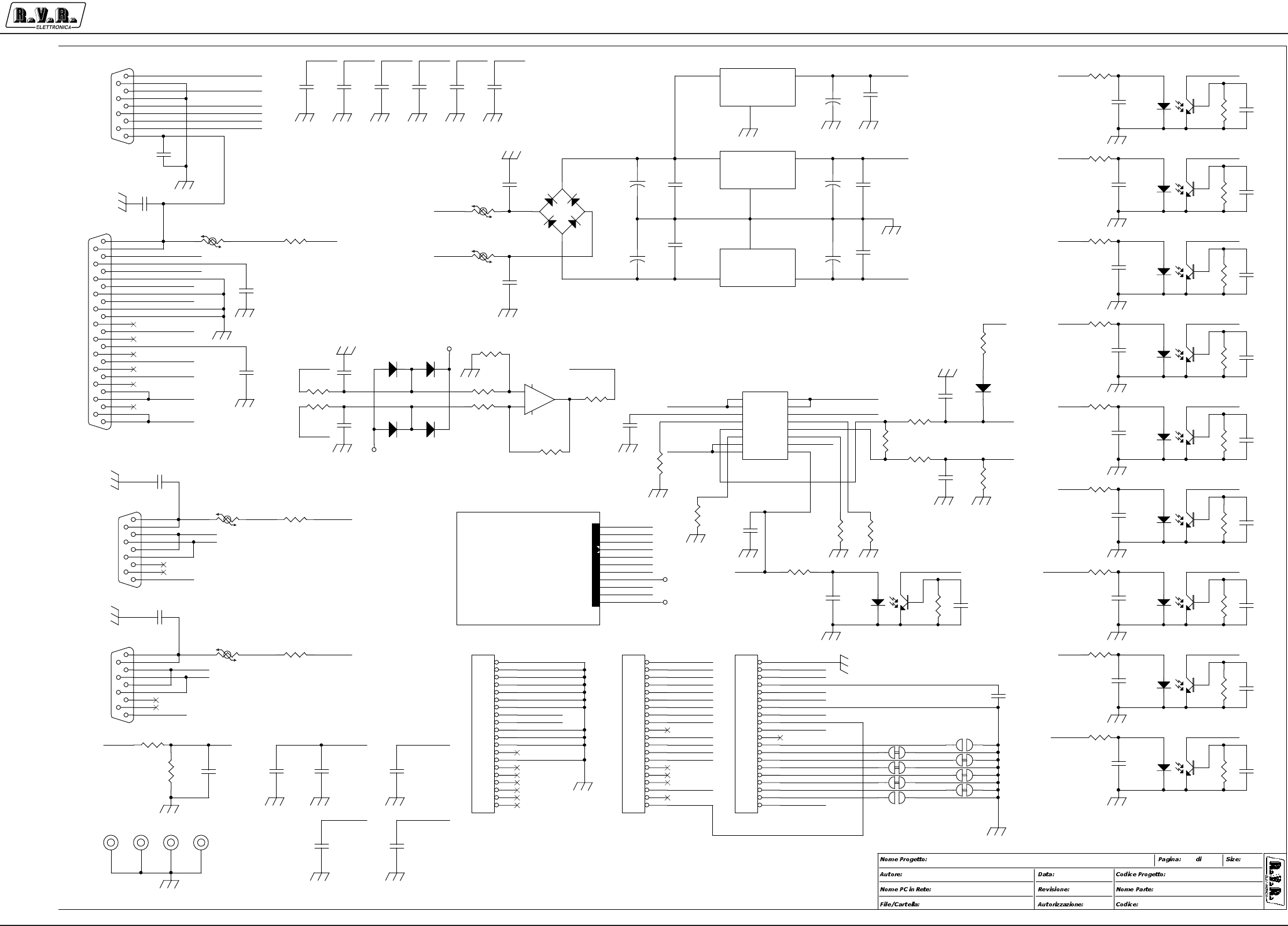
Appendix to the user manual - © 2002 R.V.R. Elettronica SpA - All rights reserved
PJ5KPS
3 / 4
PS and combiner CPU adapter - SLADPPSPJ5K2
IN_AD0
IN_AD1
IN_AD2
IN_AD3
IN_AD4
IN_AD5
IN_AD6
IN_GFB
SS1
S1
SS2
S2
FAN
RIS
IN_CH1
IN_CH2
IN_CH3
IN_CH6
IN_CH4
IN_CH5
IN_CH9
IN_CH10
OC_RESOUT
CH_VPA
CH3_P
OUT_GFB
OUT_DACB
OUT_MOS
IN_CH0
OUT_VBIAS
RELE POWER
OC_FB
IN_IOR
OUT_IOR
ADDRESS 1
IN_AD7
TYPE POWER
SUPPLY
IN_STDBY
OC_P5040
OC_OUT4
OC_OUT5
CSRLYCPROTVJ
BUS CU
VBUS
TEMP
CARRELLO 1
CARRELLO 2
OC_OUT6
DISS. A TELAIO
DISS. A TELAIO
PJ5KPS
<>
2
Mauro Ucelli
ADAPTER P.S. E COMBINER
SLADPPSPJ5KM2
\\UT_SRV
CSADPPSPJ5KM2.DSN
31/05/2001
A32
0
Cb_5kw
Cb_5kw
C_FAN
TR+
TR-
COUT_GFB
IN_ON
OC_STDBY
OC_ALARM
+12V
-12V
COAX
+12V_S
+12V_S
-12V
18V_DW
IN_IN0CLK1
SM1 IN_IN1
RCT1 IN_IN2
CLK2 IN_IN3
RCT2 IN_IN4
NC IN_IN5
IN_IN6RST_SAFE
IN_IN7PRE S
IN_SWSAFEIN_SAFE
OC_OUT7
OC_OUT0
OC_OUT1
OC_OUT2
OC_OUT3
IN_SAFE
SM1
NC
RST_SAFE
IN_CH7VBUS
IN_MAINS
+5V
18V_UP
PRES
18V_UP
18V_DW
TR-
RST_SAFE
OC_STDBY
OC_ALARM
IN_ON
OC_STDBY OC_ALARM
RST_SAFE IN_ON
+12V
OC_OUT0 OC_OUT1 OC_OUT2 OC_OUT3 OC_OUT7
+12V_S
VBUS
+12V_S
RCT1
CLK1
CLK2
VBUS
+12V_S
RCT2
T+
T-
OC_ALARM
+12V
+5V
TR+
IN_IN0
IN_ON
TR-
-12V
OC_OUT1
OC_OUT3
IN_IN7
OC_STDBY
OC_OUT2
OC_OUT7
IN_MAINS
OC_OUT0
IN_SWSAFE
IN_IN6
IN_IN5
IN_IN2
IN_IN4
IN_IN3
IN_IN1
IN_CH8
IN_CH7
COAX
IN_CH8
T-
T+
COUT_GFB
C_FAN
C_FAN
C_FAN
TR+
TR-
COUT_GFB
TR+
IN_ON
OC_STDBY
OC_ALARM
+12V
-12V
COAX
+12V_S
IN_PH
IN_PH +12V
-12V
+12V
+12V_S
C8
CM.1uF
12
JP1
STRIP20
1
2
3
4
5
6
7
8
9
10
11
12
13
14
15
16
17
18
19
20
C21
CD4K7pF
1 2
+
C12
470/35
R11
820R
C28
CD1KPF
12
C42
CD4K7PF
12
U1
LM7812
1
2
3
VI
GND
VO
R15 100R
C33CD27PF
1 2
C30
CD4K7PF
12
PD1
PIAZZ_2P
R5
RXE110
R30
100R
R26
10R
C19
CD4K7PF
12
IS1
4N25
12
54
6
C22
CM.1uF
12
U2
LM7812
1
2
3
VI
GND
VO
IS5
4N25
12
54
6
R42
33K/1W
R37
820R
R12
2K2
C11
CD4K7pF
12
R27
2K2
C1
CD1KPF
12
IS3
4N25
12
54
6
PD4 PIAZZ_2P
FIX1
FIX35
1
R13
20k
IS4
4N25
12
54
6
PD3
PIAZZ_2P
C40
CD4K7PF
12
R129
100R
R28
820R
IS2
4N25
12
54
6
PD7
PIAZZ_2P
R40
1M
R1
820R
CN3
FLAT16
1
3
5
7
9
11
13
15
2
4
6
8
10
12
14
16
R25
OR
D60
1N4148
R2
1M
C43
CM.1uF
12
C54
CD4K7pF
1 2
C27
CM.1uF
12
R10
1M
PD8 PIAZZ_2P
R21
10R
R43
1M
C9
CD4K7PF
12
+
C23
470/35
U3
LM7912
1
2
3
VI
GND
VO
R8
820R
R36
1M
C44
CD4K7pF
1 2
C37
CM.1uF
12
R31 RXE020
R23
1M
C26
CD4K7PF
12
FIX4
FIX35
1
R7
5R6/2W
C32
CD1KpF
12
+
C16
100/35
IS9
4N25
12
54
6
C41
CM.1uF
12
FIX2
FIX35
1
R9
RXE110
C45
CD4K7PF
12
C52
CD1KPF
12
D3
1N4148
R34
1M
-+
D1
WL02
R32
5R6/2W
R14
1M
C6
CD1KPF
12
IS10
4N25
12
54
6
D61
1N4148 R22
150R
PD6 PIAZZ_2P
R6 RXE020
R3
820R
CN2
DB25 MASC
13
25
12
24
11
23
10
22
9
21
8
20
7
19
6
18
5
17
4
16
3
15
2
14
1
C35
CD4K7pF
12
R24 20k
C17
CM.1uF
12
C48
CM.1uF
12
C99
CD4K7KpF
12
C10
CM.1uF
12
C13
CD1KPF
12
C51
CD1KPF
12
C15
CD1KPF
12
C3
CD1KPF
12
C34
CD1KpF
12
JP3
STRIP20
1
2
3
4
5
6
7
8
9
10
11
12
13
14
15
16
17
18
19
20
C2
CD1KPF
12
C31
CM.1uF
12
C49
CM.1uF
12
R35
820R
R19 10k
R130
100R
C53
CM.1uF
12
CN5
DB9 MASC
5
9
4
8
3
7
2
6
1
+
-
U4C
TL074
10
98
C46
CM.1uF
12
IS8
4N25
12
54
6
CN4
DB9 MASC
5
9
4
8
3
7
2
6
1
R16 10k
C4
CD1KPF
12
C14
CD1KPF
12
D62
1N4148
R44
1K
R33
820R
C5
CD1KPF
12
CN1
DB9 FEM.
5
9
4
8
3
7
2
6
1
C56
CD1KPF
12
R17
100R
R18 100R
C55
CD1KPF
12
D59
1N4148
C38
CD27PF
12
C36
CD4K7pF
12
C39
CD4K7pF
1 2
+
C7
100/35
IS6
4N25
12
54
6
R39
5R6/2W
R38
RXE020
C18
CM.1uF
12
C20
CM.1uF
12
R41
820R
C47
CD4K7PF
12
C25
CM.1uF
12
JP2
STRIP20
1
2
3
4
5
6
7
8
9
10
11
12
13
14
15
16
17
18
19
20
R29
1M
R4
1M
C50
CD4K7PF
12
IS7
4N25
12
54
6
+
C24
100/35
R20
820R
FIX3
FIX35
1
PD2 PIAZZ_2P
PD5
PIAZZ_2P
C29
CD4K7pF
1 2

Appendix to the user manual - © 2002 R.V.R. Elettronica SpA - All rights reserved
PJ5KPS
4 / 4
PS and combiner CPU adapter - SLADPPSPJ5K2
SLADPPSPJ5KM2 Bill Of Materials Page1
Item Q.ty Reference Part
____________________________________________________________________________________________
1 1 CN1 DB9 FEM.
2 1 CN2 DB25 MASC
3 1 CN3 FLAT16
4 4 CN4,CN5,CN7,CN9 DB9 MASC
5 2 CN6,CN8 DB9 FEM
6 1 CN10 CON16AP
7 38 C1,C2,C3,C4,C5,C6,C13, CD1KPF
C14,C15,C28,C32,C51,C52,
C55,C56,C57,C58,C59,C60,
C61,C65,C66,C67,C71,C72,
C73,C74,C75,C78,C80,C81,
C82,C83,C85,C86,C97,C98,
C102
8 3 C7,C16,C24 100/35
9 25 C8,C10,C17,C18,C20,C22, CM.1uF
C25,C27,C31,C37,C41,C43,
C46,C48,C49,C53,C88,C89,
C90,C91,C92,C93,C94,C95,
C103
10 26 C9,C11,C19,C21,C26,C29, CD4K7pF
C30,C35,C36,C39,C40,C42,
C44,C45,C47,C50,C54,C63,
C64,C69,C70,C76,C77,C79,
C84,C101
11 2 C12,C23 470/35
12 2 C33,C38 CD27PF
13 3 K1,C34,C62 NC
14 3 C87,C96,C104 1/25
15 1 C99 CD4K7KpF
16 1 D1 WL02
17 47 D3,D5,D6,D7,D8,D9,D10, 1N4148
D11,D12,D13,D14,D15,D16,
D17,D18,D19,D20,D21,D22,
D23,D24,D25,D26,D27,D28,
D29,D30,D31,D32,D33,D35,
D37,D38,D39,D40,D41,D42,
D43,D44,D48,D51,D59,D60,
D61,D62,D63,D64
18 12 D45,D46,D47,D49,D50,D52, BAT83
D53,D54,D55,D56,D57,D58
19 8 FIX1,FIX2,FIX3,FIX4,FIX5, FIX35
FIX6,FIX7,FIX8
20 6 F1,F2,F3,F4,F5,F6 DSS-22KpF
21 10 IS1,IS2,IS3,IS4,IS5,IS6, 4N25
IS7,IS8,IS9,IS10
22 6 JP1,JP2,JP3,JP4,JP5,JP6 STRIP20
23 1 JP7 JUMPER
24 16 PD1,PD2,PD3,PD4,PD5,PD6, PIAZZ_2P
PD7,PD8,PD9,PD10,PD11,
PD12,PD13,PD14,PD15,PD16
25 10 R1,R3,R8,R11,R20,R28,R33, 820R
R35,R37,R41
26 10 R2,R4,R10,R14,R23,R29, 1M
R34,R36,R40,R43
27 2 R5,R9 RXE110
28 11 R6,R31,R38,R63,R67,R101, RXE020
R102,R117,R118,R121,R126
29 3 R7,R32,R39 5R6/2W
30 2 R27,R12 2K2
31 20 R13,R24,R45,R46,R47,R64, 20k
R65,R66,R68,R69,R70,R86,
R87,R88,R89,R103,R105,
R106,R119,R120
32 37 R15,R17,R18,R30,R48,R50, 100R
R52,R54,R55,R56,R57,R59,
R61,R71,R73,R74,R76,R78,
R80,R82,R83,R85,R91,R93,
R95,R96,R97,R107,R109,
R111,R112,R113,R115,R129,
R130,R131,R133
33 22 R16,R19,R49,R51,R53,R58, 10k
R60,R62,R72,R75,R77,R79,
R81,R84,R92,R94,R98,R108,
R110,R114,R116,R132
34 3 R21,R26,R124 10R
35 1 R22 180R
36 1 R25 OR
37 1 R42 33K/1W
38 2 R125,R44 1K
39 4 R122,R123,R127,R128 150R
40 2 U1,U2 LM7812
41 1 U3 LM7912
42 3 U4,U5,U6 TL074
43 1 U7 LM324
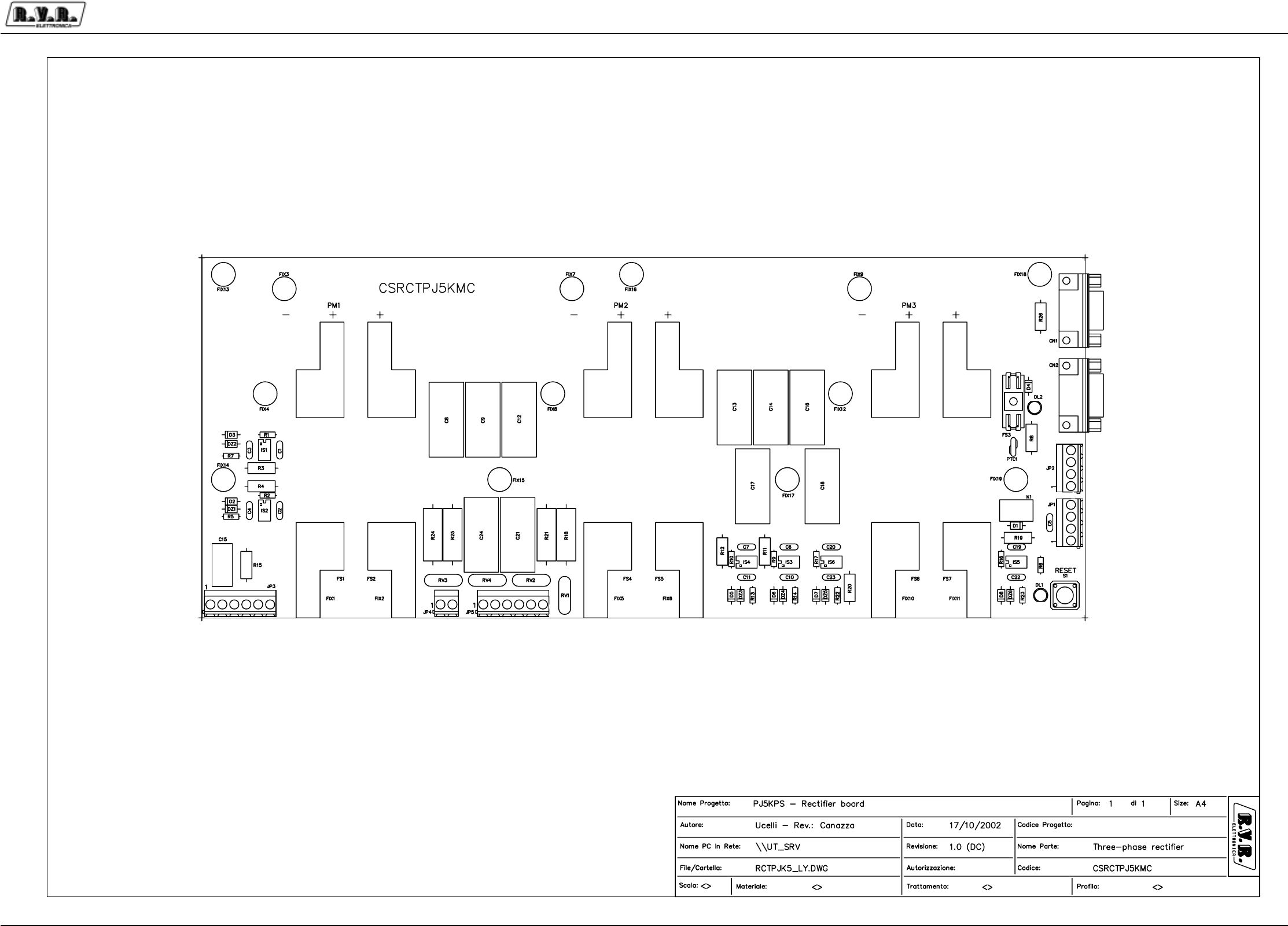
Appendix to the user manual - © 2003 R.V.R. Elettronica SpA - All rights reserved
PJ5KPS
1 / 3Three-phase rectifier - SLRCTPJ5KMC
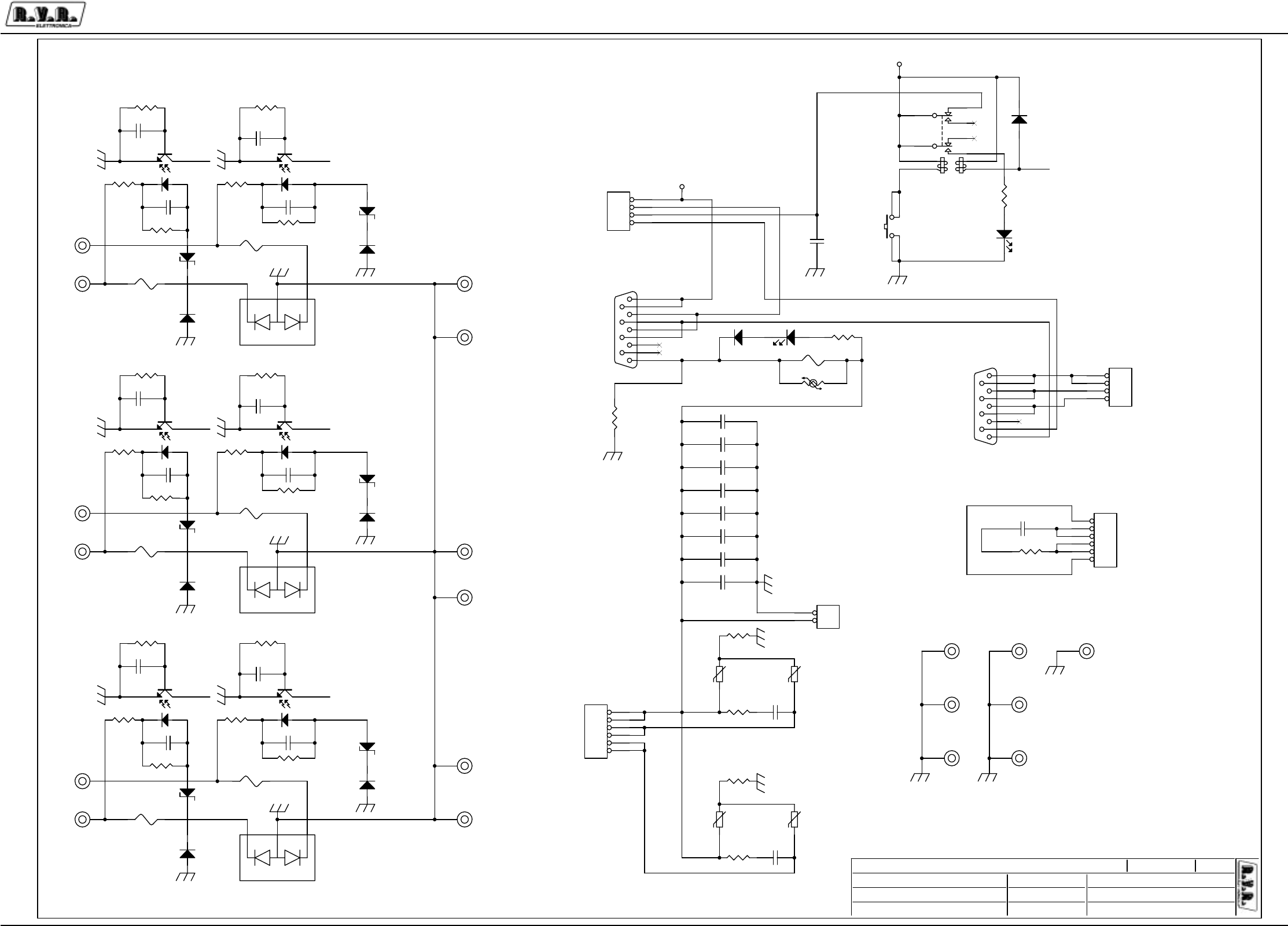
Appendix to the user manual - © 2003 R.V.R. Elettronica SpA - All rights reserved
PJ5KPS
2 / 3Three-phase rectifier - SLRCTPJ5KMC
R1
R2
S2
S1
T2
T1
VENTOLA
CLIXSON
VBUS
220VAC
CLIXSON
SM-TRAFO N.C.
RECT
CLIXSON-TRAFO N.O.
CONTAT-S
BREAK FUSE
CONTAT-SS
COM-CONTAT.
RESET
RB25-1K
VBUS
IND2
IND1
\\UT_SRV Three-phase Rectfier
SLRCTPJ5MC
1.1 (D.C.)
PJ5KPS
/Ucelli - Rev. Canazza
11A3
Tuesday, December 16, 2003
/
1RPH3URJHWWR
$XWRUH &RGLFH3URJHWWR
1RPH3&LQ5HWH
)LOH&DUWHOOD
'DWD
5HYLVLRQH
&RGLFH
1RPH3DUWH
$XWRUL]]D]LRQH
3DJLQD 6L]HGL
OC_1OC_1
OC_1OC_1
OC_1OC_1
OC_1
+12V
+12V
D4
IN4004
C10
CD1KpF 1 2
FS5
FUSE
FIX8
FIX35
1
C9 F1772-510
1 2
FIX17
FIX35
1
C5
CD4K7pF
12
DZ1
5V1/1W
CN1
DB9 FEMM.
5
9
4
8
3
7
2
6
1
FIX19
FIX35
1
C16 F1772-510
1 2
C22
CD1KpF 1 2
FS7
FUSE
R3
4K7/2W
FIX15
FIX35
1
R6
1K
R4
4K7/2W
JP1
KRA
1
2
3
4
R7
1K
FIX7
FIX35
1
R11
4K7/2W
RV3
250VLA20
R21
10R-5W
FIX9
FIX35
1
+
+
-
PM2
IRKJ-56-04
2
1
3
DZ4
5V1/1W
IS4
4N25
12
54
6
JP2
KRA
1
2
3
4
FIX12
FIX35
1
R15 100R/2W
R19
4K7/2W
C8 F1772-510
1 2
R10 1M
S1 OMRON
1 3
2 4
DZ6
5V1/1W
IS6
4N25
12
54
6
++
RS
K1 TQ2L2
32
4
89
7
10
61
5
C14 F1772-510
1 2
FIX5
FIX
1
R17 1M
C1
CD1KpF
1 2
D2
1N4004
JP4
KRA2
1
2
R14
1K
FIX10
FIX
1
DL1
D5/R
CN2
DB9 MASC.
5
9
4
8
3
7
2
6
1
DZ2
5V1/1W
R23
1K
C4
CD1KpF 1 2
RV4
250VLA20
FIX6
FIX
1
R2 1M
D61N4004 C18 F1772-510
1 2
FIX11
FIX
1
IS1
4N25
12
54
6
C24
F1772-510
1 2
C13 F1772-510
1 2
C7
CD1KpF
1 2
D81N4004
FS3 1A-C28
C15 F1772-0.1uF
1 2
C6
CD1KpF
1 2
JP5
KRA6
1
2
3
4
5
6
R9 1M
C20
CD1KpF
1 2
R26
10K/2W
+
+
-
PM3
IRKJ-56-04
2
1
3
FS2
FUSE
R18
2R2-5W
C19
CD1KpF
1 2 RV1
250VLA20
R16 1M
R13
1K DZ3
5V1/1W
IS3
4N25
12
54
6
FIX1
FIX
1
R24
2R2-5W
C12 F1772-510
1 2
+
+
-
PM1
IRKJ-56-04
2
1
3
D5
1N4004
R22
1K
IS2
4N25
12
54
6
R5
1K
DZ5
5V1/1W
IS5
4N25
12
54
6
FIX4
FIX35
1
C17 F1772-510
1 2
FIX3
FIX35
1
C11
CD1KpF 1 2
DL2
D5-R
FS4
FUSE
D7
1N4004
FIX13
FIX35
1
FS1
FUSE
JP3
KRA6
1
2
3
4
5
6
R12
4K7/2W
C3
CD1KpF 1 2
R25
10R-5W
FIX16
FIX35
1
RV2
250VLA20
C23
CD1KpF 1 2
D31N4004
D1
1N4004
FIX2
FIX
1
R1 1M
FS6
FUSE
FIX18
FIX35
1
R20
4K7/2W
C2
CD1KpF
1 2
R8
4K7/2W
FIX14
FIX35
1
PTC1 N.C.
C21
F1772-510
1 2

Appendix to the user manual - © 2003 R.V.R. Elettronica SpA - All rights reserved
PJ5KPS
3 / 3Three-phase rectifier - SLRCTPJ5KMC
RCTPJ5KMC Bill Of Materials Page1
Item Quantity Reference Part
______________________________________________
1 1 CN1 DB9 FEMM.
2 1 CN2 DB9 MASC.
3 12 C1,C2,C3,C4,C6,C7,C10, CD1KpF
C11,C19,C20,C22,C23
4 1 C5 CD4K7pF
5 10 C8,C9,C12,C13,C14,C16, F1772-510
C17,C18,C21,C24
6 1 C15 F1772-0.1uF
7 1 DL1 D5/R
8 1 DL2 D5-R
9 6 DZ1,DZ2,DZ3,DZ4,DZ5,DZ6 5V1/1W
10 7 D1,D2,D3,D5,D6,D7,D8 1N4004
11 1 D4 IN4004
12 6 FIX1,FIX2,FIX5,FIX6, FIX
FIX10,FIX11
13 13 FIX3,FIX4,FIX7,FIX8,FIX9, FIX35
FIX12,FIX13,FIX14,FIX15,
FIX16,FIX17,FIX18,FIX19
14 6 FS1,FS2,FS4,FS5,FS6,FS7 FUSE
15 1 FS3 1A-C28
16 6 IS1,IS2,IS3,IS4,IS5,IS6 4N25
17 2 JP2,JP1 KRA
18 2 JP3,JP5 KRA6
19 1 JP4 KRA2
20 1 K1 TQ2L2
21 3 PM1,PM2,PM3 IRKJ-56-04
22 1 PTC1 N.C.
23 4 RV1,RV2,RV3,RV4 250VLA20
24 6 R1,R2,R9,R10,R16,R17 1M
25 7 R3,R4,R8,R11,R12,R19,R20 4K7/2W
26 7 R5,R6,R7,R13,R14,R22,R23 1K
27 1 R15 100R/2W
28 2 R18,R24 2R2-5W
29 2 R25,R21 10R-5W
30 1 R26 10K/2W
31 1 S1 OMRON
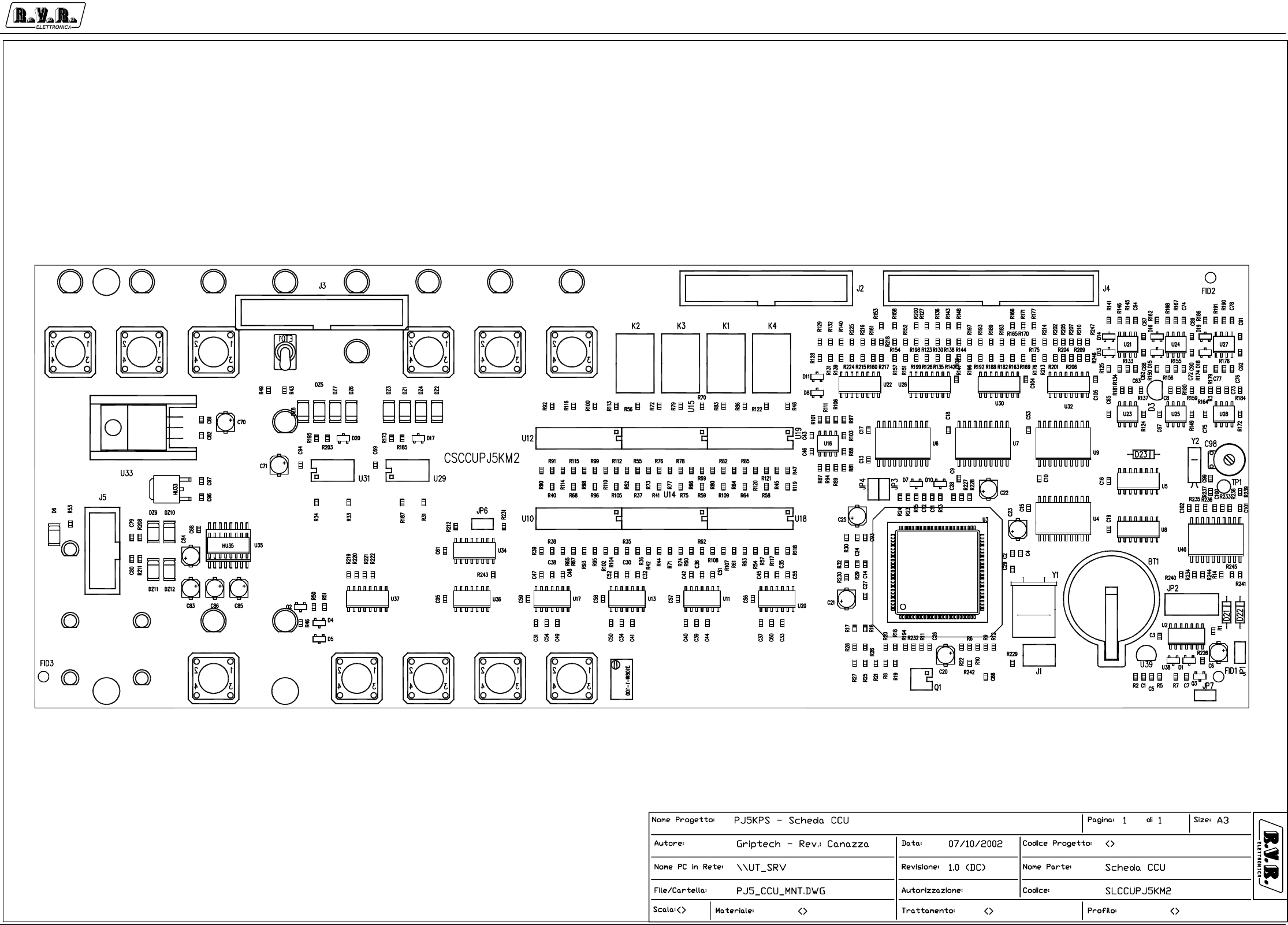
Appendix to the user manual - © 2002 R.V.R. Elettronica SpA - All rights reserved
PJ5KPS
1 / 6
Control unit CPU board - SLCCUPJ5KM2
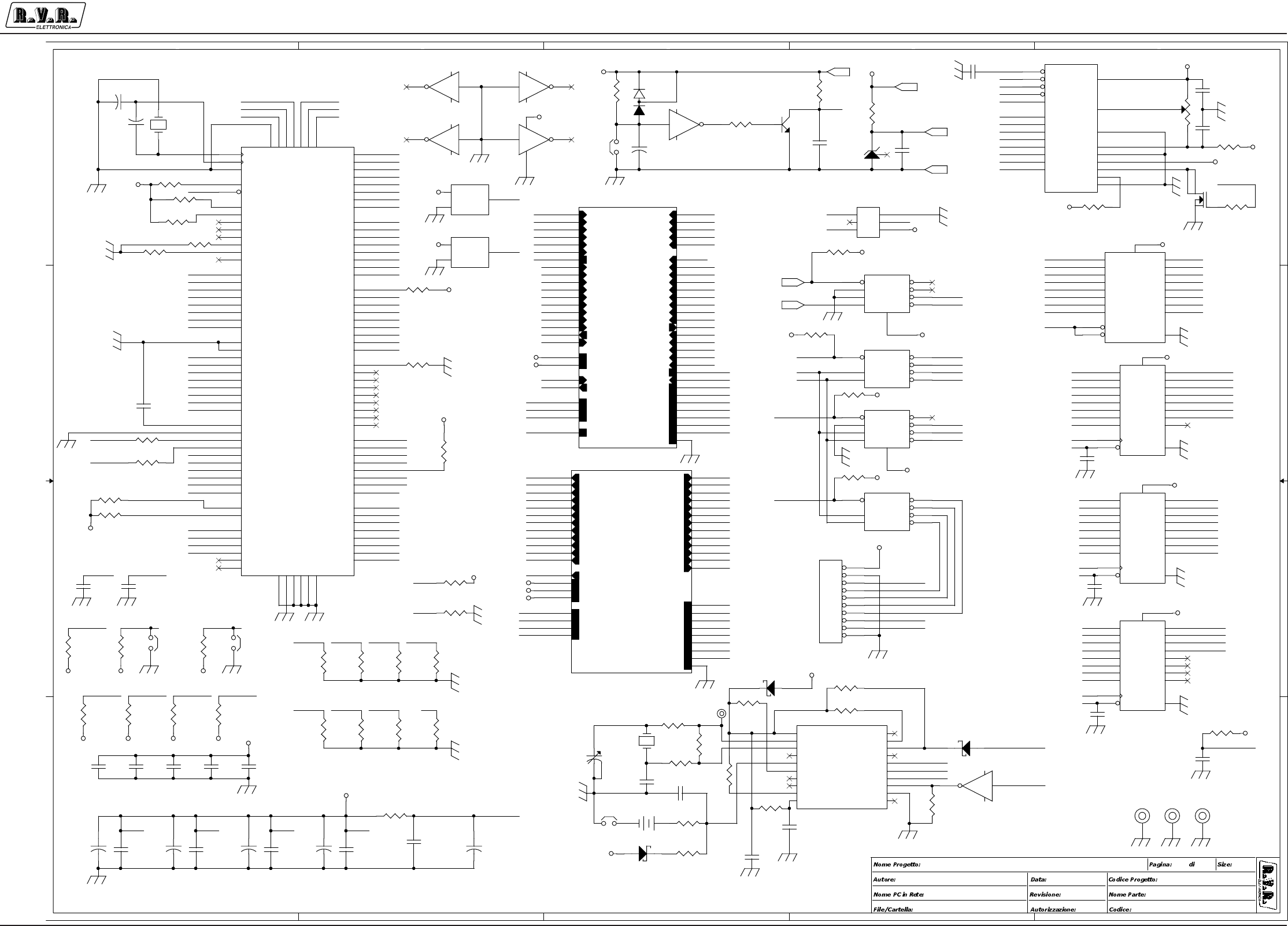
Appendix to the user manual - © 2002 R.V.R. Elettronica SpA - All rights reserved
PJ5KPS
2 / 6
Control unit CPU board - SLCCUPJ5KM2
A
A
B
B
C
C
D
D
E
E
4 4
3 3
2 2
1 1
P.B. On
Anlg In
Anlg In
P.B. Up
P.B. Esc
P.B. Off
Input
P.B. Stdby
INPUT
Input
P.B. Ok
P.B. Down
OUTPUT
Input
RST
BDM
VARIE VARIE
\\UT_SRV CORE CONTROL UNIT
SLCCUPJ5KM2
REV B - 1.0
(
DC
)
PJ5KPS - Scheda CCU
<Or
g
Addr1>
CSCCUPJ5KM2
Griptech - Rev.: Canazza 07/10/2002
31A3
CCU_OUT
CCU_OUT
ACK_ON
ACK_STDBY
ACK_OFF
ACK_PL
ACK_EXCT
ACK_AM
FAULT
WAIT
WARN
PD1
PD2
PD3
PD4
ACK_NP
ACK_RIS1
ACK_RIS2
ACK_RIS3
ACK_RIS4
CSA0
CSA1
CSA2
MUTE1
MUTE2
ON_OFF
COAX
STDBYSCLK
MOSI
RXD0
TXD0
RXD1
TXD1
DE0
DE1
AUD_ALRMVREF
LOC
STDBYBUS
+5V
+12V
CLK
CLK_LOC ON_TST
OFF_TST
PL_TST
AM_TST
RST_AL_TST
STDBY_TST
GND_EARTH
PBOK_TST
PBUP_TST
PBDW_TST
PBESC_TST
NP_TST
MAIN_EXCT
IRQ_ALR_OUT
CCU_IN
CCU_IN
PB_RST_AL
PB_PL
PB_OFF
PB_STDBY
PB_ON
PB_AM_EXC
CHG_MR
PB_NP
RIS1
RIS2
RIS3
RIS4
PB_ESC
PB_OK
PB_UP
PB_DW
F_EXCT1
F_EXCT2
EXT_INT
AUS_INT
STDBY_IN
ALR_IRQ
LOC
LOAD
INPUT
MAINS
STDBYBUS
+5V
+12V
-12V
ON_TST
RST_AL_TST
OFF_TST
STDBY_TST
PL_TST
AM_TST
GND_EARTH
NP_TST
PBESC_TST
PBDW_TST
PBUP_TST
PBOK_TST
CHG_MR
PB_OFF CLK
BKGD
PB_RST_AL
MUTE1
PA2
F_EXCT2
DE1
PB_STDBY
PB_AM_EXC
PA5
COAX
BKGD
A1
F_EXCT1
VDD1
SCLK
PA1
LOC
VFP
LGT
DE0
RST
PB_ON
LOAD1
PA4
VDDAD
ALR_IRQ
STDBY
PB_DW
MOSI
PA0
INPUT1
PA3
STDBY_IN
PB_UP
MAINS
RST
R/W
PB_OK
PA7
RIS2
EXT_INT
SS_
PB_ESC
CSD
RIS1
PB_PL
PA6
MUTE2
VFP
PA1
RD_DIS
PA5
CLK0
PA3
PA2
PA6
CSD
PA0
CLK1
PA7
PA4
A0
D1
D7
D0
D6
D2
D4
D5
D3
D1
D0
D7
D1
D3
D6
D4
D6
D3
D5
D2
D6
D4
D2
D0
D2
D1
D3
D7
D1
D3
D6
D2
D0
D7
D7
D2
D3
D6
D5
D7
D1
D5
D5
D4
D5
D4
D4
CLK2
SS_
CSA1
CSA2
CSA0
CLK2
CLK0
CLK1
R/W RD_DIS
A1
RST
D0
D0
LGT
VREF
RST
SL1
TXD0
RXD0
TXD1
RXD1
ACK_ON
ACK_STDBY
ACK_OFF
ACK_PL
ACK_EXCT
ACK_AM
FAULT
WAIT
WARN
PD1
PD2
PD3
PD4
ACK_RIS1
ACK_RIS2
ACK_RIS3
ACK_RIS4
INPUT1 LOAD1
ACK_ON
ACK_STDBY
ACK_OFF
ACK_PL
ACK_EXCT
ACK_AM
FAULT
WAIT
WARN
PD1
PD2
PD3
PD4
ACK_NP
ACK_RIS1
ACK_RIS2
ACK_RIS3
ACK_RIS4
CSA0
CSA1
CSA2
MUTE1
MUTE2
COAX
STDBYSCLK
MOSI
RXD0
TXD0
RXD1
TXD1
DE0
DE1
A0
WR_DIS
R/W
A0
WR_DIS
PB_ESC
AUD_ALRM
AUD_ALRMVREF
SL2
LOC
RIS1 STDBY_IN
LOAD
MAINS
PB_UP
PB_NP
EXT_INT
PB_OFF
RIS3
PB_AM_EXC
PB_OK
PB_STDBY
PB_RST_AL
PB_PL
CHG_MR
PB_ON
RIS4
RIS2
PB_DW
F_EXCT1
ALR_IRQ
LOC
INPUT
STDBYBUS
STDBYBUS
VDDAD
ON_OFF
ON_OFF
AUS_INT
AUS_INT
CLK
CLK_LOC
CLK
ON_TST
STDBY_TST
OFF_TST
PL_TST
AM_TST
RST_AL_TST
OFF_TST
RST_AL_TST
STDBY_TST
AM_TST
ON_TST
PL_TST
MISO
INPUT
LOAD
ON_OFF
MAIN_EXCT
IRQ_ALR_OUT
STDBY LGT COAX
IRQ_ALR_OUTMAIN_EXCTMUTE1 MUTE2
VDD2 VDDX1
PB_NP
TXD1 RXD1 RXD0TXD0
ACK_NP
RIS3
RIS4
SLV_CU
SL2
SL1
NP_TST
PBESC_TST
PBDW_TST
PBUP_TST
PBOK_TST
PBDW_TST
PBUP_TST
PBESC_TST
PBOK_TST NP_TST
MISO
SCLK
MOSI
VREF
MAIN_EXCT
CSD
CLK_LOC
SLV_CU
CSA3
IRQ
SCLK
MOSI
MISO CSA3
VDD1
RST
VDDX2VDDX1
VDDX2
VDD2
RST
F_EXCT2
IRQ
CLK
DE1
IRQ_ALR_OUT
VFP
RST
RST
RST
+5V
+12V
+5V
-12V
+12V
+5V
-12V
+5V
+5V
+5V
+5V
+5V
+5V
+5V
+5V
+5V
+12V
+5V
+12V+5V
+5V
+5V
+5V
+5V
+5V
+5V
+5V
+5V
+5V
+5V
+5V
+5V
+5V+5V
+5V
+5V
+5V
+5V
+5V
+5V
+5V
+5V
+5V
R14
10K
C4
CM22pF
C16
CM.1uF
12
U5A
74HC139
2
3
1
4
5
6
7
8
16
A
B
G
Y0
Y1
Y2
Y3
GND
VCC
R33
10K
R32
10K
C24
CM.1uF
12
U39
MC34064
2
31
VCC
GND
/RST
U7
74LS273
3
4
7
8
13
14
17
18
11
1
2
5
6
9
12
15
16
19
20
10
D1
D2
D3
D4
D5
D6
D7
D8
CLK
CLR
Q1
Q2
Q3
Q4
Q5
Q6
Q7
Q8
VCC
GND
Q3
BC237
1
2 3
R228
10K
R1
330K
C99CM22pF
12
R5
X22R
C14CM.1uF
12
U2E
40106
1110
C29
CM.1uF
12
JP7
JUMPER-2
1 2
R26
10K
U9
74LS273
3
4
7
8
13
14
17
18
11
1
2
5
6
9
12
15
16
19
20
10
D1
D2
D3
D4
D5
D6
D7
D8
CLK
CLR
Q1
Q2
Q3
Q4
Q5
Q6
Q7
Q8
VCC
GND
C102
CM.1uF
12
R234
10K
R19
10K
R235
220K
U6
74LS273
3
4
7
8
13
14
17
18
11
1
2
5
6
9
12
15
16
19
20
10
D1
D2
D3
D4
D5
D6
D7
D8
CLK
CLR
Q1
Q2
Q3
Q4
Q5
Q6
Q7
Q8
VCC
GND
R239
100K
C28
CM.1uF
12
FIX1
FIX35
1
C17
CM.1uF
12
R29
10K
C101
CM.1uF
12
R12
47K
C98
10-40pF
2
3
1
U3
MC68HC912-D60-CPV8
70
71
72
69
74
86
67
87
76
7
78
4
15
68
80
73
82
16
84
75
5
105
77
17
79
6
81
18
83
89
104
103
90
102
101
91
100
99
92
98
93
94
95
96
57
39
58
56
59
35
60
55
61
41
62
54
63
52
64
53
38
51
24
50
37
49
34
36
33
25
32
26
27
47
28
29
30
31
48
44
46
43
45 85
88 12
6514
66 107
42106
40 97
13
22
21
20
19
11
10
9
8
3
2
1
112
111
110
109
108
23
PAD10
PAD01
PAD11
PAD00
PAD12
VRH1
VRH0
VRL1
PAD13
PT3
PAD14
PT0
PT4
VRL0
PAD15
PAD02
PAD16
PT5
PAD17
PAD03
PT1
RxCAN
PAD04
PT6
PAD05
PT2
PAD06
PT7
PAD07
PS0
TxCAN
PCAN2
PS1
PCAN3
PCAN4
PS2
PCAN5
PCAN6
PS3
PCAN7
PS4
PS5
PS6
PS7
PA0
PE4
PA1
PE0
PA2
PH4
PA3
PE1
PA4
PHPUD
PA5
PE2
PA6
PH0
PA7
PE3
PE5
PH1
PB0
PH2
PE6
PH3
PH5
PE7
PH6
PB1
PH7
PB2
PB3
EXTAL
PB4
PB5
PB6
PB7
XTAL
XFC
RST
VDDPLL
VSSPLL VDDAD
VSSAD VDD1
VDD2VSS1
VSS2 VDDX1
VDDX2VSSX1
VSSX2 VFP
PGPUD
PG0
PG1
PG2
PG3
PG4
PG5
PG6
PG7
PP0
PP1
PP2
PP3
PP4
PP5
PP6
PP7
BKGD
Y2
32KHZ
C11
CM.1uF
12
C27
CM.1uF
12
D21
BAT83
C93
CM.1uF
12
R231
10K
R230
10K
R23
10K
R31
10K
R22
10K
R3
2K2
R22610K
C9
XCM10pF
12
R4
87W-20K
13
2
R28
10K
D3LM336-5.0V
2
3
1
R238
10K
JP3
JUMPER 2
12
R13 10K
C10
XCM10pF
12
U1
GM24123DSL
LCD DISPLAY
15
5
4
7
8
9
10
11
12
13
14
17
2
3
21
22
6
1
16
19
18
20
CE
RD
C/D
D0
D1
D2
D3
D4
D5
D6
D7
-15V
+5V
V0
A
K
WR
GND
RST
FS
MD2
FG
R243
10K
FIX2
FIX35
1
R1610K
+
C6
1/25
R25
10K
R242
10K
R237
10R
R30
100R
R11
47K
Y1
14.745MHz
U2D
40106
98
JP2
STRIP 5X2
1
2
3
4
5
6
7
8
9
10
C18
CM.1uF
12
Q1
IRFD120
C7
CM10pF
12
R24
10K
+
C20
1/25
R6
10K
C12
CM.1uF
12
D22BAT83
R20
10K
+
C21
1/25
C3
CM.1uF
12
J1
1
3
5
2
4
6
+
+
+
+
+
+
+
C22
1/25
U4
74HC244
2
4
6
8
11
13
15
17
1
19
18
16
14
12
9
7
5
3
20
10
1A1
1A2
1A3
1A4
2A1
2A2
2A3
2A4
1G
2G
1Y1
1Y2
1Y3
1Y4
2Y1
2Y2
2Y3
2Y4
VCC
GND
R8
10K
+
C23
1/25
D23
BAT83
TP1
TP
1
R241
820K
U8B
74HC139
14
13
15
12
11
10
9
A
B
G
Y0
Y1
Y2
Y3
FIX3
FIX35
1
U2A
40106
1 2
147
U5B 74HC139
14
13
15
12
11
10
9
A
B
G
Y0
Y1
Y2
Y3
R1710K
C8
CM.1uF
12
C1
CM10pF
1 2
C100
CM.1uF
1 2
R9
10K
C19
CM.1uF
12
BT1
3,6V
12
U2B
40106
3 4
R227
10K
R7 10K
R27
10K
JP4
JUMPER 2
12
C2 CM22pF
C13
XCM10pF
12
C15
CM.1uF
12
R233
X10K
R34
10K
D1
BAV99B
1
3
2
R240
100R
R18
10K
R15 10K
JP1
STRIP 2
1 2
R236
10 M
R244
100K
U2C
40106
5 6
R21
10K
U2F
40106
1312
C5 CM.1uF
12
C26
CM.1uF
12
U8A
74HC139
2
3
1
4
5
6
7
8
16
A
B
G
Y0
Y1
Y2
Y3
GND
VCC
R2
10K
R229
10K
U38
X-LM809
3
12
VCC
GND
/RST
R232
10K
+
C25
1/25
R10
10K
U40
CD68HC68T1M
1
2
3
4
5
6
7
8
9
10
20
19
18
17
16
15
14
13
12
11
CLKOUT
/CPUR
INT
NC
SCK
MOSI
MISO
CE
VSS
PSE
VDD
XTALOUT
XTALIN
NC
VBAT
VSYS
NC
NC
LINE
/POR
R245
10K
CSD
R/W
+5V
+12V
VREF
GND _EARTH
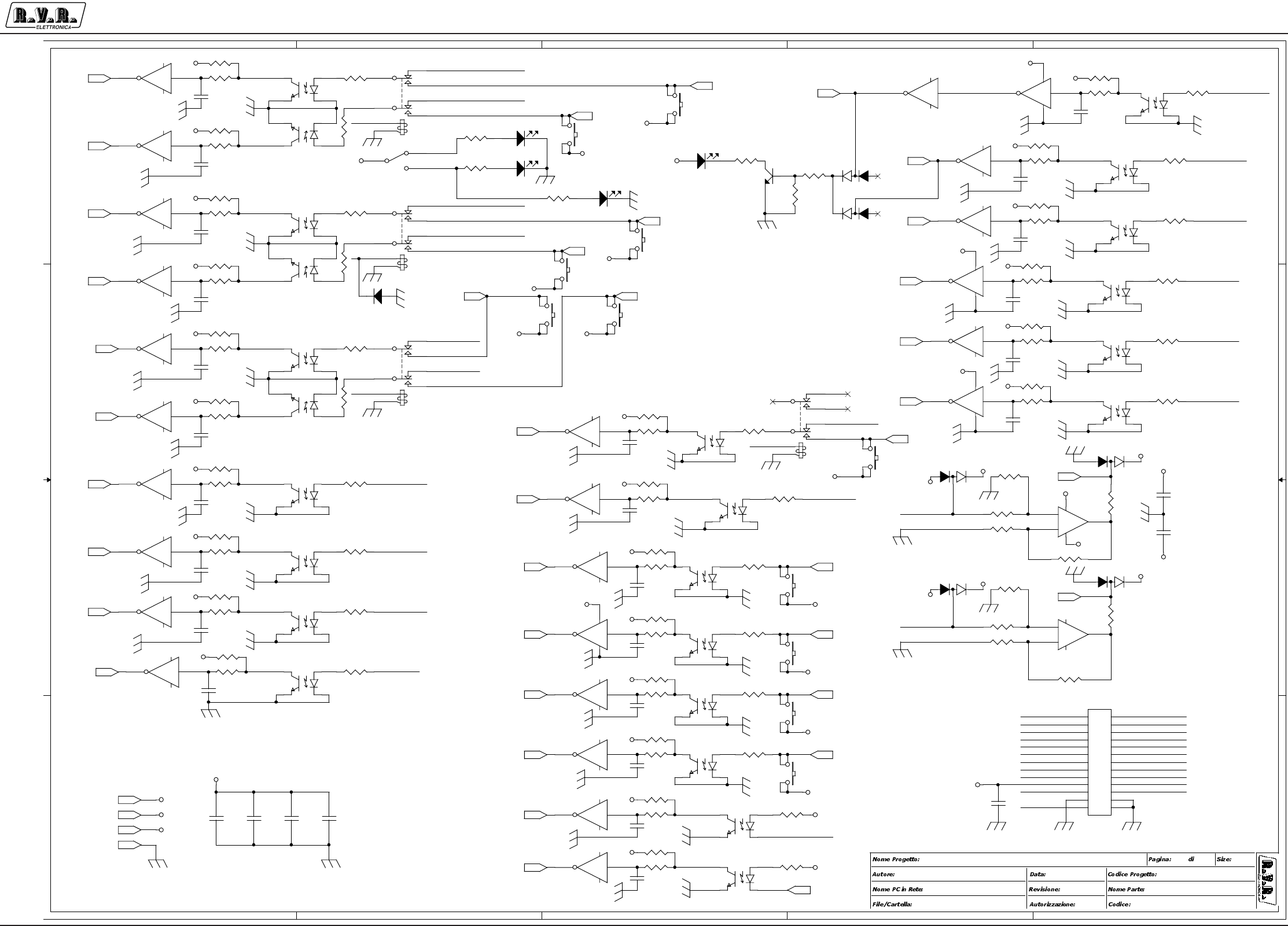
Appendix to the user manual - © 2002 R.V.R. Elettronica SpA - All rights reserved
PJ5KPS
3 / 6
Control unit CPU board - SLCCUPJ5KM2
A
A
B
B
C
C
D
D
E
E
4 4
3 3
2 2
1 1
ON
STDBY
LOCAL
REMOTE
OFF
POWER
LOWER
ALARM
RESET
AUT/MAN
ECXT
ESC
OK
RS232
UP
DW
NOM.
POWER
INTERLOCK
\\UT_SRV CORE CONTROL UNIT
SLCCUPJ5KM2
REV B - 1.0
(
DC
)
PJ55000MC
<>
CSCCUPJ5KM2
Griptec - Rev.: Canazza 07/10/2002
32A3
ON_REM
STDBY_TST
STDBY_REM
LOC_SEL
PL_REM
OFF_REM
AM_TST
LOC_SEL
RST_AL_REM
AM_REM
CHG_MR_REM
RIS3_IN_REM
RIS4_IN_REM
AUS_INT_REM
F_EXCT2_REM
EXT_INT_REM
F_EXCT1_REM
RIS1_IN_REM
RIS2_IN_REM
ON_REM
STDBY_REM
OFF_REM
PL_REMAM_REM
NP_REM CHG_MR_REM
RIS2_IN_REM
RIS3_IN_REM
RIS4_IN_REM
LOC_SEL
ALR_IRQBUS
F_EXCT2_REM
LOAD+ INP+
ALR_IRQBUS
LOAD+
INP+
LOC_SEL
LOC_SEL
LOC_SEL
OFF_TST
RST_AL_TST
RST_AL_REM
F_EXCT1_REM
PL_TST
ON_TST
LOC_SEL
NP_REM
RIS1_IN_REM
AUS_INT_REM
STDBYBUS
MAINS_BUS
MAINS_BUS
EXT_INT_REM
+12V
-12V
-12V
+12V
+5V
+5V
-12V
-12V
+5V
+5V
+12V
+12V
+12V
+12V
+12V
+12V +12V
+5V
+12V
+5V
-12V
+12V
+12V
+12V
+12V
+12V
+12V
+12V
+12V
+12V
+12V
+5V
+5V
+5V
+5V
+5V
+5V
+5V
+5V
+5V
+5V
+5V
+5V
+5V
+5V
+5V
+5V
+5V
+5V
+5V
+5V
+5V
+5V
+5V
+5V
+5V
+5V
+5V
R106 10k
C48
CM.1uF
12
C37
CM.1uF
12
C53
CM.1uF
12
U11B
40106
34
R118
47K
U15B TLP521-4
3
4
14
13
U18C TLP521-4
5
6
12
11
D11
BAV99B
1
3
2
C38
CM.1uF
12
R114 2K2
R76
47K
R92
1K5
R43
1K5
R66 2K2
R101
10K
U10D TLP521-4
7
8
10
9
R53
1K5
+
-
U16A
LM258
3
21
84
R94 33K
U11C
40106
56
R68
1K5
C45
CM.1uF
12
S12
B3F
13 24
U11F
40106
1312
S3
SW SPDT
21
3
R89 10k
R120 2K2 U18A
TLP521-4
1
2
16
15
U10B TLP521-4
3
4
14
13
C46
CM.1uF
12
R73 2K2
R81
33K
S5B3F
13 24
DL2
LED-D5
R37
1K5
R99
47K
U18B TLP521-4
3
4
14
13
C52
CM.1uF
12
U11D
40106
98
C44
CM.1uF
12
U14A TLP521-4
1
2
16
15
U19A TLP521-4
1
2
16
15
R40
1K5
R64
1K5
U17D
40106
98
R86
1K5
U12A
TLP521-4
1
2
16
15
R107 2K2
C57
CM.1uF
12
+
K2
TQ2
89
7
32
4
1
10
R72
1K5
D4
BAV99B
1
3
2
R84 2K2
U19B
TLP521-4
3
4
14
13
U15D TLP521-4
7
8
10
9
S8B3F
13 24
R80 2K2
R109
1K5
R49
1K5
C54
CM.1uF
12
R117 2K2
R45 2K2
U20B
40106
34
U19D TLP521-4
7
8
10
9
R103 10k
S6
B3F
13 24
R104
47K
R79 1K5
R93 2K2
U10A
TLP521-4
1
2
16
15
R69
47K
R58
1K5
U15A TLP521-4
1
2
16
15
U17C
40106
56
R119
1K5
R77 2K2
C32
CM.1uF
12
U13A
40106
12
147
S9
B3F
13 24
R42 2K2
DL4
LED-D3
C55
CM.1uF
12
R74
47K
J2
CON26AP
1
3
5
7
9
11
13
2
4
6
8
10
12
14
15
17
19
21
23
25
16
18
20
22
24
26
+
+
+
+
+
+
+
+
+
+
+
+
+
+
+
+
+
+
+
+
+
+
+
+
+
+
R88 10k R87
10K
R41
1K5
C49
CM.1uF
12
R67
47K
R65 2K2
D5
BAV99B
1
3
2
+
K4
TQ2
32
4
89
7
1
10
R56
1K5
U12B TLP521-4
3
4
14
13
C34
CM.1uF
12
S4B3F
13 24
C58
CM.1uF
12
U12D TLP521-4
7
8
10
9
C47
CM.1uF
12
C56
CM.1uF
12
C51
CM.47uF
12
R110 2K2
R85
47K
+
-
U16B
LM258
5
67
R82
47K
R38 2K2
R83
1K5
C40
CM.1uF
12
U11E
40106
1110
U13C
40106
56
R48
1K5
C35
CM.1uF
12
C33
CM.1uF
12
R78
47K
U12C
TLP521-4
5
6
12
11
S11
B3F
13 24
U14B TLP521-4
3
4
14
13
C50
CM.1uF
12
U17E
40106
1110
U20E
40106
1110
R44
47K
U20D
40106
98
R111 33K
C36
CM.1uF
12
R35 2K2
D7
BAV99B
1
3
2
U10C TLP521-4
5
6
12
11
C43
CM.1uF
12
U17B
40106
34
DL3
LED-D5
R105
1K5
+
K1
TQ2
89
7
32
4
1
10
U20A
40106
12
147
U20F
40106
1312
U20C
40106
56
C30
CM.1uF
12
R98 2K2
R36
47K
R91
47K
U19C TLP521-4
5
6
12
11
R62
47K
R100
1K5
R47
47K
R39
47K
C59
CM.1uF
12
R95
47K
R52 2K2
U13B
40106
34
R97
33K
U14D TLP521-4
7
8
10
9S1B3F
13 24
R54 2K2
C60
CM.1uF
12
R63
47K
D8
BAV99B
1
3
2
R75
1K5
R57
47K
R71 2K2
R51
10K
R60 2K2
R70
1K5
S7B3F
13 24
R113
1K5
D10
BAV99B
1
3
2
R115
47K
C39
CM.1uF
12
+
K3
TQ2
32
4
89
7
1
10
R96
1K5
DL1
LED-D5
U13D
40106
98
U17F
40106
1312
C31
CM.1uF
12
R122
2K2
R46
1K5 R50
2K2
Q2
BC237
1
2 3
U13F
40106
1312
R116
1K5
S2 B3F
13 24
R102 2K2
R59
1K5
R61 2K2
C42
CM.1uF
12
U14C TLP521-4
5
6
12
11
U17A
40106
12
147
R112
47K
D6 1N4004
U18D TLP521-4
7
8
10
9
U15C TLP521-4
5
6
12
11
S10B3F
13 24
R108
1M
C41
CM.1uF
12
U13E
40106
1110
R55
47K
U11A
40106
12
147
R90 2K2
U36D
40106
98
R121
47K
PB_ON
PB_STDBY
PB_PL
PB_OFF
PB_RST_AL
PB_AM_EXC
CHG_MR
RIS3
RIS4
EXT_INT
RIS1
AUS_INT
RIS2
F_EXCT1
F_EXCT2
ALR_IRQ
PB_OK
PB_ESC
LOC
STDBY_IN
LOAD
INPUT
STDBYBUS
+12V
-12V
+5V
ON_TST
STDBY_TST
OFF_TST
PL_TST
AM_TST RST_AL_TST
GND_EARTH
PB_UP
PB_DW
PB_NP
PBESC_TST
PBDW_TST
PBUP_TST
PBOK_TST
NP_TST
MAINS
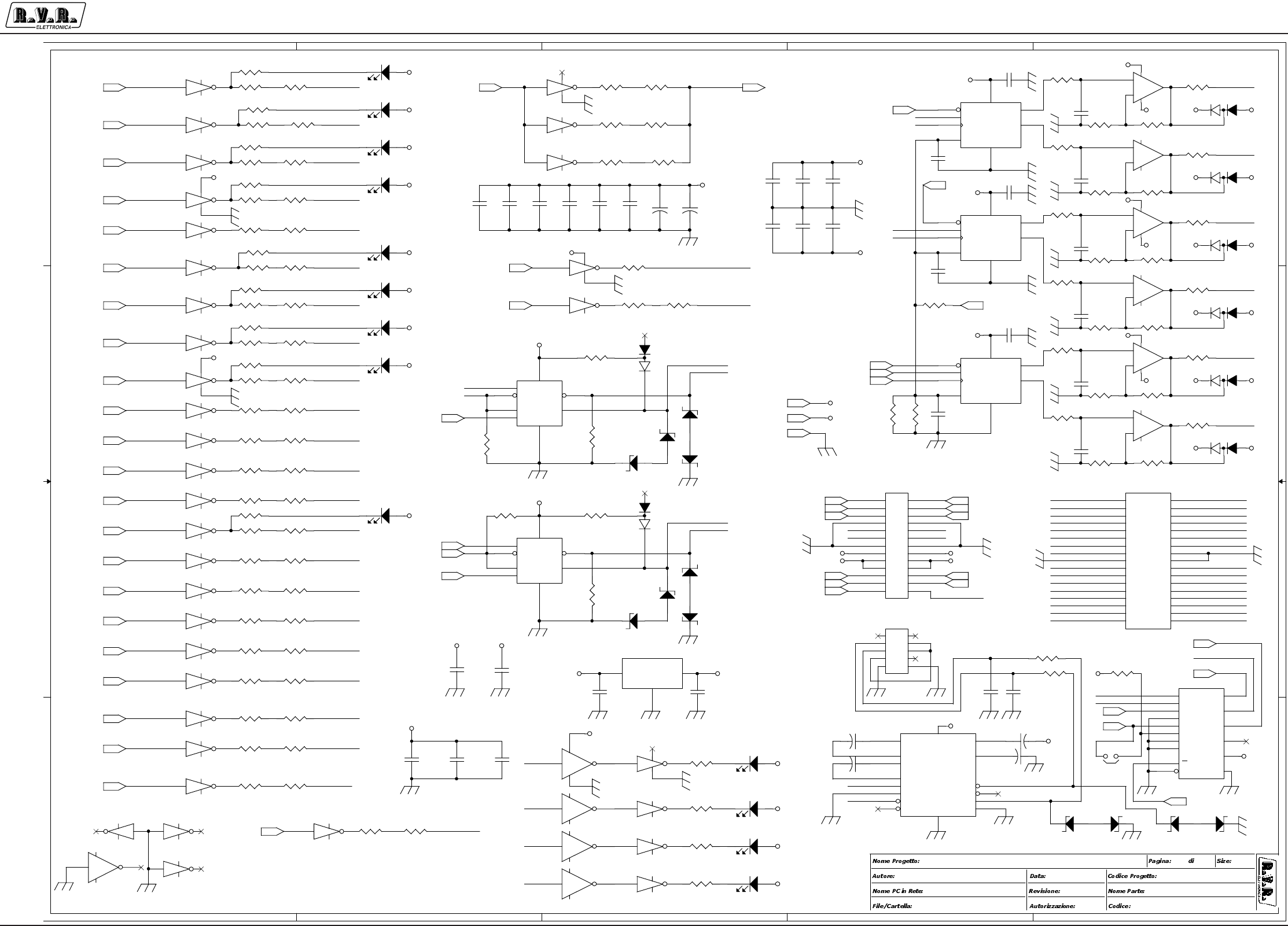
Appendix to the user manual - © 2002 R.V.R. Elettronica SpA - All rights reserved
PJ5KPS
4 / 6
Control unit CPU board - SLCCUPJ5KM2
A
A
B
B
C
C
D
D
E
E
4 4
3 3
2 2
1 1
Bus 485
Slave
RXD
TXD
RX-INT
TX-INT
TX-BUS
RX-BUS
ON
STDBY
OFF
POWER
LOWER
MAN/AUT
EXCT
FAULT
WAIT
WARNING
HOLD OUT
NOM
POWER
Bus 485
Master
\\UT_SRV CORE CONTROL UNIT
SLCCUPJ5KM2
REV B - 1.0
(
DC
)
PJ55000MC
<>
CSCCUPJ5KM2
Griptech - Rev.: Canazza 07/10/2002
33A3
ACK_ON_OC
ACK_STDBY_OC
ACK_OFF_OC
ACK_PL_OC
ACK_EXCT_OC
ACK_AM_OC
FAULT_OC
DAC1_OUT
MUTE1_OC
STDBYBUS
ON_OFF_OC
COAX_BUS
STR+
TXD1
RXD1_485
STR-
DAC2_OUT
DAC4_OUT
DAC3_OUT
DAC5_OUT
DAC6_OUT
CSA2
SCLK
SCLK
CSA0
MOSI
SCLK
MOSI
MOSI
AUD_ALRM_OC
ACK_RIS2_OC
PD2_OC
PD4_OC
ACK_NP_OC
PD1_OC
PD3_OC
ACK_RIS1_OC
WARN_OC
WAIT_OC
TXD0
RXD1
TXD1
RXD0
TXD1
RXD1_MAX
RXD1
RXD1_485
RXD1_MAX
CSA1
DE1_LOC
DE1_LOC
ACK_RIS3_OC
ACK_RIS4_OC
MTR+
MTR-
RXD0
TXD0
MTR-
STR-
ON_OFF_OC
STR+
MTR+ ACK_NP_OC
ACK_AM_OC
ACK_PL_OC
MUTE2_OC
MUTE1_OC
ACK_STDBY_OC
PD4_OC
PD3_OC
WAIT_OC
PD1_OC
AUD_ALRM_OC
DAC5_OUT
DAC3_OUT
ACK_RIS3_OC
ACK_RIS1_OC
DAC1_OUT
MAIN_EXCT_OC
COAX_BUS
ACK_RIS4_OC
ACK_ON_OC
ACK_EXCT_OC
DAC4_OUT
ON_OFF_OC
ACK_RIS2_OC
DAC6_OUT
DAC2_OUT
PD2_OC
MUTE2_OC
MAIN_EXCT_OC
WARN_OC
FAULT_OC
ACK_OFF_OC
IRQ_ALR_OC
IRQ_ALR_OC
+12V
+12V
+12V
+12V
+12V
+12V
+12V
+12V
+12V
+12V
+12V
+12V
+12V
+12V
+12V
+12V
+5V
+5V
+5V
+12V
+12V
+12V
+12V
+12V
+12V
-12V
-12V
-12V
-12V
-12V
-12V
-12V
-12V
-12V
+5V
+5V
+5V
+5V
+5V
+12V
+5V
+5V
+5V
+5V
+12V
-12V
+12V+5V
-12V
+12V
+12V
-12V
+12V +5V
+12V
+12V
+12V
+12V
R160
22R
R173 10K
R143
22R
R22 4
22R
R18 0
47K
R221
1K5
U22A ULN2004A
116
8 9
U31
SN75176AP
1
2
3
4
7
6
5 8
RO
RE
DE
DI
B
A
GND VCC
R1231K5
R186
100R
U36E
40106
11 10
DL16LED-D3
U26E
ULN2004A
512
R171
22R
R14 1
100R
R203
10K
U30A
ULN2004A
116
8 9
R191
10K5
R187
10K
R162
100R
U26B
ULN2004A
215
U30D
ULN2004A
413
C68
CM.1uF
12
+
-
U21B
TL072
5
67
R168
10K5
R205
22R
DL8
LED-D5
C87
CM.1uF
12
DZ11
12V/1W
R148
22R
R19 7
22R
R1381K5
U22D
ULN2004A
413
U37A ULN2004A
116
8 9
U22C ULN2004A
314
+
-
U27B
TL072
5
67
R212 47K
C72 CM10KpF
12
R220
1K5
DL7
LED-D5
R154 1K5
R151
22R
R17 2
10K
DL9
LED-D5
DL10
LED-D5
R177
22R
R219
1K5
C90
CM.1uF
12
C96
CM.1uF
12
DZ1
12V/1W
R214
22R
R169 1K5
U26F
ULN2004A
611 DL6
LED-D5
R225
22R
D18
BAV99B 1
3
2
R209
22R
C62 CM10KpF
12
U37D ULN2004A
413
U32B
ULN2004A
215
DZ3
5V1/1W
R133
47K
U30F
ULN2004A
611
J3
CON26AP
1
3
5
7
9
11
13
2
4
6
8
10
12
14
15
17
19
21
23
25
16
18
20
22
24
26
+
+
+
+
+
+
+
+
+
+
+
+
+
+
+
+
+
+
+
+
+
+
+
+
+
+
U36C
40106
5 6
+
-
U24B
TL072
5
67
R215
22R
R15 6
10K5
U32E
ULN2004A
512
C104
CM.1uF
12
C105
CM.1uF
12
R157
22R
U36F40106
13 12
C66CM.1uF
12
R216
22R
R129
22R
DZ6
12V/1W
R146
10K5
R149
10K
DZ7
5V1/1W
C69
CM.1uF
12
U26A
ULN2004A
116
8 9
DL13
LED-D5
R127
22R U23
TLV5626
3
1
2
6
4
7
85
CS
DI
SCLK
REF
OUTA
OUTB
VCCGND
DZ5
12V/1W
DZ8
5V1/1W
C76 CM10KpF
12
U25
TLV5626
3
1
2
6
4
7
85
CS
DI
SCLK
REF
OUTA
OUTB
VCCGND
R222
1K5
R125
100R
+
C70
1/25
R134
10K5
R137
10K
C63
CM.1uF
12
R195 10K
D19
BAV99B 1
3
2
R182
22R
U37 G
ULN2004A
710
U30C
ULN2004A
314
U26DULN2004A
413
C88
CM.1uF
12
U34
74HC157
2
3
5
6
11
10
14
13
1
15
4
7
9
12
16
8
1A
1B
2A
2B
3A
3B
4A
4B
A/B
G
1Y
2Y
3Y
4Y
VCC
GND
R152
22R
DZ9
12V/1W
R153
22R
U29
SN75176AP
1
2
3
4
7
6
5 8
RO
RE
DE
DI
B
A
GND VCC
R247
22R
R18 4
10K
U22F
ULN2004A
611
R206
22R
DZ4
5V1/1W
R207
22R
R124
10K
C61
CM.1uF
1 2
R175 1K5
U33
LM7805/TO220
2
13
GND
INOUT
R135
22R
U28
TLV5626
3
1
2
6
4
7
85
CS
DI
SCLK
REF
OUTA
OUTB
VCCGND
C91
CM.1uF
12
D15
BAV99B 1
3
2
R188
22R
C95
CM.1uF
12
U32G
ULN200 4A
710
R139
22R
U32D
ULN2004A
413
U37F
ULN2004A
611
R199
22R
DL1 4LED-D3
C97
CM.1uF
1 2
U26G
ULN2004A
710
R158
22R R15 9
10K
U37B ULN2004A
215
U22B
ULN2004A
215
R1981K5
R218
22R
C94
CM.1uF
12
R164
12K
R190
47K
C73
CM.1uF
12
R126
22R
R165
22R
R14 5
47K
R167
47K
R163 1K5
R217
22R
R161
22R
R15 5
47K
DL15LED-D3
D13
BAV99B 1
3
2
+
C83 1/25
R140
22R
U36 B
40106
3 4
+
C86 1/25
+
C84 1/25
R1441K5
R192
22R
+
-
U21A
TL072
3
21
84
R179
10K5
R183
22R
U26CULN2004A
314
C80
CM27pF
12
R201
22R
U22 E
ULN2004A
512
+
C85
1/25
D20
BAV99B
1
3
2
R208
22R
+
-
U27A
TL072
3
21
84
R211
22R
U35
ICL232
SO16W
1
3
4
5
11
10
12
9
2
6
14
7
13
8
1615
C1+
C1-
C2+
C2-
T1IN
T2IN
R1OUT
R2OUT
V+
V-
T1OUT
T2OUT
R1IN
R2IN
VCCGND
R142
22R
C65
CM.1uF
1 2
DL11
LED-D5
C82
CM.1uF
12
R185
10K
DL5
LED-D5
D17
XBAV99B
1
3
2
DL12
LED-D5
R170
22R
R13 2
22R
C64 CM10KpF
12
R150
100R
U30EULN2004A
512
U30G
ULN2004A
710
DL17LED-D3
R136
22R
R18 1
10K
U32F
ULN2004A
611
C79
CM27pF
12
J5
CON10AP
1
3
5
7
9
2
4
6
8
10
+
+
+
+
+
+
+
+
+
+
R189
22R
U32A
ULN2004A
116
8 9
D14
BAV99B 1
3
2
C77
CM.1uF
12
U22G
ULN2004A
710
C92
CM.1uF
12
JP6
JUMPER 2
12
+
-
U24A
TL072
3
21
84
R174
100R
R200
22R
R204
22R
R147
22R
R19 6 22R
C67
CM.1uF
12
C103
CM.1uF
12
U36A 40106
1 2
147
R246
22R
U37E
ULN2004A
512
C74 CM10KpF
12
R210
22R
C89
CM.1uF
12
DZ12
12V/1W
R1301K5
R128
22R
R17 6
22R
+
C71
1/25
R166
22R
R194
10K
D16
BAV99B 1
3
2
U37C ULN2004A
314
J4
CON34A
1
3
5
7
9
11
13
15
17
19
21
23
25
27
29
31
33
2
4
6
8
10
12
14
16
18
20
22
24
26
28
30
32
34
DZ2
12V/1W
U30B
ULN2004A
215
DZ10
12V/1W
C75
CM.1uF
1 2
R131
22R
R19 3
22R
R213
22R
U32C
ULN2004A
314
C81
CM.1uF
12
C78 CM10KpF
12
R178
47K
R202
22R
ACK_ON
ACK_STDBY
ACK_OFF
ACK_PL
ACK_EXCT
ACK_AM
FAULT
WAIT
WARN
PD1
PD2
PD3
PD4
ACK_NP
ACK_RIS1
ACK_RIS2
AUD_ALRM
MUTE1
MUTE2
RXD1
TXD1
STDBY
ON_OFF
COAX VREF
MOSI
SCLK
CSA2
CSA0
CSA1
LOC
+12V
+5V
DE1
CLK
CLK_LOC
GND_EARTH
ACK_RIS3
ACK_RIS4
RXD0
TXD0
DE0
NP_TST
ON_TST
PBESC_TST PBUP_TST
STDBY_TST
PBOK_TST
PL_TST
OFF_TST
AM_TST
PBDW_TST
RST_AL_TST
STDBYBUS
MAIN_EXCT
IRQ_ALR_OUT

Appendix to the user manual - © 2002 R.V.R. Elettronica SpA - All rights reserved
PJ5KPS
5 / 6
Control unit CPU board - SLCCUPJ5KM2
CSCCUPJ5KM2 Bill Of Materials Page1
Item Q.ty Reference Part
_____________________________________________________________________________________________
1 1 BT1 3,6V
2 2 C7,C1 CM10pF
3 3 C2,C4,C99 CM22pF
4 75 C3,C5,C8,C11,C12,C14,C15, CM.1uF
C16,C17,C18,C19,C24,C26,
C27,C28,C29,C30,C31,C32,
C33,C34,C35,C36,C37,C38,
C39,C40,C41,C42,C43,C44,
C45,C46,C47,C48,C49,C50,
C52,C53,C54,C55,C56,C57,
C58,C59,C60,C61,C63,C65,
C66,C67,C68,C69,C73,C75,
C77,C81,C82,C87,C88,C89,
C90,C91,C92,C93,C94,C95,
C96,C97,C100,C101,C102,
C103,C104,C105
5 12 C6,C20,C21,C22,C23,C25, 1/25
C70,C71,C83,C84,C85,C86
6 3 C9,C10,C13 XCM10pF
7 1 C51 CM.47uF
8 6 C62,C64,C72,C74,C76,C78 CM10KpF
9 2 C80,C79 CM27pF
10 1 C98 10-40pF
11 12 DL1,DL2,DL3,DL5,DL6,DL7, LED-D5
DL8,DL9,DL10,DL11,DL12,
DL13
12 5 DL4,DL14,DL15,DL16,DL17 LED-D3
13 8 DZ1,DZ2,DZ5,DZ6,DZ9,DZ10, 12V/1W
DZ11,DZ12
14 4 DZ3,DZ4,DZ7,DZ8 5V1/1W
15 14 D1,D4,D5,D7,D8,D10,D11, BAV99B
D13,D14,D15,D16,D18,D19,
D20
16 1 D3 LM336-5.0V
17 1 D6 1N4004
18 1 D17 XBAV99B
19 3 D21,D22,D23 BAT83
20 3 FIX1,FIX2,FIX3 FIX35
21 1 JP1 STRIP 2
22 1 JP2 STRIP 5X2
23 3 JP3,JP4,JP6 JUMPER 2
24 1 JP7 JUMPER-2
25 1 J1 BDM
26 2 J3,J2 CON26AP
27 1 J4 CON34A
28 1 J5 CON10AP
29 4 K1,K2,K3,K4 TQ2
30 1 Q1 IRFD120
31 2 Q3,Q2 BC237
32 1 R1 330K
33 59 R2,R6,R7,R8,R9,R10,R13, 10K
R14,R15,R16,R17,R18,R19,
R20,R21,R22,R23,R24,R25,
R26,R27,R28,R29,R31,R32,
R33,R34,R51,R87,R88,R89,
R101,R103,R106,R124,R137,
R149,R159,R172,R173,R181,
R184,R185,R187,R194,R195,
R203,R226,R227,R228,R229,
R230,R231,R232,R234,R238,
R242,R243,R245
34 27 R3,R35,R38,R42,R45,R50, 2K2
R52,R54,R60,R61,R65,R66,
R71,R73,R77,R80,R84,R90,
R93,R98,R102,R107,R110,
R114,R117,R120,R122
35 1 R4 87W-20K
36 1 R5 X22R
37 33 R11,R12,R36,R39,R44,R47, 47K
R55,R57,R62,R63,R67,R69,
R74,R76,R78,R82,R85,R91,
R95,R99,R104,R112,R115,
R118,R121,R133,R145,R155,
R167,R178,R180,R190,R212
38 8 R30,R125,R141,R150,R162, 100R
R174,R186,R240
39 40 R37,R40,R41,R43,R46,R48, 1K5
R49,R53,R56,R58,R59,R64,
R68,R70,R72,R75,R79,R83,
R86,R92,R96,R100,R105,
R109,R113,R116,R119,R123,
R130,R138,R144,R154,R163,
R169,R175,R198,R219,R220,
R221,R222
40 4 R81,R94,R97,R111 33K
41 1 R108 1M
42 57 R126,R127,R128,R129,R131, 22R
R132,R135,R136,R139,R140,
R142,R143,R147,R148,R151,
R152,R153,R157,R158,R160,
R161,R165,R166,R170,R171,
R176,R177,R182,R183,R188,
R189,R192,R193,R196,R197,
R199,R200,R201,R202,R204,
R205,R206,R207,R208,R209,
R210,R211,R213,R214,R215,
R216,R217,R218,R224,R225,
R246,R247
43 6 R134,R146,R156,R168,R179, 10K5
R191
44 1 R164 12K
45 1 R233 X10K
46 1 R235 220K
47 1 R236 10M
48 1 R237 10R
49 2 R239,R244 100K

Appendix to the user manual - © 2002 R.V.R. Elettronica SpA - All rights reserved
PJ5KPS
6 / 6
Control unit CPU board - SLCCUPJ5KM2
50 1 R241 820K
51 11 S1,S2,S4,S5,S6,S7,S8,S9, B3F
S10,S11,S12
52 1 S3 SW SPDT
53 1 TP1 TP
54 1 U1 GM24123DSL
55 6 U2,U11,U13,U17,U20,U36 40106
56 1 U3 MC68HC912-D60-CPV8
57 1 U4 74HC244
58 2 U5,U8 74HC139
59 3 U6,U7,U9 74LS273
60 6 U10,U12,U14,U15,U18,U19 TLP521-4
61 1 U16 LM258
62 3 U21,U24,U27 TL072
63 5 U22,U26,U30,U32,U37 ULN2004A
64 3 U23,U25,U28 TLV5626
65 2 U31,U29 SN75176AP
66 1 U33 LM7805/TO220
67 1 U34 74HC157
68 1 U35 ICL232
69 1 U38 X-LM809
70 1 U39 MC34064
71 1 U40 CD68HC68T1M
72 1 Y1 14.745MHz
73 1 Y2 32KHZ
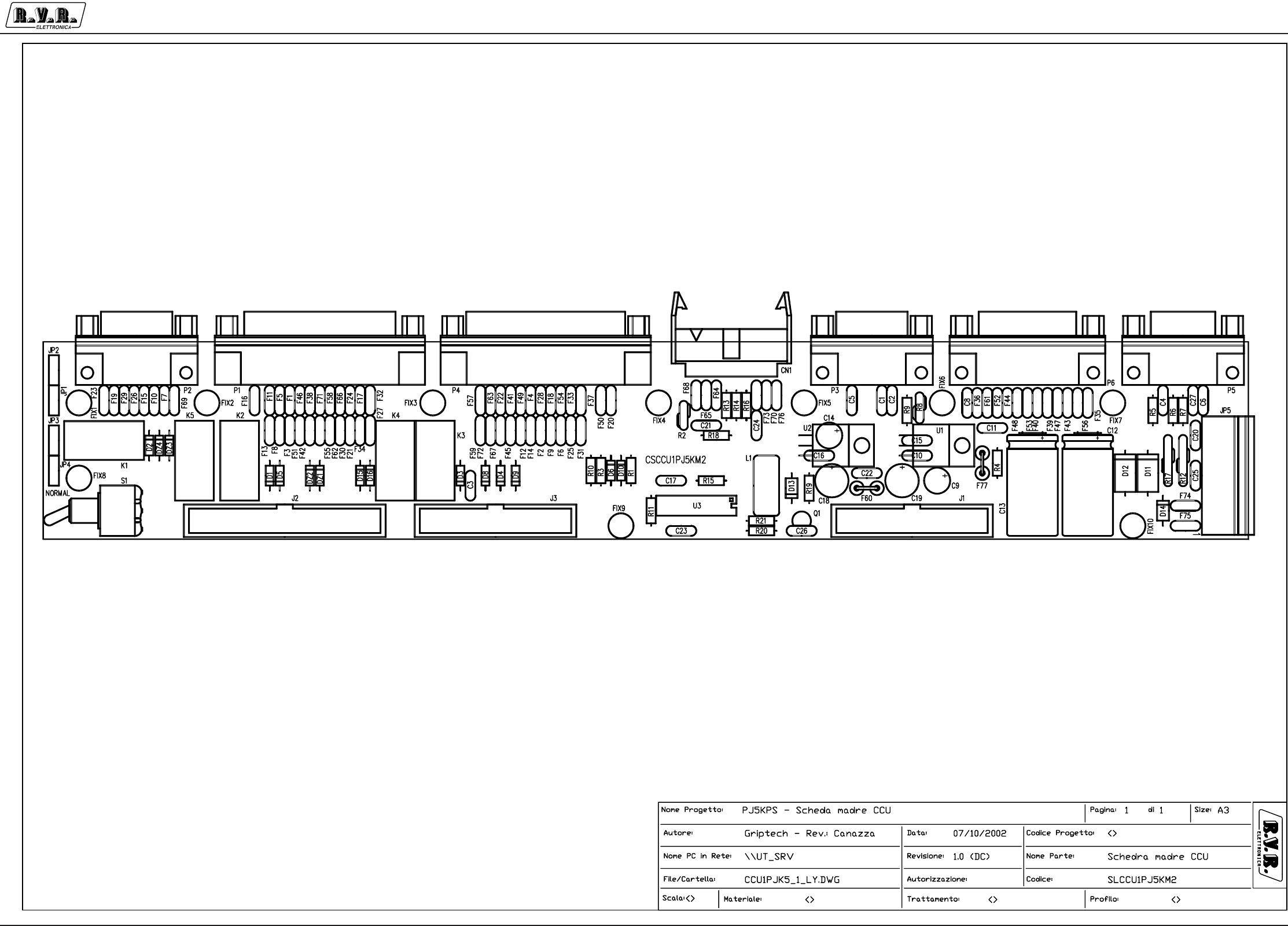
Appendix to the user manual - © 2002 R.V.R. Elettronica SpA - All rights reserved
PJ5KPS
1 / 3
Control unit motherboard - SLCCU1PJ5KM2
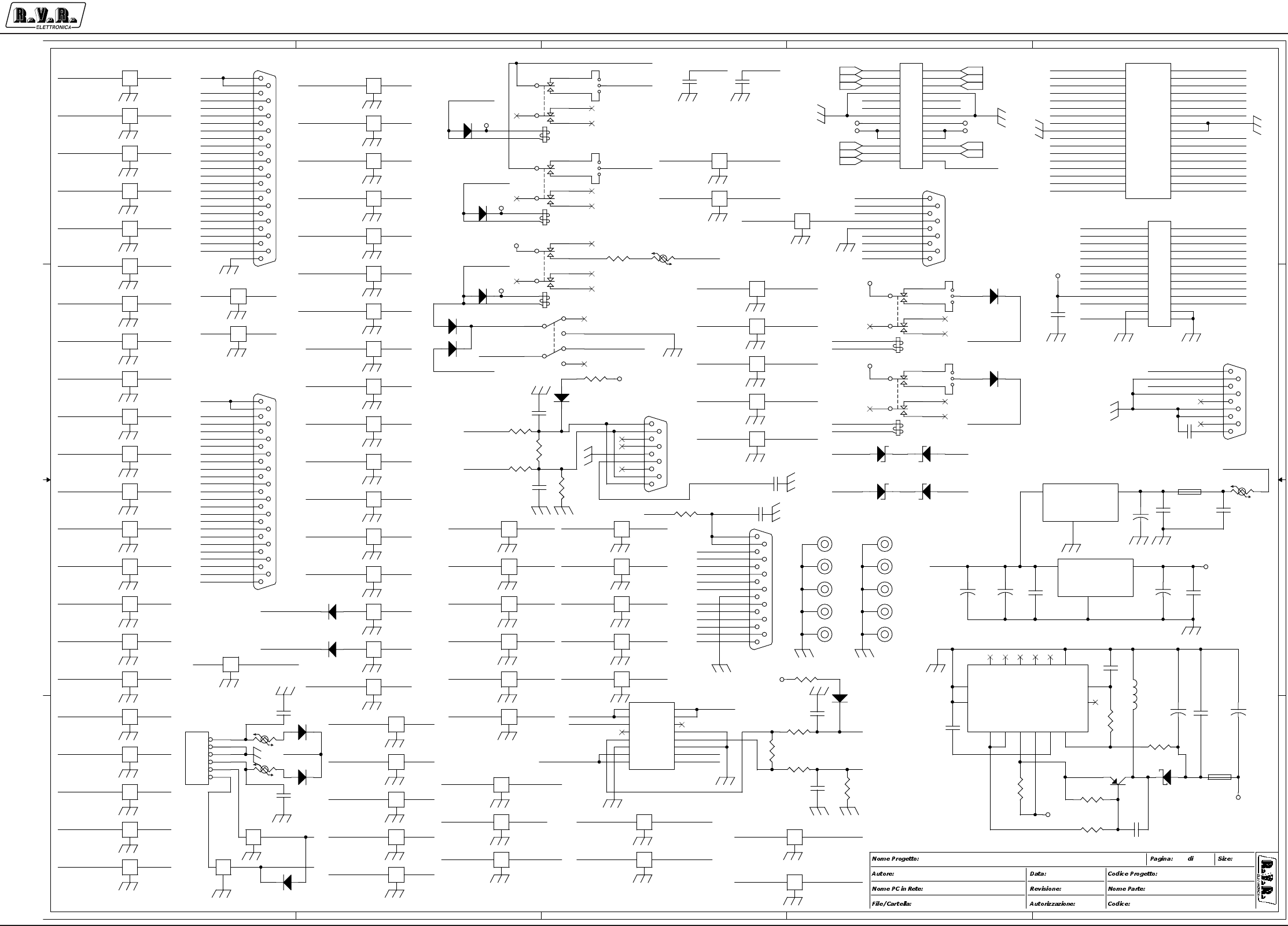
Appendix to the user manual - © 2002 R.V.R. Elettronica SpA - All rights reserved
PJ5KPS
2 / 3
Control unit motherboard - SLCCU1PJ5KM2
5
5
4
4
3
3
2
2
1
1
D D
C C
B B
A A
BUS CU
MASCHIO?
DISS. A TELAIO
NO
SWAP
NO
SWAP
NO
SWAP
J3
PJ5KMC
<Project Code>
1
<Author Name>
CONTROL UNIT BACK BOARD
CSCCU1PJ5KM2
<Path PC>
<Path File>
21/03/02
A31
2
WARN_OC
MUTE1_OC
AUD_ALRM_OC
CB7
CB1 1
CB17
CB14
CB21
CB6
CB9
CB1
CB4
CB3
CB1 9
CB18
CB15
CB13
CB12
CB16
CB2
VEXT
STDBY_REM
RIS4_IN_REM
CHG_MR_REM
RIS3_IN_REM
OFF_REM
PL_REM
AM_REM
ON_REM
RIS1_IN_REM
AUS_INT_REM
RST_AL_REM
F_EXCT2_REM
LOAD+
INP+
EXT_INT_REM
MUT2
MUTE1_OC
MUT_C
MUT1
MAINS_BUS2
MTR+
RST_SAFE2
COAX2
CA9
CA1
CA6
ACK_ON_OC
DAC1_OUT
CA21
CA7
CA2
CA1 5
DAC6_OUT
DAC2_OUT
ACK_OFF_OC
ACK_RIS2_OC
PD4_OC
MTR-
STR+
STR-
VNS
VEXT
NP_TST
STDBY_TST
PL_TST
AM_TST
PBESC_TST
PBOK_TST
PBDW_TST
CA23
CA23
CA5
CA6
CA3
CA4
CA1
CA2
CA1 6
CA17
CA14
CA15
CA22
CA18
CA19
CA20
CA21
CA11
CA9
CA8
CA7
CA1 3
CA12
CA10
CB9
CB1 5
CB23
CB6
CB7
CB8
CB1 0
CB12
CB13
CB14
CB20
CB4
CB3
CB2
CB5
CB2 2
CB19
CB11
CB1
CB2 4
CB17
RST_SAFECC12
MAINS_BUSMAINS_BUS2
ON_OFF_OC ON_RELE
MUTE2_OC
MUT_C MUT_C2
MUT_C2
MUT_11
MUT_22
BOB_11
BOB_22
BOB2
BOB1
BOB4
BOB3
F_EXCT1_REM
F_EXCT1_REM
BOB_44 F_EXCT2_REMBOB_33
BOB_22BOB_11
BOB_44BOB_33
VEXT
PBUP_TST
CC2
CC5
CC6
CC7
CC8
CC9
CC10
CC11
CC12
CC7
CC9
CC5
CC10
CC11
CC2
CC8
CC3
CC4
CA12
CB22MUTE2_OC
MUT1
FAULT_OC
ACK_RIS3_OC
COAX_BUS
CA4
BOB_33BOB3
BOB_22
ACK_RIS4_OC
CA8
ON_RELE
MUT_11
DAC3_OUT
COAX2
CB23
ACK_PL_OC
WAIT_OC
CC4
BOB_44
PD2_OC
BOB2
CA14
ACK_EXCT_OC
STDBYBUS2
ALRIRQ_BUS2
CC1
PD1_OC
LOC_SEL
BOB_11BOB1
RST_AL_TST
CA11
CB20
MUT_22
ALRIRQ_BUS2
ON_TST
CA19
CA16
CA17
CA10
STDBYBUS1
ACK_NP_OC
STDBYBUS2
BOB4
CA20
DAC5_OUT
OFF_TST
RIS2_IN_REM
CA13
NP_REM
CA3
CA2 2
ON_RELE2
MUT2
PD3_OC
ACK_STDBY_OC CB8
ON_RELE2
CC3
DAC4_OUT
ACK_RIS1_OC
CA5
ACK_AM_OC
CB5
VEXT
ALR_IRQBUS
CA18
CB10
INP+
CC1
LOAD+
CB24 MAINS_BUS
CB18
STDBYBUS1
STDBYBUS
VNS
MAIN_EXCT_OC
VEXT
VEXT
CB21
CB16
CC6
RST_SAFE2 RST_SAFE
ON_OFF_OC
STR- MTR+MTR- STR+
PD2_OC
ACK_AM_OC COAX_BUS
PD1_OC
ACK_RIS3_OC DAC2_OUT
DAC4_OUT
MUTE1_OC
ACK_NP_OC
MAIN_EXCT_OC
DAC3_OUT
ACK_EXCT_OC
MUTE2_OC
WAIT_OC
ACK_OFF_OC
DAC1_OUT
DAC5_OUT
ACK_ON_OC
DAC6_OUT
PD3_OC
FAULT_OC
ACK_RIS1_OC WARN_OC
ACK_RIS2_OC
PD4_OC
AUD_ALRM_OC
ACK_PL_OC
ACK_RIS4_OC
ON_OFF_OC
ACK_STDBY_OC
RIS1_IN_REM
ALR_IRQBUS
STDBY_REM MAINS_BUS
F_EXCT1_REM
NP_REM
LOC_SEL
RST_AL_REM
AM_REM
RIS4_IN_REM
STDBYBUS
LOAD+
PL_REM
RIS3_IN_REM
AUS_INT_REM
ON_REM
INP+
RIS2_IN_REM
OFF_REM
EXT_INT_REM
F_EXCT2_REM
CHG_MR_REM
MAIN_EXCT_OC
IRQ_ALR_OC
IRQ_ALR_OC
+12V
+5V
+5V
-12V
+12V
+12V
+12V
+12V
+12V
+12V
+12V -12V
+12V
-12V
+5V
+12V
C10
CM.1uF
12
+
C12
1000/35
f
F16 DSS306
1 3
2
f
F56 DSS306
1 3
2
C3
CM.1uF
12
C25
CD4K7PF
12
DZ1
15V 1/2W
U1
LM7812
1
2
3
VI
GND
VO
C1
CM4K7pF
12
C21
CD27PF
1 2
f
F14 DSS306
1 3
2
f
F32 DSS306
1 3
2
f
F51 DSS306
1 3
2
f
F68 DSS306
1 3
2
f
F75
DSS306
1 3
2
R16
10R
f
F39 DSS306
1 3
2
+
C19
220/25
U2
LM7812
1
2
3
VI
GND
VO
DZ3
15V 1/2W
R10
10K
C4
CD27PF
1 2
D8
1N4148
f
F61 DSS306
1 3
2
R18
10K
f
F42 DSS306
1 3
2
f
F45 DSS306
1 3
2
f
F6 DSS306
1 3
2
K2
ZFH-12V-H1
13 11
9
46
8
1
16
f
F49 DSS306
1 3
2
CN1
FLAT16
1
3
5
7
9
11
13
15
2
4
6
8
10
12
14
16
f
F66 DSS306
1 3
2
f
F15 DSS306
1 3
2
P6
DB15 FEMM.
8
15
7
14
6
13
5
12
4
11
3
10
2
9
1
R9 220R
C8
CM4K7pF
1 2
C5 CM4K7pF
1 2
f
F40 DSS306
1 3
2
R13
10R
+
C13
1000/35
f
F3 DSS306
1 3
2
f
F26 DSS306
1 3
2
f
F11 DSS306
1 3
2
P1
DB25 FEM
13
25
12
24
11
23
10
22
9
21
8
20
7
19
6
18
5
17
4
16
3
15
2
14
1
DZ2
15V 1/2W
P2
CONNECTOR DB9
Maschio
5
9
4
8
3
7
2
6
1
Q1BC488
FIX2
FIX35
1
D2
1N4148
K1
ZFH-12V-H1
13 11
9
46
8
1
16
P4
DB25 MASC
13
25
12
24
11
23
10
22
9
21
8
20
7
19
6
18
5
17
4
16
3
15
2
14
1
J1
CON26AP
1
3
5
7
9
11
13
2
4
6
8
10
12
14
15
17
19
21
23
25
16
18
20
22
24
26
+
+
+
+
+
+
+
+
+
+
+
+
+
+
+
+
+
+
+
+
+
+
+
+
+
+
D3
1N4148
+
C14
100/35
f
F50 DSS306
1 3
2
D9
1N4148
DZ4
15V 1/2W
f
F4 DSS306
1 3
2
D10
1N4148
f
F72 DSS306
1 3
2
S1
T2D/2/G/X
21
3
54
6
K3
ZFH-12V-H1
13 11
9
46
8
1
16
f
F33 DSS306
1 3
2
f
F54 DSS306
1 3
2
f
F34 DSS306
1 3
2
f
F65
DSS306
1 3
2
D16 1N4148
R3
10K
R8
RXE040
K5
ZFH-12V-H1
13 11
9
46
8
1
16
f
F74 DSS306
1 3
2
R5x120R
f
F12 DSS306
1 3
2
R14
180R
f
F71 DSS306
1 3
2
C2
CM4K7pF
12
J3
CON26AP
1
3
5
7
9
11
13
2
4
6
8
10
12
14
15
17
19
21
23
25
16
18
20
22
24
26
+
+
+
+
+
+
+
+
+
+
+
+
+
+
+
+
+
+
+
+
+
+
+
+
+
+
FIX8
FIX35
1
f
F43 DSS306
1 3
2
f
F76 DSS306
1 3
2
f
F47 DSS306
1 3
2
P5
DB9 FEMM.
5
9
4
8
3
7
2
6
1
R12
RXE110
F77
BL02
C15
CM.1uF
12
FIX3
FIX35
1
U3
UA78S40DC
9
12
13
14
15
16
3
4
6
7
2
1
8
510
11
CP+
CT
VCP
IPK
DC
SC
SE
OUT
I+
I-
A
K
REF
VCACP-
GND
FIX1
FIX35
1
C23
CM100pF
12
C20CD4K7PF
12
f
F23 DSS306
1 3
2
D15 1N4148
R19
1R0
C6
CD27PF
12
f
F55 DSS306
1 3
2
f
F8 DSS306
1 3
2
R20
100R
R21
1K
f
F21 DSS306
1 3
2
R11
1K8
f
F41 DSS306
1 3
2
C27
CM4K7pF
1 2
FIX7
FIX35
1
C17
CM.1uF
12
f
F24 DSS306
1 3
2
L1
220uH
C11
CM.1uF
12
f
F59 DSS306
1 3
2
f
F44 DSS306
1 3
2
f
F62 DSS306
1 3
2
JP5
KBW6
1
2
3
4
5
6
+
C18
220/25
D4
1N4148
f
F48 DSS306
1 3
2
f
F46 DSS306
1 3
2
D11
BY254 R15
18K
K4
ZFH-12V-H1
13 11
9
46
8
1
16
f
F37 DSS306
1 3
2
f
F64 DSS306
1 3
2
FIX6
FIX35
1
f
F63 DSS306
1 3
2
JP1
JUMPER3
1 3
2
f
F10 DSS306
1 3
2
R4
10R
f
F17 DSS306
1 3
2
FIX4
FIX35
1
f
F38 DSS306
1 3
2
R2
RXE020
f
F25 DSS306
1 3
2
f
F28 DSS306
1 3
2
JP4
JUMPER3
1 3
2
f
F52 DSS306
1 3
2
f
F57 DSS306
1 3
2
f
F27 DSS306
1 3
2
f
F29 DSS306
1 3
2
C24
CD27PF
12
FIX10
FIX35
1
+
C9
100/35
f
F67 DSS306
1 3
2
f
F35 DSS306
1 3
2
C26
CD27pF
1 2
F60
BL02
f
F7 DSS306
1 3
2
D6
1N4148
D13
11DQ06
f
F5 DSS306
1 3
2
C22
CM.1uF
12
D5
1N4148
f
F1 DSS306
1 3
2
C16
CM.1uF
12
D14 1N4004
D12
BY254
f
F53 DSS306
1 3
2
R6
10R
f
F2 DSS306
1 3
2
FIX5
FIX35
1
f
F30 DSS306
1 3
2
f
F20 DSS306
1 3
2
f
F9 DSS306
1 3
2
R7
10K
R1
2R 2 1/4W
f
F73 DSS306
1 3
2
f
F36 DSS306
1 3
2
f
F70 DSS306
1 3
2
JP3
JUMPER3
1 3
2
D1
1N4148
f
F19 DSS306
1 3
2
P3
CONNECTOR DB9
Maschio
5
9
4
8
3
7
2
6
1
f
F69 DSS306
1 3
2
f
F31 DSS306
1 3
2
f
F13 DSS306
1 3
2
FIX9
FIX35
1
R17
RXE110
J2
CON34A
1
3
5
7
9
11
13
15
17
19
21
23
25
27
29
31
33
2
4
6
8
10
12
14
16
18
20
22
24
26
28
30
32
34
f
F22 DSS306
1 3
2
f
F58 DSS306
1 3
2
JP2
JUMPER3
1 3
2
f
F18 DSS306
1 3
2
RST_AL_TST
PBDW_TST
PBESC_TST
STDBY_TST
PBUP_TST
PBOK_TST OFF_TST
PL_TST
ON_TST
NP_TST
AM_TST

Appendix to the user manual - © 2002 R.V.R. Elettronica SpA - All rights reserved
PJ5KPS
3 / 3
Control unit motherboard - SLCCU1PJ5KM2
SLCCU1PJ5KM2 Bill Of Materials Page1
Item Q.ty Reference Part
____________________________________________________________________________________________
1 1 CN1 FLAT16
2 5 C1,C2,C5,C8,C27 CM4K7pF
3 7 C3,C10,C11,C15,C16,C17, CM.1uF
C22
4 5 C4,C6,C21,C24,C26 CD27pF
5 2 C14,C9 100/35
6 2 C12,C13 1000/35
7 2 C19,C18 220/25
8 2 C25,C20 CD4K7PF
9 1 C23 CM100pF
10 4 DZ1,DZ2,DZ3,DZ4 15V 1/2W
11 11 D1,D2,D3,D4,D5,D6,D8,D9, 1N4148
D10,D15,D16
12 2 D11,D12 BY254
13 1 D13 11DQ06
14 1 D14 1N4004
15 10 FIX1,FIX2,FIX3,FIX4,FIX5, FIX35
FIX6,FIX7,FIX8,FIX9,
FIX10
16 75 F1,F2,F3,F4,F5,F6,F7,F8, DSS306
F9,F10,F11,F12,F13,F14,
F15,F16,F17,F18,F19,F20,
F21,F22,F23,F24,F25,F26,
F27,F28,F29,F30,F31,F32,
F33,F34,F35,F36,F37,F38,
F39,F40,F41,F42,F43,F44,
F45,F46,F47,F48,F49,F50,
F51,F52,F53,F54,F55,F56,
F57,F58,F59,F61,F62,F63,
F64,F65,F66,F67,F68,F69,
F70,F71,F72,F73,F74,F75,
F76
17 2 F77,F60 BL02
18 4 JP1,JP2,JP3,JP4 JUMPER3
19 1 JP5 KBW6
20 2 J1,J3 CON26AP
21 1 J2 CON34A
22 5 K1,K2,K3,K4,K5 ZFH-12V-H1
23 1 L1 220uH
24 1 P1 DB25 FEM
25 2 P2,P3 CONNECTOR DB9
26 1 P4 DB25 MASC
27 1 P5 DB9 FEMM.
28 1 P6 DB15 FEMM.
29 1 Q1 BC488
30 1 R1 2R2 1/4W
31 1 R2 RXE020
32 4 R3,R7,R10,R18 10K
33 4 R4,R6,R13,R16 10R
34 1 R5 x120R
35 1 R8 RXE040
36 1 R9 220R
37 1 R11 1K8
38 2 R12,R17 RXE110
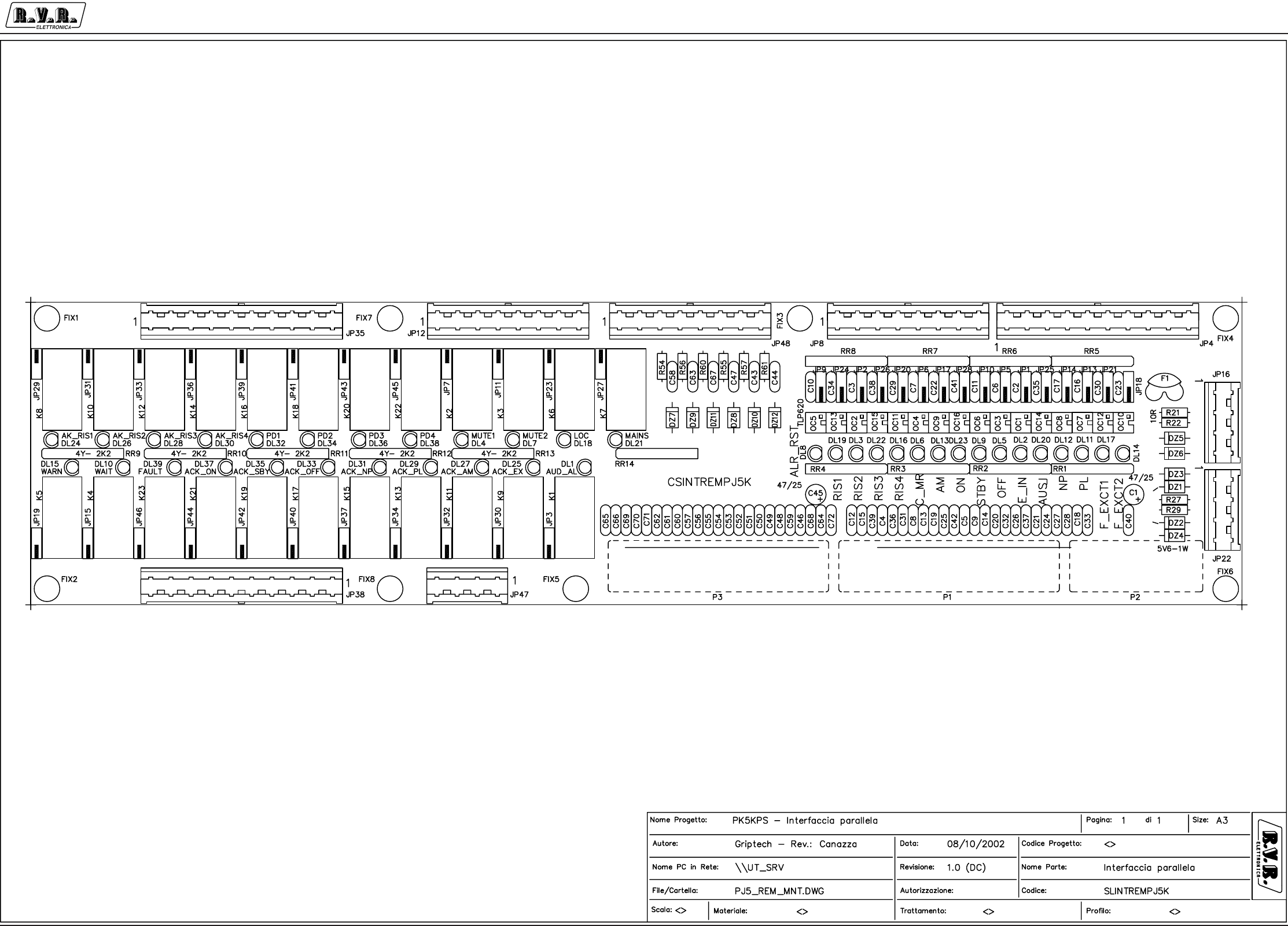
Appendix to the user manual - © 2002 R.V.R. Elettronica SpA - All rights reserved
PJ5KPS
1 / 4
Parallel interface - SLINTREMPJK5M
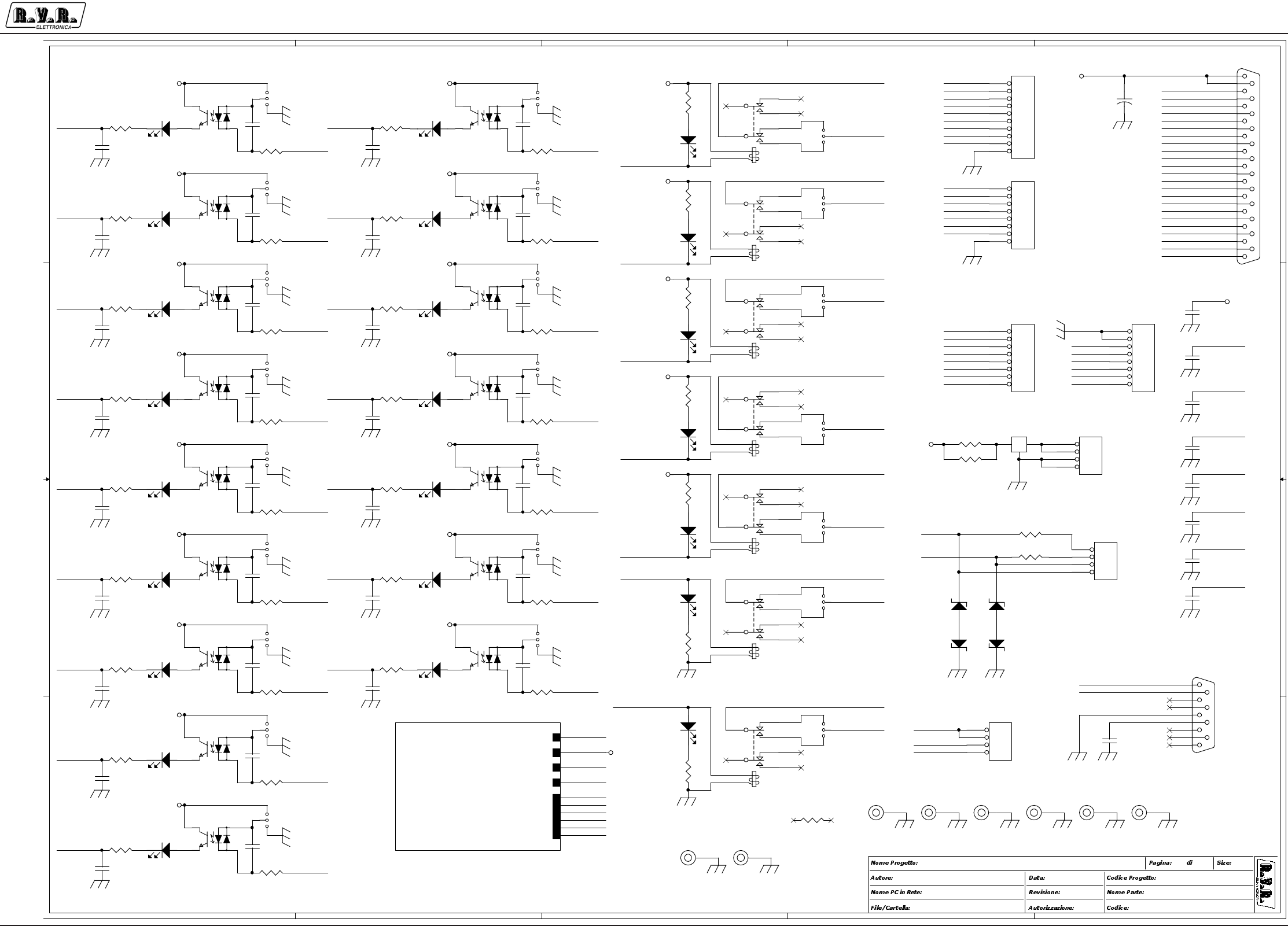
Appendix to the user manual - © 2002 R.V.R. Elettronica SpA - All rights reserved
PJ5KPS
2 / 4
Parallel interface - SLINTREMPJK5M
5
5
4
4
3
3
2
2
1
1
D D
C C
B B
A A
PJ5KMC
<>
2
CLAUDIO - Rev.: Canazza
INTERFACCIA REMOTA
<Code>
<Path PC>
CSINTREMPJ5KM
8/11/01
A31
1.0 (DC)
PJ5K_ELET2
PJ5K_ELET2
+12V
C_RL3
WAIT
WARN
DAC1
DAC2
DAC3
DAC4
DAC5
DAC6
WARN_OC
AM_REM
F_EXCT1_REM
RIS4_IN_REM
PL_REM
MUTE2_OC
RST_AL_REM
STDBY_REM
MAINS_BUS
AUD_ALRM_OC
WAIT_OC
EXT_INT_REM
OFF_REM
AUS_INT_REM
MUTE1_OC
RIS1_IN_REM
F_EXCT2_REM
RIS3_IN_REM
LOC_SEL
NP_REM
ON_REM
CHG_MR_REM
RIS2_IN_REM
LOC_SEL
WARN_OC
MUTE2_OC
MUTE1_OC
MAINS_BUS
WAIT_OC
EXT_INT_REM
OFF_REM
RST_AL_REM
PL_REM
AM_REM
RIS4_IN_REM
RIS1_IN_REM
RIS3_IN_REM
ON_REM
NP_REM
RIS2_IN_REM
CHG_MR_REM
F_EXCT1_REM
F_EXCT2_REM
AUS_INT_REM
STDBY_REM
EXT_INT
OFF
ALR_RST
PL
RIS4
RIS1
RIS3
RIS2
CHG_MR
STDBY
NP
AM
MAINS_BUS
AUD_ALRM_OC
LOC_SEL
ON
AM
ON
RIS2
CHG_MR
STDBY
F_EXCT2
NP
AU S_INT
F_EXCT1
RIS3
RIS1
EXT_INT
OFF
RIS4
ALR_RST
MUTE1
C_MUTE2
MAINS
STR+
STR-
STR+
STR-
C_RL3
AUD_ALRM_OC
MUTE1_OC
WARN_OC
C_AUD_ALARM
AUD_ALRM
WARN
WAIT
DAC1
DAC2
DAC3
DAC5
DAC6
C_MUTE1
MUTE2
LOC
DAC2
DAC5
DAC6
DAC4
DAC1
DAC3
DAC4
C_RL3
WAIT
AUD_ALRM
WARN
C_RL3
MUTE2
C_RL3
C_AUD_ALARM
MUTE1
C_MUTE2
C_MUTE1
MAINS
WAIT_OC
C_LOC
C_MAINS
LOC
C_MAINS
C_LOC
F_EXCT1
AUS_INT
F_EXCT2
PL
MUTE2_OC
+12V
+12V
+12V
+12V
+12V
+12V
+12V
+12V
+12V
+12V
+12V
+12V
+12V
+12V
+12V
+12V +12V
+12V
+12V
+12V
+12V
+12V
+12V
+12V
+12V
C26 4K7pF
12
C2
4K7pF
12
RR9D
2K2
78
C6
4K7pF
12
OC16
TLP620
1
2
4
3
RR2D
47R
78
FIX2
FIX35
1
OC10
TLP620
1
2
4
3
C18
4K7pF
12
RR13C
2K2
56
FIX5
FIX35
1
DL17
D3-V
C39 4K7pF
12
C32 4K7pF
12
RR4A
47R
12
C34
4K7pF
12
JP2
JUMPER3
13
2
K5
ZFH-12V
13 11
9
46
8
1
16
RR2A
47R
12
FIX1
FIX35
1
DZ4
5V6-1W
C15
4K7pF
12
JP16
KB4
1
2
3
4
C30
4K7pF
12
JP21
JUMPER3
13
2R29
10R
JP10
JUMPER3
13
2
JP7 JUMPER3
13
2
DZ3
5V6-1W
JP5
JUMPER3
13
2
K1
ZFH-12V
13 11
9
46
8
1
16
JP18
JUMPER3
13
2
C24
4K7pF
12
DL10
D3-V
OC9
TLP620
1
2
4
3
C12
4K7pF
12
JP24
JUMPER3
13
2
C33
4K7pF
12
RR6D 1K5
78
RR3C
47R
56
C19 4K7pF
12
C5 4K7pF
12
C10
4K7pF
12
JP27 JUMPER3
13
2
JP47
KB4
1
2
3
4
RR4B
47R
34
OC14
TLP620
1
2
4
3
C42 4K7pF
12
RR5A 1K5
12
RR3B
47R
34
JP11 JUMPER3
13
2
RR1D
47R
78
C38
4K7pF
12
RR2B
47R
34
OC8
TLP620
1
2
4
3
K6
ZFH-12V
13 11
9
46
8
1
16
DZ2
12V-1W
JP4
KB10
1
2
3
4
5
6
7
8
9
10
RR14D
2K2
78
JP9
JUMPER3
13
2
C14 4K7pF
12
FIX3
FIX35
1
DL15
D3-V
R22
10R
DL5
D3-V
DL3
D3-V
FIX6
FIX35
1
OC11
TLP620
1
2
4
3
DL11
D3-V
RR6C 1K5
56
JP26
JUMPER3
13
2
C25 4K7pF
12
DL16
D3-V
C9 4K7pF
12
C27
4K7pF
12
FIX8
FIX35
1
DL9
D3-V JP12
KB8
1
2
3
4
5
6
7
8
RR8A 1K5
12
C16
4K7pF
12
DL1
D3-V
DL22
D3-V
OC1
TLP620
1
2
4
3
JP8
KB8
1
2
3
4
5
6
7
8
JP15 JUMPER3
13
2
JP22
KB4
1
2
3
4
JP6
JUMPER3
13
2
JP48
KB8
1
2
3
4
5
6
7
8
RR5C 1K5
56
C41
4K7pF
12
DL14
D3-V
K2
ZFH-12V
13 11
9
46
8
1
16
C17
4K7pF
12
RR2C
47R
56
C40
4K7pF
12
OC12
TLP620
1
2
4
3
OC3
TLP620
1
2
4
3
RR3A
47R
12
JP13
JUMPER3
13
2
P2
DB9 MASCHIO
5
9
4
8
3
7
2
6
1
RR8C 1K5
56
RR7D 1K5
78
DL20
D3-V
C20 4K7pF
12
OC13
TLP620
1
2
4
3
DL18
D3-V
RR4D
47R
78
DZ1
12V-1W
JP28
JUMPER3
13
2
C31 4K7pF
12
K7
ZFH-12V
13 11
9
46
8
1
16
JP3 JUMPER3
13
2
RR4C
47R
56
RR1B
47R
34
R2710R
C22
4K7pF
12
JP25
JUMPER3
13
2
K3
ZFH-12V
13 11
9
46
8
1
16
RR14B
2K2
3 4
RR7A 1K5
12
+
C1
47/25
JP19 JUMPER3
13
2
FIX4
FIX35
1
C28
4K7pF
12
C4 4K7pF
12
OC6
TLP620
1
2
4
3
RR8B 1K5
34
C3
4K7pF
12
JP14
JUMPER3
13
2
RR3D
47R
78
C11
4K7pF
12
RR7C 1K5
56
RR1A
47R
12
OC5
TLP620
1
2
4
3
C37 4K7pF
12
FIX7
FIX35
1
JP17
JUMPER3
13
2
C8 4K7pF
12
C35
4K7pF
12
DL4
D3-V
RR8D 1K5
78
RR5D 1K5
78
R21
10R
OC15
TLP620
1
2
4
3
RR14C
2K2
5 6
C36 4K7pF
12
RR9B
2K2
3 4
C21
4K7pF
12
DL2
D3-V
C29
4K7pF
12
OC4
TLP620
1
2
4
3
K4
ZFH-12V
13 11
9
46
8
1
16
P1
DB 25 FEMMINA
13
25
12
24
11
23
10
22
9
21
8
20
7
19
6
18
5
17
4
16
3
15
2
14
1
RR7B 1K5
34
RR1C
47R
56
RR13A
2K2
1 2
RR5B 1K5
34
DL8
D3-V
RR6A 1K5
12
DL21
D3-V
DL6
D3-V
DL13
D3-V
f
F1
DSS-308
1 3
2
JP1
JUMPER3
13
2
C7
4K7pF
12
JP23 JUMPER3
13
2
DL19
D3-V
DL7
D3-V
OC7
TLP620
1
2
4
3
JP20
JUMPER3
13
2
DL23
D3-V
DL12
D3-V
OC2
TLP620
1
2
4
3
C13 4K7pF
12
RR14A
2K2
1 2
RR6B 1K5
34
C23
4K7pF
12
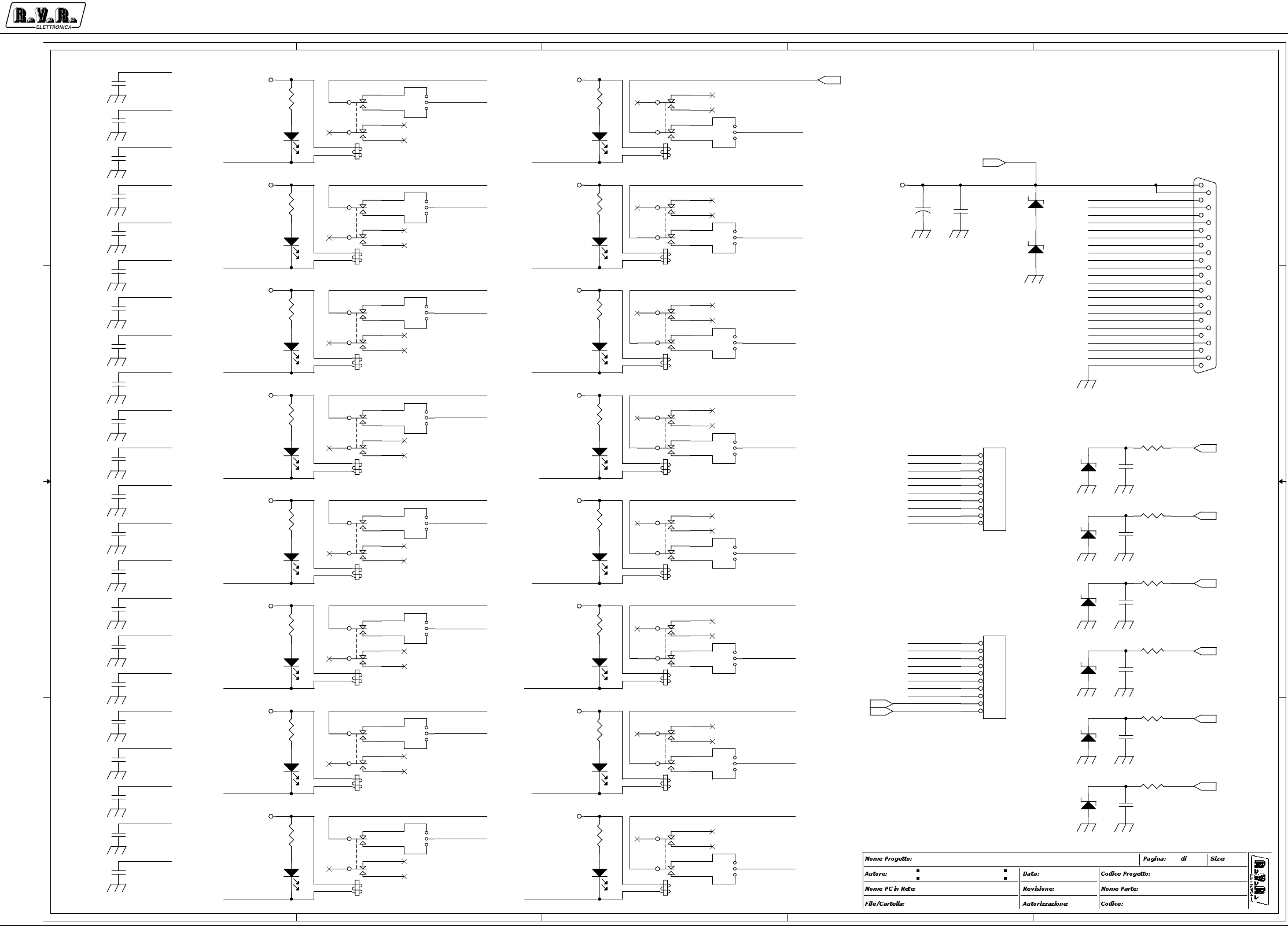
Appendix to the user manual - © 2002 R.V.R. Elettronica SpA - All rights reserved
PJ5KPS
3 / 4
Parallel interface - SLINTREMPJK5M
5
5
4
4
3
3
2
2
1
1
D D
C C
B B
A A
PJ5KMC
<Project Code>
2
CLAUDIO - Rev.: Canazza
INTERFACCIA REMOTA
CSINTREMPJ5K.DSN
\\UT_SRV
CSINTREMPJ5KM
8/11/01
A32
1.0 (DC)
ACK_RIS1
ACK_STDBY_OC
FAULT_OC
DAC3
C_RL5
PD1_OC
ACK_PL_OC
DAC4
ACK_RIS4_OC
ACK_RIS3_OC
WARN
DAC5_OUT
ACK_RIS3
DAC1_OUT
PD1_OC
ACK_PL
PD4
DAC4_OUT
ACK_RIS1
ACK_AM_OC
FAULT
DAC6
DAC6_OUT
DAC4_OUT
PD3
DAC5_OUT
DAC1
C_RL4
ACK_RIS4_OC
ACK_RIS1_OC
PD2_OC
ACK_EXCT
DAC3_OUT
DAC5_OUT
DAC3_OUT
FAULT_OC
ACK_RIS4_OC
ACK_RIS2_OC
ACK_OFF_OC
PD2
PD3_OC
ACK_NP_OC
DAC1_OUT
C_RL5
DAC3_OUT
ACK_OFF_OC
C_RL4
PD3
ACK_EXCT_OC
ACK_RIS3
PD1
PD4_OC
PD4_OC
ACK_STDBY
C_RL5
PD2
PD4
PD2_OC
C_RL5
ACK_NP
ACK_NP_OC
DAC2_OUT
PD3_OC
ACK_RIS4
C_RL5
ACK_RIS2_OC
DAC1_OUT
ACK_ON_OC
C_RL4
ACK_RIS3_OC
ACK_ON
ACK _AM
DAC6_OUT
PD1
ACK_OFF
ACK_RIS4
ACK_EXCT_OC
ACK_ON_OC
ACK_RIS3_OC
DAC2_OUT
ACK_STDBY_OC
ACK_OFF_OC
ACK_RIS2
ACK_EXCT_OC
WAIT
ACK_RIS1_OC
ACK_AM_OC
DAC6_OUT
ACK_PL_OC
DAC4_OUT
DAC2_OUT
C_RL4
C_RL4
ACK_RIS2
ACK_AM_OC
ACK_NP_OC
DAC2
ACK_RIS1_OC
ACK_RIS2_OC
PD1_OC
PD3_OC ACK_ON_OC
PD2_OC
PD4_OC
ACK_STDBY_OC
DAC5
ACK_STDBY
C_RL3
ACK_EXCT
C_RL3
C_RL3
C_RL3
ACK_NP
ACK_AM
C_RL3
ACK_ON
C_RL3
C_RL3
FAULT_OC
ACK_OFF
FAULT
C_RL3
ACK_PL_OC
ACK_PL
+12V
+12V
+12V
+12V
+12V
+12V
+12V
+12V
+12V
+12V
+12V
+12V
+12V
+12V
+12V
+12V
+12V
RR13D
2K2
78
RR9C
2K2
56
K15
ZFH-12V
13 11
9
46
8
1
16
+
C45
47/25
RR13B
2K2
3 4
C71
4K7pF
12
DL24
D3-V
DL38
D3-V
C69
4K7pF
12
K22
ZFH-12V
13 11
9
46
8
1
16
C62
4K7pF
12
RR12D
2K2
78
JP39 JUMPER3
13
2
DL26
D3-V
K10
ZFH-12V
13 11
9
46
8
1
16
RR12B
2K2
3 4
C66
4K7pF
12
JP41 JUMPER3
13
2
C64
4K7pF
12
JP33 JUMPER3
13
2
DL31
D3-V
C72
4K7pF
12
K23
ZFH-12V
13 11
9
46
8
1
16
JP36 JUMPER3
13
2
JP29 JUMPER3
13
2
C59
4K7pF
12
DL29
D3-V
RR11D
2K2
78
C57
4K7pF
12
DZ11
BZW045V8
JP34 JUMPER3
13
2
JP37 JUMPER3
13
2
DZ9
BZW045V8
C43
4K7pF
12
DL27
D3-V
R60
100R
RR11B
2K2
3 4
DL36
D3-V
K20
ZFH-12V
13 11
9
46
8
1
16
K19
ZFH-12V
13 11
9
46
8
1
16
C51
4K7pF
12
RR10D
2K2
78
JP40 JUMPER3
13
2
K12
ZFH-12V
13 11
9
46
8
1
16
C50
4K7pF
12
DL35
D3-V
R57
100R
DZ7
BZW045V8
R54
100R
JP42 JUMPER3
13
2
R55
100R
C48
4K7pF
12
C49
4K7pF
12
DZ5
BZW045V8
DZ6
BZW045V8
RR10B
2K2
3 4
K16
ZFH-12V
13 11
9
46
8
1
16
DZ8
BZW045V8
C58
4K7pF
12
JP45 JUMPER3
13
2
DL34
D3-V
K14
ZFH-12V
13 11
9
46
8
1
16
DL39
D3-V
JP31 JUMPER3
13
2
C61
4K7pF
12
C55
4K7pF
12
DL33
D3-V
DL32
D3-V
JP32 JUMPER3
13
2
K13
ZFH-12V
13 11
9
46
8
1
16
DL25
D3-V
C46
4K7pF
12
C54
4K7pF
12
C56
4K7pF
12
K8
ZFH-12V
13 11
9
46
8
1
16
C63
4K7pF
12
K18
ZFH-12V
13 11
9
46
8
1
16
C65
4K7pF
12
DZ12
BZW045V8 C68
4K7pF
12
DL30
D3-V JP35
KB10
1
2
3
4
5
6
7
8
9
10
JP43 JUMPER3
13
2
C70
4K7pF
12
JP46 JUMPER3
13
2
K9
ZFH-12V
13 11
9
46
8
1
16
C53
4K7pF
12
DL28
D3-V
R56
100R
JP30 JUMPER3
13
2
C44
4K7pF
12
R61
100R
P3
DB25 MASCHIO
13
25
12
24
11
23
10
22
9
21
8
20
7
19
6
18
5
17
4
16
3
15
2
14
1
C60
4K7pF
12
K21
ZFH-12V
13 11
9
46
8
1
16
K11
ZFH-12V
13 11
9
46
8
1
16
DZ10
BZW045V8
C52
4K7pF
12
C47
4K7pF
12
C67
4K7pF
12
JP38
KB10
1
2
3
4
5
6
7
8
9
10
DL37
D3-V
RR11C
2K2
56
RR11A
2K2
1 2
RR12A
2K2
1 2
RR10C
2K2
56
JP44 JUMPER3
13
2
RR12C
2K2
56
RR10A
2K2
1 2
K17
ZFH-12V
13 11
9
46
8
1
16
RR9A
2K2
1 2
+12V
WAIT
WARN
DAC1
DAC2
DAC3
DAC4
DAC6
DAC5
C_RL3

Appendix to the user manual - © 2002 R.V.R. Elettronica SpA - All rights reserved
PJ5KPS
4 / 4
Parallel interface - SLINTREMPJK5M
SLINTREMPJ5KM Bill Of Materials Page1
Item Q.ty Reference Part
____________________________________________________________________________________________
1 2 C1,C45 47/25
2 70 C2,C3,C4,C5,C6,C7,C8,C9, 4K7pF
C10,C11,C12,C13,C14,C15,
C16,C17,C18,C19,C20,C21,
C22,C23,C24,C25,C26,C27,
C28,C29,C30,C31,C32,C33,
C34,C35,C36,C37,C38,C39,
C40,C41,C42,C43,C44,C46,
C47,C48,C49,C50,C51,C52,
C53,C54,C55,C56,C57,C58,
C59,C60,C61,C62,C63,C64,
C65,C66,C67,C68,C69,C70,
C71,C72
3 39 DL1,DL2,DL3,DL4,DL5,DL6, D3-V
DL7,DL8,DL9,DL10,DL11,
DL12,DL13,DL14,DL15,DL16,
DL17,DL18,DL19,DL20,DL21,
DL22,DL23,DL24,DL25,DL26,
DL27,DL28,DL29,DL30,DL31,
DL32,DL33,DL34,DL35,DL36,
DL37,DL38,DL39
4 2 DZ2,DZ1 12V-1W
5 2 DZ4,DZ3 5V6-1W
6 8 DZ5,DZ6,DZ7,DZ8,DZ9,DZ10, BZW045V8
DZ11,DZ12
7 8 FIX1,FIX2,FIX3,FIX4,FIX5, FIX35
FIX6,FIX7,FIX8
8 1 F1 DSS-308
9 39 JP1,JP2,JP3,JP5,JP6,JP7, JUMPER3
JP9,JP10,JP11,JP13,JP14,
JP15,JP17,JP18,JP19,JP20,
JP21,JP23,JP24,JP25,JP26,
JP27,JP28,JP29,JP30,JP31,
JP32,JP33,JP34,JP36,JP37,
JP39,JP40,JP41,JP42,JP43,
JP44,JP45,JP46
10 3 JP4,JP35,JP38 KB10
11 3 JP8,JP12,JP48 KB8
12 3 JP16,JP22,JP47 KB4
13 23 K1,K2,K3,K4,K5,K6,K7,K8, ZFH-12V
K9,K10,K11,K12,K13,K14,
K15,K16,K17,K18,K19,K20,
K21,K22,K23
14 16 OC1,OC2,OC3,OC4,OC5,OC6, TLP620
OC7,OC8,OC9,OC10,OC11,
OC12,OC13,OC14,OC15,OC16
15 1 P1 DB 25 FEMMINA
16 1 P2 DB9 MASCHIO
17 1 P3 DB25 MASCHIO
18 4 RR1,RR2,RR3,RR4 47R
19 4 RR5,RR6,RR7,RR8 1K5
20 6 RR9,RR10,RR11,RR12,RR13, 2K2
RR14
21 4 R21,R22,R27,R29 10R
22 6 R54,R55,R56,R57,R60,R61 100R
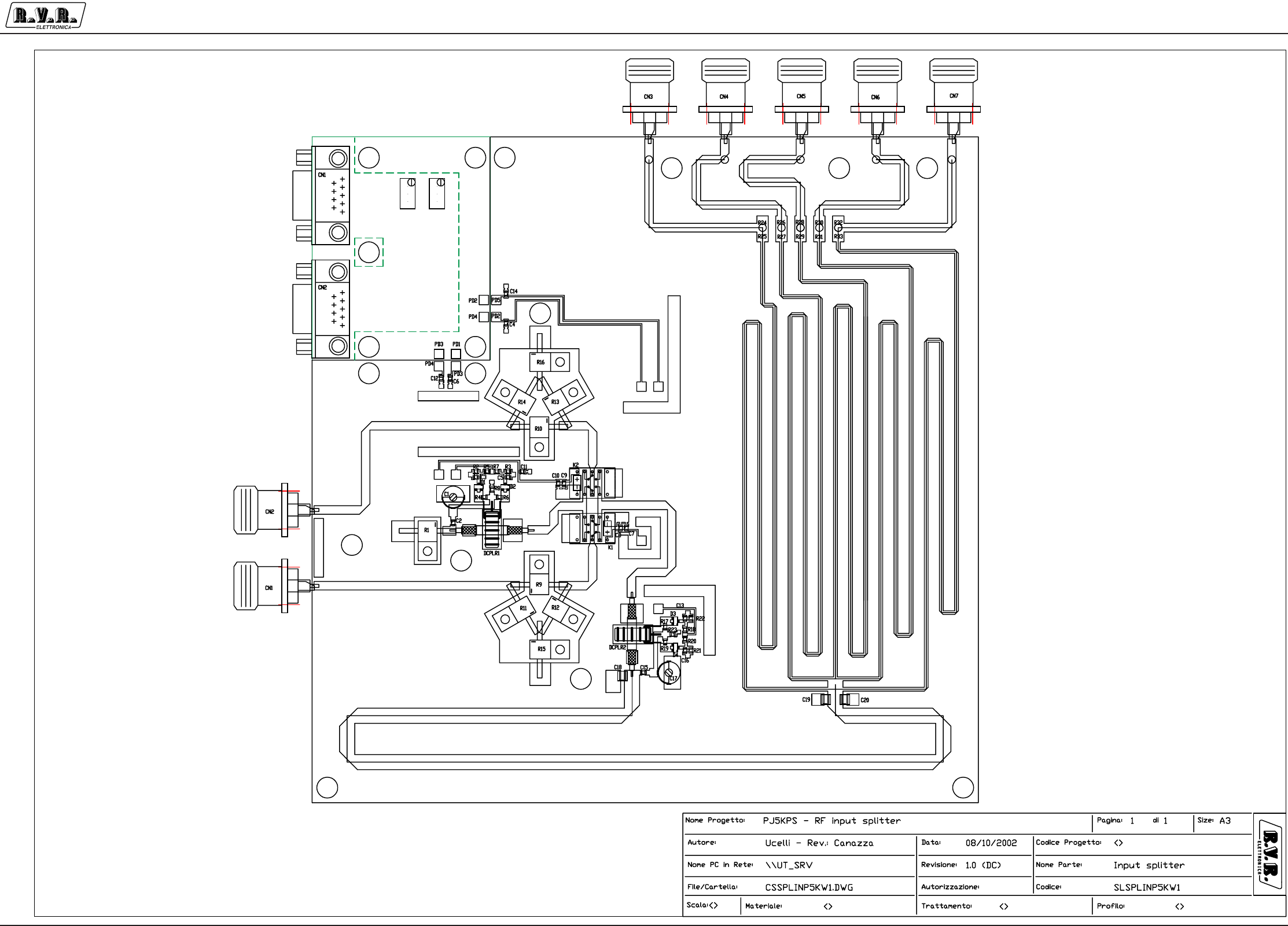
Appendix to the user manual - © 2002 R.V.R. Elettronica SpA - All rights reserved
PJ5KPS
1 / 3
Input splitter and changeover - SLSPLINP5KW1
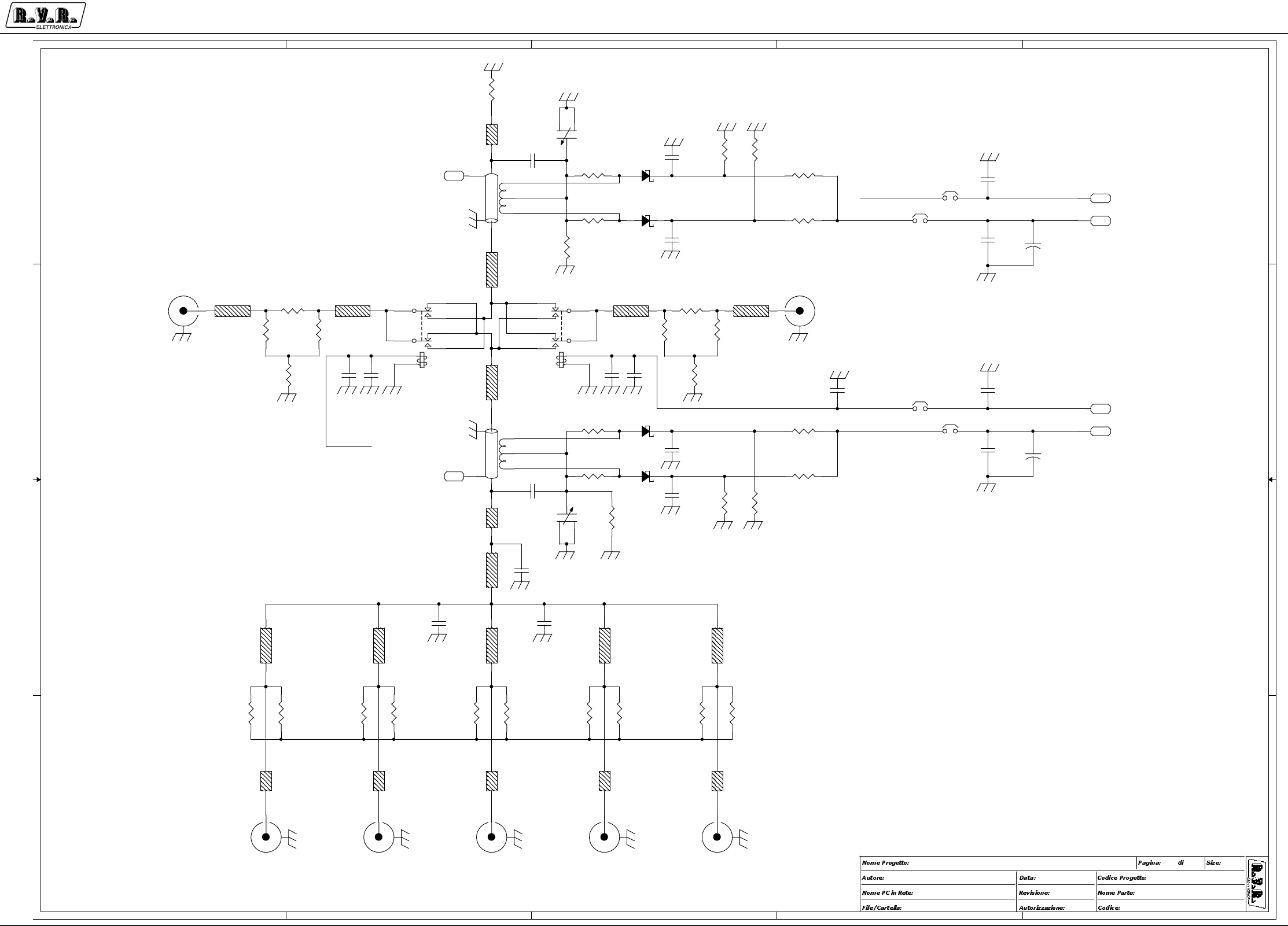
Appendix to the user manual - © 2002 R.V.R. Elettronica SpA - All rights reserved
PJ5KPS
2 / 3
Input splitter and changeover - SLSPLINP5KW1
5
5
4
4
3
3
2
2
1
1
D D
C C
B B
A A
MAIN EXCITER RESERVE EXCITER
\\UT_SRV RF Section Input Splitter
CSSPLINP5KW1
1.0
PJ5KPS
<>
SPLITTER1.DSN
Mauro Ucelli 11/09/01
11A3
M/R
M/R
TL7
50_Z
R16
50_PPR
D3
HSMS2800
TL16
50_Z
C3
1n
R10
50_PPR
R8
1k
TL17
50_Z
C5
1n
DCPLR1
DIR_CPLR
1
2
3
4
7
6
5
TL18
50_Z
R3
4k7
C10
4n7
C18
Cxx
C2
1p
TL19
50_Z
TL8
50_Z
R26
100_2W
D4
HSMS2800
C13
1n
R7 1k
R27
100_2W
R25
100_2W R28
100_2W
C12
1n
TL5 50_Z
R29
100_2W R30
100_2W
C20
Cxx
+
K1
TQ2-12V
32
4
89
7
1
10
R31
100_2W
C19
Cxx
C9
4n7
R32
100_2W
C6
1n
JP3 WIRE
1 2
R11
50_PPR
R33
100_2W
JP4 WIRE
1 2
TL2
50_Z
TL6 50_Z
R12
50_PPR
JP2 WIRE
1 2
R15
50_PPR
PD2 PADJP1 WIRE
1 2
D1
HSMS2800
TL3 50_Z
D2
HSMS2800
R19 51R
R9
50_PPR
TL1
50_Z
R17 51R
C8
4n7
+
C21
220uF_25V
+
C22
220uF_25V
C16
1n R22
4k7
TL4 50_Z
CN3
COAX_CN
PD4 PAD
C14
1n
DCPLR2
DIR_CPLR
1
2
3
4
7
6
5
R21
4k7
CN4
COAX_CN CN5
COAX_CN
TL9
TLINE_32Z
CN6
COAX_CN
PD3 PAD
PD1
PAD
CN7
COAX_CN
R18 1k
PD6
PAD
R5 Rxx
PD5 PAD
C1
CVAR
31
2
C11
1n
TL10
TLINE_75Z
R4 51R
C17
CVAR
3
1
2
+
K2
TQ2-12V
3
2
4
8
9
71
10
R20 Rxx
R6 51R
TL11
TLINE_75Z
C4
1n
TL12
TLINE_75Z
R1
50_PPR
TL13
TLINE_75Z
R13
50_PPR
C15
1p
TL14
TLINE_75Z
R24
100_2W
R14
50_PPR
CN1
COAX_CN
R23
1k
R2
4k7
C7
4n7
TL15
50_Z
CN2
COAX_CN

Appendix to the user manual - © 2002 R.V.R. Elettronica SpA - All rights reserved
PJ5KPS
3 / 3
Input splitter and changeover - SLSPLINP5KW1
CSSPLINP5KW1 Bill Of Materials Page1
Item Q.ty Reference Part
____________________________________________________________________________________________
1 7 CN1,CN2,CN3,CN4,CN5,CN6, COAX_CN
CN7
2 2 C1,C17 CVAR
3 2 C2,C15 1p
4 9 C3,C4,C5,C6,C11,C12,C13, 1n
C14,C16
5 4 C7,C8,C9,C10 4n7
6 3 C18,C19,C20 Cxx
7 2 C22,C21 220uF_25V
8 2 DCPLR1,DCPLR2 DIR_CPLR
9 4 D1,D2,D3,D4 HSMS2800
10 4 JP1,JP2,JP3,JP4 WIRE
11 2 K1,K2 TQ2-12V
12 6 PD1,PD2,PD3,PD4,PD5,PD6 PAD
13 9 R1,R9,R10,R11,R12,R13, 50_PPR
R14,R15,R16
14 4 R2,R3,R21,R22 4k7
15 4 R4,R6,R17,R19 51R
16 2 R20,R5 Rxx
17 4 R7,R8,R18,R23 1k
18 10 R24,R25,R26,R27,R28,R29, 100_2W
R30,R31,R32,R33
19 13 TL1,TL2,TL3,TL4,TL5,TL6, 50_Z
TL7,TL8,TL15,TL16,TL17,
TL18,TL19
20 1 TL9 TLINE_32Z
21 5 TL10,TL11,TL12,TL13,TL14 TLINE_75Z
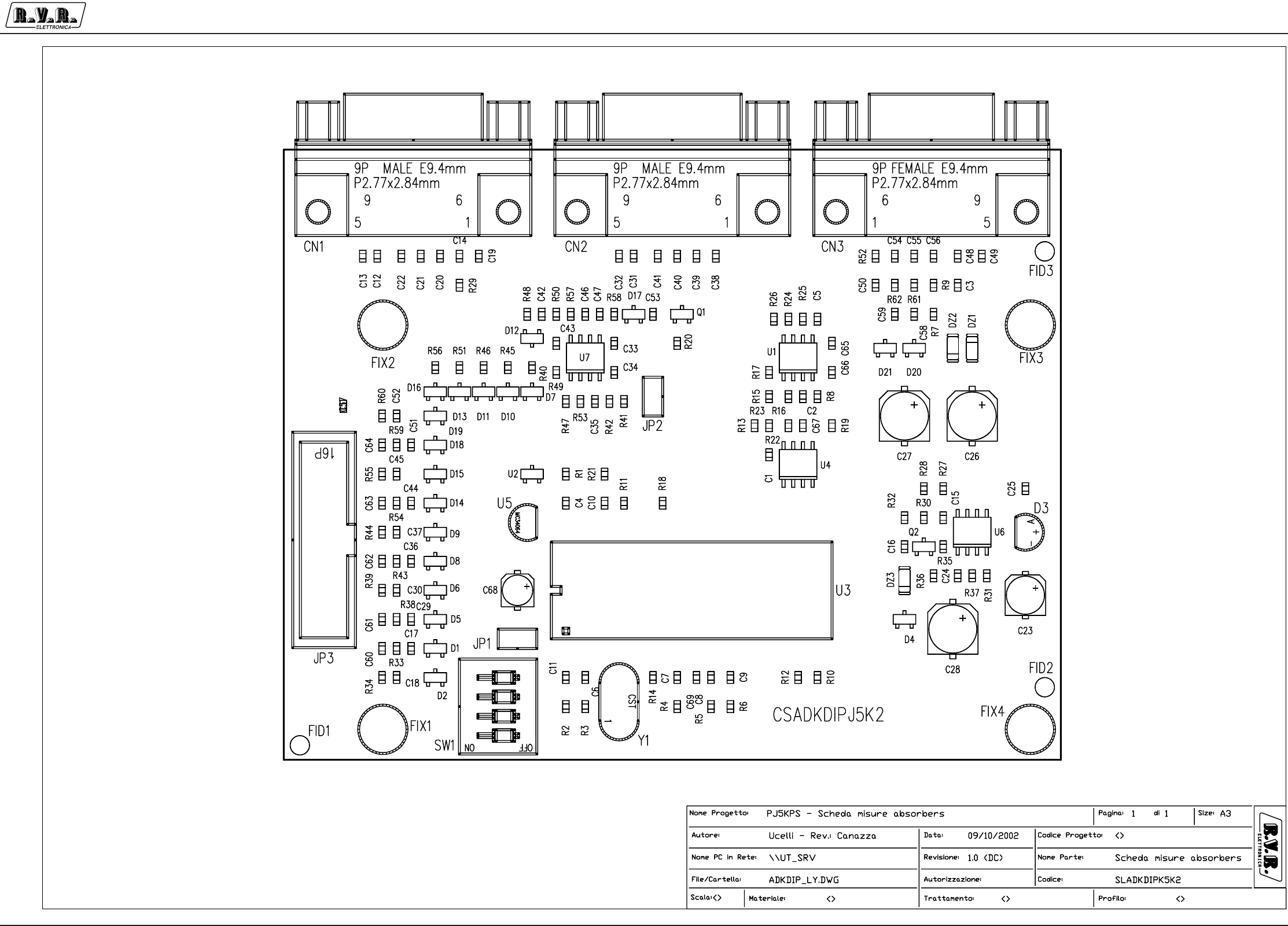
Appendix to the user manual - © 2002 R.V.R. Elettronica SpA - All rights reserved
PJ5KPS
1 / 3
Unbalancement measurement CPU board - SLADKDIPJ5KM2
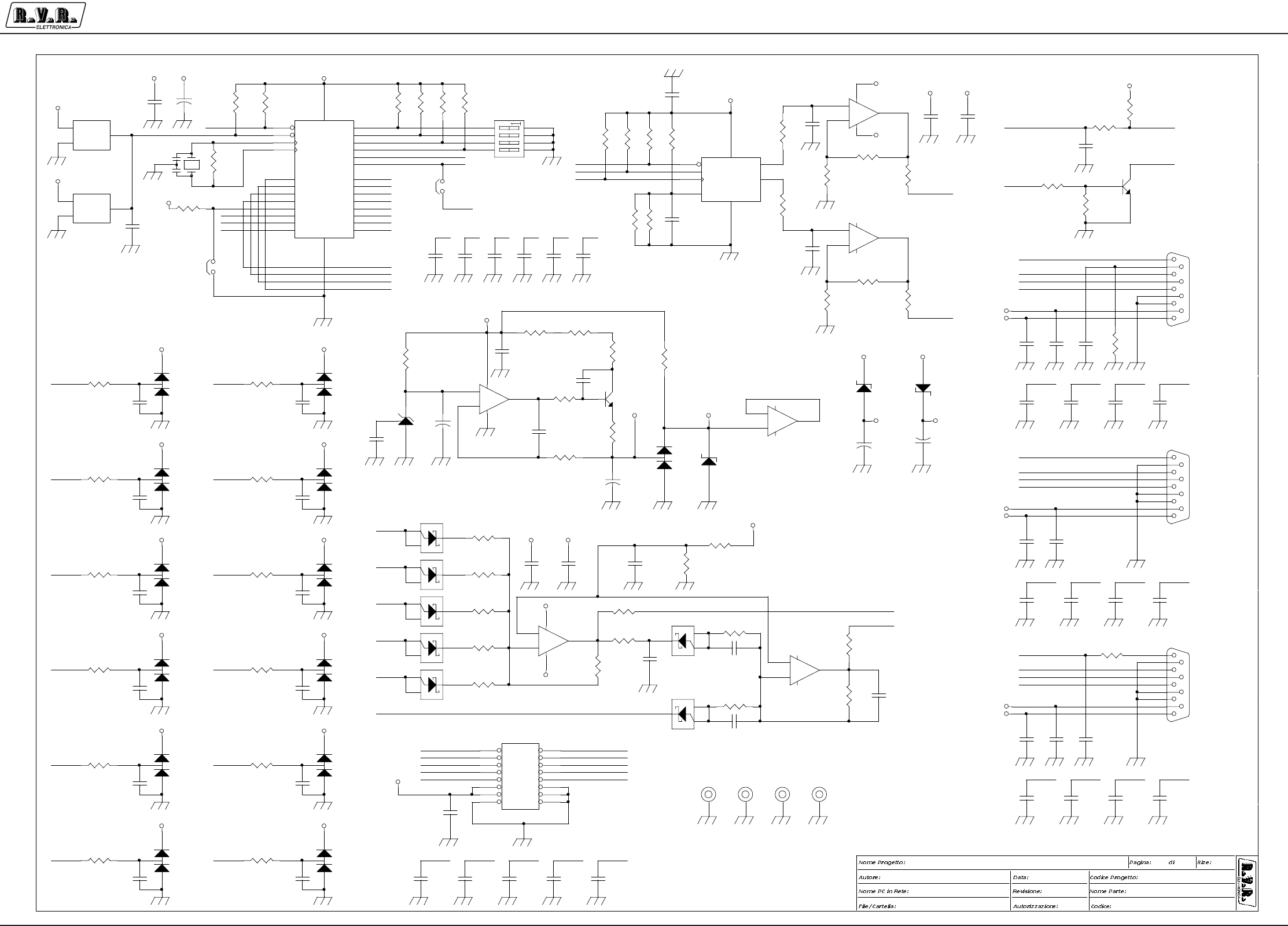
Appendix to the user manual - © 2002 R.V.R. Elettronica SpA - All rights reserved
PJ5KPS
2 / 3
Unbalancement measurement CPU board - SLADKDIPJ5KM2
5
5
4
4
3
3
2
2
D
D
C
C
B
B
A
A
SINCRO IN
SINCRO OUT
P3
inp
T2
P4
SELECT 5/10kW
out
T3
PE
P1
T4
T1
P2
TE
P0
T0
\\UT_SRV Absorbers uC Circuit
CSADKDIPJ5K2
1.0
PJ5KPS - Scheda misure absorbers
CSADKDIPJ5K2.DSN
Mauro Ucelli 16/01/02
11A3
PWR_4
PWR_E
TMP_0
TMP_1
PWR_3
PWR_2
PWR_0
PWR_1
TMP_E
TMP_4
TMP_2
TMP_3
VOUT_PWR
VOUT_TMP
SYNC_I
SYNC_O
PA4
CH4 IRQ
CH1
CH2
DACS
SEL
CH7
CH6
IRQ
CH6
CH4
CH5
PA3
CH0
MOSI
CH2
CH10
PA1
PA5
CH9
DACS
PA0
CH11
PA5
CH0
PA2
CH8
PA2
SCLK
PA0
CH5
PA4
CH7
PA1
CH1
SEL
CH3
CH8
CH9
SCLK
MOSI
CH3
IRQ
CH11
CH10
RST
PA3
PWR_0
PWR_1
PWR_2
PWR_3
PWR_4
KDI_I
KDI_O
KDI_FB
KDI_FB
VOUT_TMP
VOUT_PWR
CLIX
KDI_FB VOUT_PWR CLIX
KDI_O
VOUT_PWR
SYNC_O
KDI_O VOUT_PWR SYNC_O
KDI_I
PWR_EKDI_I
PWR_E
TMP_E
SYNC_I
SYNC_I
VOUT_TMP
VOUT_TMP
TMP_E
VOUT_TMP
PWR_0
PWR_1
PWR_2
PWR_3
PWR_4
TM P_0
TM P_1
TM P_2
TM P_3
TM P_4
PWR_0 PWR_1 PWR_2 PWR_3 PWR_4
+5V
+5VZ
+5VZ
+5VZ
+5VZ
+5VZ
+5VZ
+5VZ
+5VZ
+5VZ
+5VZ
+5VZ
+5VZ
+7V
-7V
+12V
+5V +5VZ
+5V
+5V
+5V
+5V
+5V
-7V
+5V
-7V
+7V
+7V
+12V
-12V
+12V
-12V
+12V -12V
+7V -7V
+12V
-12V
+12V
+7V -7V
+5V+5V
C39
1n
12
D9
BAV99
1 2
3
+
C27
100uF_35V
R42
3k30
R62
10K
R43
10k
JP2
JUMPER
1 2
JP1
JUMPER
1 2
C40
1n
12
C60
1n
12
R13
12k0
C10
100n
12
R41 1k69
C48
1n
12
C69
100n
12
R46 10k C41
1n
12
U3
MC68HC908JL3CP
1
3
4
5
7
10
11
12
13
14
15
17
18
20
21
22
24
25
26
28 2
6
8
9
23
27
16
19
IRQ*
VSS
OSC1
OSC2
VDD
PTB7
PTB6
PTB5
PTD7
PTD6
PTB4
PTB3
PTB2
PTB1
PTB0
PTD3
PTD2
PTD5
PTD4
RST* PTA0
PTA1
PTA2
PTA3
PTA4
PTA5
PTD0
PTD1
R22
10k0
D21
BAV99
1 2
3
D17
HSMS2800
1
2
3
C53
1n
12
R11
10k
+
-
U1B
TL072SMD
5
67
CN2
DB9MSO
5
9
4
8
3
7
2
6
1
C64
1n
12
C45
10n
12
R7
100
C54
1n
12
C22
1n
12
D1
BAV99
1 2
3
D20
BAV99
1 2
3
DZ1
5V1SMD
2 1
R51 10k
C49
1n
12
R39
10k
C42 1n
1 2
R9
47k
R54
10k
DZ2
5V1SMD
21
C58
10n
12
C65
100n
12
R23
47k0
D10 HSMS2800
1
23
+
-
U6A
TL072SMD
3
21
4 8
C55
1n
12
C47 1n
1 2
+
-
U6B
TL072SMD
5
67
R50
100
R31
1k
C8
100n
12
+
-
U1A
TL072SMD
3
21
84
D4
BAV99
1 2
3
C52
10n
12
C56
1n
12
C13
1n
12
R56 10k
Y116MHz
1 3
2
DZ3
5V1SMD
2 1
C29
10n
12
R48 10k
C14
1n
12
D15
BAV99
1 2
3
C34
100n
12
C50
1n
12
C12
1n
12
R58 10k
R52 1k
C24
100n
12
C9
100n
12
C11
10n
12
C43
1n
12
C2
10n
12
CN3
DB9FSO
5
9
4
8
3
7
2
6
1
R28 47
R2
10k
R34
10k
R25
47k0
D12
HSMS2800
1
2
3
C36
10n
12
D11 HSMS2800
1
23
R27 47
R17
100
R49 1k2
C61
1n
12
D8
BAV99
1 2
3
D13 HSMS2800
1
23
R26
100
U2
LM809
3
12
VCC
GND
/RST R8
10k
R4
10k
C59
10n
12
C19
1n
12
+
C23
10uF_35V
D3
LM336-5.0V
2
3
1
C4
1n
12
Q1
BC847
1
2 3
R20
100
C33
100n
12
Q2
BC847
3
1
2
U4
TLV5626
3
1
2
6
4
7
85
CS
DI
SCLK
REF
OUTA
OUTB
VCCGND
R35 270
D2
BAV99
1 2
3
R12
10k
+
C68
1uF_35V
R36
22
C20
1n
12
R37
100k
+
-
U7A
TL072SMD
3
21
4 8
C15
100n
12
C37
10n
12
+
-
U7B
TL072SMD
5
67
R19
10k
C44
10n
12
R57
100k
C62
1n
12
R61
10k
CN1
DB9MSO
5
9
4
8
3
7
2
6
1
R24
10k5
R55
10k
D19
BAV99
1 2
3
C30
10n
12
R10
10k
R5
10k
R44
10k
U5
MC34064
2
31
VCC
GND
/RST
C51
10n
12
C66
100n
12
R53
10k
D5
BAV99
1 2
3
C6
100n
12
C17
10n
12
R40 10k
R15
10k5
C16
10p
12
R30
47
D16 HSMS2800
1
23
C7
100n
12
C46
1n
12
R3
10k
C25
1n
12
C67
100n
12
R32
1k
R14
10M
R38
10k
R21
10k
+
C28
100uF_35V
D14
BAV99
1 2
3
C1
100n
12
C21
1n
12
C57
10n
12
JP3
FLAT16V
12
34
56
78
910
11 12
13 14
15 16
R33
10k
D18
BAV99
1 2
3
C35
100n
12
C32
1n
12
+
C26
100uF_35V
C63
1n
12
R60
10k
C3
100n
12
FIX1
FIX35
1
C18
10n
12
R1
10k
C31
1n
12
FIX2
FIX35
1
D7 HSMS2800
1
23
R59
10k
FIX3
FIX35
1
R18
10k
C5
10n
12
R6
10k
D6
BAV99
1 2
3
C38
1n
12
R29
100
FIX4
FIX35
1
SW1
SW DIP-4
1
2
3
4
8
7
6
5
R16
47k0
R45 10k
R47 220

Appendix to the user manual - © 2002 R.V.R. Elettronica SpA - All rights reserved
PJ5KPS
3 / 3
Unbalancement measurement CPU board - SLADKDIPJ5KM2
CSADKDIPJ5K2 Bill Of Materials Page1
Item Q.ty Reference Part
____________________________________________________________________________________________
1 2 CN1,CN2 DB9MSO
2 1 CN3 DB9FSO
3 16 C1,C3,C6,C7,C8,C9,C10, 100n
C15,C24,C33,C34,C35,C65,
C66,C67,C69
4 16 C2,C5,C11,C17,C18,C29, 10n
C30,C36,C37,C44,C45,C51,
C52,C57,C58,C59
5 31 C4,C12,C13,C14,C19,C20, 1n
C21,C22,C25,C31,C32,C38,
C39,C40,C41,C42,C43,C46,
C47,C48,C49,C50,C53,C54,
C55,C56,C60,C61,C62,C63,
C64
6 1 C16 10p
7 1 C23 10uF_35V
8 3 C26,C27,C28 100uF_35V
9 1 C68 1uF_35V
10 3 DZ1,DZ2,DZ3 5V1SMD
11 13 D1,D2,D4,D5,D6,D8,D9,D14, BAV99
D15,D18,D19,D20,D21
12 1 D3 LM336-5.0V
13 7 D7,D10,D11,D12,D13,D16, HSMS2800
D17
14 4 FIX1,FIX2,FIX3,FIX4 FIX35
15 2 JP2,JP1 JUMPER
16 1 JP3 FLAT16V
17 2 Q2,Q1 BC847
18 33 R1,R2,R3,R4,R5,R6,R8,R10, 10k
R11,R12,R18,R19,R21,R33,
R34,R38,R39,R40,R43,R44,
R45,R46,R48,R51,R53,R54,
R55,R56,R58,R59,R60,R61,
R62
19 6 R7,R17,R20,R26,R29,R50 100
20 1 R9 47k
21 1 R13 12k0
22 1 R14 10M
23 2 R15,R24 10k5
24 3 R16,R23,R25 47k0
25 1 R22 10k0
26 3 R27,R28,R30 47
27 3 R31,R32,R52 1k
28 1 R35 270
29 1 R36 22
30 2 R57,R37 100k
31 1 R41 1k69
32 1 R42 3k30
33 1 R47 220
34 1 R49 1k2
35 1 SW1 SW DIP-4
36 3 U1,U6,U7 TL072SMD
37 1 U2 LM809
38 1 U3 MC68HC908JL3CP
39 1 U4 TLV5626
40 1 U5 MC34064
41 1 Y1 16MHz
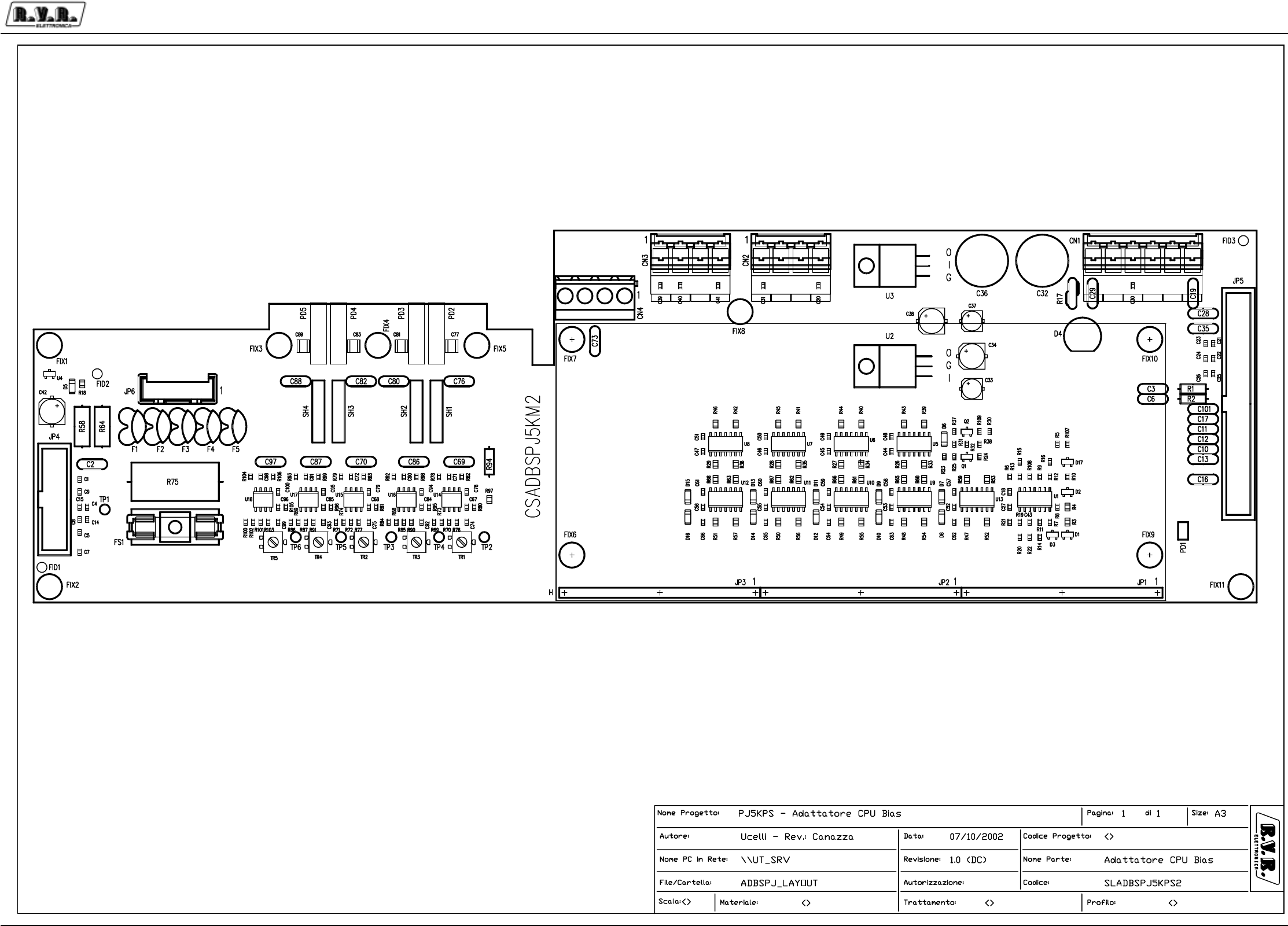
Appendix to the user manual - © 2003 R.V.R. Elettronica SpA - All rights reserved
PJ5KPS
1 / 5RF module CPU adapter/bias - SLADBSPJ5KPS2

Appendix to the user manual - © 2003 R.V.R. Elettronica SpA - All rights reserved
PJ5KPS
2 / 5RF module CPU adapter/bias - SLADBSPJ5KPS2
5
5
4
4
3
3
2
2
1
1
D D
C C
B B
A A
OC_P5040
TYPE POWER
APLIF
IN_AD7
IN_AD6
CLIXSON
IN_STDBY
FUSE 5040
CLIXSON
62VAC
0VAC
62VAC_5040
INHIBIT_5040
G_LED
Y_LED R_LED
PWR_INP
TEMP
I_PAL1
I_PAL4
PWR_INP
CH_VPA
OUT_DACB
I_PAL3
I_PAL2
VPA
VBIAS
CH3_P
OC_STDBY
PWR_RFL
I_DRV
IN_MAINS
OUT_GFB
OC_OUT4
OC_OUT6
OC_OUT3
OUT_VBIAS
GREEN_LED
OC_FB
DIGITAL FB
YELLOW_LED
IN_IOR
FUSE_5040
RED_LED
OC_OUT5
PWR_DIR
OUT_IOR
OC_OUT7
PWR_RFL
PWR_DIR
5040_SUPPLY
OC_RESOUT
IN IN2
IN IN4
IN IN5
IN IN6
IN IN7
IN SWSAFE
OUT MOS
+5V
+12V
-12V
TR+
TR-
IN_GFB
IN_ON
OC_ALARM
IN_AD0
IN_AD1
IN_AD2
IN_AD3
IN_AD4
IN_AD5
TRIM_1TRIM_2
TRIM_3
5040_VCONTROL
2A
5040_GND
PJ5000M
<Project Code>
3
Mauro Ucelli
Adattatore CPU per sezione BIAS
CSADBSPJ5KM2
<Path PC>
/BiasPJ5KMC
15/12/03
A31
1.2
1RPH3URJHWWR
$XWRUH &RGLFH3URJHWWR
1RPH3&LQ5HWH
)LOH&DUWHOOD
'DWD
5HYLVLRQH
&RGLFH
1RPH3DUWH
$XWRUL]]D]LRQH
3DJLQD 6L]HGL
PAGE2
SCHEMATIC2
OUT_MOSBIAS_D
+12V
GND
-12V
V_DRV
PAGE3
SCHEMATIC3
V_DRV
I_1
I_2
I_4
I_3
I_DRV
+12V
GND
-12V
VPA
IN_IN0
IN_AD0
+12V
IN_AD4
TR+
OC_ALARM
OC_P5040
IN_AD5
IN_ON
OC_P5040
18V_DW
18V_UP
TR-
V_DRV
IN_CH2
OC_OUT2
OC_OUT0OC_OUT1
BIAS_DIN_CH0
IN_CH3
TR-
IN_CH4
IN_CH10
IN_CH5
IN_CH2
IN_CH9
IN_CH1
IN_CH8
IN_CH6
OUT_MOS
OUT_VBIAS
IN_CH7
OC_OUT0
IN_IN3
IN_IN3
IN_SWSAFE
OC_OUT1
OC_OUT2
-12V
IN_AD1
IN_AD2
IN_AD3
IN_STDBY
OC_STDBY
IN_GFB
BIAS_D OUT_MOS V_DRV
IN_CH10
IN_CH3
IN_CH4
IN_CH5
IN_CH9
IN_CH6
18V_UP
TR+
18V_DW
IN_AD2
IN_AD3
IN_AD5
IN_ON
IN_SWSAFE
IN_AD0
IN_AD1
IN_AD4
OC_ALARM
IN_STDBY
IN_CH8
IN_GFB_R
IN_AD0 IN_AD1 IN_AD3 IN_AD4 IN_AD5IN_AD2
IN_IN0
IN_CH2OC_OUT0
OC_OUT1 OC_OUT2
V+
V-
IN_CH1
IN_CH0
V_DRV
+12V
IN_GFB_S
+12V
+12V
+12V
-12V
+12V
-12V
+12V
-12V
+12V
-12V
-12V
R10
20k_1%
D2
BAV99
1 2
3
FIX2
FIX35
C9
1n
C11
1n_100V
R16
Rxx
JP3
STRIP20
1
2
3
4
5
6
7
8
9
10
11
12
13
14
15
16
17
18
19
20
R18
1k
FIX3
FIX35
U3
LM7912/TO220_90B
2 3
1
IN OUT
GND
C22
1n
JP5
FLAT40V
12
34
56
78
910
11 12
13 14
15 16
17 18
19 20
21 22
23 24
25 26
27 28
29 30
31 32
33 34
35 36
37 38
39 40
U2
LM7812/TO220_90B
1 3
2
IN OUT
GND
C10
1n_100V
D4
WL04
1
3
2
4
FIX4
FIX35
JP4
FLAT16V
12
34
56
78
910
11 12
13 14
15 16
C16
1n_100V
C1
1n
R4
220
FIX5
FIX35
R3
220
+
C32
1000uF_35V
R5 20k_1%
U4
LM50C_SMD
1
3
2
VS
GND
V0
C2
1n_100V
C21
1n
+
C36
1000uF_35V
+
C33
10uF_35V
FIX6
FIX35 FIX7
FIX35
+
-
U1D
TL074_SMD
12
13 14
+
-
U1A
TL074_SMD
3
21
114
CN2
KB4
1
2
3
4
C13
1n_100V
C35
1n_100V
JP2
STRIP20
1
2
3
4
5
6
7
8
9
10
11
12
13
14
15
16
17
18
19
20
R13
Rxx
R6
10k_1%
+
C37
10uF_35V
C28 1n_100V
R7
10k_1%
FIX1
FIX35
R22
10k_1%
CN1
PHOENIX6
1
2
3
4
5
6
C17
1n_100V
C18
100n
C31
1n
C12
1n_100V
D17
BAV99
1 2
3
R107 20k_1%
R1
10_1/4W
C101
1n_100V
R11
Rxx
C29
1n_100V
R108
20k_1%
C20
1n
R8
10k_1%
R15
Rxx
+
C42
100uF_35V
R21
100_1%
C19
1n_100V
C26
1n
FIX8
FIX35
C41
1n
C7
1n
FIX9
FIX35
R12
270k
FIX10
FIX35
CN3
KB4
1
2
3
4
FIX11
FIX35
+
C38
100uF_35V
+
-
U1C
TL074_SMD
10
98
C15
1n
C25
1n
C6
27p_100V
C43
100n
R17
RXE050
+
C34
100uF_35V
C27
100n
R9
10k_1%
D1
HSMS2800
1 2
3
JP1
STRIP20
1
2
3
4
5
6
7
8
9
10
11
12
13
14
15
16
17
18
19
20
+
-
U1B
TL074_SMD
5
67
R19
10k_1%
D3
HSMS2800
1 2
3
C14
1n
PD1
PIAZ2
C40
1n
C24
1n
R20
10k_1%
R2
10_1/4W
C39
1n
C5
1n
C4
1n
TP1
TP
D5
5V1SMD
C8
1n
C30
1n
R14 33k2_1%
C23
1n
C3
27p_100V
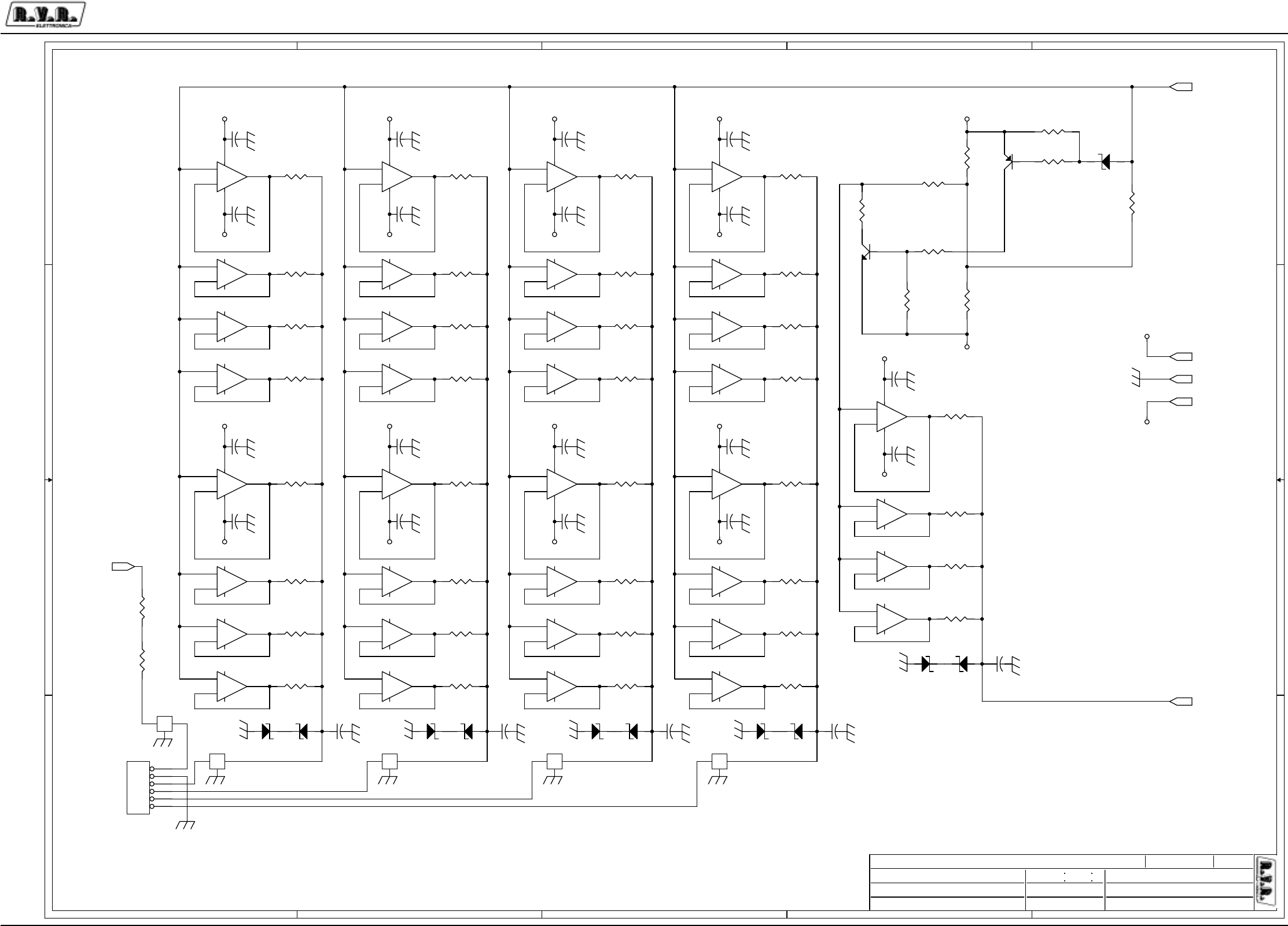
Appendix to the user manual - © 2003 R.V.R. Elettronica SpA - All rights reserved
PJ5KPS
3 / 5RF module CPU adapter/bias - SLADBSPJ5KPS2
5
5
4
4
3
3
2
2
1
1
D D
C C
B B
A A
PJ5000M
<Project Code>
3
Mauro Ucelli
Adattatore CPU per sezione BIAS
CSADBSPJ5KM2
<Path PC>
/BiasPJ5KMC
15/12/03
A32
1.2
1RPH3URJHWWR
$XWRUH &RGLFH3URJHWWR
1RPH3&LQ5HWH
)LOH&DUWHOOD
'DWD
5HYLVLRQH
&RGLFH
1RPH3DUWH
$XWRUL]]D]LRQH
3DJLQD 6L]HGL
-12V
+12V
-12V
+12V
-12V
-12V
+12V
+12V
-12V
-12V
+12V
+12V
-12V
-12V
+12V
+12V
-12V
+12V
-12V
+12V
+12V
-12V
R68 1k
D12
9V1SMD
C57
100n
+
-
U11D
TL074_SMD
12
13 14
R27 1k
+
-
U5A
TL074_SMD
3
21
11 4
R25
10k_1%
+
-
U12B
TL074_SMD
5
67
D11
9V1SMD
R56 1k
R59 1k
+
-
U5B
TL074_SMD
5
67
R34 1k
+
-
U5C
TL074_SMD
10
98
R50 1k
+
-
U13D
TL074_SMD
12
13 14
+
-
U5D
TL074_SMD
12
13 14
R40 1k
C44
100n
D6
12VSMD
+
-
U11A
TL074_SMD
3
21
11 4
R53 1k
C48
100n
R44 1k
R31
10k_1%
R62 1k
R47 1k
C54
100n
R24
4k7
C52
100n
R67 1k
R109
2k2
C59
100n
+
-
U11B
TL074_SMD
5
67
+
-
U13B
TL074_SMD
5
67
+
-
U10C
TL074_SMD
10
98
R52 1k
+
-
U8A
TL074_SMD
3
21
11 4
+
-
U10D
TL074_SMD
12
13 14
+
-
U13A
TL074_SMD
3
21
11 4
+
-
U8B
TL074_SMD
5
67
R55 1k
R23
4k7
+
-
U13C
TL074_SMD
10
98
+
-
U8C
TL074_SMD
10
98
R49 1k
R30
10k_1%
JP6
LUMBERG_6PV
1
2
3
4
5
6
+
-
U8D
TL074_SMD
12
13 14
+
-
U10A
TL074_SMD
3
21
11 4
C47
100n
R61 1k
D14
9V1SMD
+
-
U9A
TL074_SMD
3
21
11 4
R38
33k2_1%
C51
100n
R66 1k
+
-
U7A
TL074_SMD
3
21
11 4
D13
9V1SMD
+
-
U9B
TL074_SMD
5
67
R29 1k
+
-
U10B
TL074_SMD
5
67
R37
4k7
+
-
U7B
TL074_SMD
5
67
+
-
U9C
TL074_SMD
10
98
R36 1k
+
-
U7C
TL074_SMD
10
98
+
-
U9D
TL074_SMD
12
13 14
f
F5
DSS310
1 3
2
R42 1k
+
-
U7D
TL074_SMD
12
13 14
C62
1n
f
F4
DSS310
1 3
2
C53
100n
f
F3
DSS310
1 3
2
R46 1k
C46
100n
R26 1k
f
F2
DSS310
1 3
2
C58
100n
R33 1k
R58
2k7_1/2W
C56
100n
C50
100n
R39 1k
R64
2k7_1/2W
R48 1k
R43 1k
C61
100n
R28 1k
D7
9V1SMD
R54 1k
C63
1n
+
-
U12C
TL074_SMD
10
98
R35 1k
D8
9V1SMD
+
-
U6A
TL074_SMD
3
21
11 4
R60 1k
C64
1n
Q2
BC847BL
3
1
2
R32
10k_1%
+
-
U12D
TL074_SMD
12
13 14
R41 1k
Q1
BC857BL
3
1
2
+
-
U6B
TL074_SMD
5
67
R65 1k
C65
1n
R57 1k
R45 1k
+
-
U6C
TL074_SMD
10
98
C66
1n
R51 1k
C55
100n
+
-
U6D
TL074_SMD
12
13 14
D10
9V1SMD
+
-
U12A
TL074_SMD
3
21
11 4
D16
9V1SMD
C60
100n
C45
100n
D9
9V1SMD
R63 1k
D15
9V1SMD
+
-
U11C
TL074_SMD
10
98
f
F1
DSS310
13
2
C49
100n
OUT_MOS
BIAS_D
+12V
GND
-12V
V_DRV
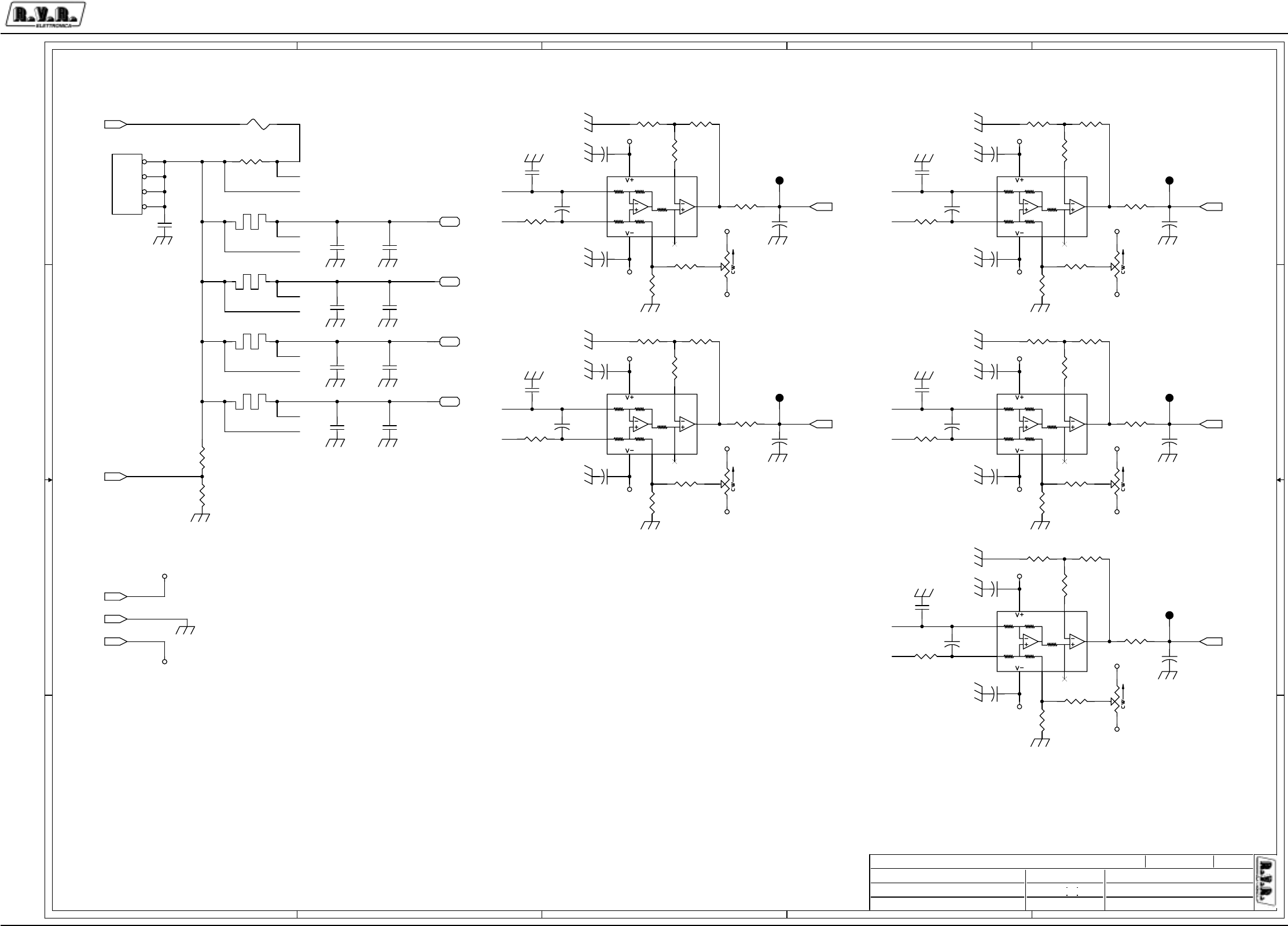
Appendix to the user manual - © 2003 R.V.R. Elettronica SpA - All rights reserved
PJ5KPS
4 / 5RF module CPU adapter/bias - SLADBSPJ5KPS2
5
5
4
4
3
3
2
2
1
1
D D
C C
B B
A A
40A
10A
10A
10A
10A
2A
10A
10A
10A
10A
PJ5000M
<Project Code>
3
Mauro Ucelli
Adattatore CPU per sezione BIAS
CSADBSPJ5KM2
<Path PC>
/BiasPJ5KMC
15/12/03
A33
1.2
1RPH3URJHWWR
$XWRUH &RGLFH3URJHWWR
1RPH3&LQ5HWH
)LOH&DUWHOOD
'DWD
5HYLVLRQH
&RGLFH
1RPH3DUWH
$XWRUL]]D]LRQH
3DJLQD 6L]HGL
I3-
I4-
ID+
I2+
I3+
I4-
I3-
ID-
I4+
I1+
ID-
I2-
I2-
I1+
I2+
I3+
I4+
ID+
I1-
I1-
+12V
-12V
+12V
-12V
+12V +12V
+12V
-12V
-12V
-12V
+12V +12V
-12V
-12V
+12V
-12V
-12V
+12V
-12V
+12V
+12V
-12V
R90 100_1%
R102 10k_1%
PD5
PAD10A
R95 100k
R105 100k
TR1
50k_T4S
1 3
2
R94
27k4_1/4W
R73 10k_1%
TR5
50k_T4S
1 3
2
R97
1k
R69 51_1%
C95
100n
C92
1n
R100 51_1%
R70 10k_1%
C70
1n_100V
C67
100n
U17
INA146
2
3
4 1 8
6
57
C78
100n
R96 100k
R104
100_1%
C88
4n7_100V
C100
100n
C72
1n
C81
680pHQ
C73
1n_100V
R86 51_1%
R76 100_1%
U18
INA146
2
3
4 1 8
6
57
C83
680pHQ
SH1 SHUNT2.5
R106
10_1%
C89
680pHQ
SH2 SHUNT2.5
R89 10k_1%
C75
1n
C76
4n7_100V
C96
100n
SH3 SHUNT2.5
R99
10_1%
SH4 SHUNT2.5
PD2
PAD10A
C85
100n
CN4
KRA4
1
2
3
4
C87
1n_100V
R103 100_1%
TR4
50k_T4S
1 3
2
U14
INA146
2
3
4 1 8
6
57
R101 10k_1%
R91 100_1%C91
1n
FS1
F2A_C
R93
100_1%
C69
1n_100V
R87 10k_1%
U15
INA146
2
3
4 1 8
6
57
C93
1n
C80
4n7_100V
TR2
50k_T4S
1 3
2
U16
INA146
2
3
4 1 8
6
57
R82
10_1%
R74 10k_1%
TR3
50k_T4S
1 3
2
R71 51_1%
R80 100k
R88 10k_1%
PD3
PAD10A
C77
680pHQ
C97
1n_100V
R72 10k_1%
R84 51_1%
C98
1n
C68
100n
R85 10k_1%
C79
100n
C86
1n_100V
R78
100_1%
C84
100n
TP2
TP
C71
1n
PD4
PAD10A
R83
10_1%
TP4
TP
C74
1n
C99
1n
C94
100n
TP3
TP
R79
100_1%
TP5
TP
C82
4n7_100V
R98
10_1%
TP6
TP
R77 100_1%
R75 0.1_5W
R92
100_1%
C90
1n
R81 100k
V_DRV
I_1
I_2 I_4
I_3
I_DRV
+12V
GND
-12V
VPA

Appendix to the user manual - © 2003 R.V.R. Elettronica SpA - All rights reserved
PJ5KPS
5 / 5RF module CPU adapter/bias - SLADBSPJ5KPS2
CSADBSPJ5KM2 Bill Of Materials Page1
Item Q.ty Reference Part
____________________________________________________________________________________________
1 1 CN1 PHOENIX6
2 2 CN3,CN2 KB4
3 1 CN4 KRA4
4 35 C1,C4,C5,C7,C8,C9,C14, 1n
C15,C20,C21,C22,C23,C24,
C25,C26,C30,C31,C39,C40,
C41,C62,C63,C64,C65,C66,
C71,C72,C74,C75,C90,C91,
C92,C93,C98,C99
5 18 C2,C10,C11,C12,C13,C16, 1n_100V
C17,C19,C28,C29,C35,C69,
C70,C73,C86,C87,C97,C101
6 2 C6,C3 27p_100V
7 31 C18,C27,C43,C44,C45,C46, 100n
C47,C48,C49,C50,C51,C52,
C53,C54,C55,C56,C57,C58,
C59,C60,C61,C67,C68,C78,
C79,C84,C85,C94,C95,C96,
C100
8 2 C36,C32 1000uF_35V
9 2 C33,C37 10uF_35V
10 3 C34,C38,C42 100uF_35V
11 4 C76,C80,C82,C88 4n7_100V
12 4 C77,C81,C83,C89 680pHQ
13 2 D3,D1 HSMS2800
14 2 D2,D17 BAV99
15 1 D4 WL04
16 1 D5 5V1SMD
17 1 D6 12VSMD
18 10 D7,D8,D9,D10,D11,D12,D13, 9V1SMD
D14,D15,D16
19 11 FIX1,FIX2,FIX3,FIX4,FIX5, FIX35
FIX6,FIX7,FIX8,FIX9,
FIX10,FIX11
20 1 FS1 F2A_C
21 5 F1,F2,F3,F4,F5 DSS310
22 3 JP1,JP2,JP3 STRIP20
23 1 JP4 FLAT16V
24 1 JP5 FLAT40V
25 1 JP6 LUMBERG_6PV
26 1 PD1 PIAZ2
27 4 PD2,PD3,PD4,PD5 PAD10A
28 1 Q1 BC857BL
29 1 Q2 BC847BL
30 2 R1,R2 10_1/4W
31 2 R3,R4 220
32 4 R5,R10,R107,R108 20k_1%
33 21 R6,R7,R8,R9,R19,R20,R22, 10k_1%
R25,R30,R31,R32,R70,R72,
R73,R74,R85,R87,R88,R89,
R101,R102
34 4 R11,R13,R15,R16 Rxx
35 1 R12 270k
36 2 R14,R38 33k2_1%
37 1 R17 RXE050
38 38 R18,R26,R27,R28,R29,R33, 1k
R34,R35,R36,R39,R40,R41,
R42,R43,R44,R45,R46,R47,
R48,R49,R50,R51,R52,R53,
R54,R55,R56,R57,R59,R60,
R61,R62,R63,R65,R66,R67,
R68,R97
39 11 R21,R76,R77,R78,R79,R90, 100_1%
R91,R92,R93,R103,R104
40 3 R23,R24,R37 4k7
41 2 R64,R58 2k7_1/2W
42 5 R69,R71,R84,R86,R100 51_1%
43 1 R75 0.1_5W
44 5 R80,R81,R95,R96,R105 100k
45 5 R82,R83,R98,R99,R106 10_1%
46 1 R94 27k4_1/4W
47 1 R109 2k2
48 4 SH1,SH2,SH3,SH4 SHUNT2.5
49 6 TP1,TP2,TP3,TP4,TP5,TP6 TP
50 5 TR1,TR2,TR3,TR4,TR5 50k_T4S
51 10 U1,U5,U6,U7,U8,U9,U10, TL074_SMD
U11,U12,U13
52 1 U2 LM7812/TO220_90B
53 1 U3 LM7912/TO220_90B
54 1 U4 LM50C_SMD
55 5 U14,U15,U16,U17,U18 INA146
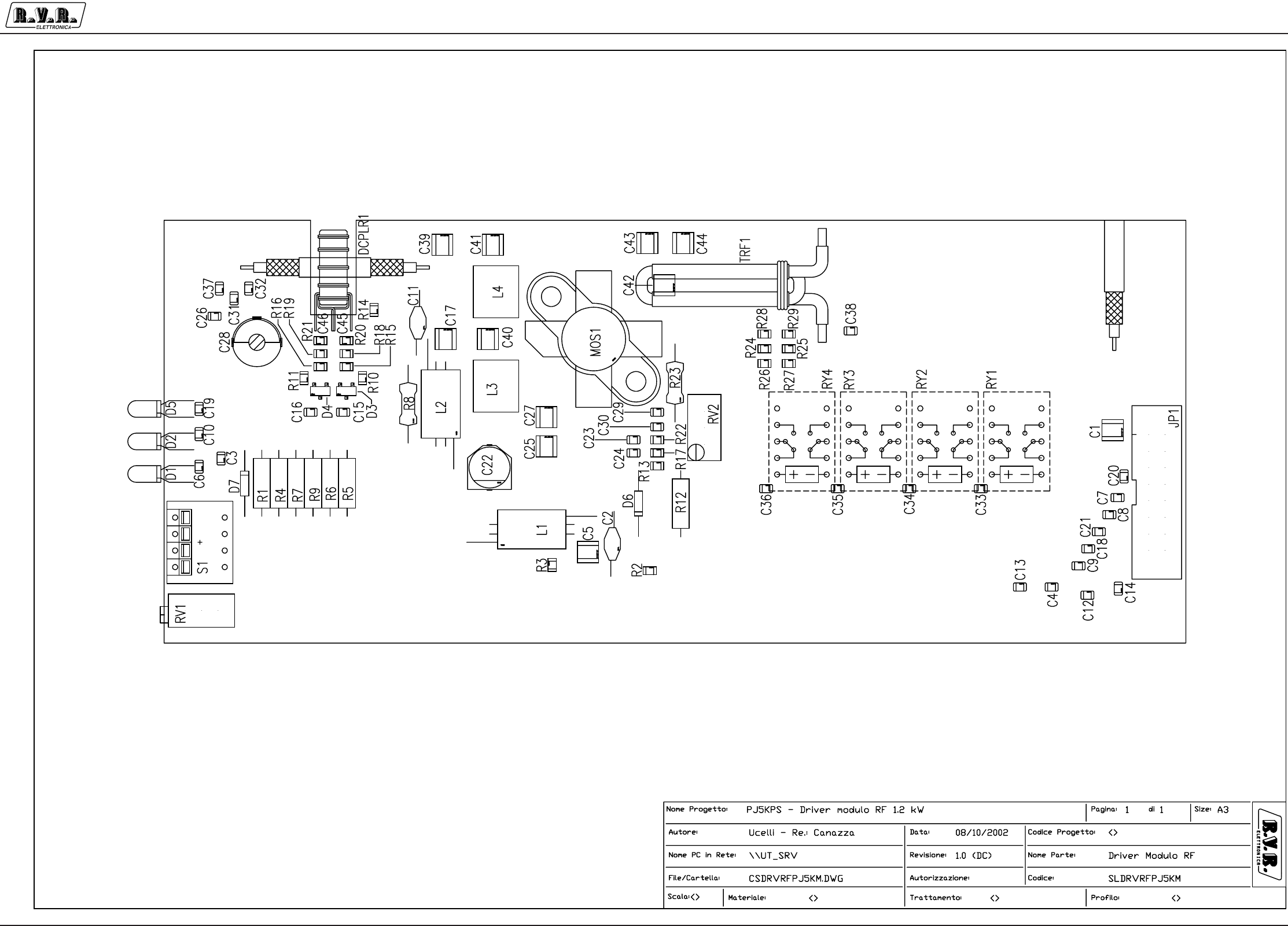
Appendix to the user manual - © 2002 R.V.R. Elettronica SpA - All rights reserved
PJ5KPS
1 / 3
RF module driver - SLDRVRFPJ5KM
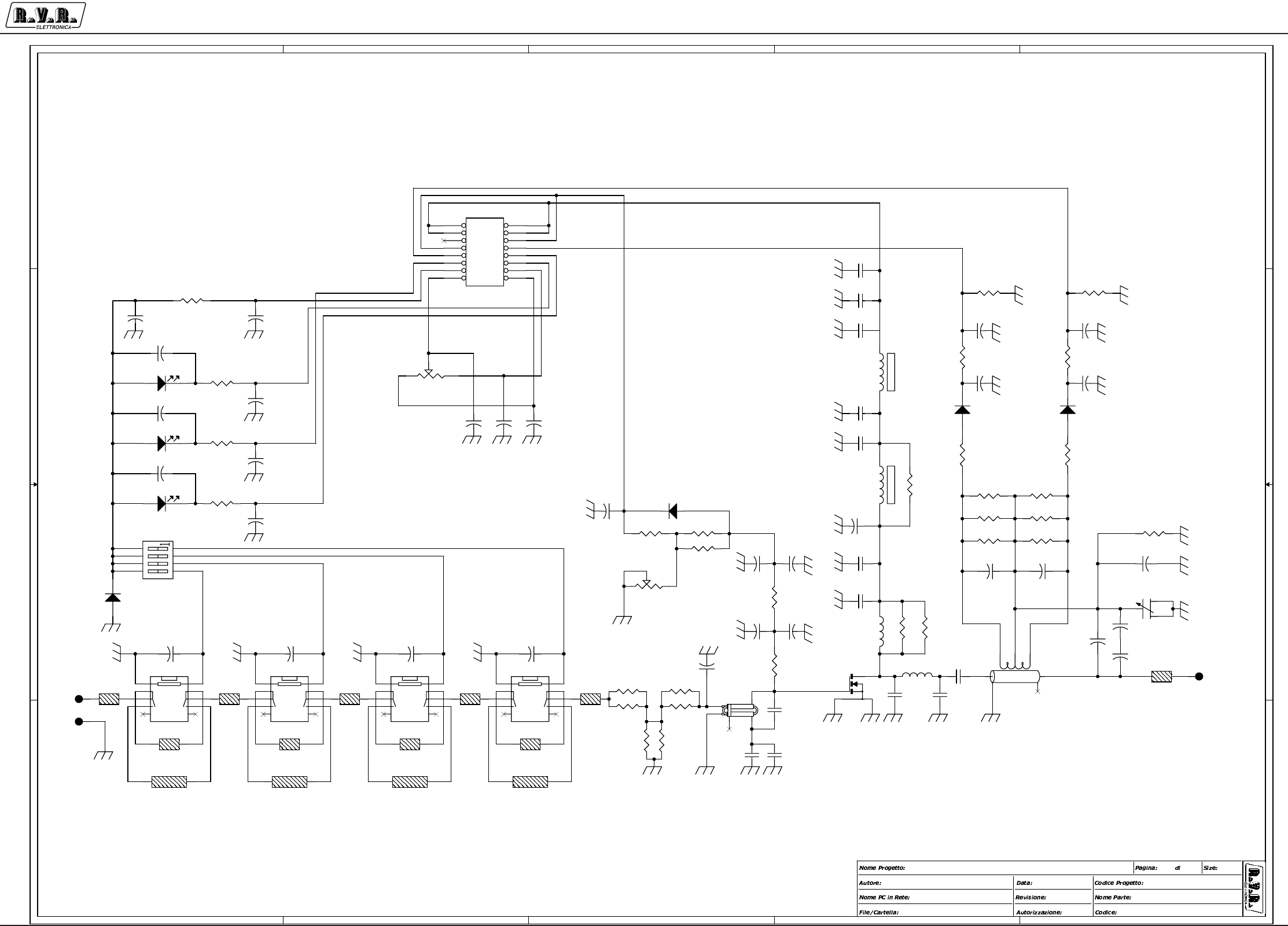
Appendix to the user manual - © 2002 R.V.R. Elettronica SpA - All rights reserved
PJ5KPS
2 / 3
RF module driver - SLDRVRFPJ5KM
5
5
4
4
3
3
2
2
1
1
D D
C C
B B
A A
FORWARD POWER
REFLECTED POWER
BIAS
VPA
\\UT_SRV
RF Driver 1KW Unit
CSDRVRFPJ5KM
1.0
PJ5000MC - Driver modulo 1.2 kW
<>
DRIVER1KW.DSN
Mauro Ucelli 07/06/01
11A3
C46
47p
R27 1
TL14
Z50_E1.5
C40
Cxx
TP2
RF_INP
C4
4n7
cw
RV1
20k
C8
4n7
TP3
RF_GND R28
470
C36
4n7
+
-
RY2
RLTQ2A
1
2
3
4
56
7
8
9
10
C41
22p_HQ
C9
4n7
R29
Rxx
TL8
Z50_E1.5
C44
680p_HQ
TRF1
IN_MATCH
1
2
3
4 5
TL2
Z50
TL1
Z50
MOS1
BLF175
32
1
4
TL12
Z50_E6
C26 Cxx
R8
22_1W
DCPLR1
DIR_CPLR
1
2
3
4
7
6
5
C30
4n7
TP1
RF_OUT
C34
4n7
D1
R_LED-G3
C38
10p_CC
C29
4n7
R11
27
C14
4n7
C6
4n7
R2 10k
C39
680p_HQ
R10
27
R4 1k_1/4W
R22
470
C42
270p_CC
+
-
RY3
RLTQ2A
1
2
3
4
56
7
8
9
10
D7
1N4004
+
C22
33uF_63V
TL9
Z50_E1.5
L3
6_W
C5
680p_HQ
TL3
Z50
L4
4_W
TL13
Z50_E3
C2
100n_63V
C35
4n7
C33
4n7
R21 Rxx
C18
4n7
R23
6.8_1/4W
C12
4n7
R19 150
L1
VK200
C43
680p_HQ
C7
4n7
TL4
Z50
R5
1k_1/4W
R16 150
C17
680p_HQ
D3
HSMS2800
C3
4n7
JP1
FLATT_16PP
12
34
56
78
910
11 12
13 14
15 16
R6
1k_1/4W
R20 Rxx
D4
HSMS2800
TL6
Z50
R18 150
D5
G_LED-G3
R15 150
R3 10k
C19
4n7
cw
RV2
500
C28
2/20p
31
2
D6 1N4004
C11
100n_63V
C16
4n7
+
-
RY1
RLTQ2A
1
2
3
4
56
7
8
9
10
R9 1k_1/4W C20
4n7
C27
680p_HQ
R12
680_1/4W
C37
Cxx
D2
Y_LED-G3
C15
4n7
C25
680p_HQ
C10
4n7
TL7
Z50_E1.5
L2
VK200
R30
1k5_2W
TL11
Z50_E12
C21
4n7
R31
1k5_2W
C31
Cxx
R7 1k_1/4W
C1
680p_HQ
TL5
Z50
R13 2k2
C32
1p
R17 2k2
S1
76PRB04
1
2
3
4
8
7
6
5
R14 1k
R24 Rxx
C24
4n7
R26 1
+
-
RY4
RLTQ2A
1
2
3
4
56
7
8
9
10
R1 10_1/4W
C45
47p
C23
4n7
R25 Rxx
TL10
Z50_E1.5
C13
4n7

Appendix to the user manual - © 2002 R.V.R. Elettronica SpA - All rights reserved
PJ5KPS
3 / 3
RF module driver - SLDRVRFPJ5KM
CSDRVRFPJ5KM Bill Of Materials Page1
Item Q.ty Reference Part
____________________________________________________________________________________________
1 8 C1,C5,C17,C25,C27,C39, 680p_HQ
C43,C44
2 2 C11,C2 100n_63V
3 24 C3,C4,C6,C7,C8,C9,C10, 4n7
C12,C13,C14,C15,C16,C18,
C19,C20,C21,C23,C24,C29,
C30,C33,C34,C35,C36
4 1 C22 33uF_63V
5 4 C26,C31,C37,C40 Cxx
6 1 C28 2/20p
7 1 C32 1p
8 1 C38 10p_CC
9 1 C41 22p_HQ
10 1 C42 270p_CC
11 2 C45,C46 47p
12 1 DCPLR1 DIR_CPLR
13 1 D1 R_LED-G3
14 1 D2 Y_LED-G3
15 2 D3,D4 HSMS2800
16 1 D5 G_LED-G3
17 2 D7,D6 1N4004
18 1 JP1 FLATT_16PP
19 2 L2,L1 VK200
20 1 L3 6_W
21 1 L4 4_W
22 1 MOS1 BLF175
23 1 RV1 20k
24 1 RV2 1K
25 4 RY1,RY2,RY3,RY4 RLTQ2A
26 1 R1 10_1/4W
27 2 R2,R3 10k
28 5 R4,R5,R6,R7,R9 1k_1/4W
29 1 R8 22_1W
30 2 R11,R10 27
31 1 R12 680_1/4W
32 2 R13,R17 2k2
33 1 R14 1k
34 4 R15,R16,R18,R19 150
35 5 R20,R21,R24,R25,R29 Rxx
36 2 R22,R28 470
37 1 R23 6.8_1/4W
38 2 R26,R27 1
39 2 R31,R30 1k5_2W
40 1 S1 76PRB04
41 6 TL1,TL2,TL3,TL4,TL5,TL6 Z50
42 5 TL7,TL8,TL9,TL10,TL14 Z50_E1.5
43 1 TL11 Z50_E12
44 1 TL12 Z50_E6
45 1 TL13 Z50_E3
46 1 TP1 RF_OUT
47 1 TP2 RF_INP
48 1 TP3 RF_GND
49 1 TRF1 IN_MATCH
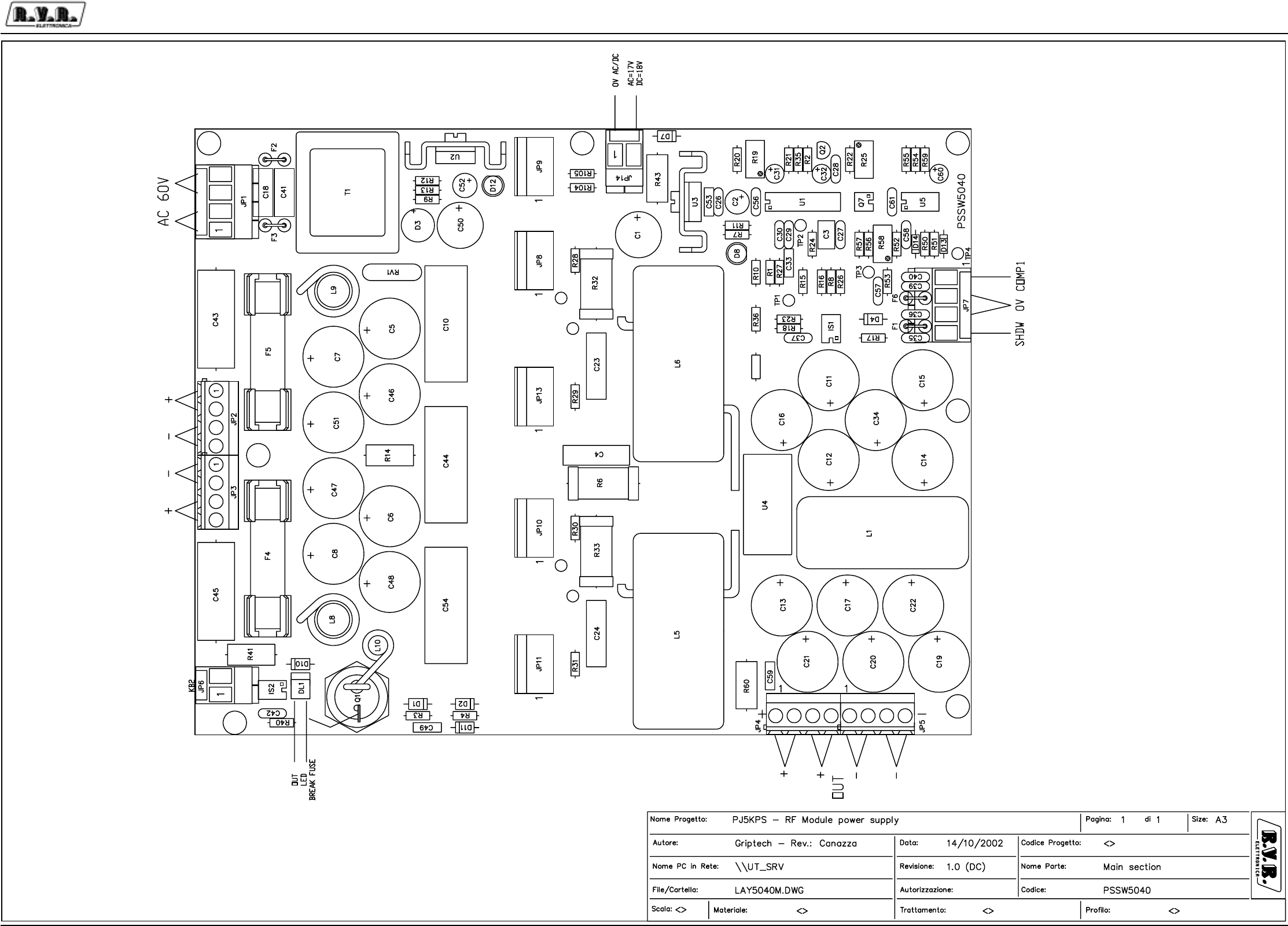
Appendix to the user manual - © 2003 R.V.R. Elettronica SpA - All rights reserved
PJ5KPS
1 / 5RF Module switching power supply - PSSW5040
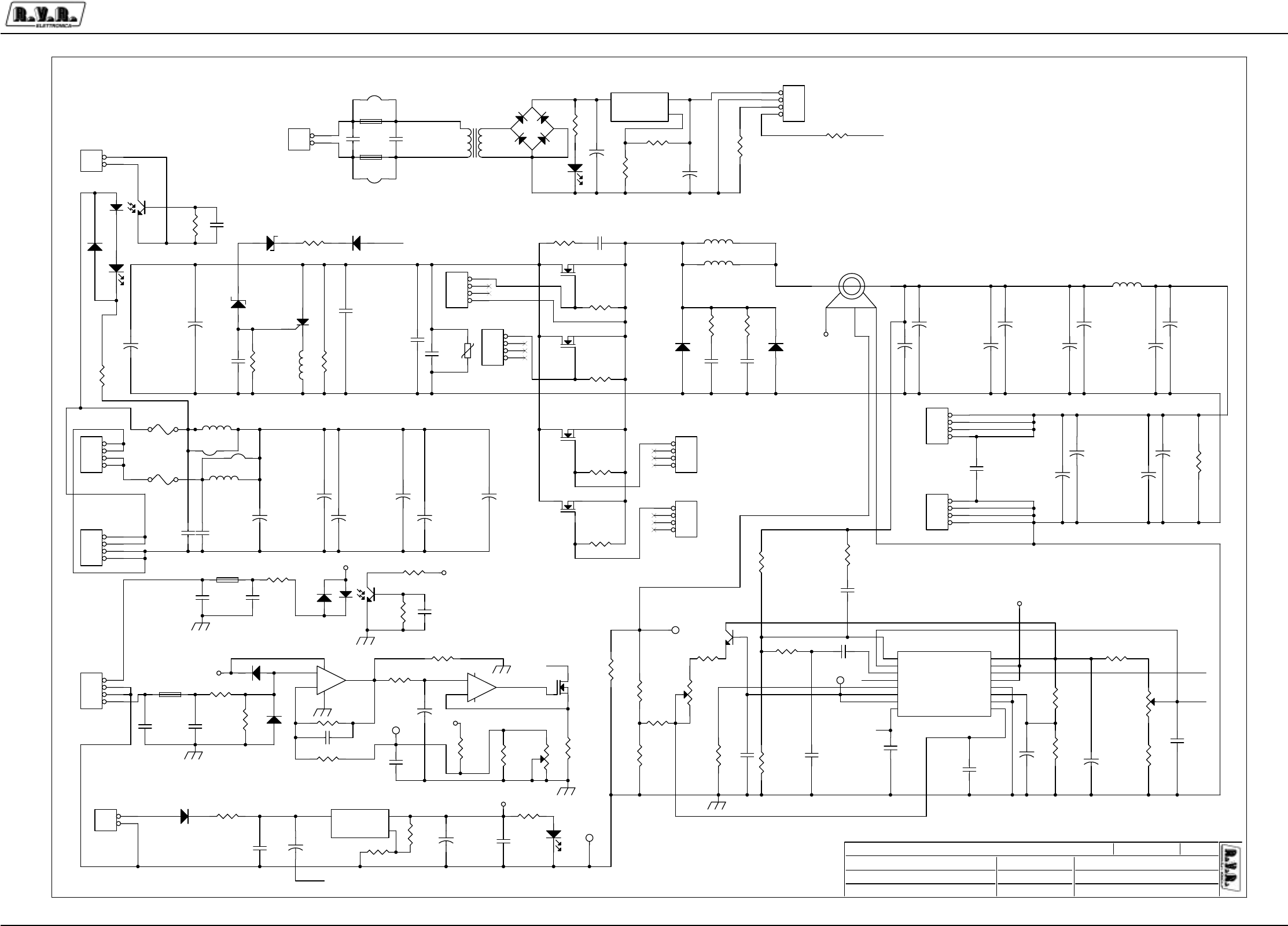
Appendix to the user manual - © 2003 R.V.R. Elettronica SpA - All rights reserved
PJ5KPS
2 / 5RF Module switching power supply - PSSW5040
SLP.COMP.
ADJ.
50KHZ
VOLTAGE
1V
TP3=1,6V R56=13K3 R57=1K6
INIBIT
PER VOUT 24V R21=3K52 R20=1K0
TP3= 1.6V
\\UT_SRV
MAIN BOARD
PSSW5040
1.1 (D.C.)
PJ5KPS - RF module power supply
PJ5000MC_Code
PS5040.DSN
Mauro Ucelli 15/12/03
11Custom
1RPH3URJHWWR
$XWRUH &RGLFH3URJHWWR
1RPH3&LQ5HWH
)LOH&DUWHOOD
'DWD
5HYLVLRQH
&RGLFH
1RPH3DUWH
$XWRUL]]D]LRQH
3DJLQD 6L]HGL
SS
VOUT
POS
PWM
SS
PWM
VOUT
POS
NEG
VADJ
VADJ
NEG
NEG
VOUT
DG3
VCC
VCC
VCC
VCC
VCC
VCC
VCC
R18
1M
+
C13
EKE1000/63
R41
4K7/2W
C4
MKP1nF/600
C27
CM1UF
+
C32
CT1/16
+
C11
EKE1000/63
R8
80R2
D13
1N4148
R29
5K62
U1
UC3823
1
2
3
4
5
6
7
8
16
15
14
13
12
11
0
9
INV.
N.I.
E/A OUT
CLK
RT
CT
RAMP
S.START
VREF
VCC
OUT
VC
PWRGND
ILMREF
GND
ILS.D.
R44
NC
JP1
PHOENIX2
1
2
+
C17
EKE1000/63
+
-
U5B
LM358
5
67
R32
10R/4W
+
C48
EKE470/100
R25
87W-2K
R23
2M7
Q4
IRFP250
D14
1N4148
Q2
BC237
F1
BL02
R12
237R
JP13
MOLEX4
1
2
3
4
JP5
KRA4
1
2
3
4
F5
FF25A
+
C21
EKE1000/63
IS1
4N26
12
54
6
R14
22K/1W
C59
CP.1UF
+
C14
EKE1000/63
JP4
KRA4
1
2
3
4
R40
NC
C3
4n7UF
2.5%
F3
NC
R21 2K49
F6
BL02
+
C19
EKE1000/63
D11 1N4004
+
C31
CT1/16
Q6
IRFP250
+
C1
470uF/40
R50
20K0
D8
LED V
D12
LED V
R11
2K61
R33
10R/4W
R17
1K
R55
180R
+
C51
EKE470/100
+
C46
EKE470/100
R31
5K62
Q5
IRFP250
JP7
KB4
1
2
3
4
C24
MKP1nF/600
C37
CM.1UF
R36
47K5
D4
1N4004
+
C8
EKE470/100
+
C52
47UF/25
C57
CM.1UF
+
C16
EKE1000/63
TP1
TP
R19
87W-500R
C44
MKP-1UF/250
TP4
TP
D1
27V/1W
R60
10K/1W
R54
1K 5%
C28
CM100pF
L9
NC
C42
NC
C36
CM100PF
R15
150R
R51
40K2
U2
LM317
3 2
1
VIN VOUT
ADJ
C35
CM100PF
U3
LM317
3 2
1
VIN VOUT
ADJ
R1
2K49
+
C34
EKE1000/63
L10
BFV0710
JP10
MOLEX4
1
2
3
4
R104
820R
R53
20K0
TP3
TP
D7
1N4004
D6
HFA50PA60C
+
C22
EKE1000/63
D5
HFA50PA60C
-+
D3
WL02
JP6
NC
1
2
+
C15
EKE1000/63
R3
100R
TP2
TP
L1
BFT0740
C10
MKP-1UF/250
C49
CP.22UF RV1
V120ZA6
R24
6k81
R57
68R 5%
C30
CM.1UF
+
C47
EKE470/100
R7
237R
R13
2K61
+
C50
470UF/40
JP3
KRA4
1
2
3
4
R16
392R
+
-
U5A
LM358
3
21
84
L5 130uH
R28 5K62
-
V0
+
U4
HTM50
1 2
3
5
4
R10
3K3
R30 5K62
C23
MKP1nF/600
F2
NC
JP11
MOLEX4
1
2
3
4
C33
CP10KPF
L8
NC
R52
40K2
R20
2K0
Q3
IRFP250
C41
NC
C54
MKP-1UF/250
+
C12
EKE1000/63
D2
30V/1W
+
C7
EKE470/100
+
C2
100UF/25
+
C60
2.2UF/16
R2
4K02
C18
NC
T1
15V
JP2
KRA4
1
2
3
4
JP14
PHOENIX2
1
2
R35
1K0
R9
3K3
+
C20
EKE1000/63
+
C6
EKE470/100
C40
100PF
C55
CM
L6 130uH
R43
22R/1W
R56
13K3
C43
NC
R59
820R
C29
CM1KpF
R105
820R
DL1
LED R
R26
1K0
+
C5
EKE470/100
C39
100PF
C26
CM.1UF
IS2
NC
12
54
6
R4
100R
R27
22K
Q1
50RIA20
F4
FF25A
D10
NC
C53
CP.1UF
C45
NC
C58 100PF
Q7
IRFD120
R6
10R/4W
R22
5K11
JP8
MOLEX4
1
2
3
4
R58
87W-10K
JP9
MOLEX4
1
2
3
4
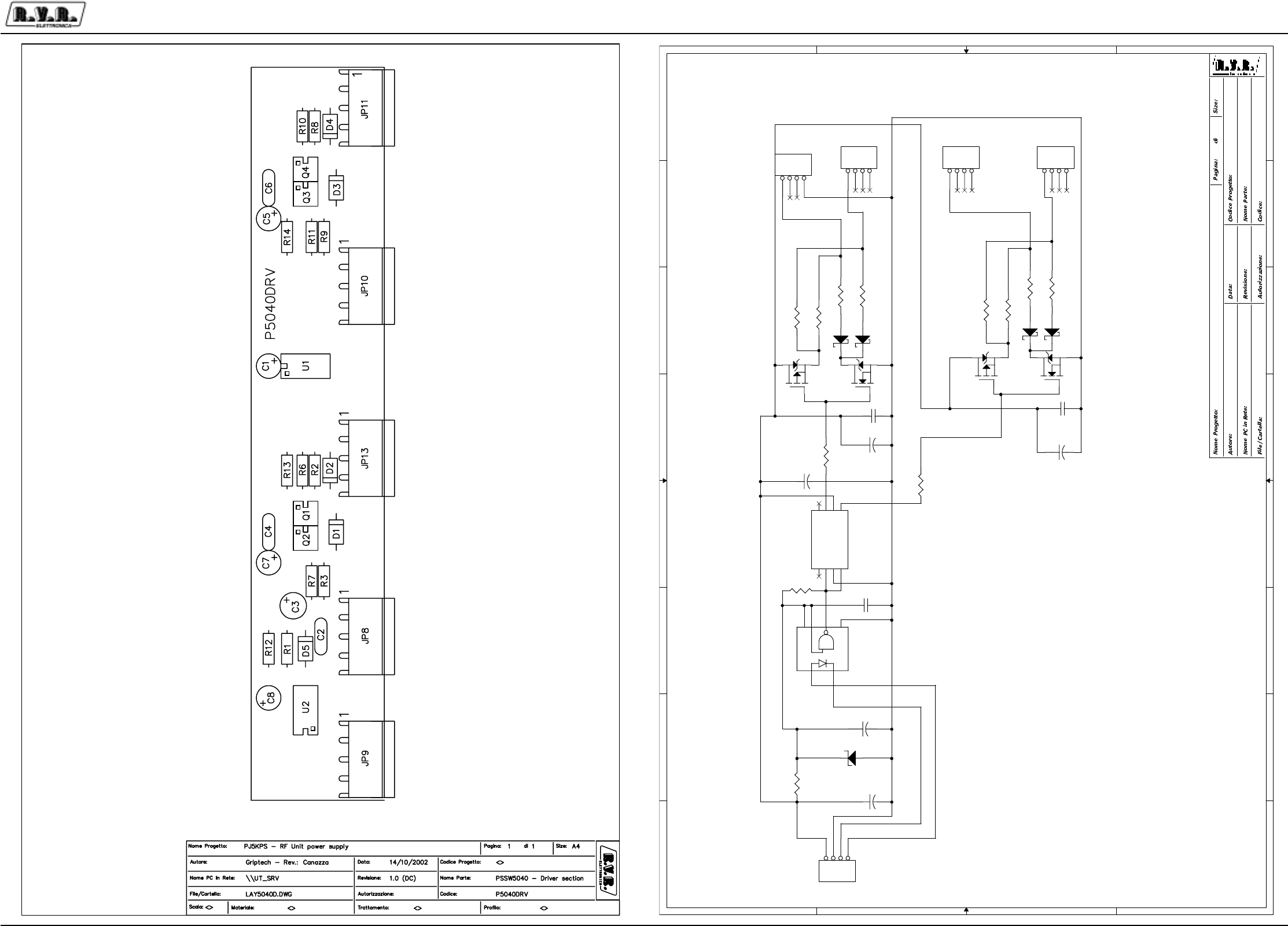
Appendix to the user manual - © 2003 R.V.R. Elettronica SpA - All rights reserved
PJ5KPS
3 / 5RF Module switching power supply - PSSW5040
8
8
7
7
6
6
5
5
4
4
3
3
2
2
1
1
D
D
C
C
B
B
A
A
DG1
DG2
PJ
5KPS - RF module power supply
<>
1
Griptech - Re
v.: Canazza
D
river section
PSSW5040
\\UT_SRV
P5040D
RV.DSN
14/10/2002
A3
1
1.0 (DC)
DG3
DG4
R11
10R
R13
14R7
R14
14R7
+
C1
CE1/25
C6
CD.1UF
C4
CD.1UF
R12
470R
D5
5V1/0.5W
C2
CM.1UF
Q1
IRFD120
2
1
3
+
C3
CE1/25
+
C8
CE1/25
JP8
molex4
1
2
3
4
JP13
molex4
1
2
3
4
JP10
molex4
1
2
3
4
JP11
molex4
1
2
3
4
Q3
IRFD9120
2
1
3
JP9
MO
LEX4
1
2
3
4
Q3
IRFD9120
2
1
3
+
C5
CE1/25
+
C7
CE1/25
Q1
IRFD120
2
1
3
R1
390R
D1
11DQ04
D2
11DQ04
R2
4R99
U1
TC427
1
2
3
4
8
7
6
5
NC
INA
GND
INB
NC
OUTA
VDD
OUTB
R3
4R99
R6
10R
R7
10R
V+
V-
U2
HCPL2611
8
5
7
6
3
2
D3
11DQ04
D4
11DQ04
R8
4R99
R9
4R99
R10
10R
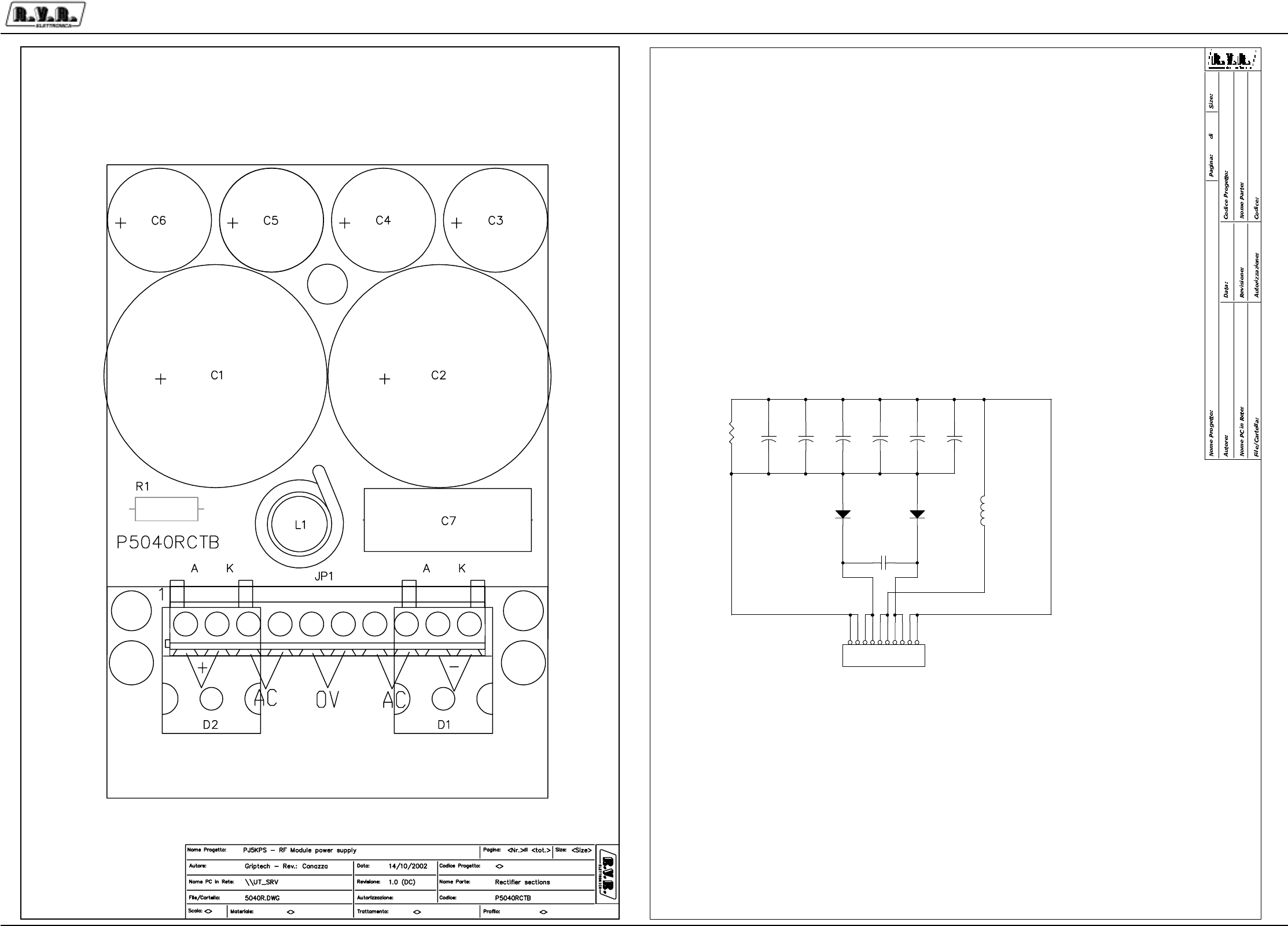
Appendix to the user manual - © 2003 R.V.R. Elettronica SpA - All rights reserved
PJ5KPS
4 / 5RF Module switching power supply - PSSW5040
AC
0V
AC
-
+
PJ5
KPS - RF module power supply
<>
1
Griptech - Rev
.: Canazza
Rect
ifier section
P5040RCTB
\\UT_SRV
P504
0RCT.DSN
14/10/2002
A3
1
1.0 (DC)
JP1
KRA10
1
2
3
4
5
6
7
8
9
10
L1
BFV0720
D2
40EPS08
D1
40EPS08
C7
CA1/250
+
C1
EYS4700/100
+
C2
EYS4700/100
+
C3
EKE470/100
+
C4
EKE470/100
+
C5
EKE470/100
+
C6
EKE470/100
R1
22K

Appendix to the user manual - © 2003 R.V.R. Elettronica SpA - All rights reserved
PJ5KPS
5 / 5RF Module switching power supply - PSSW5040
PSSW5040 Bill Of Materials Page1
Item Q.ty Reference Part
__________________________________________________________________________________________
1 2 Q7, Q1 IRFD120
2 4 Q3, Q4, Q5, Q6 IRFP250
3 1 Q3 IRFD9120
4 5 C1,C3,C5,C7,C8 CE1/25
5 2 C1,C2 EYS4700/100
6 2 C1,C50 470UF/40
7 5 C2,C26,C30,C37,C57 CM.1UF
8 1 C2 100UF/25
9 1 C3 4n7UF
10 10 C3,C4,C5,C6,C7,C8,C46, EKE470/100
C47,C48,C51
11 2 C6,C4 CD.1UF
12 3 C4,C23,C24 MKP1nF/600
13 1 C7 CA1/250
14 3 C10,C44,C54 MKP-1UF/250
15 12 C11,C12,C13,C14,C15,C16, EKE1000/63
C17,C19,C20,C21,C22,C34
16 11 IS2,F2,F3,L8,L9,D10,C18, NC
R40,C42,R44,C45
17 1 C27 CM1UF
18 3 C28,C35,C36 CM100PF
19 1 C29 CM1KpF
20 2 C32,C31 CT1/16
21 1 C33 CP10KPF
22 3 C39,C40,C58 100PF
23 3 JP6,C41,C43 NC
24 1 C49 CP.22UF
25 1 C52 47UF/25
26 2 C53,C59 CP.1UF
27 1 C55 CM
28 1 C60 2.2UF/16
29 1 DL1 LED R
30 2 D2,D1 40EPS08
31 1 D1 27V/1W
32 4 D1,D2,D3,D4 11DQ04
33 1 D2 30V/1W
34 1 D3 WL02
35 3 D4,D7,D11 1N4004
36 1 D5 5V1/0.5W
37 2 D6,D5 HFA50PA60C
38 2 D12,D8 LED V
39 2 D14,D13 1N4148
40 2 F6,F1 BL02
41 2 F4,F5 FF25A
42 1 IS1 4N26
43 1 JP1 KRA10
44 2 JP1,JP14 PHOENIX2
45 4 JP2,JP3,JP4,JP5 KRA4
46 1 JP7 PHOENIX4
47 5 JP8,JP9,JP10,JP11,JP13 MOLEX4
48 1 JP12 JUMPER2
49 1 L1 BFT0740
50 1 L1 BFV0720
51 2 L6,L5 130uH
52 1 L10 BFV0710
53 1 Q1 50RIA20
54 1 Q2 BC237
55 1 RV1 V120ZA6
56 1 R1 22K
57 1 R1 390R
58 2 R21,R1 2K49
59 1 R2 4K02
60 4 R2,R3,R8,R9 4R99
61 2 R3,R4 100R
62 4 R6,R7,R10,R11 10R
63 3 R6,R32,R33 10R/4W
64 2 R12,R7 237R
65 1 R8 80R2
66 2 R9,R10 3K3
67 2 R11,R13 2K61
68 1 R12 470R
69 2 R13,R14 14R7
70 1 R14 22K/1W
71 1 R15 150R
72 1 R16 392R
73 1 R17 1K
74 1 R18 1M
75 1 R19 87W-500R
76 1 R20 2K0
77 1 R22 5K11
78 1 R23 2M7
79 1 R24 6k81
80 1 R25 87W-2K
81 2 R26,R35 1K0
82 1 R27 22K
83 4 R28,R29,R30,R31 5K62
84 1 R36 47K5
85 1 R41 4K7/2W
86 1 R43 22R/1W
87 2 R50,R53 20K0
88 2 R51,R52 40K2
89 1 R54 1K 5%
90 1 R55 180R
91 1 R56 13K3
92 1 R57 68R 5%
93 1 R58 87W-10K
94 3 R59,R104,R105 820R
95 1 R60 10K/1W
96 4 TP1,TP2,TP3,TP4 TP
97 1 T1 15V
98 1 U1 UC3823
99 1 U1 TC427
100 2 U3,U2 LM317
101 1 U2 HCPL2611
102 1 U4 HTM50
103 1 U5 LM358
