Dongguan Longjing Electronic LJ-001 Bluetooth earphone User Manual

Dongguan Longjing Electronic Co., Ltd Bluetooth earphone Users Manual

Users Manual

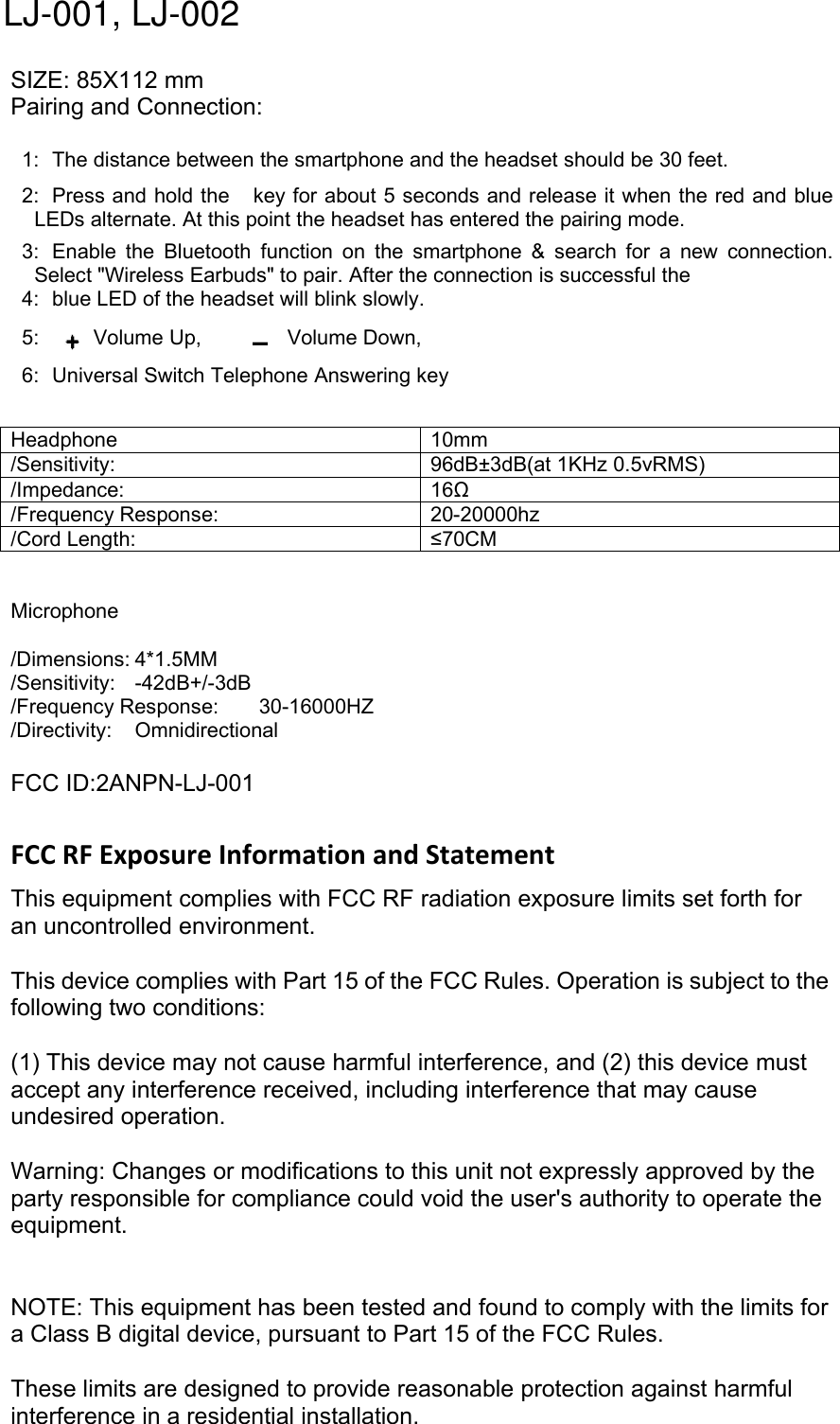
SIZE: 85X112 mmPairing and Connection:1: The distance between the smartphone and the headset should be 30 feet.2: Press and hold the key for about 5 seconds and release it when the red and blueLEDs alternate. At this point the headset has entered the pairing mode.3: Enable the Bluetooth function on the smartphone & search for a new connection.Select "Wireless Earbuds" to pair. After the connection is successful the4: blue LED of the headset will blink slowly.5: Volume Up, Volume Down,6: Universal Switch Telephone Answering keyHeadphone 10mm/Sensitivity: 96dB±3dB(at 1KHz 0.5vRMS)/Impedance: 16Ω/Frequency Response: 20-20000hz/Cord Length: ≤70CMMicrophone/Dimensions: 4*1.5MM/Sensitivity: -42dB+/-3dB/Frequency Response: 30-16000HZ/Directivity: OmnidirectionalFCC ID:2ANPN-LJ-001FCC RF Exposure Information and StatementThis equipment complies with FCC RF radiation exposure limits set forth foran uncontrolled environment.This device complies with Part 15 of the FCC Rules. Operation is subject to thefollowing two conditions:(1) This device may not cause harmful interference, and (2) this device mustaccept any interference received, including interference that may causeundesired operation.Warning: Changes or modifications to this unit not expressly approved by theparty responsible for compliance could void the user's authority to operate theequipment.NOTE: This equipment has been tested and found to comply with the limits fora Class B digital device, pursuant to Part 15 of the FCC Rules.These limits are designed to provide reasonable protection against harmfulinterference in a residential installation.LJ-001, LJ-002
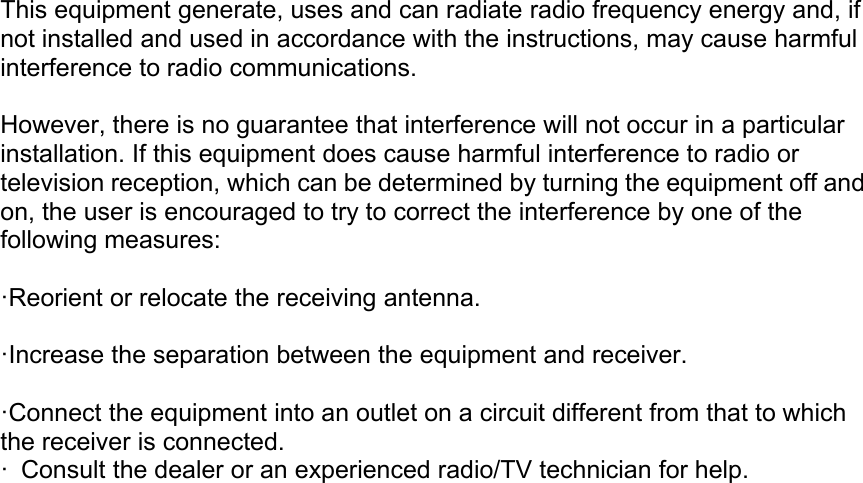
This equipment generate, uses and can radiate radio frequency energy and, ifnot installed and used in accordance with the instructions, may cause harmfulinterference to radio communications.However, there is no guarantee that interference will not occur in a particularinstallation. If this equipment does cause harmful interference to radio ortelevision reception, which can be determined by turning the equipment off andon, the user is encouraged to try to correct the interference by one of thefollowing measures:·Reorient or relocate the receiving antenna.·Increase the separation between the equipment and receiver.·Connect the equipment into an outlet on a circuit different from that to whichthe receiver is connected.· Consult the dealer or an experienced radio/TV technician for help.

Navigation menu