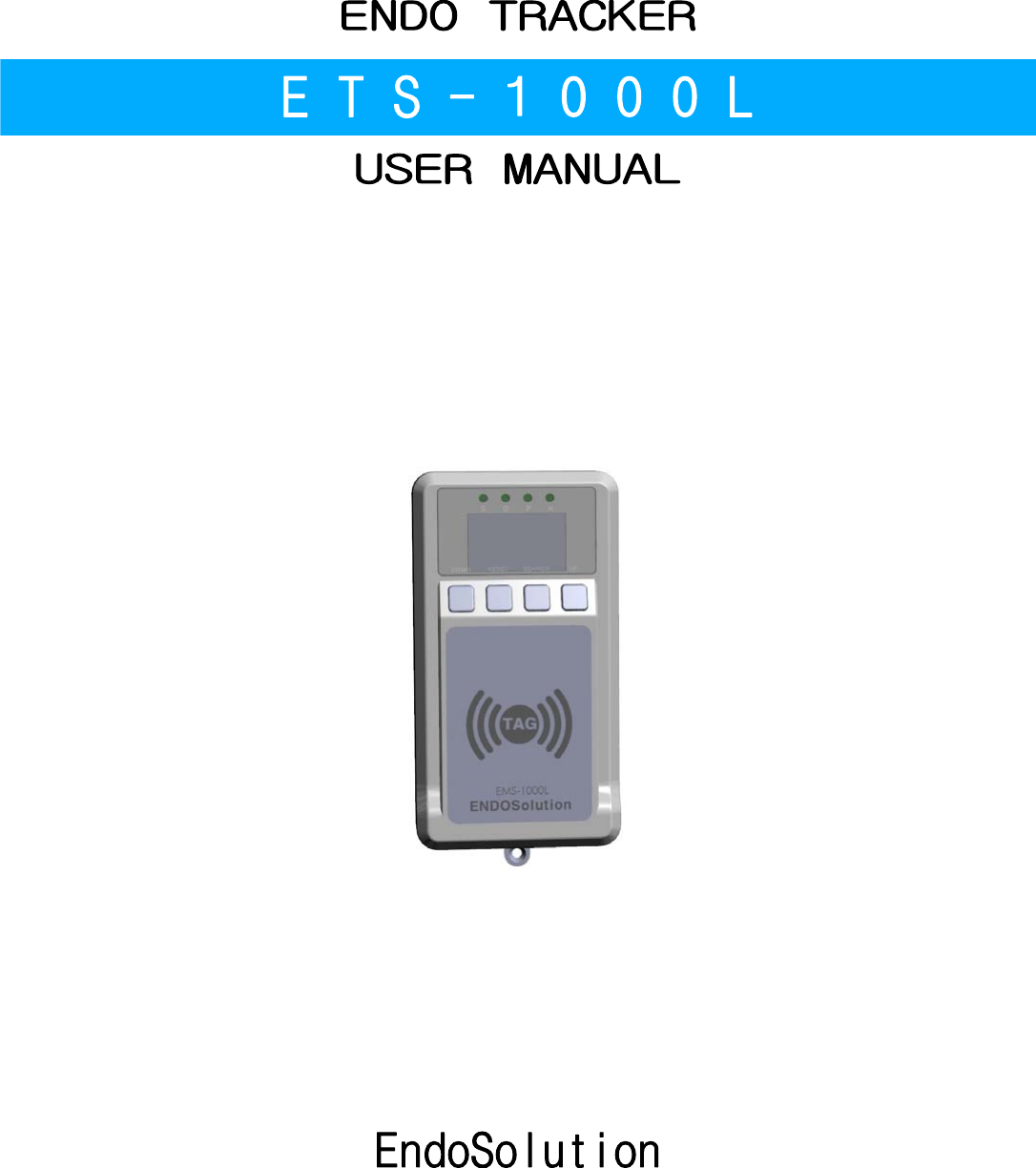
EndoSolution ETS-1000L ENDO TRACKER User Manual

EndoSolution ENDO TRACKER Users Manual

Users Manual

ENDO TRACKERE T S - 1 0 0 0 LUSER MANUALEndoSolution
-  2  -< Contents >1. Notes before use 3    1-1. (Warning) Related to power adapter 3    1-2. (Warning) Prohibited requirements for the prevention of invasive 3    1-3. (Caution) About general use 32. The name of each part 33. H/W Diagram 44. How to use 4    4-1. Power Connection 4    4-2. System settings using mobile phone apps 5    4-3. install 5    4-4. How to use in the laboratory 5    4-5. How to use in the disinfecting room 6    4-6. How to use in the  storage room 6    4-7. How to use in the administration Office 65. Care and Storage 76. Product Specifications 7
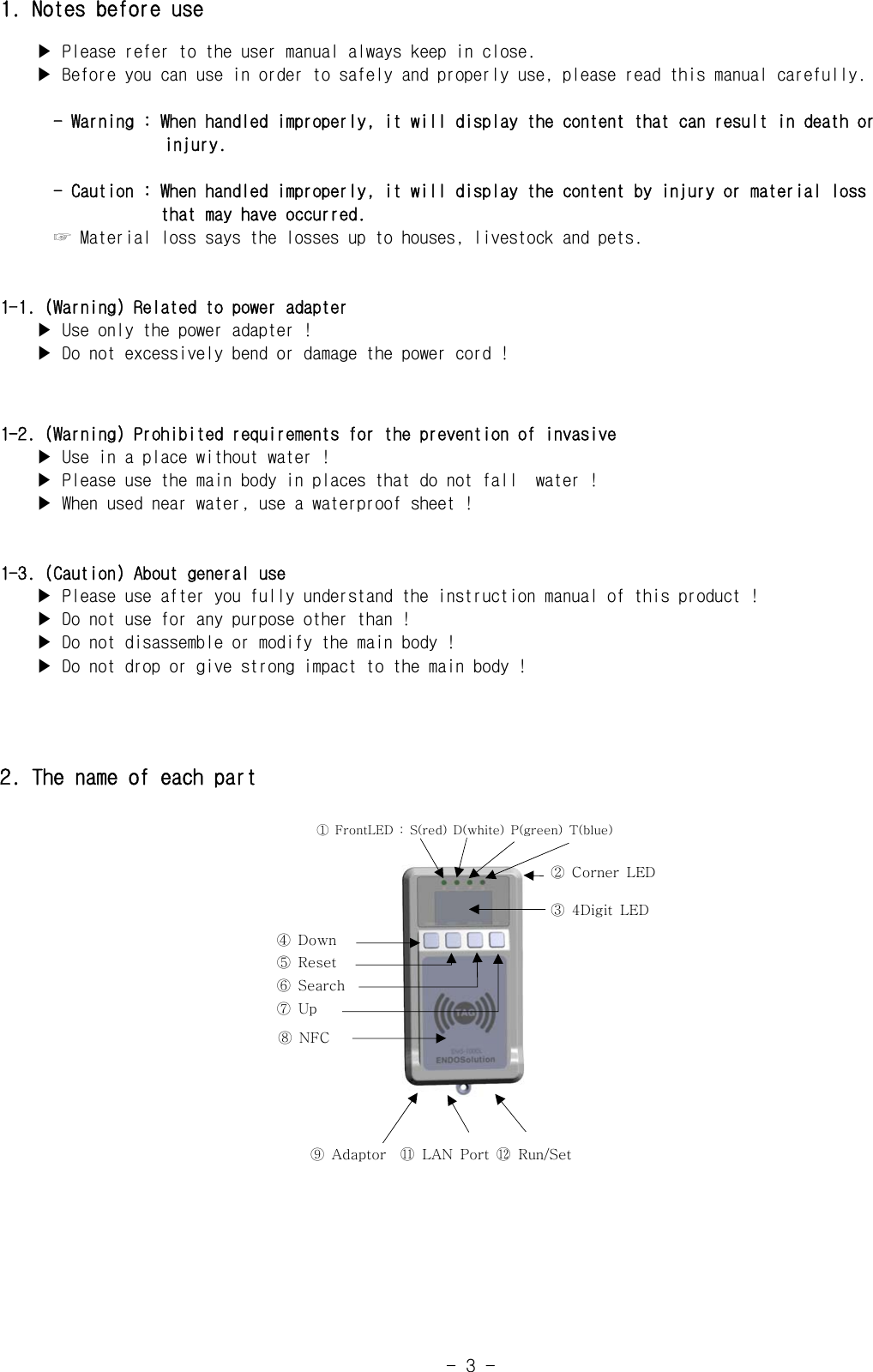
-  3  -1. Notes before use    ▶ Please refer to the user manual always keep in close.    ▶ Before you can use in order to safely and properly use, please read this manual carefully.      - Warning : When handled improperly, it will display the content that can result in death or                     injury.      - Caution : When handled improperly, it will display the content by injury or material loss                     that may have occurred.      ☞ Material loss says the losses up to houses, livestock and pets.1-1. (Warning) Related to power adapter    ▶ Use only the power adapter !    ▶ Do not excessively bend or damage the power cord !1-2. (Warning) Prohibited requirements for the prevention of invasive    ▶ Use in a place without water !    ▶ Please use the main body in places that do not fall  water !    ▶ When used near water, use a waterproof sheet !1-3. (Caution) About general use    ▶ Please use after you fully understand the instruction manual of this product !    ▶ Do not use for any purpose other than !    ▶ Do not disassemble or modify the main body !    ▶ Do not drop or give strong impact to the main body !2. The name of each part①  FrontLED  :  S(red)  D(white)  P(green)  T(blue)④  Down⑤  Reset⑥  Search⑦  Up⑧  NFC②  Corner  LED③  4Digit  LED⑨  Adaptor    󰊉󰊓 LAN Port 󰊉󰊔 Run/Set
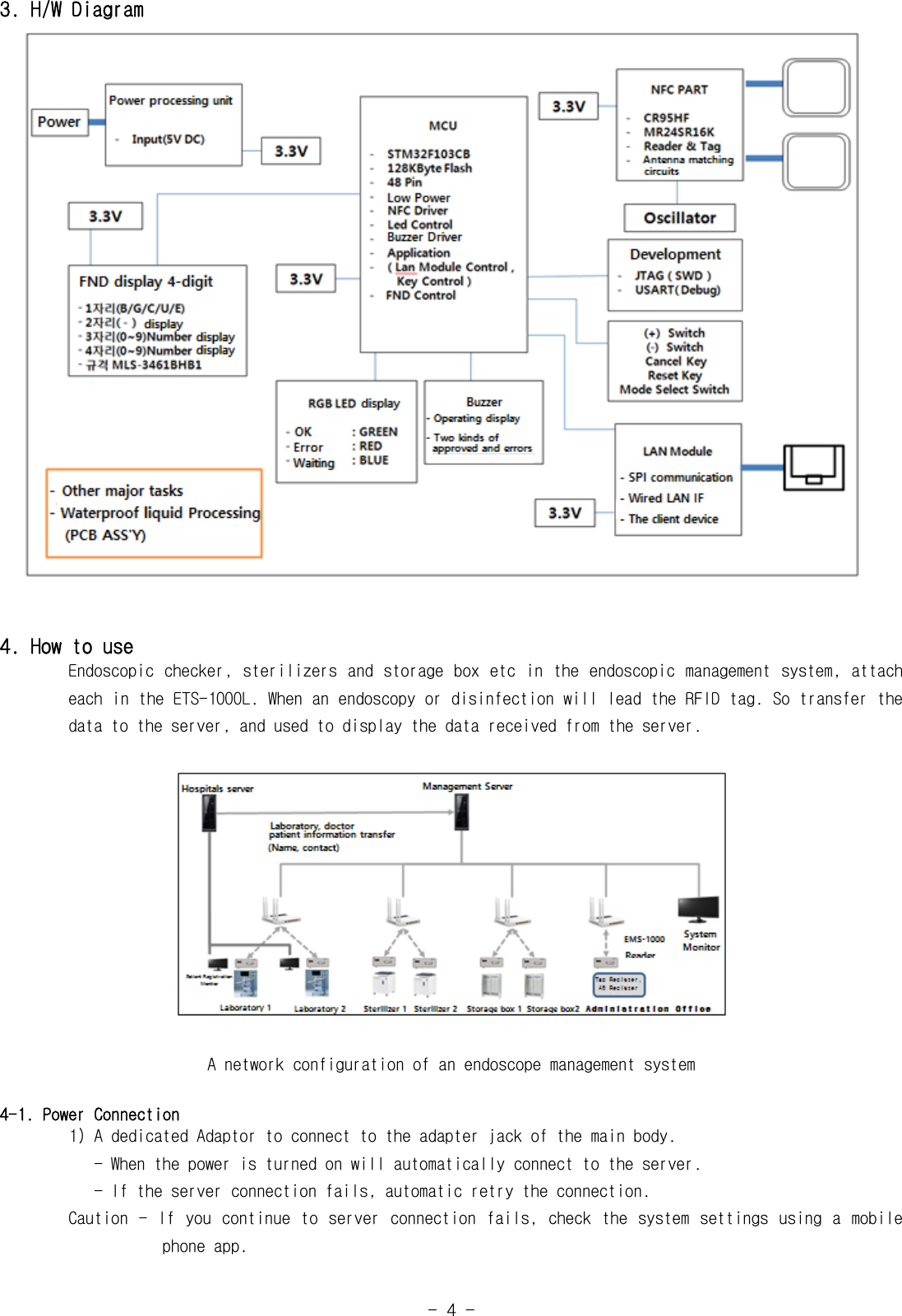
-  4  -3. H/W Diagram4. How to useEndoscopic checker,  sterilizers and storage box etc in the endoscopic management  system, attach           each in the ETS-1000L. When an endoscopy or disinfection will lead the RFID tag. So transfer the          data to the server, and used to display the data received from the server.A network configuration of an endoscope management system4-1. Power Connection1) A dedicated Adaptor to connect to the adapter jack of the main body.   - When the power is turned on will automatically connect to the server.           - If the server connection fails, automatic retry the connection.        Caution - If  you  continue to server  connection  fails,  check the  system  settings using  a  mobile                       phone app.
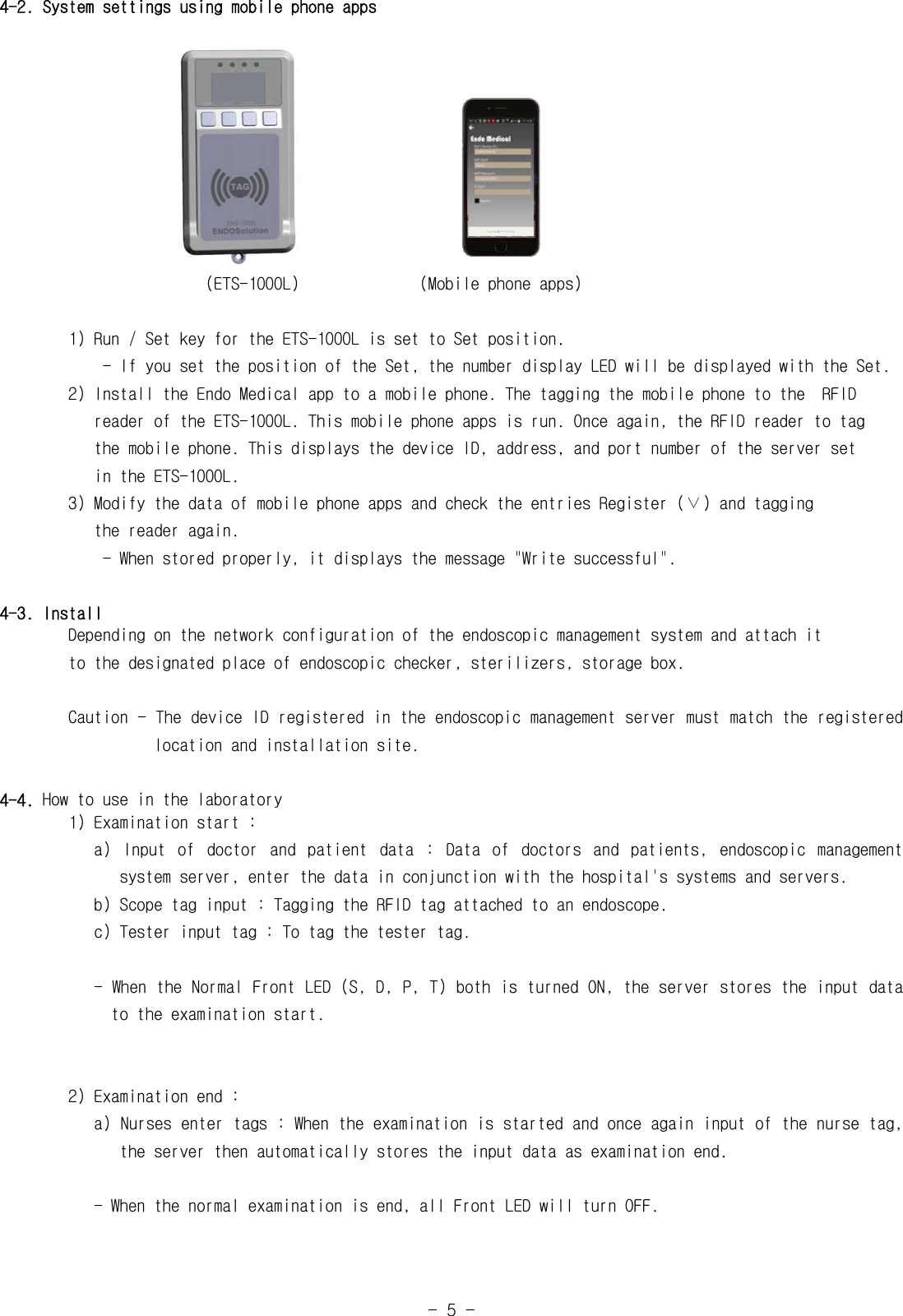
-  5  -4-2. System settings using mobile phone apps                                                                 (ETS-1000L)              (Mobile phone apps)1) Run / Set key for the ETS-1000L is set to Set position.            - If you set the position of the Set, the number display LED will be displayed with the Set.        2) Install the Endo Medical app to a mobile phone. The tagging the mobile phone to the  RFID            reader of the ETS-1000L. This mobile phone apps is run. Once again, the RFID reader to tag           the mobile phone. This displays the device ID, address, and port number of the server set           in the ETS-1000L.        3) Modify the data of mobile phone apps and check the entries Register (∨) and tagging           the reader again.            - When stored properly, it displays the message "Write successful".4-3. Install        Depending on the network configuration of the endoscopic management system and attach it        to the designated place of endoscopic checker, sterilizers, storage box.        Caution - The device ID registered in the endoscopic management server must match the registered                    location and installation site.4-4. How to use in the laboratory        1) Examination start :           a)  Input  of  doctor  and  patient  data  :  Data  of  doctors  and  patients,  endoscopic  management                    system server, enter the data in conjunction with the hospital's systems and servers.   b) Scope tag input : Tagging the RFID tag attached to an endoscope.           c) Tester input tag : To tag the tester tag.           - When the Normal Front LED (S, D, P, T) both is turned ON, the server stores the input data                to the examination start.        2) Examination end :           a) Nurses enter tags : When the examination is started and once again input of the nurse tag,                the server then automatically stores the input data as examination end.           - When the normal examination is end, all Front LED will turn OFF.
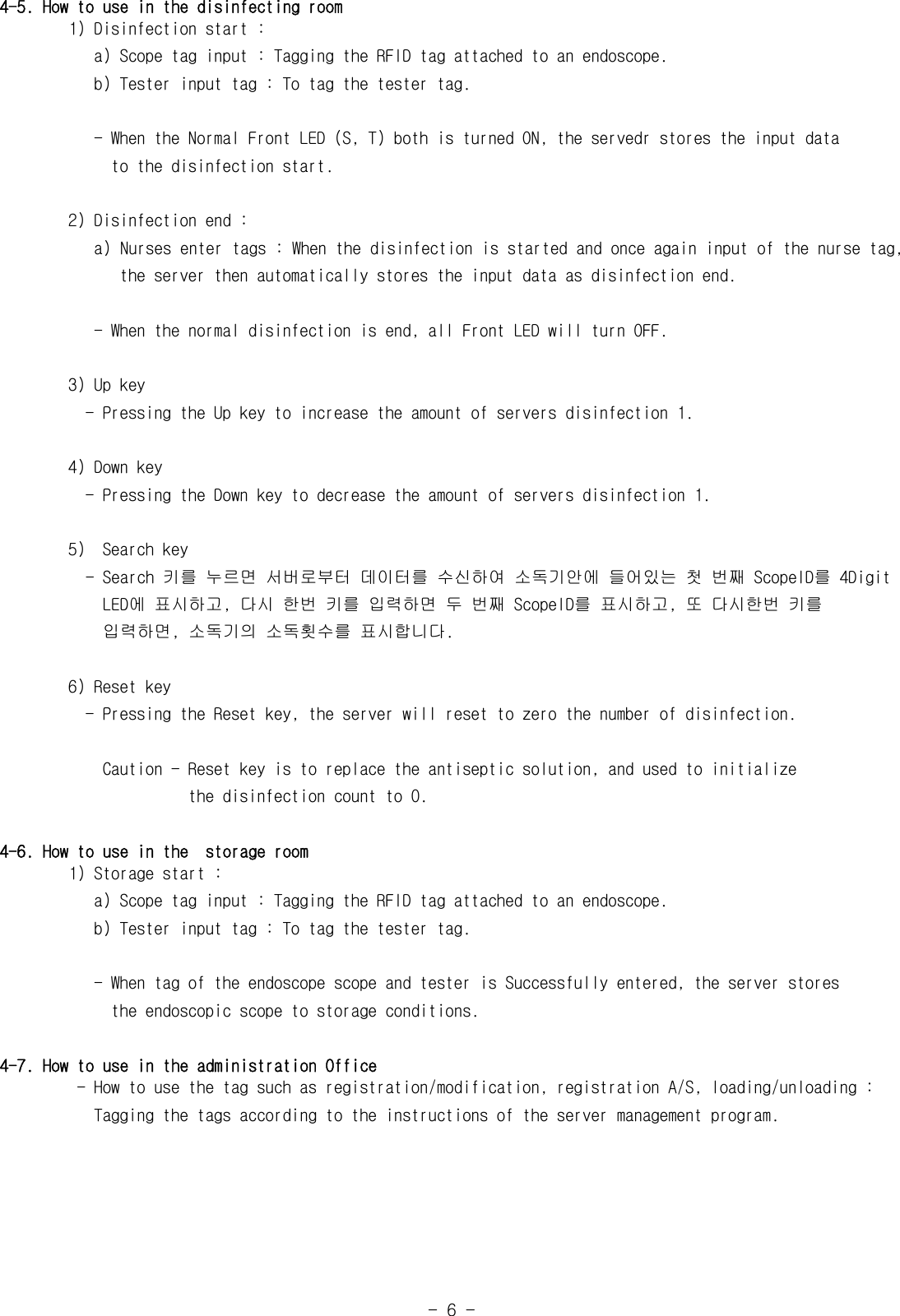
-  6  -4-5. How to use in the disinfecting room1) Disinfection start :   a) Scope tag input : Tagging the RFID tag attached to an endoscope.           b) Tester input tag : To tag the tester tag.           - When the Normal Front LED (S, T) both is turned ON, the servedr stores the input data             to the disinfection start.        2) Disinfection end :           a) Nurses enter tags : When the disinfection is started and once again input of the nurse tag,                the server then automatically stores the input data as disinfection end.           - When the normal disinfection is end, all Front LED will turn OFF.3) Up key          - Pressing the Up key to increase the amount of servers disinfection 1.4) Down key          - Pressing the Down key to decrease the amount of servers disinfection 1.5)  Search key          - Search 키를 누르면 서버로부터 데이터를 수신하여 소독기안에 들어있는 첫 번째 ScopeID를 4Digit            LED에 표시하고, 다시 한번 키를 입력하면 두 번째 ScopeID를 표시하고, 또 다시한번 키를            입력하면, 소독기의 소독횟수를 표시합니다.6) Reset key          - Pressing the Reset key, the server will reset to zero the number of disinfection.            Caution - Reset key is to replace the antiseptic solution, and used to initialize                      the disinfection count to 0.4-6. How to use in the  storage room1) Storage start :   a) Scope tag input : Tagging the RFID tag attached to an endoscope.           b) Tester input tag : To tag the tester tag.           - When tag of the endoscope scope and tester is Successfully entered, the server stores             the endoscopic scope to storage conditions.4-7. How to use in the administration Office         - How to use the tag such as registration/modification, registration A/S, loading/unloading :           Tagging the tags according to the instructions of the server management program.
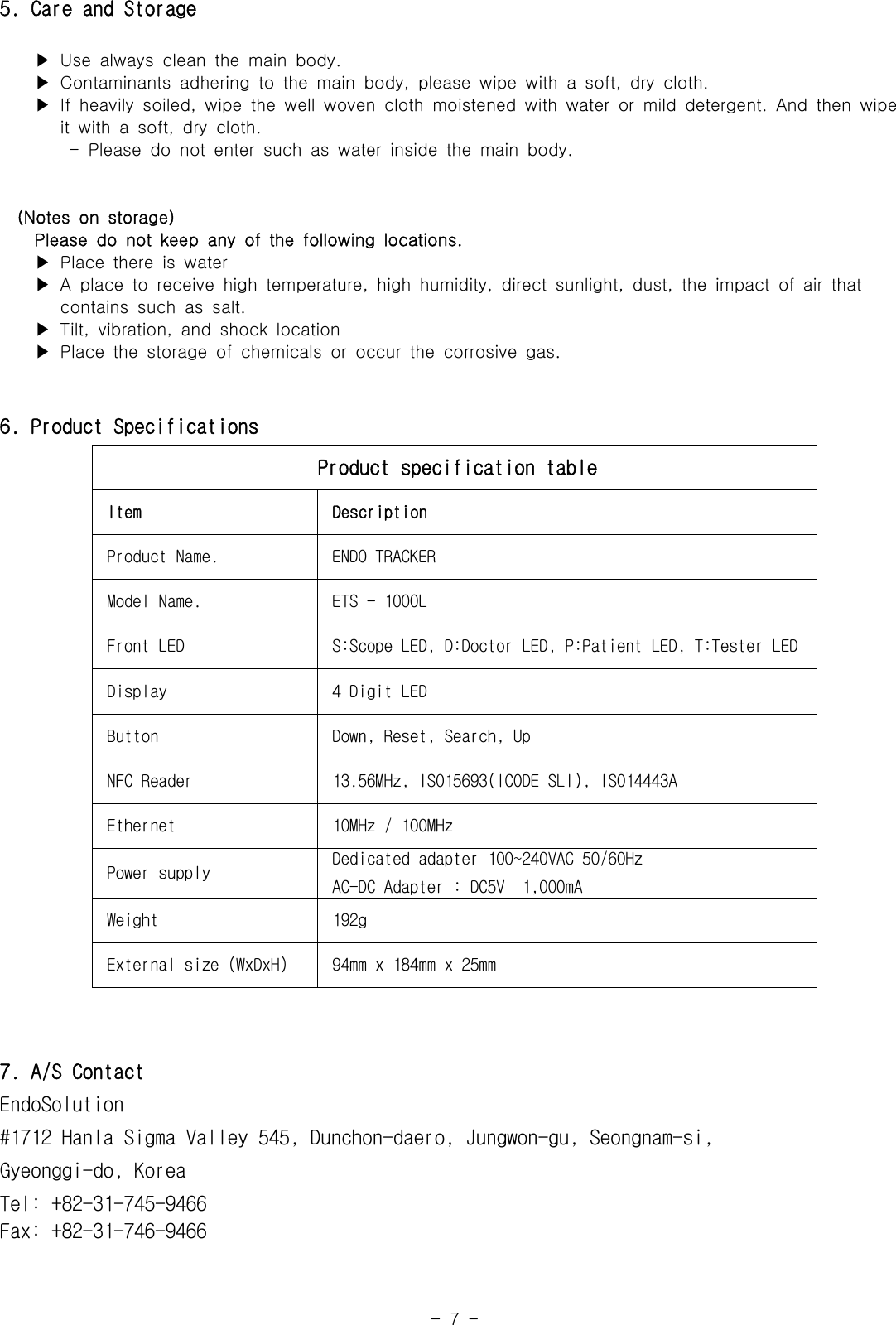
-  7  -5. Care and Storage    ▶ Use always clean the main body.    ▶ Contaminants adhering to the main body, please wipe with a  soft,  dry  cloth.    ▶ If heavily soiled, wipe the well woven cloth moistened with  water  or  mild  detergent.  And  then  wipe        it with a soft, dry cloth.-  Please  do  not  enter  such  as  water  inside  the  main  body.  (Notes  on  storage)    Please do not keep any of the following locations.    ▶ Place there is water    ▶ A place to receive high temperature, high humidity, direct  sunlight,  dust,  the  impact  of  air  that                  contains such as salt.    ▶ Tilt, vibration, and shock location    ▶ Place the storage of chemicals or occur the corrosive gas.6. Product SpecificationsProduct specification tableItem DescriptionProduct Name. ENDO TRACKERModel Name. ETS - 1000LFront LED  S:Scope LED, D:Doctor LED, P:Patient LED, T:Tester LEDDisplay 4 Digit LEDButton Down, Reset, Search, UpNFC Reader 13.56MHz, ISO15693(ICODE SLI), ISO14443AEthernet 10MHz / 100MHzPower supply Dedicated adapter 100~240VAC 50/60HzAC-DC Adapter : DC5V  1,000mAWeight 192gExternal size (WxDxH) 94mm x 184mm x 25mm7. A/S Contact EndoSolution#1712 Hanla Sigma Valley 545, Dunchon-daero, Jungwon-gu, Seongnam-si, Gyeonggi-do, KoreaTel: +82-31-745-9466Fax: +82-31-746-9466
FCC Information to User This equipment has been tested and found to comply with the limits for a Class B digital device, pursuant to Part 15 of the FCC Rules. These limits are designed to provide reasonable protection against harmful interference in a residential installation. This equipment generates, uses and can radiate radio frequency energy and, if not installed and used in accordance with the instructions, may cause harmful interference to radio communications. However, there is no guarantee that interference will not occur in a particular installation. If this equipment does cause harmful interference to radio or television reception, which can be determined by turning the equipment off and on, the user is encouraged to try to correct the interference by one of the following measures: • Reorient or relocate the receiving antenna. • Increase the separation between the equipment and receiver. • Connect the equipment into an outlet on a circuit different from that to which the receiver is con-nected. • Consult the dealer or an experienced radio/TV technician for help.  Caution Modifications not expressly approved by the party responsible for compliance could void the user’s authority to operate the equipment.  FCC Compliance Information : This device complies with Part 15 of the FCC Rules. Operation is subject to the following two conditions: (1) This device may not cause harmful interference, and (2) this device must accept any interference received, including interference that may cause undesired operation  IMPORTANT NOTE: FCC RF Radiation Exposure Statement:
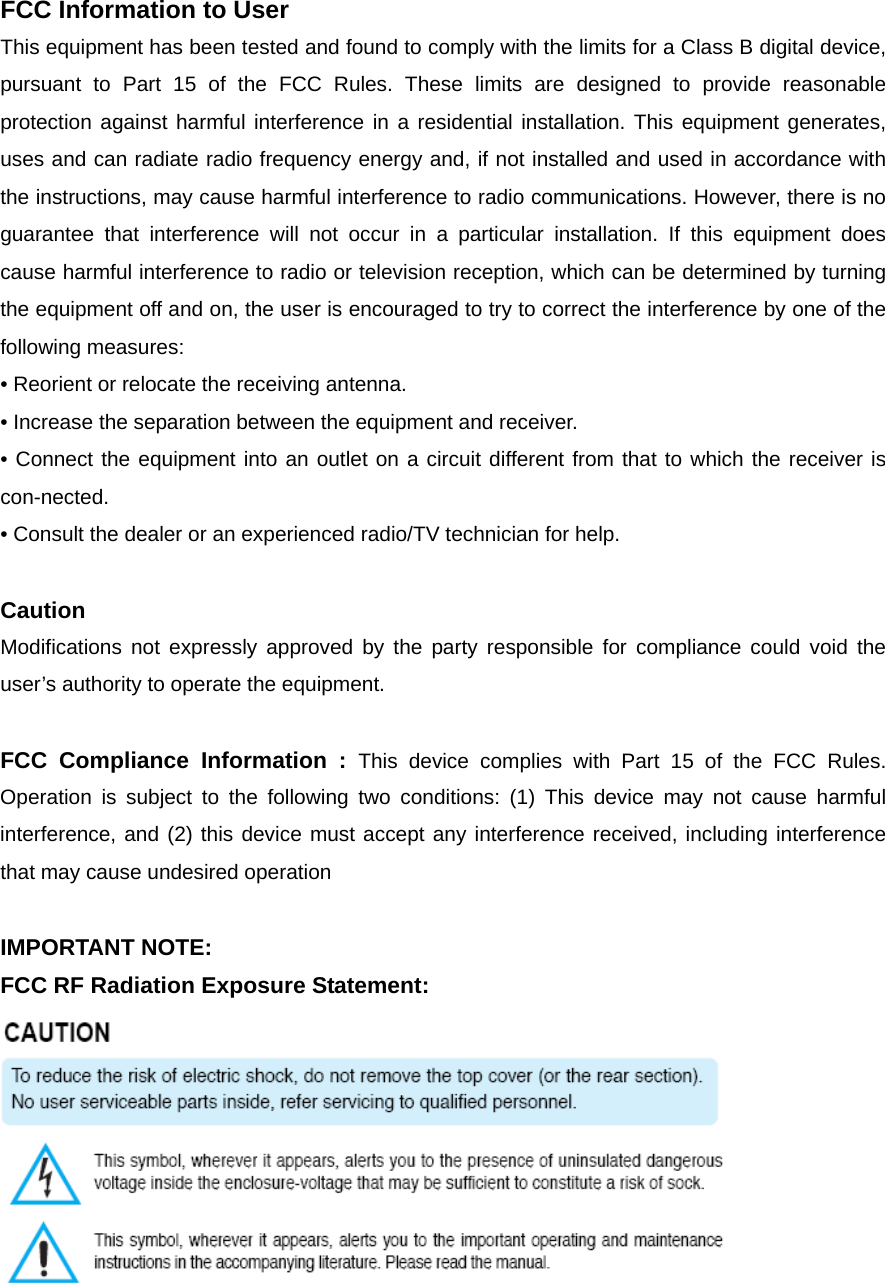
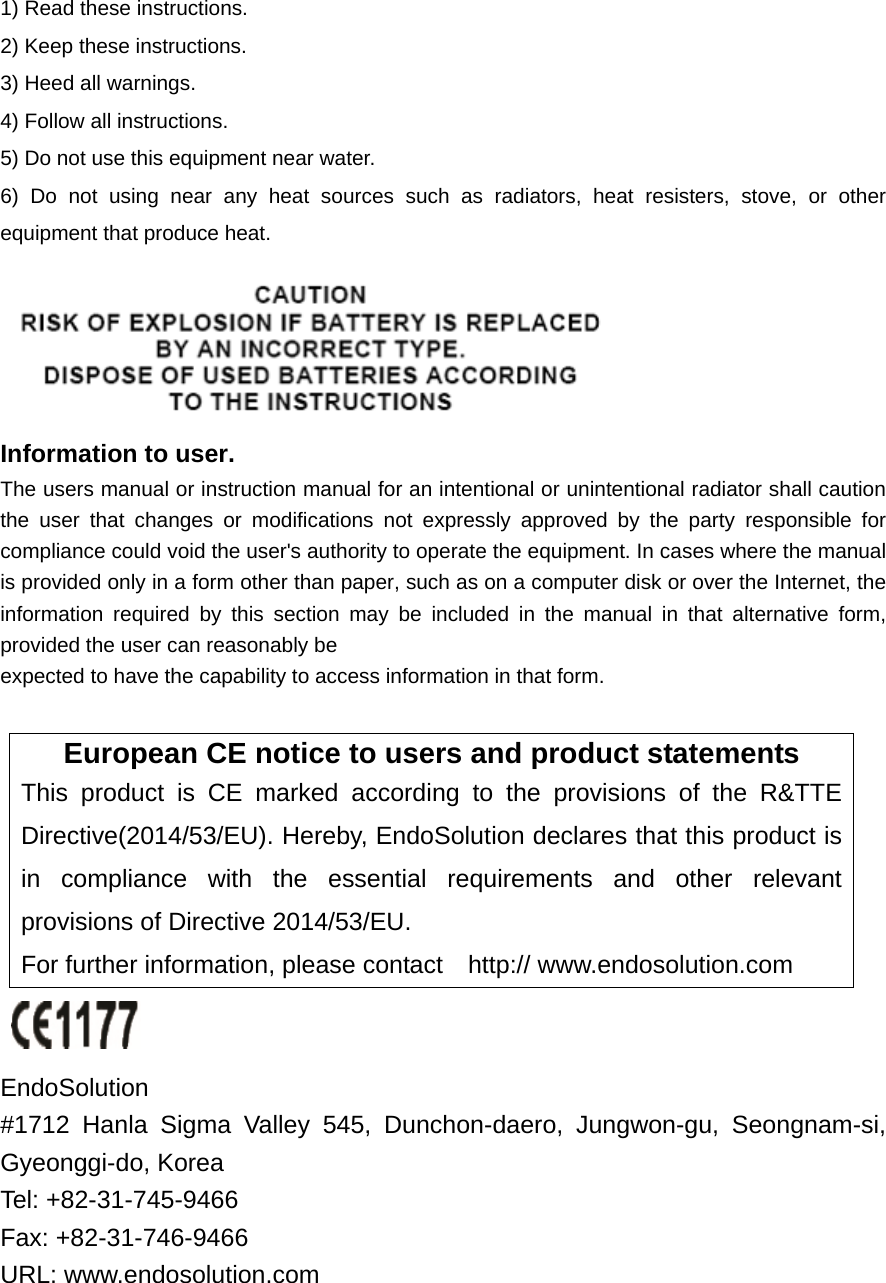
1) Read these instructions. 2) Keep these instructions. 3) Heed all warnings. 4) Follow all instructions.   5) Do not use this equipment near water. 6) Do not using near any heat sources such as radiators, heat resisters, stove, or other equipment that produce heat.  Information to user. The users manual or instruction manual for an intentional or unintentional radiator shall caution the user that changes or modifications not expressly approved by the party responsible for compliance could void the user's authority to operate the equipment. In cases where the manual is provided only in a form other than paper, such as on a computer disk or over the Internet, the information required by this section may be included in the manual in that alternative form, provided the user can reasonably be expected to have the capability to access information in that form.  European CE notice to users and product statements This product is CE marked according to the provisions of the R&TTE Directive(2014/53/EU). Hereby, EndoSolution declares that this product is in compliance with the essential requirements and other relevant provisions of Directive 2014/53/EU.   For further information, please contact    http:// www.endosolution.com   EndoSolution  #1712 Hanla Sigma Valley 545, Dunchon-daero, Jungwon-gu, Seongnam-si, Gyeonggi-do, Korea   Tel: +82-31-745-9466     Fax: +82-31-746-9466 URL: www.endosolution.com
 CONTACT INFORMATION Manufacturer Address    #1712 Hanla Sigma Valley 545, Dunchon-daero, Jungwon-gu, Seongnam-si, Gyeonggi-do, Korea To locate in-country ENDOSOLUTION, distributors of the ENDO TRACKER    please refer to the ENDOSOLUTION Website http:// www.endosolution.com These distributor(s) represent local contacts for this product.  CORPORATE HEADQUARTERS: ENDOSOLUTION  #1712 Hanla Sigma Valley 545, Dunchon-daero, Jungwon-gu, Seongnam-si, Gyeonggi-do, Korea     Tel: +82-31-745-9466     Fax: +82-31-746-9466 Web: http:// www.endosolution.com    This  device complies with Industry Canada license-exempt RSS standard(s).   Operation is Subject to the following two condition: (1) this device may not cause interference ,and (2) this device must accept any interference, including interference that may cause undesired   operation of the device.
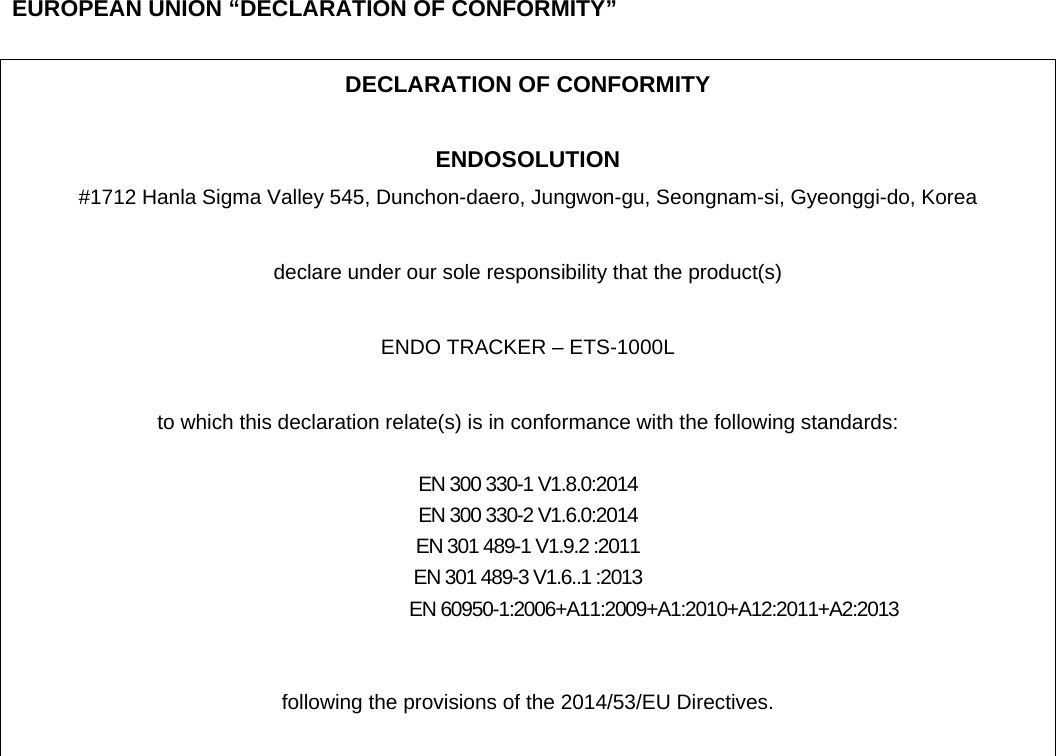
   EUROPEAN UNION “DECLARATION OF CONFORMITY”  DECLARATION OF CONFORMITY  ENDOSOLUTION #1712 Hanla Sigma Valley 545, Dunchon-daero, Jungwon-gu, Seongnam-si, Gyeonggi-do, Korea    declare under our sole responsibility that the product(s)  ENDO TRACKER – ETS-1000L  to which this declaration relate(s) is in conformance with the following standards:  EN 300 330-1 V1.8.0:2014 EN 300 330-2 V1.6.0:2014 EN 301 489-1 V1.9.2 :2011 EN 301 489-3 V1.6..1 :2013                                EN 60950-1:2006+A11:2009+A1:2010+A12:2011+A2:2013   following the provisions of the 2014/53/EU Directives.

Navigation menu