Ever Sparkle Technologies GA002TR Golem Arcana Stylus User Manual

Ever Sparkle Technologies Ltd. Golem Arcana Stylus Users Manual

Users Manual

Welcome to Golem Arcana!The Great Khan is dead and the world of Eretsu is at war. While the Khan’s heirs vie for control ofthe Gudanna Dominion he forged, the Durani Empire, unchanged and unchallenged for almost athousand years before The Khan conquered its southern provinces, moves with surprising speed torecapture its former lands.From the Tel Najar to the Great Gardens, the ground quakes beneath the feet of monstrousGolems marching off to battle. Arcane titans crafted from bone, branch, stone, and blood, thefearsome Golems stand in the forefront of the rival armies.With Eretsu descending into chaos, now it’s your turn to choose sides and take command of aGolem army.The Best of Both WorldsThere is a certain magic that happens when people gather around a table to play a game. GolemArcana harnesses that magic and combines it with the depth and accessibility of electronic gamesto create something new—a digitally-enhanced miniatures boardgame.Golem Arcana seamlessly connects your smartphone or tablet to the game’s figures, board, andcards via the Bluetooth-powered Tabletop Digital Interface (TDI) Stylus. You can tap any of thegame pieces with the stylus at any time to send information to the Golem Arcana App running onyour mobile device. The App adjudicates the game, helps you understand the rules, managesrecord keeping, and provides the kind of dynamically evolving gameplay previously found only inonline games.What’s in the Box●Six Golem figures with TDI bases●Six Golem TDI cards matching the figures●Six 3 x 3 double-sided TDI map tiles●Two Control Cards●Four two-sided Mana Well Tokens●One sheet of banner stickers●Six flagpoles●Two 10-sided dice●The TDI Stylus
The Combatants (SIDEBAR)As the vast Gudanna Dominion and the ancient Durani Empire maneuver to war, dozens of ZikiaTribes and Urugal Clans within their borders answer their liege lords’ call to arms. Some fight fortheir host nations with pride; some are coerced, and some avoid the fray altogether, hoping that thecoming conflagration will provide them an opportunity to claim their independence.The Gudanna, Durani, Zikia, and Urugal each field Golems created using their respective Arcana—ancient religious texts that are part philosophical treatise and part magical grimoire.●Arcanum Durani: teaches the crafting of Golems from precious stones and minerals. TheGolems of Arcanum Durani are typically heavily armored and employ powerful rangedattacks to besiege and wear down enemies.●Arcanum Gudanna: teaches the crafting of Golems from the soil of the earth and blood ofthe fallen. The Golems of Arcanum Gudanna move fast and strike hard. They are well-suited to hit-and-run warfare.●Arcanum Urugal: teaches crafting of Golems from the bones of the dead. The Golems ofArcanum Urugal are blunt instruments, built to withstand punishment while battering theiropponents into the dirt.●Arcanum Zikia: teaches the crafting of Golems from living things. Golems of Arcanum Zikiaare tailor-made for ambush tactics, using an array of special abilities to surprise and defeattheir enemies..(END SIDEBAR)The Golem Arcana AppTo play, you’ll have to download the Golem Arcana App and install it on your smartphone or tablet.For instructions on how to download the App and a list of supported mobile devices, please visitwww.golemarcana.com/app.This booklet contains a basic overview of the game to get you started, but don’t worry about tryingto absorb everything you read. The Golem Arcana App will take care of all the record keeping andwalk you through the rules as you play. You’ll soon get the hang of it!Getting StartedLet’s get you up and playing!Create Your HBS Account
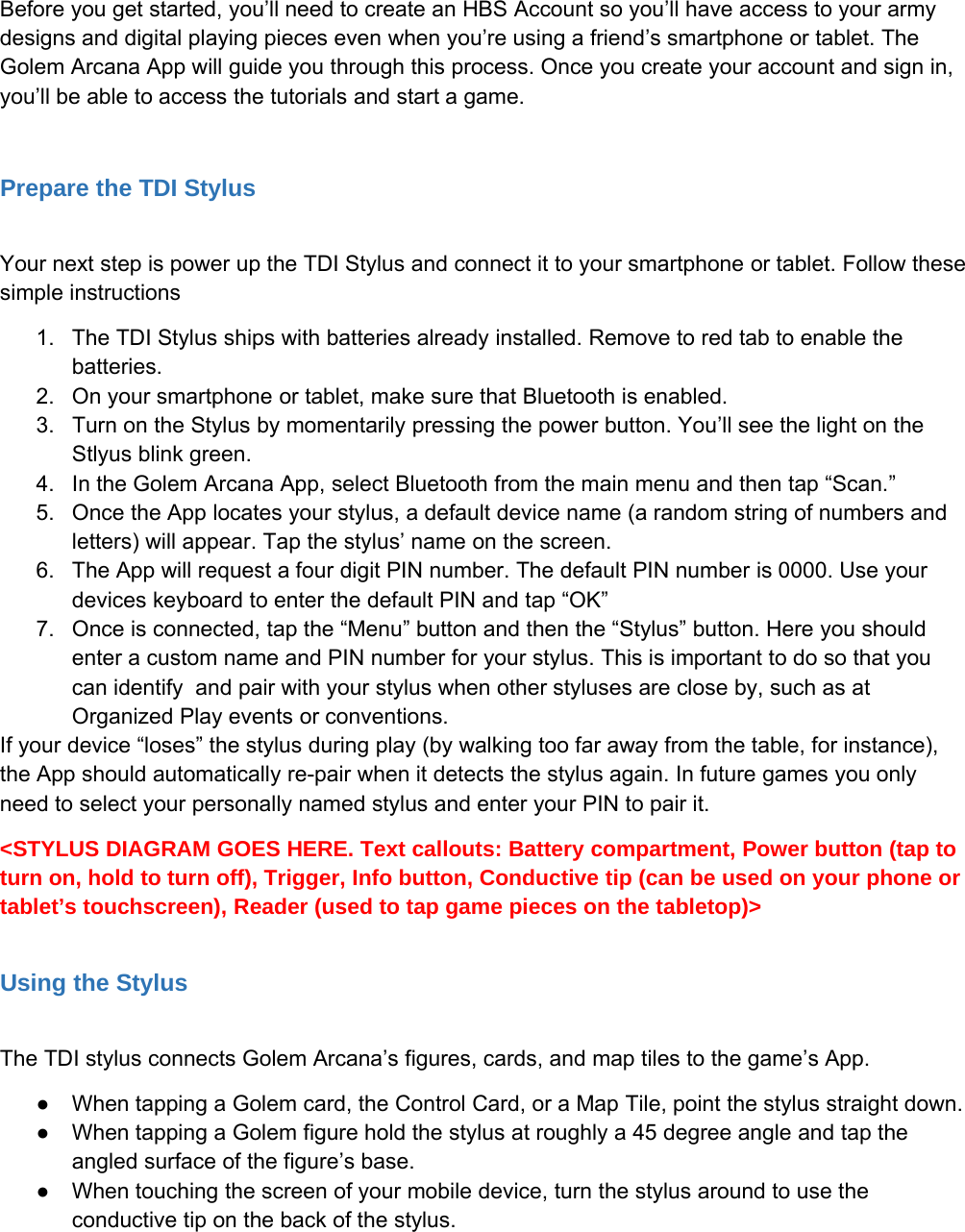
Before you get started, you’ll need to create an HBS Account so you’ll have access to your armydesigns and digital playing pieces even when you’re using a friend’s smartphone or tablet. TheGolem Arcana App will guide you through this process. Once you create your account and sign in,you’ll be able to access the tutorials and start a game.Prepare the TDI StylusYour next step is power up the TDI Stylus and connect it to your smartphone or tablet. Follow thesesimple instructions1. The TDI Stylus ships with batteries already installed. Remove to red tab to enable thebatteries.2. On your smartphone or tablet, make sure that Bluetooth is enabled.3. Turn on the Stylus by momentarily pressing the power button. You’ll see the light on theStlyus blink green.4. In the Golem Arcana App, select Bluetooth from the main menu and then tap “Scan.”5. Once the App locates your stylus, a default device name (a random string of numbers andletters) will appear. Tap the stylus’ name on the screen.6. The App will request a four digit PIN number. The default PIN number is 0000. Use yourdevices keyboard to enter the default PIN and tap “OK”7. Once is connected, tap the “Menu” button and then the “Stylus” button. Here you shouldenter a custom name and PIN number for your stylus. This is important to do so that youcan identify and pair with your stylus when other styluses are close by, such as atOrganized Play events or conventions.If your device “loses” the stylus during play (by walking too far away from the table, for instance),the App should automatically re-pair when it detects the stylus again. In future games you onlyneed to select your personally named stylus and enter your PIN to pair it.<STYLUS DIAGRAM GOES HERE. Text callouts: Battery compartment, Power button (tap toturn on, hold to turn off), Trigger, Info button, Conductive tip (can be used on your phone ortablet’s touchscreen), Reader (used to tap game pieces on the tabletop)>Using the StylusThe TDI stylus connects Golem Arcana’s figures, cards, and map tiles to the game’s App.●When tapping a Golem card, the Control Card, or a Map Tile, point the stylus straight down.●When tapping a Golem figure hold the stylus at roughly a 45 degree angle and tap theangled surface of the figure’s base.●When touching the screen of your mobile device, turn the stylus around to use theconductive tip on the back of the stylus.
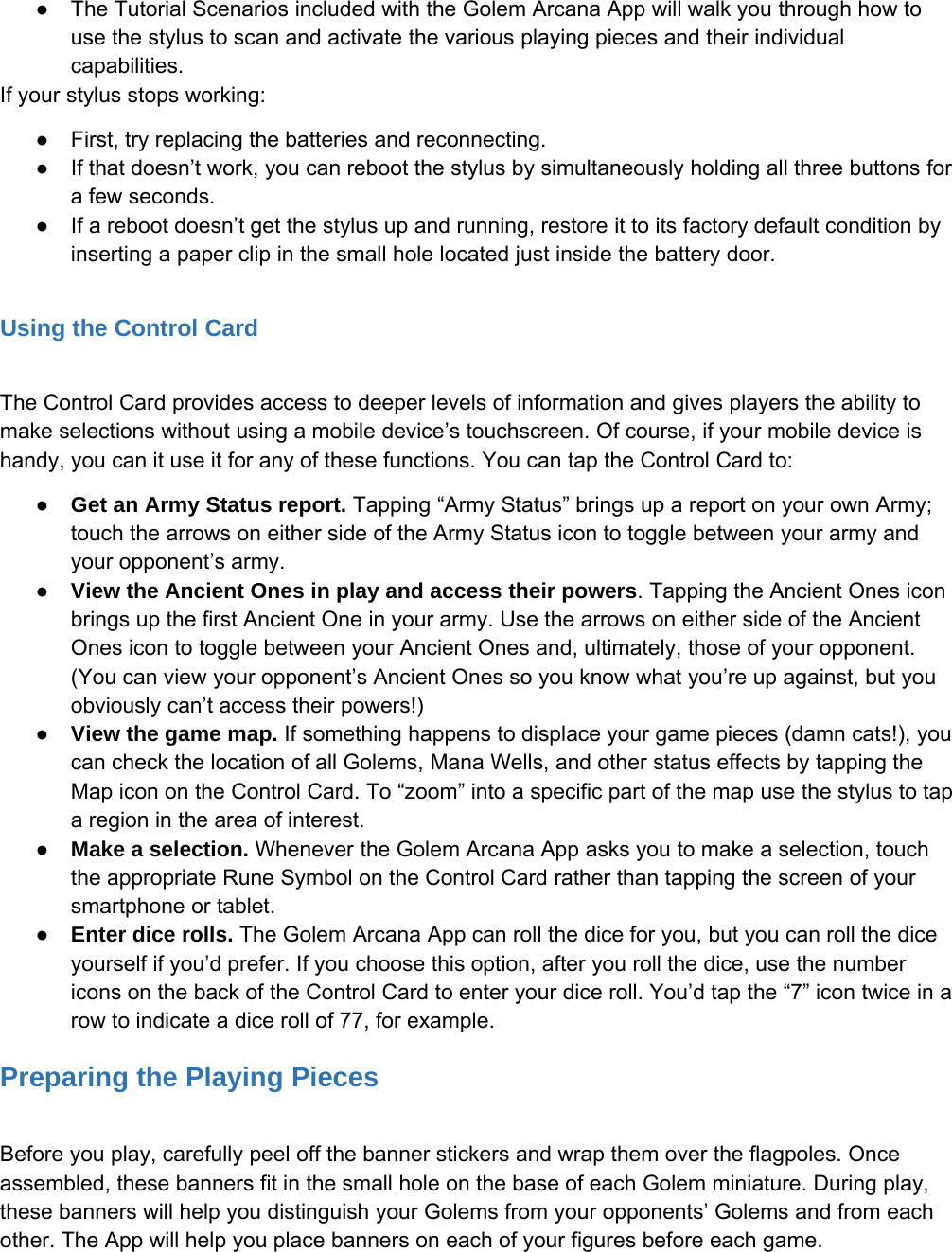
●The Tutorial Scenarios included with the Golem Arcana App will walk you through how touse the stylus to scan and activate the various playing pieces and their individualcapabilities.If your stylus stops working:●First, try replacing the batteries and reconnecting.●If that doesn’t work, you can reboot the stylus by simultaneously holding all three buttons fora few seconds.●If a reboot doesn’t get the stylus up and running, restore it to its factory default condition byinserting a paper clip in the small hole located just inside the battery door.Using the Control CardThe Control Card provides access to deeper levels of information and gives players the ability tomake selections without using a mobile device’s touchscreen. Of course, if your mobile device ishandy, you can it use it for any of these functions. You can tap the Control Card to:●Get an Army Status report. Tapping “Army Status” brings up a report on your own Army;touch the arrows on either side of the Army Status icon to toggle between your army andyour opponent’s army.●View the Ancient Ones in play and access their powers. Tapping the Ancient Ones iconbrings up the first Ancient One in your army. Use the arrows on either side of the AncientOnes icon to toggle between your Ancient Ones and, ultimately, those of your opponent.(You can view your opponent’s Ancient Ones so you know what you’re up against, but youobviously can’t access their powers!)●View the game map. If something happens to displace your game pieces (damn cats!), youcan check the location of all Golems, Mana Wells, and other status effects by tapping theMap icon on the Control Card. To “zoom” into a specific part of the map use the stylus to tapa region in the area of interest.●Make a selection. Whenever the Golem Arcana App asks you to make a selection, touchthe appropriate Rune Symbol on the Control Card rather than tapping the screen of yoursmartphone or tablet.●Enter dice rolls. The Golem Arcana App can roll the dice for you, but you can roll the diceyourself if you’d prefer. If you choose this option, after you roll the dice, use the numbericons on the back of the Control Card to enter your dice roll. You’d tap the “7” icon twice in arow to indicate a dice roll of 77, for example.Preparing the Playing PiecesBefore you play, carefully peel off the banner stickers and wrap them over the flagpoles. Onceassembled, these banners fit in the small hole on the base of each Golem miniature. During play,these banners will help you distinguish your Golems from your opponents’ Golems and from eachother. The App will help you place banners on each of your figures before each game.
Playing the GameTo begin a game of Golem Arcana, choose “New Game” from the App’s Main Menu and thenchoose first of the Tutorial Scenarios. The scenario will show you how to lay out the map tiles onthe tabletop. Each tile has a number in its upper right hand corner and features an “a” side and a“b” side. (Tile 1b is on the flipside of Tile 1a, etc.) Set up the map tiles in the configuration indicatedin the scenario’s description, then place Mana Well tokens of the appropriate size on the indicatedgame squares.Next, choose sides and set up each side’s Golems in the indicated squares. Place the appropriateGolem Cards in front of each player.The Tutorial scenarios will explain all the game’s rules. Once you’ve completed them, you canmove on to any of the other scenarios available in the App. Keep an eye out for new scenarios thatwill be released and automatically downloaded into your Golem Arcana App!Your ArmyEach army consists of Golems, Knights, Ancient Ones, and Relics.●Golems: Golems are giant magical constructs that are armed with various physical andmagical capabilities. Golems come in four classes indicating their relative size andformidability: Warsprite (the smallest), Ogre, Titan, and Colossus (the largest). Each Golemis represented on the board by a pre-painted figure and a corresponding Golem Card.●Knights: Each Golem is ridden and directed by a Knight. Most Knights have one or morespecial powers or abilities. Knights aren’t represented by pieces on the game board; youaccess their abilities via the Golem Arcana App.●Ancient Ones: Ancient Ones are powerful gods who have chosen to intervene on behalf ofan army. Ancient Ones have one or more supernatural powers that can be accessed onceits army has harvested Mana. Like Knights, Ancient Ones aren’t represented by gamepieces; their abilities are accessed via the Golem Arcana App.●Relics: Relics are powerful magical artifacts of the Ancient Ones. Relics have a widevariety of magical powers that can be used in various ways. Relics are represented by RelicCards which are provided in expansion figure sets.<Golem Card w/Callouts Goes Here>Victory Points and Endgame Conditions
Each Golem Arcana scenario specifies the conditions under which the game ends and how theplayers accumulate Victory Points (often by destroying enemy Golems). When the game ends, theplayer with the most Victory Points is the winner.This is Just the StartOne of the most exciting elements of Golem Arcana’s TDI system is that it allows the game toevolve and expand on an ongoing basis. Keep playing, because every time you launch the gameand your device is connected to the internet, the Golem Arcana App will update itself with newfunctionality, new Knights, new Ancient Ones, and new Scenarios to keep the game interesting.This equipment has been tested and found to comply with the limits for a Class B digital device, pursuant toPart 15 of the FCC Rules. These limits are designed to provide reasonable protection against harmfulinterference in a residential installation. This equipment generates uses and can radiate radio frequencyenergy and, if not installed and used in accordance with the instructions, may cause harmful interference toradio communications. However, there is no guarantee that interference will not occur in a particularinstallation. If this equipment does cause harmful interference to radio or television reception, which can bedetermined by turning the equipment off and on, the user is encouraged to try to correct the interference byone or more of the following measures:-- Reorient or relocate the receiving antenna.-- Increase the separation between the equipment and receiver.-- Connect the equipment into an outlet on a circuit different from that to which the receiver is connected.-- Consult the dealer or an experienced radio/TV technician for help.This device complies with part 15 of the FCC Rules. Operation is subject to the following two conditions:(1) This device may not cause harmful interference, and (2) this device must accept any interferencereceived, including interference that may cause undesired operation.Changes or modifications not expressly approved by the party responsible for compliance could void theuser's authority to operate the equipment.Golem Arcana is © and ™ 2014 Harebrained Holdings Inc. Patent Pending

Navigation menu