FZONE TECHNOLOGY U2 Wireless Guitar System User Manual U2
SHENZHEN FZONE TECHNOLOGY CO.,LTD Wireless Guitar System U2
UserManual.wiki
>
FZONE TECHNOLOGY
>
U2 User Manual
User Manual
Navigation menu
Upload a User Manual
Namespaces
Wiki Guide
HTML
PDF
Info
Views
User Manual
Discussion / Help
Navigation
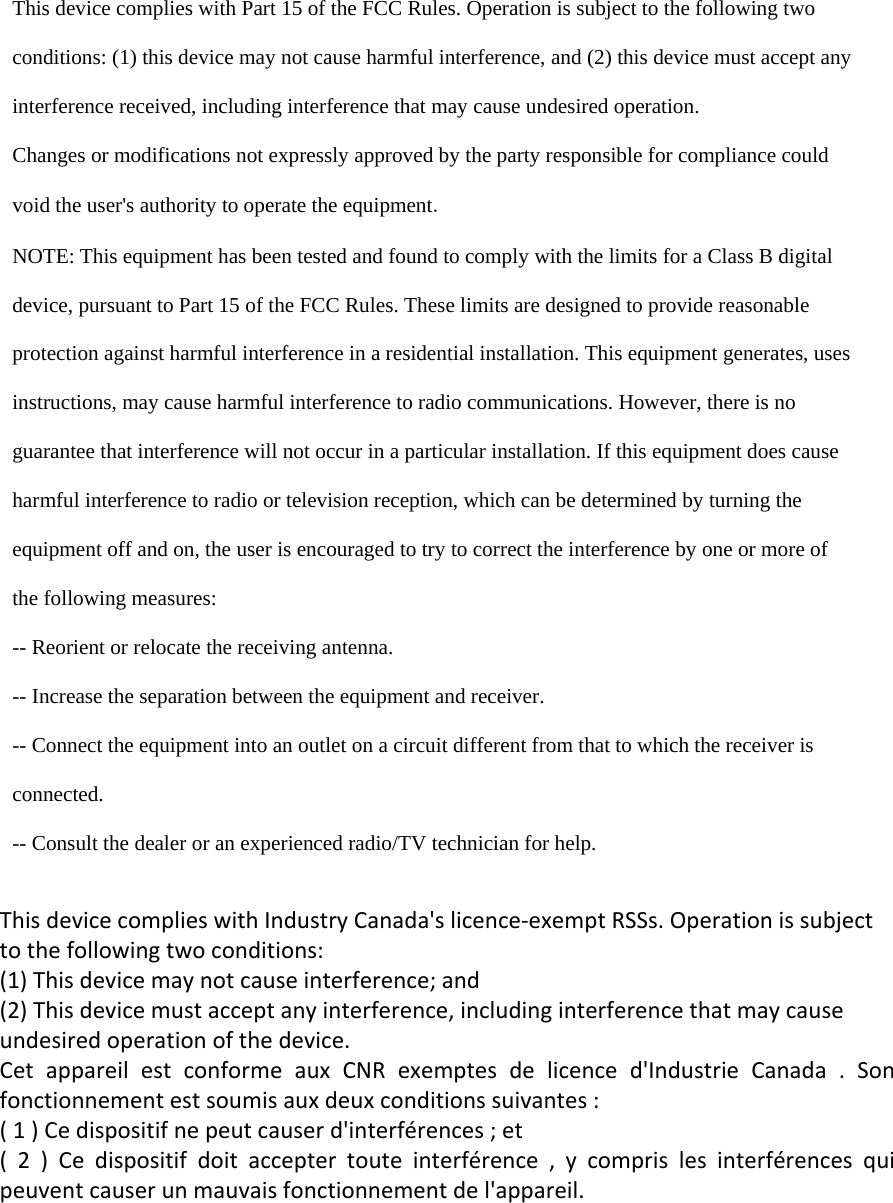
![1.Observe all instructions carefully in the U2 manual. 2.Do not to perform service operations beyond those described in the U2 Manual. Services required when the apparatus has been damaged in any way, such as: /LTXLGKDVEHHQVSLOOHGRUREMHFWVKDYHIDOOHQLQWRWKHDSSDUDWXV7KHXQLWKDVEHHQH[SRVHGWRUDLQRUPRLVWXUH7KHXQLWGRHVQRWRSHUDWHQRUPDOO\RUFKDQJHVLQSHUIRUPDQFHLQDVLJQLILFDQWZD\7KHXQLW is dropped or the enclosure is damaged 3.Do not place near heat sources, such as radiators, heat registers, or appliances which produce heat. *XDUGDJDLQVWREMHFWVRUOLTXLGVHQWHULQJWKHGHYLFH Do not use or place unit near water.5.Clean only with a damp cloth. 6.Only use attachments/accessories specified by the manufacturer. 7.Prolonged listening at high volume levels may cause irreparable hearing loss and/or damage. Always be sure to practice “safe listening.” Before using your Xvive U2 Digital Wireless System, carefully read the operating instructions. Quick Start Diagram Important Safety Instructions - please these instructions in a safe placeؾت224*75MM ߕૅ157Յୢڦ࠳Ն֚ثܑ5DQJH!IHHW/LQHVLWHRXWGRRUV/DWHQF\ PV)UHTXHQF\5HVSRQVH.+=G%G%7+'1RLVH .+=#GE)6'\QDPLF5DQJH !G%$ZHLJKWHG2SHUDWLQJ%DQG *+=,60:RUOGZLGH2SHUDWLQJ7HPSHUDWXUH&WR&6DPSOH5DWH ELWN+]XQFRPSUHVVHG digital transmission *Note:Actual range is dependent on RF environment, including reflections, interference and absorption System Specification4.Transmitter Audio signal indicator LEDÓ:KHQ3RZHULVRQWKH%OXH/('ZLOOIODVKWRLQGLFDWHWKHSUHVHWFKDQQHOÓAfter activating the channel selection function, click the EXWWRQWRVHWXSWKHFKDQQHOWKHEOXH/('ZLOOIODVKWRindicate the channel1.Power– Slide Switch to turn on/off 75$160(7(55(&(,9(52.Power LED and Battery LEDÓ6ROLG5HG/('LQGLFDWHVWKHSRZHURQÓ7KHIODVKLQJUHG/('LQGLFDWHVWKHEDWWHU\LVORZ6. USB Port – Battery recharger port.Chart 1, Flashing channel indication &KDQQHO7KH$XGLRVLJQDO/('ZLOOIODVKRQFH&KDQQHO7KH$XGLRVLJQDO/('ZLOOIODVKWZLFH&KDQQHO7KH$XGLRVLJQDO/('ZLOOIODVKWKUHHWLPHV&KDQQHO7KH$XGLRVLJQDO/('ZLOOIODVKIRXUWLPHVBasic Operation )RUWKHIODVKLQJFKDQQHOLQGLFDWLRQSOHDVHUHIHUWRFKDUW)RUWKHIOLFNLQJFKDQQHOLQGLFDWLRQSOHDVHUHIHUWRFKDUW5.Receiver Audio Signal indicator LEDÓ:KHQWKHSRZHULVRQWKHEOXH/('ZLOOIODVKWRLQGLFDWHWKHSUHVHWFKDQQHOÓAfter activating the channel selection function, click WKHFKDQQHOEXWWRQWKHEOXH/('ZLOOIODVKWRLQGLFDWH the channel Ó7KH5HFHLYHUDXGLRVLJQDOLQGLFDWRU/('ZLOOEHFRPHVROLGEOXHZKHQWKH7UDQVPLWWHUDQG5HFHLYHUDUHLQ alignment. Ó:KHQWKHVLJQDOLVJRRG7KHUHFHLYHUDXGLR6LJQDOLQGLFDWRU/('ZLOOEHFRPHVROLGEOXHLWZLOOVWDUWWR flash if the signal is no good . )RUWKHIODVKLQJFKDQQHOLQGLFDWLRQSOHDVHUHIHUWRFKDUW charge, it needs to be recharged . Ó,QWKHSURJUHVVRIFKDUJLQJWKHOLJKWZLOOVWRSIODVKLQJ and will turn off when it is fully charge. 3.Channel Select - Align TRANSMITTER and RECEIVER channels.ÓDouble click the switch to activate the channel select function,ÓFollow the diagram below to set up the channel , PHDQZKLOHWKHDXGLRVLJQDOLQGLFDWRU/('ZLOOIODVKWR indicate the channel.Warnings:This device complies with Industry Canada’s licence-exempt RSSsOperation is subject to the following two conditions:(1) This device may not cause interference and (2) this device must accept anyinterference, including interference that may cause undesired operation of the device.](https://usermanual.wiki/FZONE-TECHNOLOGY/U2/User-Guide-3170883-Page-1.png)