GuangZhou SunFieldAimo Electronic Technology CG-1430 Cinegears Wireless Trigger Transmitter User Manual MANUAL BLANK

GuangZhou SunFieldAimo Electronic Technology Co., Ltd Cinegears Wireless Trigger Transmitter MANUAL BLANK

User Manual

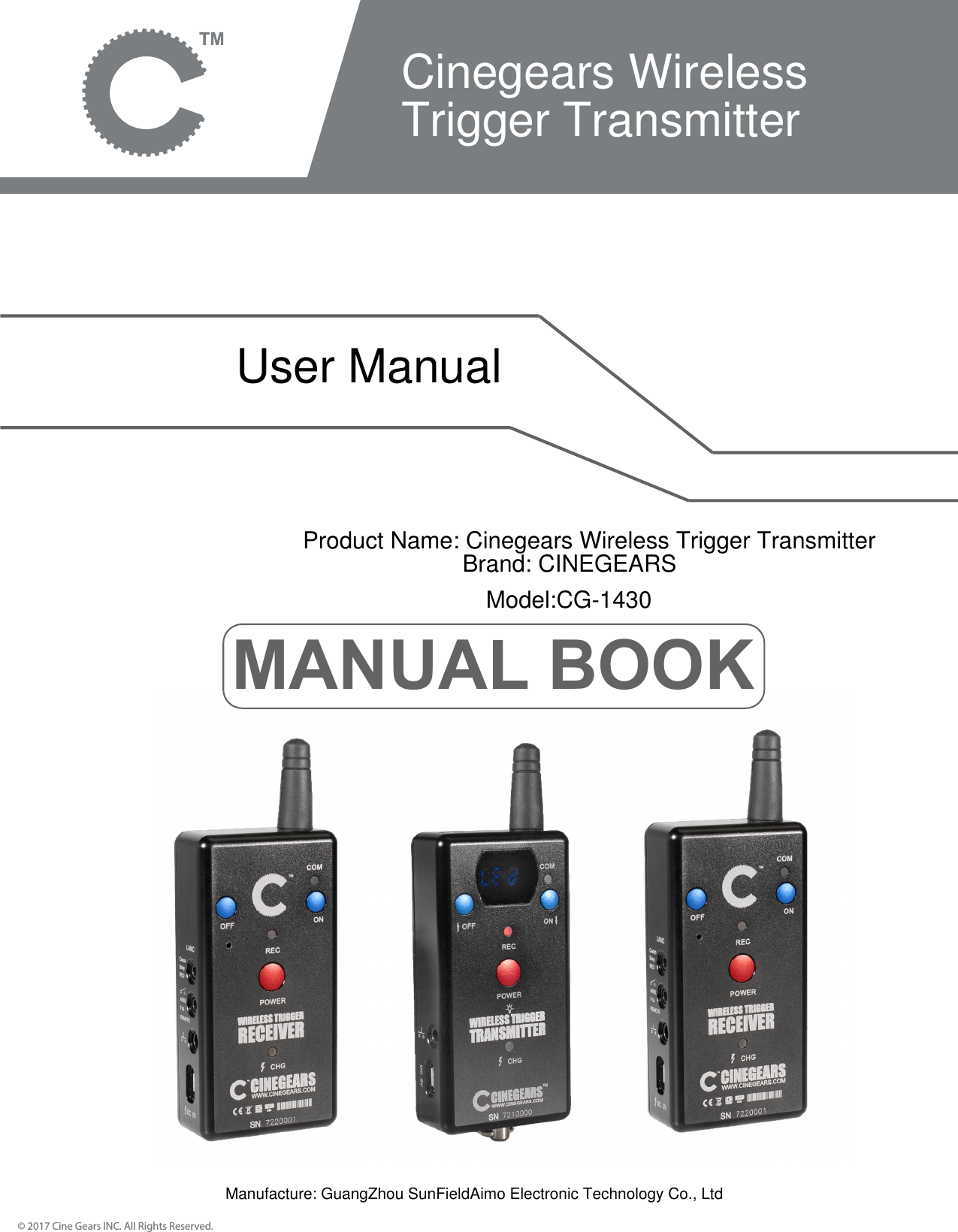
MANUAL BOOK© 2017 Cine Gears INC. All Rights Reserved.Cinegears Wireless Trigger TransmitterUser ManualProduct Name: Cinegears Wireless Trigger TransmitterBrand: CINEGEARSModel:CG-1430Manufacture: GuangZhou SunFieldAimo Electronic Technology Co., Ltd
ContentsIntroductionUser ManualDisclaimersCustomer Support© 2017 Cine Gears INC. All Rights Reserved. 12356
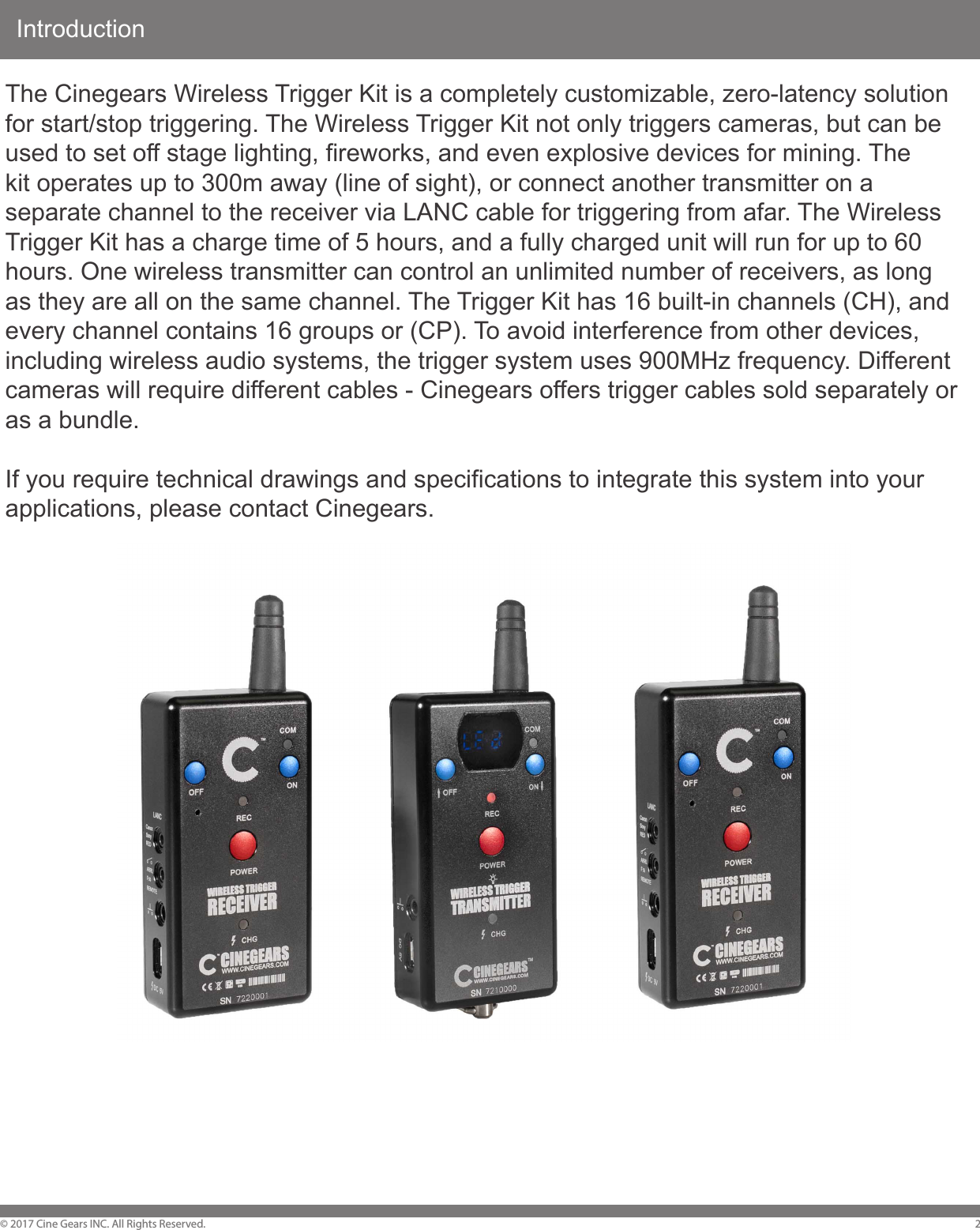
Introduction© 2017 Cine Gears INC. All Rights Reserved. 2The Cinegears Wireless Trigger Kit is a completely customizable, zero-latency solution for start/stop triggering. The Wireless Trigger Kit not only triggers cameras, but can be used to set off stage lighting, fireworks, and even explosive devices for mining. The kit operates up to 300m away (line of sight), or connect another transmitter on a separate channel to the receiver via LANC cable for triggering from afar. The Wireless Trigger Kit has a charge time of 5 hours, and a fully charged unit will run for up to 60 hours. One wireless transmitter can control an unlimited number of receivers, as long as they are all on the same channel. The Trigger Kit has 16 built-in channels (CH), and every channel contains 16 groups or (CP). To avoid interference from other devices, including wireless audio systems, the trigger system uses 900MHz frequency. Different cameras will require different cables - Cinegears offers trigger cables sold separately or as a bundle.If you require technical drawings and specifications to integrate this system into your applications, please contact Cinegears.
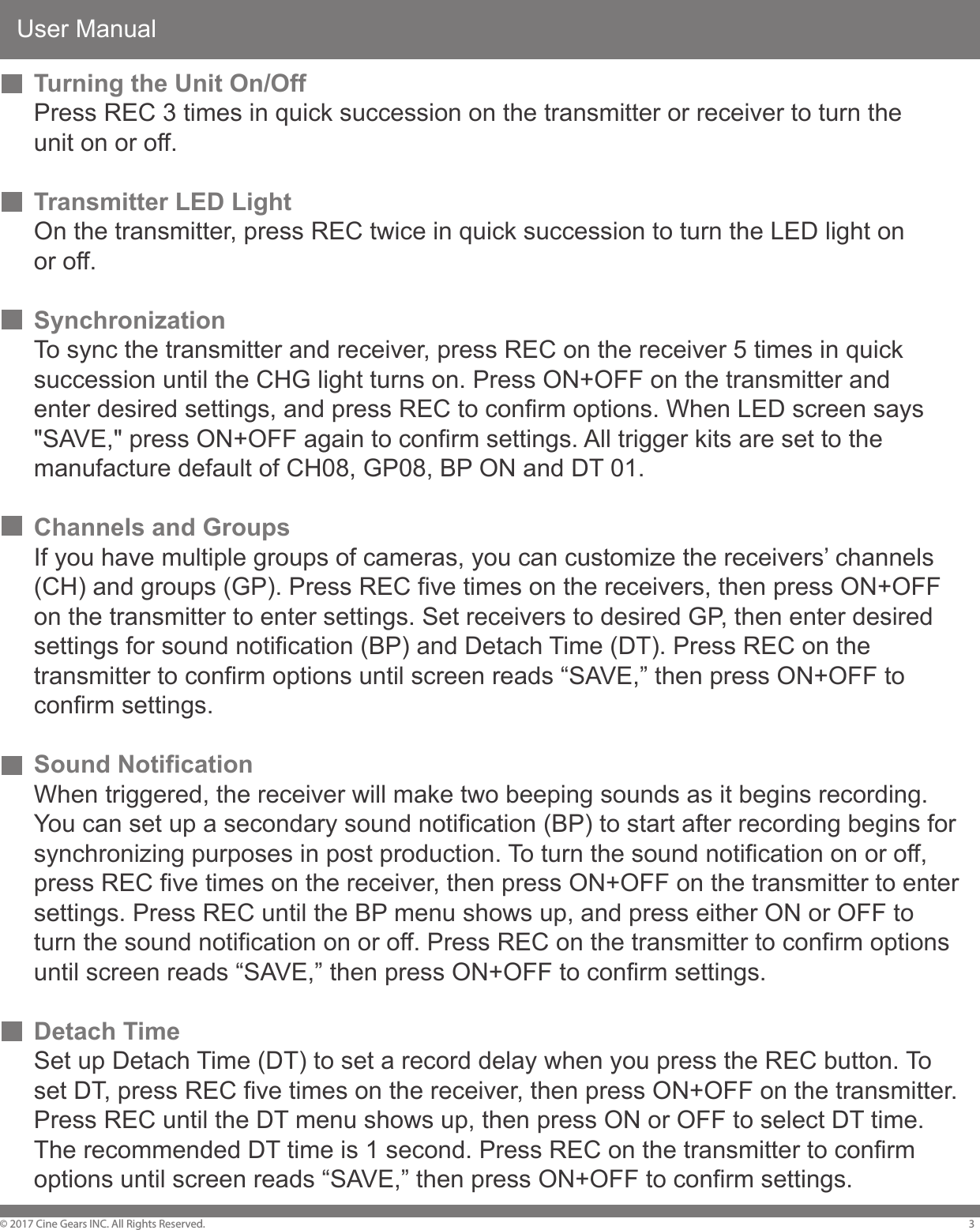
User Manual© 2017 Cine Gears INC. All Rights Reserved. 3Turning the Unit On/OffPress REC 3 times in quick succession on the transmitter or receiver to turn the unit on or off.Transmitter LED LightOn the transmitter, press REC twice in quick succession to turn the LED light on or off.SynchronizationTo sync the transmitter and receiver, press REC on the receiver 5 times in quick succession until the CHG light turns on. Press ON+OFF on the transmitter and enter desired settings, and press REC to confirm options. When LED screen says "SAVE," press ON+OFF again to confirm settings. All trigger kits are set to the manufacture default of CH08, GP08, BP ON and DT 01.Channels and GroupsIf you have multiple groups of cameras, you can customize the receivers’ channels(CH) and groups (GP). Press REC five times on the receivers, then press ON+OFFon the transmitter to enter settings. Set receivers to desired GP, then enter desired settings for sound notification (BP) and Detach Time (DT). Press REC on thetransmitter to confirm options until screen reads “SAVE,” then press ON+OFF toconfirm settings. Sound NotificationWhen triggered, the receiver will make two beeping sounds as it begins recording. You can set up a secondary sound notification (BP) to start after recording begins for synchronizing purposes in post production. To turn the sound notification on or off, press REC five times on the receiver, then press ON+OFF on the transmitter to enter settings. Press REC until the BP menu shows up, and press either ON or OFF to turn the sound notification on or off. Press REC on the transmitter to confirm options until screen reads “SAVE,” then press ON+OFF to confirm settings.Detach TimeSet up Detach Time (DT) to set a record delay when you press the REC button. To set DT, press REC five times on the receiver, then press ON+OFF on the transmitter. Press REC until the DT menu shows up, then press ON or OFF to select DT time. The recommended DT time is 1 second. Press REC on the transmitter to confirm options until screen reads “SAVE,” then press ON+OFF to confirm settings.
User Manual© 2017 Cine Gears INC. All Rights Reserved. 4Using the Receiver IndependentlyThe receiver can be used as a separate unit. When COM light is on, the receiver is controlled by the transmitter. To use the receiver as an independent trigger, press ON+OFF+REC, the COM light will turn off and CHG will flash.LANCWhen using LANC, you can use the trigger system to turn the camera on or off. Press ON+REC to turn on the camera. Press OFF+REC to turn off the camera.
Disclaimers© 2017 Cine Gears INC. All Rights Reserved. 5Terms and ConditionsCongratulations on purchasing your new CINEGEARS product. Please read this manual carefully before using the product. By using this product, you hereby agree to this disclaimer and signify that you have read it in full. You agree that you are responsible for your own conduct and any content created while using CINEGEARS products, and for any consequence thereof. You agree to use this product only for purposes that are proper and in accordance with local regulations, terms and any applicable polices and guidelines. By reading this disclaimer, you also agree: 1. Any part of this disclaimer is subject to change without prior notice. Refer to WWW.CINEGEARS.COM for the latest version. 2. CINEGEARS reserves the right of final interpretation of this disclaimer. CINEGEARS and the Follow Focus Kit are registered trademarks of Littlecent International Trading Corp. as names of product, brand, etc., appearing in this manual are trademarks or registered trademarks of their respective owner companies. This product and manual are copyrighted by CINEGEARS with all rights reserved. No part of this product or manual shall be reproduced in any form without the prior written consent or authorization of CINEGEARS.
About Cine Gears Inc.© 2017 Cine Gears INC. All Rights Reserved. 6Cine Gears Inc. is an industry leading company that designs and manufactures digital wireless follow focus systems, lens control systems, camera motion control systems and accessories for film and broadcast industry. As a big believer in the power of creativity and ideas, we designed the Pegasus cablecam, the wireless motor drive that integrated a built in wireless transmitter, and the wireless finger wheel controller. The Cine Gears Inc. wireless lens control system has the international CE certification on all its equipment. Cine Gears lens control system can achieve the finest minutia of focus pulling, with extreme accuracy and control. This very same technology is what drives the Pegasus for ultra-smooth, highly controlled, programmed movement.We have been working from Vancouver, B.C. for five years and our equipment has been used on hundreds of movies. Filmmakers of all experience levels will benefit greatly from a simple, professional, and well rounded follow focus system. The Single Axis and Multi Axis models provide greater ease, with lesscrew, and less wires. You can achieve professional film quality scenes on a shoestring budget. Camera operators, assistant camera operators, and jib operators can use the wireless follow focus to attain that perfect shot.Customer SupportIf you encounter any issues with any of our products please contact us directlyvia the details provided below. DO NOT CONTACT THE RETAIL STORE.CINE GEARS INC. (Canada)201-6700 No. 3 RoadRichmond, BC V6Y 2C3, CanadaTel: 1 604 243 9995CINE GEARS INC. (USA)47 East South Street, Suite 401Frederick, Maryland 21701, USATel: 1 206 462 2858Toll Free: 1 800 693 8883
FCC Caution.This device complies with part 15 of the FCC Rules. Operation is subject to the following twoconditions: (1) This device may not cause harmful interference, and (2) this device must accept any interference received, including interference that may causeundesired operation.Any Changes or modifications not expressly approved by the party responsible for compliance couldvoid the user's authority to operate the equipment.Note: This equipment has been tested and found to comply with the limits for a Class B digitaldevice, pursuant to part 15 of the FCC Rules. These limits are designed to provide reasonableprotection against harmful interference in a residential installation. This equipment generatesuses and can radiate radio frequency energy and, if not installed and used in accordance with theinstructions, may cause harmful interference to radio communications. However, there is no guaranteethat interference will not occur in a particular installation. If this equipment does cause harmfulinterference to radio or television reception, which can be determined by turning the equipment offand on, the user is encouraged to try to correct the interference by one or more of the followingmeasures:-Reorient or relocate the receiving antenna.-Increase the separation between the equipment and receiver.-Connect the equipment into an outlet on a circuit different from that to which the receiver isconnected.-Consult the dealer or an experienced radio/TV technician for help.IC Warning  This device complies with Industry Canada licence-exempt RSS standard(s). Operation issubject to the following two conditions:(1) This device may not cause interference, and (2) This device must accept any interference, including interference that may cause undesiredoperation of the device. Le pr¨|sent appareil est conforme aux CNR d'Industrie Canada applicables aux appareils radio exemptsde licence. L'exploitation est autoris¨|e aux deux conditions suivantes:  (1) l'appareil ne doit pas produire de brouillage, et  (2) l'utilisateur de l'appareil doit accepter tout brouillage radio¨|lectrique subi, m¨ome si le brouillage est susceptible d'en compromettre le fonctionnement

Navigation menu