Jakob Hatteland Logistics AS ROBR-915-2 AUTOSTORE Robot Radio User Manual
Jakob Hatteland Logistics AS AUTOSTORE Robot Radio
User manual

Distributor Manual - Radios 2.0
Copyright 2011 Jakob Hatteland Computer AS
Version: 06 - 2012
Language: English Original
AS-50040 - 2.0 - N.Am. - eng
Keep for future reference!

Copyright and Disclaimer
All rights reserved. No parts of this work may be reproduced in
any form or by any means - graphic, electronic, or mechanical,
including photocopying, recording, taping, or information
storage and retrieval systems - without the written permission of
the publisher.
Products that are referred to in this document may be either
trademarks and/or registered trademarks of the respective
owners. The publisher and the author make no claim to these
trademarks.
All specifications are subject to change without notice. While
every precaution has been taken in the preparation of this
document, the publisher and the author assume no responsibility
for errors or omissions, or for damages resulting from the use of
information contained in this document or from the use of
programs and source code that may accompany it.
AutoStore is a certified product, Modules and parts of the
AutoStore system must not be modified, altered, or installed or
used in a way not explicitly endorsed by the official
documentation. In no event shall the publisher and the author be
liable for any loss of profit or any other commercial damage
caused or alleged to have been caused directly or indirectly by
this document.
iiiCopyright and Disclaimer

iv Copyright and Disclaimer

Contents
Copyright and Disclaimer iii
1 About AutoStore Radio Communication 1
2 AutoStore Access Point 2
2.1 Access Point Frequency 2
3 The Robot Radio 3
3.1 Robot Radio Frequency 3
4 Troubleshooting Access Point Errors 4
4.1 Checking Ethernet Cable and POE 4
4.2 Replacing the Access Point 4
Index 5
iContents

ii Contents
1
About AutoStore Radio
Communication
The AutoStore Access Point (ASAP) and the Robot Radio provide wireless connections that enables
the AutoStore system to control the Robots. Every AutoStore installation has at least one ASAP and
one Robot Radio in every Robot.
ASAP and Robot Radio must only be used with AutoStore modules!
This device complies with part 15 of the FCC Rules. Operation is subject to the following two
conditions: (1) This device may not cause harmful interference, and (2) this device must accept
any interference received, including interference that may cause undesired operation.
1About AutoStore Radio Communication
2AutoStore Access Point
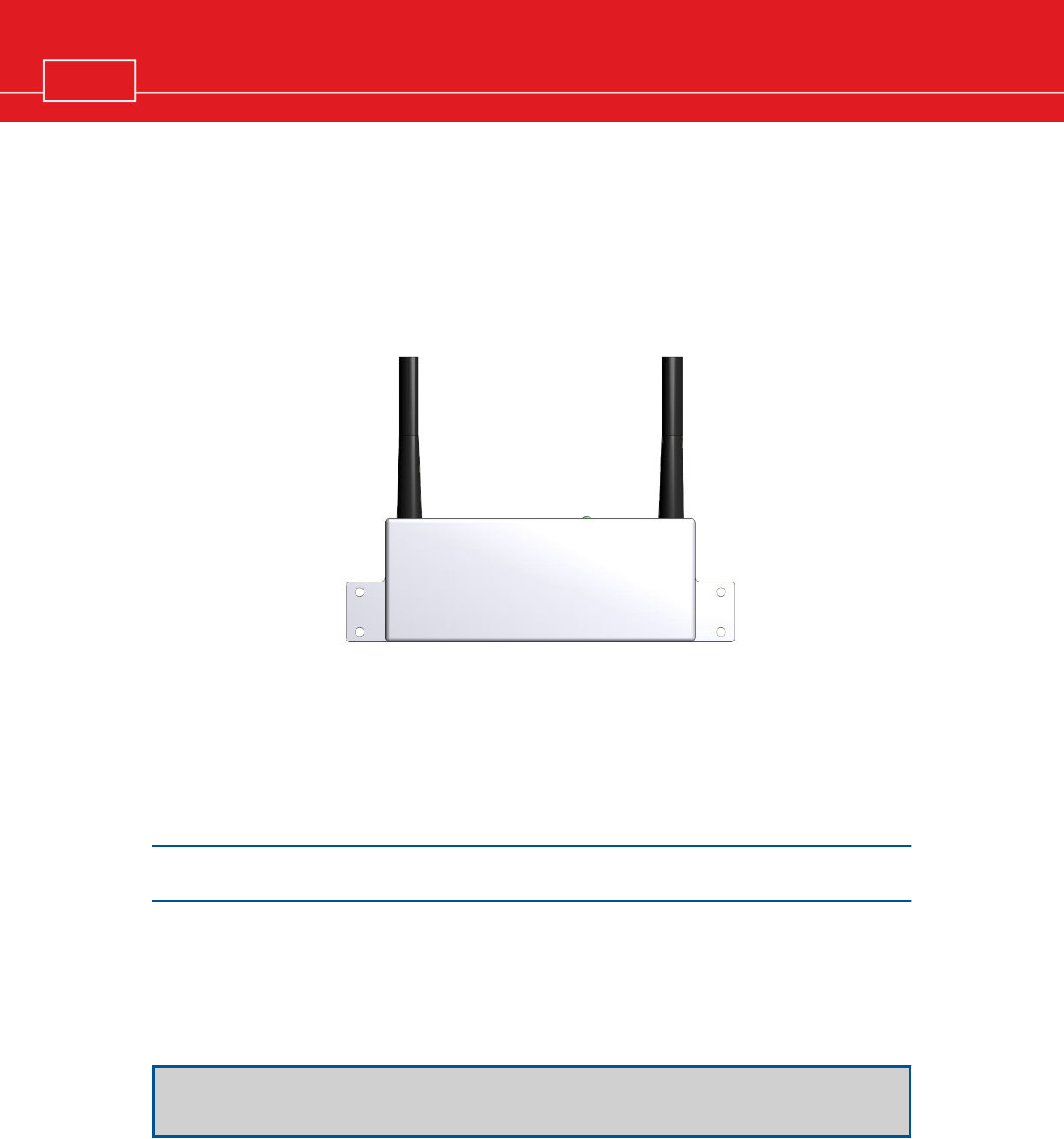
The AutoStore Access Point (ASAP) must be installed in a location above the Grid with free view
over the Robots and the whole Grid area. In certain environments, e.g., multi-level installations,
installations with obstacles such as walls or columns, or very large Grids, it may be necessary to install
additional Access Points to guarantee coverage for the whole Grid.
¨recommended 1 ASAP for every 30 Robots
¨not more than 50 Robots per ASAP
¨not fewer than two ASAPs in total
¨every ASAP covers a radius of 25 m (in environment without obstacles)
¨not more than 50 m between each ASAP
The Access Point is delivered to the customer in a pre-configured state. All settings match the
Robot's settings and cannot be changed by the user..
2.1 Access Point Frequency
The AutoStore Access Point operates at 915 MHz with multiple frequency channels.
It is recommended that the customer checks the existing traffic on this frequency to avoid interference
during operation.
If the 915 MHz range is used by other equipment, it is recommended to contact the
distributor.
2AutoStore Access Point
3The Robot Radio
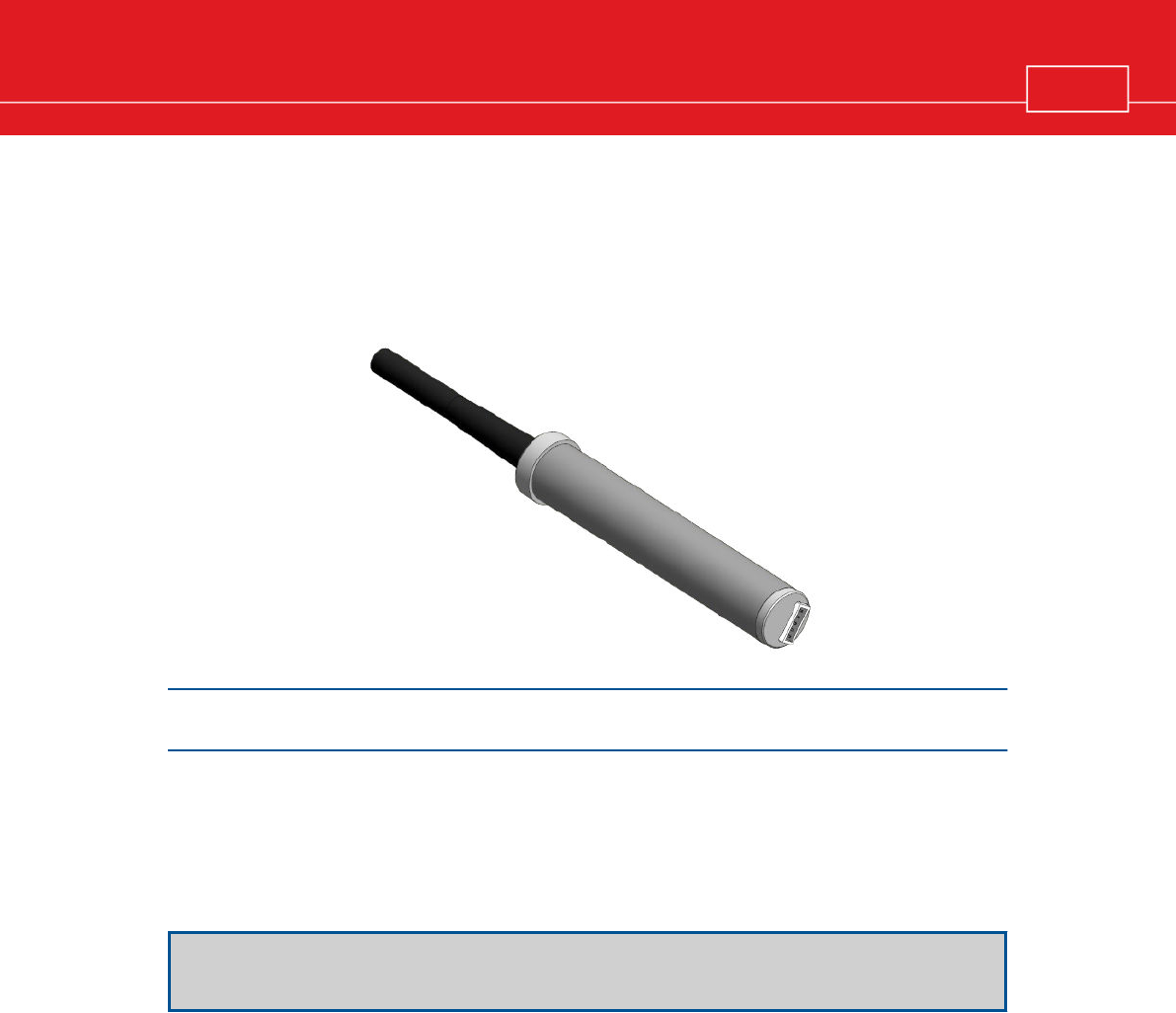
The Robot Radio allows the Robot to communicate wirelessly with the ASAP. There is one Robot
Radio in each Robot.
The Robot Radio is delivered in a pre-configured state. All settings match the ASAP's settings
and cannot be changed by the user.
3.1 Robot Radio Frequency
The Robot Radio operates at 915 MHz with multiple frequency channels.
It is recommended that the customer checks the existing traffic on this frequency to avoid interference
during operation.
If the 915 MHz range is used by other equipment, it is recommended to contact the
distributor.
3The Robot Radio

4Troubleshooting Access Point Errors
There are two main indications that point towards an Access Point error:
¨the LED on the Access Point blinks red
¨the LED on the Access Point shows a steady orange light for a prolonged period of time
¨several Robots stop moving on the Grid at the same time
4.1 Checking Ethernet Cable and POE
The Access Point is Powered Over the Ethernet (POE). Make sure that the cable sits securely in both
sockets.
If the cable is connected correctly and the Access Point LED is blinking, try pinging the Access Point
at it's IP address.
To do this:
¨Open a Windows command prompt on the console (Type cmd in the search bar of the Windows
start menu and press ENTER)
¨Type ping followed by the IP address of the Access Point you want to test
¨If the connection is working correctly it will return "Reply from ..." at the command prompt
¨If the connection is not working you will return "Request timed out" at the command promt
4.2 Replacing the Access Point
If the cabling (Ethernet / POE) has been tested and the LED on the Access Point is still not on, or if it
is not possible to ping the Access Point from the Console, then the Access Point has to be replaced.
4 Troubleshooting Access Point Errors


6 Index