Jonter Digital D40F Bluetooth speaker User Manual JONTER

Shenzhen Jonter Digital Co., Ltd Bluetooth speaker JONTER

User Manual

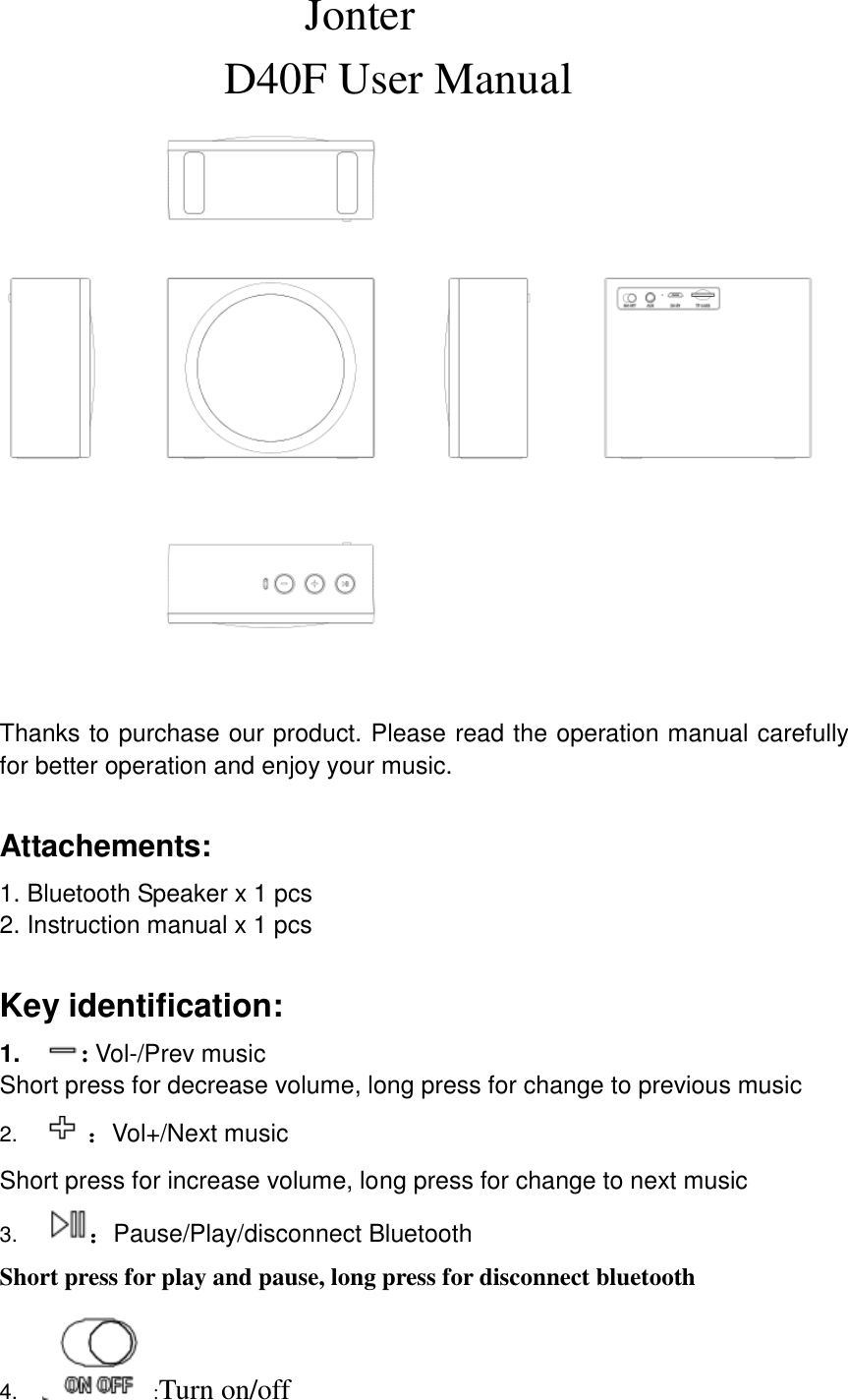
                            Jonter                     D40F User Manual                          Thanks to purchase our product. Please read the operation manual carefully for better operation and enjoy your music.  Attachements: 1. Bluetooth Speaker x 1 pcs 2. Instruction manual x 1 pcs  Key identification: 1. : Vol-/Prev music Short press for decrease volume, long press for change to previous music 2.  :Vol+/Next music Short press for increase volume, long press for change to next music 3. :Pause/Play/disconnect Bluetooth Short press for play and pause, long press for disconnect bluetooth 4. :Turn on/off
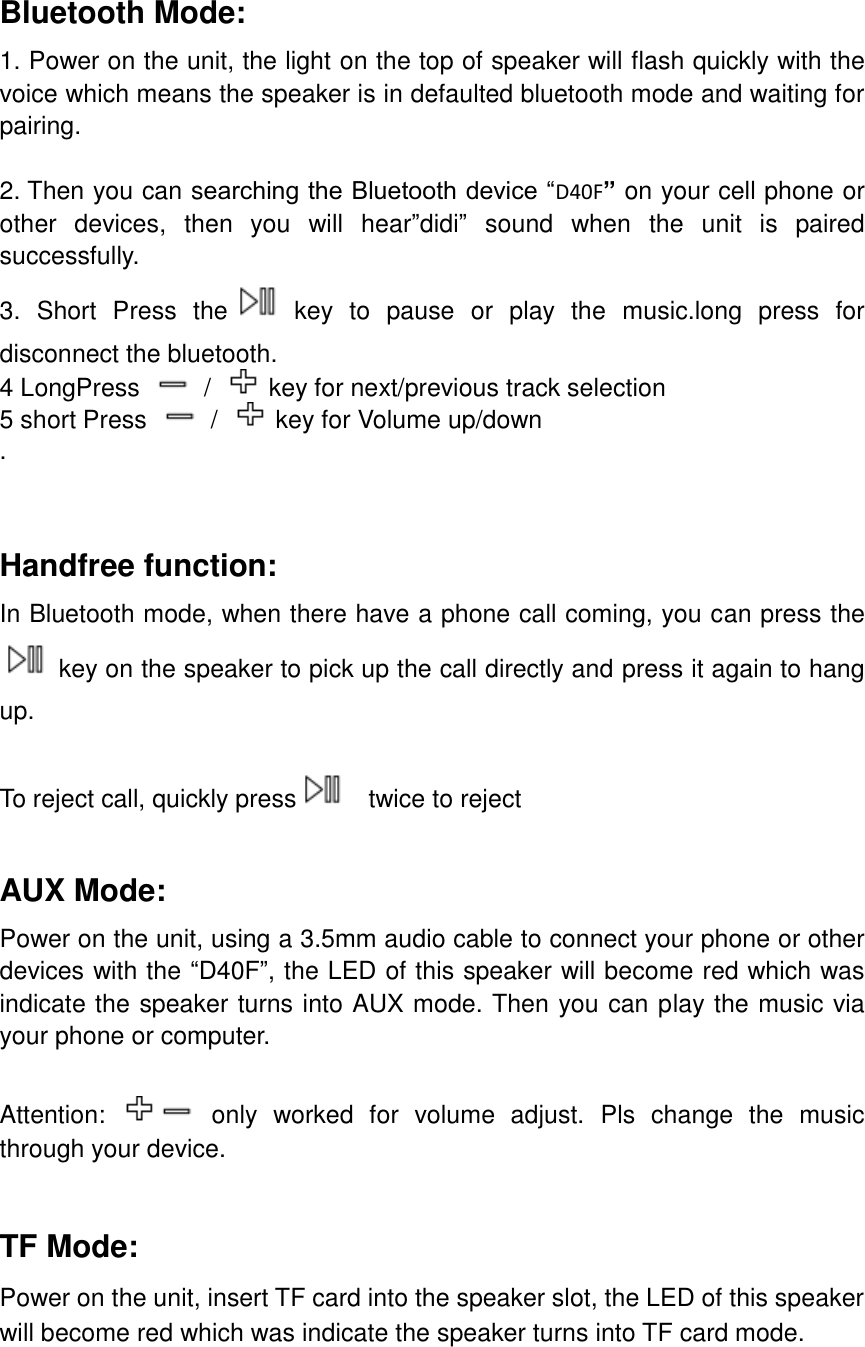
 Bluetooth Mode: 1. Power on the unit, the light on the top of speaker will flash quickly with the voice which means the speaker is in defaulted bluetooth mode and waiting for pairing.  2. Then you can searching the Bluetooth device “D40F” on your cell phone or other  devices,  then  you  will  hear”didi”  sound  when  the  unit  is  paired successfully. 3.  Short  Press  the   key  to  pause  or  play  the  music.long  press  for disconnect the bluetooth. 4 LongPress    /  key for next/previous track selection 5 short Press    /  key for Volume up/down .    Handfree function: In Bluetooth mode, when there have a phone call coming, you can press the    key on the speaker to pick up the call directly and press it again to hang up.  To reject call, quickly press   twice to reject  AUX Mode: Power on the unit, using a 3.5mm audio cable to connect your phone or other devices with the “D40F”, the LED of this speaker will become red which was indicate the speaker turns into AUX mode. Then you can play the music via your phone or computer.  Attention:   only  worked  for  volume  adjust.  Pls  change  the  music through your device.  TF Mode: Power on the unit, insert TF card into the speaker slot, the LED of this speaker will become red which was indicate the speaker turns into TF card mode.
Charging:  The unit has built in a rechargeable battery inside, before play the speaker, please follow up below step to charge the unit first. 1.  Using the supplied USB cable to connect the DC 5V jack, and another terminal connect with USB power like PC or other universal USB power. 2.  During the charging, the red color LED indicator on the side will turn on, and it will be off when the unit is fully charged.     NOTE: This equipment has been tested and found to comply with the limits for a Class B digital device, pursuant to part 15 of the FCC Rules. These limits are designed to provide reasonable protection against harmful interference in a residential installation. This equipment generates uses and can radiate radio frequency  energy  and,  if  not  installed  and  used  in  accordance  with  the instructions, may cause harmful interference to radio communications. However, there is no guarantee that interference will not occur in a particular installation. If this equipment  does  cause harmful  interference to  radio  or television  reception, which can  be  determined  by  turning  the  equipment  off  and  on,  the  user  is encouraged to try to correct the interference by one or more of the following measures: - Reorient or relocate the receiving antenna. - Increase the separation between the equipment and receiver. -Connect the equipment into an outlet on a circuit different from that to which the receiver is connected. -Consult the dealer or an experienced radio/TV technician for help Changes or modifications not expressly approved by the party responsible for compliance could void the user's authority to operate the equipment. This device complies with Part 15 of the FCC Rules. Operation is subject to the following two conditions: (1) this device may not cause harmful interference, and (2) this device must accept any interference received, including interference that may cause undesired operation.  FCC ID: 2AB9SD40F

Navigation menu