Jonter Digital M50 Bluetooth Speaker User Manual USERS MANUAL

Shenzhen Jonter Digital Co., Ltd Bluetooth Speaker USERS MANUAL

USERS MANUAL

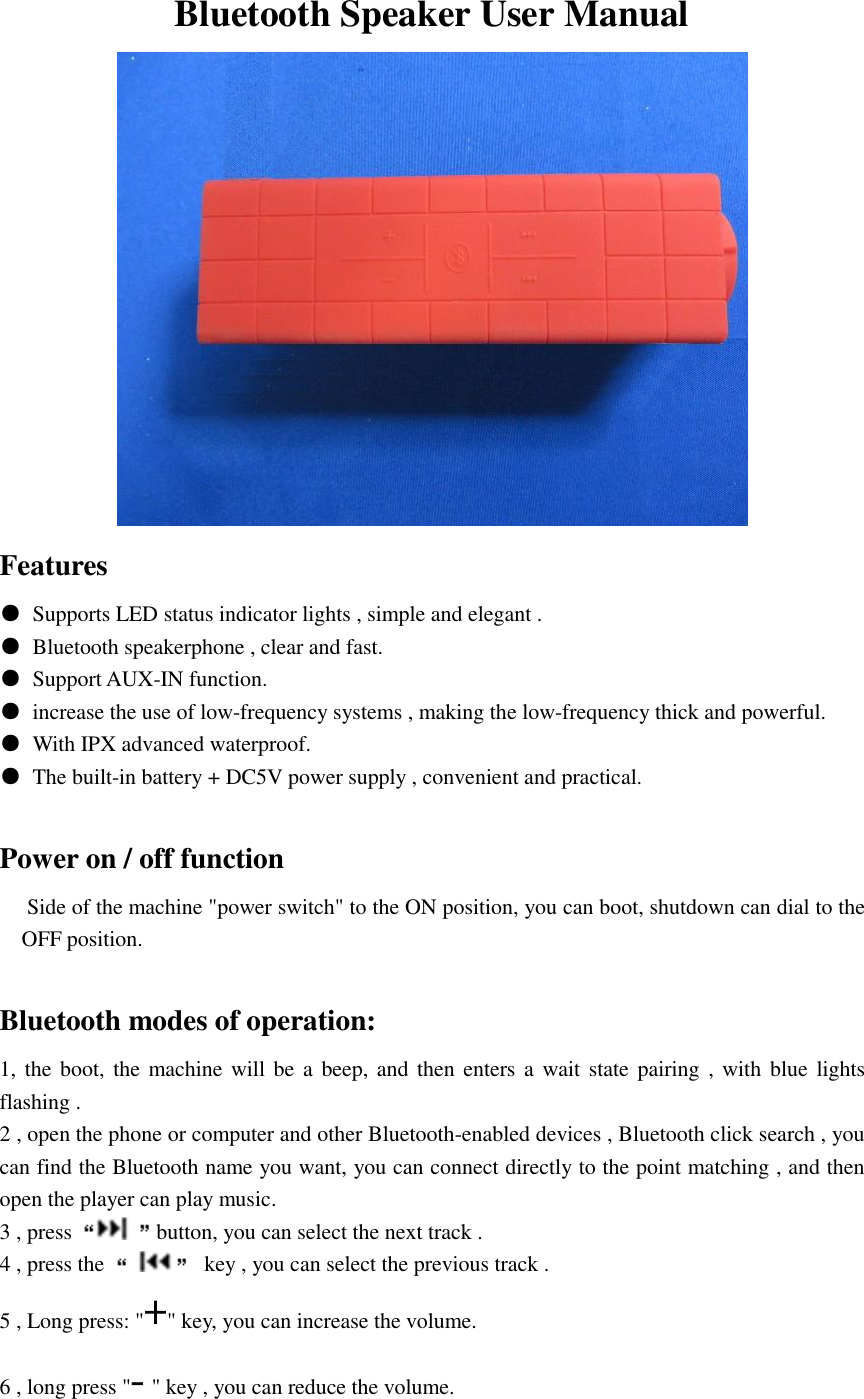
Bluetooth Speaker User Manual  Features ●  Supports LED status indicator lights , simple and elegant . ●  Bluetooth speakerphone , clear and fast. ●  Support AUX-IN function. ●  increase the use of low-frequency systems , making the low-frequency thick and powerful. ●  With IPX advanced waterproof. ●  The built-in battery + DC5V power supply , convenient and practical.                    Power on / off function      Side of the machine "power switch" to the ON position, you can boot, shutdown can dial to the OFF position.  Bluetooth modes of operation: 1, the boot, the machine will be a beep, and  then enters a  wait state pairing ,  with  blue lights flashing . 2 , open the phone or computer and other Bluetooth-enabled devices , Bluetooth click search , you can find the Bluetooth name you want, you can connect directly to the point matching , and then open the player can play music. 3 , press  button, you can select the next track . 4 , press the    key , you can select the previous track . 5 , Long press: "+" key, you can increase the volume. 6 , long press "- " key , you can reduce the volume.
7 , short press " " key , you can pause , and then click , you can play . Speakerphone When the phone call, short press "   " button, you can answer a call , press the hang up the phone.  Charging function  When the machine appears on intermittent "beep" alarm , indicating the machine low and needs recharging , the large female end of the adapter or with the USB cable to the 5V output power , the other end of the Micro USB_5P head corresponding machine USB Block Access on , you can charge .  Electricity The machine uses battery power monitoring.  With the increased use of time, the battery will be reduced.  When the battery is about to run out, the machine will be intermittent "beep" low tone, this time should be promptly charged.  Charging function  When you need to recharge, you must add USB5V power to charge the machine.   A short time without the use of the machine, try turning off the power.  Do not for a long time machine volume to maximum position.
Federal Communications Commission (FCC) Interference Statement This equipment has been tested and found to comply with the limits for a Class B digital device, pursuant to Part 15 of the FCC Rules.  These limits are designed to provide reasonable protection against harmful interference in a residential installation. This equipment generate, uses and can radiate radio frequency energy and, if not installed and used in accordance with the instructions, may cause harmful interference to radio communications. However, there is no guarantee that interference will not occur in a particular installation. If this equipment does cause harmful interference to radio or television reception, which can be determined by turning the equipment off and on, the user is encouraged to try to correct the interference by one of the following measures:    Reorient or relocate the receiving antenna.   Increase the separation between the equipment and receiver.   Connect the equipment into an outlet on a circuit different from that to which the receiver is     connected.   Consult the dealer or an experienced radio/TV technician for help.  This device complies with Part 15 of the FCC Rules. Operation is subject to the following two conditions: (1)  This device may not cause harmful interference, and (2) this device must accept any interference received, including interference that may cause undesired operation.  FCC Caution: Any changes or modifications not expressly approved by the party responsible for compliance could void the user’s authority to operate this equipment.  RF exposure warning  This equipment complies with FCC radiation exposure limits set forth for an uncontrolled environment. The equipment must not be co-located or operating in conjunction with any other antenna or transmitter.

Navigation menu