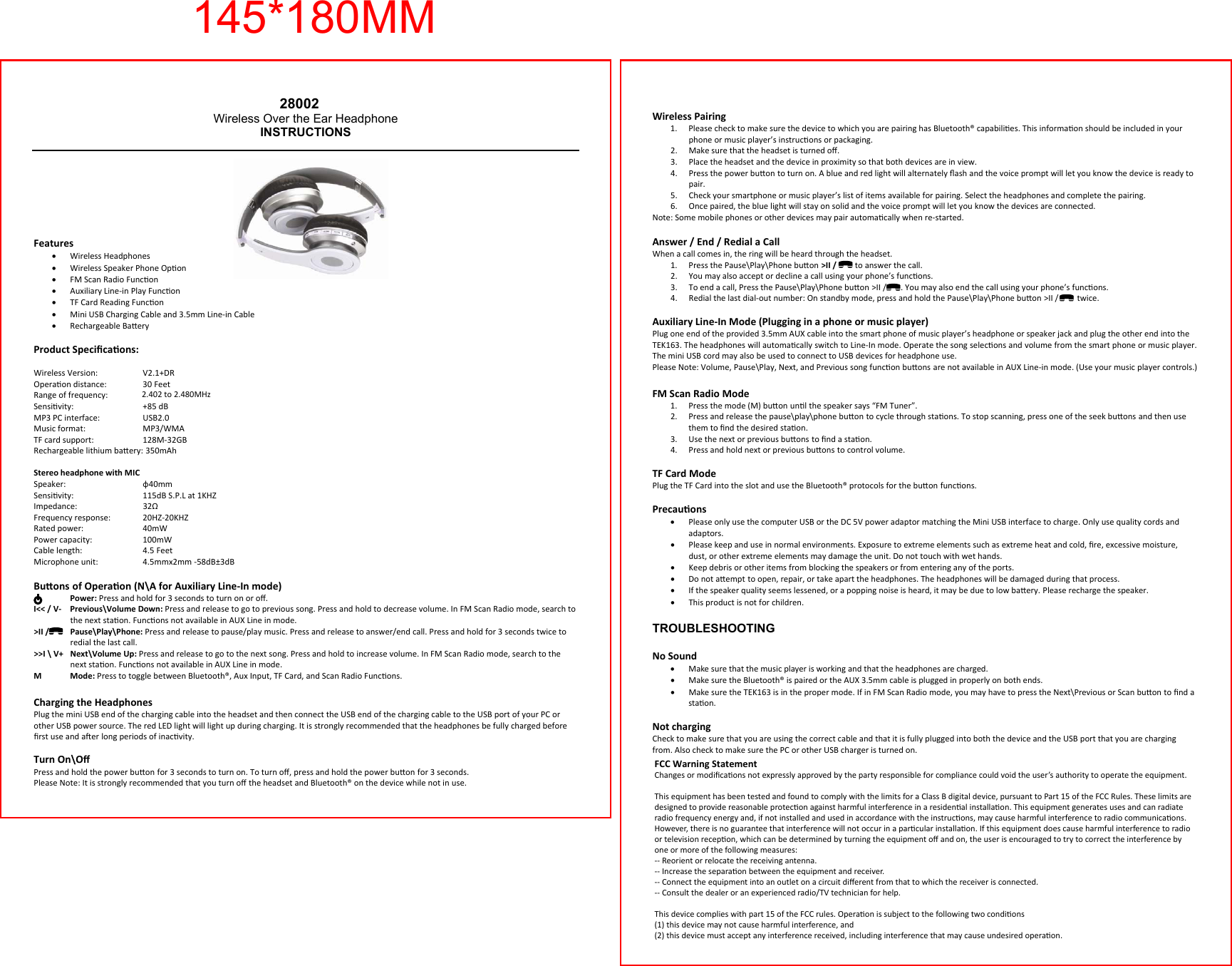
LEADER INNOVATIONS 28002 Bluetooth Headphones User Manual TEK163 Instructions

LEADER INNOVATIONS LTD. Bluetooth Headphones TEK163 Instructions

User Manual

 Wireless Pairing 1. Please check to make sure the device to which you are pairing has Bluetooth® capabilies. This informaon should be included in your phone or music player’s instrucons or packaging. 2. Make sure that the headset is turned off. 3. Place the headset and the device in proximity so that both devices are in view.  4. Press the power buon to turn on. A blue and red light will alternately flash and the voice prompt will let you know the device is ready to pair. 5. Check your smartphone or music player’s list of items available for pairing. Select the headphones and complete the pairing. 6. Once paired, the blue light will stay on solid and the voice prompt will let you know the devices are connected. Note: Some mobile phones or other devices may pair automacally when re-started.  Answer / End / Redial a Call When a call comes in, the ring will be heard through the headset. 1. Press the Pause\Play\Phone buon >II /         to answer the call.  2. You may also accept or decline a call using your phone’s funcons. 3. To end a call, Press the Pause\Play\Phone buon >II /       . You may also end the call using your phone’s funcons. 4. Redial the last dial-out number: On standby mode, press and hold the Pause\Play\Phone buon >II /         twice.  Auxiliary Line-In Mode (Plugging in a phone or music player) Plug one end of the provided 3.5mm AUX cable into the smart phone of music player’s headphone or speaker jack and plug the other end into the TEK163. The headphones will automacally switch to Line-In mode. Operate the song selecons and volume from the smart phone or music player. The mini USB cord may also be used to connect to USB devices for headphone use. Please Note: Volume, Pause\Play, Next, and Previous song funcon buons are not available in AUX Line-in mode. (Use your music player controls.) FM Scan Radio Mode 1. Press the mode (M) buon unl the speaker says “FM Tuner”. 2. Press and release the pause\play\phone buon to cycle through staons. To stop scanning, press one of the seek buons and then use them to find the desired staon. 3. Use the next or previous buons to find a staon. 4. Press and hold next or previous buons to control volume.  TF Card Mode Plug the TF Card into the slot and use the Bluetooth® protocols for the buon funcons. Precauons •Please only use the computer USB or the DC 5V power adaptor matching the Mini USB interface to charge. Only use quality cords and adaptors. •Please keep and use in normal environments. Exposure to extreme elements such as extreme heat and cold, fire, excessive moisture, dust, or other extreme elements may damage the unit. Do not touch with wet hands. •Keep debris or other items from blocking the speakers or from entering any of the ports. •Do not aempt to open, repair, or take apart the headphones. The headphones will be damaged during that process. •If the speaker quality seems lessened, or a popping noise is heard, it may be due to low baery. Please recharge the speaker. •This product is not for children. TROUBLESHOOTINGNo Sound •Make sure that the music player is working and that the headphones are charged. •Make sure the Bluetooth® is paired or the AUX 3.5mm cable is plugged in properly on both ends. •Make sure the TEK163 is in the proper mode. If in FM Scan Radio mode, you may have to press the Next\Previous or Scan buon to find a staon.   Not charging Check to make sure that you are using the correct cable and that it is fully plugged into both the device and the USB port that you are charging from. Also check to make sure the PC or other USB charger is turned on.  28002Wireless Over the Ear Headphone INSTRUCTIONSFeatures •Wireless Headphones •Wireless Speaker Phone Opon •FM Scan Radio Funcon •Auxiliary Line-in Play Funcon •TF Card Reading Funcon •Mini USB Charging Cable and 3.5mm Line-in Cable •Rechargeable Baery Product Specificaons:  Wireless Version:     V2.1+DR Operaon distance:   30 Feet Range of frequency:   2.4 to 2.4835 Gigahertz ISM band Sensivity:     +85 dB MP3 PC interface:     USB2.0 Music format:     MP3/WMA TF card support:     128M-32GB Rechargeable lithium baery: 350mAh  Stereo headphone with MIC Speaker:    φ40mm Sensivity:    115dB S.P.L at 1KHZ Impedance:     32Ω Frequency response:   20HZ-20KHZ Rated power:     40mW Power capacity:     100mW Cable length:     4.5 Feet Microphone unit:     4.5mmx2mm -58dB±3dBBuons of Operaon (N\A for Auxiliary Line-In mode)  Power: Press and hold for 3 seconds to turn on or off. I<< / V-   Previous\Volume Down: Press and release to go to previous song. Press and hold to decrease volume. In FM Scan Radio mode, search to the next staon. Funcons not available in AUX Line in mode. >II /   Pause\Play\Phone: Press and release to pause/play music. Press and release to answer/end call. Press and hold for 3 seconds twice to redial the last call. >>I \ V+   Next\Volume Up: Press and release to go to the next song. Press and hold to increase volume. In FM Scan Radio mode, search to the next staon. Funcons not available in AUX Line in mode. M Mode: Press to toggle between Bluetooth®, Aux Input, TF Card, and Scan Radio Funcons. Charging the Headphones Plug the mini USB end of the charging cable into the headset and then connect the USB end of the charging cable to the USB port of your PC or other USB power source. The red LED light will light up during charging. It is strongly recommended that the headphones be fully charged before first use and aer long periods of inacvity.  Turn On\Off Press and hold the power buon for 3 seconds to turn on. To turn off, press and hold the power buon for 3 seconds. Please Note: It is strongly recommended that you turn off the headset and Bluetooth® on the device while not in use. 145*180MMFCC Warning StatementChanges or modificaons not expressly approved by the party responsible for compliance could void the user’s authority to operate the equipment.This equipment has been tested and found to comply with the limits for a Class B digital device, pursuant to Part 15 of the FCC Rules. These limits aredesigned to provide reasonable protecon against harmful interference in a residenal installaon. This equipment generates uses and can radiateradio frequency energy and, if not installed and used in accordance with the instrucons, may cause harmful interference to radio communicaons. However, there is no guarantee that interference will not occur in a parcular installaon. If this equipment does cause harmful interference to radioor television recepon, which can be determined by turning the equipment off and on, the user is encouraged to try to correct the interference byone or more of the following measures:-- Reorient or relocate the receiving antenna.-- Increase the separaon between the equipment and receiver.-- Connect the equipment into an outlet on a circuit different from that to which the receiver is connected.-- Consult the dealer or an experienced radio/TV technician for help.This device complies with part 15 of the FCC rules. Operaon is subject to the following two condions (1) this device may not cause harmful interference, and(2) this device must accept any interference received, including interference that may cause undesired operaon.2.402 to 2.480MHz

Navigation menu