Leedarson Lighting 5AA-SS-ZC-H0 Temperature & Humidity Sensor User Manual V1
LEEDARSON LIGHTING CO., LTD. Temperature & Humidity Sensor V1
User Manual_V1
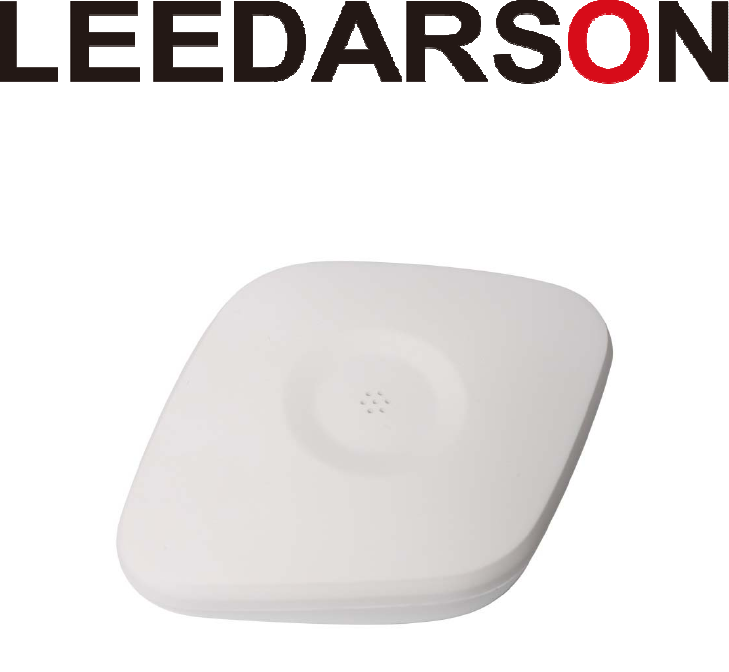
Temperature&
HumiditySensor
QuickStartGuide
We build your success in IoT.
2
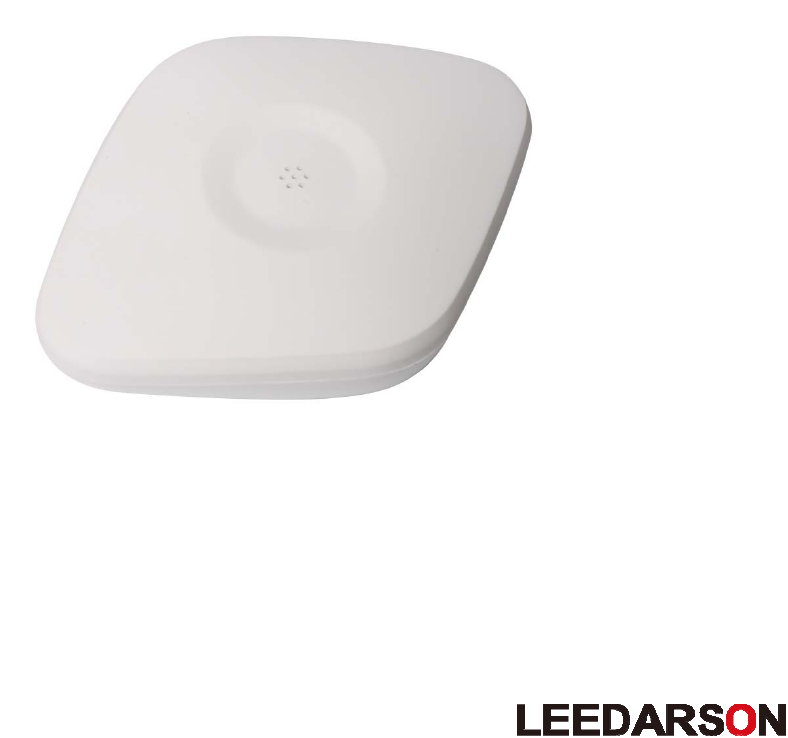
MeetYourLEEDARSONTemperature&
HumiditySensor
TheTemperature&HumiditySensorletsyouknowtheambienttemperatureandhumiditytotrigger
differentactionstomakeyoumorecomfort.
Capabilities:
TheLEEDARSONTemperature&HumiditySensorisauniversalZigBeeTemperature&Humidity
Sensor.
TheLEEDARSONTemperature&HumiditySensordetectstemperatureandhumidity.
TheLEEDARSONTemperature&HumiditySensorispoweredbytwoCR2032batterieswith3
yearsbatterylife.
TheLEEDARSONTemperature&HumiditySensorisdesignedtobemountedonthesurface.

3
Specification
PowerSupply:Battery
OperationalVoltage:3V
BatteryType:CR2032*2
BatteryLife:3years
Accuracy
0~60℃accuracy:+‐1℃
‐10~50℃accuracy:+‐1.5℃
0~100%RHaccuracy:+‐6%
RadioProtocol:ZigBee
RadioFrequency:2.4GHz
Range:100ftLOS
OperationalTemperature:‐10Ԩ~+50Ԩ
StandardsCompliance:FCC,CE
Dimensions(mm):84.4(L)*63.4(W)*20.2(H)
4
HowtoconnectaTemperature&HumiditySensor
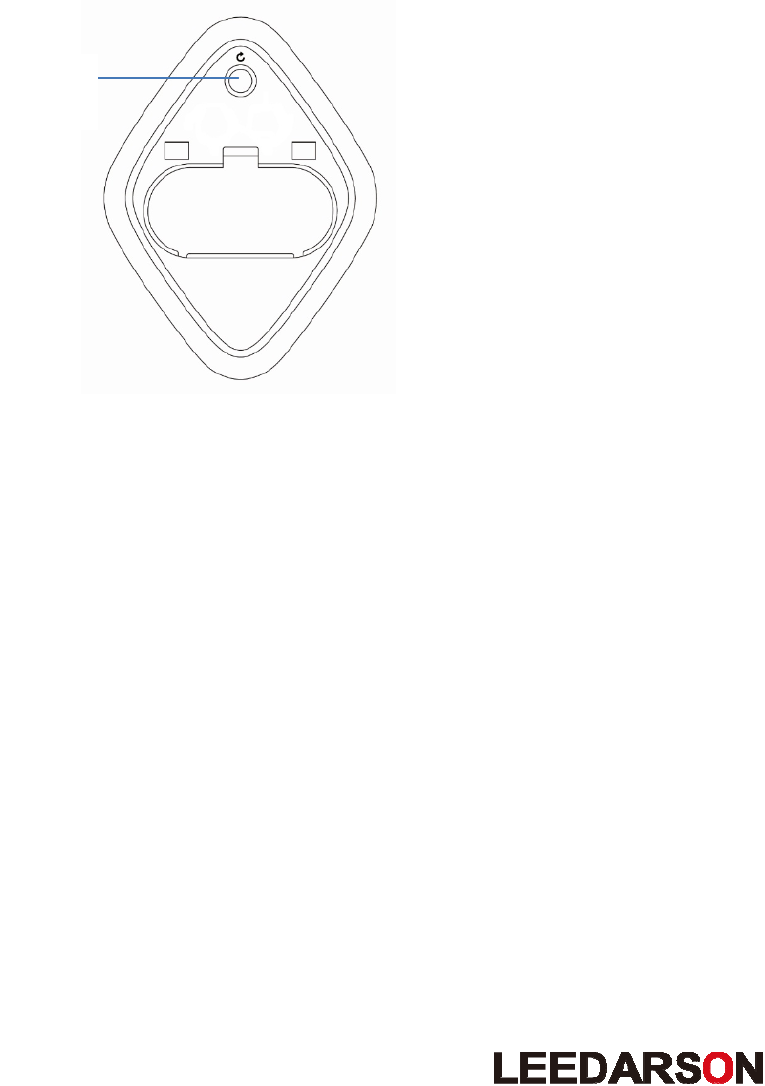
UsethebuttonatthebottomofthesensortoincludetheTemperature&HumiditySensorintotheZigBee
network.
Temperature&HumiditySensor’sInclusionProcedure:
1. Makesurethesensorispowered.
2. Pressandholdthe
button(reset)for3second.ThiswillcauseaLEDindicatortoflashoncepersecond.
3. Tap“Adddevice”intheLEEDARSONLDSApp.TheLDSAppwillsearchforthedevice.
4. TheLEDindicatorwillturnofftoconfirmasuccessfulinclusion.
Tip
WheninitiallysettinguptheLEEDARSONTemperature&HumiditySensor,itisrecommendedto
performthesetuptaskwithin15feet(4.5meters)oftheZigBeeHub.
Button
(Reset)

5
Howtoreseta
Temperature&Humidity
Sensor
Resetproceduredeletesmemory,includingallinformationontheZigBeenetworkandthehub.
Temperature&HumiditySensor’sResetProcedure:
1. Makesurethesensorispowered.
2. Pressandholdthebuttonfor3seconds.
3. Releasethebutton.
4. LEDindicatorflashesoncepersecondtoconfirmasuccessfulreset.
Caution:
This device complies with Part 15 of the FCC Rules. Operation is subject to the following two conditions: (1)
this device may not cause harmful interference, and (2) this device must accept any interference received,
including interference that may cause undesired operation.
Changes or modifications not expressly approved by the party responsible for compliance could void the
user's authority to operate the equipment.
To satisfy FCC RF exposure requirements, a separation distance of 20 cm or more should be maintained
between the antenna of this device and persons during device operation.
To ensure compliance, operations at closer than this distance is not recommended.
NOTE:ThisequipmenthasbeentestedandfoundtocomplywiththelimitsforaClassBdigitaldevice,pursuanttopart15
oftheFCCRules.Theselimitsaredesignedtoprovidereasonableprotectionagainstharmfulinterferenceinaresidential
installation.Thisequipmentgenerates,usesandcanradiateradiofrequencyenergyand,ifnotinstalledandusedin
accordancewiththeinstructions,maycauseharmfulinterferencetoradiocommunications.However,thereisno
guaranteethatinterferencewillnotoccurinaparticularinstallation.Ifthisequipmentdoescauseharmfulinterferenceto
radioortelevisionreception,whichcanbedeterminedbyturningtheequipmentoffandon,theuserisencouragedtotry
tocorrecttheinterferencebyoneormoreofthefollowingmeasures:
—Reorientorrelocatethereceivingantenna.
—Increasetheseparationbetweentheequipmentandreceiver.
—Connecttheequipmentintoanoutletonacircuitdifferentfromthattowhichthereceiverisconnected.
—Consultthedealeroranexperiencedradio/TVtechnicianforhelp.