Lelux Electronics 763T WIRELESS TEMPERATURE SENSOR WITH ALARM User Manual 763T

Lelux Electronics Ltd WIRELESS TEMPERATURE SENSOR WITH ALARM 763T

Users Manual

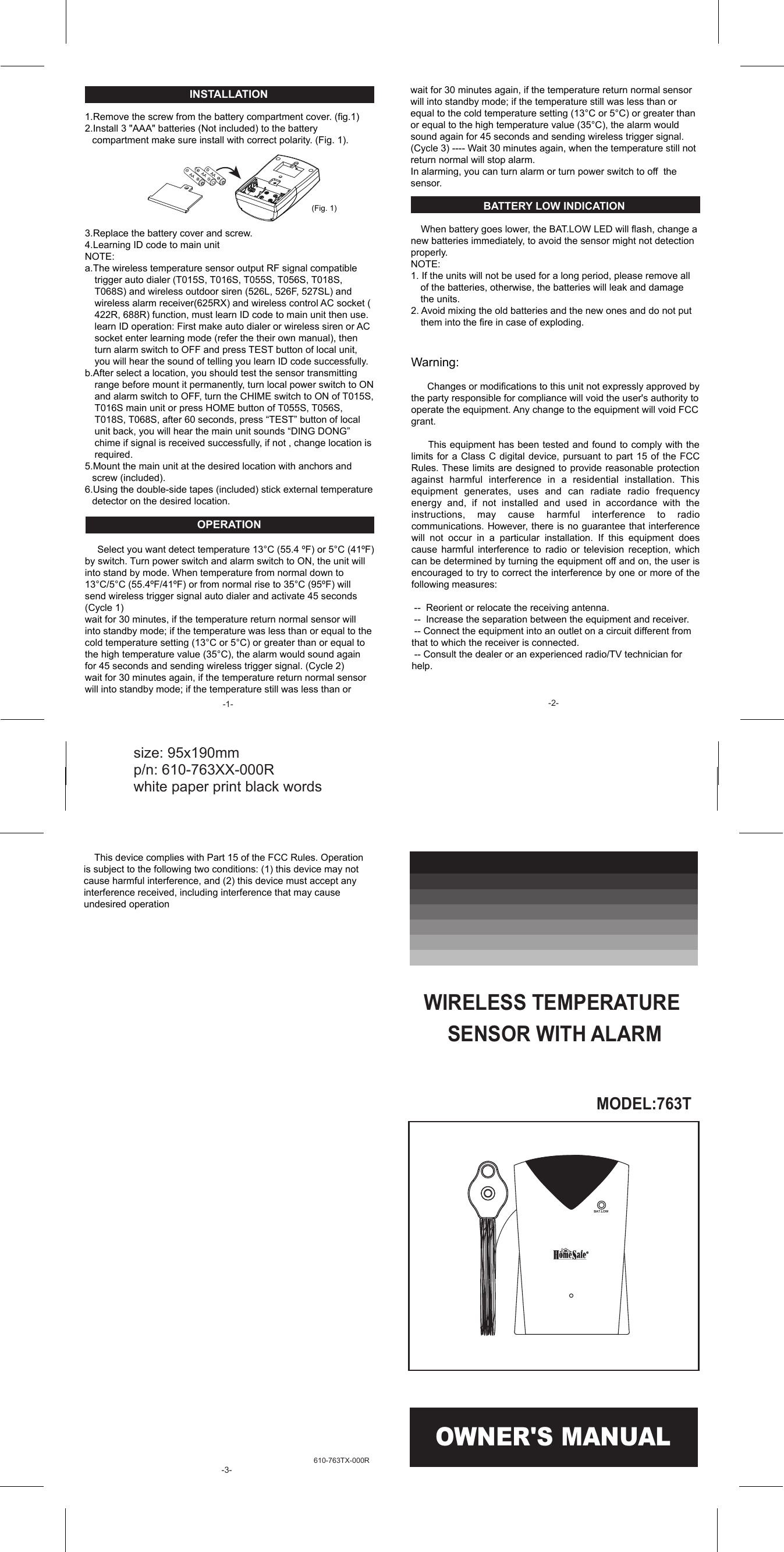
610-763TX-000R INSTALLATION  1.Remove the screw from the battery compartment cover. (fig.1) 2.Install 3 "AAA" batteries (Not included) to the battery compartment make sure install with correct polarity. (Fig. 1).        3.Replace the battery cover and screw. 4.Learning ID code to main unit NOTE:  a.The wireless temperature sensor output RF signal compatible trigger auto dialer (T015S, T016S, T055S, T056S, T018S, T068S) and wireless outdoor siren (526L, 526F, 527SL) and wireless alarm receiver(625RX) and wireless control AC socket ( 422R, 688R) function, must learn ID code to main unit then use. learn ID operation: First make auto dialer or wireless siren or AC socket enter learning mode (refer the their own manual), then turn alarm switch to OFF and press TEST button of local unit, you will hear the sound of telling you learn ID code successfully. b.After select a location, you should test the sensor transmitting range before mount it permanently, turn local power switch to ON and alarm switch to OFF, turn the CHIME switch to ON of T015S, T016S main unit or press HOME button of T055S, T056S, T018S, T068S, after 60 seconds, press “TEST” button of local unit back, you will hear the main unit sounds “DING DONG” chime if signal is received successfully, if not , change location is required. 5.Mount the main unit at the desired location with anchors and screw (included). 6.Using the double-side tapes (included) stick external temperature detector on the desired location.  OPERATION       Select you want detect temperature 13°C (55.4 ºF) or 5°C (41ºF) by switch. Turn power switch and alarm switch to ON, the unit will into stand by mode. When temperature from normal down to 13°C/5°C (55.4ºF/41ºF) or from normal rise to 35°C (95ºF) will send wireless trigger signal auto dialer and activate 45 seconds (Cycle 1) wait for 30 minutes, if the temperature return normal sensor will into standby mode; if the temperature was less than or equal to the cold temperature setting (13°C or 5°C) or greater than or equal to the high temperature value (35°C), the alarm would sound again for 45 seconds and sending wireless trigger signal. (Cycle 2) wait for 30 minutes again, if the temperature return normal sensor will into standby mode; if the temperature still was less than or   (Fig. 1) OWNER'S MANUAL size: 95x190mm   p/n: 610-763XX-000R   white paper print black words MODEL:763T WIRELESS TEMPERATURE SENSOR WITH ALARMBAT.LOW wait for 30 minutes again, if the temperature return normal sensor will into standby mode; if the temperature still was less than or  equal to the cold temperature setting (13°C or 5°C) or greater than or equal to the high temperature value (35°C), the alarm would sound again for 45 seconds and sending wireless trigger signal.  (Cycle 3) ---- Wait 30 minutes again, when the temperature still not return normal will stop alarm.   In alarming, you can turn alarm or turn power switch to off  the sensor.     BATTERY LOW INDICATION      When battery goes lower, the BAT.LOW LED will flash, change a new batteries immediately, to avoid the sensor might not detection properly. NOTE:  1. If the units will not be used for a long period, please remove all of the batteries, otherwise, the batteries will leak and damage the units. 2. Avoid mixing the old batteries and the new ones and do not put them into the fire in case of exploding.   Warning:        Changes or modifications to this unit not expressly approved by the party responsible for compliance will void the user's authority to operate the equipment. Any change to the equipment will void FCC grant.       This equipment has been tested and found to comply with the limits for  a Class  C digital  device, pursuant  to part  15 of  the FCC Rules. These limits are designed to provide reasonable protection against  harmful  interference  in  a  residential  installation.  This equipment  generates,  uses  and  can  radiate  radio  frequency energy  and,  if  not  installed  and  used  in  accordance  with  the instructions,  may  cause  harmful  interference  to  radio communications. However, there is no guarantee that interference will  not  occur  in  a  particular  installation.  If  this  equipment  does cause  harmful  interference  to  radio  or  television  reception,  which can be determined by turning the equipment off and on, the user is encouraged to try to correct the interference by one or more of the following measures:   --  Reorient or relocate the receiving antenna.  --  Increase the separation between the equipment and receiver.  -- Connect the equipment into an outlet on a circuit different from that to which the receiver is connected.  -- Consult the dealer or an experienced radio/TV technician for help.   -1-  -2-     This device complies with Part 15 of the FCC Rules. Operation is subject to the following two conditions: (1) this device may not cause harmful interference, and (2) this device must accept any interference received, including interference that may cause undesired operation  -3-

Navigation menu