Mitsubishi Electric Sanda Works NR213 HEADUNIT A-HIGH User Manual NR 213 2

Mitsubishi Electric Corporation Sanda Works HEADUNIT A-HIGH NR 213 2

Contents

Users manual2

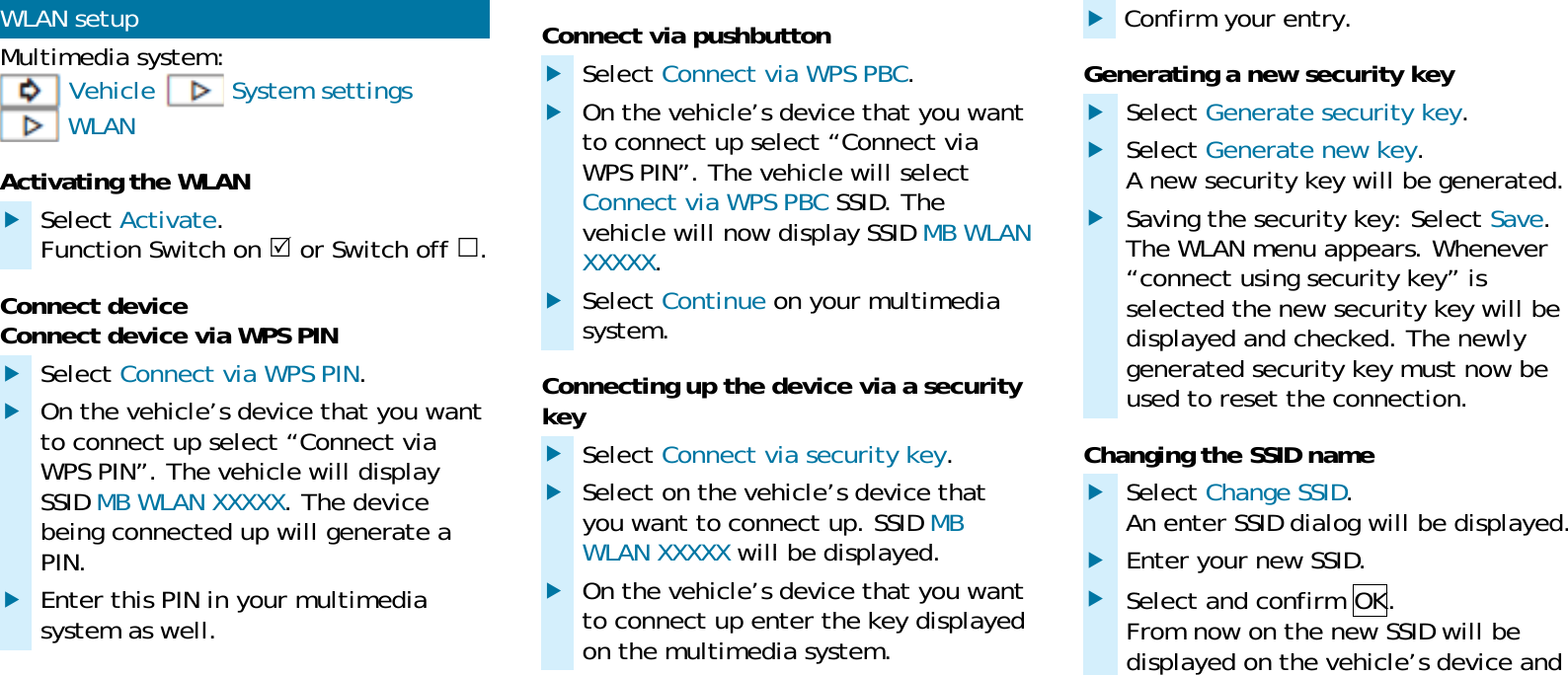
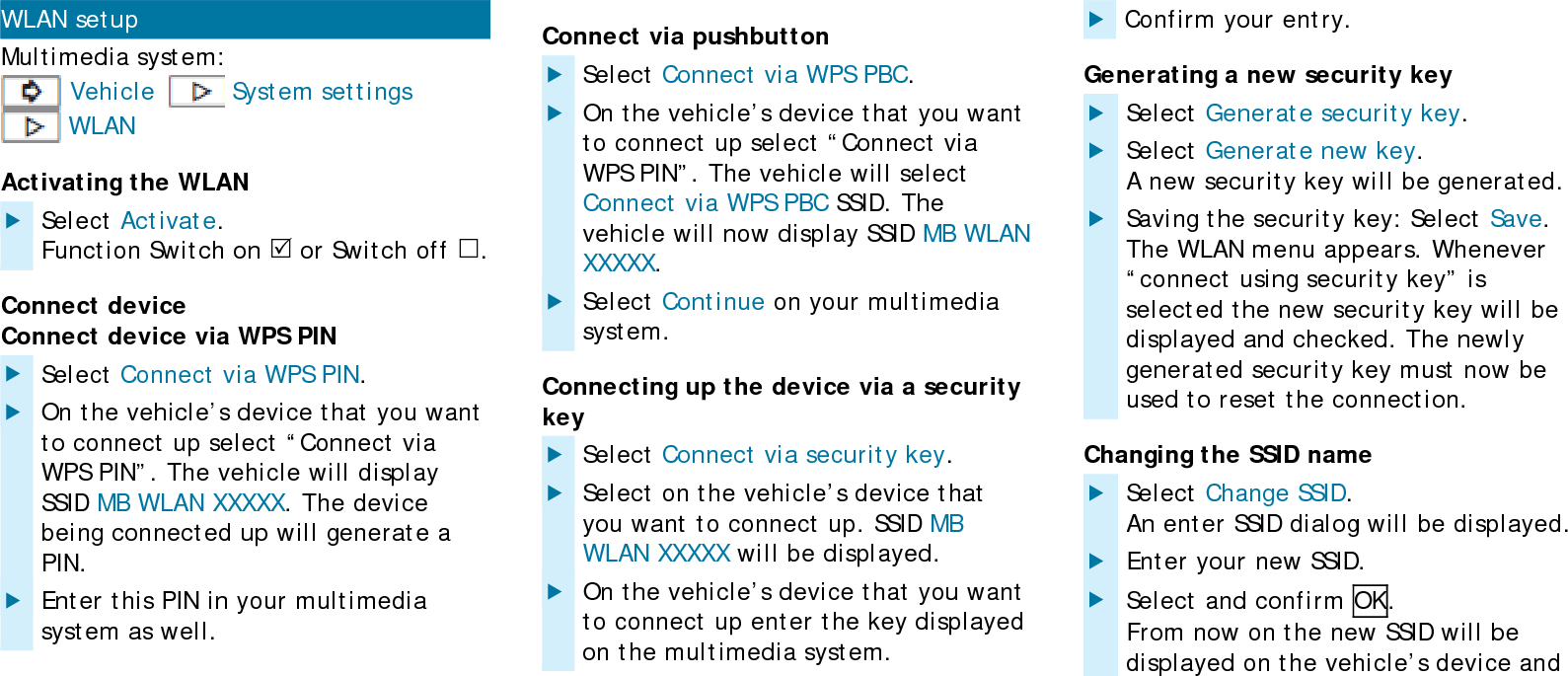
WLAN setup Multimedia system:  Vehicle  System settings  WLAN Activating the WLAN  Select Activate. Function Switch on  or Switch off . Connect device Connect device via WPS PIN  Select Connect via WPS PIN.  On the vehicle’s device that you want to connect up select “Connect via WPS PIN”. The vehicle will display SSID MB WLAN XXXXX. The device being connected up will generate a PIN.  Enter this PIN in your multimedia system as well. Connect via pushbutton  Select Connect via WPS PBC.  On the vehicle’s device that you want to connect up select “Connect via WPS PIN”. The vehicle will select Connect via WPS PBC SSID. The vehicle will now display SSID MB WLAN XXXXX.  Select Continue on your multimedia system. Connecting up the device via a security key  Select Connect via security key.  Select on the vehicle’s device that you want to connect up. SSID MB WLAN XXXXX will be displayed.  On the vehicle’s device that you want to connect up enter the key displayed on the multimedia system.  Confirm your entry. Generating a new security key  Select Generate security key.  Select Generate new key. A new security key will be generated.  Saving the security key: Select Save. The WLAN menu appears. Whenever “connect using security key” is selected the new security key will be displayed and checked. The newly generated security key must now be used to reset the connection. Changing the SSID name  Select Change SSID. An enter SSID dialog will be displayed.  Enter your new SSID.  Select and confirm OK. From now on the new SSID will be displayed on the vehicle’s device and
in the “Via security key” menu when connecting up.

Navigation menu