Nix Sensor NIXMINI001 High resolution, wireless, portable color sensor User Manual Nix Mini Booklet Final v6

Nix Sensor Ltd High resolution, wireless, portable color sensor Nix Mini Booklet Final v6

Contents

Quick Guide Manual

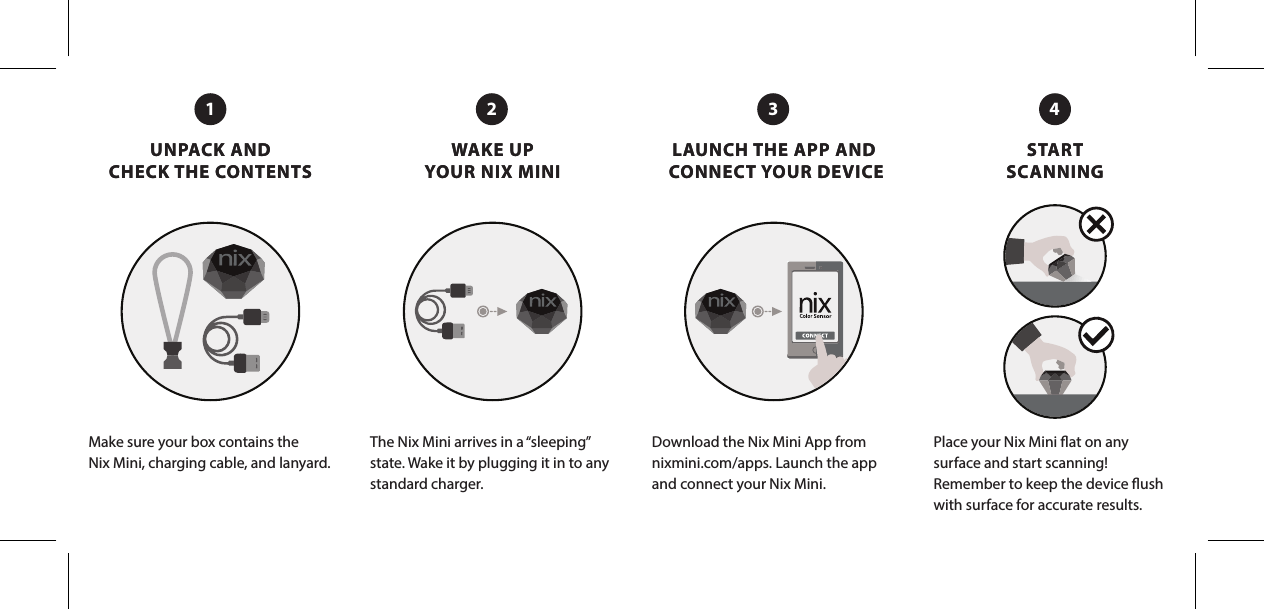
UNPACK AND CHECK THE CONTENTSWAKE UP YOUR NIX MINILAUNCH THE APP AND CONNECT YOUR DEVICESTART SCANNINGUNPACK AND CHECK THE CONTENTSWAKE UP YOUR NIX MINILAUNCH THE APP AND CONNECT YOUR DEVICESTART SCANNINGMake sure your box contains theNix Mini, charging cable, and lanyard.The Nix Mini arrives in a “sleeping” state. Wake it by plugging it in to any standard charger. Download the Nix Mini App from nixmini.com/apps. Launch the app and connect your Nix Mini.Place your Nix Mini at on any surface and start scanning! Remember to keep the device ush with surface for accurate results.1 32 4
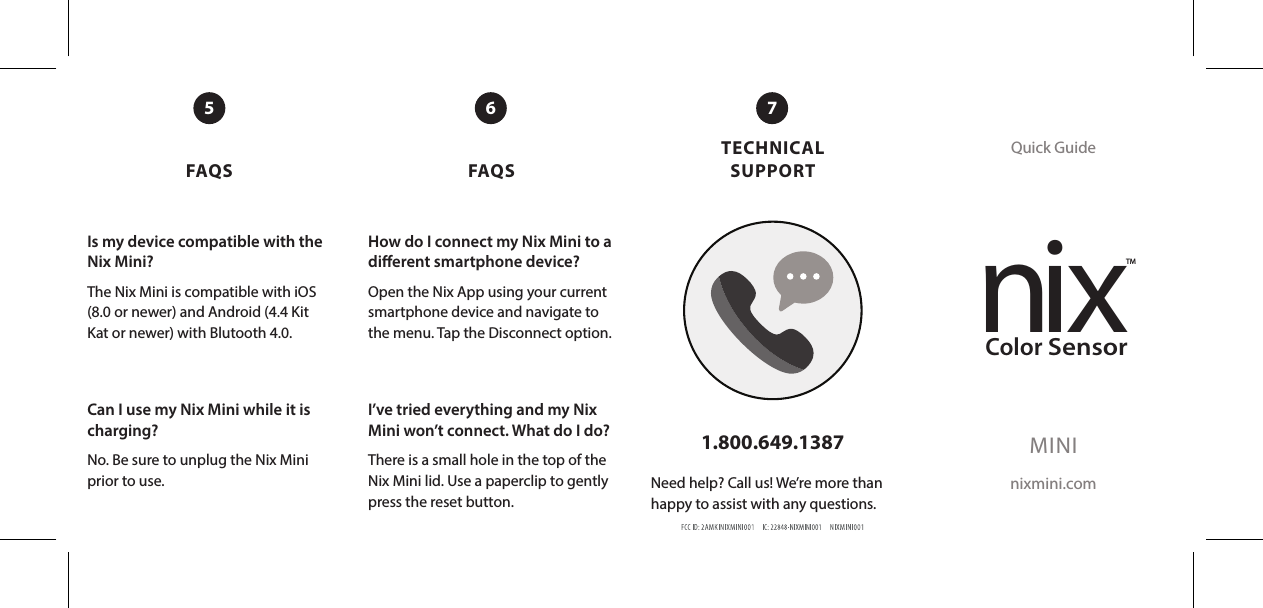
FAQS FAQSTECHNICAL SUPPORTQuick GuideMINInixmini.com1.800.649.1387Need help? Call us! We’re more than happy to assist with any questions.5 76Is my device compatible with the Nix Mini?The Nix Mini is compatible with iOS (8.0 or newer) and Android (4.4 Kit Kat or newer) with Blutooth 4.0. Can I use my Nix Mini while it is charging? No. Be sure to unplug the Nix Mini prior to use. How do I connect my Nix Mini to a dierent smartphone device?Open the Nix App using your current smartphone device and navigate to the menu. Tap the Disconnect option.I’ve tried everything and my Nix Mini won’t connect. What do I do?There is a small hole in the top of the Nix Mini lid. Use a paperclip to gently press the reset button.nixTMColorSensor

Navigation menu