OKAYO Electronics EJ-880T UHF-PLL Stationery Transmitter User Manual

OKAYO Electronics Co., Ltd. UHF-PLL Stationery Transmitter

User Manual

 UHF-PLL STATIONERY TRANSMITTERUser's  Guide
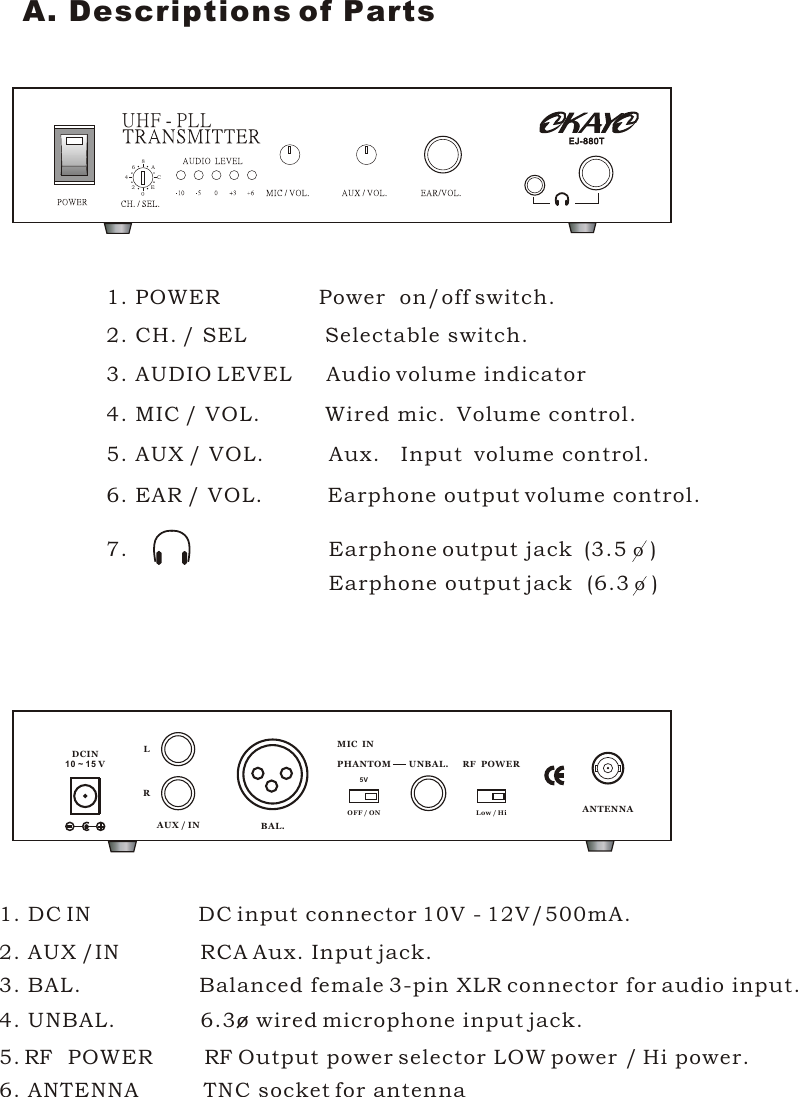
02648ACEUHF - PLLEJ-880TEJ-880T1. POWER               Power  on/off switch.2. CH. / SEL            Selectable switch.3. AUDIO LEVEL     Audio volume indicator4. MIC / VOL.          Wired mic.  Volume control.5. AUX / VOL.          Aux.   Input  volume control.6. EAR / VOL.          Earphone output volume control.7.                              Earphone output jack  (3.5 o ) Earphone output jack  (6.3 o )     DCIN10 ~ 1 5 VLRAUX / INLow / HiBAL.UNBAL.MIC  INRFPOWERPHANTOMOFF / ON5VANTENNA1. DC IN                DC input connector 10V - 12V/500mA.2. AUX /IN            RCA Aux. Input jack.3. BAL.                  Balanced female 3-pin XLR connector for audio input.4. UNBAL.             6.3o wired microphone input jack.5.       POWER             Output power selector LOW power / Hi power.6. ANTENNA          TNC socket for antennaFRFRA. Descriptions of Parts
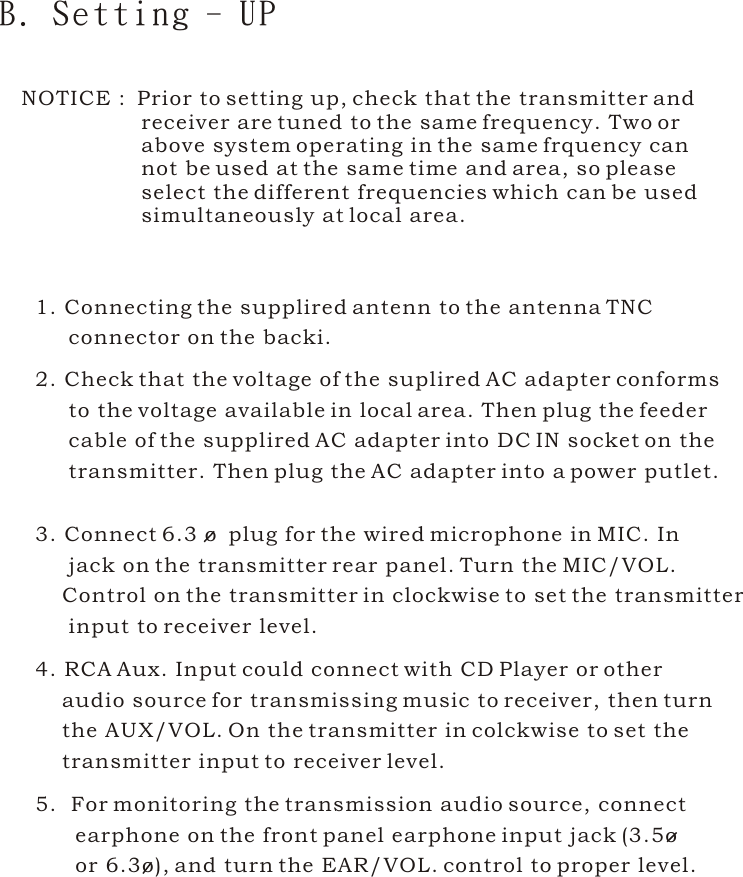
1. Connecting the supplired antenn to the antenna TNC      connector on the backi.2. Check that the voltage of the suplired AC adapter conforms      to the voltage available in local area. Then plug the feeder      cable of the supplired AC adapter into DC IN socket on the      transmitter. Then plug the AC adapter into a power putlet.3. Connect 6.3 o  plug for the wired microphone in MIC. In      jack on the transmitter rear panel. Turn the MIC/VOL.     Control on the transmitter in clockwise to set the transmitter     input to receiver level.4. RCA Aux. Input could connect with CD Player or other     audio source for transmissing music to receiver, then turn    the AUX/VOL. On the transmitter in colckwise to set the     transmitter input to receiver level.B. Setting - UP5.  For monitoring the transmission audio source, connect       earphone on the front panel earphone input jack (3.5o       or 6.3o), and turn the EAR/VOL. control to proper level. NOTICE :  Prior to setting up, check that the transmitter and                   receiver are tuned to the same frequency. Two or                  above system operating in the same frquency can                  not be used at the same time and area, so please                   select the different frequencies which can be used                  simultaneously at local area.
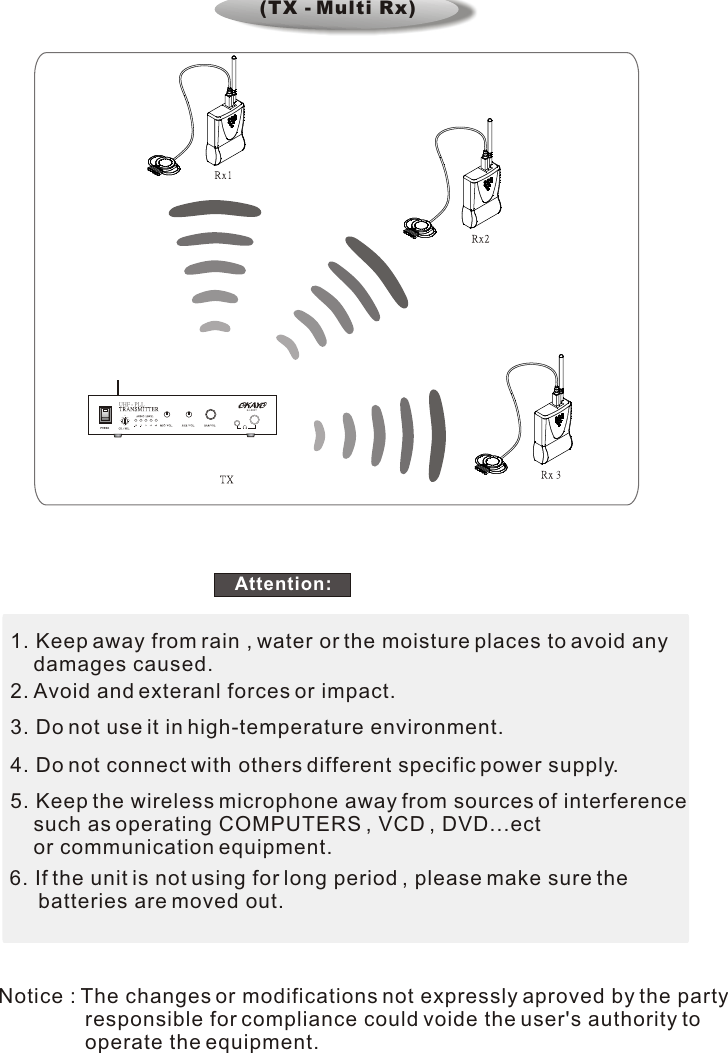
1. Keep away from rain , water or the moisture places to avoid any     damages caused.2. Avoid and exteranl forces or impact.3. Do not use it in high-temperature environment.4. Do not connect with others different specific power supply.5. Keep the wireless microphone away from sources of interference    such as operating COMPUTERS , VCD , DVD...ect     or communication equipment.6. If the unit is not using for long period , please make sure the      batteries are moved out.Attention: Notice : The changes or modifications not expressly aproved by the party                responsible for compliance could voide the user's authority to                operate the equipment. 02648ACEUHF - PLLEJ-880T(TX - Multi Rx)

Navigation menu