PFK Electronics 743301 LOW POWER TRANSMITTER User Manual 743manual erv 2 CorelDRAW

PFK Electronics (Pty) Limited LOW POWER TRANSMITTER 743manual erv 2 CorelDRAW

USERS MANUAL

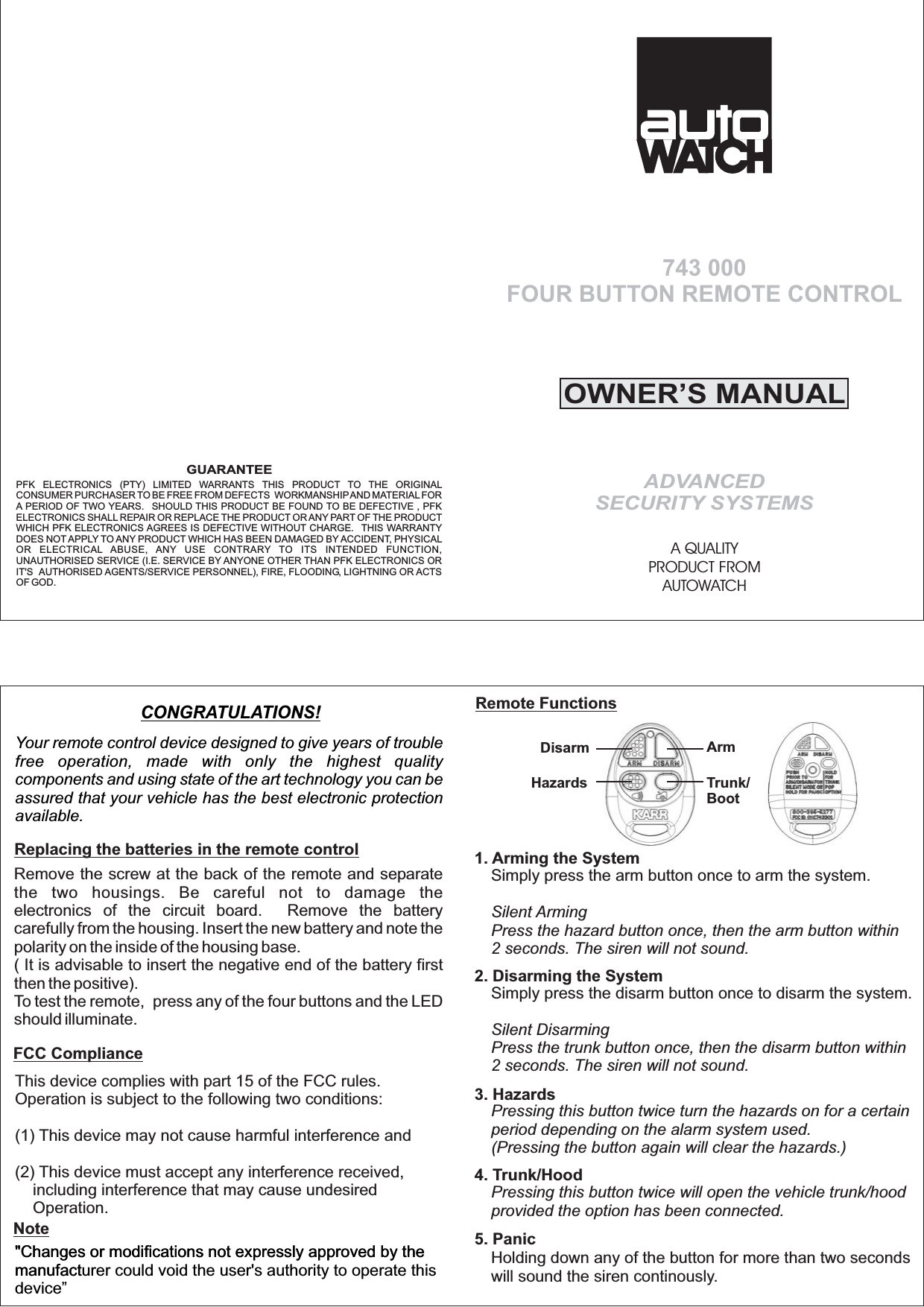
This device complies with part 15 of the FCC rules.Operation is subject to the following two conditions:This device may not cause harmful interference andThis device must accept any interference received,including interference that may cause undesiredOperation.(1)(2)"Changes or modifications not expressly approved by themanufact"Changes or modifications not expressly approved by themanufacturer could void the user's authority to operate thisdevice”Remote FunctionsRemove the screw at the back of the remote and separatethe two housings. Be careful not to damage theelectronics of the circuit board. Remove the batterycarefully from the housing. Insert the new battery and note thepolarity on the inside of the housing base.( It is advisable to insert the negative end of the battery firstthen the positive).To test the remote, press any of the four buttons and the LEDshould illuminate.OWNER’S MANUALADVANCEDSECURITY SYSTEMSA QUALITYPRODUCT FROMAUTOWATCH743 000FOUR BUTTON REMOTE CONTROLYour remote control device designed to give years of troublefree operation, made with only the highest qualitycomponents and using state of the art technology you can beassured that your vehicle has the best electronic protectionavailable.CONGRATULATIONS!Simply press the disarm button once to disarm the system.Silent DisarmingPress the trunk button once, then the disarm button within2 seconds. The siren will not sound.Pressing this button twice turn the hazards on for a certainperiod depending on the alarm system used.(Pressing the button again will clear the hazards.)Pressing this button twice will open the vehicle trunk/hoodprovided the option has been connected.Holding down any of the button for more than two secondswill sound the siren continously.2. Disarming the System3. Hazards4. Trunk/Hood5. PanicSimply press the arm button once to arm the system.Silent ArmingPress the hazard button once, then the arm button within2 seconds. The siren will not sound.1. Arming the SystemArmTrunk/BootDisarmHazardsGUARANTEEPFK ELECTRONICS (PTY) LIMITED WARRANTS THIS PRODUCT TO THE ORIGINALCONSUMER PURCHASER TO BE FREE FROM DEFECTS WORKMANSHIPAND MATERIALFORA PERIOD OF TWO YEARS. SHOULD THIS PRODUCT BE FOUND TO BE DEFECTIVE , PFKELECTRONICS SHALL REPAIR OR REPLACE THE PRODUCT OR ANY PART OF THE PRODUCTWHICH PFK ELECTRONICS AGREES IS DEFECTIVE WITHOUT CHARGE. THIS WARRANTYDOES NOT APPLY TO ANY PRODUCT WHICH HAS BEEN DAMAGED BY ACCIDENT, PHYSICALOR ELECTRICAL ABUSE, ANY USE CONTRARY TO ITS INTENDED FUNCTION,UNAUTHORISED SERVICE (I.E. SERVICE BY ANYONE OTHER THAN PFK ELECTRONICS ORIT'S AUTHORISED AGENTS/SERVICE PERSONNEL), FIRE, FLOODING, LIGHTNING OR ACTSOF GOD.Replacing the batteries in the remote controlFCC ComplianceNote

Navigation menu