DWZ100B Installation Directions
303970-Installation 303970-Installation 303970-Installation 786261 Batch4 unilog cesco-content
2014-06-03
: Pdf 303970-Installationsheet 303970-InstallationSheet 786261 Batch4 unilog
Open the PDF directly: View PDF  .
.
Page Count: 8
14
TORK
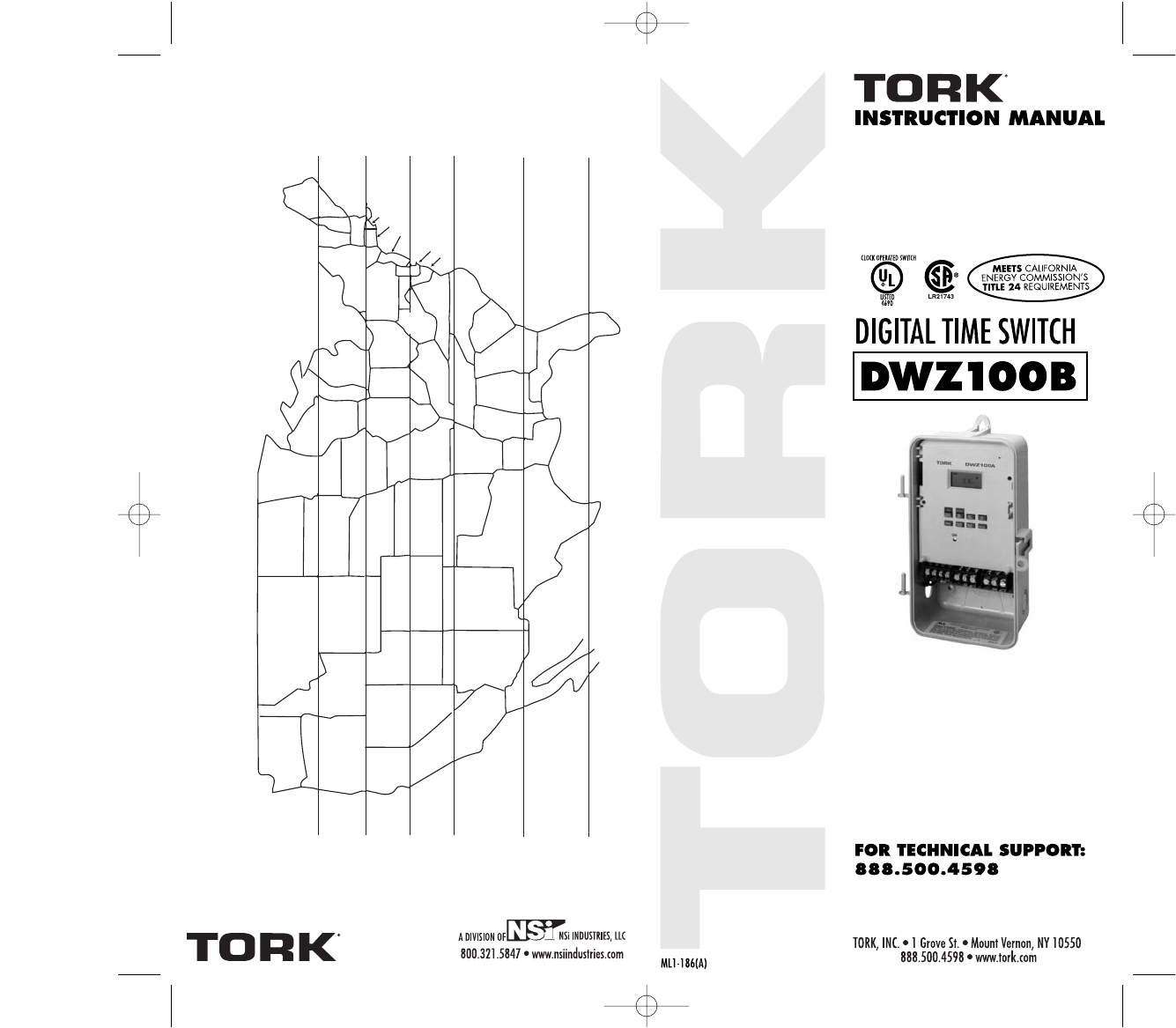
ASTRONOMIC LATITUDE ZONES
®
MAINE
VT
NH
MASS
NEW YORK
PENNSYLVANIA
OHIO
IND
ILLINOIS
KENTUCKY VIRGINIA
NORTH CAROLINATENNESSEE
WEST
VIRGINIA
SOUTH
CAROLINA
GEORGIAALABAMA
MISS
FLORIDA PUERTO
RICO
LOUISIANA
ARKANSAS
OKLAHOMA
MISSOURI
TEXAS
KANSAS
NEW MEXICO
MEXICO
ARIZONA
CALIFORNIA
HAWAII
NEVADA UTAH COLORADO
NEBRASKA
WYOMING
IDAHO
OREGON SOUTH DAKOTA
IOWA
WISCONSIN
MICHIGAN
MINN
NORTH DAKOTA
MONTANA
WASHINGTON
RHODE ISLAND
CONNECTICUT
NEW JERSEY
MARYLAND
DELAWARE
45°
42°
40°
38°
34°
30°18°
26°
18°
DWZ100B 3/18/07 12:20 AM Page 1
13
Latitude
Offset OffsetHSUSAFRTHWETU
Sunset Sunrise
MO
Sch.#
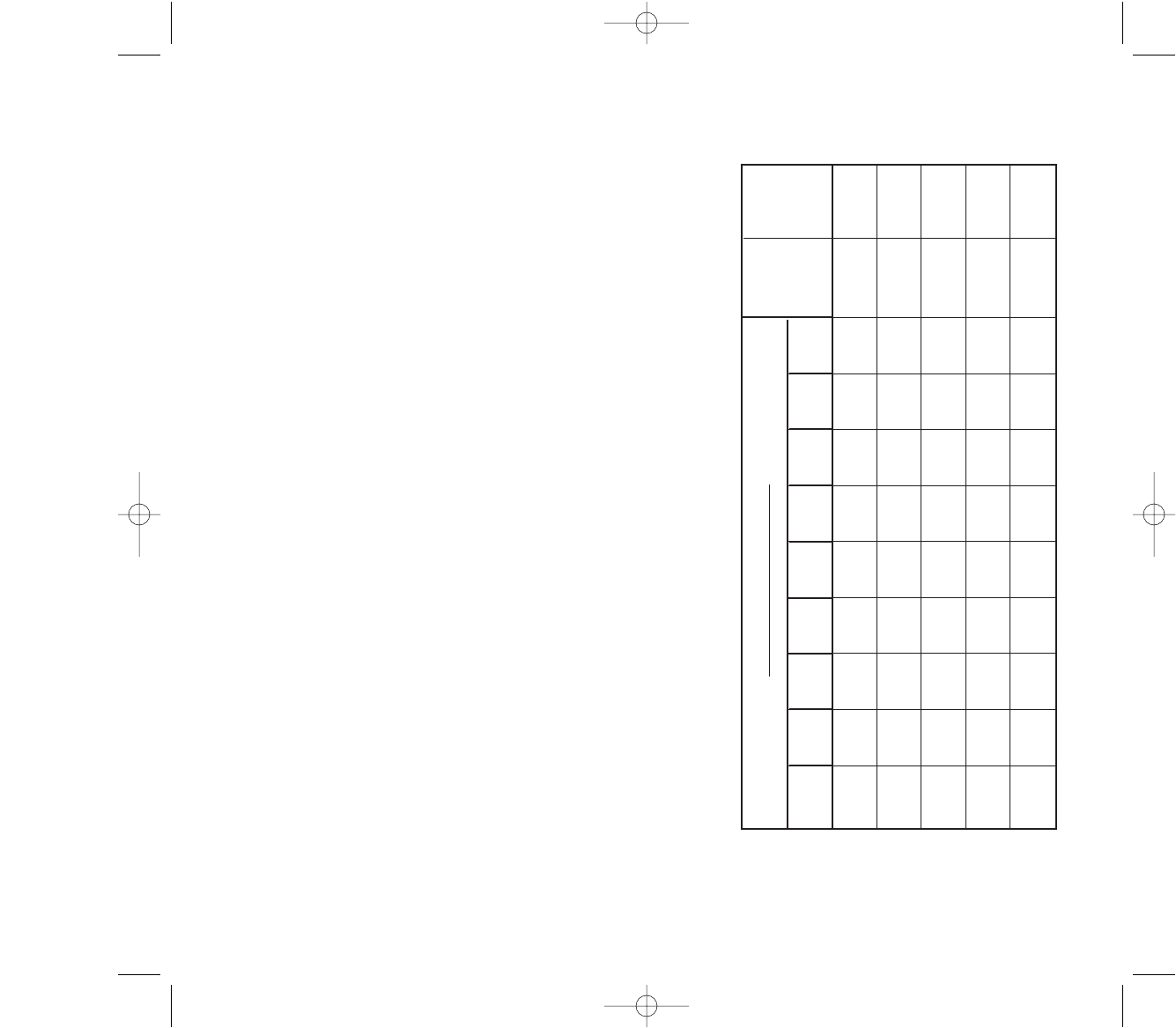
ASTRONOMIC SCHEDULE
TABLE OF CONTENTS
Section Page
Capabilities & Features . . . . . . . . . . . . . 1
Installation Instructions . . . . . . . . . . . . . 2
Instructions for Setting the Unit . . . . . . . 3
1.0 To Set The Clock . . . . . . . . . . . . . . . . . . 4
1.1 To Modify Clock . . . . . . . . . . . . . . . . . . 4
(After previously Set)
2.0 To Set Date . . . . . . . . . . . . . . . . . . . . . . 4
2.1 To Modify Date . . . . . . . . . . . . . . . . . . . 4
(After previously Set)
3.0 Daylight Saving Time . . . . . . . . . . . . . . 4
4.0 Holiday Dates . . . . . . . . . . . . . . . . . . . . 5
5.0 Scheduling ONs, OFFs . . . . . . . . . . . . . 6
6.0 To Set Astronomic . . . . . . . . . . . . . . . . 7
6.2 Astronomic ON, Time OFF . . . . . . . . . . 8
6.3 Time ON with Astronomic OFF . . . . . . 8
7.0 Review, Modify, Delete schedules . . . . . 9
8.0 Manual Override . . . . . . . . . . . . . . . . . . 9
Clear All Memory . . . . . . . . . . . . . . . . . 10
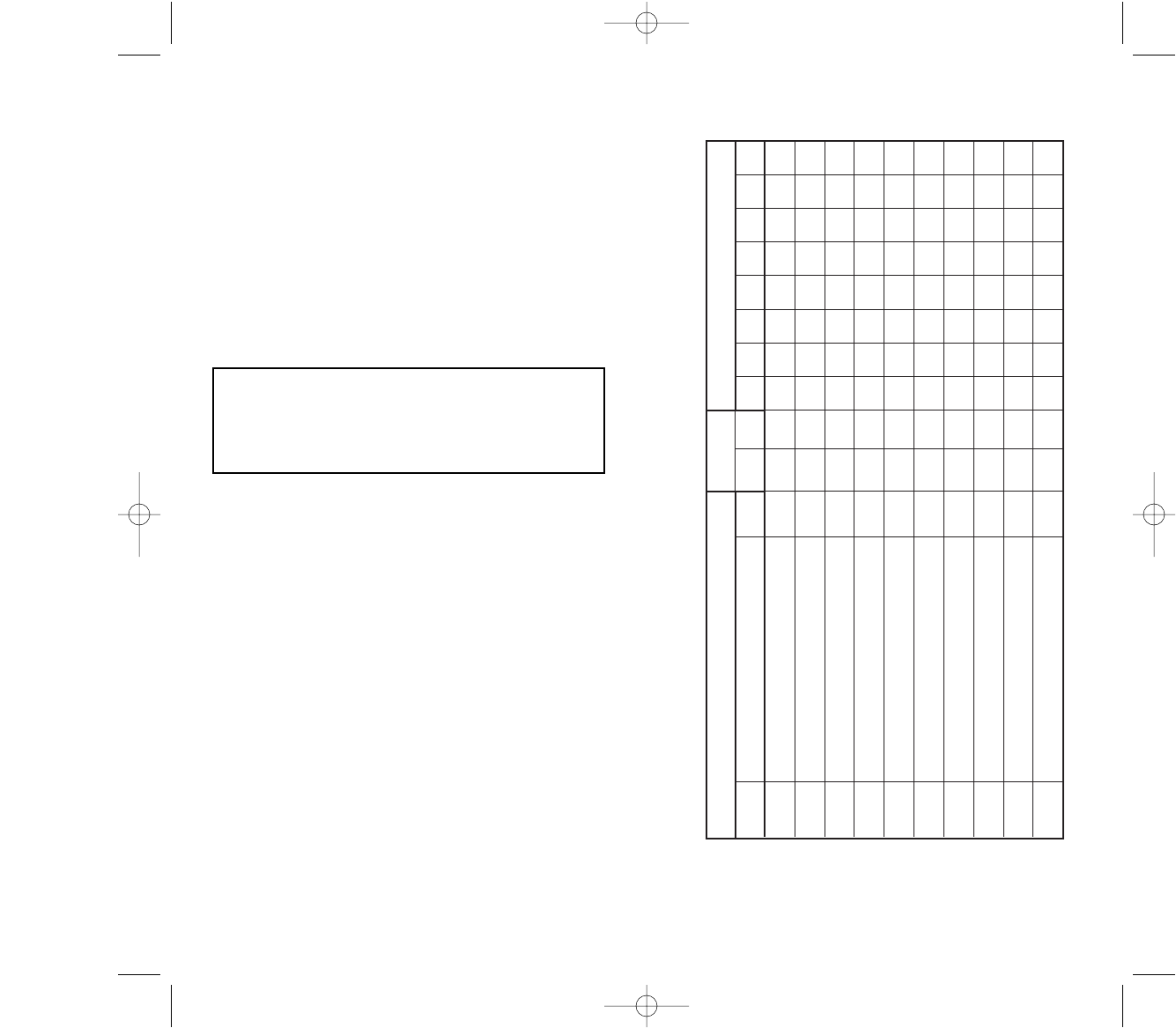
Blank Schedule sheets . . . . . . . . . . . . . 11
Astronomic Latitude Zones . . . . . . . . . 14
DWZ100B 3/18/07 12:20 AM Page 3
12
1
2
3
4
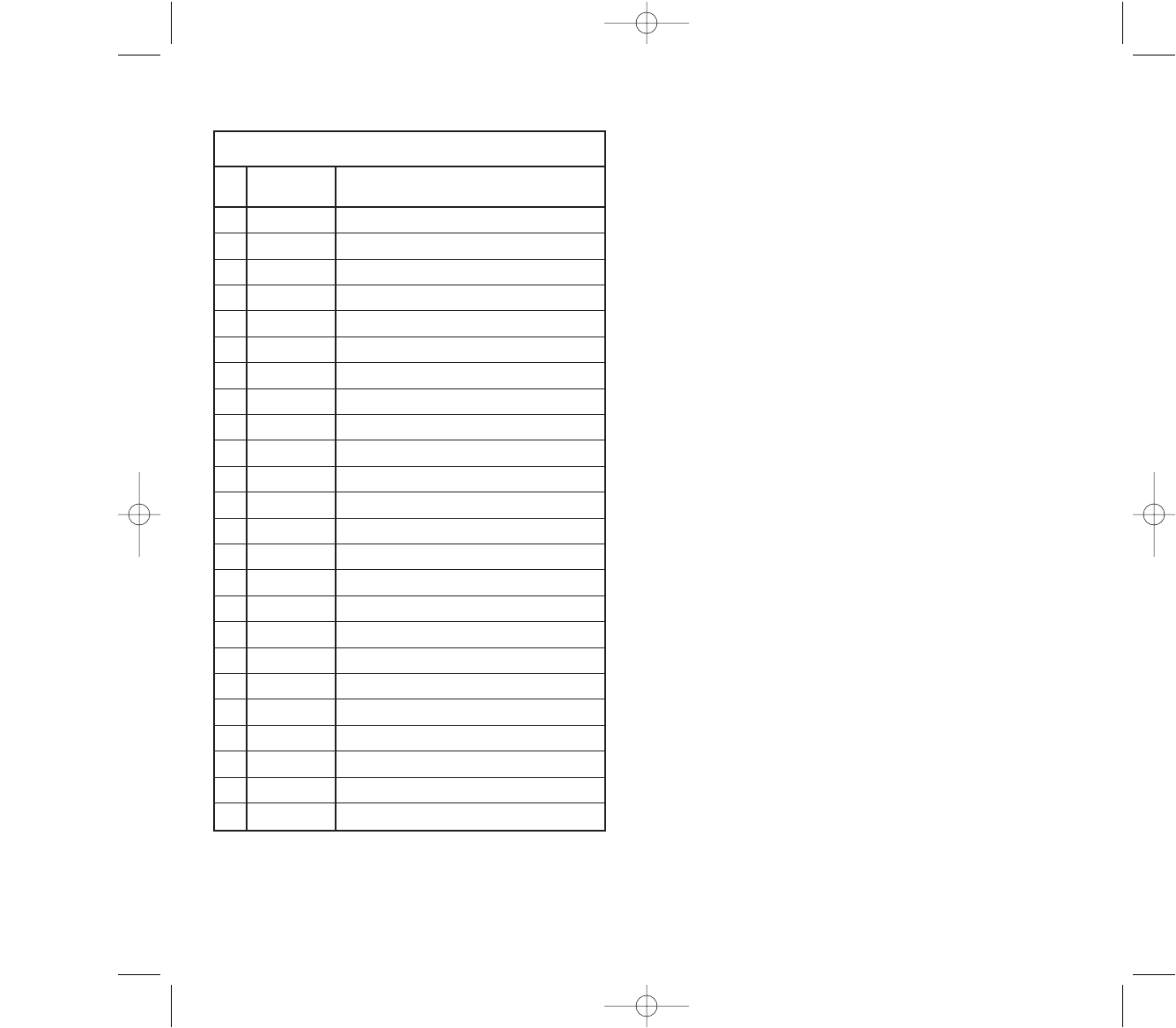
Holiday (H)
Date Description
5
6
7
8
9
10
11
12
13
14
15
16
17
18
19
20
21
22
23
24
#
TORK MODEL DWZ100B
1 CHANNEL DIGITAL TIME SWITCH
CAPABILITIES & FEATURES
CAPABILITIES
365 Day Advance, Single Day Holiday Scheduling.
ON and OFF set points:
- Combined total for both channels – 99 per week
- Minimum setting – 1 minute
Capable of different schedules each day of the week.
Astronomic Option: For Automatic ON at sunset, OFF at
sunrise for outdoor lighting.
FEATURES
Holidays 1 to 24 individual dates.
Daylight Saving Automatic (can be adjusted).
Leap Year Automatic compensation.
Display LCD
Manual Override Until the next regular scheduled ON
of OFF. Automatic operation then
resumes.
Clock Format AM/PM or 24 Hour
Look Back Automatically executes the last com-
mand after power failure.
Power Outage Permanent schedule retention for up
to 40 years.
Clock maintained for 4 days by
supercapacitor (no battery needed).
1
DWZ100B 3/18/07 12:20 AM Page 5
11
HSUSAFRTHWETU
Sch.# OFFONTimeLoad Description MO
INSTALLATION INSTRUCTIONS
1. Remove unit from enclosure by pushing the inside tab
(located near the outside hasp) to the right. Swing
unit to left and remove.
2. Five combination 1/2” and 3/4” knockouts are provid-
ed on this enclosure. Remove the 1/2” (inner) knock-
out by inserting a screwdriver in the slot provided and
pound screwdriver handle with a hammer. Remove
knock-out with pliers and smooth hole edges with file
and knife if necessary. When the 3/4” outer knockout
is required, place screwdriver in groove and pound
screwdriver handle with hammer. Remove loose
knock-out with pliers and smooth hole edges with file
or knife if necessary.
3. When attaching conduit to enclosure, exercise care to
align and support conduit in order to prevent unnec-
essary stress on enclosure.
4. Reinstall unit by reversing step 1 above and connect
wires according to wiring diagram on inside case
label.
GROUNDING
National Electrical Code requires that grounding must be
continuous and in proper electrical contact in all ground-
ing conductors, metallic conduits and grounding termi-
nals. When using metal conduits, install the proper size
approved grounding bushings. The minimum size copper
grounding conductors must be #10 AWG if the circuit
breaker or fuse is 30 or 40 amp, #12AWG if 20 amps,
and #14 AWG if 15 amp.
NOTE: Do not use top entry for wiring
WE SUGGEST YOU MAKE COPIES OF THE SCHED-
ULE SHEETS LOCATED IN BACK OF THIS BOOKLET
AND COMPLETE THEM PRIOR TO SETTING THE
UNIT.
2
Disconnect power at main panel prior to installing or
servicing this time switch or the equipment connected
to it. Connect in accordance with national and local
electrical codes. Installation by a licensed electrical
contractor is recommended.
DWZ100B 3/18/07 12:20 AM Page 7
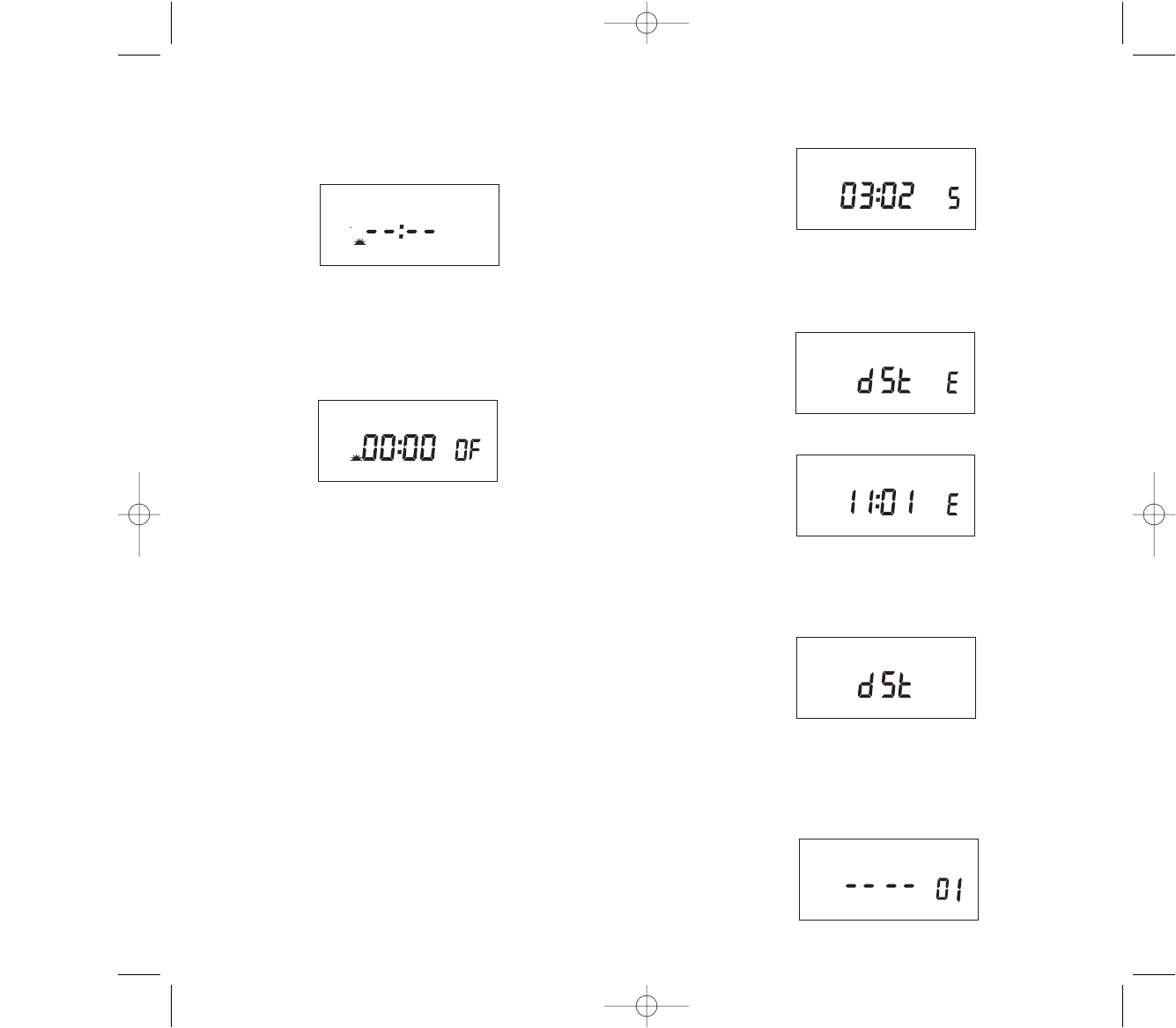
EVENT (in the RUN mode) key is used to update the
load status. It will execute the last scheduled event. The
display will only show the last scheduled event. If there
is no schedule programmed, the display will show: —:—
NOTES:
1. Unit will go to RUN MODE automatically if no key
is pressed for five minutes.
2. Unit has a look back feature. If you have just fin-
ished setting the unit and an output is to be updat-
ed, press the EVENT key. Unit will automatically
pick up the last schedule.
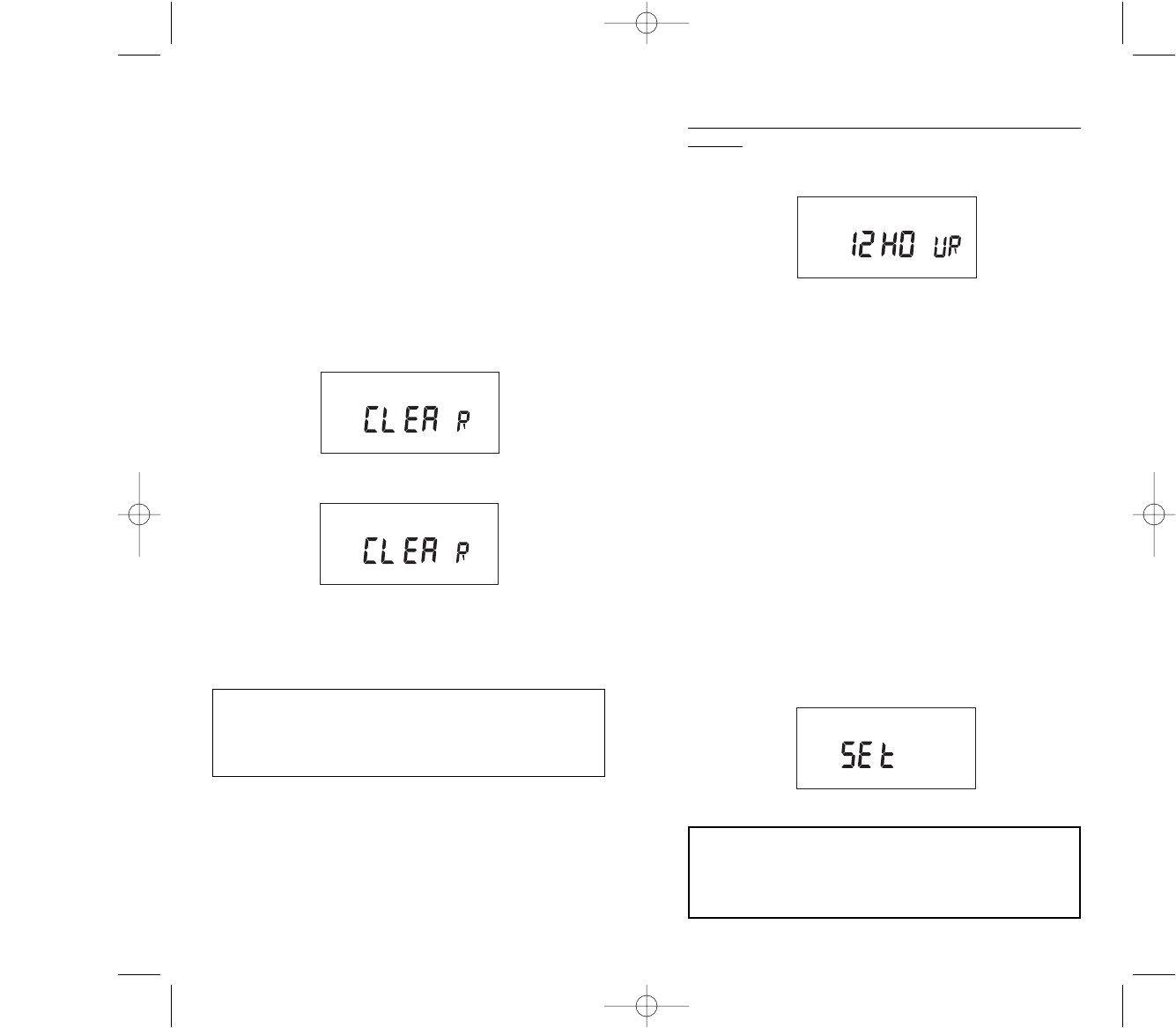
3. Clear all memory. To clear all memory, while in the
RUN mode, press ENTER, display will show:
Press EVENT, the display will show:
Press ENTER briefly and everything in the timer
memory is wiped off including real time and date.
12HOUR will flash.
10
ON
OFF
ON
OFF
NOTE: AFTER MAKING ANY CHANGES TO THE
PROGRAM, PRESS MODE TO GO TO RUN MODE
AND THEN PRESS EVENT TO UPDATE THE LOAD
STATUS.
INSTRUCTIONS FOR SETTING THE UNIT
Connect unit to main power source prior to entering the
settings. When powering up the unit for the first time,
allow 1-2 minutes for supercap to charge and the display
will show 12 HOUR.
Press HOUR to change to 24 hour (military format) or
Press ENTER to set 12 hour (AM/PM format).
NOTES:
1. During the RUN mode, the Hour, Minutes, Seconds,
Day of week and flashing colons will be displayed.
2. Unit will not go into run mode unless the clock and
date information has been entered. In any other
mode, if no entry is made for 5 minutes, the unit will
automatically revert to the run mode.
3. Unit will display “PF” (Power Failure) in the absence of
AC power. A minimum of 8 hours is required to fully
charge the super cap.
4. When previously programmed unit comes back from
a power failure, it will “look back” and update the
schedule, executing the last scheduled event. If a sig-
nal setting was scheduled, after power failure the unit
will execute the last scheduled signal. Settings can be
manually updated by pressing the EVENT key in the
run mode.
After pressing ENTER the unit will display:
3
NOTE: AFTER MAKING ANY CHANGES TO THE
PROGRAM, PRESS MODE TO GO TO RUN MODE
AND THEN PRESS EVENT TO UPDATE THE LOAD
STATUS.
SIG1 SIG2 CLK DATE SCH
DWZ100B 3/18/07 12:20 AM Page 9
to select desired days, holiday and then press
ENTER.
ASTRO OFF:
Set astronomic OFF per sections 6.0 and 6.1
7.0 REVIEW, MODIFY AND DELETE
Press MODE to advance to any of the following
MODES:
1. CLOCK MODE: Press HOUR and MIN to modify
existing settings. Press ENTER.
2. DATE MODE: Press MONTH, DATE and YEAR to
modify existing settings. Press ENTER. DAY is auto-
matically adjusted.
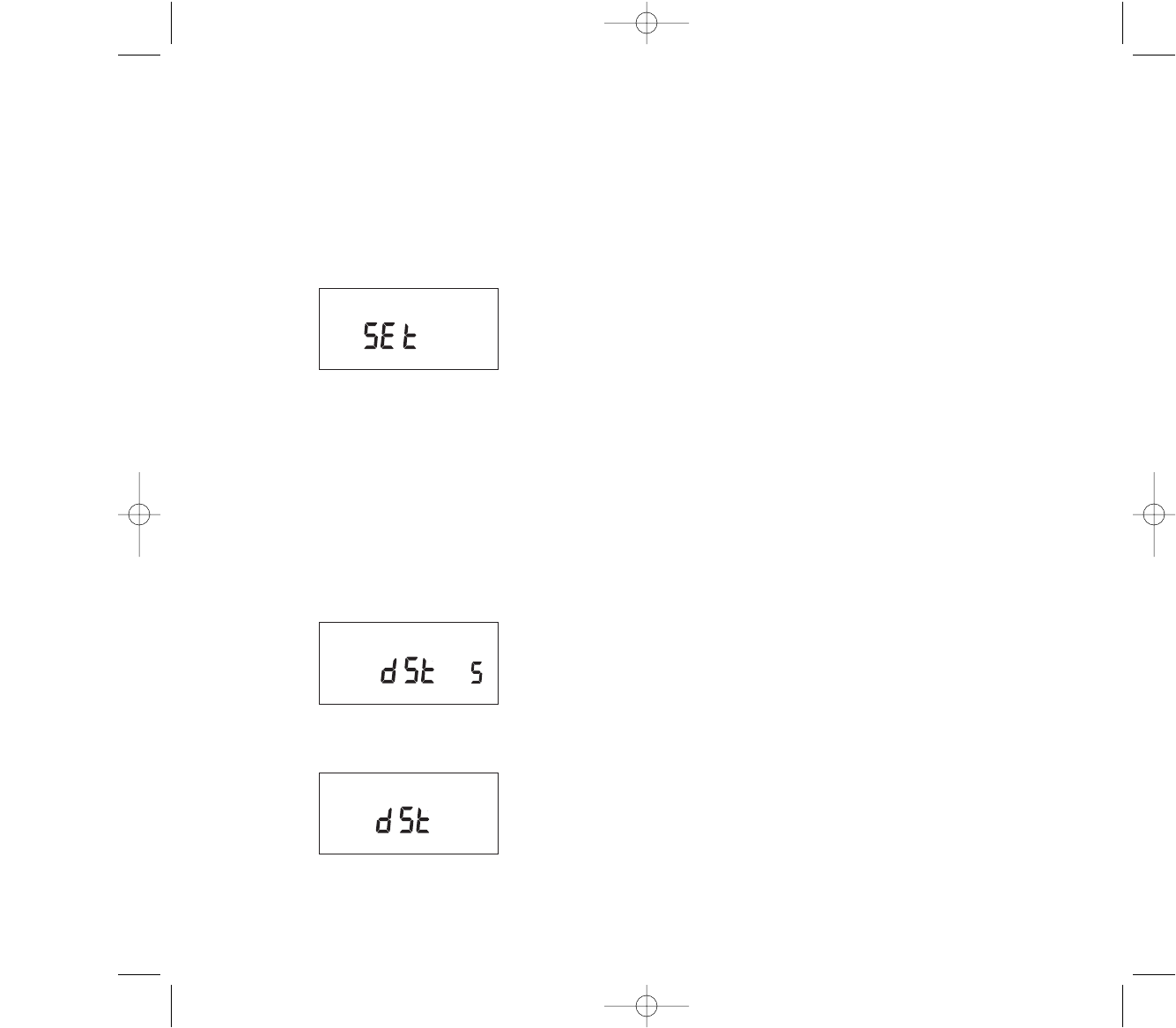
3. DST Daylight Saving Time: To review press ENTER.
To modify press MONTH, DATE and DAY to change
existing setting. Press ENTER.
4. HOLIDAY MODE: Press ENTER to advance to
desired holiday. Press MONTH and DATE to modi-
fy, DEL to delete. Press ENTER.
5. SCHEDULE MODE: Press ENTER to advance to
undesired schedule. Press HOUR, MIN, EVENT to
modify time settings. Press SELCT and DAY to
modify days, holiday, DEL to delete. Press ENTER
after each modification.
6. ASTRO MODE: Press LAT to change latitude.
Press ENTER. Press DAY and SELCT to add or
delete days in the sunset mode. Press ENTER.
Press HOUR and/or MIN to change offset time for
sunset. Press EVENT to change offset from + to –.
Press ENTER and follow the same procedure above
to modify or review sunrise settings.
7. RUN MODE: Time, day and seconds are displayed.
If today is a programmed holiday, an H (Holiday) will
be displayed steady.
8.0 OVR1 (override key) is effective only in the run
mode. If the load is scheduled for ON/OFF, the
present load status will change until the next sched-
uled event. CH1 will flash when the load is overrid-
den from scheduled event.
9
1.0 TO SET THE CLOCK
Press HOUR and MIN to advance to the present
hour and mins. Check AM/PM, and press ENTER.
1.1 TO MODIFY CLOCK
Press MODE until the display shows: CLK. Press
HOUR and MIN. to modify clock and press ENTER.
2.0 TO SET DATE
If you are setting for the first time, display will show:
Press MONTH, DATE, and YEAR key to advance to
the desired month, date and year, then press
ENTER.NOTE: The day of the week will be auto-
matically set once the date is set.
2.1 TO MODIFY DATE
Press MODE until the display shows DATE. Press
MONTH, DATE and YEAR to modify present set-
tings and then press ENTER.
3.0 DAYLIGHT SAVING TIME
After setting or modifying the date, display will show:
NOTE: If daylight saving time (DST) is NOT
required, press MODE, display will show:
4
SIG1 SIG2 CLK DATE SCH
ON
OFF
DWZ100B 3/18/07 12:20 AM Page 11
NOTE: A + sign will turn load ON that many hours
and/or minutes after sunset. A -sign will turn load
ON that many hours and/or minutes before sunset.
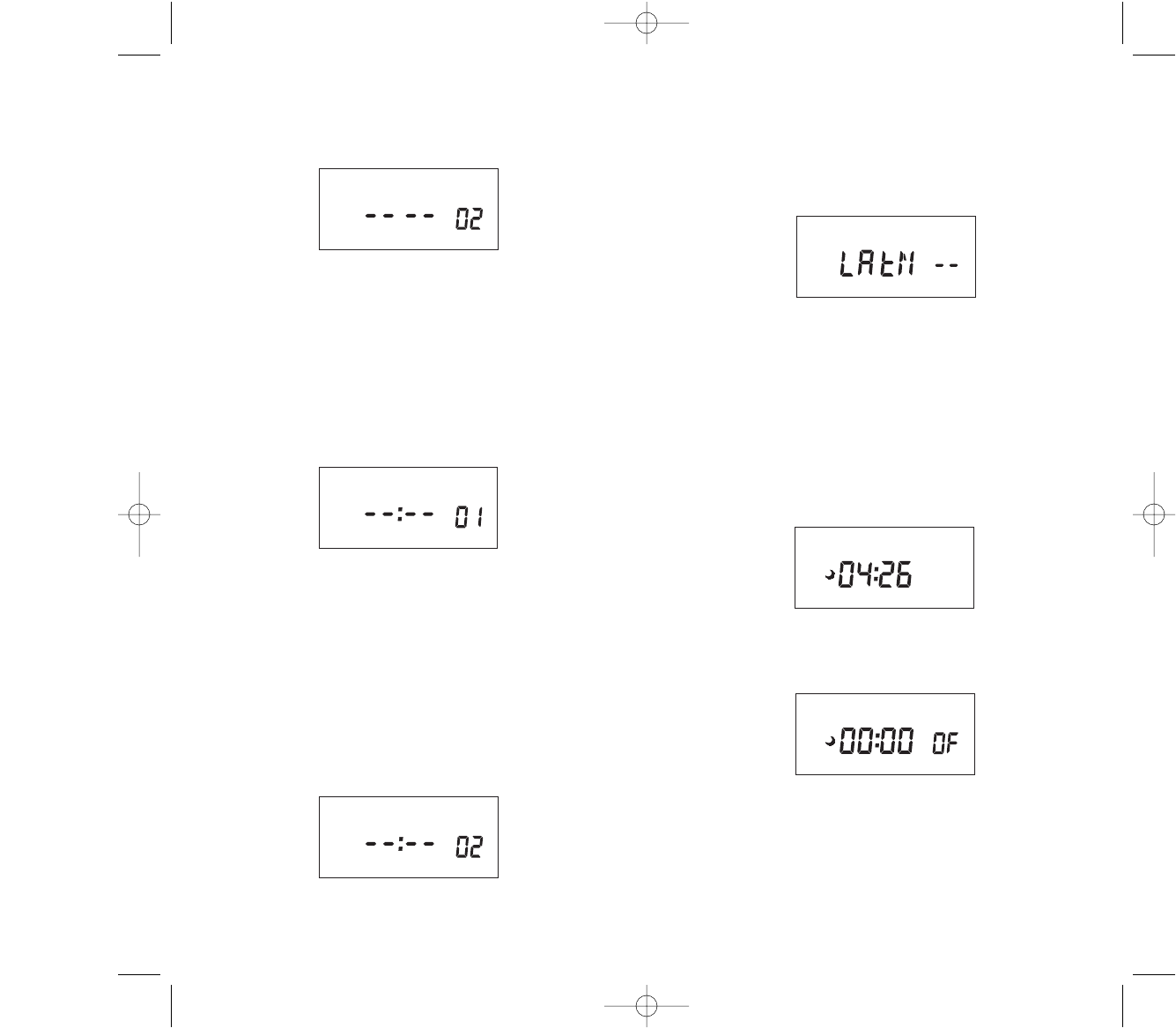
The display will show:
Press SELCT and then ENTER to activate sunrise
time.
NOTE: To turn load OFF at a preset OFF time, leave
this field bank. Press ENTER. The display will show:
If an offset to sunrise time is required, press HOUR
and MIN. Offset can be set to 4 hours and 59 min-
utes max. Press EVENT to select + or – and then
press ENTER.
NOTE: A + sign will turn load OFF that many hours
and/or minutes after sunrise. A -sign will turn load
OFF that many hours and/or minutes before sunrise.
6.2 ASTRONOMIC ON AND TIME OFF
Set astronomic ON per sections 6.0 and 6.1
TIME OFF:
Press MODE until “sch01” appears. Press ENTER
until a blank schedule appears. Press HOUR and
MIN to set desired OFF time. Press SELCT to select
desired days, holiday and then press ENTER.
6.3 TIME ON AND ASTRONOMIC OFF
Press MODE until “sch01” appears. Press ENTER
until a blank schedule appears. Press HOUR, MIN
and EVENT to set desired ON time. Press SELCT
8
MO TU WE TH FR SA SU H
CH1 2 3 4 ASTRO SEASON 1 2 3 4
ON
OFF
MO TU WE TH FR SA SU H
CH1 2 3 4 ASTRO SEASON 1 2 3 4
ON
OFF
If daylight savings is required, press ENTER, dis-
play will show:
Press ENTER to accept default dates (second
Sunday in March) or press MONTH, DATE, and
DAY to modify DST settings and press ENTER. The
display will show:
Press ENTER, display will show:
Press ENTER to accept default dates (first Sunday
in November) or press MONTH, DATE, and DAY to
modify DST settings and press ENTER. Press
MODE, the display will show:
NOTE: DST OFF indicates Daylight Savings Time
was not set.
4.0 SET INDIVIDUAL HOLIDAY DATES
Press MODE until display shows:
5
MO TU WE TH FR SA SU H
MO TU WE TH FR SA SU H
ON
OFF
MO TU WE TH FR SA SU H
DWZ100B 3/18/07 12:20 AM Page 13
Follow the same procedures above to set more
schedule entries.
6.0 TO SET ASTRONOMIC SCHEDULE
Press MODE until display shows:
Press the LAT key to advance to the desired degree
of latitude, from 0° to 60° north or 0° to 60° south.
Press ENTER.
6.1 SELECTING ASTRO DAYS
Press SELCT to select desired days or holiday in
which you want the load turn ON at sunset and then
press ENTER.
Display will show:
NOTE: Sunset Time will be based on Date and
Latitude entered.
Press ENTER. The display will show:
If an offset to sunset time is required, press HOUR
and MIN. Offset can be set to 4 hours and 59 min-
utes max. Press EVENT to select + or – and then
press ENTER.
7
CH1 2 3 4 ASTRO SEASON 1 2 3 4
MO TU WE TH FR SA SU H
CH1 2 3 4 ASTRO SEASON 1 2 3 4
ON
OFF
MO TU WE TH FR SA SU H
CH1 2 3 4 ASTRO SEASON 1 2 3 4
ON
OFF
Press MONTH and DATE to set holiday 1 and then
press ENTER.
The display will show:
To delete any holiday press DEL and press ENTER.
NOTE:
a. A total of 24 holidays can be set, all following the
same schedule.
b. For any holiday to be used, the MONTH and
DATE must be preset.
5.0 SCHEDULE SET MODE
` Press MODE until display shows:
5.1 SETTING HOURS AND MINUTES
a. Press HOUR and MIN to set desired time.
APress EVENT to set desired event.
5.2 SETTING DAYS AND HOLIDAY
Press SELCT to select the flashing desired days or
holiday, otherwise press DAY to skip and then press
ENTER. To delete entry, press DAY until previously
selected entry flashes, press SELCT and then
press ENTER.
The display will show:
6
MO TU WE TH FR SA SU H
CH1 2 3 4 ASTRO SEASON 1 2 3 4
SIG1 SIG2 CLK DATE SCH
CH1 2 3 4 ASTRO SEASON 1 2 3 4
SIG1 SIG2 CLK DATE SCH
DWZ100B 3/18/07 12:20 AM Page 15
