SKYPINE ELECTRONICS CES8243CL All In One DVD Player User Manual VX405 Usermanual EN 2014 12 12
SKYPINE ELECTRONICS (SHEN ZHEN) CO., LTD. All In One DVD Player VX405 Usermanual EN 2014 12 12
Contents
- 1. User Manual 1
- 2. User Manual 2
- 3. User Manual 3
- 4. User Manual 4
User Manual 1
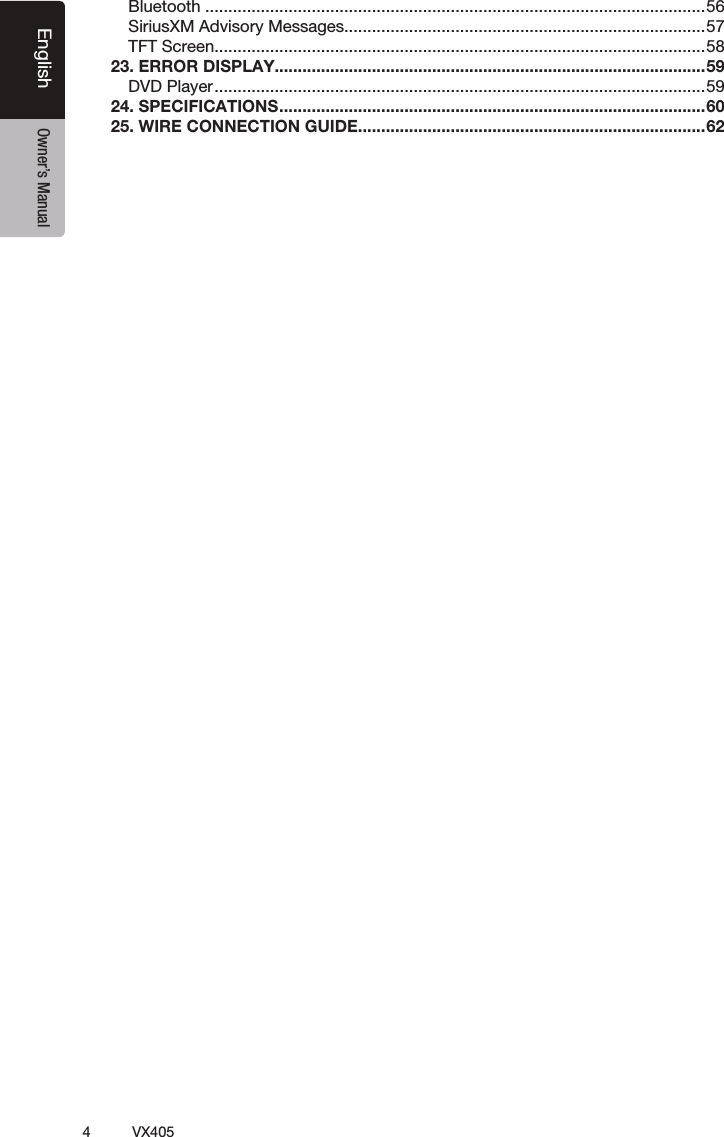
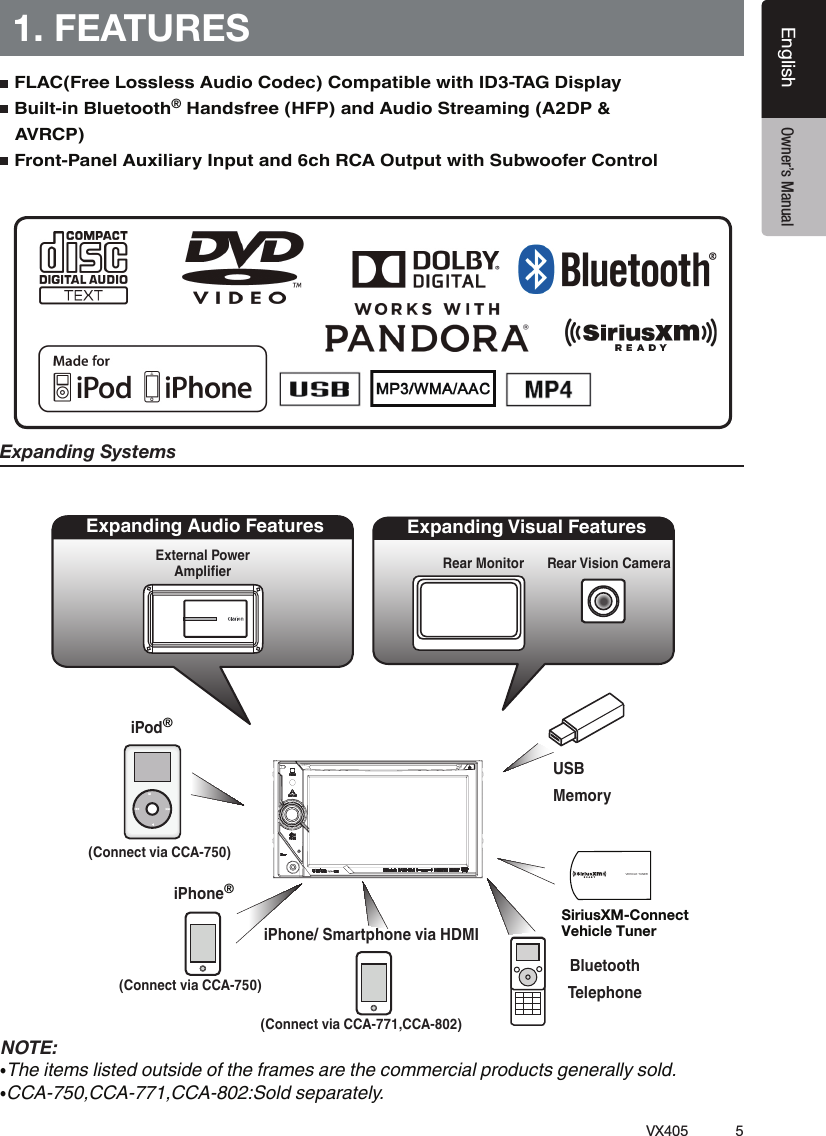
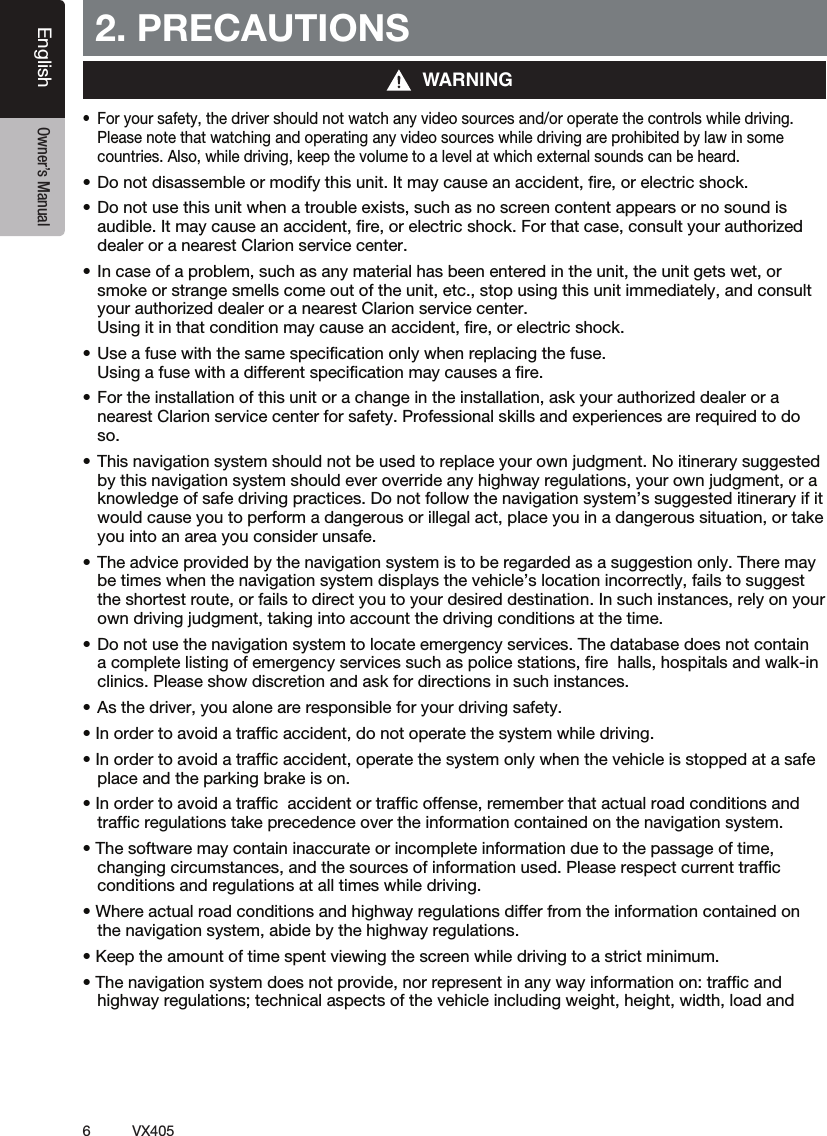
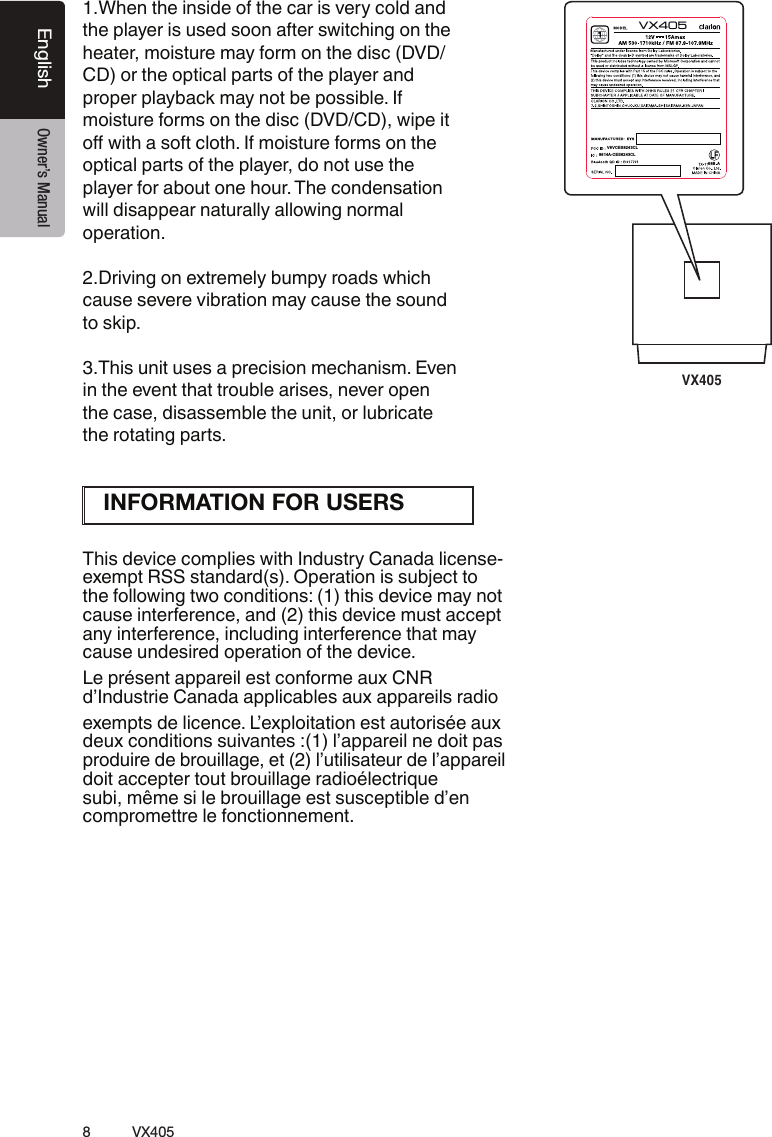
![12 VX405English Owner’s Manual[Microphone][MENU][NAVI/AV][IR][Cover][AUX IN][RESET][microSD slot][POWER/VOL][Disc slot][ ]4. OPERATION PANELFunctions of Buttons[POWER/VOL] Knob[NAVI/AV] Button[] Button[MENU] Button[RESET] Button Note: When the [RESET] button is pressed, frequencies of radio stations, titles, etc. stored in memory are cleared.[microSD slot ][AUX IN] [Microphone] [IR][VOICE] ButtonPress and hold this button until you hear the warning tone, then you can use Siri® Eyes Free function.Only navigation map card is available and don’t remove it when unit is power on[VOICE]](https://usermanual.wiki/SKYPINE-ELECTRONICS/CES8243CL.User-Manual-1/User-Guide-2481062-Page-13.png)
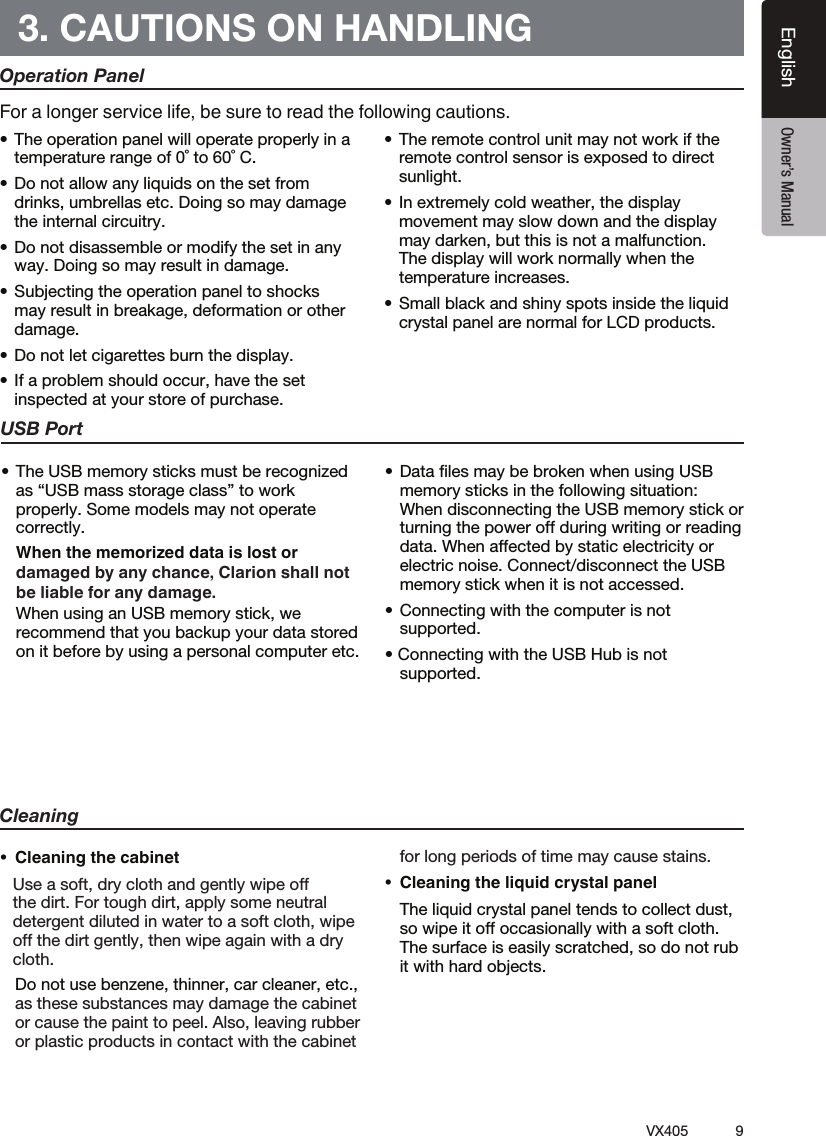
![13VX405EnglishEnglish Owner’s Manual5. REMOTE CONTROLReplacing the batteries[ / ][ 0-9 ][SRCH][BACK][ , , , ][TITLE][ ], [ ][ZOOM][MUTE][AUDIO][POWER / SRC][VOLUME][SET][PIC][TAG][RPT][ ], [ ][SUB.T][OPEN][ANGLE][NAV/ AV][MENU][BAND][ROOT][ENT]CAUTIONRCX005 Remote Control Included](https://usermanual.wiki/SKYPINE-ELECTRONICS/CES8243CL.User-Manual-1/User-Guide-2481062-Page-14.png)
![14 VX405English Owner’s Manual[ / ] Button [MUTE] Button [POWER/SRC] Button [0 - 9] [VOLUME] [NAVI/AV] Button [SRCH] Button [BAND] Button [SET] Button [BACK] Button [ ], [ ], [ ], [ ] [MENU] Button [PIC] Button [ENT] Button [TAG] Button® [TITLE] Button [ROOT] ButtonRemote Control FunctionsNote:CAUTIONImportant](https://usermanual.wiki/SKYPINE-ELECTRONICS/CES8243CL.User-Manual-1/User-Guide-2481062-Page-15.png)
![15VX405EnglishEnglish Owner’s Manual [RPT] Button [ ], [ ] [ ], [ ] [ZOOM] Button. [AUDIO] Button [SUB-T] Button [ANGLE] Button [OPEN] Button](https://usermanual.wiki/SKYPINE-ELECTRONICS/CES8243CL.User-Manual-1/User-Guide-2481062-Page-16.png)
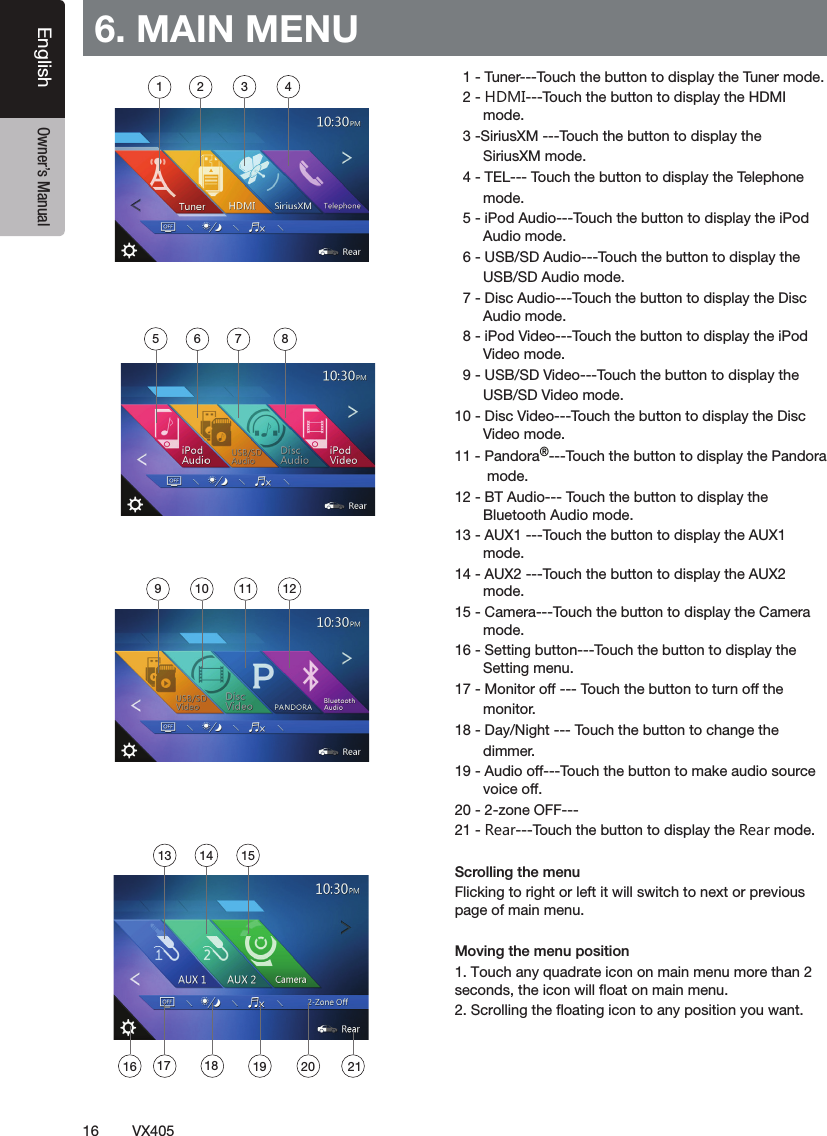
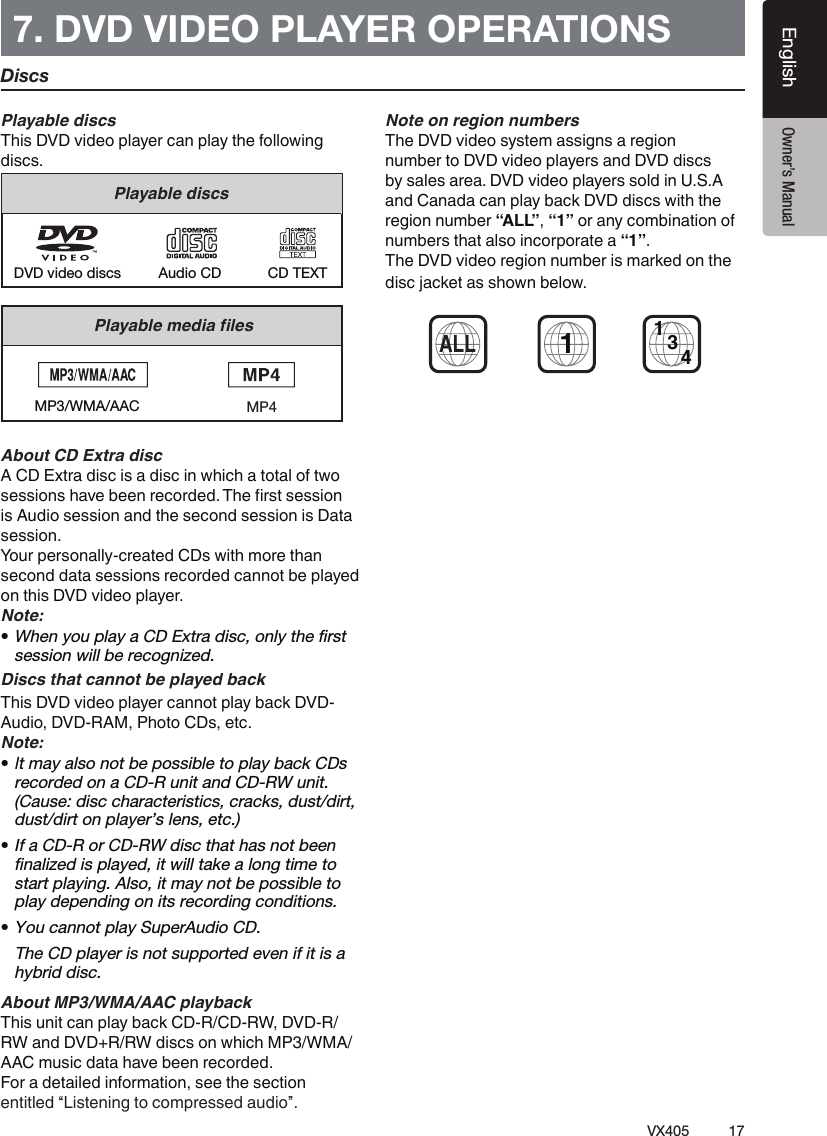
![18 VX405English Owner’s ManualChange DVD System SettingsNote: If the setup operation is performed in the middle of DVD video play, the disc will restart from the beginning.Selecting DVD Setup Menu[Settings][Video] Setting up the Screen Size[DVD Wide Screen Mode] button to turn on Setting up the password for parental level control1.In Main Menu[Settings][Others][Set Password] ----Note: When a disc with view restrictions is inserted, you will viewable until the correct password is entered.Set rating for parental level control[Parental Control] Note:password unlocked status, and the limits can be set only under the password locked status.Watching to a Disc CAUTIONFor your safety, the driver should not insert or eject a disc while driving.Note:disc in the mechanism or the unit may require service. WARNINGSome videos may be recorded at higher than desired volume levels. Increase the volume gradually from the minimal setting after the video has started.Ejecting a disc[] Note: If you force a disc into before auto reloading, it may damage a disc.](https://usermanual.wiki/SKYPINE-ELECTRONICS/CES8243CL.User-Manual-1/User-Guide-2481062-Page-19.png)
![19VX405EnglishEnglish Owner’s ManualShowing DVD Player Mode Screen Operate the DVD Player MenuPlay/Pause Playback[ ][]Skip (Search) a Chapter[] or [ ]Skip use seek bar[]Fast Forward/Fast Backward[] or [ ]Note:backward operation.depending on the disc.Search function[] button. [][][0] to [9][] button. 14 15 161918131011121235 6 894717](https://usermanual.wiki/SKYPINE-ELECTRONICS/CES8243CL.User-Manual-1/User-Guide-2481062-Page-20.png)
![20VX405English Owner’s Manual NOTE:[]Repeat Playback[] button.[][]Using the Title Menu[ ] button [][] button.Switching Audio[] button Switching Subtitles[] button [] button Displaying the playback status[]Play video filesShowing Video Files Player Mode Screen](https://usermanual.wiki/SKYPINE-ELECTRONICS/CES8243CL.User-Manual-1/User-Guide-2481062-Page-21.png)
![21VX405EnglishEnglish Owner’s ManualOperate the Video Files Player MenuPlay/Pause Playback Switch to Previous/Next File[] or [ ]Skip using seek barFast Forward /Fast Backward[] or [ ]Note:backward operation.depending on the disc.Repeat Playback[] button.[][]Switching Audio[] Switching Subtitles[] Video Files List []Playable Video Disc Formats 10 11 12123456789](https://usermanual.wiki/SKYPINE-ELECTRONICS/CES8243CL.User-Manual-1/User-Guide-2481062-Page-22.png)
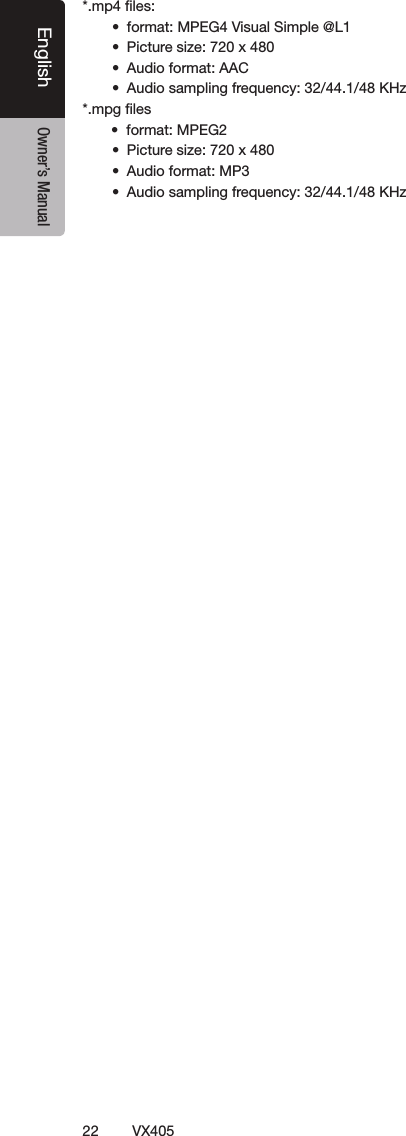
![23VX405EnglishEnglish Owner’s ManualListening to a Disc/Ejecting a DiscShowing CD Player Mode Screen[Disc Audio] Operate the CD Player MenuPlay/Pause Playback[][]Switch to Previous/Next file or track[] or [ ] [] []Fast Forward /Fast Backward[] or [ ]Note:depending on the disc.Repeat Playback []Shuffle PlaybackSelecting a track on the Track List Screen8. CD PLAYER OPERATIONS 4102113141236158511791617](https://usermanual.wiki/SKYPINE-ELECTRONICS/CES8243CL.User-Manual-1/User-Guide-2481062-Page-24.png)
![24VX405English Owner’s ManualScanning the Tracks[][Scan ] button.[Scan ] [Scan ][Scan ]button.[Scan ] button. [Scan ][Scan ] button. Searching with the Track Number[][ ] button.[][0] to [9] [] [].Listening to Compressed AudioTag Display Function1.1 and 1.0.Note:usable.Displaying MP3/WMA/AAC TAG titlesPrecautions when creating MP3 disc ](https://usermanual.wiki/SKYPINE-ELECTRONICS/CES8243CL.User-Manual-1/User-Guide-2481062-Page-25.png)
![25VX405EnglishEnglish Owner’s Manual Playback MP3/WMA/AAC menu *Other operations about playing MP3/WMA/AAC are almost same as CD Player mode.[ ][ ]12](https://usermanual.wiki/SKYPINE-ELECTRONICS/CES8243CL.User-Manual-1/User-Guide-2481062-Page-26.png)
![26 VX405English Owner’s ManualNote: Notes on Using USB/SD MemoriesGeneral notes Notes on the Tag titlesSelect USB/SD Audio Modethe [USB/SD Audio]enabled. [USB/SD Audio]Note:on the list. 9. USB/SD AUDIO OPERATIONS 1920712135648239101111415161718](https://usermanual.wiki/SKYPINE-ELECTRONICS/CES8243CL.User-Manual-1/User-Guide-2481062-Page-27.png)
![27VX405EnglishEnglish Owner’s ManualPlaying Audio Files in USB/SD MemoryPlay/Pause Playback[ ][ ]Switch to Previous/Next file[] or [ ] [] []Fast Forward /Fast Backward [] or [ ]Note:depending on the audio files.Repeat Playback[]Shuffle Playback[]Alphabet Search[ ]Album Art workID3 Information AreaSkip Using Seek Bar Select a Folder on Display ListSelecting a Track on the Display List and Scanning the Tracks[][Scan ] button.[Scan ] [Scan ][Scan ] button.[Scan ] button. [Scan ][Scan ] button. Searching with the Track Number[][ ] button.[ ][0] to [9] [ ] []](https://usermanual.wiki/SKYPINE-ELECTRONICS/CES8243CL.User-Manual-1/User-Guide-2481062-Page-28.png)