SMK FC001 BT Pendant User Manual

SMK Corporation BT Pendant Users Manual

Users Manual

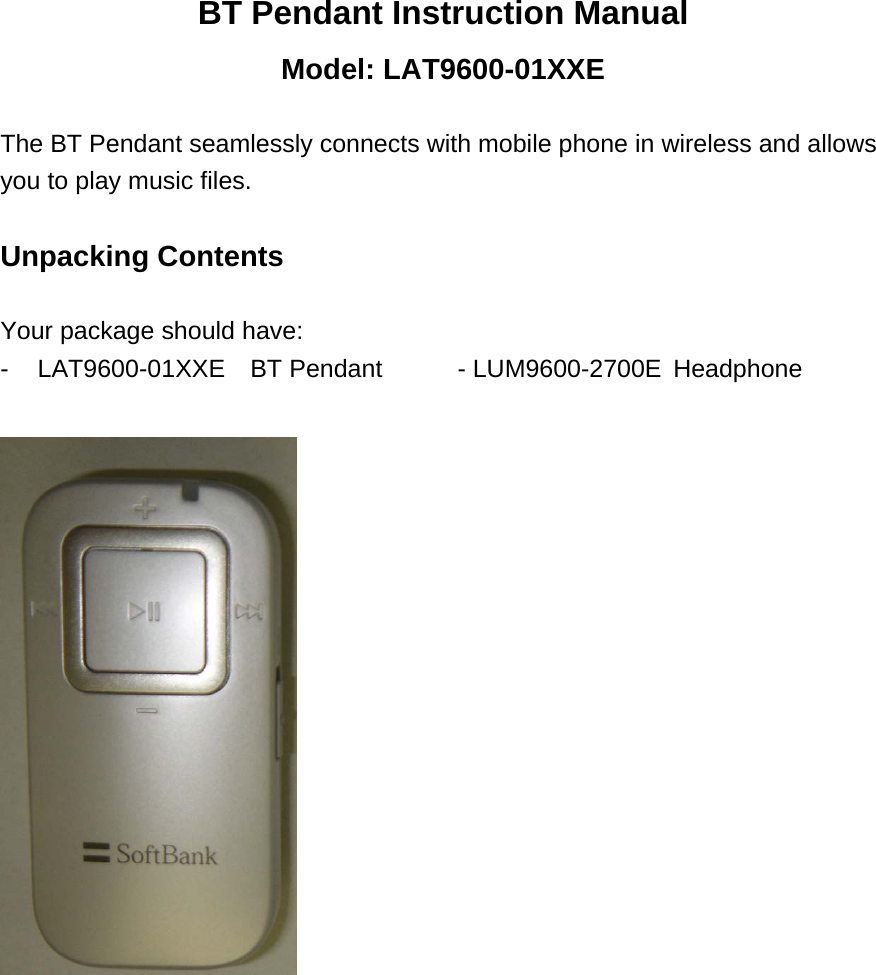
BT Pendant Instruction Manual Model: LAT9600-01XXE  The BT Pendant seamlessly connects with mobile phone in wireless and allows you to play music files.  Unpacking Contents  Your package should have: - LAT9600-01XXE  BT Pendant     - LUM9600-2700E  Headphone
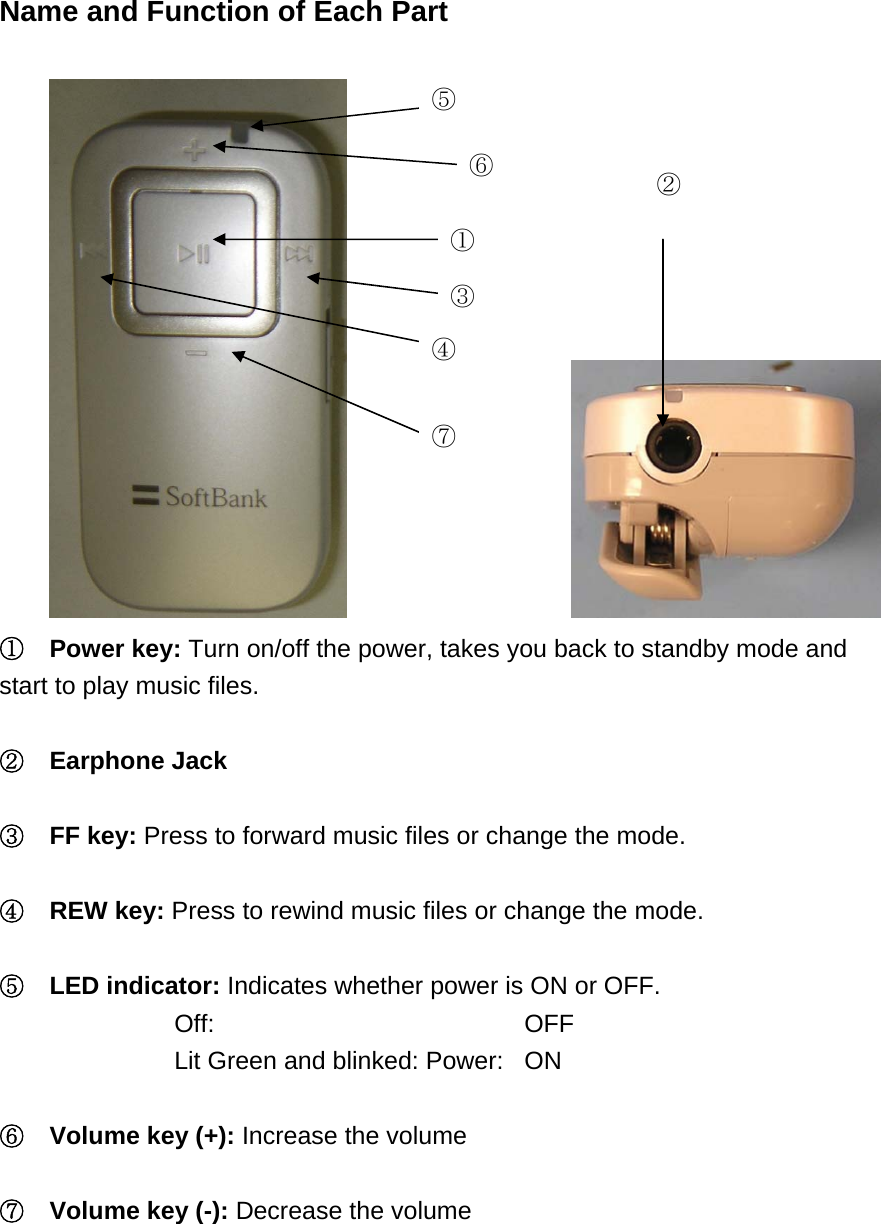
 Name and Function of Each Part                   ⑤ ⑥ ② ① ⑦ ④ ③ ①  Power key: Turn on/off the power, takes you back to standby mode and start to play music files.  ②  Earphone Jack  ③  FF key: Press to forward music files or change the mode.  ④  REW key: Press to rewind music files or change the mode.  ⑤  LED indicator: Indicates whether power is ON or OFF. Off:    OFF Lit Green and blinked: Power:  ON  ⑥  Volume key (+): Increase the volume  ⑦  Volume key (-): Decrease the volume
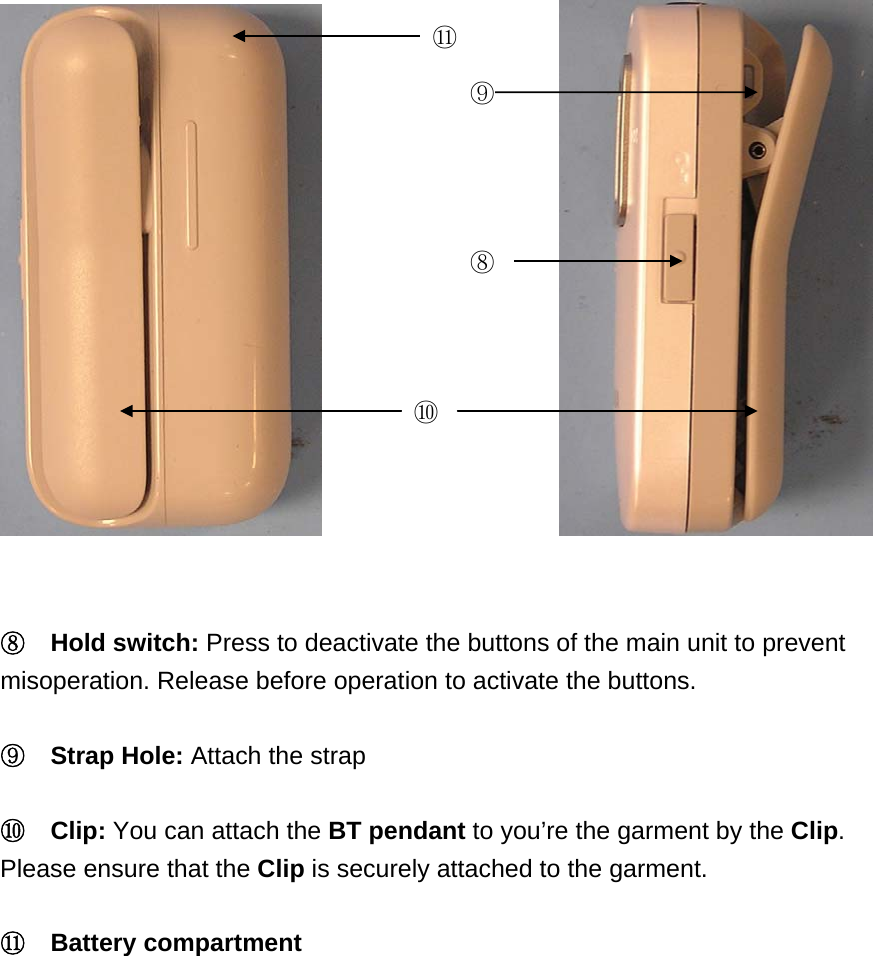
            ⑪ ⑨⑧ ⑩  ⑧  Hold switch: Press to deactivate the buttons of the main unit to prevent misoperation. Release before operation to activate the buttons.  ⑨  Strap Hole: Attach the strap  ⑩  Clip: You can attach the BT pendant to you’re the garment by the Clip. Please ensure that the Clip is securely attached to the garment.    ⑪  Battery compartment
 Basic Operations  Using the AAA-size alkaline batteries Before the BT Pendant can be used for the first time, an AAA-size alkaline battery must be loaded.    1.  Open the battery compartment. 2.  Insert an AAA-size battery.  Turning On the Power Press and hold the Power Key at least 1 second. The LED will flash green.    Turning Off the Power Press and hold the FF Key, press the Power key and at least 1 second.  Pairing to a Mobile Phone Before the BT Pendant can be used, it must be paired with a Bluetooth-enabled mobile phone.    1.  Turn off the power of the BT Pendant. 2.  Pressing and holding the FF Key, press the Power key at least 1 second. The BT Pendant is ready for pairing when the LED flashes green quickly. Refer to your mobile phone’s user guide to prepare the mobile phone for pairing to the BT Pendant.  Using the headphone Connect the supplied headphone to the BT pendant.    Adjusting the Volume Press the Volume key repeatedly until you reach the desired volume level.
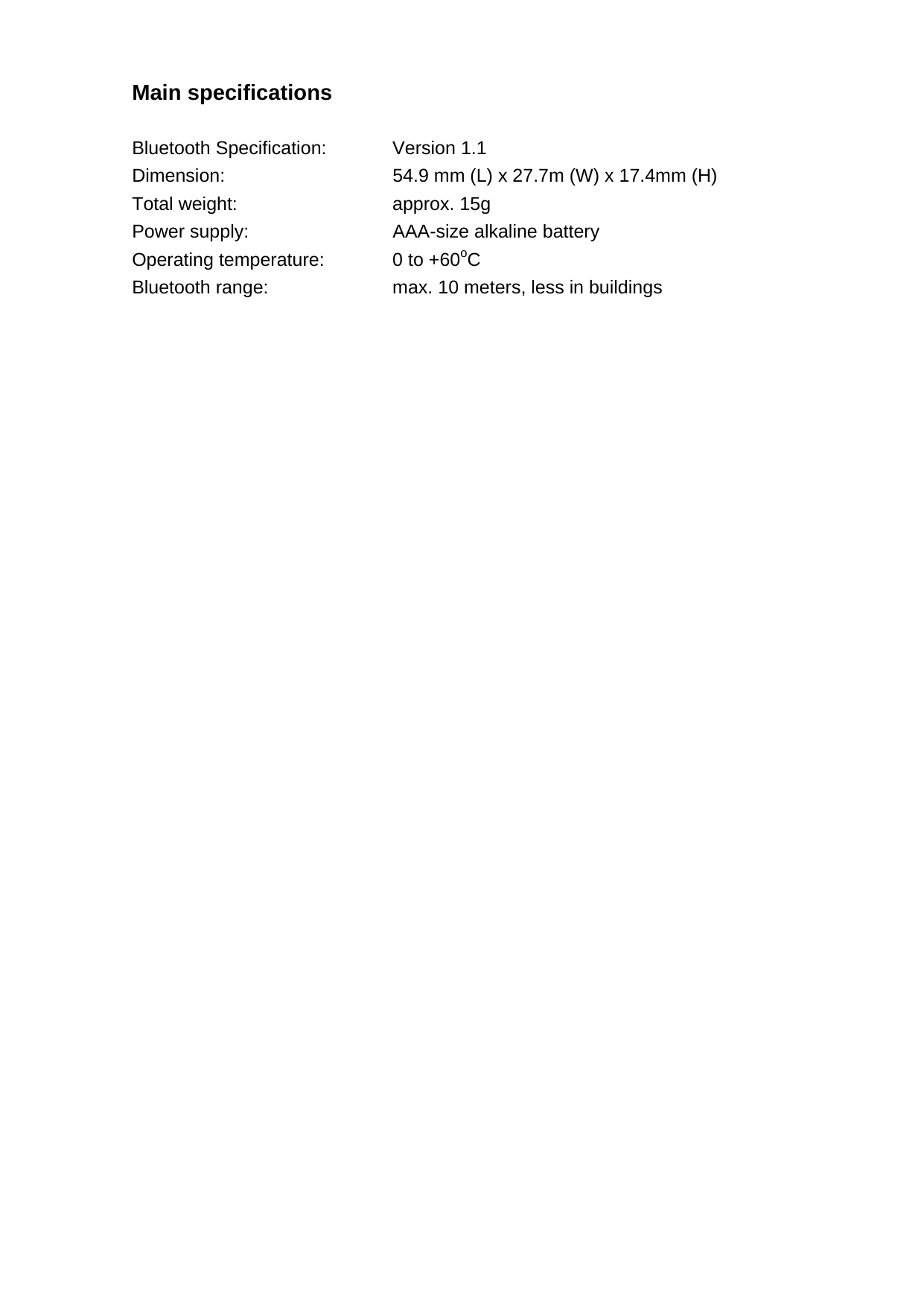
Main specifications  Bluetooth Specification:   Version  1.1 Dimension:   54.9 mm (L) x 27.7m (W) x 17.4mm (H) Total weight:   approx. 15g Power supply:      AAA-size alkaline battery Operating temperature:   0 to +60oC Bluetooth range:    max. 10 meters, less in buildings
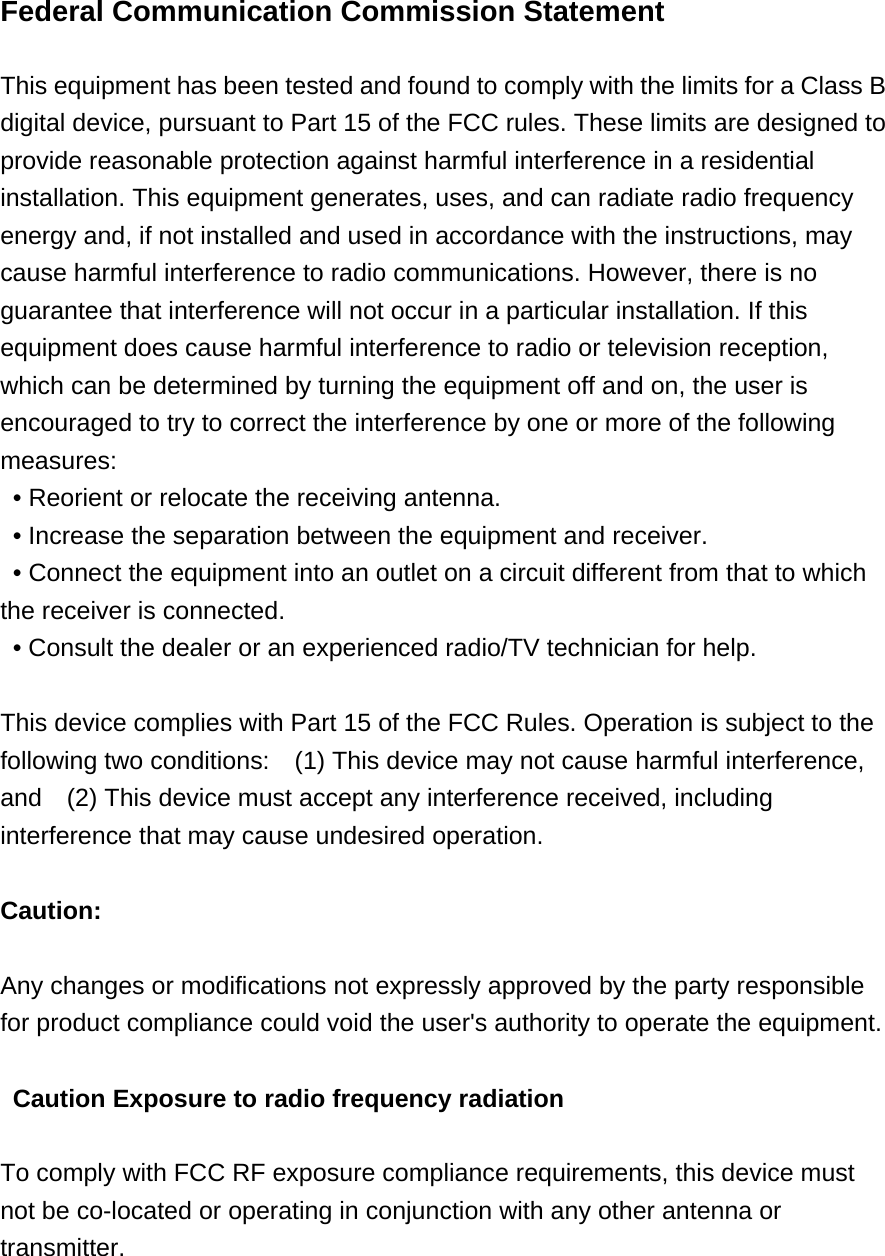
Federal Communication Commission Statement    This equipment has been tested and found to comply with the limits for a Class B digital device, pursuant to Part 15 of the FCC rules. These limits are designed to provide reasonable protection against harmful interference in a residential installation. This equipment generates, uses, and can radiate radio frequency energy and, if not installed and used in accordance with the instructions, may cause harmful interference to radio communications. However, there is no guarantee that interference will not occur in a particular installation. If this equipment does cause harmful interference to radio or television reception, which can be determined by turning the equipment off and on, the user is encouraged to try to correct the interference by one or more of the following measures:   • Reorient or relocate the receiving antenna.   • Increase the separation between the equipment and receiver.   • Connect the equipment into an outlet on a circuit different from that to which the receiver is connected.   • Consult the dealer or an experienced radio/TV technician for help.      This device complies with Part 15 of the FCC Rules. Operation is subject to the following two conditions:    (1) This device may not cause harmful interference, and    (2) This device must accept any interference received, including interference that may cause undesired operation.      Caution:   Any changes or modifications not expressly approved by the party responsible for product compliance could void the user's authority to operate the equipment.   Caution Exposure to radio frequency radiation  To comply with FCC RF exposure compliance requirements, this device must not be co-located or operating in conjunction with any other antenna or transmitter.

Navigation menu