Seav s r l BESMARTNEW Remote control transmitter User Manual Tx BeSmart New GB

Seav s.r.l. Remote control transmitter Tx BeSmart New GB

User Manual

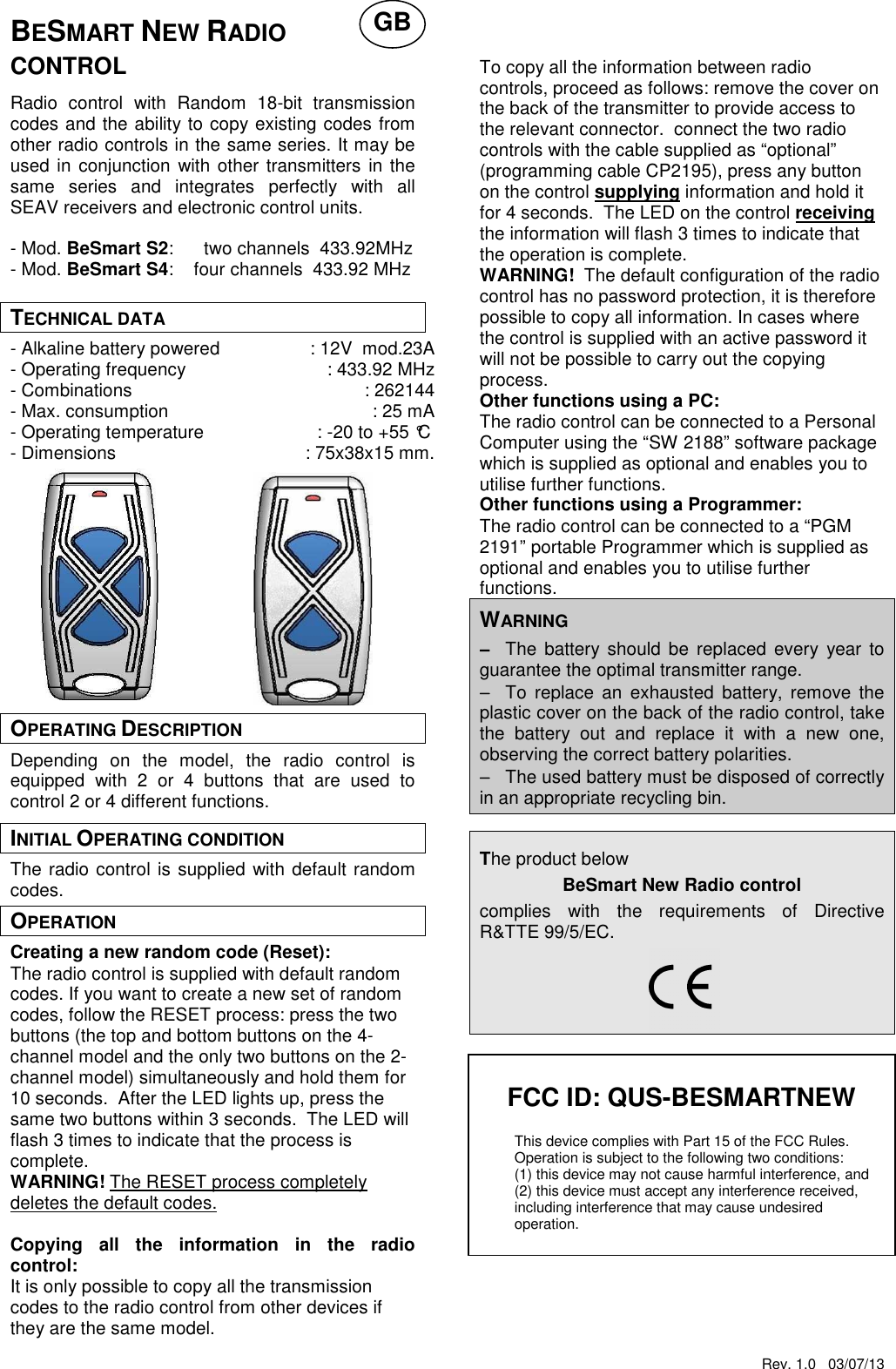
Rev. 1.0   03/07/13   FCC ID: QUS-BESMARTNEW  This device complies with Part 15 of the FCC Rules. Operation is subject to the following two conditions:  (1) this device may not cause harmful interference, and  (2) this device must accept any interference received,  including interference that may cause undesired   operation.  BESMART NEW RADIO CONTROL  Radio  control  with  Random  18-bit  transmission codes and the ability to copy existing codes from other radio controls in the same series. It may be used in conjunction with other transmitters in the same  series  and  integrates  perfectly  with  all SEAV receivers and electronic control units.  - Mod. BeSmart S2:      two channels  433.92MHz - Mod. BeSmart S4:    four channels  433.92 MHz  TECHNICAL DATA - Alkaline battery powered  : 12V  mod.23A - Operating frequency  : 433.92 MHz - Combinations  : 262144 - Max. consumption  : 25 mA - Operating temperature  : -20 to +55 °C - Dimensions  : 75x38x15 mm.             OPERATING DESCRIPTION Depending  on  the  model,  the  radio  control  is equipped  with  2  or  4  buttons  that  are  used  to control 2 or 4 different functions. INITIAL OPERATING CONDITION The radio control is supplied with default random codes. OPERATION Creating a new random code (Reset): The radio control is supplied with default random codes. If you want to create a new set of random codes, follow the RESET process: press the two buttons (the top and bottom buttons on the 4-channel model and the only two buttons on the 2-channel model) simultaneously and hold them for 10 seconds.  After the LED lights up, press the same two buttons within 3 seconds.  The LED will flash 3 times to indicate that the process is complete. WARNING! The RESET process completely deletes the default codes.  Copying  all  the  information  in  the  radio control: It is only possible to copy all the transmission codes to the radio control from other devices if they are the same model.     To copy all the information between radio controls, proceed as follows: remove the cover on the back of the transmitter to provide access to the relevant connector.  connect the two radio controls with the cable supplied as “optional” (programming cable CP2195), press any button on the control supplying information and hold it for 4 seconds.  The LED on the control receiving the information will flash 3 times to indicate that the operation is complete. WARNING!  The default configuration of the radio control has no password protection, it is therefore possible to copy all information. In cases where the control is supplied with an active password it will not be possible to carry out the copying process. Other functions using a PC: The radio control can be connected to a Personal Computer using the “SW 2188” software package which is supplied as optional and enables you to utilise further functions.   Other functions using a Programmer: The radio control can be connected to a “PGM 2191” portable Programmer which is supplied as optional and enables you to utilise further functions.   WARNING −−−− The  battery should be  replaced  every  year to guarantee the optimal transmitter range. −−−− To  replace  an  exhausted  battery,  remove  the plastic cover on the back of the radio control, take the  battery  out  and  replace  it  with  a  new  one, observing the correct battery polarities. −−−− The used battery must be disposed of correctly in an appropriate recycling bin.  The product below BeSmart New Radio control  complies  with  the  requirements  of  Directive R&TTE 99/5/EC.                        GB
Rev. 1.0   03/07/13    WARNING  Any  adjustments  or  modifications  that  have  not been  expressly  approved  by  the  holder  of  the legal  conformity  certificate  may  invalidate  the user’s  rights  relating  to  the  operation  of  the device.

Navigation menu