Sensys Gatso Netherlands RT3 RT3 Antenna User Manual RT3

Gatsometer BV RT3 Antenna RT3

Contents

Manual

        1/15  USER MANUAL DD-43-06 USER MANUAL RT3 VERSION: V1.0       Gatsometer BV Claes Tillyweg 2 2031 CW, Haarlem P.O. Box 4959 2003 EZ, Haarlem  Tel.: +31 (0) 23 525 50 50 Fax: +31 (0) 23 527 69 61 Mail: info@gatsometer.com Internet: www.gatsometer.com
        2/15   DISCLAIMER   Copyright © 2013 - Gatsometer BV - The Netherlands   None of the materials provided on this technical manual may be used, reproduced or transmitted in any form or by any means, electronic or mechanical, including recording or the use of any information storage and retrieval system, without written permission from Gatsometer BV. If you received this technical manual in  error,  please  notify  Gatsometer  BV  immediately.  The  confidential  nature  of  and/  or  privilege  in  the technical manual enclosed is not waived or lost as a result of a mistake or error in this technical manual.  Gatsometer BV accepts no liability whatsoever, whether it was caused by: 1. Accessing or other related actions to this manual. 2. Actions other than stated in this user manual  Gatsometer  BV  assumes  that  all  users  understand  risks  involved  within  this  user  manual  and/  or  its attached materials. All components used can be replaced by factory approved equivalents. Drawings are subject to change without prior notice.   Translation disclaimer  The translation of this documents is done with the utmost care. However, Gatsometer B.V. does not accept any liability for the correctness and completeness of the compilation and content of this translation and the direct or indirect consequences of acting or failing to act based on these translations. It is not possible to derive any rights, of whatever nature, from the compilation and contents of the translations. In all cases, the original English document shall be decisive.          All  rights  reserved.  Compiled  by  Gatsometer  BV.    Please  contact info@gatsometer.com  for  more  information.  Gatsometer  follows  the  ROHS (Restriction of Hazardous Substances 2002/95/EC) and WEEE (Waste Electrical and Electronic Equipment) directives.  For the customers in Europe To  comply  with European directive 2002/96/EC on Waste Electrical  and  Electronic Equipment (WEEE) this equipment must be recycled or disposed of properly. You can help preserve our environment by returning your used equipment to the distributor or the collection and recycling depot nearest to you.
        3/15  FCC AND IC DECLARATIONS   Compliance statement (part 15.19)  This device complies with part 15 of the FCC Rules and to RSS210 of Industry Canada. Operation is subject to the following two conditions: (1) this device may not cause harmful interference, and (2) this device must accept any interference received, including interference that may cause undesired operation.    Warning (part 15.21) Changes or modifications not expressly approved by the party responsible for compliance could void the user’s authority to operate the equipment. This in particular is applicable for the antenna which has been delivered with the  RF Exposure (OET Bulletin 65) To comply with FCC RF exposure requirements for mobile transmitting devices, this transmitter should only be used or installed at locations where there is at least 20cm separation distance between the antenna and all persons.  Information to the User (Part 15.105 (b)) Note: This equipment has been tested and found to comply with the limits for a Class B digital device, pursuant to part 15 of the FCC Rules. These limits are designed to provide reasonable protection against harmful interference in a residential installation. This equipment generates, uses and can radiate radio frequency energy and, if not installed and used in accordance with the instructions, may cause harmful interference to radio communications. However, there is no guarantee that interference will not occur in a particular installation. If this equipment does cause harmful interference to radio or television reception, which can be determined by turning the equipment off and on, the user is encouraged to try to correct the interference by one or more of the following measures: --Reorient or relocate the receiving antenna. --Increase the separation between the equipment and receiver. --Connect the equipment into an outlet on a circuit different from that to     which the receiver is connected. --Consult the dealer or an experienced radio/TV technician for help.
        4/15    USER MANUAL RT3  VERSION: V1.0  Latest version is checked on 09 October 2013    REVISION REMARKS V0.9 First release, DD-43-06 V1.0 FCC disclaimer         TABLE OF CONTENTS  CHAPTER TITLE PAGE 1 INTRODUCTION  5 1.1 General description of RT3 radar 6 2 COMMAND SET 7\ 2.1 Set RF ON/OFF 8 2.2 Set Channel 1 9 2.3 Set Channel 2 10 2.4 Set Channel 3 11 2.5 Set Channel 4 12 3 POWER SUPPLY 13 3.1 Specifications 14
        5/15              INTRODUCTION
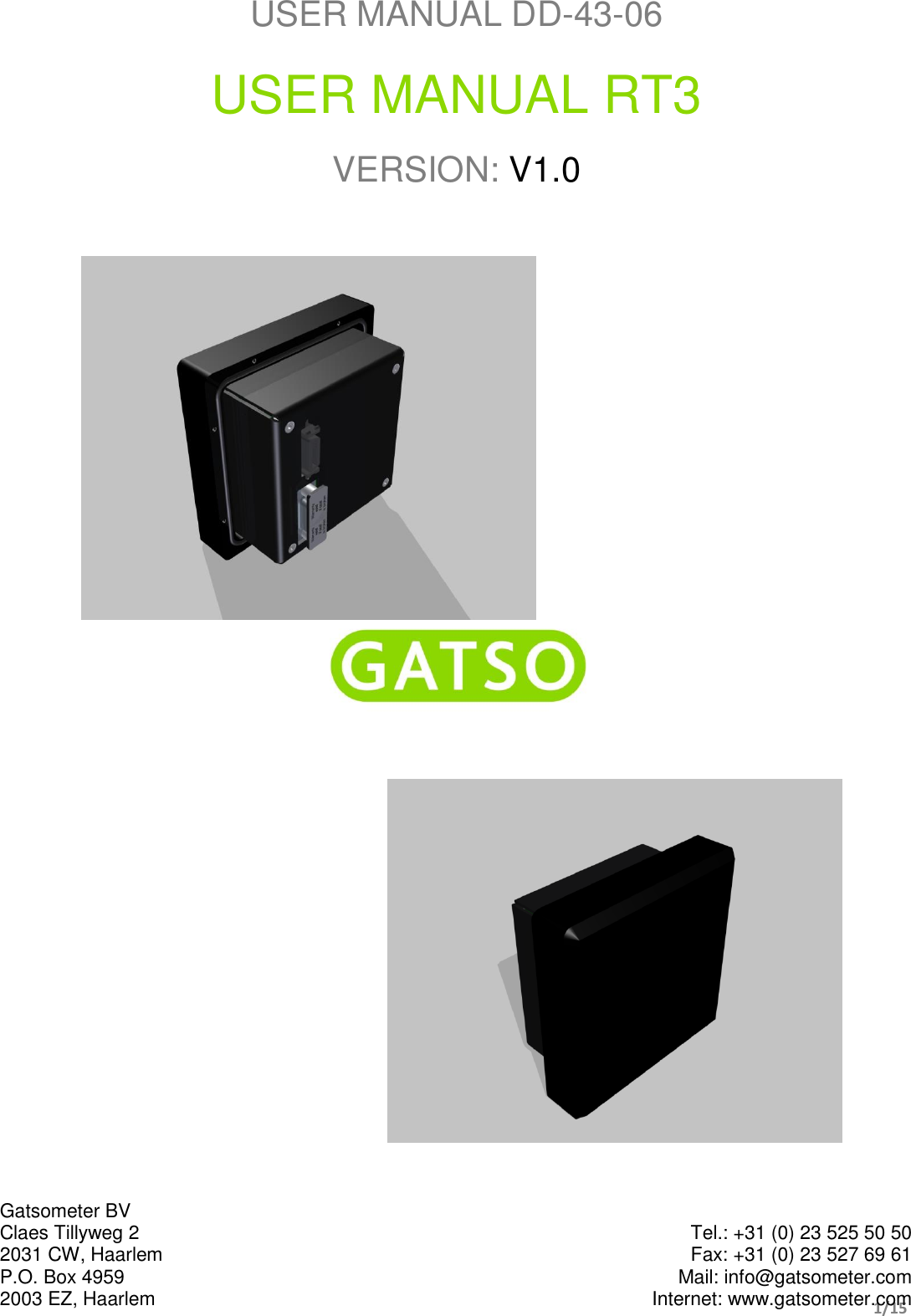
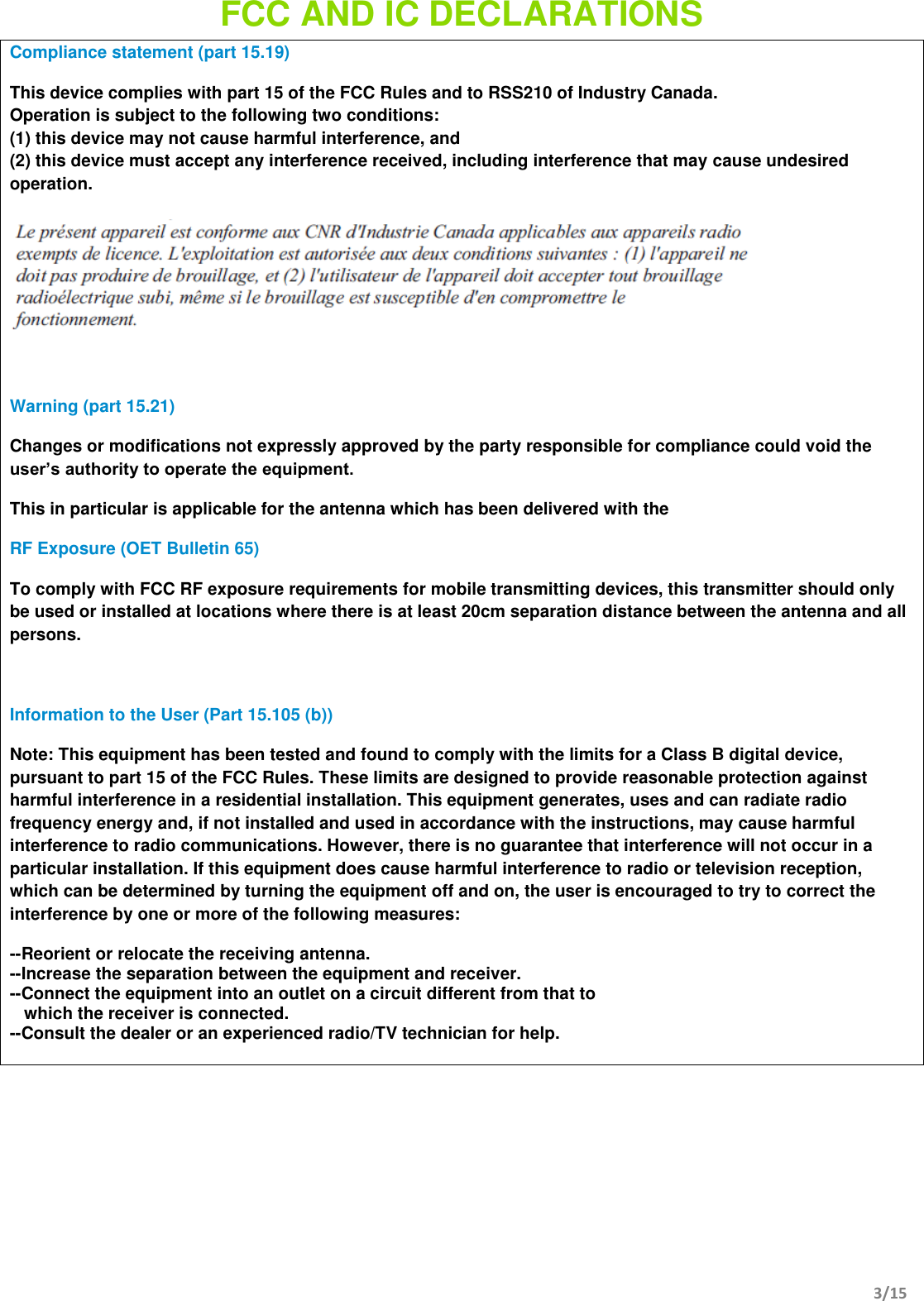
        6/15         The RT3 antenna is designed as measurement and detection unit for Gatso System solutions. This tracking radar operates in the K-band and uses modulation to detect range and speed to the several target in the radar beam. As part of a system, the RT3 is connected by one cable only. It provides both power and control from the system to the RT3.  The control interface is designed on CANopen communication. The physical interface is performed by a CAN network. The system is in command over the radar and it will perform the RF settings when the system becomes operational. In this manual, both power supply and control set will be described in the following paragraphs.
        7/15                        COMMAND SET
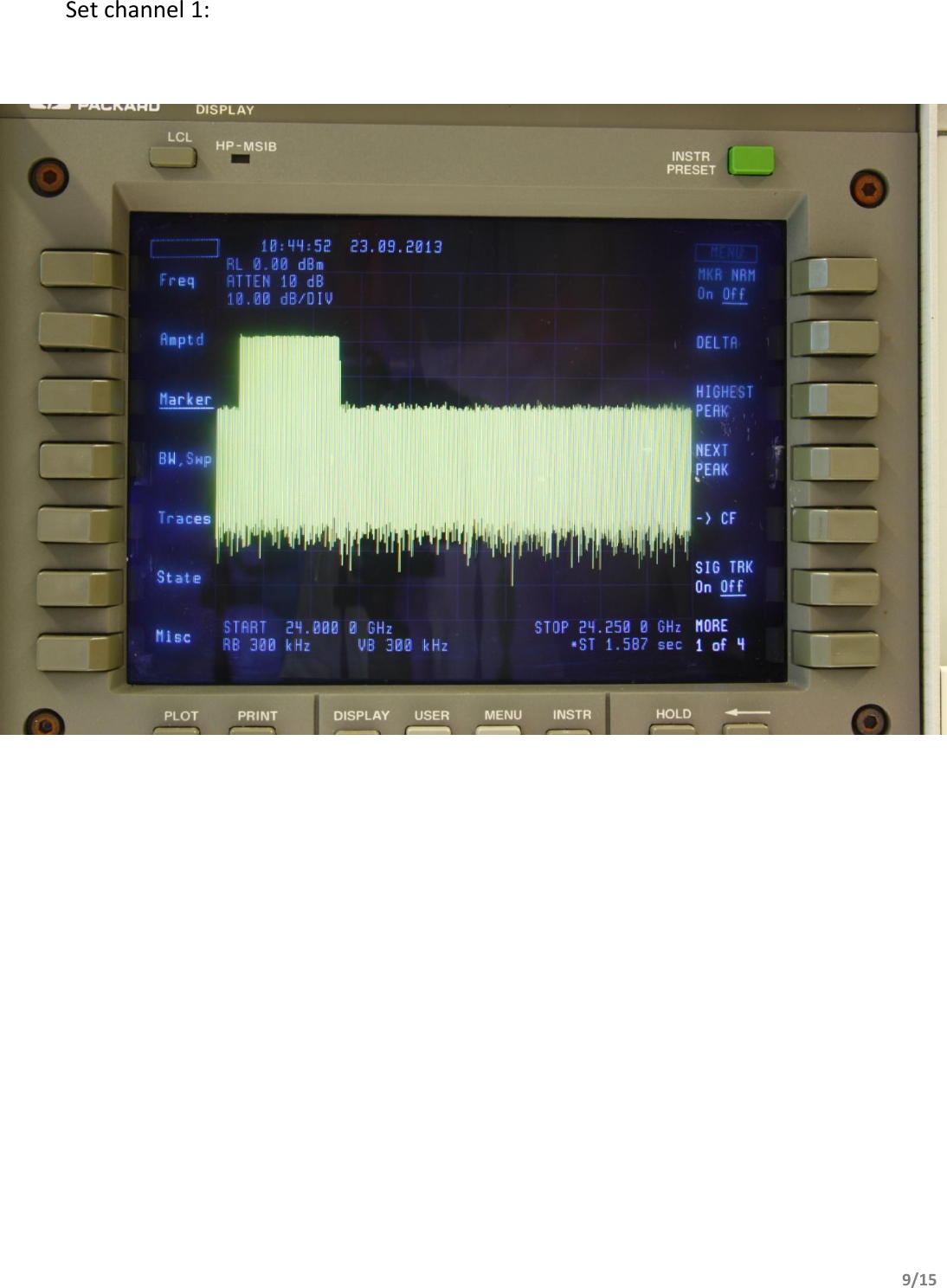
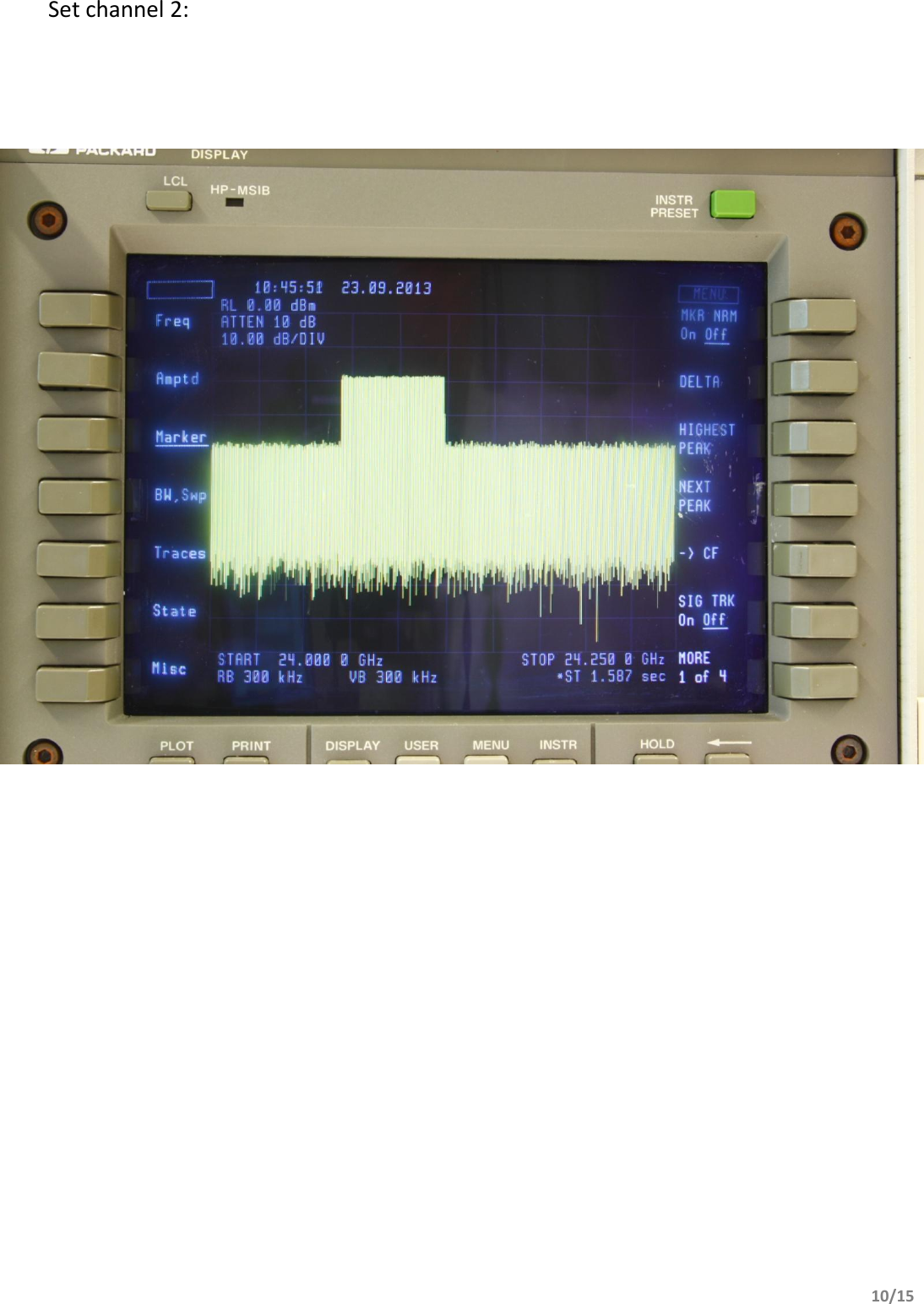
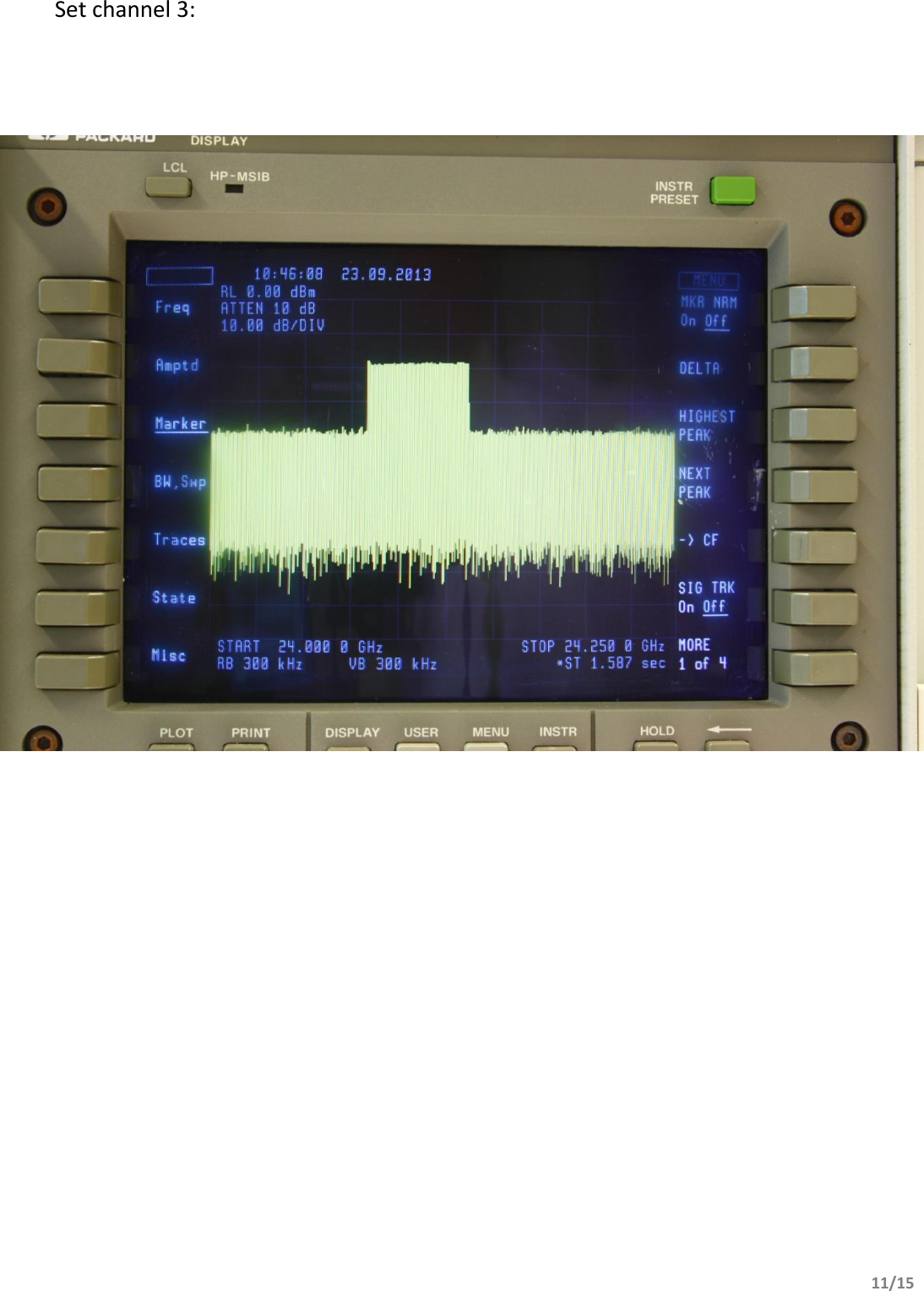
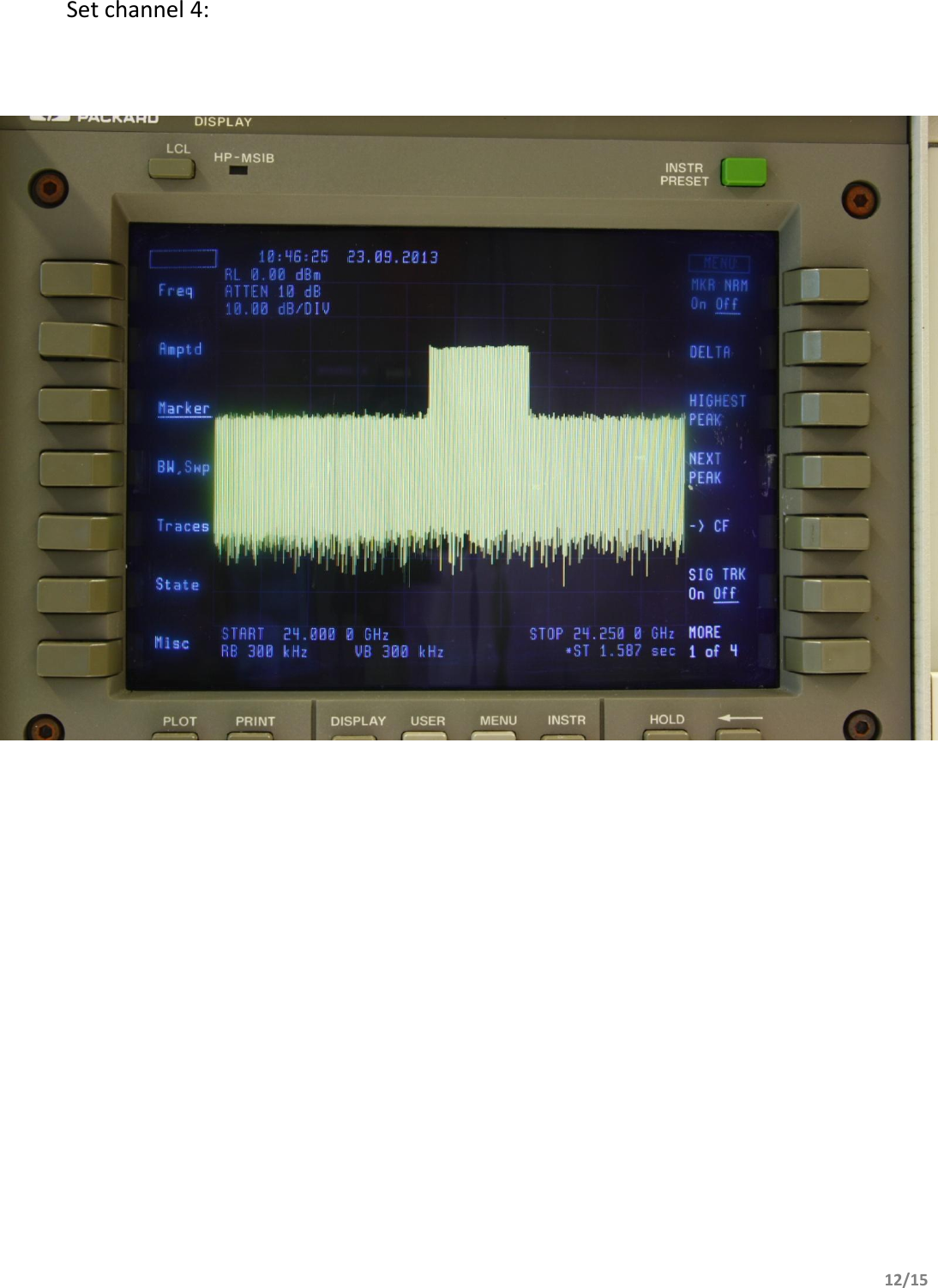
        8/15                          Operational commands to control the RF section of the radar can be summarized into 2 functions: 1. Switch RF section ON / OFF 2. Set the frequency channel of the RF section Command ‘Switch RF section  ON / OFF’  controls the RF transmitter output. When the system is operational, the RF is switched ON. During all other states, the RF is switched OFF. Command ‘Set frequency channel’  will select 1 of 4 available channels of the transmitter.  In the section below, a photo of the spectrum analyzer show the signal when the RF is set to a channel. Note that only one of four channels is used during operation.  Spectrum analyzer setting are visible in the photo’s.
        9/15           Set channel 1:
        10/15          Set channel 2:
        11/15           Set channel 3:
        12/15           Set channel 4:
        13/15                         POWER SUPPLY
        14/15    All boards inside the RT2  have a dedicated voltage regulator for individual accurate supply voltages. Power supply specification for the RT3:  RF OFF, 200 mA typ. @ 12 VDC  RF ON, 235 mA typ. @ 12 VDC
    15/15           USER MANUAL RT3  VERSION: V1.0

Navigation menu