ShenZhen YuanYun technology Y8 Bluetooth Stereo Headset User Manual Y8USERGUIDE
ShenZhen YuanYun technology Co., Ltd. Bluetooth Stereo Headset Y8USERGUIDE
15_Y8 UserMan
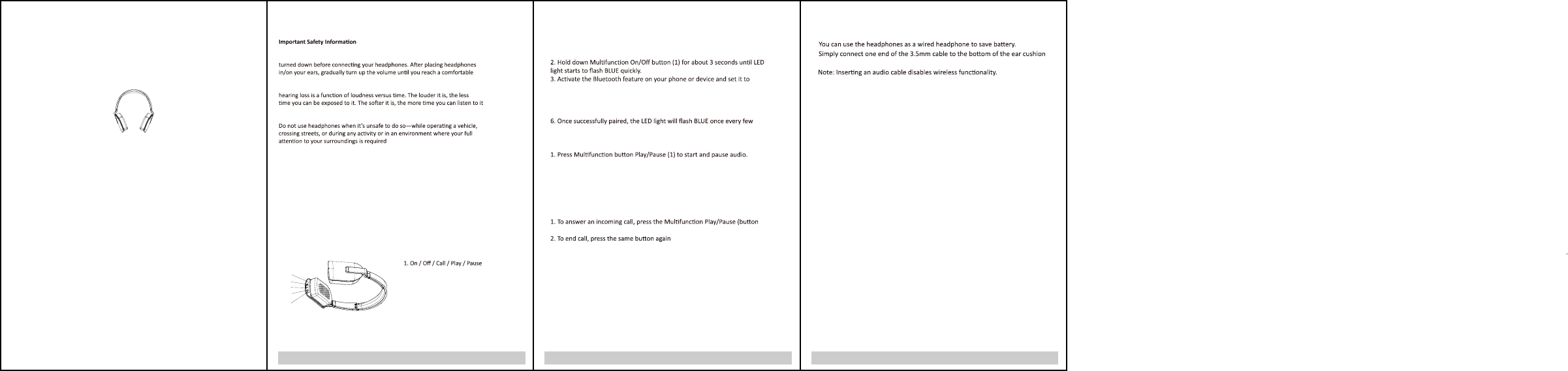
132
Listen Responsibly
To avoid hearing damage, make sure that the volume on your music player is
listening level. Noise levels are measured in decibels (dB), exposure to any
noise at or above 85 dB can cause gradual hearing loss. Monitor your use;
Use Responsibly
It’s dangerous to drive while wearing headphones, and in many places, illegal
because it decreases your chances of hearing life-saving sounds outside of
your vehicle, such as another car’s horn and emergency vehicle sirens. Please
avoid wearing your headphones while driving
CHARGING THE HEADPHONES
Use the USB to 3.5mm charging cable and connect headphones to you computer or
adaptor device made for USB charging. A red LED indicator will turn on when the
headphone are charging and A blue LED indicator will turn on when the headphone
are fully charged.
2. Volume Up / Forward
3. Volume Down / Previous
4. 3.5mm jack
5. LED indicator
PAIRING
1. Make sure your phone, computer or music device is turned on and
within 1 meter of each other.
search for Bluetooth devices (Discoverable).
4. Select ‘Y8’ from the list of found devices.
5. If necessary, enter passcode ‘0000’ to pair and connect the
headphones to your device.
seconds
PLAYBACK / CONTROLS
CALLS
1)
3. To re-dial the last number,click the buon(1) twice
4. To reject a call, press and hold down buon(1) for 2 seconds when a call in
POWER ON
POWER OFF
Using headphones in Passive Mode (Wired)
and the other end to your phone or device.
Bluetooth Version: Bluetooth V 4.0
Effecve transmission range: 10 m
Baery: 250mAh Li-Polymer baery
Charging me: <2.5 hours
Playing me: >12 hours
Standby me: >30 days
LED status: Blue LED for power and BT status
Red LED for charging status
Diameter of driver unit: 40 mm
Frequency range:
Sensivity @1KHz
20 Hz ~ 20 kHz
95 +/-3 dB
Impedance: 32 +/-15 % Ω
Distoron: ≤1 % bei 1 KHz
Rated power input: 10 mW
Net weight: Approx. 126 g
ACCESSORIES
USB to 3.5mm charging cable
3.5mm audio cable
Instruson Manual
Quick Start Guide
SPECIFICATIONS
1
2
3
4
5
2. Click (buon2) twice to skip forward to next track. press and hold down buon to
increase volume.
3. Click (buon3) twice to go back to previous track. press and hold down buon to
decrease volume.
Press and hold the Mulfuncon buon (1) to turn the headphones off.The
red LED on when headphones are off.
Press and hold the Mulfuncon buon (1) to turn the headphones on.The
blue LED on when headphones are on.
NOTE: This equipment has been tested and found to comply with the limits for a
Class B digital device, pursuant to part 15 of the FCC Rules. These limits are
designed to provide reasonable protecon against harmful interference in a
residenal installaon. This equipment generates uses and can radiate radio
frequency energy and, if not installed and used in accordance with the
instrucons, may cause harmful interference to radio communicaons.
However, there is no guarantee that interference will not occur in a parcular
installaon. If this equipment does cause harmful interference to radio or
television recepon, which can be determined by turning the equipment off and
on, the user is encouraged to try to correct the interference by one or more of
the following measures:
- Reorient or relocate the receiving antenna.
- Increase the separaon between the equipment and receiver.
-Connect the equipment into an outlet on a circuit different from that to which
the receiver is connected.
-Consult the dealer or an experienced radio/TV technician for help
Changes or modificaons not expressly approved by the party responsible for
compliance could void the user's authority to operate the equipment. This
device complies with Part 15 of the FCC Rules. Operaon is subject to the
following two condions:
(1) this device may not cause harmful interference, and
(2) this device must accept any interference received, including interference that
may cause undesired operaon.
FCC ID: 2AEXIY8