Skylink Technologies PM3182 Wireless Plug-in ON/Off Control User Manual PM 318 2 UserMan

Skylink Technologies Inc Wireless Plug-in ON/Off Control PM 318 2 UserMan

PM-318-2_UserMan

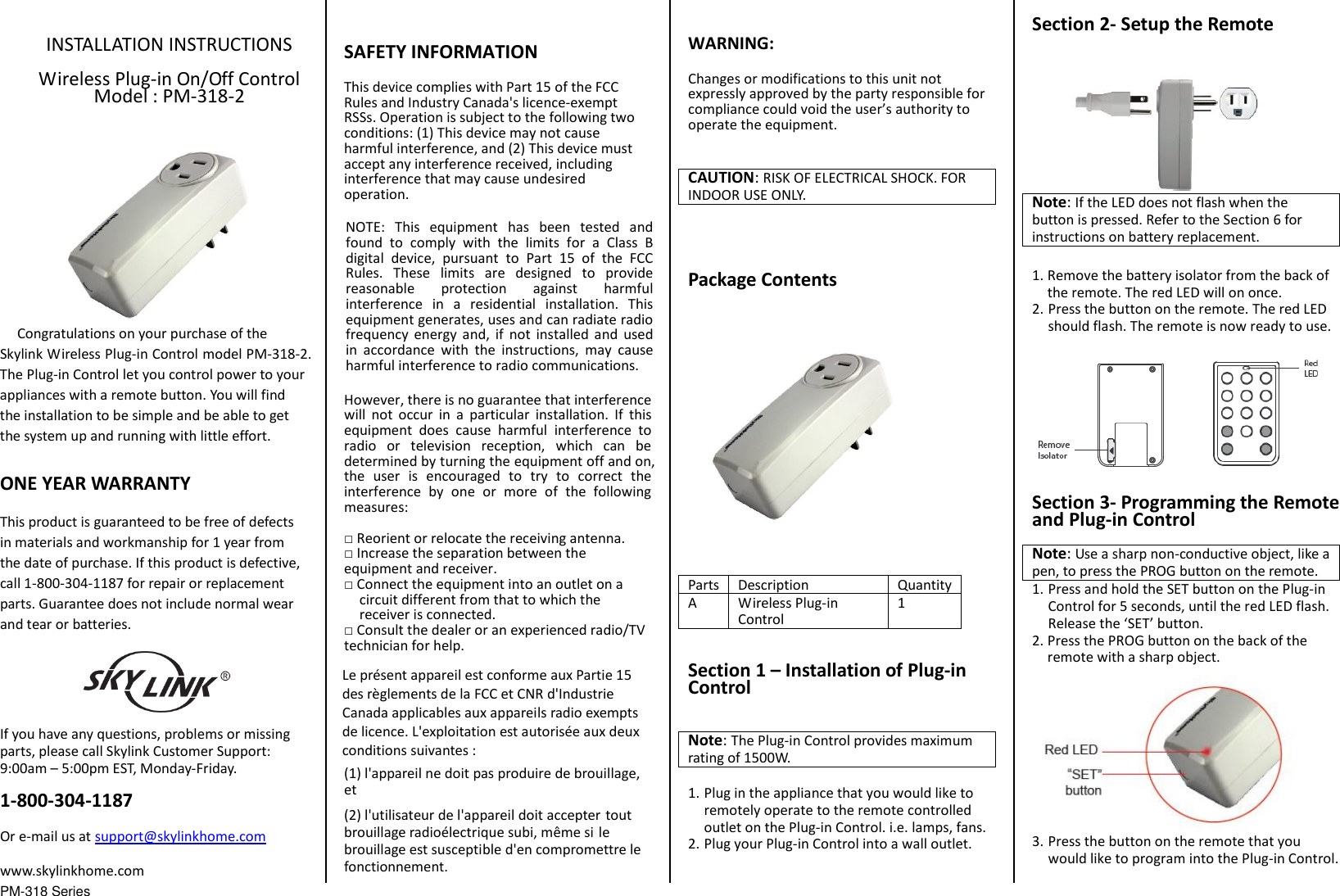
PM-318 Series INSTALLATION INSTRUCTIONS Wireless Plug-in On/Off Control Model : PM-318-2   Congratulations on your purchase of the Skylink Wireless Plug-in Control model PM-318-2. The Plug-in Control let you control power to your appliances with a remote button. You will find the installation to be simple and be able to get the system up and running with little effort. ONE YEAR WARRANTY This product is guaranteed to be free of defects in materials and workmanship for 1 year from the date of purchase. If this product is defective, call 1-800-304-1187 for repair or replacement parts. Guarantee does not include normal wear and tear or batteries. If you have any questions, problems or missing parts, please call Skylink Customer Support: 9:00am – 5:00pm EST, Monday-Friday. 1-800-304-1187 Or e-mail us at support@skylinkhome.com www.skylinkhome.com SAFETY INFORMATION This device complies with Part 15 of the FCC Rules and Industry Canada's licence-exempt RSSs. Operation is subject to the following two conditions: (1) This device may not cause harmful interference, and (2) This device must accept any interference received, including interference that may cause undesired operation. NOTE:  This  equipment  has  been  tested  and found  to  comply  with  the  limits  for  a  Class  B digital  device,  pursuant  to  Part  15  of  the  FCC Rules.  These  limits  are  designed  to  provide reasonable  protection  against  harmful interference  in  a  residential  installation.  This equipment generates, uses and can radiate radio frequency  energy  and,  if  not  installed  and  used in  accordance  with  the  instructions,  may  cause harmful interference to radio communications. However, there is no guarantee that interference will  not  occur  in  a  particular  installation.  If  this equipment  does  cause  harmful  interference  to radio  or  television  reception,  which  can  be determined by turning the equipment off and on, the  user  is  encouraged  to  try  to  correct  the interference  by  one  or  more  of  the  following measures: □Reorient or relocate the receiving antenna.□Increase the separation between the equipment and receiver. □Connect the equipment into an outlet on acircuit different from that to which the receiver is connected.□Consult the dealer or an experienced radio/TVtechnician for help. Le présent appareil est conforme aux Partie 15 des règlements de la FCC et CNR d'Industrie Canada applicables aux appareils radio exempts de licence. L'exploitation est autorisée aux deux conditions suivantes :   (1) l'appareil ne doit pas produire de brouillage, et   (2) l'utilisateur de l'appareil doit accepter tout brouillage radioélectrique subi, même si le brouillage est susceptible d'en compromettre le fonctionnement. WARNING: Changes or modifications to this unit not expressly approved by the party responsible for compliance could void the user’s authority to operate the equipment. CAUTION: RISK OF ELECTRICAL SHOCK. FOR INDOOR USE ONLY. Package Contents Parts Description Quantity A Wireless Plug-in Control 1 Section 1 – Installation of Plug-in Control Note: The Plug-in Control provides maximum rating of 1500W.   1. Plug in the appliance that you would like toremotely operate to the remote controlledoutlet on the Plug-in Control. i.e. lamps, fans.2. Plug your Plug-in Control into a wall outlet.Section 2- Setup the Remote Note: If the LED does not flash when the button is pressed. Refer to the Section 6 for instructions on battery replacement. 1. Remove the battery isolator from the back ofthe remote. The red LED will on once.2. Press the button on the remote. The red LEDshould flash. The remote is now ready to use.Section 3- Programming the Remote and Plug-in Control Note: Use a sharp non-conductive object, like a pen, to press the PROG button on the remote. 1. Press and hold the SET button on the Plug-in Control for 5 seconds, until the red LED flash.Release the ‘SET’ button.2. Press the PROG button on the back of the remote with a sharp object.3. Press the button on the remote that you would like to program into the Plug-in Control.
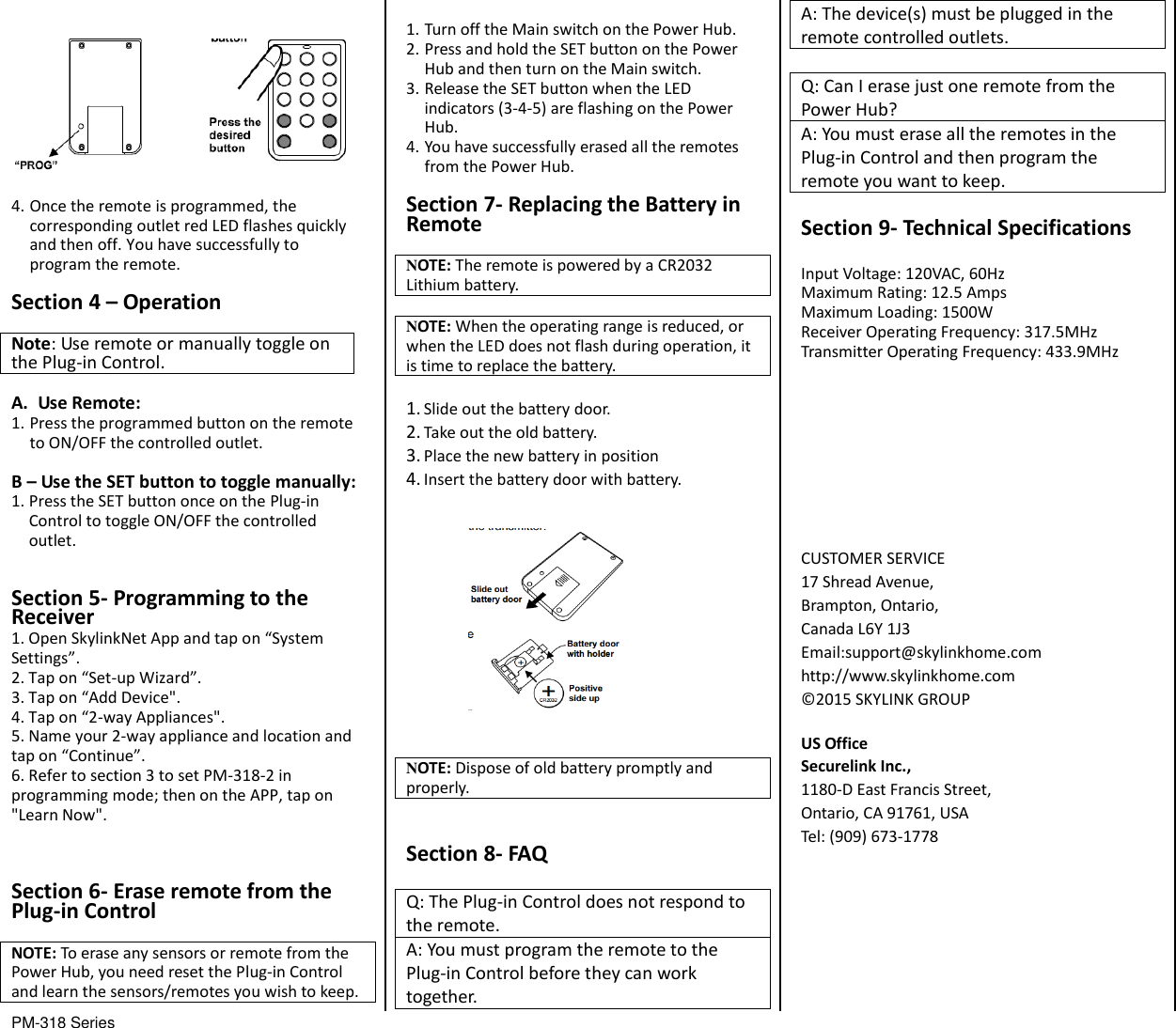
PM-318 Series                                           4. Once the remote is programmed, the corresponding outlet red LED flashes quickly and then off. You have successfully to program the remote. Section 4 – Operation  Note: Use remote or manually toggle on the Plug-in Control.  A. Use Remote: 1. Press the programmed button on the remote to ON/OFF the controlled outlet. B – Use the SET button to toggle manually: 1. Press the SET button once on the Plug-in Control to toggle ON/OFF the controlled outlet.  Section 5- Programming to the Receiver 1. Open SkylinkNet App and tap on “System Settings”. 2. Tap on “Set-up Wizard”. 3. Tap on “Add Device". 4. Tap on “2-way Appliances". 5. Name your 2-way appliance and location and tap on “Continue”. 6. Refer to section 3 to set PM-318-2 in programming mode; then on the APP, tap on "Learn Now".  Section 6- Erase remote from the Plug-in Control  NOTE: To erase any sensors or remote from the Power Hub, you need reset the Plug-in Control and learn the sensors/remotes you wish to keep.    1. Turn off the Main switch on the Power Hub. 2. Press and hold the SET button on the Power Hub and then turn on the Main switch. 3. Release the SET button when the LED indicators (3-4-5) are flashing on the Power Hub. 4. You have successfully erased all the remotes from the Power Hub.  Section 7- Replacing the Battery in Remote  NOTE: The remote is powered by a CR2032 Lithium battery.  NOTE: When the operating range is reduced, or when the LED does not flash during operation, it is time to replace the battery.  1. Slide out the battery door. 2. Take out the old battery. 3. Place the new battery in position 4. Insert the battery door with battery.    NOTE: Dispose of old battery promptly and properly.   Section 8- FAQ  Q: The Plug-in Control does not respond to the remote. A: You must program the remote to the Plug-in Control before they can work together. A: The device(s) must be plugged in the remote controlled outlets.  Q: Can I erase just one remote from the Power Hub? A: You must erase all the remotes in the Plug-in Control and then program the remote you want to keep.  Section 9- Technical Specifications  Input Voltage: 120VAC, 60Hz Maximum Rating: 12.5 Amps Maximum Loading: 1500W Receiver Operating Frequency: 317.5MHz Transmitter Operating Frequency: 433.9MHz         CUSTOMER SERVICE 17 Shread Avenue,   Brampton, Ontario, Canada L6Y 1J3 Email:support@skylinkhome.com http://www.skylinkhome.com ©2015 SKYLINK GROUP  US Office Securelink Inc., 1180-D East Francis Street, Ontario, CA 91761, USA Tel: (909) 673-1778

Navigation menu