Southco P310X Proximity reader User Manual J EA P3 01 M revA

Southco,. Inc Proximity reader J EA P3 01 M revA

user manual

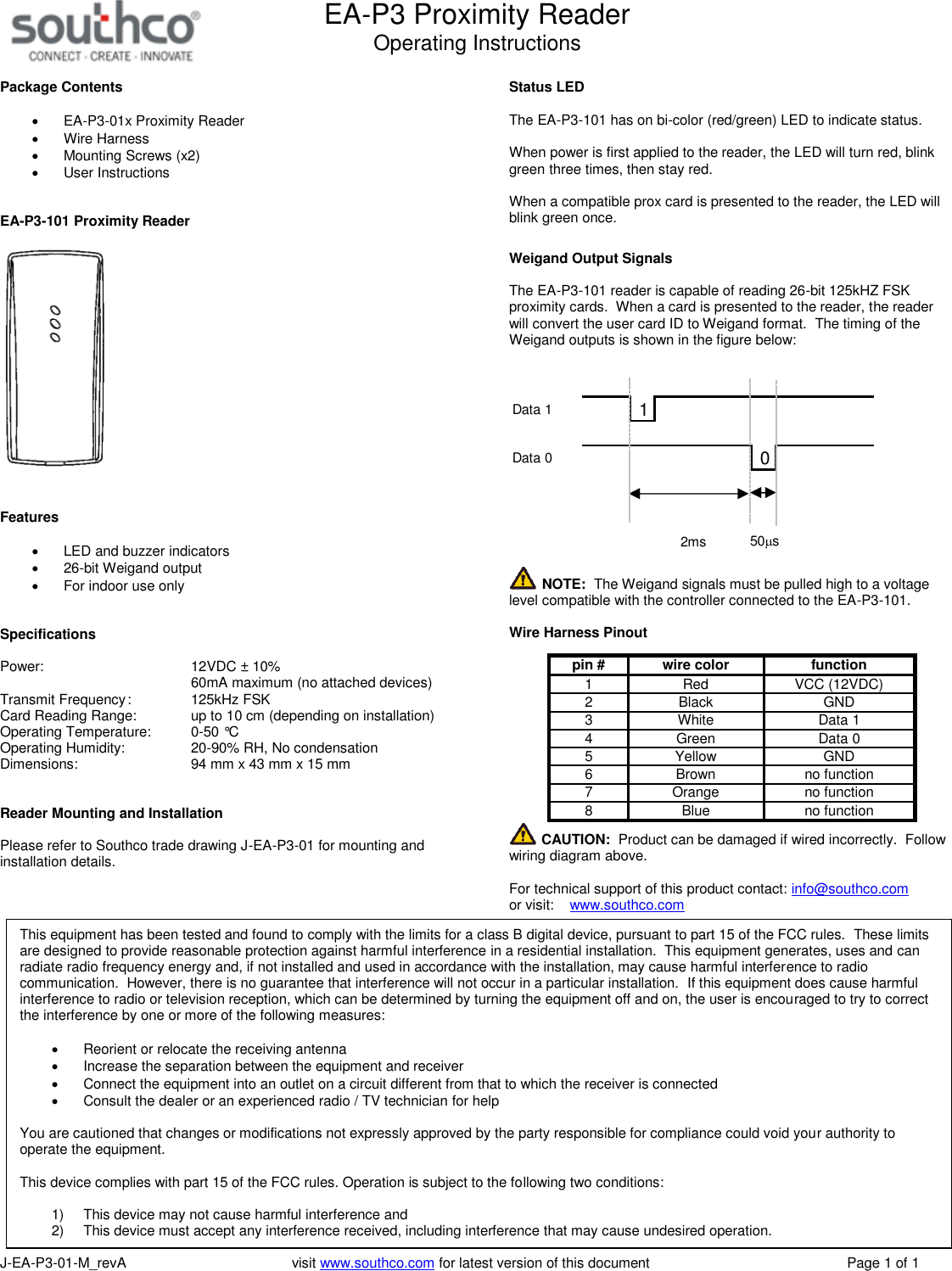
EA-P3 Proximity ReaderOperating InstructionsJ-EA-P3-01-M_revA visit www.southco.com for latest version of this document Page 1 of 1Package ContentsEA-P3-01x Proximity ReaderWire HarnessMounting Screws (x2)User InstructionsEA-P3-101 Proximity ReaderFeaturesLED and buzzer indicators26-bit Weigand outputFor indoor use onlySpecificationsPower: 12VDC ± 10%60mA maximum (no attached devices)Transmit Frequency: 125kHz FSKCard Reading Range: up to 10 cm (depending on installation)Operating Temperature: 0-50 °COperating Humidity: 20-90% RH, No condensationDimensions: 94 mm x 43 mm x 15 mmReader Mounting and InstallationPlease refer to Southco trade drawing J-EA-P3-01 for mounting andinstallation details.Status LEDThe EA-P3-101 has on bi-color (red/green) LED to indicate status.When power is first applied to the reader, the LED will turn red, blinkgreen three times, then stay red.When a compatible prox card is presented to the reader, the LED willblink green once.Weigand Output SignalsThe EA-P3-101 reader is capable of reading 26-bit 125kHZ FSKproximity cards. When a card is presented to the reader, the readerwill convert the user card ID to Weigand format. The timing of theWeigand outputs is shown in the figure below:10Data 1Data 050ms2msNOTE: The Weigand signals must be pulled high to a voltagelevel compatible with the controller connected to the EA-P3-101.Wire Harness Pinoutpin #wire colorfunction1 Red VCC (12VDC)2 Black GND3 White Data 14 Green Data 05 Yellow GND6 Brown no function7 Orange no function8 Blue no functionCAUTION: Product can be damaged if wired incorrectly. Followwiring diagram above.For technical support of this product contact: info@southco.comor visit: www.southco.comThis equipment has been tested and found to comply with the limits for a class B digital device, pursuant to part 15 of the FCC rules. These limitsare designed to provide reasonable protection against harmful interference in a residential installation. This equipment generates, uses and canradiate radio frequency energy and, if not installed and used in accordance with the installation, may cause harmful interference to radiocommunication. However, there is no guarantee that interference will not occur in a particular installation. If this equipment does cause harmfulinterference to radio or television reception, which can be determined by turning the equipment off and on, the user is encouraged to try to correctthe interference by one or more of the following measures:Reorient or relocate the receiving antennaIncrease the separation between the equipment and receiverConnect the equipment into an outlet on a circuit different from that to which the receiver is connectedConsult the dealer or an experienced radio / TV technician for helpYou are cautioned that changes or modifications not expressly approved by the party responsible for compliance could void your authority tooperate the equipment.This device complies with part 15 of the FCC rules. Operation is subject to the following two conditions:1) This device may not cause harmful interference and2) This device must accept any interference received, including interference that may cause undesired operation.

Navigation menu