Technovare Systems OPSPCIA-SHSWSH Embedded Computer User Manual 72 Megabit QDR 4 Word Burst Module

Technovare Systems, Inc. Embedded Computer 72 Megabit QDR 4 Word Burst Module

Users Manual

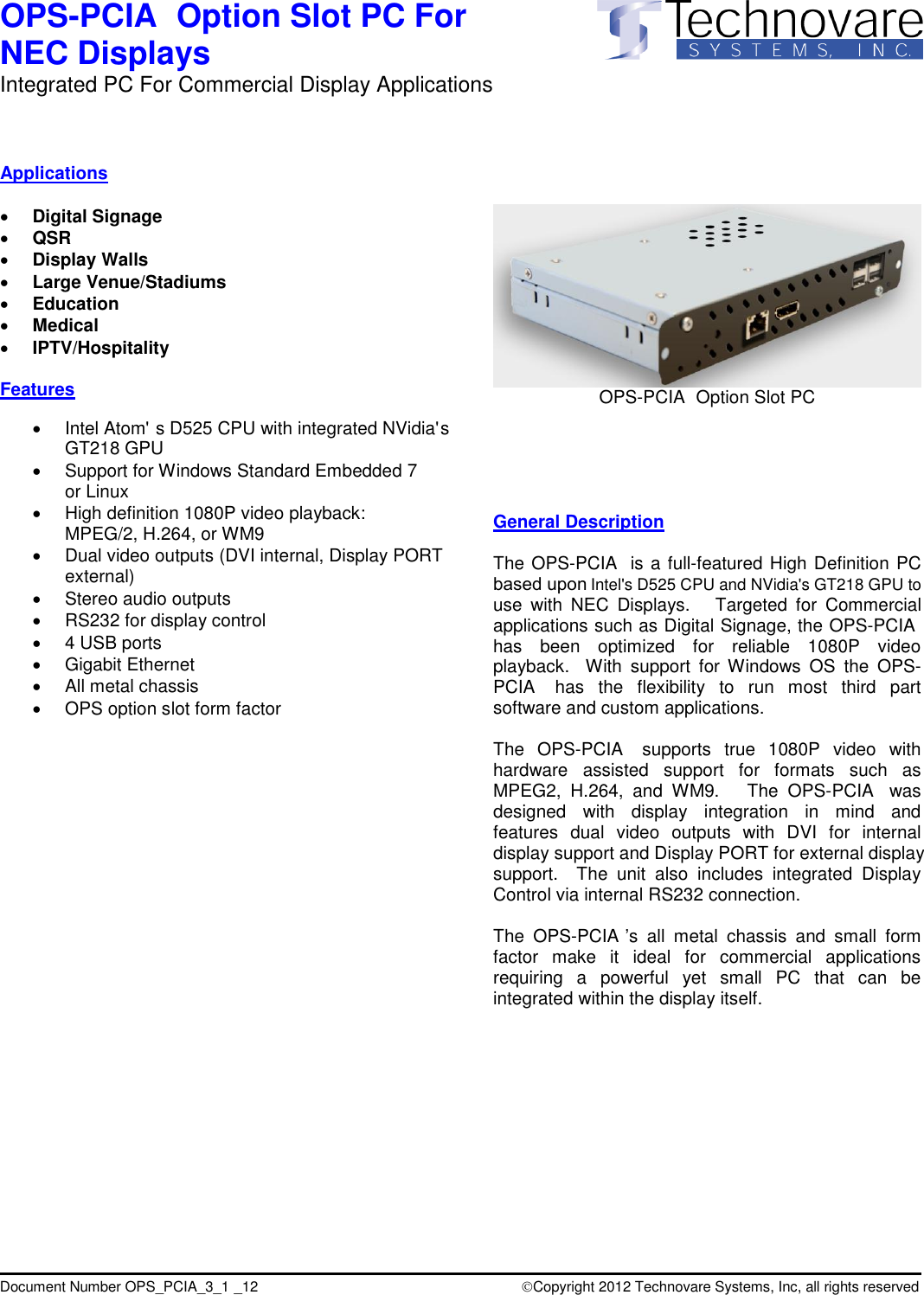
Intel's D525 CPU and NVidia's GT218 GPU to Intel Atom'  s D525 CPU with integrated NVidia' s  based upon PCIAPCIAPCIAPCIAPCIAdisplay support and Display PORT for external display Copyright 2012 Technovare Systems, Inc, all rights reservedocument Number OPS_PCIA_3_1 _12(DVI internal, Display PORT GT218 GPUPCIAPCIAPCIAOPS-  Option Slot PC For  NEC Displays Integrated PC For Commercial Display Applications                     D                                         Applications   Digital Signage  QSR  Display Walls  Large Venue/Stadiums  Education  Medical  IPTV/Hospitality  Features      Support for Windows Standard Embedded 7 or Linux   High definition 1080P video playback: MPEG/2, H.264, or WM9   Dual video outputs external)   Stereo audio outputs   RS232 for display control    4 USB ports   Gigabit Ethernet   All metal chassis   OPS option slot form factor                                OPS-  Option Slot PC      General Description  The OPS-  is a full-featured High Definition PC use  with  NEC  Displays.    Targeted  for  Commercial applications such as Digital Signage, the OPS-  has  been  optimized  for  reliable  1080P  video playback.    With  support  for Windows  OS  the  OPS-  has  the  flexibility  to  run  most  third  part software and custom applications.  The  OPS-   supports  true  1080P  video  with hardware  assisted  support  for  formats  such  as MPEG2,  H.264,  and  WM9.      The  OPS-   was designed  with  display  integration  in  mind  and features  dual  video  outputs  with  DVI  for  internal support.    The  unit  also  includes  integrated  Display Control via internal RS232 connection.  The  OPS- ’s  all  metal  chassis  and  small  form factor  make  it  ideal  for  commercial  applications requiring  a  powerful  yet  small  PC  that  can  be integrated within the display itself.
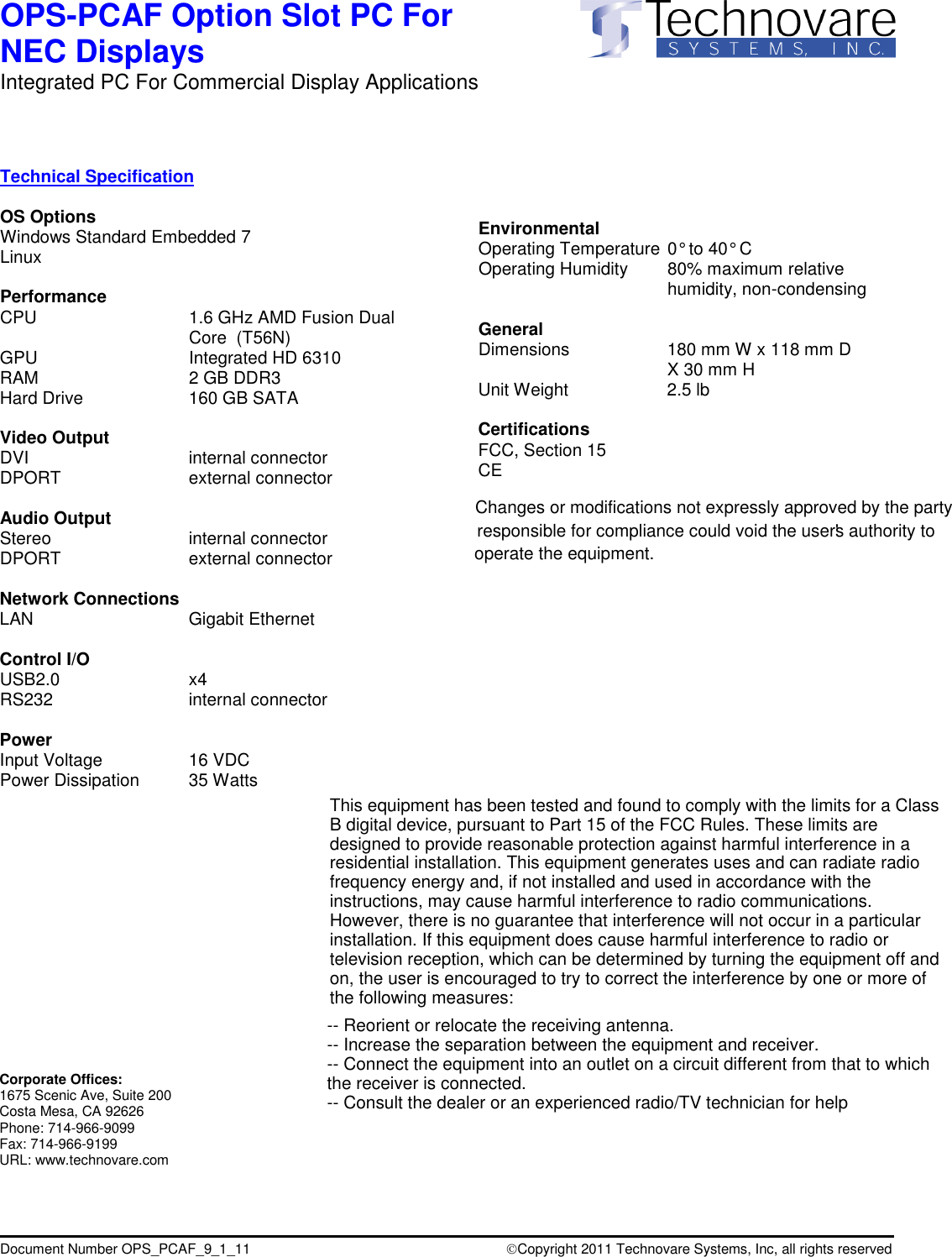
OPS-PCAF Option Slot PC For  NEC Displays Integrated PC For Commercial Display Applications                     Document Number OPS_PCAF_9_1_11                                   Copyright 2011 Technovare Systems, Inc, all rights reserved   Technical Specification  OS Options Windows Standard Embedded 7 Linux  Performance CPU  1.6 GHz AMD Fusion Dual Core  (T56N) GPU  Integrated HD 6310 RAM  2 GB DDR3 Hard Drive  160 GB SATA  Video Output DVI  internal connector DPORT  external connector    Audio Output  Stereo  internal connector DPORT  external connector  Network Connections LAN      Gigabit Ethernet  Control I/O         USB2.0     x4 RS232       internal connector      Power Input Voltage     16 VDC  Power Dissipation   35 Watts            Environmental Operating Temperature  0° to 40° C  Operating Humidity   80% maximum relative humidity, non-condensing  General Dimensions   180 mm W x 118 mm D   X 30 mm H Unit Weight   2.5 lb   Certifications FCC, Section 15 CE                                Corporate Offices: 1675 Scenic Ave, Suite 200 Costa Mesa, CA 92626 Phone: 714-966-9099 Fax: 714-966-9199 URL: www.technovare.com Changes or modifications not expressly approved by the party responsible for compliance could void the user's authority to operate the equipment.This equipment has been tested and found to comply with the limits for a ClassB digital device, pursuant to Part 15 of the FCC Rules. These limits aredesigned to provide reasonable protection against harmful interference in aresidential installation. This equipment generates uses and can radiate radiofrequency energy and, if not installed and used in accordance with theinstructions, may cause harmful interference to radio communications.However, there is no guarantee that interference will not occur in a particularinstallation. If this equipment does cause harmful interference to radio ortelevision reception, which can be determined by turning the equipment off andon, the user is encouraged to try to correct the interference by one or more ofthe following measures:-- Reorient or relocate the receiving antenna.-- Increase the separation between the equipment and receiver.-- Connect the equipment into an outlet on a circuit different from that to whichthe receiver is connected.-- Consult the dealer or an experienced radio/TV technician for help

Navigation menu