Testo SE and KGaA 20160621 Bluetooth/IRDA printer User Manual

Testo AG Bluetooth/IRDA printer Users Manual

Users Manual

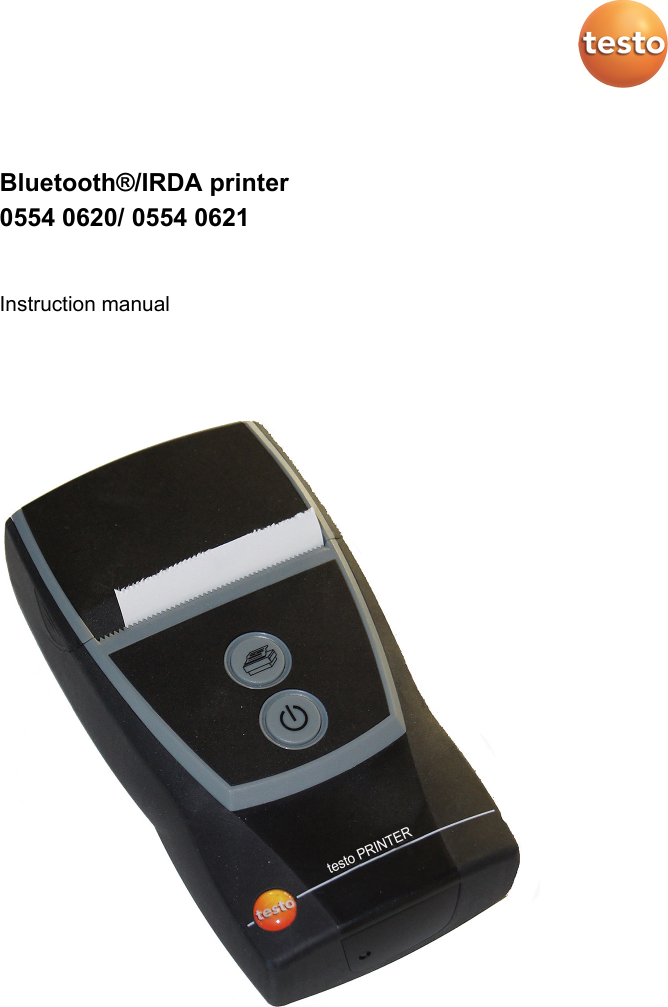
 Bluetooth®/IRDA printer 0554 0620/ 0554 0621  Instruction manual
 2
1 Contents   3 Pos: 1 /TD/Überschr iften/1. Inhalt @ 0\mod_1 177587817070_79.doc x @ 1243 @ 1 @ 1  1 Contents 1 Contents ................................................................................................... 3 2 Safety and the environment .................................................................... 4 3 Specifications .......................................................................................... 4 3.1. Use .................................................................................................. 4 3.2. Technical data ................................................................................. 4 EC declaration of conformity 0554 0620 ..................................................................... 10 EC declaration of conformity 0554 0621 ..................................................................... 11 4 Product description ............................................................................... 12 4.1. Overview........................................................................................ 12 4.2. Operating mode indicator .............................................................. 13 4.3. Control key functions ..................................................................... 13 5 First steps .............................................................................................. 14 5.1. Charging the rechargeable battery ................................................ 14 5.2. Inserting paper ............................................................................... 14 6 Using the product .................................................................................. 15  Pos: 2 /TD/--- Seitenwechsel --- @ 0\mod_1173774430601_0.docx @ 283 @  @ 1
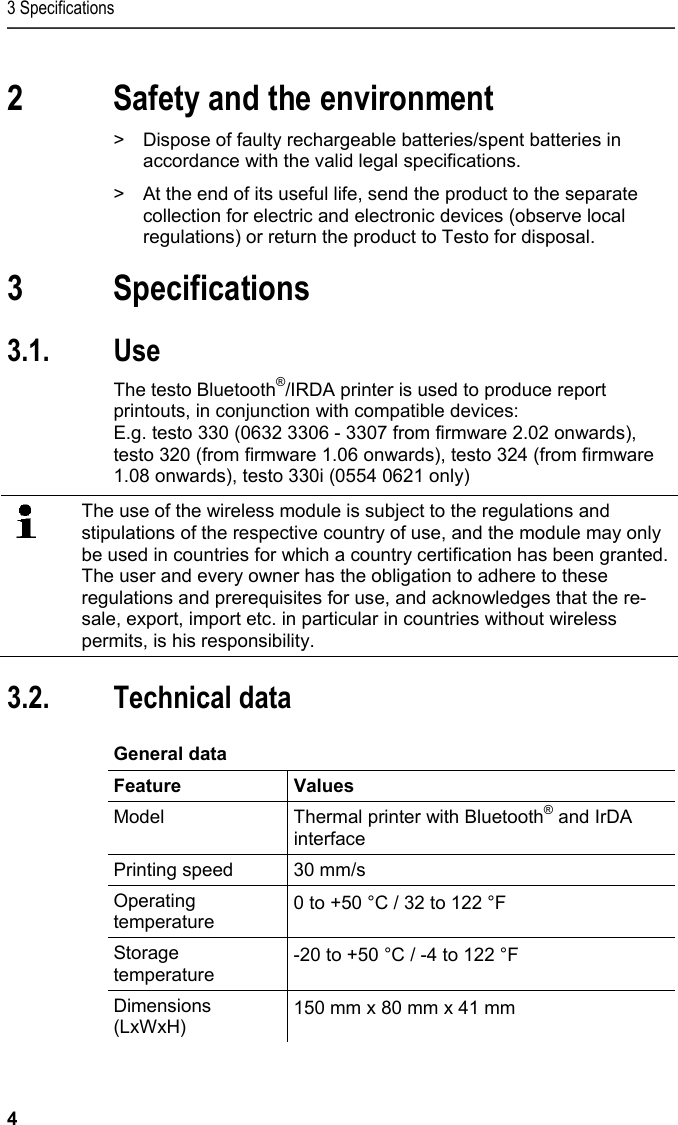
3 Specifications 4 Pos: 3 /TD/Überschr iften/2. Sicher heit und Umwelt @ 0\mod_11737747 19351_79.docx @ 292 @ 1 @ 1  2 Safety and the environment Pos: 4 /TD/Sicher heit und Umwelt/Umwelt schü tzen/Akkus/Batter ien entsorgen @ 0\mod_117 5693637007_79.doc x @ 619 @  @ 1  >  Dispose of faulty rechargeable batteries/spent batteries in accordance with the valid legal specifications. Pos: 5 /TD/Sicherhei t und Umwelt/Umwelt schü tzen/Produkt entsorgen @ 0\ mod_117378030707 2_79.docx @ 357 @  @ 1  >  At the end of its useful life, send the product to the separate collection for electric and electronic devices (observe local regulations) or return the product to Testo for disposal.  Pos: 6 /TD/Überschr iften/3. Leistungsb eschreibung @ 0\mod_117377 4791554_79.doc x @ 301 @ 1 @ 1  3 Specifications Pos: 7 /TD/Überschr iften/3.1 Verwendung @ 0\m od_1176211016437_7 9.docx @ 695 @ 2 @ 1  3.1. Use Pos: 8 /TD/Leistungsbe schreibung/Verwendu ng/Printer/Blu etooth Drucker 0554 0620/ 0554 0621 @ 15\mod_1389342 934570_79.doc x @ 180623 @  @ 1  The testo Bluetooth®/IRDA printer is used to produce report printouts, in conjunction with compatible devices: E.g. testo 330 (0632 3306 - 3307 from firmware 2.02 onwards), testo 320 (from firmware 1.06 onwards), testo 324 (from firmware 1.08 onwards), testo 330i (0554 0621 only) Pos: 9 /TD/00-WI CHTIG, prüfen, ggf. einf ügenFunk-Modul Verwendung ( BT) @ 17\mod_143504385431 4_79.docx @ 214068 @  @ 1    The use of the wireless module is subject to the regulations and stipulations of the respective country of use, and the module may only be used in countries for which a country certification has been granted. The user and every owner has the obligation to adhere to these regulations and prerequisites for use, and acknowledges that the re-sale, export, import etc. in particular in countries without wireless permits, is his responsibility.   Pos: 10 /TD/Überschr iften/3.2 Technisc he Daten @ 0\mod_117621108843 7_79.docx @ 704 @ 2 @ 1  3.2. Technical data Pos: 11 /TD/Leistungsb eschreibung/Techni sche Daten/Printer /0554 0620/0554 0621 A llgemein @ 15\mod_1389099 822986_79.doc x @ 180164 @ 5 @ 1  General data  Feature Values Model  Thermal printer with Bluetooth® and IrDA interface  Printing speed  30 mm/s Operating temperature  0 to +50 °C / 32 to 122 °F Storage temperature  -20 to +50 °C / -4 to 122 °F Dimensions (LxWxH)  150 mm x 80 mm x 41 mm
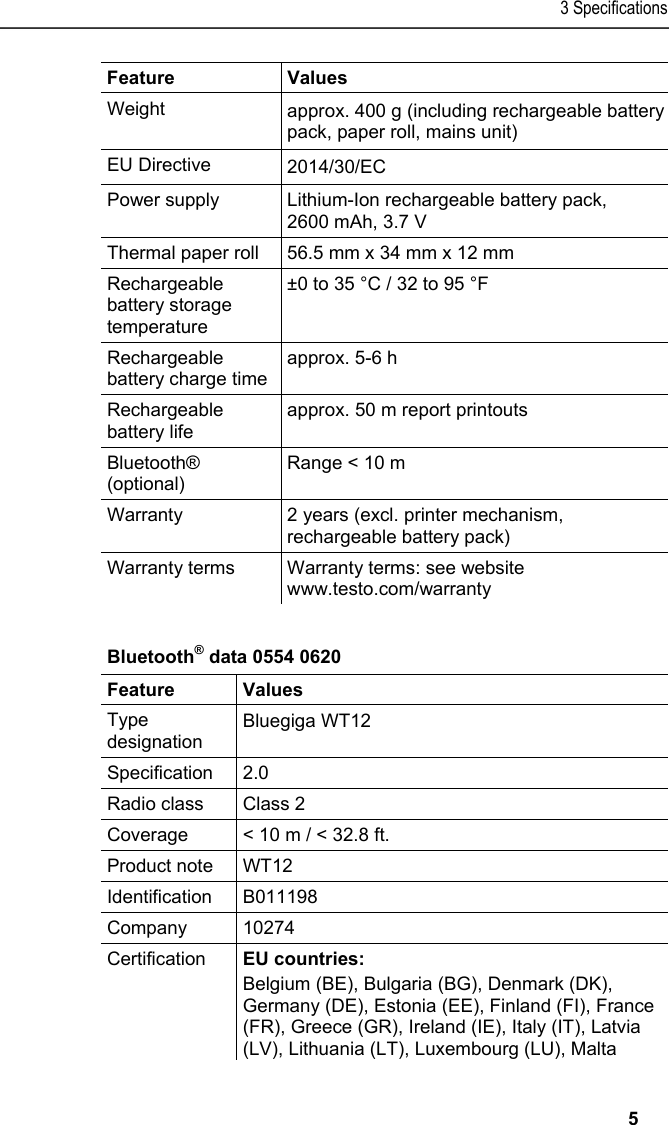
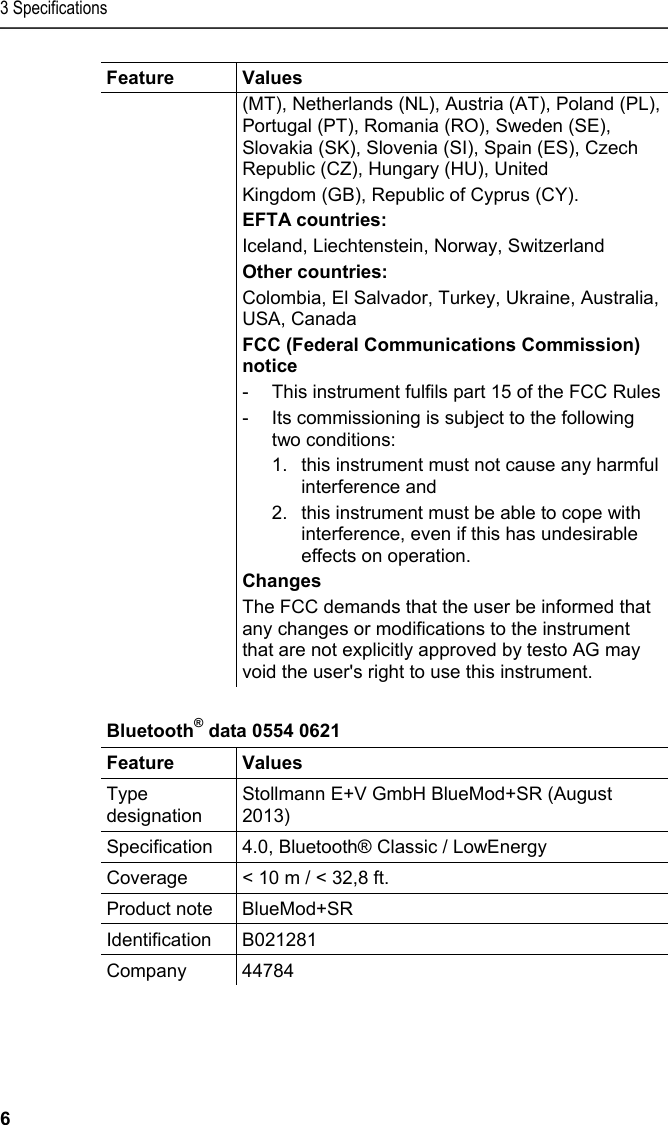
3 Specifications   5 Feature Values Weight  approx. 400 g (including rechargeable batterypack, paper roll, mains unit) EU Directive  2014/30/EC Power supply  Lithium-Ion rechargeable battery pack, 2600 mAh, 3.7 V Thermal paper roll  56.5 mm x 34 mm x 12 mm Rechargeable battery storage temperature ±0 to 35 °C / 32 to 95 °F Rechargeable battery charge time approx. 5-6 h  Rechargeable battery life approx. 50 m report printouts Bluetooth® (optional) Range < 10 m Warranty  2 years (excl. printer mechanism, rechargeable battery pack) Warranty terms  Warranty terms: see website www.testo.com/warranty     Pos: 12 /TD/Leistungsb eschreibung/Techni sche Daten/Printer /0554 0620/0554 0621 @  15\mod_1389099957572_ 79.docx @ 180198 @ 55 @ 4  Bluetooth® data 0554 0620  Feature   Values Type designation Bluegiga WT12 Specification 2.0 Radio class  Class 2 Coverage  < 10 m / < 32.8 ft. Product note  WT12 Identification B011198 Company 10274 Certification  EU countries: Belgium (BE), Bulgaria (BG), Denmark (DK), Germany (DE), Estonia (EE), Finland (FI), France (FR), Greece (GR), Ireland (IE), Italy (IT), Latvia (LV), Lithuania (LT), Luxembourg (LU), Malta
3 Specifications 6 Feature   Values (MT), Netherlands (NL), Austria (AT), Poland (PL), Portugal (PT), Romania (RO), Sweden (SE), Slovakia (SK), Slovenia (SI), Spain (ES), Czech Republic (CZ), Hungary (HU), United Kingdom (GB), Republic of Cyprus (CY). EFTA countries: Iceland, Liechtenstein, Norway, Switzerland Other countries: Colombia, El Salvador, Turkey, Ukraine, Australia, USA, Canada FCC (Federal Communications Commission) notice -  This instrument fulfils part 15 of the FCC Rules -  Its commissioning is subject to the following two conditions: 1.  this instrument must not cause any harmful interference and 2.  this instrument must be able to cope with interference, even if this has undesirable effects on operation. Changes The FCC demands that the user be informed that any changes or modifications to the instrument that are not explicitly approved by testo AG may void the user's right to use this instrument. Bluetooth® data 0554 0621  Feature Values Type designation Stollmann E+V GmbH BlueMod+SR (August 2013)  Specification  4.0, Bluetooth® Classic / LowEnergy Coverage  < 10 m / < 32,8 ft. Product note  BlueMod+SR Identification B021281 Company   44784
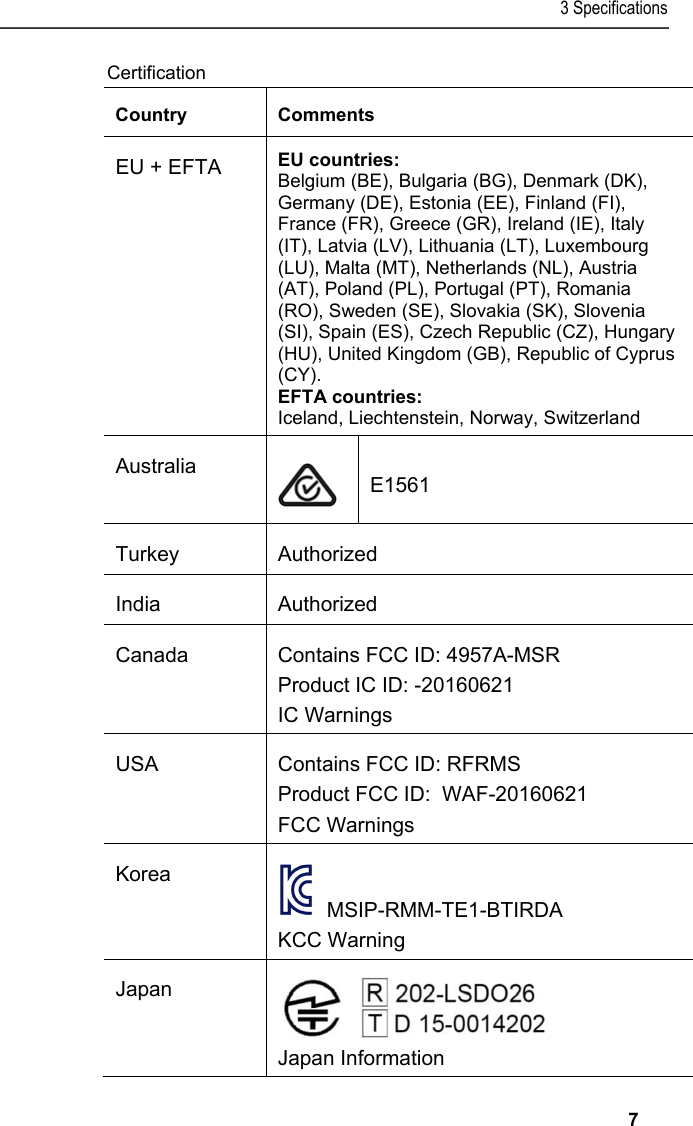
3 Specifications   7 Certification Country Comments EU + EFTA  EU countries:  Belgium (BE), Bulgaria (BG), Denmark (DK), Germany (DE), Estonia (EE), Finland (FI), France (FR), Greece (GR), Ireland (IE), Italy (IT), Latvia (LV), Lithuania (LT), Luxembourg (LU), Malta (MT), Netherlands (NL), Austria (AT), Poland (PL), Portugal (PT), Romania (RO), Sweden (SE), Slovakia (SK), Slovenia (SI), Spain (ES), Czech Republic (CZ), Hungary (HU), United Kingdom (GB), Republic of Cyprus (CY).  EFTA countries:  Iceland, Liechtenstein, Norway, Switzerland Australia  E1561 Turkey Authorized India Authorized Canada  Contains FCC ID: 4957A-MSR Product IC ID: -20160621 IC Warnings USA  Contains FCC ID: RFRMS Product FCC ID:  WAF-20160621 FCC Warnings Korea   MSIP-RMM-TE1-BTIRDA  KCC Warning Japan  Japan Information
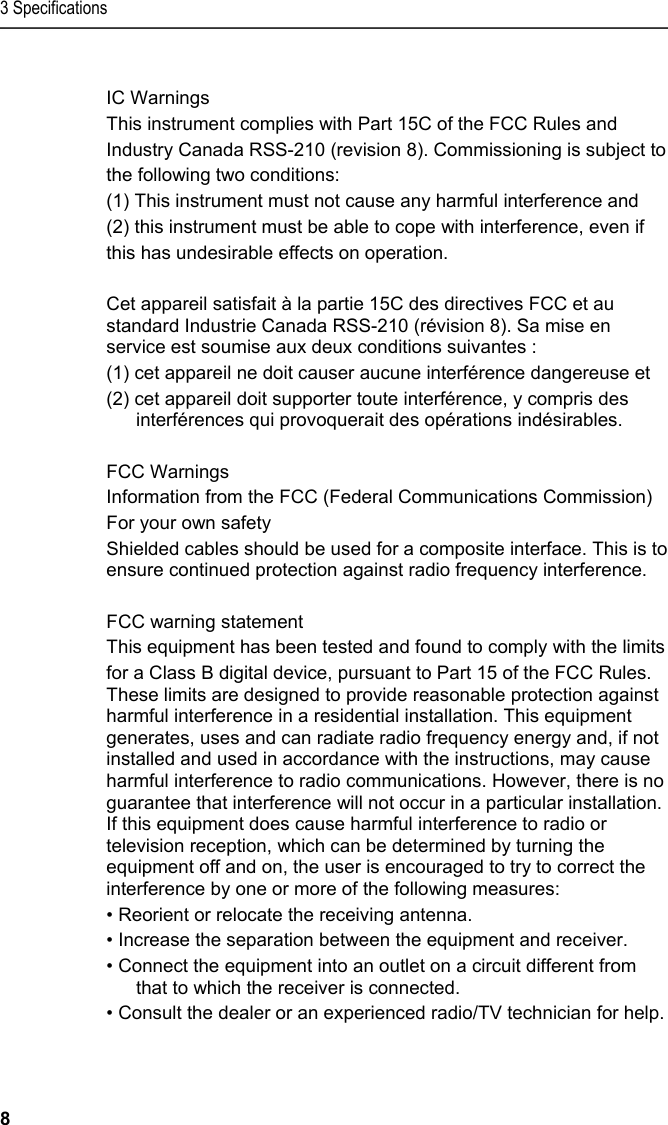
3 Specifications 8  IC Warnings This instrument complies with Part 15C of the FCC Rules and Industry Canada RSS-210 (revision 8). Commissioning is subject to the following two conditions: (1) This instrument must not cause any harmful interference and (2) this instrument must be able to cope with interference, even if this has undesirable effects on operation.  Cet appareil satisfait à la partie 15C des directives FCC et au standard Industrie Canada RSS-210 (révision 8). Sa mise en service est soumise aux deux conditions suivantes :  (1) cet appareil ne doit causer aucune interférence dangereuse et  (2) cet appareil doit supporter toute interférence, y compris des interférences qui provoquerait des opérations indésirables.  FCC Warnings Information from the FCC (Federal Communications Commission) For your own safety Shielded cables should be used for a composite interface. This is to ensure continued protection against radio frequency interference.  FCC warning statement This equipment has been tested and found to comply with the limits  for a Class B digital device, pursuant to Part 15 of the FCC Rules. These limits are designed to provide reasonable protection against harmful interference in a residential installation. This equipment generates, uses and can radiate radio frequency energy and, if not installed and used in accordance with the instructions, may cause harmful interference to radio communications. However, there is no guarantee that interference will not occur in a particular installation. If this equipment does cause harmful interference to radio or television reception, which can be determined by turning the equipment off and on, the user is encouraged to try to correct the interference by one or more of the following measures: • Reorient or relocate the receiving antenna. • Increase the separation between the equipment and receiver. • Connect the equipment into an outlet on a circuit different from that to which the receiver is connected. • Consult the dealer or an experienced radio/TV technician for help.
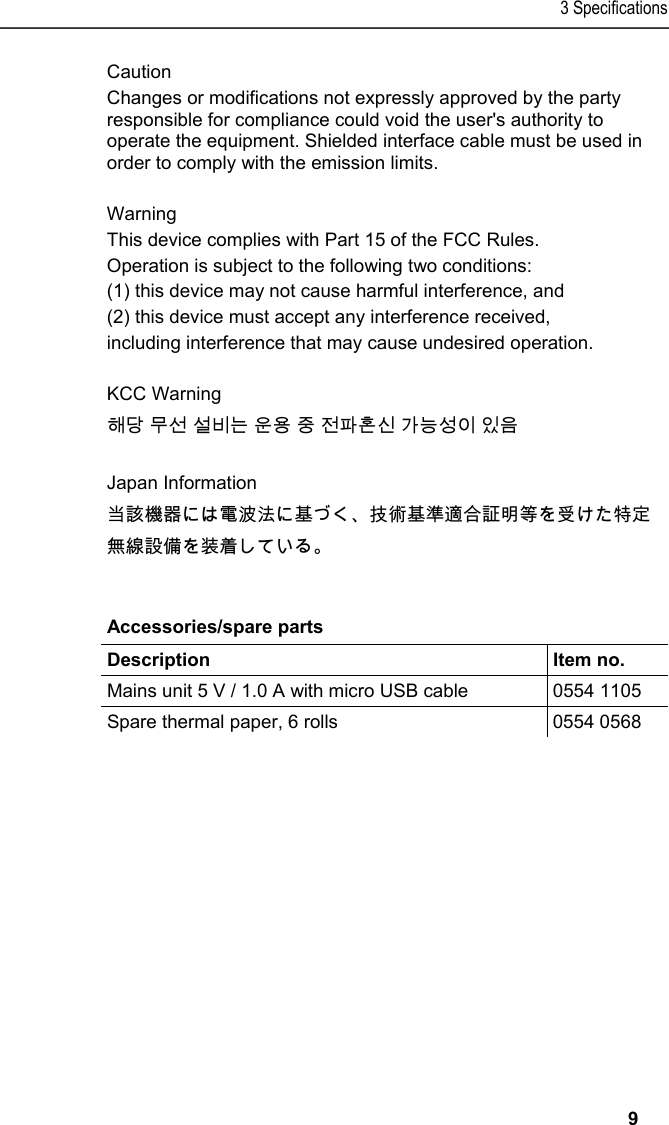
3 Specifications   9 Caution Changes or modifications not expressly approved by the party responsible for compliance could void the user's authority to operate the equipment. Shielded interface cable must be used in order to comply with the emission limits.  Warning This device complies with Part 15 of the FCC Rules.  Operation is subject to the following two conditions: (1) this device may not cause harmful interference, and (2) this device must accept any interference received, including interference that may cause undesired operation.  KCC Warning 해당 무선 설비는 운용 중 전파혼신 가능성이 있음  Japan Information 当該機器には電波法に基づく、技術基準適合証明等を受けた特定無線設備を装着している。  Pos: 13 /TD/Leistungsb eschreibung/Techni sche Daten/Printer /0554 0620/0554 0621 Zubeh ör_Ersatzteile @ 15\ mod_1394171902221_7 9.docx @ 181793 @ 5 @ 1  Accessories/spare parts  Description   Item no. Mains unit 5 V / 1.0 A with micro USB cable  0554 1105 Spare thermal paper, 6 rolls  0554 0568
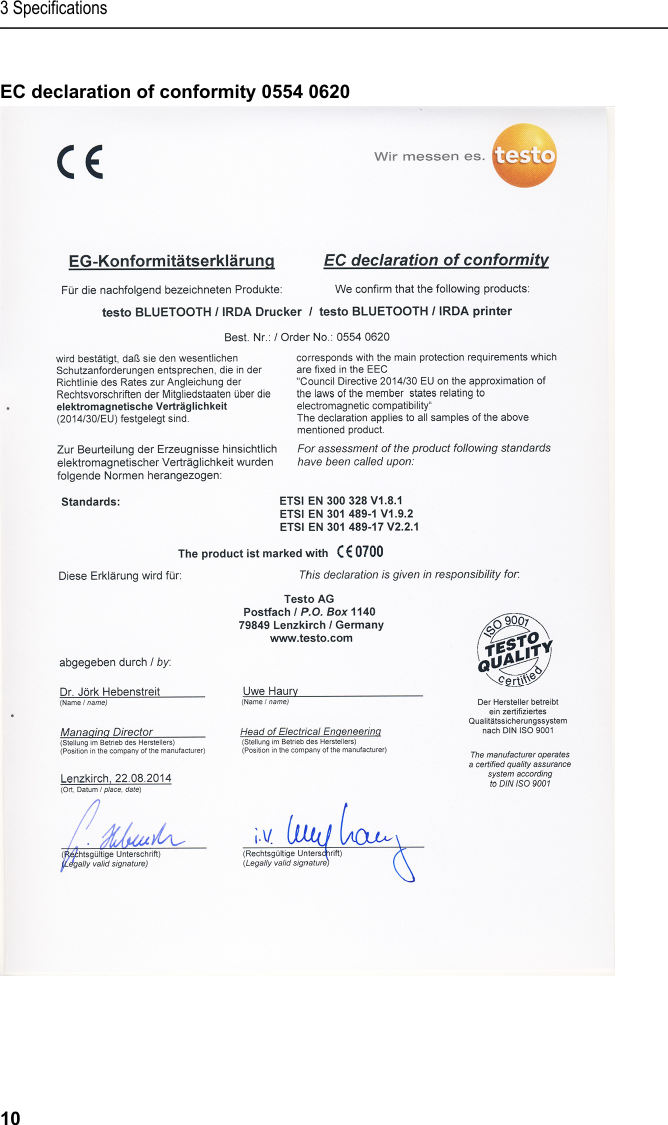
3 Specifications 10 Pos: 14 /TD/Leistungsb eschreibung/Techni sche Daten/Printer /0554 0620/0554 0621 K onformitätserklär ung @ 15\mod_138910287270 8_79.docx @ 180232 @ 53 @ 1  EC declaration of conformity 0554 0620
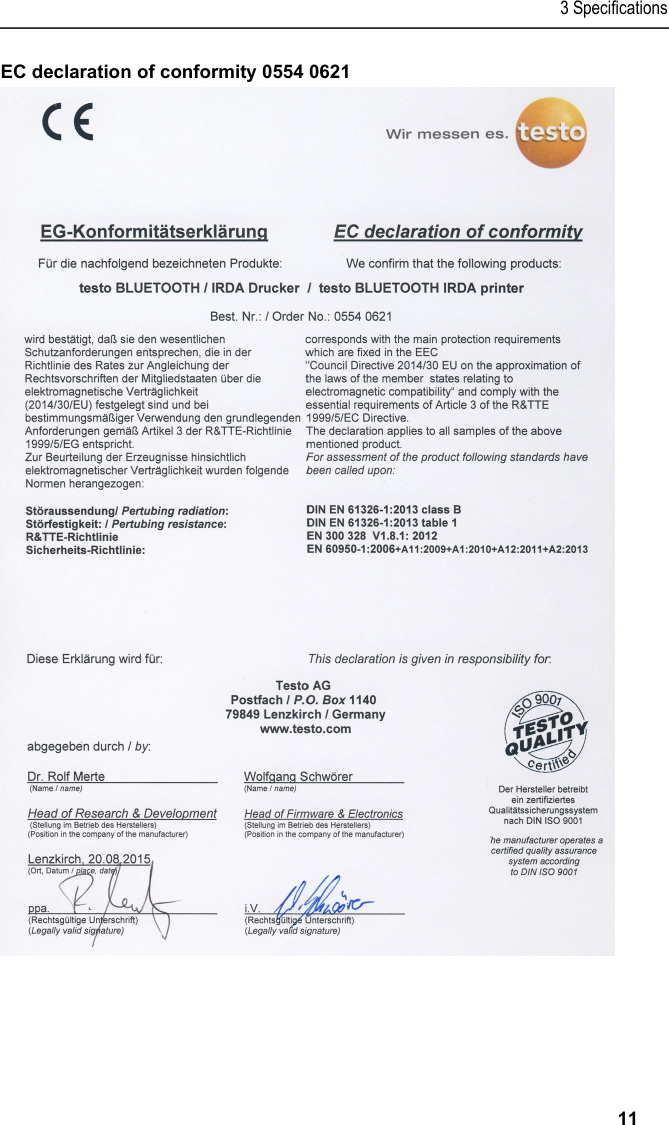
3 Specifications   11 EC declaration of conformity 0554 0621
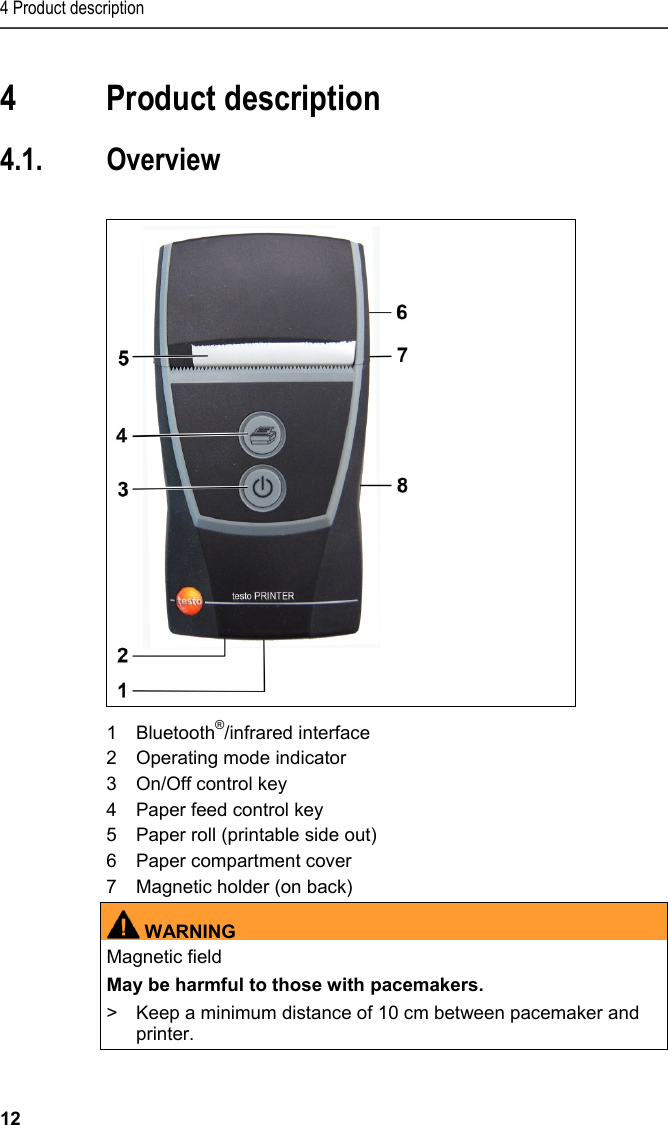
4 Product description 12 Pos: 15 /TD/Überschr iften/4. Produktbesc hreibung @ 0\mod_1173 774846679_79.docx @ 310 @ 1 @ 1  4 Product description Pos: 16 /TD/Überschr iften/4.1 Übersic ht @ 0\mod_1176379946003_7 9.docx @ 733 @ 2 @ 1  4.1. Overview  Pos: 17 /TD/Produktb eschreibung/Übersic ht/Printer/055 4 0620/0554 0621 Übersic ht @ 15\mod_1389166960309 _79.docx @ 180338 @  @ 1       1 Bluetooth®/infrared interface 2  Operating mode indicator 3  On/Off control key 4  Paper feed control key 5  Paper roll (printable side out) 6  Paper compartment cover 7  Magnetic holder (on back) WARNINGMagnetic field May be harmful to those with pacemakers. >  Keep a minimum distance of 10 cm between pacemaker and printer.
4 Product description   13 CAUTION Magnetic field Damage to other devices! >  Keep a safe distance away from products that could be damaged by the effects of magnetism (e.g. monitors, computers or credit cards).   8  Micro USB connection for connecting to the mains unit or the PC. Pos: 18 /TD/Produktb eschreibung/Grund legende Eigenschafte n/Printer/Anzeige Be triebsmodus 0554 0620/0 554 0621 @ 15\mod_138916 7175837_79.doc x @ 180373 @ 2 @ 1  4.2. Operating mode indicator  LED Function Steady green light  • Standby mode •  Printing out print data Flashing green light •  Receiving print data Steady red light  •  Not ready for operation •  Paper compartment cover open •  No paper inserted. Flashing red light  •  Rechargeable battery low Flashing red/green light •  Rechargeable battery is charging Off  •  Sleep mode, automatically activated 2 minutes after a button was last pressed  Pos: 19 /TD/Produktb eschreibung/Grund legende Eigenschafte n/Printer/Funkti onen der Bedientasten 05 54 0620/0554 0621 @ 15\mod_13 89167295522_79.doc x @ 180406 @ 2 @ 1  4.3. Control key functions Control keys  Functions  [] •  Switch on printer: press key < 2 s •  Switch off printer: press key > 2 s []  •  Short paper feed: press key < 1 s •  Paper feed for as long as the key is pressed: press key > 1 s
5 First steps 14 Control keys  Functions  [] and []  •  Start a test print (printer is switched off): press keys < 1 s simultaneously • Bluetooth® module test (printer is off): press keys > 1 s simultaneously  Pos: 20 /TD/Überschr iften/5. Erste Schr itte @ 0\mod_1173774895039_ 79.docx @ 319 @ 1 @ 1  5 First steps Pos: 21 /TD/Erste Sc hritte/Printer/Akku l aden @ 15\mod_13891851638 05_79.docx @ 180440 @ 255 @ 1   5.1. Charging the rechargeable battery The rechargeable battery can only be charged at an ambient temperature of ±0 to +35 °C. If the rechargeable battery has been completely discharged, charging time at room temperature using the testo mains unit is approx. 6 h. >  Connect battery charger (0554 1105) to a mains socket and connect the printer.    If stored for a prolonged period of time, the battery should be charged every once in a while because otherwise this may result in damage due to deep discharge.  Charging in the measuring instrument 1.  Plug the mains unit instrument plug into the instrument's micro USB socket. 2.  Plug the mains plug of the mains unit into a mains socket. -  The charging process will start. The charging process will stop automatically when the battery is fully charged. Battery care >  Do not fully exhaust rechargeable batteries. Pos: 22 /TD/Erste Sc hritte/Printer/Papi er einlegen @ 15\mod_138918 5219612_79.doc x @ 180473 @ 2 @ 1  5.2. Inserting paper   1.  Flip paper compartment cover up. 2.  Insert paper roll, see illustration. 3.  Close paper compartment cover.
6 Using the product   15 Pos: 23 /TD/Überschr iften/6. Produkt ver wenden @ 0\mod_117377492855 4_79.docx @ 328 @ 2 @ 1  6 Using the product Pos: 24 /TD/Produkt  verwenden/Printer/Da ten drucken BT_IRDA @ 15\mod_1 390297644383_79.doc x @ 181133 @ 2 @ 1  Printing data    When first setting up a connection between a testo measuring instrument and the Bluetooth / IRDA printer, the initialization phase can last up to 30 seconds. ✓  Printer is switched on. >  Start the print process from the instrument transmitting the data. -  Data is printed out (LED flashes green). === Ende der Liste für  Textmarke Inhalt ===
 0973 0518 en 03a

Navigation menu