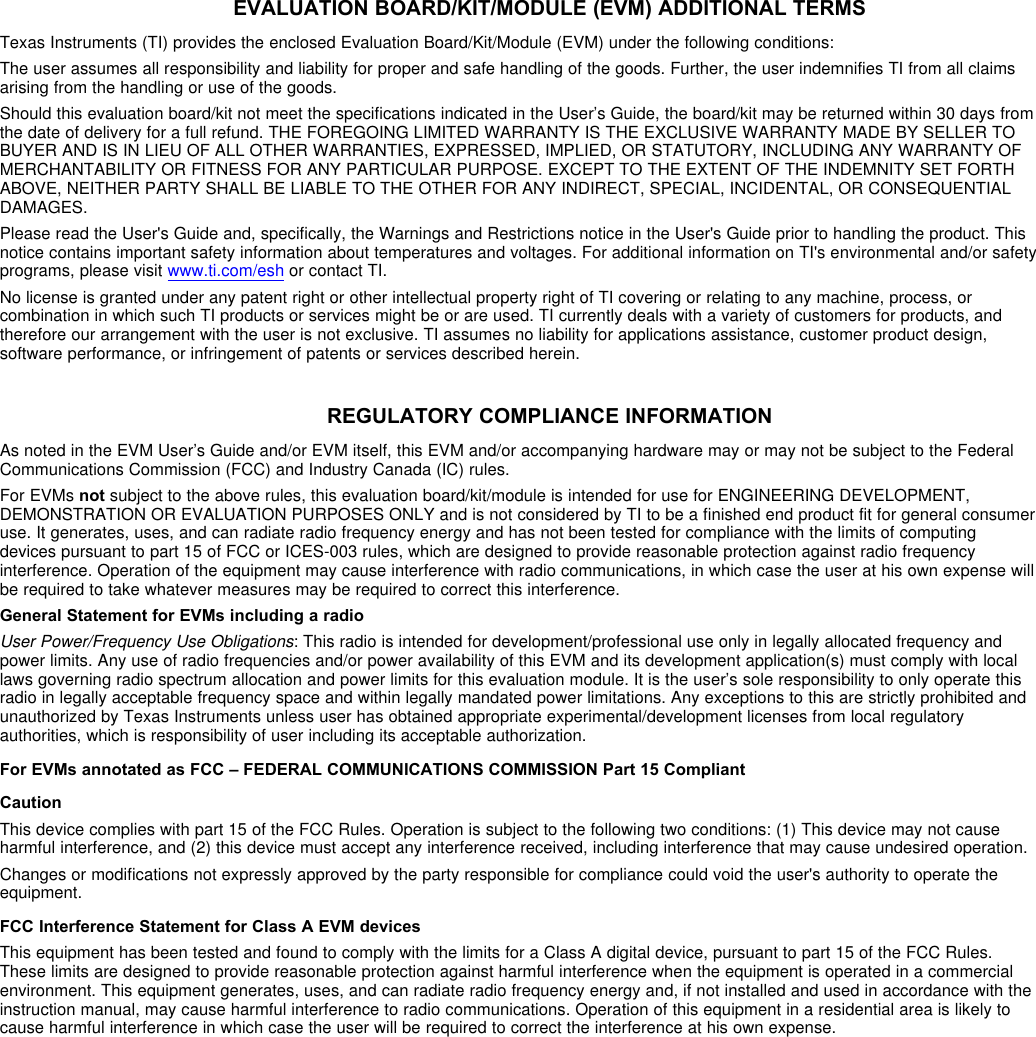
Texas Instruments 2540USB The CC2540Dongle is a development tool for the 2.4 GHz CC2540 BLE System-on-Chip with USB from TI. User Manual CC2540 USB Evaluation Kit QSG
Texas Instruments Inc. The CC2540Dongle is a development tool for the 2.4 GHz CC2540 BLE System-on-Chip with USB from TI. CC2540 USB Evaluation Kit QSG
Contents
- 1. user manual1
- 2. user manual2
user manual2
![October 2012 CC2540 USB Evaluation Kit Quick Start Guide 1. Kit Contents 1 x CC2540 USB Dongle 1 x Quick Start Guide The CC2540 USB Dongle in this kit is FCC and IC certified and tested to comply with ETSI/R&TTE over temperature from 0 to +35°C. Caution! The kit contains ESD sensitive components. Handle with care to prevent permanent damage. 2. Getting Started The CC2540 USB Dongle can be used as a development platform for USB and Bluetooth® low energy applications. The CC2540 USB Dongle in this kit comes preprogrammed with software that lets the dongle operate as a Bluetooth low energy packet capture device for the SmartRF™ Packet Sniffer. This Quick Start Guide will describe how to use the dongle with the packet sniffer and the next steps for your own software development. 3. Install the driver Before plugging the dongle into the PC, please install Texas Instruments’ SmartRF Packet Sniffer. When installing the Packet Sniffer, you will also automatically install the USB driver required for proper communication between the dongle and the packet sniffer. The SmartRF Packet Sniffer tool can be downloaded from the TI web at www.ti.com/tool/packet-sniffer 4. Insert the USB dongle When inserting the USB dongle into a USB slot, Windows’ new hardware wizard will appear. Select the options for automatic installation and wait for the driver installation to complete. After installation, the Packet Sniffer is ready for use. Caution! The CC2540 USB dongle is designed to be powered over USB, with a maximum voltage of 5.5V and maximum current of 500 mA. 5. Packet Sniffer TI’s SmartRF Packet Sniffer is a convenient tool for debugging of RF protocols. It displays the captured packets and decodes the packet contents depending on what protocol you are running. When starting the packet sniffer, select the protocol as required. The Packet Sniffer for CC2540 supports the Bluetooth low energy protocol. 6. SW Development For software development on the CC2540 an external debugger is necessary. This can be either a SmartRF05EB as shown in the first picture, …or a CC Debugger [4] as shown in the second picture.](https://usermanual.wiki/Texas-Instruments/2540USB.user-manual2/User-Guide-1852605-Page-1.png)
![October 2012 7. Flash Programmer Texas Instruments has a simple tool which can be used to program the flash on the CC2540. The Flash Programmer application, available on the kit web page [1], can be used to program Intel HEX files, read the contents of flash and several other operations. You will need a SmartRF05EB, a CC Debugger or other programmers from Third Parties [5] to program the device. 8. IAR Embedded Workbench To develop software and debug the code running on the CC2540, you should use IAR Embedded Workbench for 8051. IAR can also be used for programming. A free, code size limited version can be downloaded from the web. See www.iar.com/ew8051. 9. Thank You! We hope you will enjoy working with the CC2540 and associated Low-Power RF products from Texas Instruments. A. Available Software Bluetooth® low energy protocol stack Texas Instruments’ Bluetooth low energy stack can be downloaded from www.ti.com/blestack. SmartRF™ Studio SmartRF Studio can be used to test the performance for the CC2540 device and verify your RF design. Download from www.ti.com/smartrfstudio. B. More information On Texas Instruments’ Low-Power RF web site you will find all our latest products, application and design notes, FAQ section, news and events updates, and much more. Just go to www.ti.com/lprf The Low Power RF Online Community has forums, blogs and videos. Use the forums to find information, discuss and get help with your design. Join us at www.ti.com/lprf-forum The TI LPRF eNewsletter keeps you up to date on e.g. new products, application notes, software and events. Sign up at www.ti.com/lprfnewsletter C. References [1] CC2540EMK-USB web page www.ti.com/tool/cc2540emk-usb [2] CC2540 product web page www.ti.com/product/cc2540 [3] CC2540 Mini Kit www.ti.com/tool/cc2540dk-mini [4] CC Debugger www.ti.com/tool/cc-debugger [5] LPRF Developer’s Network www.ti.com/general/docs/gencontent.tsp?contentId=98994](https://usermanual.wiki/Texas-Instruments/2540USB.user-manual2/User-Guide-1852605-Page-2.png)