Tsuen Shing BM242A 2.4GHz Baby Monitor User Manual BM 242

Tsuen Shing Enterprises Limited 2.4GHz Baby Monitor BM 242

User Manual

WIRELESS 2.4GHz HANDHELD BABY MONITOR   BM-242 USER MANUAL  Congratulations  Giving birth to baby is the happiest experience for parents.    They would offer their children the best living quality as they can and take care of them whole-heartedly.    Therefore, a baby monitor is a necessary baby care product that helps parents pay attention to every wonderful moment of their baby.  We have developed a 2.4G & 4 channels handheld slim size baby monitor that eliminates the interference from crowded 900MHz band.    A color LCD screen allows the parents to watch their child.    In addition, parents are able to see their baby in bright black & white view of baby even in a darkened room.      If you want to see a bigger image of the baby on TV, a TV cable is included to help you.   First time parents may find it difficult to manage the feeding time of their baby, a digital alarm clock is incorporated to remind the parents, “It’s time to feed the baby!”  Please read all instructions thoroughly before using your Baby Monitor.  Content and Features  AC Adaptor: The AC Adaptors are low voltage power sources that allow you to use your household electricity to run the Baby Monitor.    Connect the Ac Adaptors to the AC Adaptor Jack in the Parents and Baby Units.    Both plug into any standard volt electrical outlet in your home.    It is recommended to turn off the units before plug in or unplug the adaptors. CAUTION: These adaptors were made with a specific design for this product.    They cannot be used with any other appliance.    Never use a different type of adaptor with this monitor.  Colour Monitor Power Indicator   Indicator’s Statues   Indication   Flashing Red Light    Batteries are charging   Green Light    Power is good   Flashing Green Light    Low power
WA R N IN G !   TO REDUCE THE RISK OF FIRE OR ELECTRICAL SHOCK, DO NOT EXPOSE THIS PRODUCT TO WATER OR MOISTURE.    NEVER ATTEMPT TO OPEN THE CASE OF EITHER THE BABY OR PARENTS UNIT.    THIS IS DANGEROUS.  1.  This product is not to be used as a medical monitor and its use should not replace proper adult supervision.   It is important that an adult stays within the viewing range of the Baby Monitor at all time during use. 2.  Always keep the Baby & Parents Units and AC adaptors out of child’s reach.    Do not place the Baby Unit in child’s crib or playpen. 3.  It is essential to check reception regularly.    Please see the Testing section for complete instructions. 4.  The Baby and Parents Units are for indoor use only. 5.  NEVER use the Baby or Parents Units near water, such as bathtub, bathroom sink, laundry tub, kitchen sink or in a wet basement etc. 6.  Always unplug the AC adaptors from wall outlets and remove the batteries or the exhausted batteries from the Parents Unit during long periods of non-use. 7.  Position the Baby & Parents Units and AC adaptors to allow adequate ventilation and prevent these components from overheating. 8.  To prevent overheating, keep the Baby & Parents Units and AC adaptors away from heat sources such as radiators, heat registers, stoves, other appliances (including amplifiers) or direct sunlight that produce heat.     9.  Use only the AC adaptors provided.    Use of any other adaptors may damage the Baby & Parents Units.  Plug the AC adaptors into standard household current only!  To prevent entanglement and overheating, DO NOT use extension cord. 10.  Position the AC adaptor cords so that they are not walked on or pinched by items placed upon or against them, paying particular attention to cords at AC adaptor plugs, wall plugs, and the point at which the cords attached to the Baby & Parents Units. 11.  The AC adaptors and battery compartment of the Parents Unit may become slightly warm to touch during operation.    This is normal.  Care and Maintenance  1.  The Baby Monitor is for indoor use only.  Do not place the Baby Unit under direct sunlight.    Outdoor use may damage the Baby & Parents Units.   2.  Clean the outer surface of Baby & Parent Units with a cloth dampened with water or mild cleaning solution LIGHTLY.    Do not immerse any part of the product in water.
3.  Do not drop the product or physically damage it, otherwise electronic components may be affected by such abuse.  Caution:  1.  Always remember that you are using public airwaves when you use the Baby Monitor.       Sound and video may be broadcasted other receiving devices.  Conversations, even from rooms near the Baby Unit may be broadcasted as well.    To protect your privacy, always turn the Baby Unit off when not in use. 2.  It is possible for the Parents Unit to pick up sounds or display interference from other signal producing devices including other audio or video monitors which broadcast in the 2.4GHz range.  To minimize this potential problem, 4 independent channels are available for your use. 3.  If the Parents Unit experiences interference, simply switch both the Baby & Parents Units to another channel.  Selecting a channel is usually a one-time adjustment.  If interference persists on all channels, please refer to the Troubleshooting Section.  Testing It is very important to test the transmission of Baby Unit and reception of Parents Unit before use or whenever you change the location of either Parents / Baby Units.  1.  Place Baby Unit in room where you intend to use it.    Position it in the most appropriate location for monitoring the baby (on top of a table, dresser, or on the wall).    Turn on the Baby Unit by switching the ON / OFF switch to ON. 2.  Direct the camera lens towards the area you want to see on the Parents Unit screen.  While testing, it may be helpful to place an object, such as a doll or stuffed animal, in the area you want to monitor. 3.  Place the Parents Unit in different locations you intend to use inside the house.    As with any audio equipment, feedback or a high pitched sound may occur if the Parents & Baby Units are too close to each other.     4.  Set both units into the same channel.  To test video reception quality 5.  Check the video reception on the Parents Unit screen.  Make sure you check the reception in all areas you intend to use both units. 6.  To adjust Brightness, Contrast, or Color, please refer to the Operation Section.   7.  The Baby Unit will automatically switch to night vision mode when it is placed in a completely darkened room.    In night vision mode, the picture will be black and white.
To test sound reception quality 8.  Stay in the room with the Baby Unit, speak in both a whisper and a normal conversation level from where the child is being monitored.    During sound testing, keep in mind the sound level of your child and test accordingly.     9.  Keep the Baby Unit far enough away from the Parents Unit to prevent feedback noise.     Place the Baby Unit in a different room than the Parents Unit is sufficient.  Baby Unit Location & Set-up  You can position and adjust camera in different ways to provide the best view of your baby.   The Baby Unit can be easily mounted on wall, or simply placed on a stable, flat surface, such as a dresser, table top or shelving unit.  IMPORTANT: Once you have selected a location for mounting, test the reception of the Baby Monitor BEFORE installing any wall mount screws.    If interference or other problems occur, please refer to the Troubleshooting Section.  WARNING:  In selecting a location to mount the Baby Unit, keep the following in mind: -  To prevent entanglement, only mount the Baby Unit at where its AC adaptor cord is OUT OF CHILD’S REACH. -  To prevent entanglement and overheating, only mount the Baby Unit at where the AC adaptor cord can reach a standard wall outlet.    Unwrap and fully extend the AC adaptor cord.    NEVER use an extension cord. -  For best viewing, position the Baby Unit approximately 3’ (1m) away from the child. -  Mount the Baby Unit in a location where the camera lens is unobstructed. Use the tilt and swivel adjustments to properly aim the camera. -  Allow adequate ventilation of the Baby Unit when mounted on a wall.    DO NOT mount it directly above heating vents, other heat generating sources or in direct sunlight.  Parents Unit Battery Installation  WARNING! -  Do not mix battery types e.g. alkaline, supplied rechargeable batteries or other rechargeable batteries.
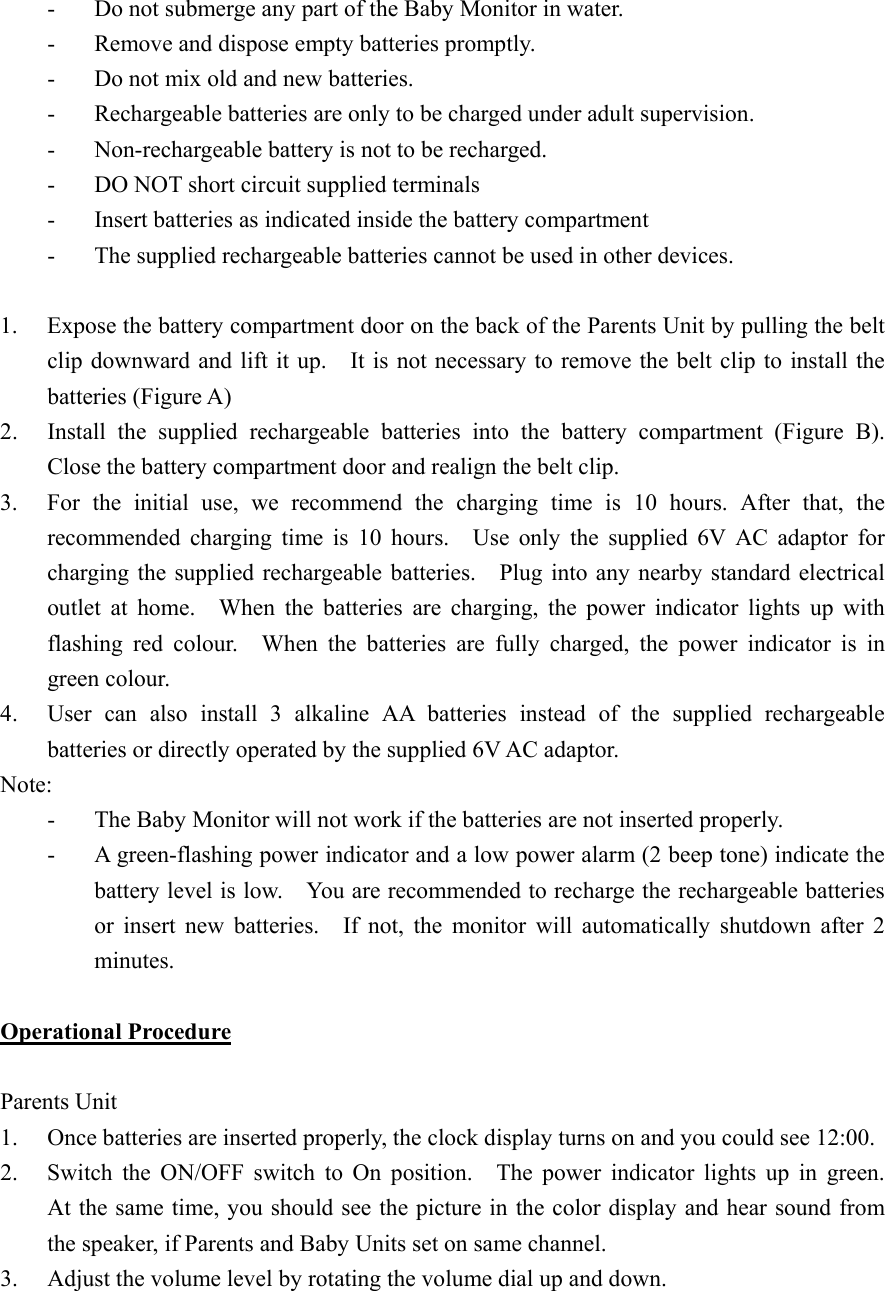
-  Do not submerge any part of the Baby Monitor in water. -  Remove and dispose empty batteries promptly. -  Do not mix old and new batteries. -  Rechargeable batteries are only to be charged under adult supervision. -  Non-rechargeable battery is not to be recharged. -  DO NOT short circuit supplied terminals -  Insert batteries as indicated inside the battery compartment -  The supplied rechargeable batteries cannot be used in other devices.  1.  Expose the battery compartment door on the back of the Parents Unit by pulling the belt clip downward and lift it up.    It is not necessary to remove the belt clip to install the batteries (Figure A) 2.  Install the supplied rechargeable batteries into the battery compartment (Figure B).  Close the battery compartment door and realign the belt clip. 3.  For the initial use, we recommend the charging time is 10 hours. After that, the recommended charging time is 10 hours.  Use only the supplied 6V AC adaptor for charging the supplied rechargeable batteries.    Plug into any nearby standard electrical outlet at home.  When the batteries are charging, the power indicator lights up with flashing red colour.  When the batteries are fully charged, the power indicator is in green colour. 4.  User can also install 3 alkaline AA batteries instead of the supplied rechargeable batteries or directly operated by the supplied 6V AC adaptor. Note:  -  The Baby Monitor will not work if the batteries are not inserted properly. -  A green-flashing power indicator and a low power alarm (2 beep tone) indicate the battery level is low.    You are recommended to recharge the rechargeable batteries or insert new batteries.  If not, the monitor will automatically shutdown after 2 minutes.  Operational Procedure  Parents Unit 1.  Once batteries are inserted properly, the clock display turns on and you could see 12:00. 2.  Switch the ON/OFF switch to On position.   The power indicator lights up in green.  At the same time, you should see the picture in the color display and hear sound from the speaker, if Parents and Baby Units set on same channel.   3.  Adjust the volume level by rotating the volume dial up and down.
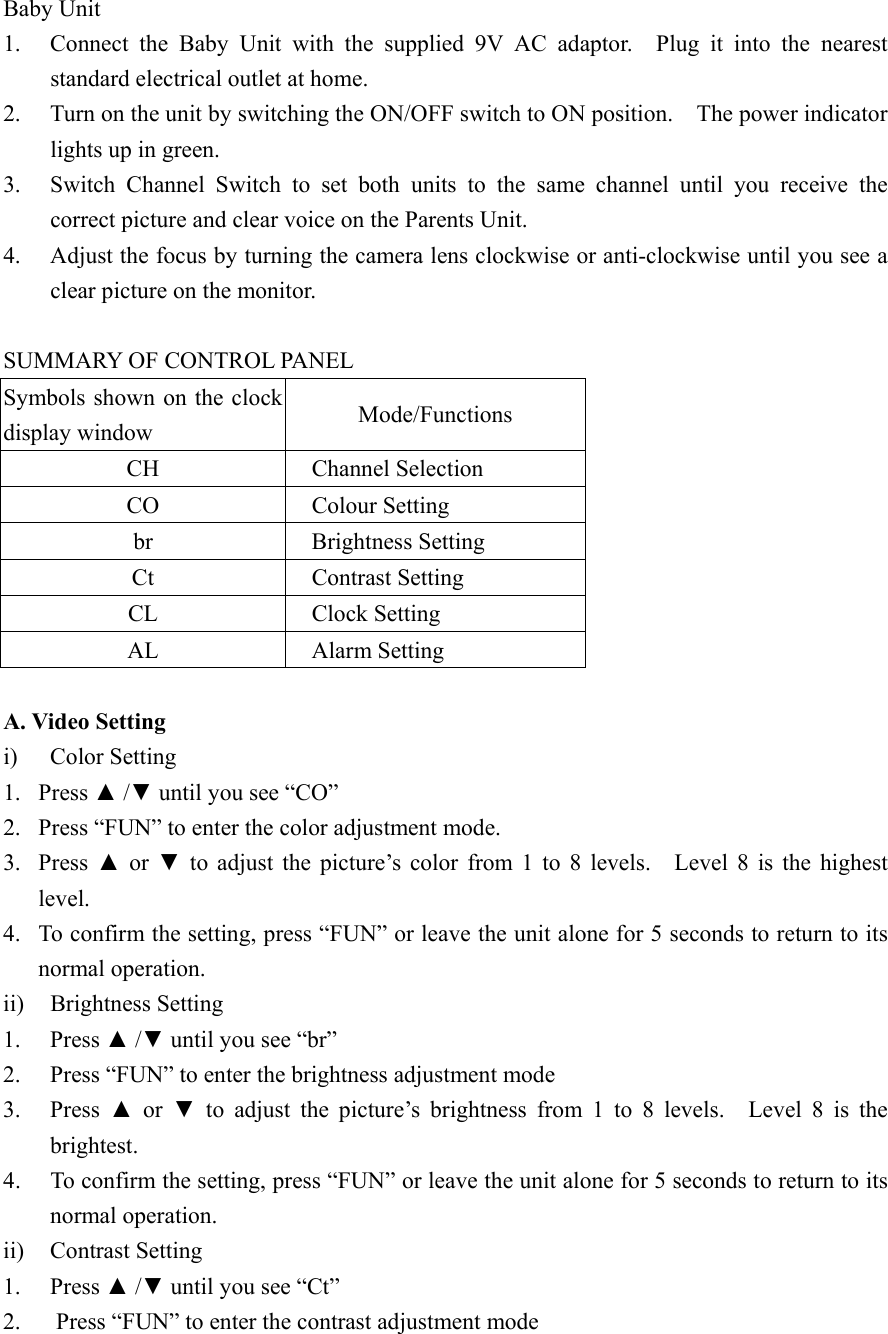
Baby Unit 1.  Connect the Baby Unit with the supplied 9V AC adaptor.  Plug it into the nearest standard electrical outlet at home. 2.  Turn on the unit by switching the ON/OFF switch to ON position.    The power indicator lights up in green. 3.  Switch Channel Switch to set both units to the same channel until you receive the correct picture and clear voice on the Parents Unit. 4.  Adjust the focus by turning the camera lens clockwise or anti-clockwise until you see a clear picture on the monitor.   SUMMARY OF CONTROL PANEL   Symbols shown on the clock display window  Mode/Functions CH Channel Selection CO Colour Setting br    Brightness Setting Ct    Contrast Setting CL    Clock Setting AL    Alarm Setting  A. Video Setting i) Color Setting 1. Press ▲ /▼ until you see “CO” 2.  Press “FUN” to enter the color adjustment mode. 3. Press ▲ or ▼ to adjust the picture’s color from 1 to 8 levels.   Level 8 is the highest level. 4.  To confirm the setting, press “FUN” or leave the unit alone for 5 seconds to return to its normal operation. ii) Brightness Setting  1. Press ▲ /▼ until you see “br” 2.  Press “FUN” to enter the brightness adjustment mode 3. Press ▲ or ▼ to adjust the picture’s brightness from 1 to 8 levels.  Level 8 is the brightest. 4.  To confirm the setting, press “FUN” or leave the unit alone for 5 seconds to return to its normal operation. ii)  Contrast Setting 1. Press ▲ /▼ until you see “Ct” 2.  Press “FUN” to enter the contrast adjustment mode
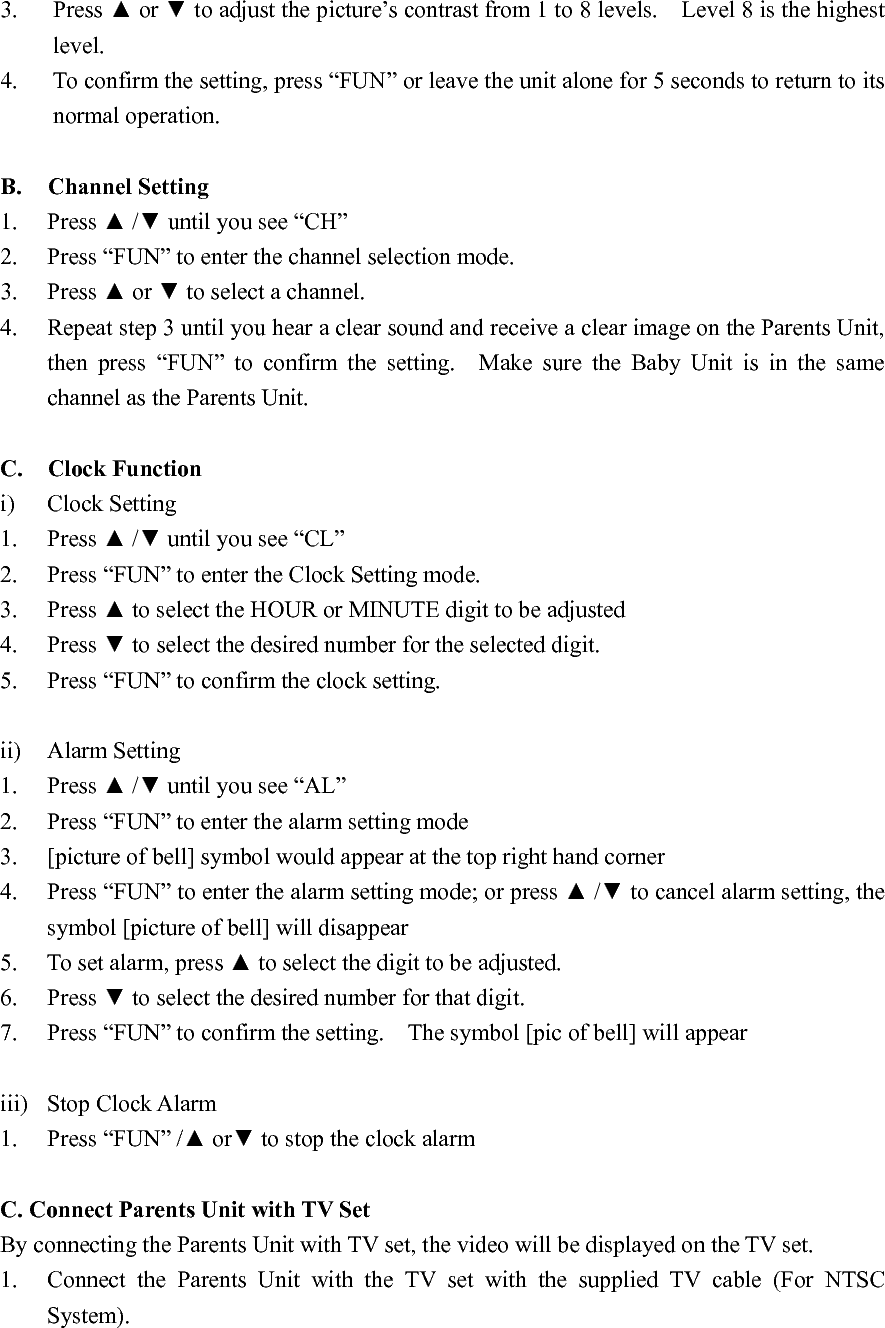
3. Press ▲ or ▼ to adjust the picture’s contrast from 1 to 8 levels.    Level 8 is the highest level. 4.  To confirm the setting, press “FUN” or leave the unit alone for 5 seconds to return to its normal operation.  B. Channel Setting 1. Press ▲ /▼ until you see “CH” 2.  Press “FUN” to enter the channel selection mode. 3. Press ▲ or ▼ to select a channel. 4.  Repeat step 3 until you hear a clear sound and receive a clear image on the Parents Unit, then press “FUN” to confirm the setting.  Make sure the Baby Unit is in the same channel as the Parents Unit.  C. Clock Function i) Clock Setting 1. Press ▲ /▼ until you see “CL” 2.  Press “FUN” to enter the Clock Setting mode. 3. Press ▲ to select the HOUR or MINUTE digit to be adjusted 4. Press ▼ to select the desired number for the selected digit. 5.  Press “FUN” to confirm the clock setting.    ii) Alarm Setting 1. Press ▲ /▼ until you see “AL” 2.  Press “FUN” to enter the alarm setting mode 3.  [picture of bell] symbol would appear at the top right hand corner 4.  Press “FUN” to enter the alarm setting mode; or press ▲ /▼ to cancel alarm setting, the symbol [picture of bell] will disappear 5.  To set alarm, press ▲ to select the digit to be adjusted. 6. Press ▼ to select the desired number for that digit. 7.  Press “FUN” to confirm the setting.    The symbol [pic of bell] will appear  iii)  Stop Clock Alarm 1.  Press “FUN” /▲ or▼ to stop the clock alarm  C. Connect Parents Unit with TV Set By connecting the Parents Unit with TV set, the video will be displayed on the TV set. 1.  Connect the Parents Unit with the TV set with the supplied TV cable (For NTSC System).
2.  Turn on the TV, set it to the video viewing channel; user could see the image captured by Baby Unit on TV screen now.
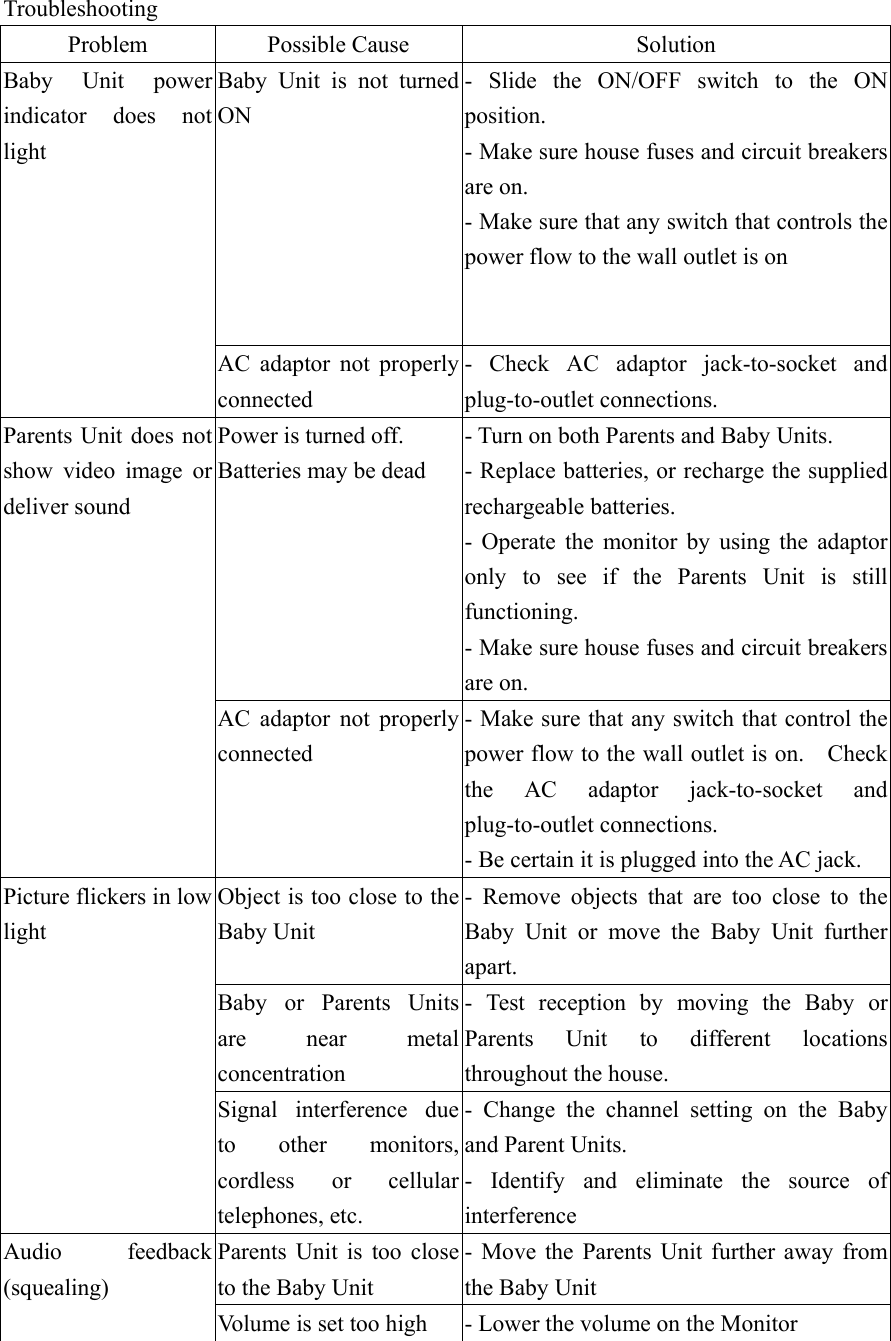
Troubleshooting Problem Possible Cause  Solution Baby Unit is not turned ON       - Slide the ON/OFF switch to the ON position.   - Make sure house fuses and circuit breakers are on. - Make sure that any switch that controls the power flow to the wall outlet is on Baby Unit power indicator does not light AC adaptor not properly connected - Check AC adaptor jack-to-socket and plug-to-outlet connections. Power is turned off. Batteries may be dead - Turn on both Parents and Baby Units. - Replace batteries, or recharge the supplied rechargeable batteries. - Operate the monitor by using the adaptor only to see if the Parents Unit is still functioning. - Make sure house fuses and circuit breakers are on. Parents Unit does not show video image or deliver sound   AC adaptor not properly connected - Make sure that any switch that control the power flow to the wall outlet is on.    Check the AC adaptor jack-to-socket and plug-to-outlet connections. - Be certain it is plugged into the AC jack.   Object is too close to the Baby Unit - Remove objects that are too close to the Baby Unit or move the Baby Unit further apart. Baby or Parents Units are near metal concentration - Test reception by moving the Baby or Parents Unit to different locations throughout the house. Picture flickers in low light Signal interference due to other monitors, cordless or cellular telephones, etc. - Change the channel setting on the Baby and Parent Units. - Identify and eliminate the source of interference Parents Unit is too close to the Baby Unit - Move the Parents Unit further away from the Baby Unit Audio feedback (squealing) Volume is set too high  - Lower the volume on the Monitor
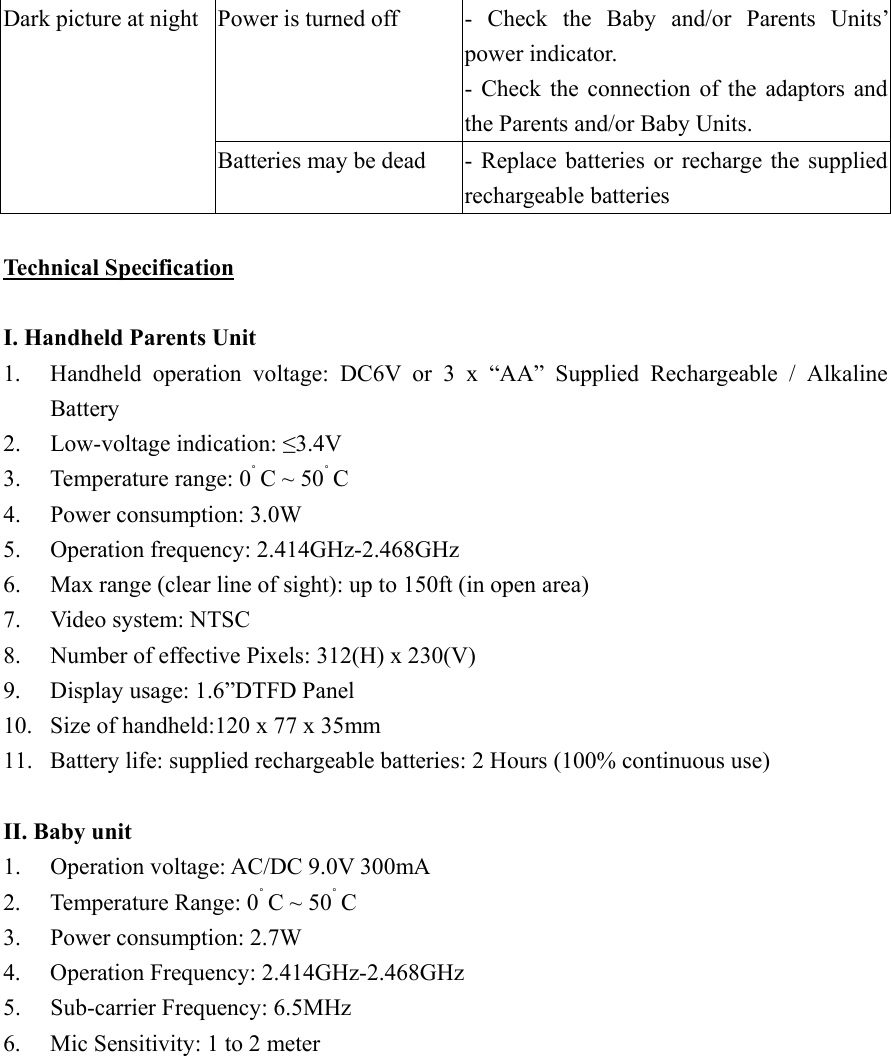
Power is turned off  - Check  the  Baby  and/or  Parents  Units’ power indicator. - Check the connection of the adaptors and the Parents and/or Baby Units. Dark picture at night Batteries may be dead  - Replace batteries or recharge the supplied rechargeable batteries  Technical Specification  I. Handheld Parents Unit 1.  Handheld operation voltage: DC6V or 3 x “AA” Supplied Rechargeable / Alkaline Battery 2. Low-voltage indication: ≤3.4V 3.  Temperature range: 0˚ C ~ 50˚ C 4.  Power consumption: 3.0W 5. Operation frequency: 2.414GHz-2.468GHz 6.  Max range (clear line of sight): up to 150ft (in open area) 7.  Video system: NTSC 8.  Number of effective Pixels: 312(H) x 230(V) 9.  Display usage: 1.6”DTFD Panel 10.  Size of handheld:120 x 77 x 35mm 11.  Battery life: supplied rechargeable batteries: 2 Hours (100% continuous use)  II. Baby unit 1.  Operation voltage: AC/DC 9.0V 300mA 2.  Temperature Range: 0˚ C ~ 50˚ C 3.  Power consumption: 2.7W 4. Operation Frequency: 2.414GHz-2.468GHz5.  Sub-carrier Frequency: 6.5MHz 6.  Mic Sensitivity: 1 to 2 meter
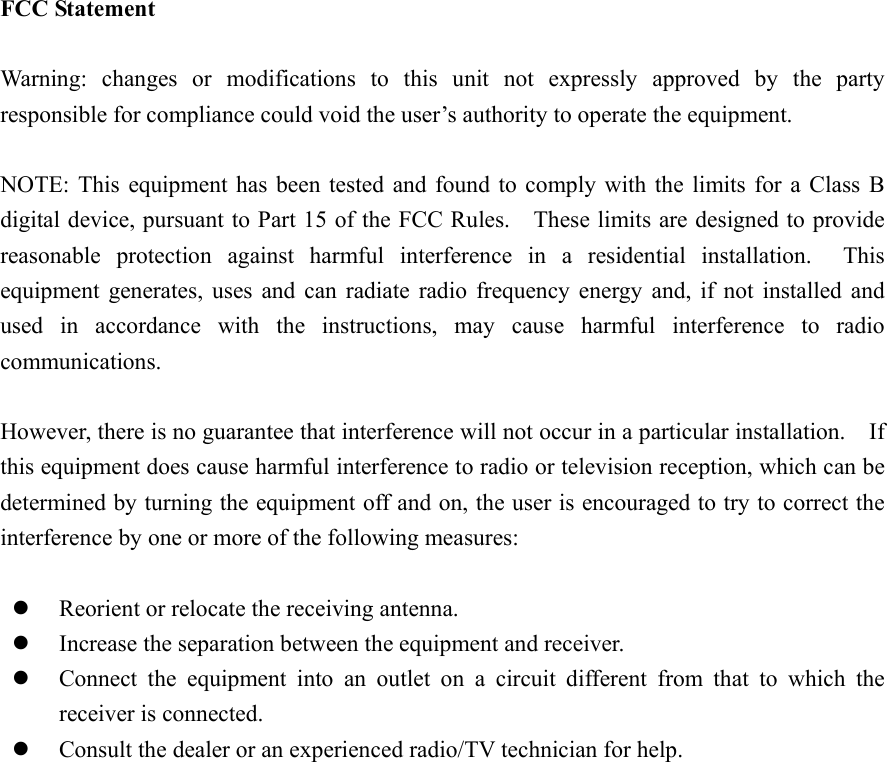
FCC Statement  Warning: changes or modifications to this unit not expressly approved by the party responsible for compliance could void the user’s authority to operate the equipment.  NOTE: This equipment has been tested and found to comply with the limits for a Class B digital device, pursuant to Part 15 of the FCC Rules.    These limits are designed to provide reasonable protection against harmful interference in a residential installation.  This equipment generates, uses and can radiate radio frequency energy and, if not installed and used in accordance with the instructions, may cause harmful interference to radio communications.  However, there is no guarantee that interference will not occur in a particular installation.    If this equipment does cause harmful interference to radio or television reception, which can be determined by turning the equipment off and on, the user is encouraged to try to correct the interference by one or more of the following measures:    Reorient or relocate the receiving antenna.   Increase the separation between the equipment and receiver.   Connect the equipment into an outlet on a circuit different from that to which the receiver is connected.   Consult the dealer or an experienced radio/TV technician for help.

Navigation menu