Wanstonic Electronics WBT310-RX Home Stereo Receiver with Bluetooh User Manual

Wanstonic Electronics Ltd. Home Stereo Receiver with Bluetooh Users Manual

Users Manual

                              PALM GARDEN                Stereo Audio Kit  (WBT310 Home Receiver ) User Manual   Version 1.0       PALM GARDEN ENTERPRISES CORP.. Copyright © 2005. All rights reserved
                              PALM GARDEN Federal Communications Commission (FCC) Statement  15.21 You are cautioned that changes or modifications not expressly approved by the part responsible for compliance could void the user’s authority to operate the equipment.  15.105(b) This equipment has been tested and found to comply with the limits for a Class B digital device, pursuant to part 15 of the FCC rules. These limits are designed to provide reasonable protection against harmful interference in a residential installation. This equipment generates, uses and can radiate radio frequency energy and, if not installed and used in accordance with the instructions, may cause harmful interference to radio communications. However, there is no guarantee that interference will not occur in a particular installation. If this equipment does cause harmful interference to radio or television reception, which can be determined by turning the equipment off and on, the user is encouraged to try to correct the interference by one or more of the following measures:  -Reorient or relocate the receiving antenna. -Increase the separation between the equipment and receiver. -Connect the equipment into an outlet on a circuit different from that to which the receiver is connected. -Consult the dealer or an experienced radio/TV technician for help.  Operation is subject to the following two conditions: 1) this device may not cause interference and 2) this device must accept any interference, including interference that may cause undesired operation of the device.  FCC RF Radiation Exposure Statement: This equipment complies with FCC radiation exposure limits set forth for an uncontrolled environment. End users must follow the specific operating instructions for satisfying RF exposure compliance. This transmitter must not be co-located or operating in conjunction with any other antenna or transmitter.
                                PALM DARDEN Copyright © 2005. All rights reserved 1Bluetooth Introduction Bluetooth is a global wireless standard for enabling short-range wireless connections. It is a simple and instant radio solution that allows different devices to talk to one another. Bluetooth eliminates the need for cables/wires/cords between devices such as mobile phones and headphones. Bluetooth facilitates fast and secure transmissions of both voice and data between devices even if they are not in line-of-sight. Most Bluetooth devices are described as 'Class 2'. These are very low power and have a range of about 10 meters. Some devices are Class 1. These have range comparable to that of Wi-Fi and have a range up to 100 meters.    A limited, but growing number of devices use Bluetooth at present. Devices that are starting to have Bluetooth connectivity built in include:  •  Headsets  •  Headphone •  Cell Phones • PDAs • Laptops •  Digital cameras and camcorders • Printers • Scanners • Keyboards and Mice •  In-car handsfree kits •  GPS navigation receivers •  Home appliances (microwaves, washers, driers, refrigerators) In addition, add on Bluetooth adapters are available for computers (i.e. with a USB interface) and for PDAs.
                                PALM DARDEN Copyright © 2005. All rights reserved 2Package List The following checked items should be in the package.  Items Quantity  Receiver Box (Home Received) 1    WANSTONIC Stereo Audio Kit Thank you for choosing WANSTONIC Stereo Audio Kit. It is unique and different from most Bluetooth products in the market for its good integration of AV t Profiles.     Stereo RX Box Features   z Superior audio quality - Delivers 44.1 kHz and 48 kHz, 16 bit stereo music (near CD quality audio). z Listen to music and respond to phone calls – Enable switching between music and calls made to your Bluetooth enabled cell phone. z Wireless mobility – It is very convenient without being restricted by cables. z No “Line-of-sight” restriction - Unlike infrared devices, it offers you a wide transmission range (up to 10 meters). z Supported profiles - Supports A2DP, Headset and Handsfree profiles of the Bluetooth specification.
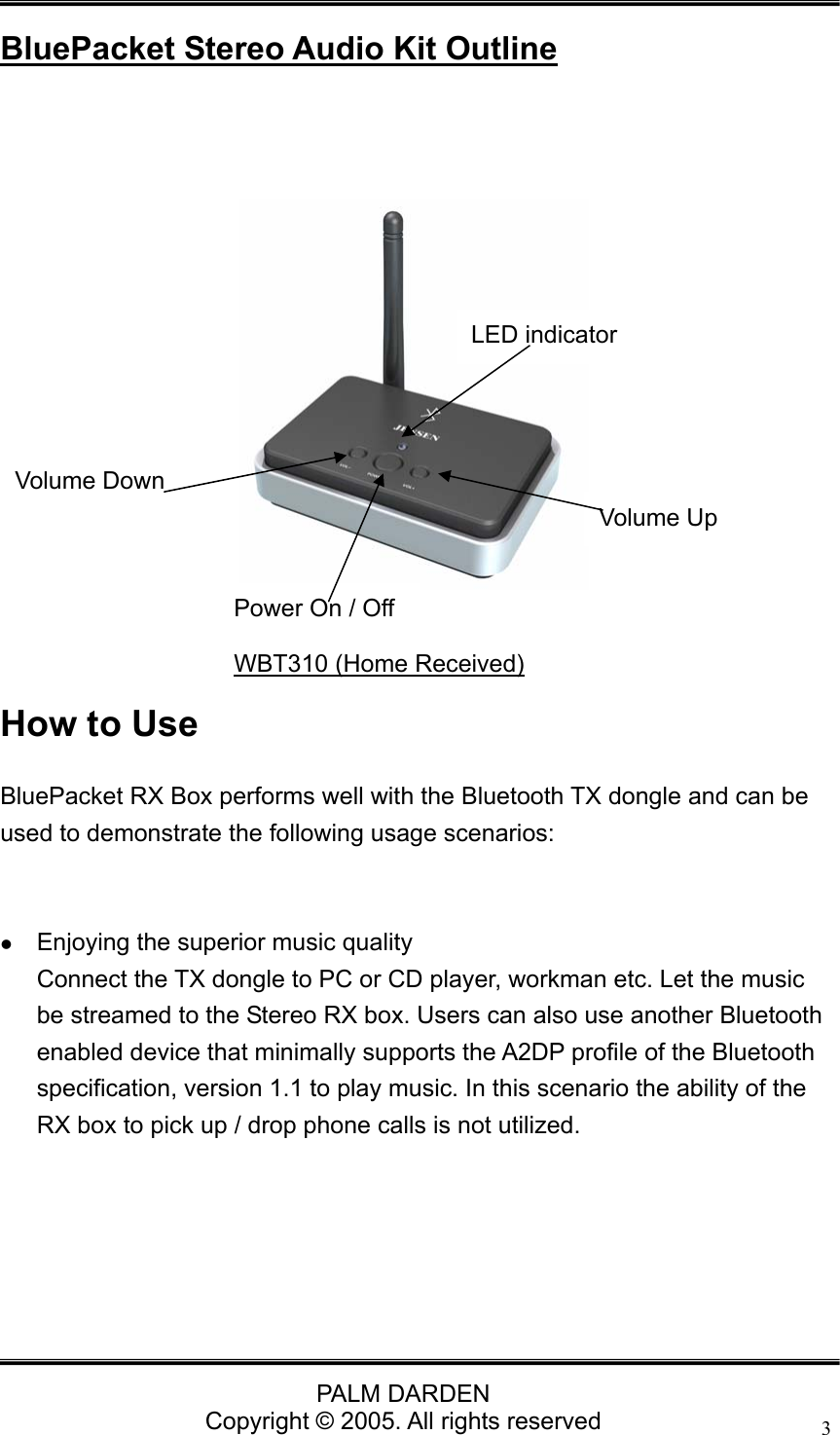
                                PALM DARDEN Copyright © 2005. All rights reserved 3 BluePacket Stereo Audio Kit Outline       How to Use BluePacket RX Box performs well with the Bluetooth TX dongle and can be used to demonstrate the following usage scenarios:    z Enjoying the superior music quality Connect the TX dongle to PC or CD player, workman etc. Let the music be streamed to the Stereo RX box. Users can also use another Bluetooth enabled device that minimally supports the A2DP profile of the Bluetooth specification, version 1.1 to play music. In this scenario the ability of the RX box to pick up / drop phone calls is not utilized.       Volume Down     Power On / Off LED indicator WBT310 (Home Received) Volume Up
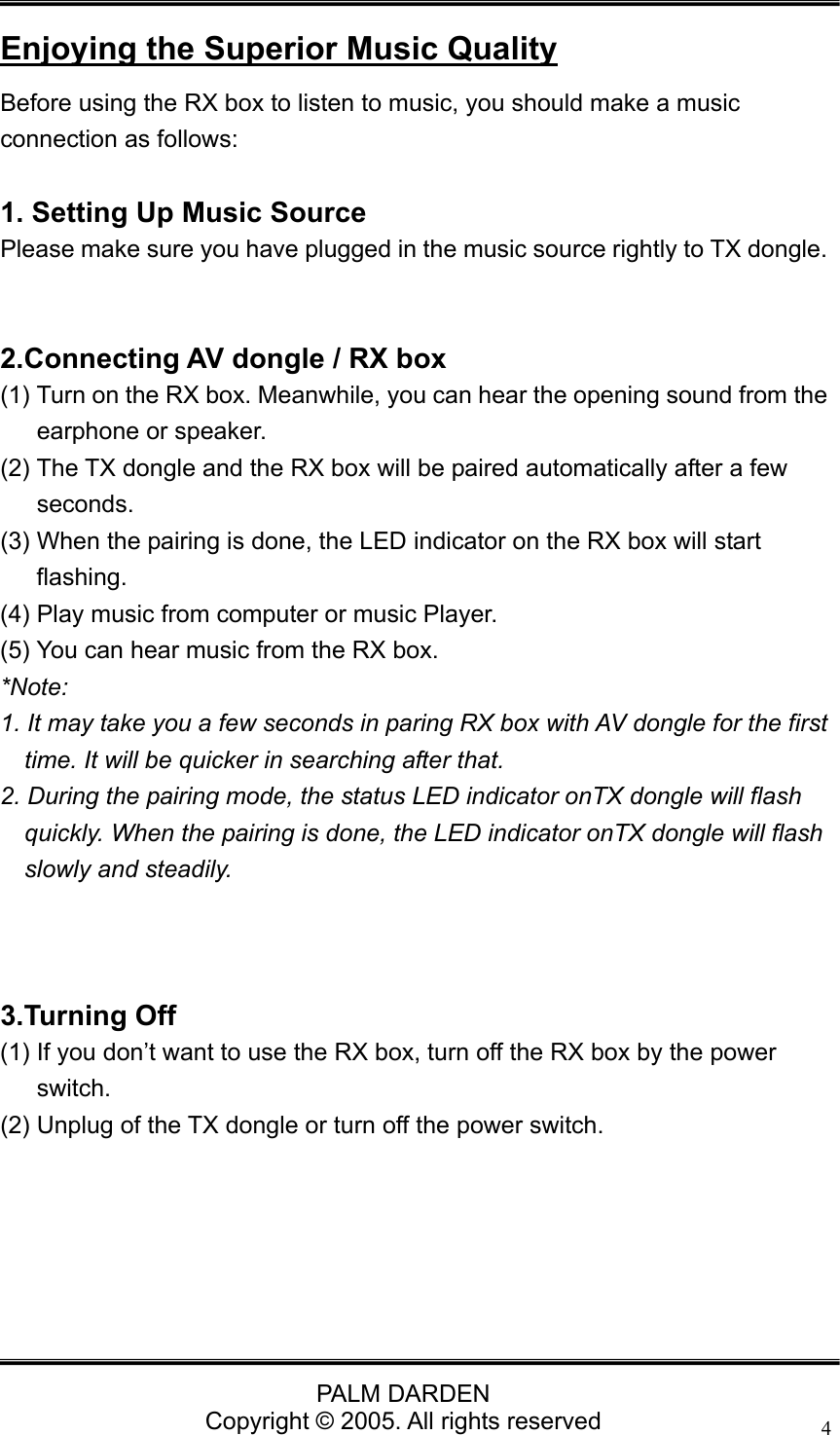
                                PALM DARDEN Copyright © 2005. All rights reserved 4 Enjoying the Superior Music Quality Before using the RX box to listen to music, you should make a music connection as follows:  1. Setting Up Music Source Please make sure you have plugged in the music source rightly to TX dongle.     2.Connecting AV dongle / RX box (1) Turn on the RX box. Meanwhile, you can hear the opening sound from the earphone or speaker. (2) The TX dongle and the RX box will be paired automatically after a few seconds.  (3) When the pairing is done, the LED indicator on the RX box will start flashing.  (4) Play music from computer or music Player. (5) You can hear music from the RX box. *Note:  1. It may take you a few seconds in paring RX box with AV dongle for the first time. It will be quicker in searching after that. 2. During the pairing mode, the status LED indicator onTX dongle will flash quickly. When the pairing is done, the LED indicator onTX dongle will flash slowly and steadily.    3.Turning Off (1) If you don’t want to use the RX box, turn off the RX box by the power switch. (2) Unplug of the TX dongle or turn off the power switch.
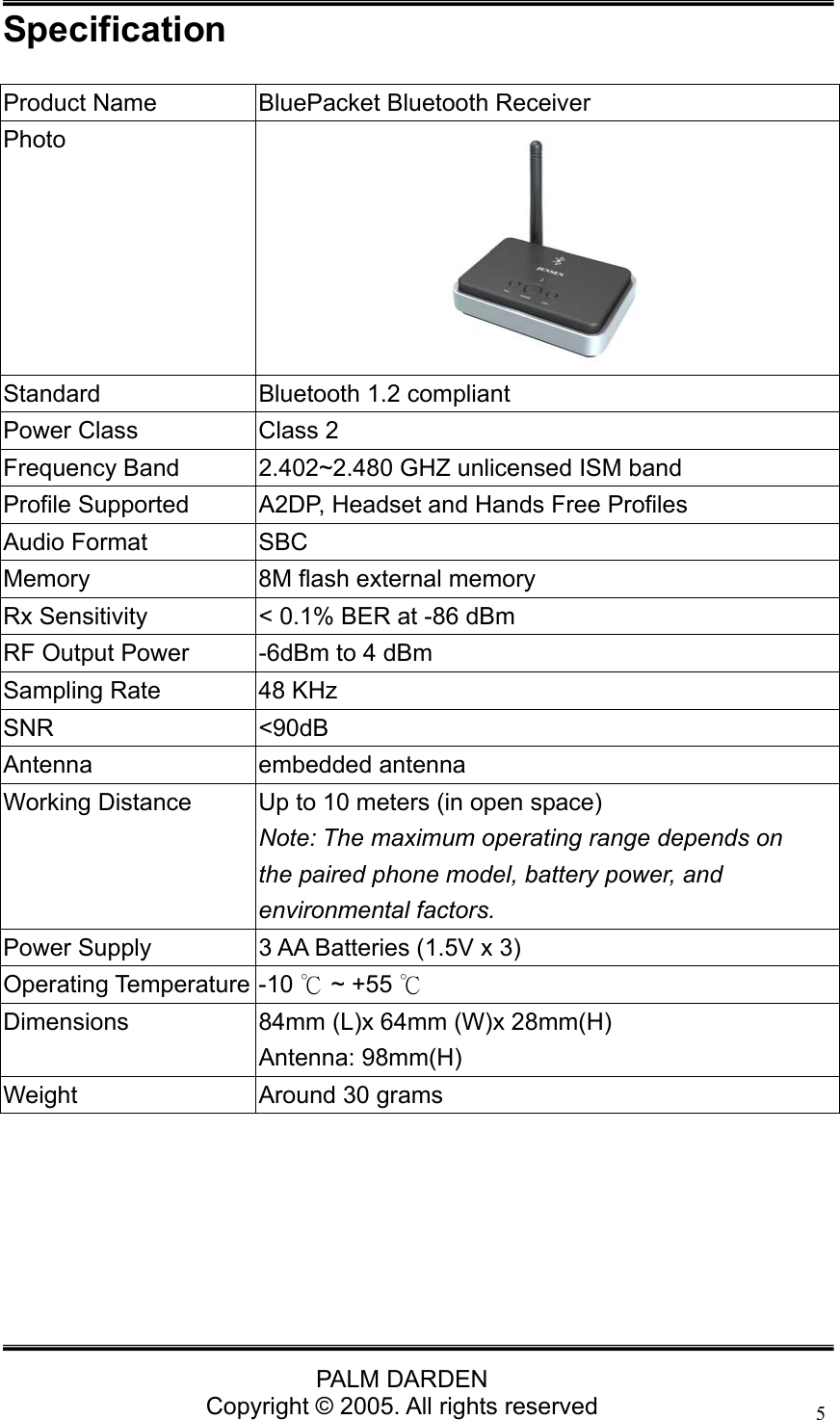
                                PALM DARDEN Copyright © 2005. All rights reserved 5Specification Product Name  BluePacket Bluetooth Receiver Photo  Standard  Bluetooth 1.2 compliant Power Class  Class 2 Frequency Band  2.402~2.480 GHZ unlicensed ISM band Profile Supported  A2DP, Headset and Hands Free Profiles Audio Format  SBC Memory  8M flash external memory Rx Sensitivity  < 0.1% BER at -86 dBm RF Output Power  -6dBm to 4 dBm Sampling Rate  48 KHz SNR <90dB Antenna embedded antenna Working Distance  Up to 10 meters (in open space) Note: The maximum operating range depends on the paired phone model, battery power, and environmental factors. Power Supply  3 AA Batteries (1.5V x 3) Operating Temperature -10   ~ +55 ℃℃ Dimensions  84mm (L)x 64mm (W)x 28mm(H) Antenna: 98mm(H) Weight  Around 30 grams
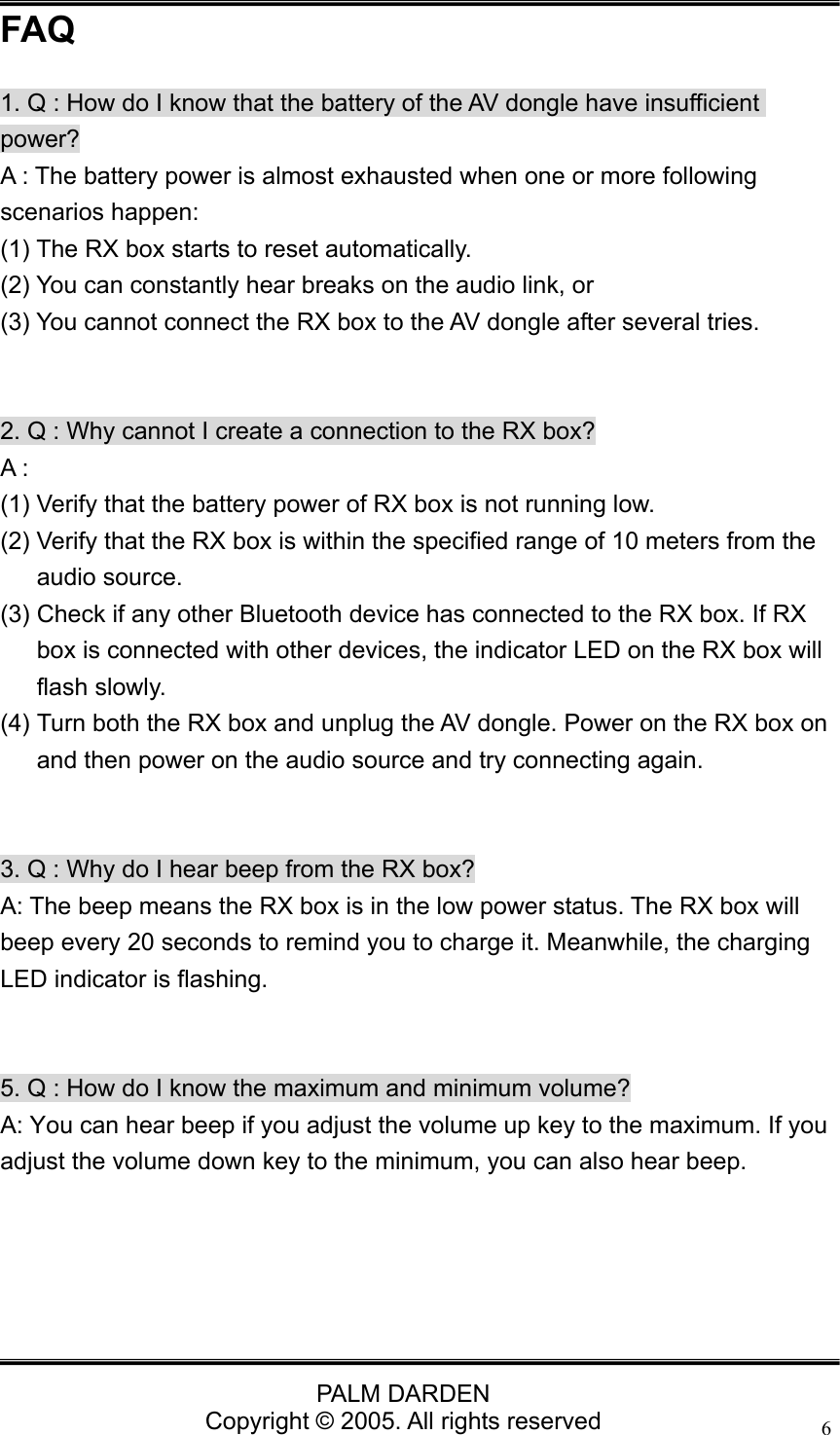
                                PALM DARDEN Copyright © 2005. All rights reserved 6FAQ 1. Q : How do I know that the battery of the AV dongle have insufficient power? A : The battery power is almost exhausted when one or more following scenarios happen:   (1) The RX box starts to reset automatically.   (2) You can constantly hear breaks on the audio link, or   (3) You cannot connect the RX box to the AV dongle after several tries.     2. Q : Why cannot I create a connection to the RX box? A : (1) Verify that the battery power of RX box is not running low. (2) Verify that the RX box is within the specified range of 10 meters from the audio source. (3) Check if any other Bluetooth device has connected to the RX box. If RX box is connected with other devices, the indicator LED on the RX box will flash slowly. (4) Turn both the RX box and unplug the AV dongle. Power on the RX box on and then power on the audio source and try connecting again.   3. Q : Why do I hear beep from the RX box? A: The beep means the RX box is in the low power status. The RX box will beep every 20 seconds to remind you to charge it. Meanwhile, the charging LED indicator is flashing.   5. Q : How do I know the maximum and minimum volume? A: You can hear beep if you adjust the volume up key to the maximum. If you adjust the volume down key to the minimum, you can also hear beep.
                                PALM DARDEN Copyright © 2005. All rights reserved 7 Technical Support If you have further questions, please contact our Technical Support Department. Thank you!

Navigation menu