Wease Electrical and Information Engineering E800G001 Miracast Dongle with 802.11b/g/n User Manual

Wease Electrical & Information Engineering Ltd. Miracast Dongle with 802.11b/g/n Users Manual

USERS MANUAL

Quick Start GuideMiracast DonglePackage List:Miracast dongle 1pcQuick Start Guide 1pc5V/1A power adapter 1pc
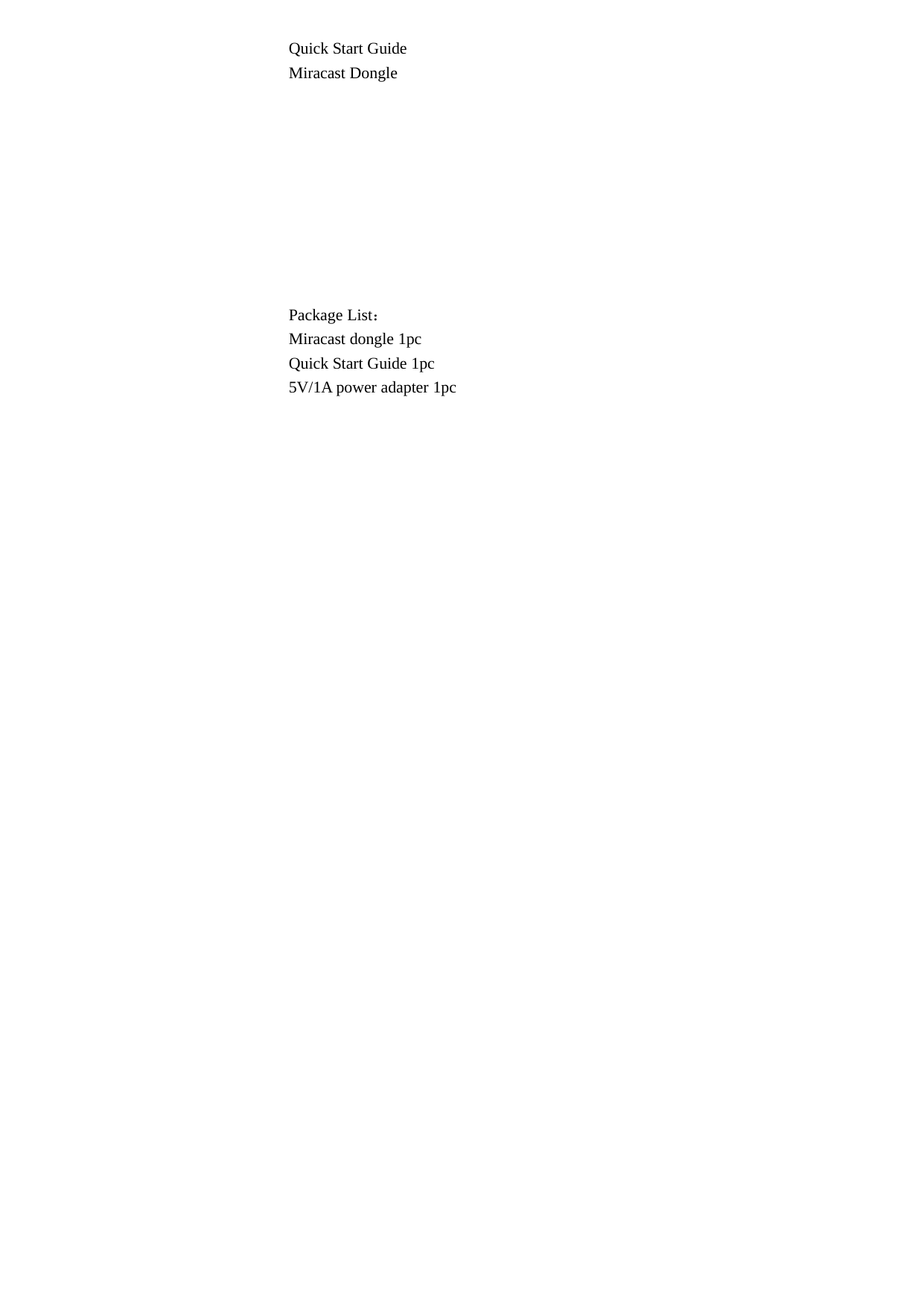
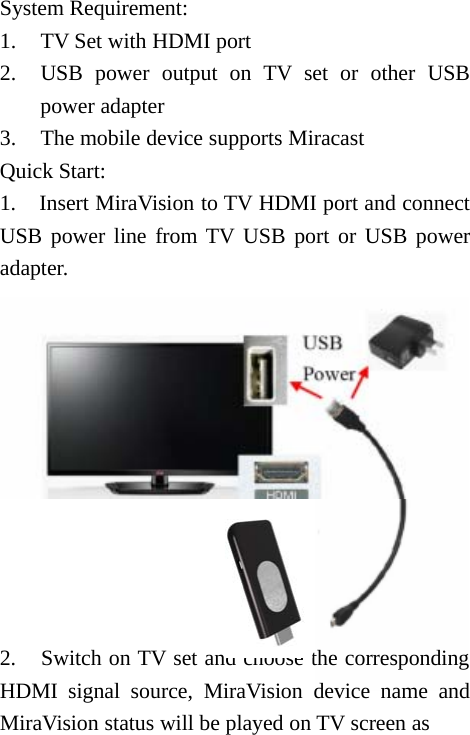
System Requirement:1. TV Set with HDMI port2. USB power output on TV set or other USBpower adapter3. The mobile device supports MiracastQuick Start:1. Insert MiraVision to TV HDMI port and connectUSB power line from TV USB port or USB poweradapter.2. Switch on TV set and choose the correspondingHDMI signal source, MiraVision device name andMiraVision status will be played on TV screen as
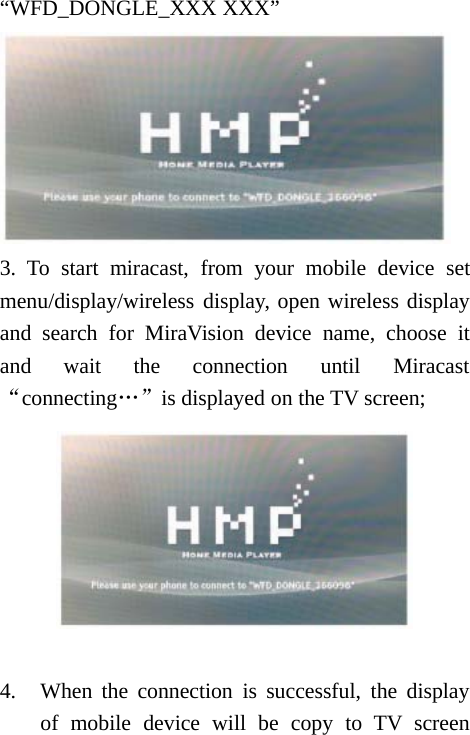
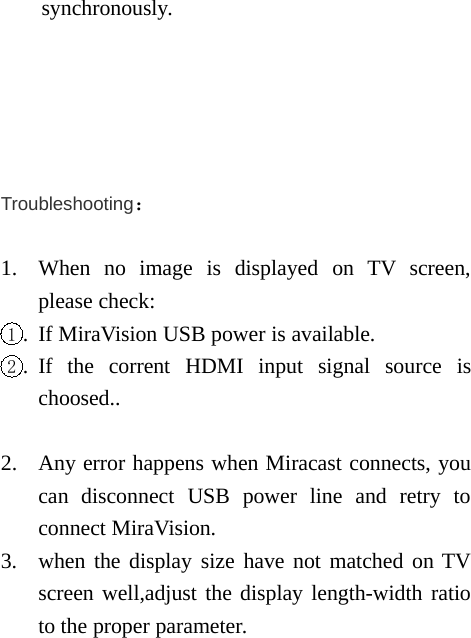
“WFD_DONGLE_XXX XXX”3. To start miracast, from your mobile device setmenu/display/wireless display, open wireless displayand search for MiraVision device name, choose itand wait the connection until Miracast“connecting…”is displayed on the TV screen;4. When the connection is successful, the displayof mobile device will be copy to TV screen
synchronously.Troubleshooting:1. When no image is displayed on TV screen,please check:1. If MiraVision USB power is available.2. If the corrent HDMI input signal source ischoosed..2. Any error happens when Miracast connects, youcan disconnect USB power line and retry toconnect MiraVision.3. when the display size have not matched on TVscreen well,adjust the display length-width ratioto the proper parameter.
 FCC RF Statement. This device complies with part 15 of the FCC rules. Operation is subject to the following two conditions: (1) this devic e may not cause harmful i nterference, and (2) this device must accept any interference received, including interference that may cause undesired operation.  NOTE: The manufacturer is not responsib le for any radio or TV interference caused by unauthoriz ed modifications to this equipment. Such modifications  could void the user’s authority to operate the equipment. This equipment has been tested and found to comply with the limits for a Class B digital device, pursuant to p art 15 of the FCC Rules.     These limits are designed to provide reasonable protection against harmful interference in a residential inst allation.  This equi pment generates uses and can radiate radio frequency energy and, if not inst alled and used in accordance with the instructions, may ca use harmful interference to radio communications.  However, there is no guarant ee that interference will not  occur in a particular installation.   If this equipment does cause harmful interference to radio or television reception, which can be determined by  turning the equipment of f and on, the user is encouraged to try to correct the interference by one or more of the following measures:   - Reorient or relocate the receiving antenna.   - Increase the separation between the equipment and receiver.   -Connect the equipment into an outlet on a ci rcuit different from that to which the receiver is connected.   -Consult the dealer or an experienced radio/TV technician for help. The users manual or instruction manual for an intentional or unintentional radiator shall caution the user that changes or modifications not expressly approved by the party responsible for compliance could void the user's authority to operate the equipment.  In cases where the manual is provided only in a form other than paper, such as on a computer disk or over the Internet, the information required by this section may be included in the manual in that alternative form, provided the user can reasonably be expected to have the capability to access information in that form. Note:The minimum separation distance is 5mm for the normal using.

Navigation menu