Williams Sound T32 AUDITORY ASSISTANCE DEVICE User Manual Layout 1

Williams Sound, LLC AUDITORY ASSISTANCE DEVICE Layout 1

USERS MANUAL

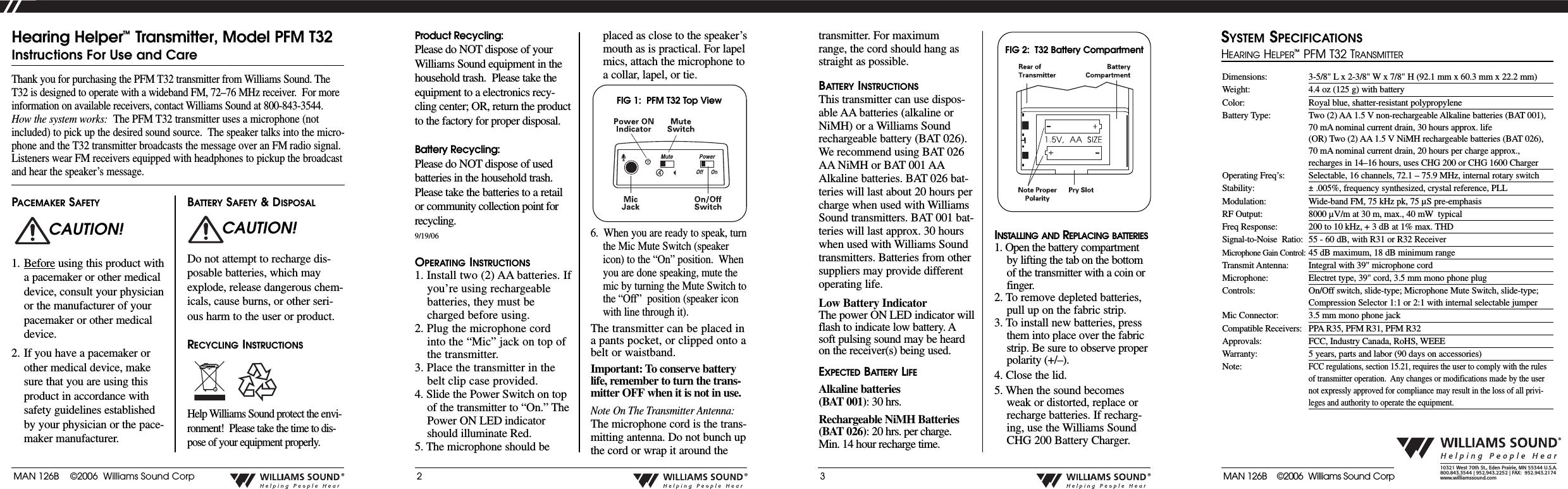
MAN 126B    ©2006  Williams Sound Corp®2®3®®10321 West 70th St., Eden Prairie, MN 55344 U.S.A.  800.843.3544 | 952.943.2252 | FAX:  952.943.2174www.williamssound.comProduct Recycling:Please do NOT dispose of yourWilliams Sound equipment in thehousehold trash.  Please take theequipment to a electronics recy-cling center; OR, return the productto the factory for proper disposal.  Battery Recycling:Please do NOT dispose of usedbatteries in the household trash.Please take the batteries to a retailor community collection point forrecycling.9/19/06OPERATING INSTRUCTIONS1. Install two (2) AA batteries. Ifyou’re using rechargeablebatteries, they must becharged before using.2. Plug the microphone cordinto the “Mic” jack on top ofthe transmitter.3. Place the transmitter in thebelt clip case provided.4. Slide the Power Switch on topof the transmitter to “On.” ThePower ON LED indicatorshould illuminate Red.5. The microphone should beplaced as close to the speaker’smouth as is practical. For lapelmics, attach the microphone toacollar, lapel, or tie.6.  When you are ready to speak, turnthe Mic Mute Switch (speakericon) to the “On” position.  Whenyou are done speaking, mute themic by turning the Mute Switch tothe “Off”  position (speaker iconwith line through it).The transmitter can be placed inapants pocket, or clipped onto abelt or waistband. Important: To conserve batterylife, remember to turn the trans-mitter OFF when it is not in use.Note On The Transmitter Antenna:The microphone cord is the trans-mitting antenna. Do not bunch upthe cord or wrap it around theThank you for purchasing the PFM T32 transmitter from Williams Sound. TheT32 is designed to operate with a wideband FM, 72–76 MHz receiver.  For moreinformation on available receivers, contact Williams Sound at 800-843-3544.How the system works: The PFM T32 transmitter uses a microphone (notincluded) to pick up the desired sound source.  The speaker talks into the micro-phone and the T32 transmitter broadcasts the message over an FM radio signal.Listeners wear FM receivers equipped with headphones to pickup the broadcastand hear the speaker’s message.Hearing Helper™Transmitter, Model PFM T32Instructions For Use and CarePACEMAKER SAFETY1. Before using this product withapacemaker or other medicaldevice, consult your physicianor the manufacturer of yourpacemaker or other medicaldevice. 2. If you have a pacemaker orother medical device, makesure that you are using thisproduct in accordance withsafety guidelines establishedby your physician or the pace-maker manufacturer.BATTERY SAFETY & DISPOSALDo not attempt to recharge dis-posable batteries, which mayexplode, release dangerous chem-icals, cause burns, or other seri-ous harm to the user or product.RECYCLING INSTRUCTIONSHelp Williams Sound protect the envi-ronment!  Please take the time to dis-pose of your equipment properly.CAUTION! CAUTION!transmitter. For maximumrange, the cord should hang asstraight as possible.BATTERY INSTRUCTIONSThis transmitter can use dispos-able AA batteries (alkaline orNiMH) or a Williams Soundrechargeable battery (BAT 026).We recommend using BAT 026AA NiMH or BAT 001 AAAlkaline batteries. BAT 026 bat-teries will last about 20 hours percharge when used with WilliamsSound transmitters. BAT001 bat-teries will last approx. 30 hourswhen used with Williams Soundtransmitters. Batteries from othersuppliers may provide differentoperating life.Low Battery IndicatorThe power ON LED indicator willflash to indicate low battery. Asoft pulsing sound may be heardon the receiver(s) being used.EXPECTED BATTERY LIFEAlkaline batteries(BAT 001):30 hrs. Rechargeable NiMH Batteries (BAT 026):20 hrs. per charge. Min. 14 hour recharge time.INSTALLING AND REPLACING BATTERIES1. Open the battery compartmentby lifting the tab on the bottomof the transmitter with a coin orfinger.2. Toremove depleted batteries,pull up on the fabric strip.3. To install new batteries, pressthem into place over the fabric strip. Be sure to observe properpolarity (+/–).4. Close the lid.5. When the sound becomesweak or distorted, replace orrecharge batteries. If recharg-ing, use the Williams SoundCHG 200 Battery Charger.FIG 1:  PFM T32 Top ViewFIG 2:  T32 Battery CompartmentDimensions: 3-5/8" L x 2-3/8" W x 7/8" H (92.1 mm x 60.3 mm x 22.2 mm) Weight: 4.4 oz (125 g) with batteryColor: Royal blue, shatter-resistant polypropyleneBattery Type: Two (2) AA 1.5 V non-rechargeable Alkaline batteries (BAT 001),70 mA nominal current drain, 30 hours approx. life(OR) Two (2) AA 1.5 V NiMH rechargeable batteries (BAT 026),70 mA nominal current drain, 20 hours per charge approx.,recharges in 14–16 hours, uses CHG 200 or CHG 1600 ChargerOperating Freq’s: Selectable, 16 channels, 72.1 – 75.9 MHz, internal rotary switchStability: ±.005%, frequency synthesized, crystal reference, PLLModulation: Wide-band FM, 75 kHz pk, 75 µS pre-emphasisRF Output: 8000 µV/m at 30 m, max., 40 mW typicalFreq Response: 200 to 10 kHz, + 3 dB at 1% max. THDSignal-to-Noise  Ratio:  55 - 60 dB, with R31 or R32 ReceiverMicrophone Gain Control: 45 dB maximum, 18 dB minimum rangeTransmit Antenna: Integral with 39" microphone cordMicrophone: Electret type, 39" cord, 3.5 mm mono phone plugControls: On/Off switch, slide-type; Microphone Mute Switch, slide-type;Compression Selector 1:1 or 2:1 with internal selectable jumperMic Connector: 3.5 mm mono phone jackCompatible Receivers: PPAR35, PFM R31, PFM R32Approvals: FCC, Industry Canada, RoHS, WEEEWarranty: 5years, parts and labor (90 days on accessories)Note:FCC regulations, section 15.21, requires the user to comply with the rulesof transmitter operation.  Any changes or modifications made by the usernot expressly approved for compliance may result in the loss of all privi-leges and authority to operate the equipment.SYSTEM SPECIFICATIONSHEARINGHELPER™PFM T32 TRANSMITTERMAN 126B    ©2006  Williams Sound Corp
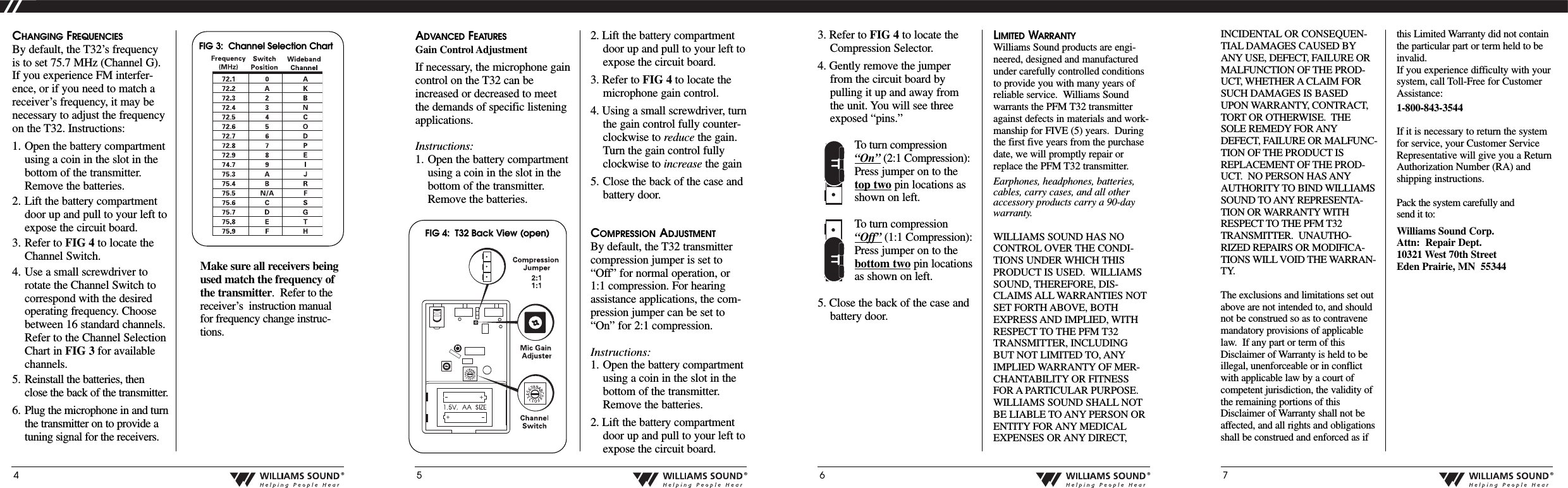
INCIDENTAL OR CONSEQUEN-TIAL DAMAGES CAUSED BYANY USE, DEFECT, FAILURE ORMALFUNCTION OF THE PROD-UCT, WHETHER A CLAIM FORSUCH DAMAGES IS BASEDUPON WARRANTY, CONTRACT,TORT OR OTHERWISE.  THESOLE REMEDY FOR ANYDEFECT, FAILURE OR MALFUNC-TION OF THE PRODUCT ISREPLACEMENT OF THE PROD-UCT.  NO PERSON HAS ANYAUTHORITY TO BIND WILLIAMSSOUND TO ANY REPRESENTA-TION OR WARRANTY WITHRESPECT TO THE PFM T32TRANSMITTER.  UNAUTHO-RIZED REPAIRS OR MODIFICA-TIONS WILL VOID THE WARRAN-TY.The exclusions and limitations set outabove are not intended to, and shouldnot be construed so as to contravenemandatory provisions of applicablelaw.  If any part or term of thisDisclaimer of Warranty is held to beillegal, unenforceable or in conflictwith applicable law by a court ofcompetent jurisdiction, the validity ofthe remaining portions of thisDisclaimer of Warranty shall not beaffected, and all rights and obligationsshall be construed and enforced as ifthis Limited Warranty did not containthe particular part or term held to beinvalid.If you experience difficulty with yoursystem, call Toll-Free for CustomerAssistance:1-800-843-3544If it is necessary to return the systemfor service, your Customer ServiceRepresentative will give you a ReturnAuthorization Number (RA) andshipping instructions.Pack the system carefully and send it to:Williams Sound Corp.Attn: Repair Dept.10321 West 70th StreetEden Prairie, MN  553444®5®6®7®CHANGING FREQUENCIESBy default, the T32’s frequencyis to set 75.7 MHz (Channel G).If you experience FM interfer-ence, or if you need to match areceiver’s frequency, it may benecessary to adjust the frequencyon the T32. Instructions:1. Open the battery compartmentusing a coin in the slot in thebottom of the transmitter.Remove the batteries.2. Lift the battery compartmentdoor up and pull to your left toexpose the circuit board.3. Refer to FIG 4 to locate theChannel Switch.4. Use a small screwdriver torotate the Channel Switch tocorrespond with the desiredoperating frequency. Choosebetween 16 standard channels.Refer to the Channel SelectionChart in FIG 3 for availablechannels.5. Reinstall the batteries, thenclose the back of the transmitter.6. Plug the microphone in and turnthe transmitter on to provide atuning signal for the receivers.  Makesureall receiversbeingused match the frequency ofthe transmitter.Refer to thereceiver’sinstruction manualfor frequency change instruc-tions.ADVANCED FEATURESGain Control AdjustmentIf necessary, the microphone gaincontrol on the T32 can beincreased or decreased to meetthe demands of specific listeningapplications.  Instructions:1. Open the battery compartmentusing a coin in the slot in thebottom of the transmitter.Remove the batteries.2. Lift the battery compartmentdoor up and pull to your left toexpose the circuit board.3. Refer to FIG 4 to locate themicrophone gain control.4. Using a small screwdriver, turnthe gain control fully counter-clockwise to reduce the gain.Turn the gain control fullyclockwise to increase the gain 5. Close the back of the case andbattery door.COMPRESSION ADJUSTMENTBy default, the T32 transmittercompression jumper is set to“Off” for normal operation, or1:1 compression. For hearingassistance applications, the com-pression jumper can be set to“On” for 2:1 compression.  Instructions:1. Open the battery compartmentusing a coin in the slot in thebottom of the transmitter.Remove the batteries.2. Lift the battery compartmentdoor up and pull to your left toexpose the circuit board.FIG 3:  Channel Selection Chart   3. Refer to FIG 4 to locate theCompression Selector.4. Gently remove the jumperfrom the circuit board bypulling it up and away fromthe unit. You will see threeexposed “pins.” Toturn compression“On” (2:1 Compression):Press jumper on to thetop twopin locations asshown on left.Toturn compression“Off” (1:1 Compression):Press jumper on to thebottom twopin locationsas shown on left.5. Close the back of the case andbattery door.LIMITED WARRANTYWilliams Sound products are engi-neered, designed and manufacturedunder carefully controlled conditionsto provide you with many years ofreliable service.  Williams Soundwarrants the PFM T32 transmitteragainst defects in materials and work-manship for FIVE (5) years.  Duringthe first five years from the purchasedate, we will promptly repair orreplace the PFM T32 transmitter.  Earphones, headphones, batteries,cables, carry cases, and all otheraccessory products carry a 90-daywarranty.WILLIAMS SOUND HAS NOCONTROL OVER THE CONDI-TIONS UNDER WHICH THISPRODUCT IS USED.  WILLIAMSSOUND, THEREFORE, DIS-CLAIMS ALL WARRANTIES NOTSET FORTH ABOVE, BOTHEXPRESS AND IMPLIED, WITHRESPECT TO THE PFM T32TRANSMITTER, INCLUDINGBUT NOT LIMITED TO, ANYIMPLIED WARRANTY OF MER-CHANTABILITY OR FITNESSFOR A PARTICULAR PURPOSE.WILLIAMS SOUND SHALL NOTBE LIABLE TOANY PERSON ORENTITY FOR ANY MEDICALEXPENSES OR ANY DIRECT,FIG 4:  T32 Back View (open)

Navigation menu