Wyse Technology J400 Windows-based Terminal User Manual 883792 01A 94A5XL J400 JB QSG

Wyse Technology Windows-based Terminal 883792 01A 94A5XL J400 JB QSG

Contents

Installation guide

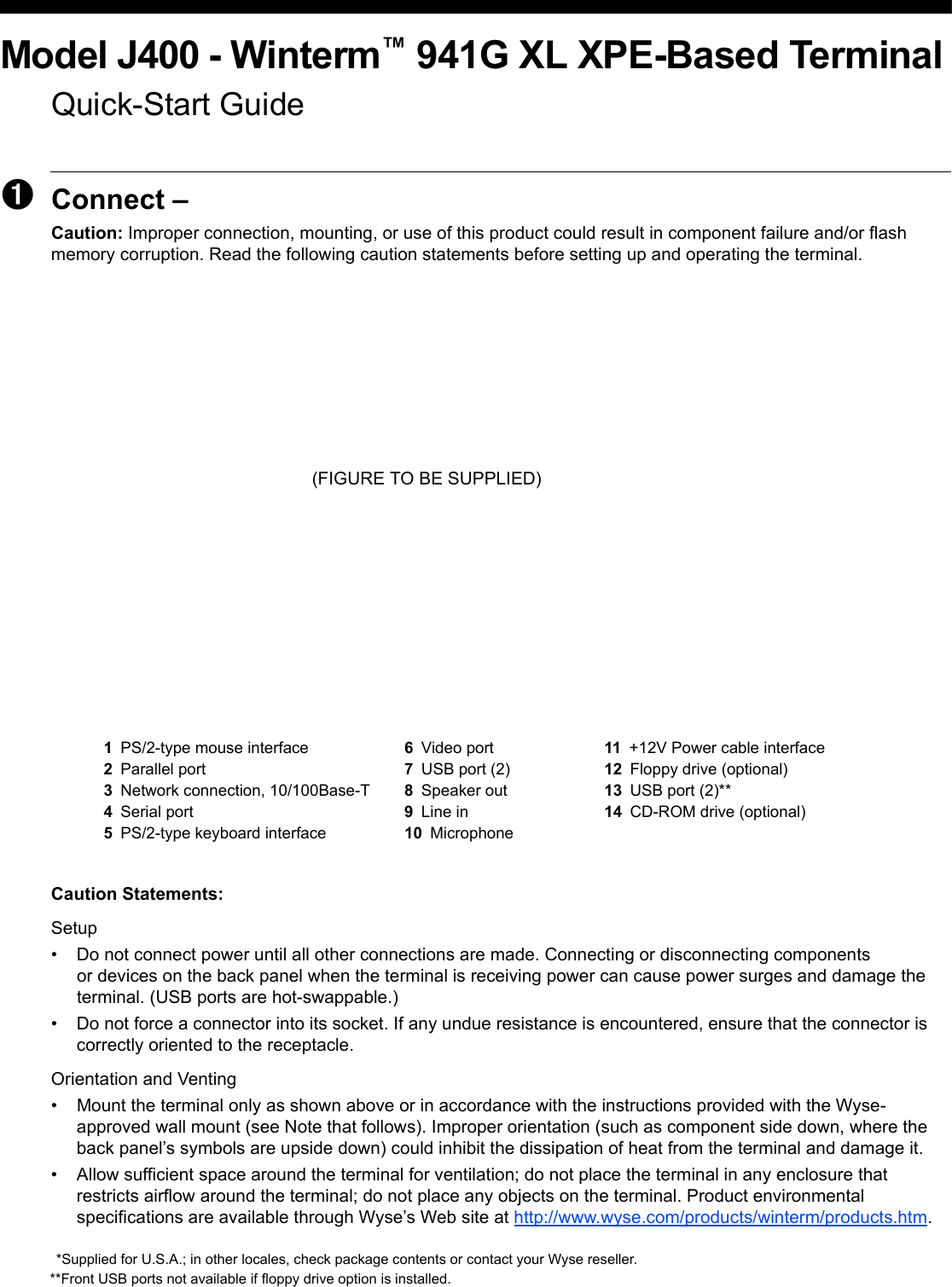
Model J400 - Winterm™ 941G XL XPE-Based TerminalQuick-Start Guide➊Connect – Caution: Improper connection, mounting, or use of this product could result in component failure and/or flash memory corruption. Read the following caution statements before setting up and operating the terminal. (FIGURE TO BE SUPPLIED)Caution Statements:Setup• Do not connect power until all other connections are made. Connecting or disconnecting components or devices on the back panel when the terminal is receiving power can cause power surges and damage the terminal. (USB ports are hot-swappable.)• Do not force a connector into its socket. If any undue resistance is encountered, ensure that the connector is correctly oriented to the receptacle.Orientation and Venting• Mount the terminal only as shown above or in accordance with the instructions provided with the Wyse- approved wall mount (see Note that follows). Improper orientation (such as component side down, where the back panel’s symbols are upside down) could inhibit the dissipation of heat from the terminal and damage it.• Allow sufficient space around the terminal for ventilation; do not place the terminal in any enclosure that restricts airflow around the terminal; do not place any objects on the terminal. Product environmental specifications are available through Wyse’s Web site at http://www.wyse.com/products/winterm/products.htm.1PS/2-type mouse interface 6Video port 11 +12V Power cable interface2Parallel port 7USB port (2) 12 Floppy drive (optional)3Network connection, 10/100Base-T 8Speaker out 13 USB port (2)**4Serial port 9Line in 14 CD-ROM drive (optional)5PS/2-type keyboard interface 10 Microphone*Supplied for U.S.A.; in other locales, check package contents or contact your Wyse reseller.**Front USB ports not available if floppy drive option is installed.
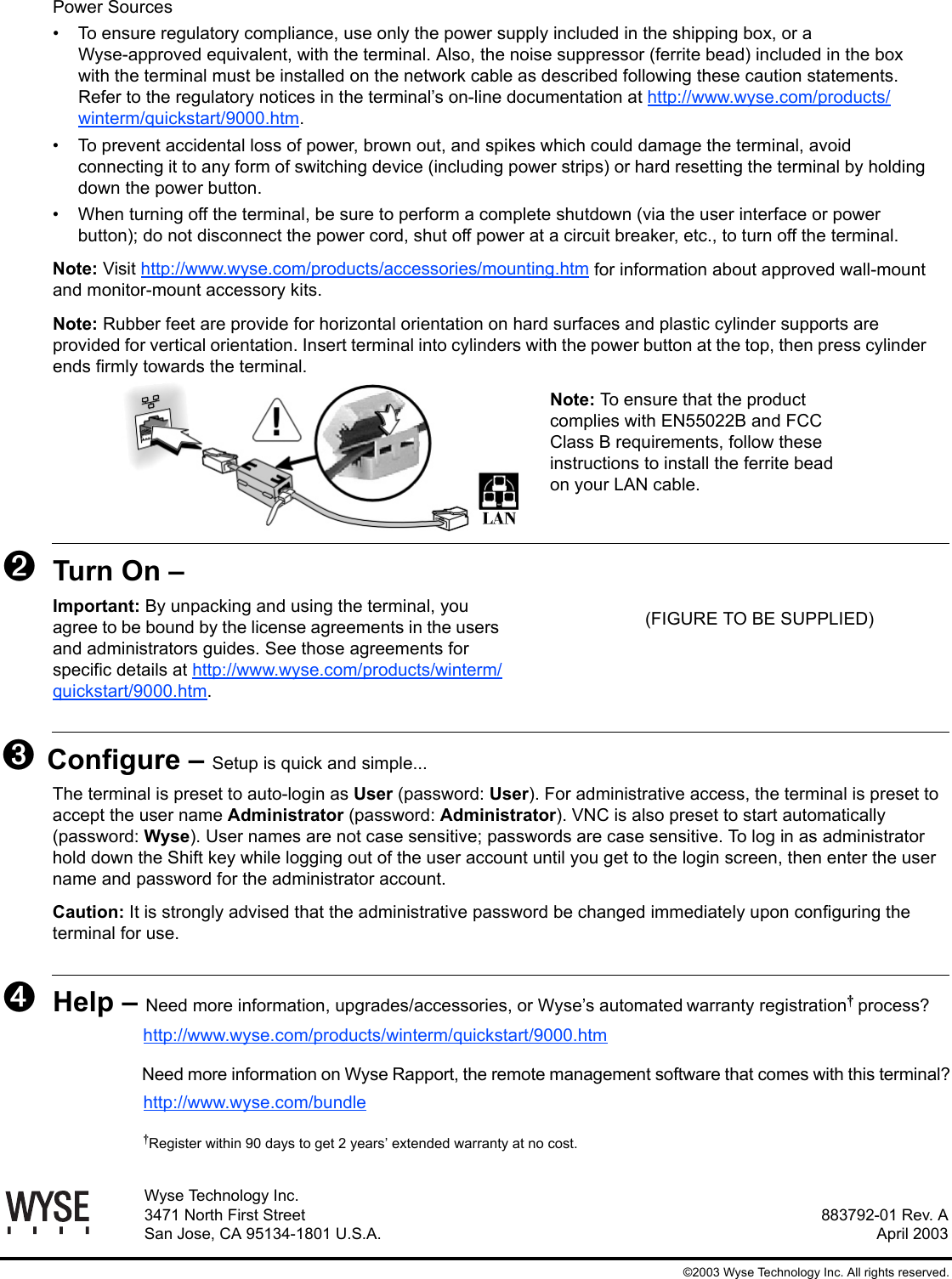
883792-01 Rev. AApril 2003Wyse Technology Inc.3471 North First StreetSan Jose, CA 95134-1801 U.S.A.©2003 Wyse Technology Inc. All rights reserved.Power Sources• To ensure regulatory compliance, use only the power supply included in the shipping box, or a Wyse-approved equivalent, with the terminal. Also, the noise suppressor (ferrite bead) included in the box with the terminal must be installed on the network cable as described following these caution statements. Refer to the regulatory notices in the terminal’s on-line documentation at http://www.wyse.com/products/winterm/quickstart/9000.htm.• To prevent accidental loss of power, brown out, and spikes which could damage the terminal, avoid connecting it to any form of switching device (including power strips) or hard resetting the terminal by holding down the power button.• When turning off the terminal, be sure to perform a complete shutdown (via the user interface or power button); do not disconnect the power cord, shut off power at a circuit breaker, etc., to turn off the terminal.Note: Visit http://www.wyse.com/products/accessories/mounting.htm for information about approved wall-mount and monitor-mount accessory kits.Note: Rubber feet are provide for horizontal orientation on hard surfaces and plastic cylinder supports are provided for vertical orientation. Insert terminal into cylinders with the power button at the top, then press cylinder ends firmly towards the terminal.Note: To ensure that the product complies with EN55022B and FCC Class B requirements, follow these instructions to install the ferrite bead on your LAN cable.➋Turn On – Important: By unpacking and using the terminal, youagree to be bound by the license agreements in the users and administrators guides. See those agreements for specific details at http://www.wyse.com/products/winterm/quickstart/9000.htm.➌ Configure – Setup is quick and simple...The terminal is preset to auto-login as User (password: User). For administrative access, the terminal is preset to accept the user name Administrator (password: Administrator). VNC is also preset to start automatically (password: Wyse). User names are not case sensitive; passwords are case sensitive. To log in as administrator hold down the Shift key while logging out of the user account until you get to the login screen, then enter the user name and password for the administrator account.Caution: It is strongly advised that the administrative password be changed immediately upon configuring the terminal for use. ➍Help – Need more information, upgrades/accessories, or Wyse’s automatedwarranty registration process?http://www.wyse.com/products/winterm/quickstart/9000.htmNeed more information on Wyse Rapport, the remote management software that comes with this terminal?http://www.wyse.com/bundleRegister within 90 days to get 2 years’ extended warranty at no cost.(FIGURE TO BE SUPPLIED)
xiiiFCC StatementThis equipment has been tested and found to comply with the limits for either Class A or Class B digital devices (refer to "Terminal Requirements Compliance"), pursuant to Part 15 of the FCC Rules. These limits are designed to provide reasonable protection against harmful interference in a residential installation. This equipment generates, uses, and can radiate radio frequency energy and, if not installed and used in accordance with the instructions, may cause harmful interference to radio communications. However, there is no guarantee that interference will not occur in a particular installation. If this equipment does cause harmful interference to radio or television reception, which can be determined by turning the equipment off and on, the user is encouraged to try to correct the interference by one or more of the following measures:• Reorient or relocate the receiving antenna.• Increase the separation between the equipment and the receiver.• Connect the equipment into an outlet on a circuit different from that to which the receiver is connected.• Consult the dealer or an experienced radio/TV technician for help.CautionChanges or modifications not covered in this manual must be approved in writing by the manufacturer’s Regulatory Engineering department. Changes or modifications made without written approval may void the user’s authority to operate the equipment.Terminal Requirements ComplianceFCC ComplianceThe Models 9235LE, 9440XL, and 9450XE terminals meet Class B requirements.IEC/EN ComplianceThe Model 9235LE, 9440XL, and 9450XE terminals meet Class B requirements.Canadian DOC NoticesRefer to the previous section, "Terminal Requirements Compliance," to find out to which terminal model each of the statements below refers. Class AThis digital apparatus does not exceed the Class A limits for radio noise emissions from digital apparatus set out in the Radio Interference Regulations of the Canadian Department of Communications.Le présent appareil numérique n’émet pas de bruits radioélectriques dépassant les limites applicables aux appareils numériques de la classe A prescrites dans le Réglement sur le brouillage radioélectrique édicté par le Ministère des Communications du Canada.
xivClass BThis digital apparatus does not exceed the Class B limits for radio noise emissions from digital apparatus set out in the Radio Interference Regulations of the Canadian Department of Communications.Le présent appareil numérique n’émet pas de bruits radioélectriques dépassant les limites applicables aux appareils numériques de la classe B prescrites dans le Réglement sur le brouillage radioélectrique édicté par le Ministère des Communications du Canada.IEC/EN NoticeThese products conform to the requirements of IEC950 and EN60950.These products conform to requirements of EN55022 for Class A equipment or EN55022 for Class B equipment (refer to "Terminal Requirements Compliance").CautionFor use with supplied power adaptor. Replace only with the same or equivalent type as recommended by the manufacturer.Model 9235LE TerminalsFor use with External Power Supply DVE Model DSA-0301-05 or certified equivalent model supplied by the manufacturer.Model 9440XL TerminalsFor use with External Power Supply Flytech/CARRY-I Model FT-8006A or certified equivalent model supplied by the manufacturer.Model 9450XE TerminalFor use with External Power Supply Li Shin Model LSE9802A1255 or certified equivalent model supplied by the manufacturer.Battery InformationThe 9450XE terminal contains a replaceable battery.WarningThere is a risk of explosion if the battery is replaced by an incorrect type. Always dispose of used batteries according to the instructions accompanying the battery.Noise SuppressorA noise suppressor (ferrite bead) must be installed on the network cable of your terminal. This installation is necessary to maintain compliance with U.S. FCC B limits and European CISPR B EN55022 Class B limits. The noise suppressor is supplied by the manufacturer and is packed in your terminal’s shipping carton.
xvCable NoticeThe use of shielded I/O cables is required when connecting this equipment to any and all optional peripheral or host devices. Failure to do so may cause interference and violate FCC and international regulations for electromagnetic interference.

Navigation menu