ZMODO Technology CJCFT Door Sensor User Manual
ZMODO Technology Shenzhen Corp. Ltd. Door Sensor
User Manual
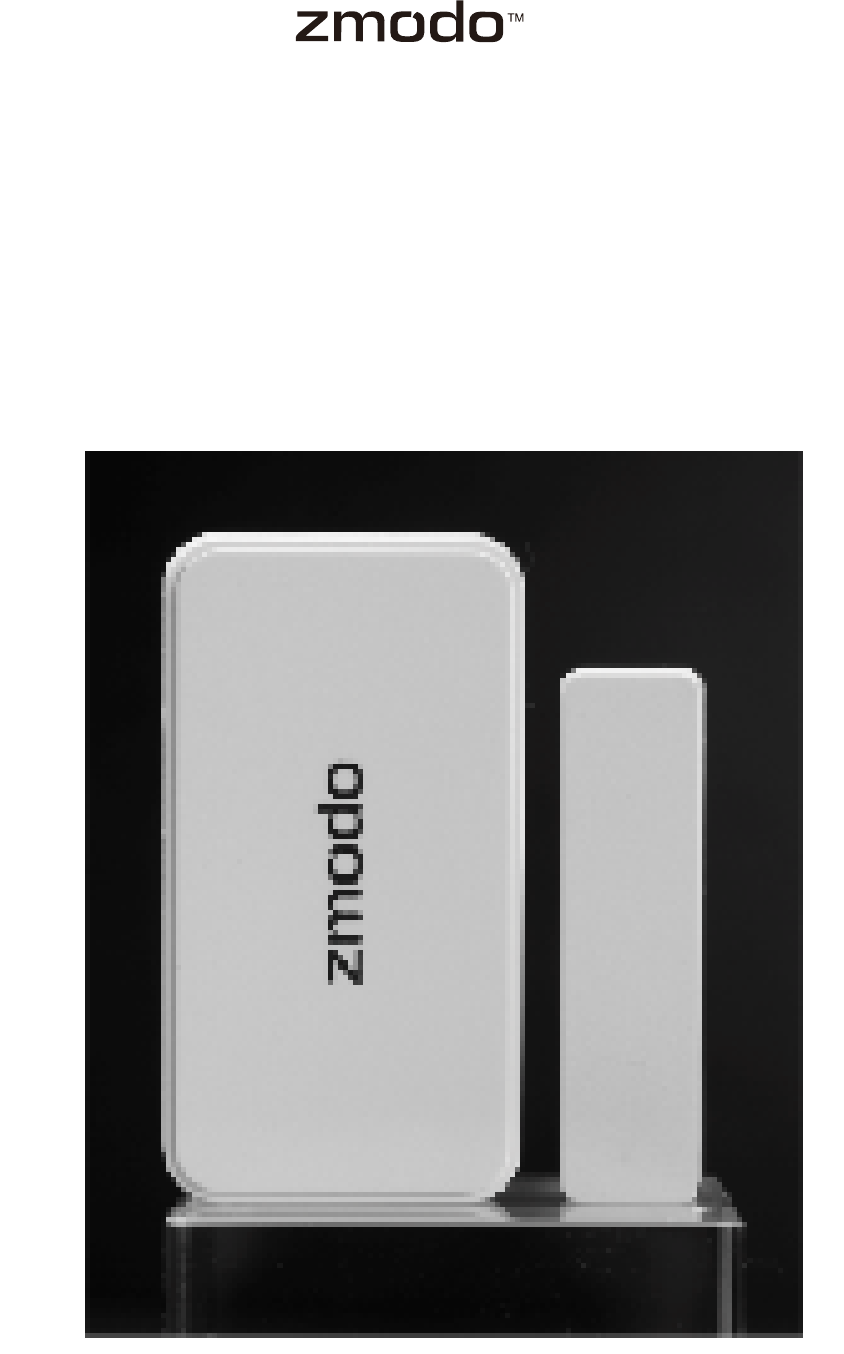
Door / Window Sensors
Quick Start Guide
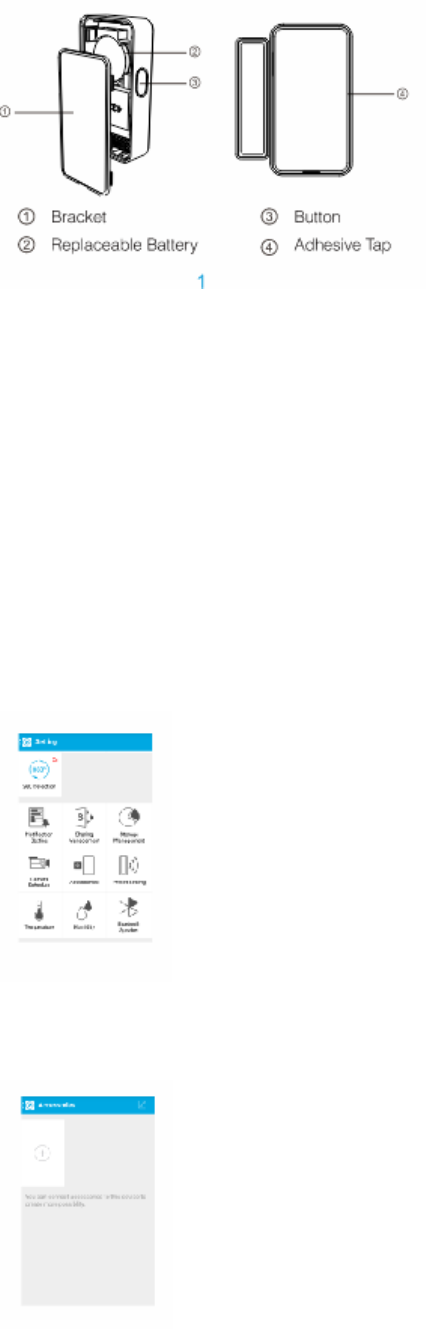
1 Getting to know your Sensors
2 Mobile Setup
This quick start guide will help you configure your door / window sensors. Take Pivot as an
example, the sensors is configured in the Pivot settings menu.
1 After your Pivot is successfully configured, tap the “Setting” menu on the right upper corner of
the interface.
2 Select the “Accessories” menu in the middle of the screen, and tap it.
3 Press the Add Device option (+) to add the sensors.
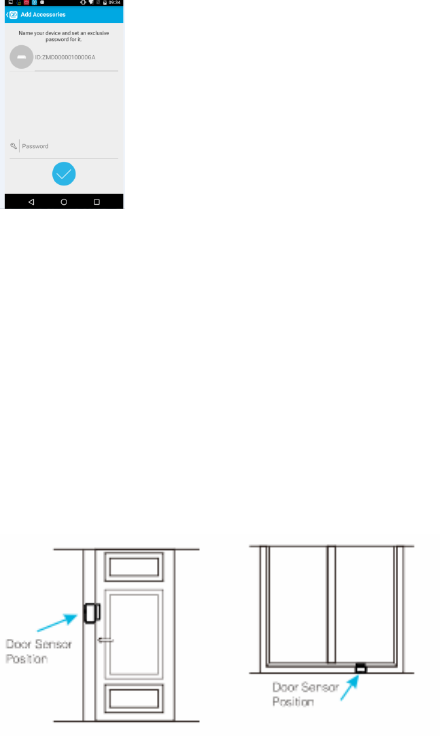
4 Press the button of the larger sensor on one side.
5 Name your Sensors and set a password for it if you need. Tap √ to complete the setup.
3 Installing your Sensors
1 Remove the plastic tab on the bracket.
2 Install the larger sensor on the door or window frame, and the smaller sensor on the moveable
part of the door or window. When closed, the maximum distance between the two sensors
should be 2cm.
Note: When a door or window is opened and the distance between the sensors is beyond 2cm,
Pivot can automatically turn to see what happened, and send an alert message to your
smartphone.
4 Support
Having difficulty?
For more instructions, troubleshooting, support, and other resources, please visit:
www.zmodo.com/support
5 Connect with us!
Like us on Facebook.com/Zmodo
Scan the QR-code below
Follow us on Twitter @Zmodo
Scan the QR-code below
6 Import Information
This equipment has been tested and found to comply with the limits for a Class B digital device, p
ursuant to Part 15 of the FCC Rules. These limits are designed to provide reasonable protection a
gainst harmful interference in a residential installation. This equipment generates, uses and can r
adiate radio frequency energy and, if not installed and used in accordance with the instructions,
may cause harmful interference to radio communications. However, there is no guarantee that in
terference will not occur in a particular installation.
If this equipment does cause harmful interference to radio or television reception, which can be d
etermined by turning the equipment off and on, the user is encouraged to try to correct the inter
ference by one or more of the following measures:
-- Reorient or relocate the receiving antenna.
-- Increase the separation between the equipment and receiver.
-- Connect the equipment into an outlet on a circuit different from that to which the receiver is co
nnected.
-- Consult the dealer or an experienced radio/TV technician for help.
changes or modifications not expressly approved by the party responsible for compliance could
void the user’s authority to operate the equipment.
This equipment has been tested and found to comply with the limits for a Class B digital device,
pursuant to Part 15 of the FCC Rules. These limits are designed to provide reasonable protection
against harmful interference in a residential installation. This equipment generates, uses and can
radiate radio frequency energy and, if not installed and used in accordance with the instructions,
may cause harmful interference to radio communications. However, there is no guarantee that
interference will not occur in a particular installation.
If this equipment does cause harmful interference to radio or television reception, which can be
determined by turning the equipment off and on, the user is encouraged to try to correct the
interference by one or more of the following measures:
-- Reorient or relocate the receiving antenna.
-- Increase the separation between the equipment and receiver.
-- Connect the equipment into an outlet on a circuit different from that to which the receiver is
connected.
-- Consult the dealer or an experienced radio/TV technician for help.