Kit Check AC001 RFID Syringe Inventory System User Manual ACheck Hardware Guide

Kit Check, Inc. RFID Syringe Inventory System ACheck Hardware Guide

Users Manual

HardwareGuideForearlycustomersRevised07/02/2015
ContentsHardwareSummaryforEarlySites.........................................................................................................................................3 ITConfiguration......................................................................................................................................................................4 GeneralInformationandSetup..............................................................................................................................................4 ACheckUnit.........................................................................................................................................................................5 Calibration.......................................................................................................................................................................5 GeneralSettings..............................................................................................................................................................5 PrinterSettings/Calibrationoflabels..............................................................................................................................5 Audiosettings.................................................................................................................................................................6 Scannersettings..............................................................................................................................................................6 Diagnosticinfo................................................................................................................................................................7 StatusLights....................................................................................................................................................................7 Cart..................................................................................................................................................................................8 MobileReader.....................................................................................................................................................................8 Bluetoothsettings...........................................................................................................................................................8 Attemptingtopairfirsttime...........................................................................................................................................8 Attemptingtopairaftersuccessfulpair.........................................................................................................................8 Attemptingtopairalreadypaireddevicetonewunit...................................................................................................8 BasicMaintenance..................................................................................................................................................................9 OutofLabels...................................................................................................................................................................9 OutofInk........................................................................................................................................................................9 TroubleshootingIssues.........................................................................................................................................................10 LabelJam.......................................................................................................................................................................10 Labelnotfeedingduringfirstfeed................................................................................................................................10 Cartridgenotmoving....................................................................................................................................................10 Errorprintingw/tryagainoption.................................................................................................................................10 Non‐responsivescreenbutscanning............................................................................................................................10 Bezelnotscanning........................................................................................................................................................10 Bluetoothpairing..........................................................................................................................................................10 
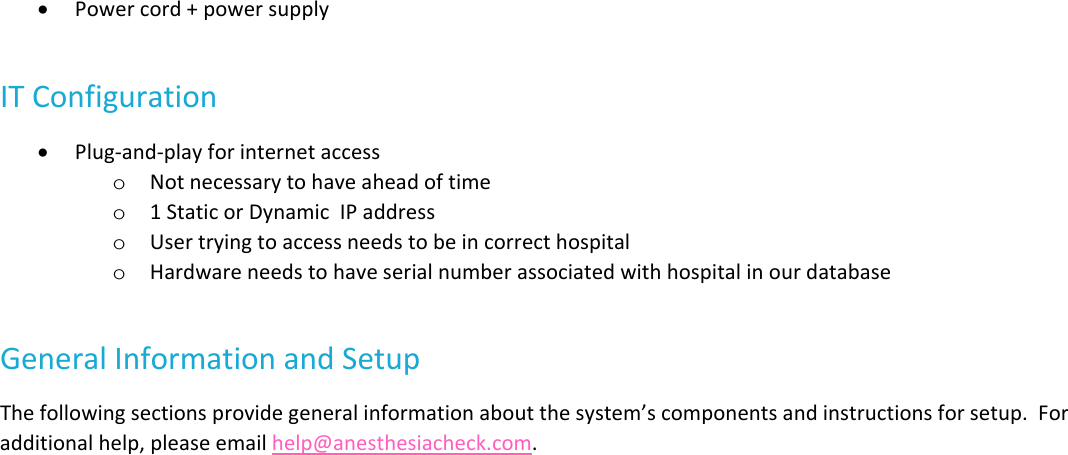
HardwareSummaryforEarlySitesACheckUnitComponents Printer Touchscreen RFIDantennas LabelspoolACheckUnitPorts USBexpansionconnectoronrightsidebehindscreen ExternalUSBnearpowerswitch DCpowerinput EthernetportMobileRFIDReader AjantechSA‐100SupportingElements MountingbracketforACheckunit MountingsolutionforRFIDreader SurgicalApprovedSurgeProtector EthernetCord
 Powercord+powersupplyITConfiguration Plug‐and‐playforinternetaccesso Notnecessarytohaveaheadoftimeo 1StaticorDynamicIPaddresso Usertryingtoaccessneedstobeincorrecthospitalo HardwareneedstohaveserialnumberassociatedwithhospitalinourdatabaseGeneralInformationandSetupThefollowingsectionsprovidegeneralinformationaboutthesystem’scomponentsandinstructionsforsetup.Foradditionalhelp,pleaseemailhelp@anesthesiacheck.com.
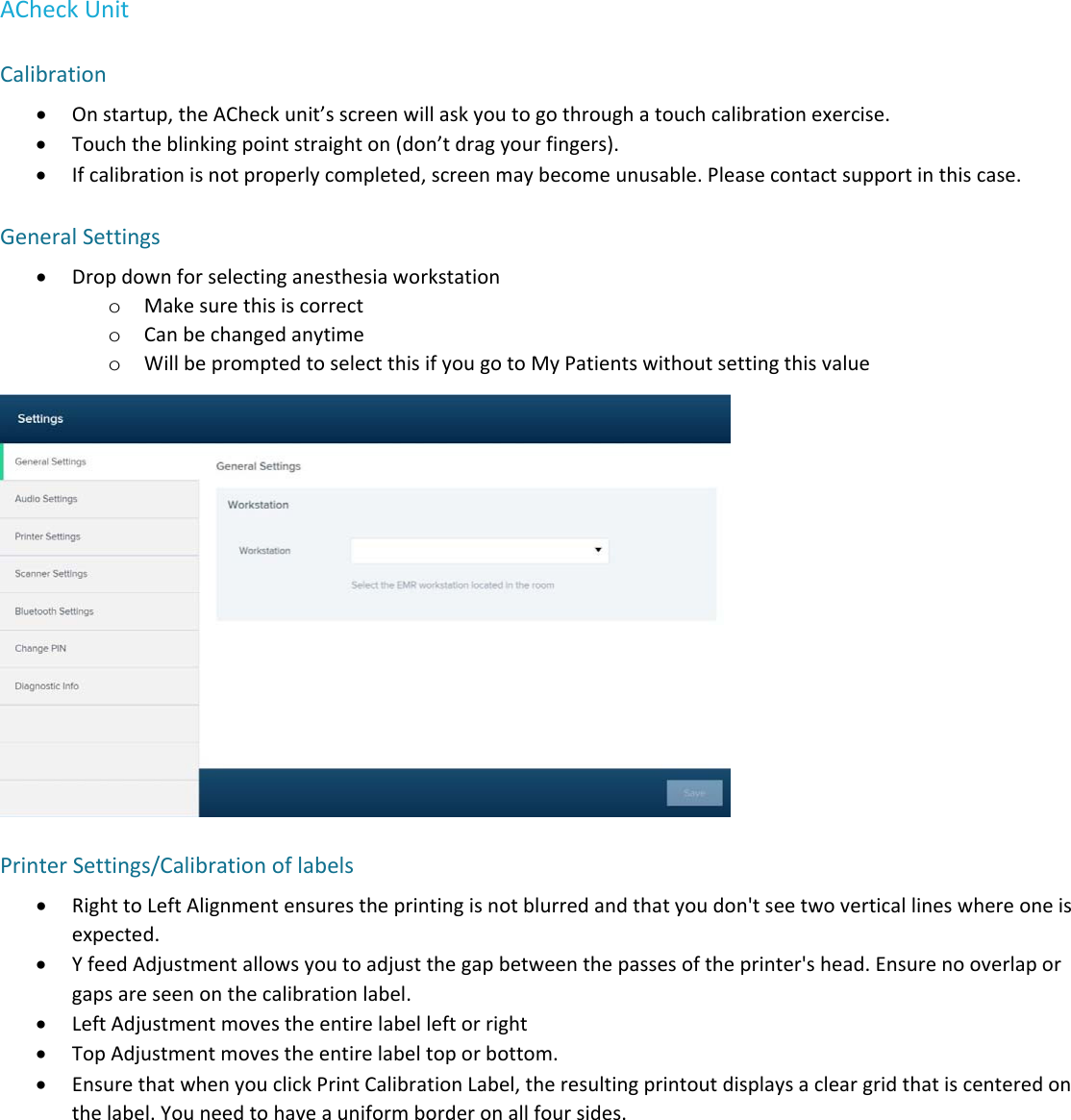
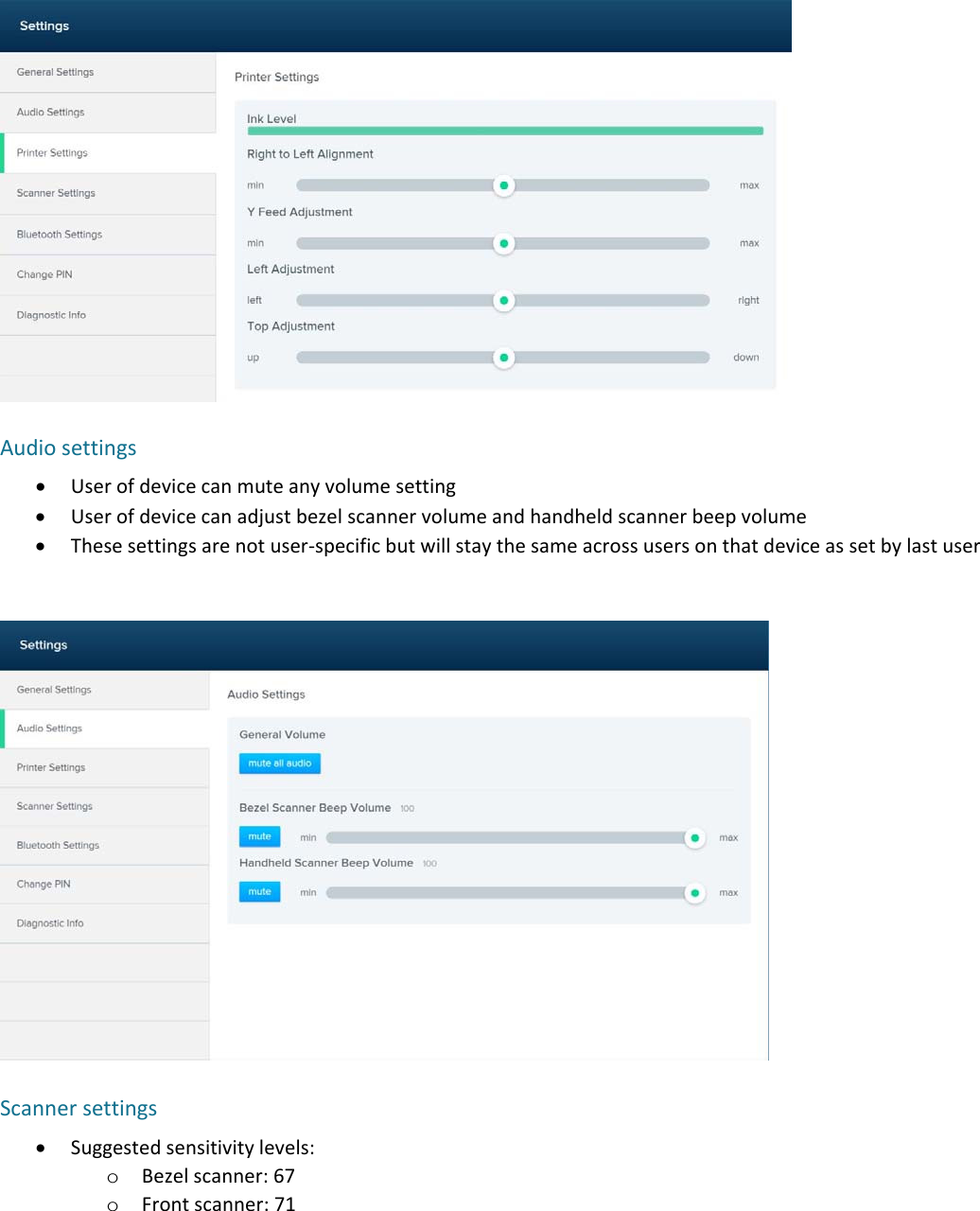
ACheckUnitCalibration Onstartup,theACheckunit’sscreenwillaskyoutogothroughatouchcalibrationexercise. Touchtheblinkingpointstraighton(don’tdragyourfingers). Ifcalibrationisnotproperlycompleted,screenmaybecomeunusable.Pleasecontactsupportinthiscase.GeneralSettings Dropdownforselectinganesthesiaworkstationo Makesurethisiscorrecto Canbechangedanytimeo WillbepromptedtoselectthisifyougotoMyPatientswithoutsettingthisvaluePrinterSettings/Calibrationoflabels RighttoLeftAlignmentensurestheprintingisnotblurredandthatyoudon'tseetwoverticallineswhereoneisexpected. YfeedAdjustmentallowsyoutoadjustthegapbetweenthepassesoftheprinter'shead.Ensurenooverlaporgapsareseenonthecalibrationlabel. LeftAdjustmentmovestheentirelabelleftorright TopAdjustmentmovestheentirelabeltoporbottom. EnsurethatwhenyouclickPrintCalibrationLabel,theresultingprintoutdisplaysacleargridthatiscenteredonthelabel.Youneedtohaveauniformborderonallfoursides.
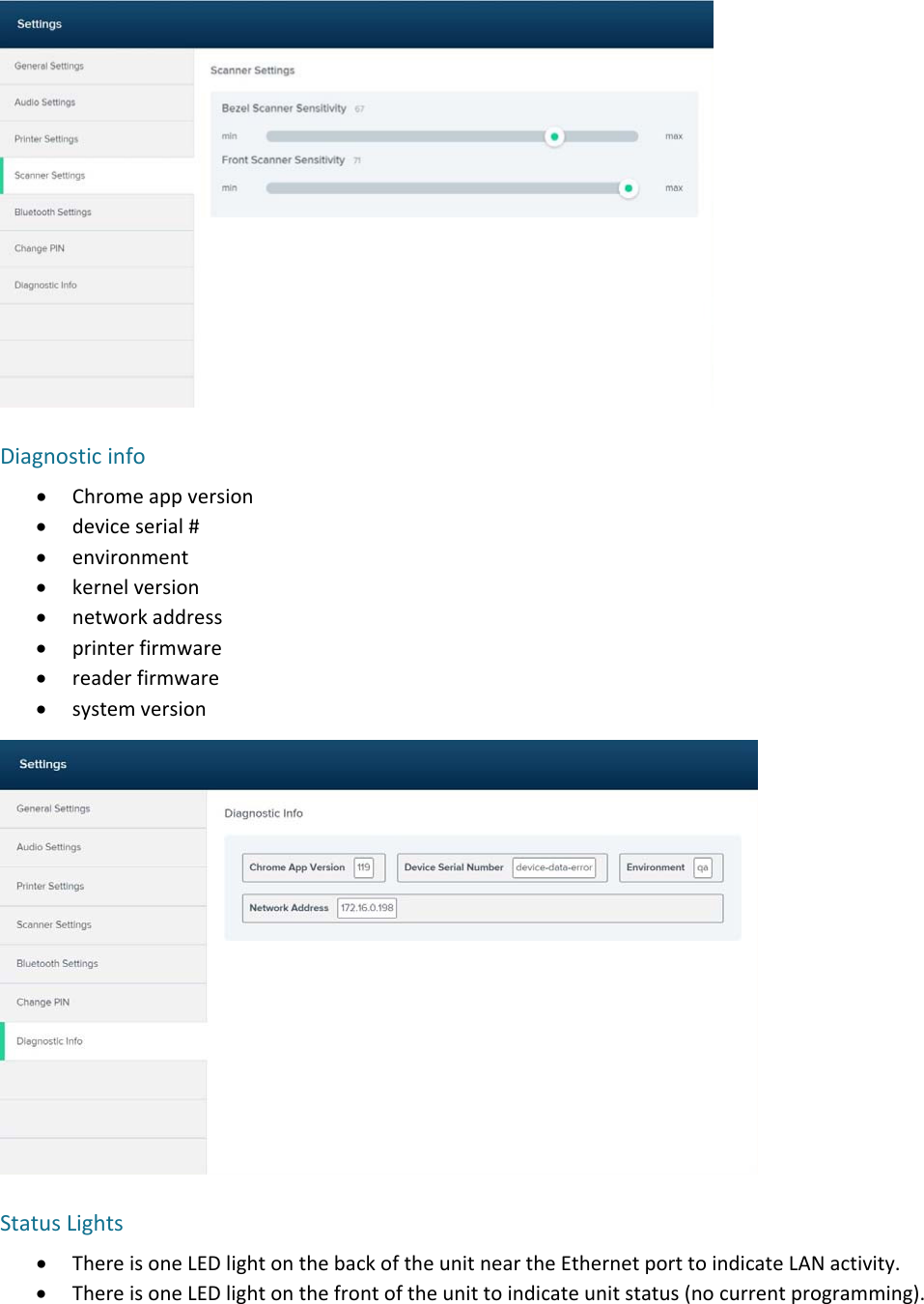
 Audiosettings Userofdevicecanmuteanyvolumesetting Userofdevicecanadjustbezelscannervolumeandhandheldscannerbeepvolume Thesesettingsarenotuser‐specificbutwillstaythesameacrossusersonthatdeviceassetbylastuserScannersettings Suggestedsensitivitylevels:o Bezelscanner:67o Frontscanner:71
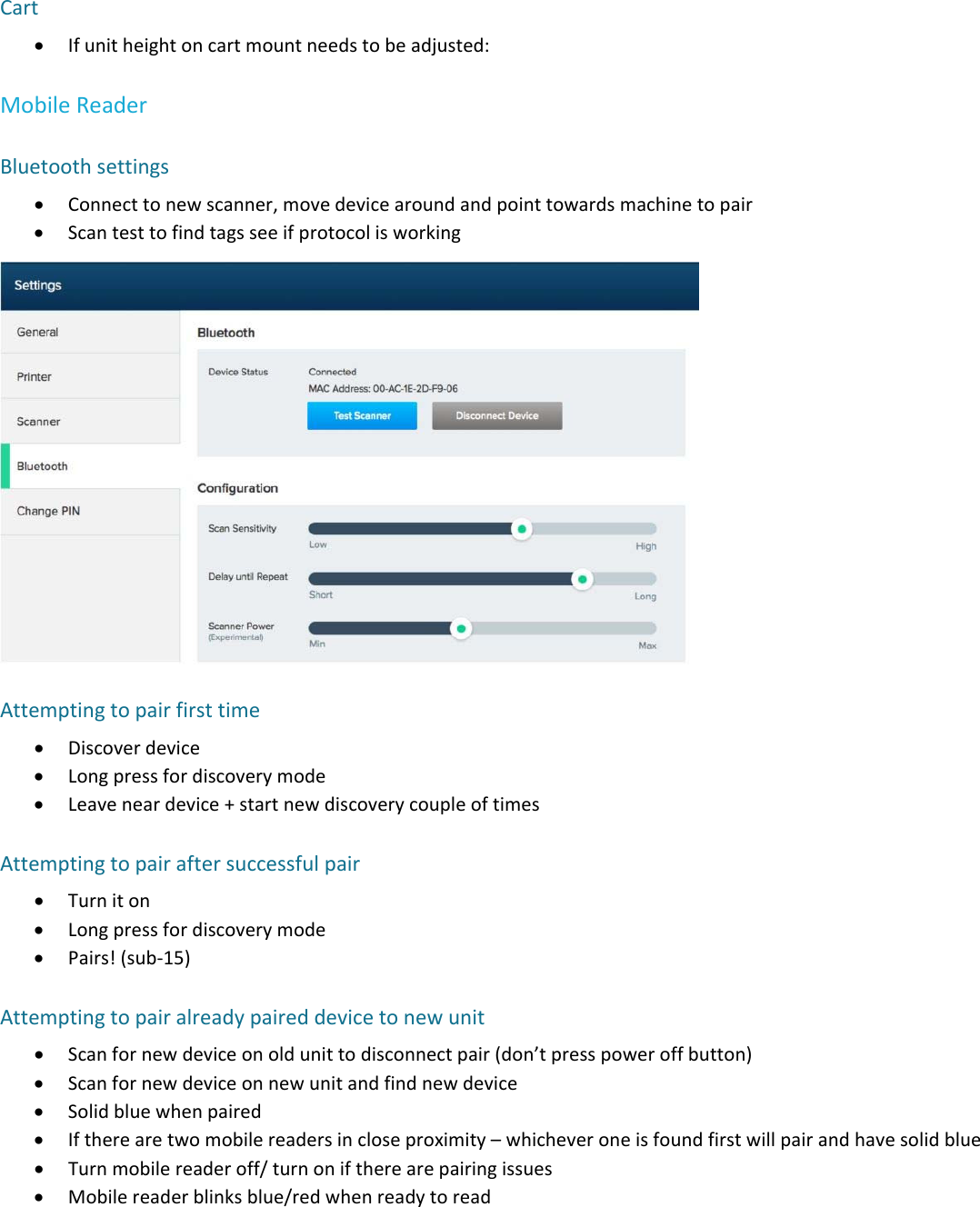
Diagnosticinfo Chromeappversion deviceserial# environment kernelversion networkaddress printerfirmware readerfirmware systemversionStatusLights ThereisoneLEDlightonthebackoftheunitneartheEthernetporttoindicateLANactivity. ThereisoneLEDlightonthefrontoftheunittoindicateunitstatus(nocurrentprogramming).
Cart Ifunitheightoncartmountneedstobeadjusted:MobileReaderBluetoothsettings Connecttonewscanner,movedevicearoundandpointtowardsmachinetopair ScantesttofindtagsseeifprotocolisworkingAttemptingtopairfirsttime Discoverdevice Longpressfordiscoverymode Leaveneardevice+startnewdiscoverycoupleoftimesAttemptingtopairaftersuccessfulpair Turniton Longpressfordiscoverymode Pairs!(sub‐15)Attemptingtopairalreadypaireddevicetonewunit Scanfornewdeviceonoldunittodisconnectpair(don’tpresspoweroffbutton) Scanfornewdeviceonnewunitandfindnewdevice Solidbluewhenpaired Iftherearetwomobilereadersincloseproximity–whicheveroneisfoundfirstwillpairandhavesolidblue Turnmobilereaderoff/turnoniftherearepairingissues Mobilereaderblinksblue/redwhenreadytoread
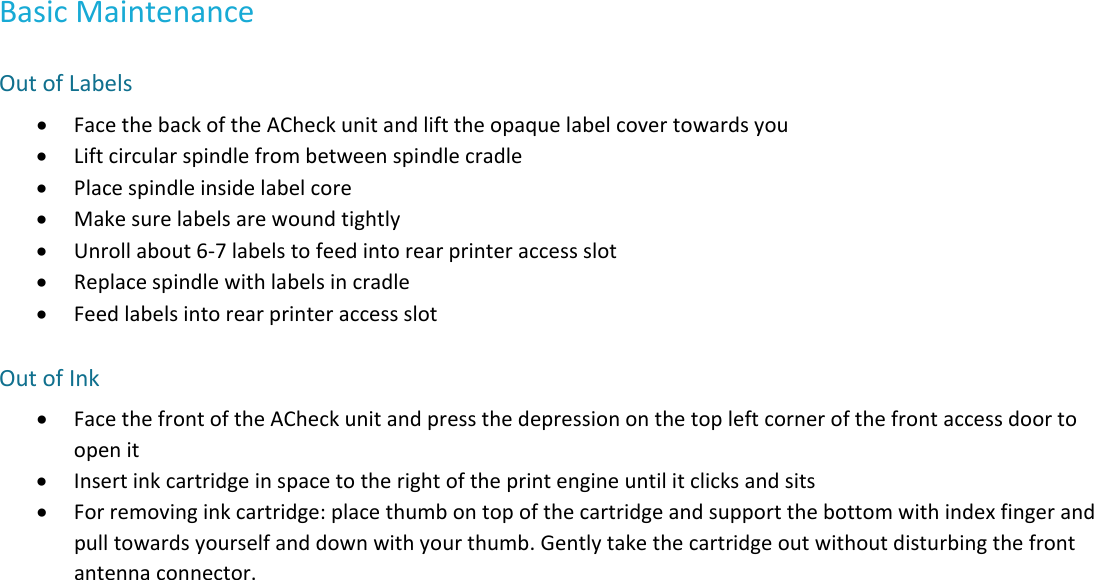
BasicMaintenanceOutofLabels FacethebackoftheACheckunitandlifttheopaquelabelcovertowardsyou Liftcircularspindlefrombetweenspindlecradle Placespindleinsidelabelcore Makesurelabelsarewoundtightly Unrollabout6‐7labelstofeedintorearprinteraccessslot Replacespindlewithlabelsincradle FeedlabelsintorearprinteraccessslotOutofInk FacethefrontoftheACheckunitandpressthedepressiononthetopleftcornerofthefrontaccessdoortoopenit Insertinkcartridgeinspacetotherightoftheprintengineuntilitclicksandsits Forremovinginkcartridge:placethumbontopofthecartridgeandsupportthebottomwithindexfingerandpulltowardsyourselfanddownwithyourthumb.Gentlytakethecartridgeoutwithoutdisturbingthefrontantennaconnector.
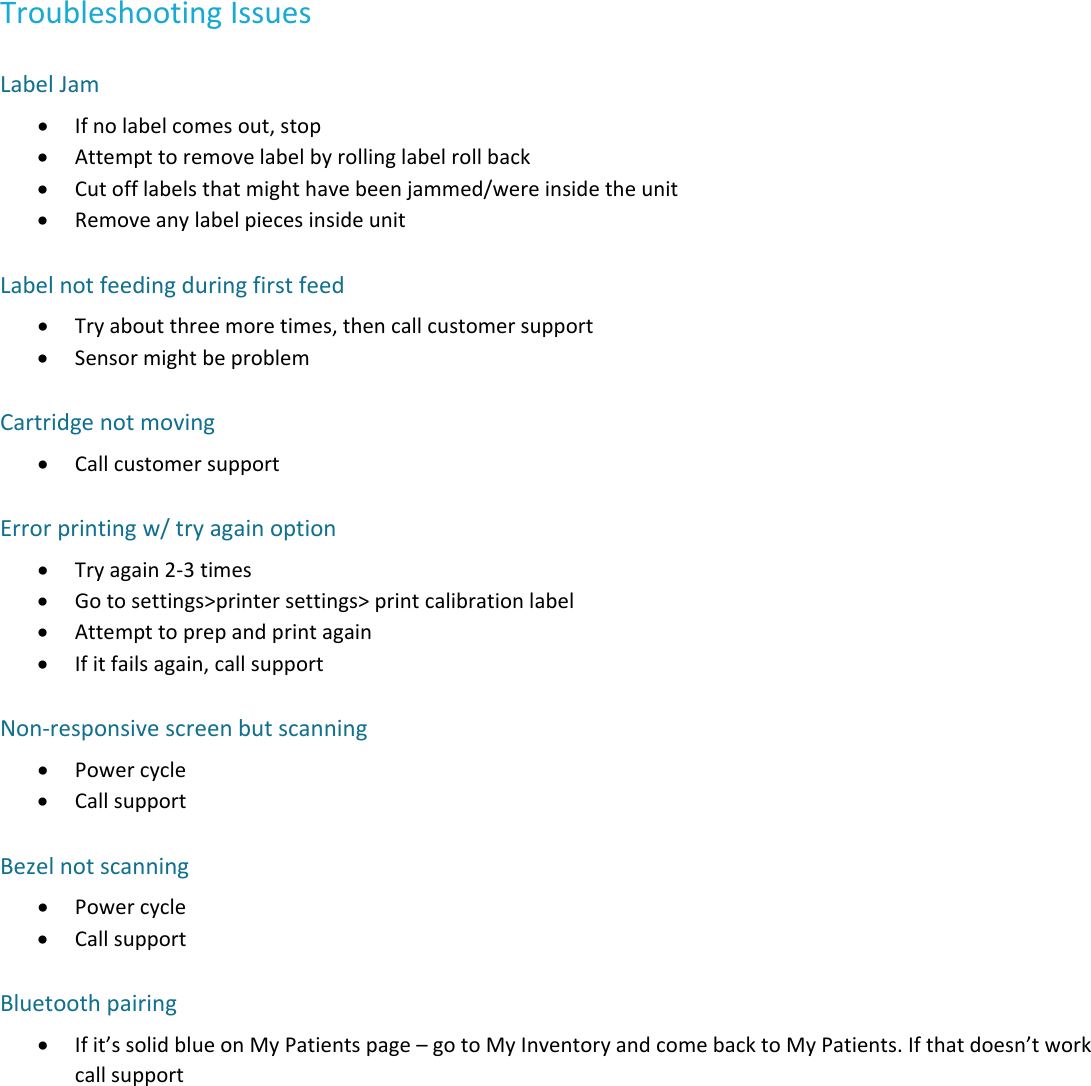
TroubleshootingIssuesLabelJam Ifnolabelcomesout,stop Attempttoremovelabelbyrollinglabelrollback Cutofflabelsthatmighthavebeenjammed/wereinsidetheunit RemoveanylabelpiecesinsideunitLabelnotfeedingduringfirstfeed Tryaboutthreemoretimes,thencallcustomersupport SensormightbeproblemCartridgenotmoving CallcustomersupportErrorprintingw/tryagainoption Tryagain2‐3times Gotosettings>printersettings>printcalibrationlabel Attempttoprepandprintagain Ifitfailsagain,callsupportNon‐responsivescreenbutscanning Powercycle CallsupportBezelnotscanning Powercycle CallsupportBluetoothpairing Ifit’ssolidblueonMyPatientspage–gotoMyInventoryandcomebacktoMyPatients.Ifthatdoesn’tworkcallsupport

Navigation menu