Raycan Technology RADWALL Area radiation monitor User Manual RadWall H User Guide FCC

Raycan Technology Co.,Ltd.(Su Zhou) Area radiation monitor RadWall H User Guide FCC

User Manual

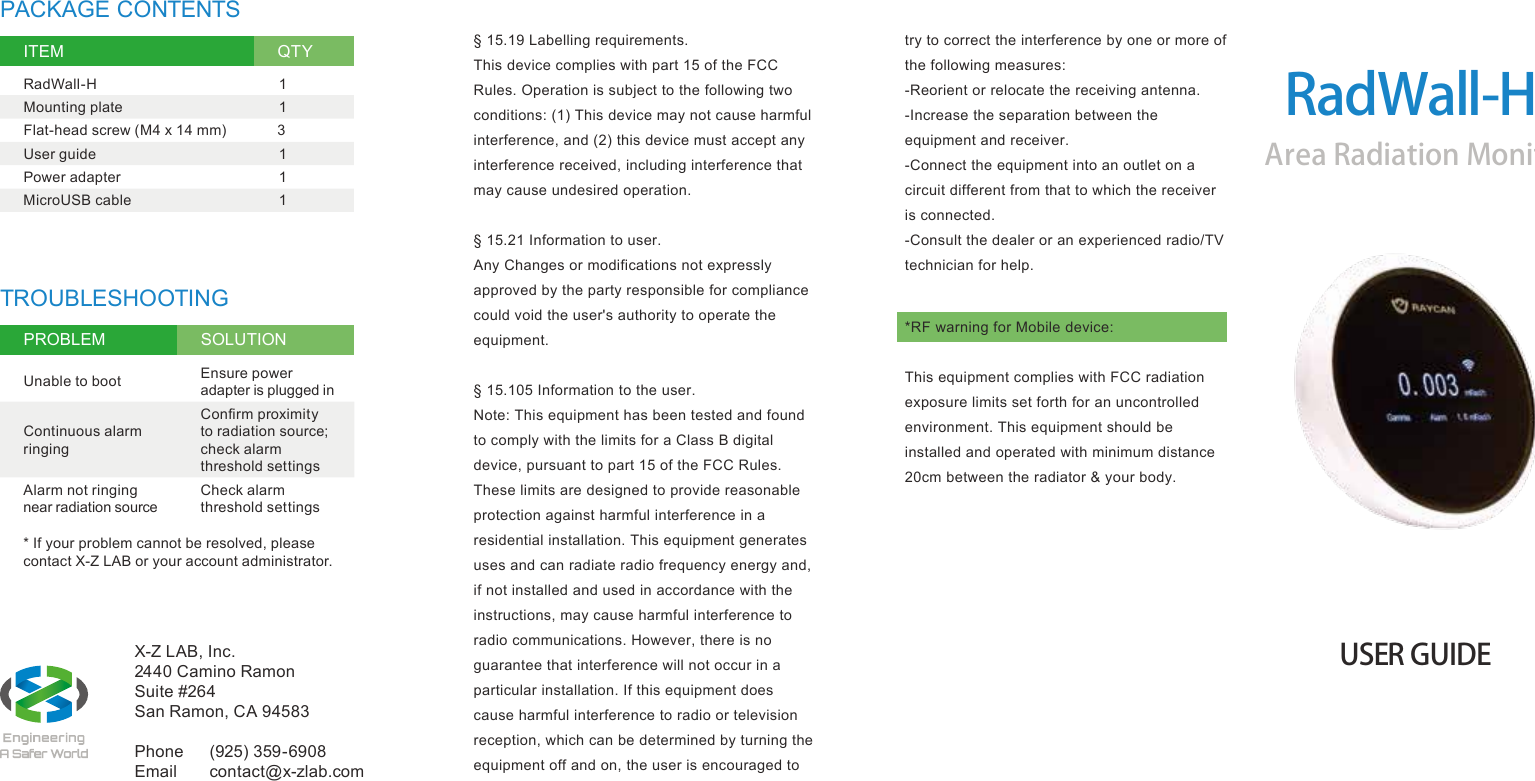
X-Z LAB, Inc. 2440 Camino Ramon Suite #264 San Ramon, CA 94583Phone  (925) 359-6908 Email  contact@x-zlab.comRadWall-HArea Radiation MonitorUSER GUIDETROUBLESHOOTINGPROBLEM SOLUTIONUnable to boot Ensure power adapter is plugged inContinuous alarm ringingConfirm proximity to radiation source; check alarm threshold settingsAlarm not ringing near radiation sourceCheck alarm threshold settings* If your problem cannot be resolved, please contact X-Z LAB or your account administrator.PACKAGE CONTENTSITEM QTYRadWall-H 1Mounting plate 1Flat-head screw (M4 x 14 mm) 3User guide 1Power adapter 1MicroUSB cable 1§ 15.19 Labelling requirements.This device complies with part 15 of the FCC Rules. Operation is subject to the following two conditions: (1) This device may not cause harmful interference, and (2) this device must accept any interference received, including interference that may cause undesired operation.§ 15.21 Information to user.Any Changes or modifications not expressly approved by the party responsible for compliance could void the user's authority to operate the equipment.§ 15.105 Information to the user.Note: This equipment has been tested and found to comply with the limits for a Class B digital device, pursuant to part 15 of the FCC Rules. These limits are designed to provide reasonable protection against harmful interference in a residential installation. This equipment generates uses and can radiate radio frequency energy and, if not installed and used in accordance with the instructions, may cause harmful interference to radio communications. However, there is no guarantee that interference will not occur in a particular installation. If this equipment does cause harmful interference to radio or television reception, which can be determined by turning the equipment off and on, the user is encouraged to try to correct the interference by one or more of the following measures:-Reorient or relocate the receiving antenna.-Increase the separation between the equipment and receiver.-Connect the equipment into an outlet on a circuit different from that to which the receiver is connected.-Consult the dealer or an experienced radio/TV technician for help.*RF warning for Mobile device:This equipment complies with FCC radiation exposure limits set forth for an uncontrolled environment. This equipment should be installed and operated with minimum distance 20cm between the radiator & your body.
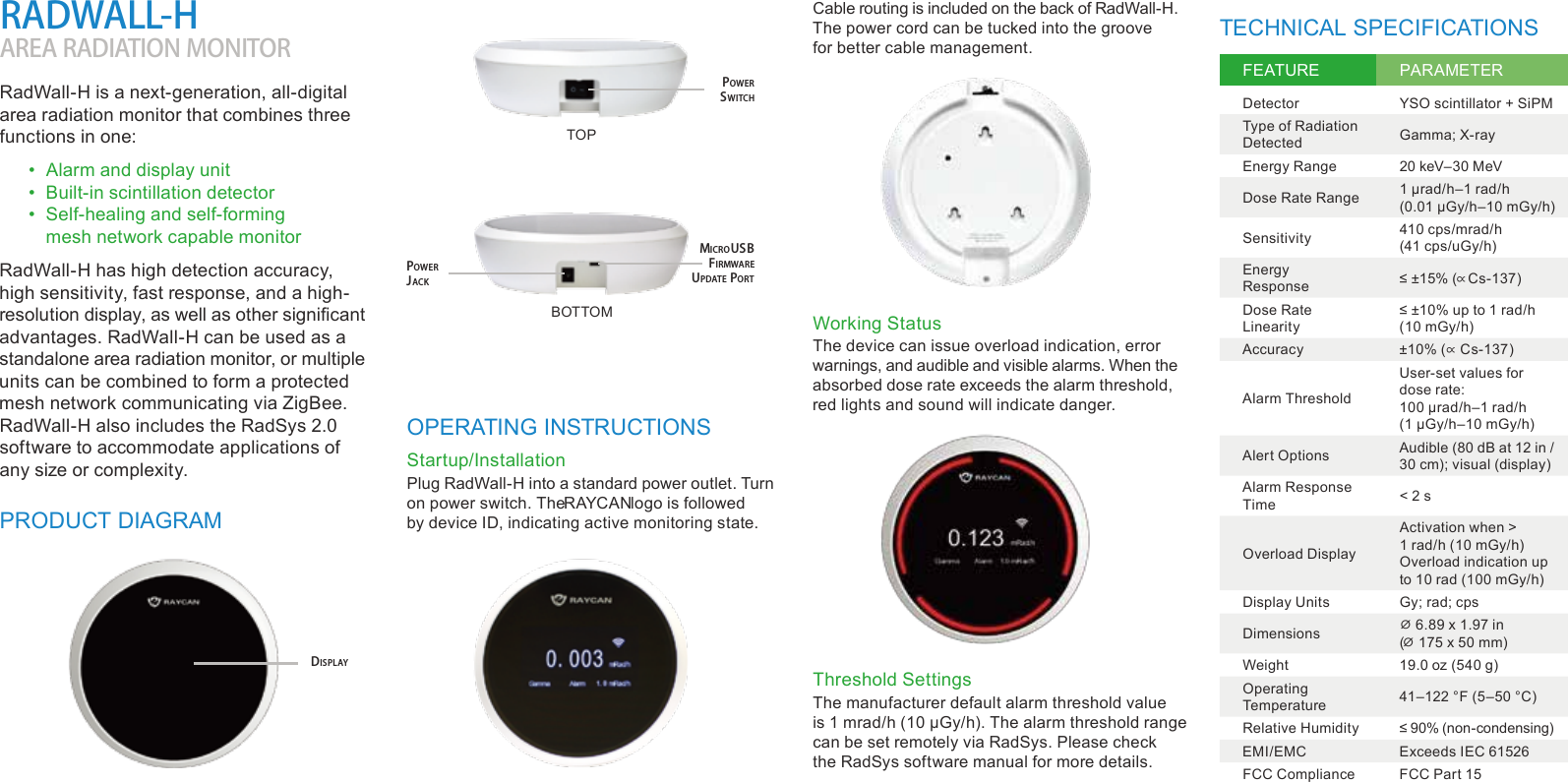
TECHNICAL SPECIFICATIONSFEATURE PARAMETERDetector YSO scintillator + SiPMType of Radiation Detected Gamma; X-rayEnergy Range 20 keV–30 MeVDose Rate Range1 µrad/h–1 rad/h (0.01 µGy/h–10 mGy/h)Sensitivity 410 cps/mrad/h (41 cps/uGy/h)Energy Response≤ ±15% (∝ Cs-137)Dose Rate Linearity≤ ±10% up to 1 rad/h (10 mGy/h)Accuracy ±10% (∝ Cs-137)Alarm ThresholdUser-set values for dose rate: 100 µrad/h–1 rad/h (1 µGy/h–10 mGy/h)Alert Options Audible (80 dB at 12 in / 30 cm); visual (display)Alarm Response Time < 2 sOverload DisplayActivation when > 1 rad/h (10 mGy/h)Overload indication up to 10 rad (100 mGy/h)Display Units Gy; rad; cpsDimensions ⌀ 6.89 x 1.97 in (⌀ 175 x 50 mm)Weight 19.0 oz (540 g)Operating Temperature 41–122 °F (5–50 °C)Relative Humidity ≤ 90% (non-condensing)EMI/EMC Exceeds IEC 61526FCC Compliance FCC Part 15RadWall-H is a next-generation, all-digital area radiation monitor that combines three functions in one:•  Alarm and display unit•  Built-in scintillation detector•  Self-healing and self-forming mesh network capable monitorRadWall-H has high detection accuracy, high sensitivity, fast response, and a high-resolution display, as well as other significant advantages. RadWall-H can be used as a standalone area radiation monitor, or multiple units can be combined to form a protected mesh network communicating via ZigBee. RadWall-H also includes the RadSys 2.0 software to accommodate applications of any size or complexity.RADWALL-HAREA RADIATION MONITORPRODUCT DIAGRAMOPERATING INSTRUCTIONSStartup/InstallationThreshold SettingsWorking StatusPlug RadWall-H into a standard power outlet. Turn on power switch. The RAYCAN logo is followed by device ID, indicating active monitoring state.Cable routing is included on the back of RadWall-H. The power cord can be tucked into the groove for better cable management.The manufacturer default alarm threshold value is 1 mrad/h (10 µGy/h). The alarm threshold range can be set remotely via RadSys. Please check the RadSys software manual for more details.The device can issue overload indication, error warnings, and audible and visible alarms. When the absorbed dose rate exceeds the alarm threshold, red lights and sound will indicate danger.DISPLAYMICROUSB FIRMWARE UPDATE PORTPOWER JACKPOWER SWITCHTOPBOTTOM

Navigation menu