Zida Technologies MB-P845GL Motherboard User Manual 845 SERIES MANUAL V2 0 ENGLISH

Zida Technologies Ltd. Motherboard 845 SERIES MANUAL V2 0 ENGLISH

manual 1 of 9

No part of this manual, including the products and software described in it, may be reproduced, transmitted,transcribed, stored in a retrieval system, or translated into any language in any form or by any means, exceptdocumentation kept by the purchaser for backup purposes, without the express written permission ofMANUFACTURER.MANUFACTURER PROVIDES THIS MANUAL SIS WITHOUT WARRANTY OF ANY KIND,EITHER EXPRESS OR IMPLIED, INCLUDING BUT NOT LIMITED TO THE IMPLIED WARRANTIESOR CONDITIONS OF MERCHANTABILITY OR FITNESS FOR A PARTICULAR PURPOSE.IN NO EVENT SHALL MANUFACTURER, ITS DIRECTORS, OFFICERS, EMPLOYEES OR AGENTSBE LIABLE FOR ANY INDIRECT, SPECIAL, INCIDENTAL, OR CONSEQUENTIAL DAMAGES(INCLUDING DAMAGES FOR LOSS OF PROFITS, LOSS OF BUSINESS, LOSS OF USE OR DATA,INTERRUPTION OF BUSINESS AND THE LIKE), EVEN IF MANUFACTURER HAS BEEN ADVISEDOF THE POSSIBILITY OF SUCH DAMAGES ARISING FROM ANY DEFECT OR ERROR IN THlSMANUAL OR PRODUCT.Products and corporate names appearing in this manual may or may not be registered trademarks or copyrightsof their respective companies, and are used only for identification or explanation and to the owners benefit,without intent to infringe.Intel, Celeron, Pentium are registered trademark of Intel Corporation.Intel is a registered trademark of Intel Corporation.Cyrix is a registered trademark of VIA Technologies, Incorporated.IBM, IBM PC, IBM PC/AT, PC-DOS, OS/2 and OS/2 WARP are registered trademarks of InternationalBusiness Machines Corporation.Ms-DOS, Windows, Windows NT, Windows 98, Windows 95 and Windows 2000 are registered trademarksof Microsoft Corporation.AMI BIOS is a product of American Megatrends, Inc.AWARD BIOS is a product of Award Software Inc.Third-party brands and names mentioned in this User Manual are the property of their respective owners.The product name and revision number are both printed on the board itself. Manual revisions are released foreach board design represented by the digit before and after the period of the manual revision number. Manualupdates are represented by the third digit in the manual revision number.SPECIFlCATlONS AND INFORMATION CONTAINED IN THIS MANUAL ARE FURNISHED FORINFORMATION USE ONLY, AND ARE SUBJECT TO CHANGE AT ANY TIME WITHOUT NOTICE,AND SHOULD NOT BE CONSTRUED AS A COMMITMENT BY MANUFACTURER.MANUFACTURER ASSUMES NO RESPONSIBILITY OR LIABILITY FOR ANY ERRORS ORINACCURACIES THAT MAY APPEAR IN THIS MANUAL, INCLUDING THE PRODUCTS ANDSOFTWARE DESCRIBED IN IT.Manual Revision:2.00Release Date:2002-6P/N:90-P48452-00-00
Copyright is owned by ZIDA Technologies Co.,LTDSpecifications subject to change without prior notice. All brand namesand trademarks are the property of their respective owners.If you want to know more information about us,please logo ourWebsite:Http://www.ZIDA.comPlease keep in touch with us by the list in any time.Address Huaji Technologies Building., Houhai Road,Shekou,Shenzhen, Guandong, ChinaPost Code: 518067Telephone: (86)755-6818100Fax: (86)755-6813443e-mail: zidasale@ZIDA.com (Marketing Dept)mbtsc@ZIDA.com (Techsupport Dept)HQ in HongkongAddress: 8/F.,Block A,Goodview Industrial Building,11Kin FatStreet, Tuen Mun,N.T.Hong KongTelephone: 852 22766000Fax: 852 24560717
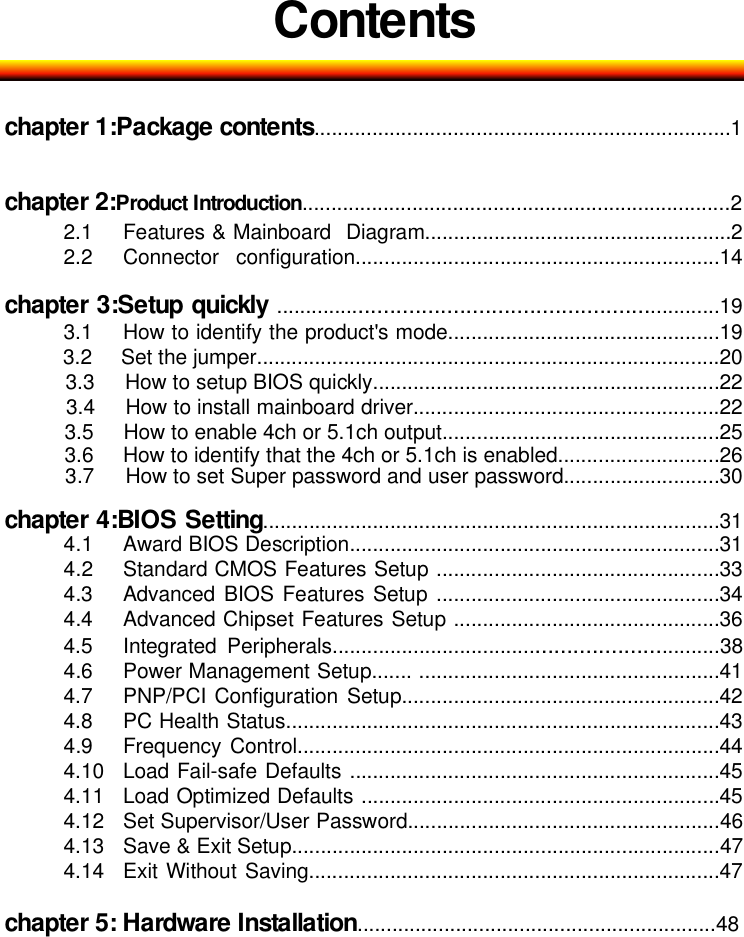
Contentschapter 1:Package contents........................................................................1chapter 2:Product Introduction..........................................................................22.1 Features & Mainboard Diagram.....................................................22.2 Connector configuration...............................................................14chapter 3:Setup quickly ........................................................................193.1 How to identify the product's mode...............................................193.2 Set the jumper................................................................................203.3 How to setup BIOS quickly............................................................223.4 How to install mainboard driver.....................................................223.5 How to enable 4ch or 5.1ch output................................................253.6 How to identify that the 4ch or 5.1ch is enabled............................263.7 How to set Super password and user password...........................30chapter 4:BIOS Setting...............................................................................314.1 Award BIOS Description................................................................314.2 Standard CMOS Features Setup .................................................334.3 Advanced BIOS Features Setup .................................................344.4 Advanced Chipset Features Setup ..............................................364.5 Integrated Peripherals.................................................................384.6 Power Management Setup....... ....................................................414.7 PNP/PCI Configuration Setup.......................................................424.8 PC Health Status...........................................................................434.9 Frequency Control.........................................................................444.10 Load Fail-safe Defaults ................................................................454.11 Load Optimized Defaults ..............................................................454.12 Set Supervisor/User Password......................................................464.13 Save & Exit Setup..........................................................................474.14 Exit Without Saving.......................................................................47chapter 5: Hardware Installation..............................................................48
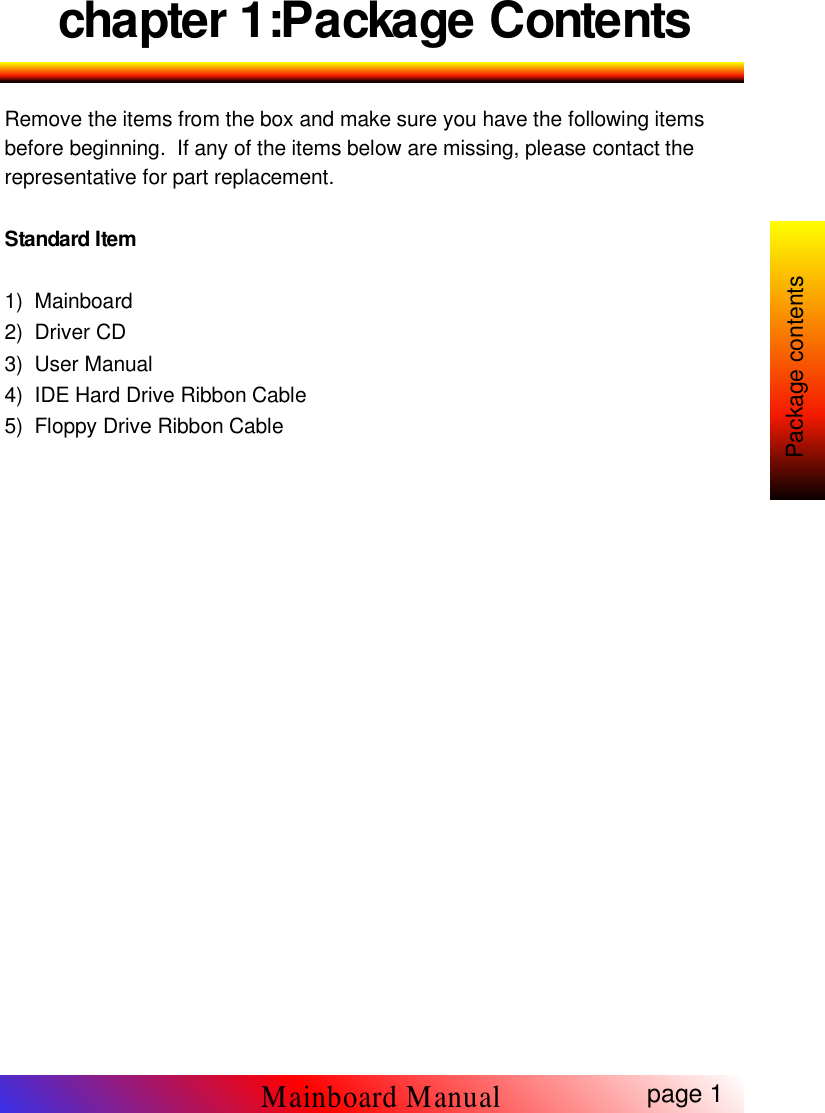
chapter 1:Package ContentsRemove the items from the box and make sure you have the following itemsbefore beginning. If any of the items below are missing, please contact therepresentative for part replacement.Standard Item1) Mainboard2) Driver CD3) User Manual4) IDE Hard Drive Ribbon Cable5) Floppy Drive Ribbon Cablepage 1Mainboard ManualPackage contents
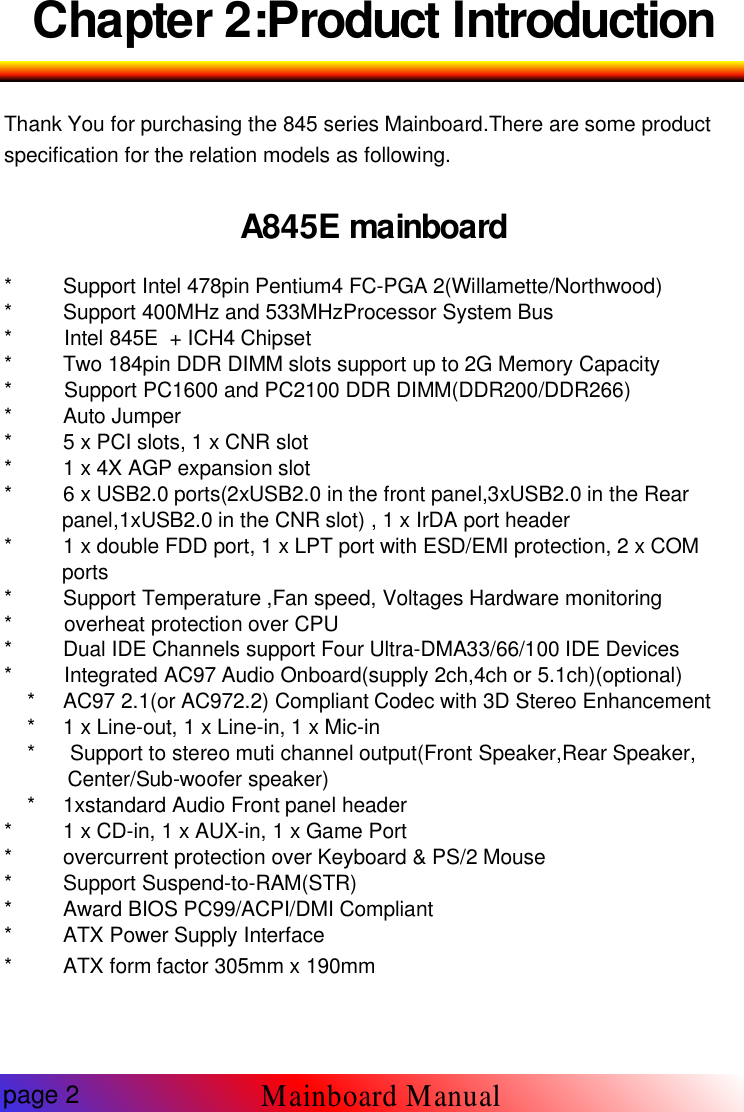
Chapter 2:Product IntroductionThank You for purchasing the 845 series Mainboard.There are some productspecification for the relation models as following.A845E mainboard* Support Intel 478pin Pentium4 FC-PGA 2(Willamette/Northwood)* Support 400MHz and 533MHzProcessor System Bus* Intel 845E + ICH4 Chipset* Two 184pin DDR DIMM slots support up to 2G Memory Capacity* Support PC1600 and PC2100 DDR DIMM(DDR200/DDR266)* Auto Jumper* 5 x PCI slots, 1 x CNR slot* 1 x 4X AGP expansion slot* 6 x USB2.0 ports(2xUSB2.0 in the front panel,3xUSB2.0 in the Rearpanel,1xUSB2.0 in the CNR slot) , 1 x IrDA port header* 1 x double FDD port, 1 x LPT port with ESD/EMI protection, 2 x COMports* Support Temperature ,Fan speed, Voltages Hardware monitoring* overheat protection over CPU* Dual IDE Channels support Four Ultra-DMA33/66/100 IDE Devices* Integrated AC97 Audio Onboard(supply 2ch,4ch or 5.1ch)(optional)* AC97 2.1(or AC972.2) Compliant Codec with 3D Stereo Enhancement* 1 x Line-out, 1 x Line-in, 1 x Mic-in* Support to stereo muti channel output(Front Speaker,Rear Speaker,Center/Sub-woofer speaker)* 1xstandard Audio Front panel header* 1 x CD-in, 1 x AUX-in, 1 x Game Port* overcurrent protection over Keyboard & PS/2 Mouse* Support Suspend-to-RAM(STR)* Award BIOS PC99/ACPI/DMI Compliant* ATX Power Supply Interface* ATX form factor 305mm x 190mmpage 2Mainboard Manual

Navigation menu